Adobe Acrobat is the top pick for creating and managing PDFs across desktop, web, and mobile, holding a 4.5/5 score across 5,798 G2 reviews. Choose PDFgear for a free offline editor with no paid tier, or Foxit PDF Editor for lower-cost business licensing.
How we make this list: we compare pricing pages, product documentation and public user reviews, then re-check every price before each update. No product paid for a place. Disclosure.
Adobe Acrobat starts at $14.99/mo on an annual individual plan ($179.88/yr) for Acrobat Standard and $19.99/mo ($239.88/yr) for Acrobat Pro.
PDFgear provides free desktop and mobile PDF editing, conversion, and OCR with no paid tier on its official site.
Foxit PDF Editor starts at $129.99/yr per user ($10.99/mo billed monthly on an annual plan) with desktop, web, and OCR tools.
PDF-XChange Editor starts at a $62 one-time single-user license on Windows with 12 months of maintenance included.
Paid annual plans across these tools range from $62 one-time up to $239.88/yr, while web tools like Sejda and iLovePDF offer free tiers with task limits.
What to look for in a PDF creation tool
Creating a PDF goes beyond saving a text document. Good tools turn office files, scans, images, and web pages into clean, searchable files while keeping layout and fonts intact.
Check whether you need OCR for scanned pages, form creation for fillable fields, or e-signatures for approvals. Browser tools handle quick tasks fast, while desktop apps suit larger files and offline work.
Watch billing terms before buying. Many subscriptions charge an annual commitment even when billed monthly, and early cancellation fees or non-refundable annual terms may apply.
Also check platform support early. Several editors run on Windows and macOS, while others focus on Apple devices, Windows-only desktop installs, or browser workflows.
Adobe Acrobat is a cross-platform PDF creation, editing, and signing suite across desktop, web, and mobile. Acrobat Standard starts at $14.99/mo on an annual plan ($179.88/yr prepaid) with core editing, conversion, and 100 GB of cloud storage.
The trade off is subscription cost and commitment rules, with Acrobat Pro at $19.99/mo ($239.88/yr prepaid) and cancellation fees after 14 days on annual plans. It suits teams and businesses that need broad compatibility and e-signature workflows.
What we like
Wide compatibility across desktop, web, and mobile
Strong conversion, security, and e-signature features
High review volume on G2 with 5,798 reviews
Watch out for
No permanent free editor tier
Annual commitment terms and cancellation fees apply
Acrobat Pro adds advanced editing, redaction, and comparisonVisit adobe.com
02
PDFgear
4.8/5on G2 (189 reviews, checked Nov 2026)
PriceFree
Best free tool for creating and editing PDFs
PricingFree, no paid tier
PlatformsWindows, macOS, iOS, Android
OCR supportYes, 30+ languages
G2 rating4.8/5 (189)
pdfgear.com
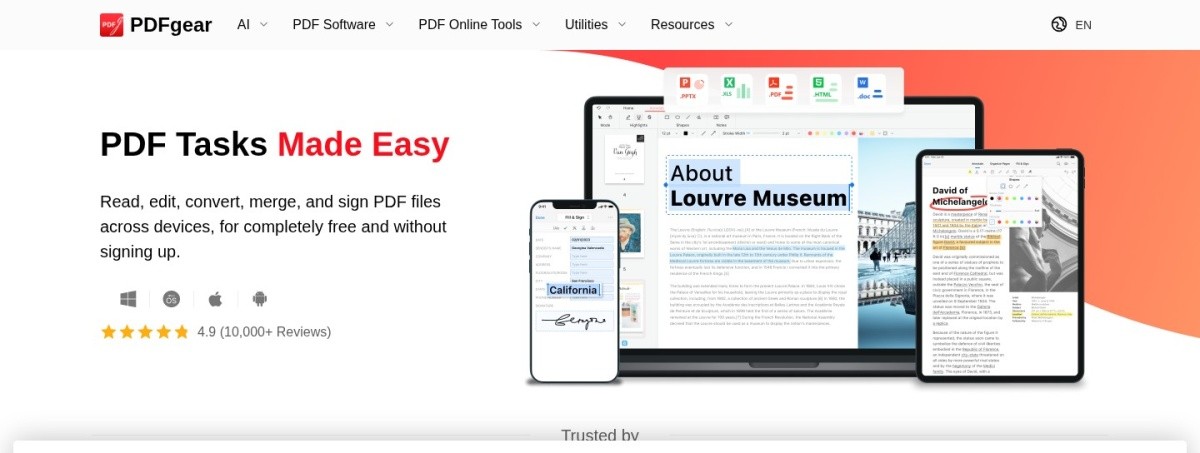
PDFgear homepage, captured Nov 2026.
PDFgear is a free PDF creation, conversion, and editing tool for Windows, macOS, iOS, Android, and the web. Its official site lists no paid subscription fee and includes file conversion, form tools, and OCR without forced sign-up.
The trade off is that some third-party reviews note occasional stability quirks on heavy files and future paid options remain possible. It suits individuals and students who want core PDF tools without recurring fees.
What we like
Free across desktop, mobile, and web tools
Includes conversion, page tools, and OCR
4.8/5 rating on G2 across 189 reviews
Watch out for
Smaller enterprise and admin feature set than suites
Occasional stability issues reported on complex files
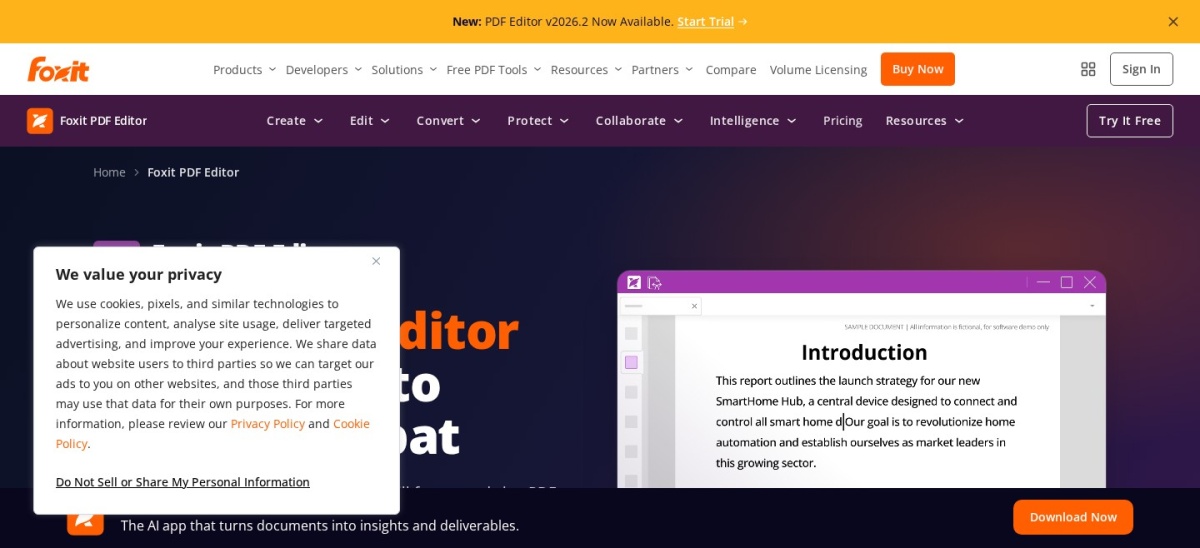
Foxit PDF Editor creates, merges, edits, and converts PDFs across Windows, macOS, and the web with an Office-style ribbon layout. The entry PDF Editor plan is $129.99 per user per year ($10.99/mo billed monthly on an annual plan) with 300 free AI credits per month.
The trade off is that it uses a 14-day free trial rather than a permanent free tier, and mobile apps sit in PDF Editor+ at $159.99/yr. It suits small and mid-sized teams looking for lower annual per-user pricing.
What we like
Lower annual list price than Adobe Acrobat plans
Includes OCR, form creation, and Office-style layout
4.6/5 rating on G2 across 3,784 reviews
Watch out for
No free plan after the 14-day trial
Mobile apps require upgrading to PDF Editor+
PDF Editor+ adds iOS and Android apps, AI Smart Redact, and eSign envelopesVisit foxit.com
04
PDF-XChange Editor
4.6/5on G2 (151 reviews, checked Nov 2026)
Paid from$62 one-time
Best one-time purchase for Windows users
Single-user license$62 one-time
Maintenance12 months included
PlatformWindows
G2 rating4.6/5 (151)
pdf-xchange.com
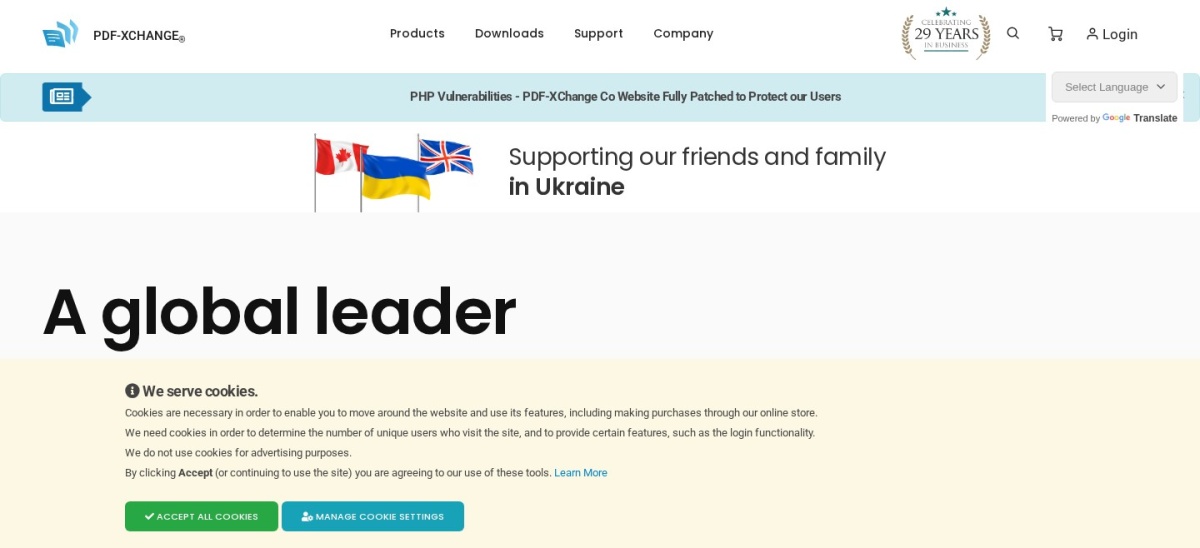
PDF-XChange Editor homepage, captured Nov 2026.
PDF-XChange Editor is a Windows desktop PDF tool for creating, annotating, and modifying documents with a free version that leaves some advanced features watermarked. A single-user license starts at $62 one-time with 12 months of maintenance included.
The trade off is that it targets Windows rather than macOS, and extended maintenance beyond the first year costs extra. It suits Windows users who prefer paying once instead of carrying a monthly subscription.
What we like
$62 one-time single-user license with 12 months maintenance
Fast, lightweight performance on Windows
Free version available to test workflows
Watch out for
Windows-only desktop software
Paid features add watermarks in the free version
Editor Plus at $79 one-time adds expanded form and creation featuresVisit pdf-xchange.com
05
Sejda
4.7/5on Capterra (47 reviews, checked Nov 2026)
Paid from$5 (7-day pass)
Best for quick browser PDF tasks and short passes
Cheapest paid option$5 Web Week Pass
Annual desktop+web$63/yr per user
Free tierYes, with task/size caps
Capterra rating4.7/5 (47)
sejda.com
Sejda homepage, captured Nov 2026.
Sejda offers browser-based and desktop PDF tools for creating, merging, editing, and converting documents, backed by a limited free tier. Its lowest-cost paid option is the $5 Web Week Pass for 7 days of web access, while Desktop+Web Annual is $63/yr per user.
The trade off is strict limits on the free tier and non-recurring 7-day scope on the $5 Web Week Pass, which excludes Sejda Desktop. It suits occasional users who want short-term access without a year-long contract.
What we like
$5 one-time 7-day Web Week Pass with no auto-renewal
Free tier available for light browser tasks
4.7/5 rating on Capterra across 47 reviews
Watch out for
Free plan restricts task frequency and file size
$5 pass covers web access only, not Sejda Desktop
Desktop+Web Annual at $63/yr adds Sejda Desktop and annual accessVisit sejda.com
06
iLovePDF
4.6/5on G2 (584 reviews, checked Nov 2026)
Paid from$9/mo
Best for fast browser conversions and batching
Monthly plan$9/mo
Annual plan$60/yr ($5/mo billed yearly)
Free tierYes, per-task limits
G2 rating4.6/5 (584)
ilovepdf.com
iLovePDF homepage, captured Nov 2026.
iLovePDF provides web, desktop, and mobile tools to convert images and office files into PDFs, merge files, compress pages, and add signatures. Its free plan covers light use with per-task file and size limits, while paid plans run $9/mo or $60/yr.
The trade off is per-file limits on free conversions and OCR, and it is lighter on deep layout editing than full desktop suites. It suits people who convert and combine PDFs regularly in a browser.
What we like
Simple interface for converting files to and from PDF
Free tier available for occasional tasks
4.6/5 rating on G2 across 584 reviews
Watch out for
Free tier caps file size and batch counts per task
Smallpdf offers a web, desktop, and mobile toolkit with 40+ PDF actions including creating PDFs from other files, merging, splitting, and compressing. G2 lists a Free Plan alongside a $12/mo Monthly Plan and a $108/yr Annual Plan.
The trade off is usage limits on the free tier and recurring monthly or annual costs if you need unrestricted access. It suits small teams and individuals who want a clean browser interface without complex menus.
What we like
Clean web interface for quick PDF creation and edits
Available across web, desktop, and mobile apps
4.5/5 rating on G2 across 310 reviews
Watch out for
Free plan limits daily or feature usage
Relies on cloud processing for many browser actions
Paid plans unlock unlimited access across web, desktop, and mobileVisit smallpdf.com
08
Nitro PDF
4.4/5on G2 (450 reviews, checked Nov 2026)
Starts at$15/mo
Best for office document conversion and teams
Entry paid planStandard ($15/user/mo)
Annual cost$180/yr per user
3-year optionClassic ($270, Windows)
G2 rating4.4/5 (450)
gonitro.com
Nitro PDF homepage, captured Nov 2026.
Nitro PDF provides PDF creation, editing, batch OCR, and conversion tools aimed at business and office workflows. Standard is listed at $15 per user per month billed annually ($180/yr), with a 14-day free trial and no free tier.
The trade off is that it lacks a free plan and some G2 reviewers note occasional slowdowns on large files or OCR formatting quirks. It suits office teams converting documents and standardizing PDF tasks.
What we like
Built for PDF creation, conversion, and OCR workflows
14-day free trial available before committing
4.4/5 rating on G2 across 450 reviews
Watch out for
No free plan after the trial period
Some reviewers report lags on large or complex files
Higher tiers and add-ons expand enterprise and redaction capabilitiesVisit gonitro.com
Desktop vs web tools: which fits your workflow?
Browser-based tools are fast to open on any computer and work well for converting files, merging pages, or sharing links.
Desktop software handles large files, offline work, and local OCR more reliably without uploading sensitive documents to a browser every time.
If you create and edit PDFs only a few times a month, a free tool or short pass often covers your needs without a year-round subscription.
How we chose
We selected established standalone PDF creation and editing tools across desktop, mobile, and browser workflows rather than WordPress plugins.
Ratings and review counts come from G2 and Capterra, and plan pricing comes from official pricing pages and verified listing pages checked on 22 November 2026.
We excluded tools lacking verified public pricing or active maintenance. No vendor paid for a place, and we do not claim testing for this list.
How to choose a PDF creation tool
Match the tool's platform and billing model to how often you create and edit PDFs.
List your core creation tasks first. Decide whether you mostly turn Word or image files into PDFs, build fillable forms, run OCR on scans, or collect signatures.
Check supported operating systems. Confirm the editor runs on Windows, macOS, mobile, or browser tabs used by you and your teammates.
Compare subscription and one-time costs. Check annual commitments, renewal terms, and one-time licenses against how many months you actually need the software.
Test limits on real sample files. Check file size caps, page limits, and watermarks on free tiers or trials before committing to a paid plan.
FAQ
What is the best PDF creation tool overall?
Adobe Acrobat is the strongest all-around option for creating, editing, converting, and signing PDFs across devices, rated 4.5 out of 5 across 5,798 reviews on G2.
Can I create PDFs for free without a paid plan?
Yes. PDFgear offers free creation, editing, conversion, and OCR with no paid tier listed on its official site, while tools like iLovePDF, Smallpdf, and Sejda provide free tiers with usage limits.
Do I need paid OCR to make scanned PDFs searchable?
Not always. PDFgear includes OCR for free across 30+ languages, while suites like Adobe Acrobat, Foxit PDF Editor, and Nitro PDF include OCR on paid plans.
Are one-time PDF licenses still available?
Yes. Tools such as PDF-XChange Editor offer a one-time license starting at $62 with 12 months of maintenance, and Foxit lists a $209.99 one-time option alongside subscriptions.
Should I pick a web tool or a desktop PDF app?
Pick a web tool for quick browser tasks and occasional conversions, and choose a desktop app when working offline, handling large files, or managing sensitive documents locally.
Why do some PDF subscriptions cost more than their monthly rate suggests?
Many vendors advertise a lower monthly rate that requires an annual commitment, and cancelling early on an annual plan can carry fees or non-refundable terms.
SaaS SEO and WordPress specialist with about 8 years of experience. Rakib compares WordPress plugins, themes, hosting and software using public pricing, documentation and user reviews. See how we rank.