Adobe Acrobat is the top pick for PDF conversion, holding a 4.7 out of 5 rating across 4,268 Capterra reviews with plans starting at $14.99 per month. For lighter browser workflows, iLovePDF starts at $9.00 per month with a free tier, while UPDF offers annual plans from $49.99.
How we make this list: we compare pricing pages, product documentation and public user reviews, then re-check every price before each update. No product paid for a place. Disclosure.
Adobe Acrobat holds a 4.7/5 rating from 4,268 Capterra reviews, starting at $14.99/mo.
iLovePDF starts at $9.00/mo with a free plan and holds 4.7/5 across 1,810 Capterra reviews.
UPDF starts at $49.99/yr (or $79.99 one-time) with a 4.5/5 rating from 510 G2 reviews.
Foxit PDF Editor starts at $10.99/mo with a 4.6/5 rating across 3,784 G2 reviews.
PDF-XChange Editor offers one-time licenses starting at $58.00 and holds 4.6/5 across 264 Capterra reviews.
What to look for in PDF converter software
Converting PDFs into editable Word, Excel, or PowerPoint files—and exporting office documents back to PDF—requires preserving fonts, tables, and page structure. Scanned documents also depend on optical character recognition (OCR) to turn images into searchable or editable text.
Browser-based converters let teams convert files quickly without installing desktop software, while desktop suites process larger files locally and support batch tasks. Free tiers frequently cap daily conversions, file sizes, or add watermarks, so check limits before relying on a free option.
Pricing models vary from monthly and annual subscriptions to one-time perpetual licenses. Some vendors charge extra for AI add-ons or enforce early cancellation fees on annual plans billed monthly.
4.7/5on Capterra (4,268 reviews, checked Nov 2026)
Starts at$14.99/mo
Best for layout fidelity and standard workflows
Entry plan$14.99/mo
Capterra rating4.7/5 (4,268)
G2 rating4.5/5 (5,786)
Free versionNo paid free tier
adobe.com
Adobe Acrobat homepage, captured Nov 2026.
Adobe Acrobat is a desktop, web, and mobile PDF platform starting at $14.99 per month, with 4,268 reviews and a 4.7 out of 5 rating on Capterra. It supports exporting and creating PDFs, OCR, form creation, redaction, and e-signatures.
The trade off is subscription cost at $14.99 per month ($179.88 per year) plus separate add-on pricing for AI Assistant and cancellation fees on annual plans billed monthly. It suits teams and professionals who exchange complex PDFs regularly.
What we like
Preserves complex layouts, fonts, and tables across formats
Includes OCR, redaction, form tools, and e-signatures
High review volume across Capterra and G2
Watch out for
No full free editing and conversion tier
AI Assistant add-on costs extra
Early cancellation fees can apply on annual monthly-billed plans
Paid plans add PDF editing, format export, OCR, form creation, and e-signatures.Visit adobe.com
02
iLovePDF
4.7/5on Capterra (1,810 reviews, checked Nov 2026)
Paid from$9/mo
Best for quick browser-based conversions
Entry plan$9.00/mo
Capterra rating4.7/5 (1,810)
G2 rating4.6/5 (584)
Free planYes, with limits
ilovepdf.com
iLovePDF homepage, captured Nov 2026.
iLovePDF is a browser, desktop, and mobile PDF toolkit with a free plan and paid plans starting at $9.00 per month, backed by 1,810 Capterra reviews at 4.7 out of 5. It covers converting PDFs to and from office and image formats alongside merging, splitting, and compressing files.
The trade off is daily task limits, file-size caps, and ads on the free tier at $9.00 per month ($108 per year) for Premium. It suits users who want straightforward browser conversions without heavy software.
What we like
Simple interface for everyday conversions and page tasks
Free plan available for light, occasional use
Available across web, desktop, and mobile
Watch out for
Free tier restricts daily tasks, file sizes, and shows ads
Large files can take longer to process
Paid plans remove task and file-size limits, remove ads, and add desktop and mobile access.Visit ilovepdf.com
03
Foxit PDF Editor
4.6/5on G2 (3,784 reviews, checked Nov 2026)
Starts at$10.99/mo
Best mid-priced editor with OCR and forms
Entry plan$10.99/mo
G2 rating4.6/5 (3,784)
Capterra rating4.5/5 (91)
Free versionFree reader and trial
foxit.com
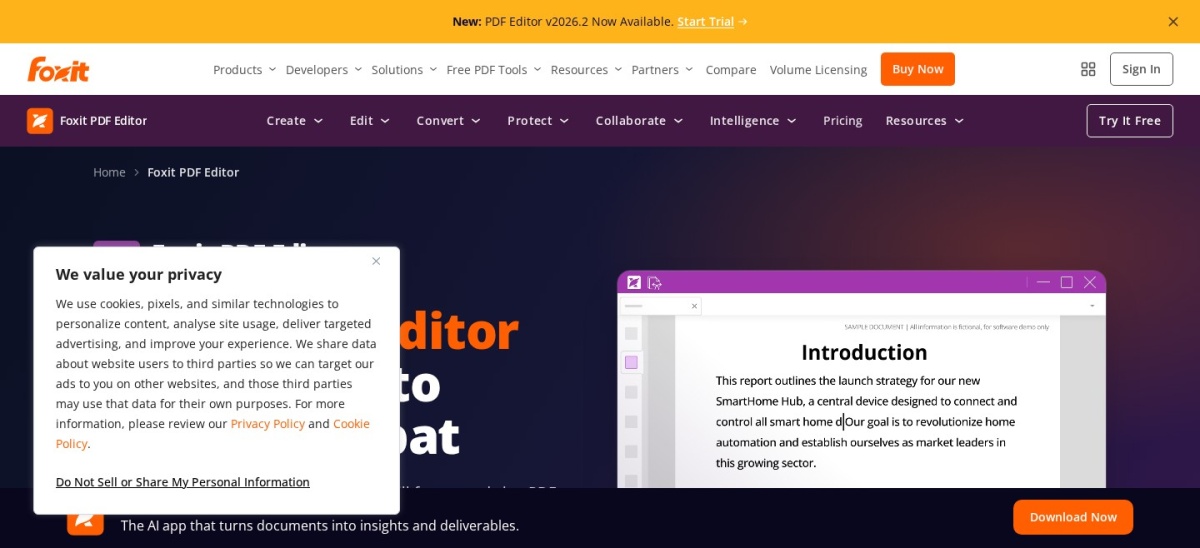
Foxit PDF Editor homepage, captured Nov 2026.
Foxit PDF Editor is a document editor and converter starting at $10.99 per user per month, holding 4.6 out of 5 across 3,784 reviews on G2. It converts PDFs to Word, Excel, and PowerPoint and includes OCR, document comparison, and form tools.
The trade off is a $10.99 per user per month starting price ($131.88 per year) and higher tiers for e-signatures and mobile editing. It suits small businesses and office teams looking for lower monthly pricing than Adobe.
What we like
Lower starting monthly rate than Adobe Acrobat
Includes OCR, document comparison, and Word/Excel/PowerPoint export
Strong review score across thousands of G2 users
Watch out for
Mobile editing and eSign features sit in higher tiers
Per-user pricing increases costs as teams grow
Paid plans add PDF conversion, text and image editing, OCR, form creation, and document comparison.Visit foxit.com
04
PDF-XChange Editor
4.6/5on Capterra (264 reviews, checked Nov 2026)
Paid from$58 one-time
Best one-time license for Windows users
Entry plan$58 one-time
Capterra rating4.6/5 (264)
G2 rating4.6/5 (151)
Free planYes, with watermarks
pdf-xchange.com
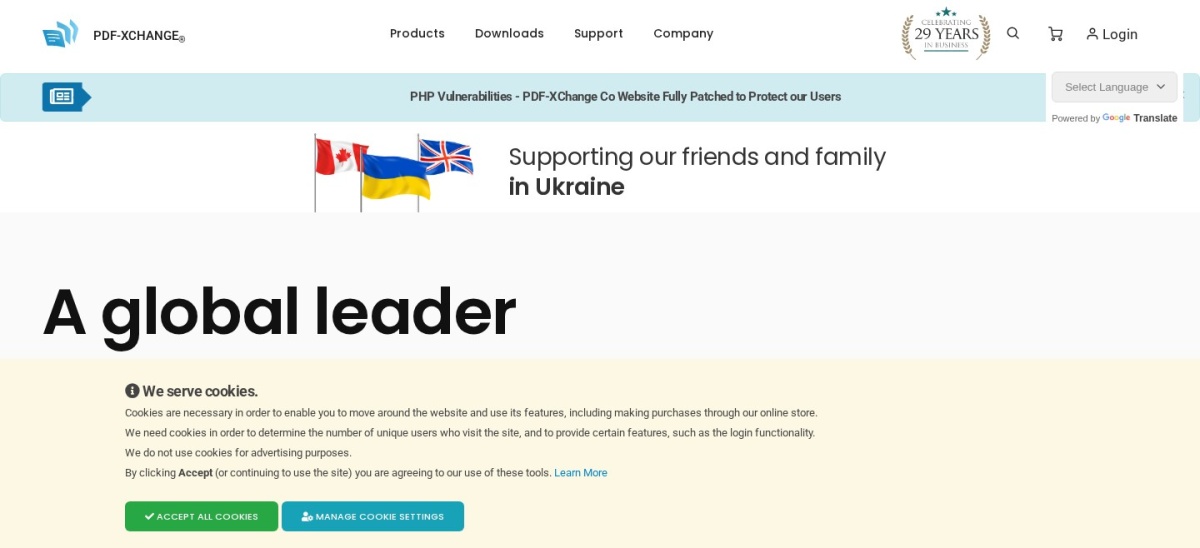
PDF-XChange Editor homepage, captured Nov 2026.
PDF-XChange Editor is a Windows PDF toolset with a free version and licenses starting at $58.00 one-time, rated 4.6 out of 5 across 264 Capterra reviews. It supports PDF creation, editing, and conversion alongside optional higher editions.
The trade off is watermarks on restricted free features and a $58.00 one-time entry price (with Editor at $62.00) focused on Windows. It suits Windows users who prefer paying once rather than renewing a subscription.
Restricted features in the free version can apply watermarks
Windows-focused licensing rather than broad cross-platform suites
Paid licenses remove free-tier watermarks and unlock full editing and conversion tools.Visit pdf-xchange.com
05
UPDF
4.5/5on G2 (510 reviews, checked Nov 2026)
Paid from$49.99/yr
Best budget annual or lifetime cross-device option
Entry plan$49.99/yr
G2 rating4.5/5 (510)
Lifetime option$79.99 one-time
Free planLimited free version
updf.com
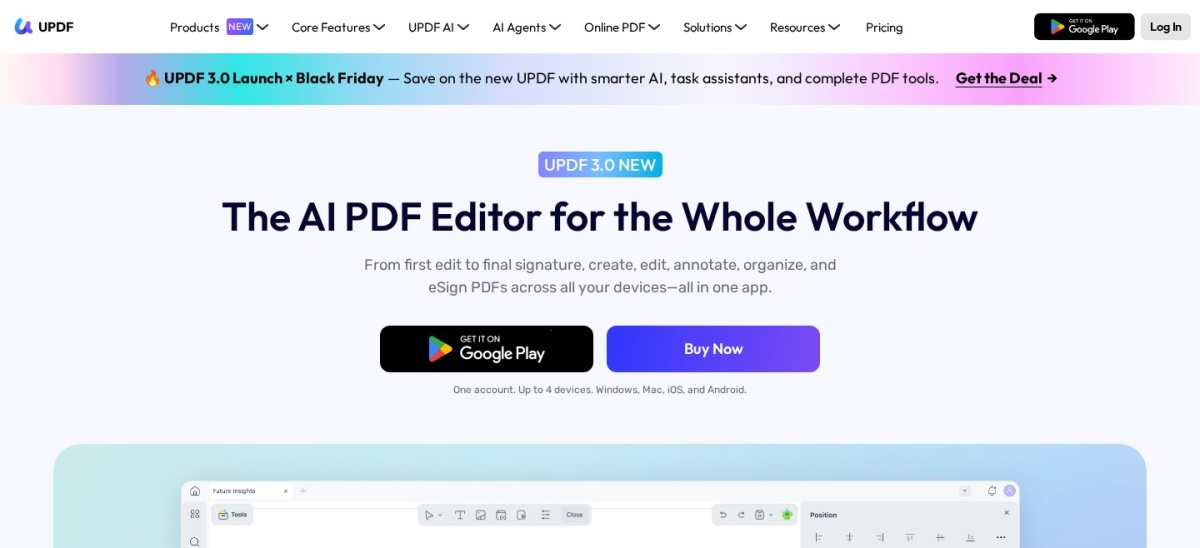
UPDF homepage, captured Nov 2026.
UPDF is a PDF editor and converter offering a limited free version and Pro plans starting at $49.99 per year, with 510 reviews and a 4.5 out of 5 rating on G2. It covers PDF conversion, editing, annotation, OCR, and page organization across devices.
The trade off is a limited free tier and $49.99 per year pricing that excludes AI features unless upgraded. It suits individuals and students seeking low-cost conversion and OCR.
What we like
Low annual entry price at $49.99/yr
Offers a $79.99 one-time lifetime option for Pro
Includes OCR, editing, and page organization in Pro
Watch out for
Free version has usage limits
AI features are not included in the base Pro plan
Paid Pro plans unlock full PDF editing, format conversion, OCR, and page management without free limits.Visit updf.com
06
Smallpdf
4.7/5on Capterra (1,026 reviews, checked Nov 2026)
Paid from$12/mo
Best clean web interface for routine conversions
Entry plan$12.00/mo
Capterra rating4.7/5 (1,026)
Free planYes, limited tasks
Batch processingIncluded on paid plan
smallpdf.com
Smallpdf homepage, captured Nov 2026.
Smallpdf is an online and desktop PDF platform with a free tier and paid plans starting at $12.00 per user per month, rated 4.7 out of 5 across 1,026 Capterra reviews. It handles Word, Excel, PowerPoint, and image conversions along with compression, merging, and signing.
The trade off is tight daily task and file-size caps on the free tier at $12.00 per user per month ($144 per year) for ongoing use. It suits occasional browser users and small teams wanting an uncluttered interface.
What we like
Clean, easy-to-navigate web and desktop tools
4.7/5 rating across more than 1,000 Capterra reviews
Best for flexible format and usage-based conversion
Entry plan$8.00/mo
Capterra rating5.0/5 (18 file conv.)
Free planYes, limited usage
Pricing optionsUsage-based and plans
cloudconvert.com
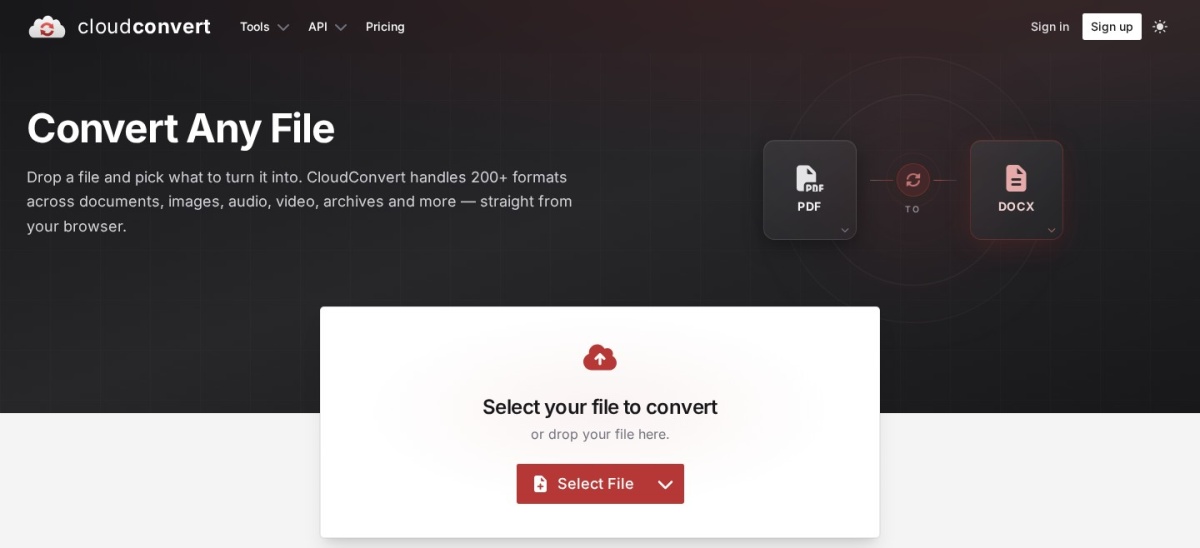
CloudConvert homepage, captured Nov 2026.
CloudConvert is a cloud file conversion platform offering a free tier and paid options starting at $8.00 per month, with a 5.0 out of 5 Capterra file-conversion rating. It supports document format conversions alongside cloud storage integrations and API access.
The trade off is usage limits on the free tier at $8.00 per month ($96 per year) and a smaller Capterra review sample than major desktop suites. It suits users who convert varied file types in the cloud and prefer flexible tiers.
What we like
Low entry price starting at $8.00/mo with a free tier
Supports cloud storage workflows and conversion options
High marks for conversion accuracy on Capterra
Watch out for
Free tier has usage caps
Smaller public review count than larger PDF suites
Paid plans increase conversion limits and support higher-volume or business workflows.Visit cloudconvert.com
How we chose
We built this list from established PDF converter and editor software directories, including Capterra and G2, focusing on standalone desktop and web tools rather than plugins.
Pricing tiers and review ratings were checked on 22 Nov 2026 from public directory and pricing listings to compare entry rates and user feedback.
We excluded tools lacking public pricing details or limited strictly to basic viewing without format conversion. No vendor paid for a place, and we do not claim testing for this list.
How to choose PDF converter software
Follow four practical steps to pick a converter that matches your file volume and budget.
List the file formats and conversion directions you need. Check whether you mainly export PDFs to Word, Excel, or PowerPoint, convert office files into PDFs, or process scanned pages with OCR.
Decide between browser tools and desktop software. Web tools suit quick one-off jobs from any computer, whereas desktop apps handle larger files and batch tasks more comfortably.
Compare free tier caps against your weekly volume. Free plans often restrict daily tasks, file size, or add watermarks, which slows down frequent or multi-file work.
Check annual commitments and add-on costs. Compare monthly, annual, and one-time license options along with any extra fees for AI tools or early plan cancellation.
FAQ
What is the best PDF converter software overall?
Adobe Acrobat stands out for layout fidelity and broad document tools, with a 4.7/5 rating on Capterra and plans starting at $14.99 per month. Teams that do not need Adobe's full suite often compare Foxit PDF Editor or iLovePDF.
Are free PDF converters enough for regular work?
Free plans on tools like iLovePDF and Smallpdf work for light, occasional tasks, but they limit daily conversions or file sizes. Heavy or weekly conversion usually requires a paid tier or desktop tool.
What is the difference between a PDF converter and a PDF editor?
A PDF converter focuses on changing file formats—such as turning PDFs into Word or Excel documents or creating PDFs from other files. Many tools on this list combine format conversion with text editing, OCR, annotations, and form tools.
Do I need OCR when converting PDFs?
You need optical character recognition (OCR) if your PDFs are scanned images rather than selectable digital text. Without OCR, exporting a scanned PDF to an editable document may produce images instead of editable text.
Are one-time licenses available instead of subscriptions?
Yes, some vendors offer one-time purchases, such as PDF-XChange Editor starting at $58.00 and UPDF offering a $79.99 lifetime option. Subscription plans remain common for ongoing cloud and cross-device features.
Why do some PDF tools charge extra for AI features?
Several vendors separate AI summarization or document chat into add-ons or higher tiers, such as Adobe Acrobat's separate AI Assistant add-on. If you only need file format conversion, verify whether AI add-ons are optional before paying extra.
SaaS SEO and WordPress specialist with about 8 years of experience. Rakib compares WordPress plugins, themes, hosting and software using public pricing, documentation and user reviews. See how we rank.