Smallpdf is the top overall choice for everyday PDF compression with a clean interface and 5.6K Trustpilot reviews. For free offline Windows batch work, PDF24 offers unlimited desktop compression, while Foxit PDF Editor suits teams that need desktop editing and compliance tools.
How we make this list: we compare pricing pages, product documentation and public user reviews, then re-check every price before each update. No product paid for a place. Disclosure.
Smallpdf offers a free tier with daily limits and paid plans starting at $12/mo per seat on its pricing page.
PDF24 provides PDF24 Creator for Windows free of charge for both private and business use.
iLovePDF lists a 4.9 average rating on Trustpilot across 14,247 total reviews and monthly paid plans starting at $9.
Foxit PDF Editor starts at $129.99 per user/year for Windows, macOS, and Web.
PDFgear offers free desktop and online PDF tools with a 4.8 out of 5 rating across 189 G2 reviews.
Nitro PDF starts at $180.00 annually per user for Nitro PDF Standard.
What to look for in PDF compressor software
Large PDFs usually bloat because of high-resolution embedded images, scanned pages, or unoptimized assets rather than plain text. A good compressor lowers image DPI or re-encodes graphics while keeping text selectable and charts readable.
Privacy and file handling matter depending on what you compress. Browser-based tools upload files to remote servers and delete them after processing, whereas local desktop apps process documents directly on your computer.
Pay attention to usage caps and workflow fit. Occasional single-file jobs work well in a web tool, while recurring batches, strict upload size limits, or document editing workflows often call for a desktop application.
Finally, check whether you only need file size reduction or a broader PDF suite. Standalone compressors stay focused and fast, while full PDF editors bundle compression alongside redaction, OCR, forms, and signing.
4.7/5on Capterra (1,026 reviews, checked Nov 2026)
Paid from$12/mo
Best for simple browser-based PDF compression
DeploymentWeb, mobile & desktop
Free tierLimited daily downloads
CompressionBasic & Strong modes
SecurityISO/IEC 27001 & GDPR
smallpdf.com
Smallpdf homepage, captured Nov 2026.
Smallpdf is a browser-focused PDF toolkit that pairs compression with merging, splitting, conversion, and signing across 30+ tools. Its free tier gives access to basic compression with limited daily document downloads.
The trade off is that free daily limits run out quickly and Strong Compression requires a paid plan starting at $12 per month per seat. It suits individuals and teams who want a straightforward interface for everyday document tasks.
What we like
Simple drag-and-drop interface with a low learning curve
Includes 30+ PDF tools including merge, split, convert, and sign
Free plan available without upfront payment
Integrates with Google Drive, OneDrive, and Dropbox
Watch out for
Free tier restricts daily downloads and locks Strong Compression
Files are processed online rather than offline on your machine
Subscription billing can feel restrictive for occasional users
Paid plans unlock unlimited access to all 30+ tools, Strong Compression, batch compression, and OCR.Visit smallpdf.com
02
PDF24
4.8/5on Capterra (47 reviews, checked Nov 2026)
PriceFree
Best for free offline PDF compression on Windows
DeploymentWindows desktop & web
CostFree for private & business
CompressionDPI, quality & color controls
Offline modePDF24 Creator runs locally
pdf24.org
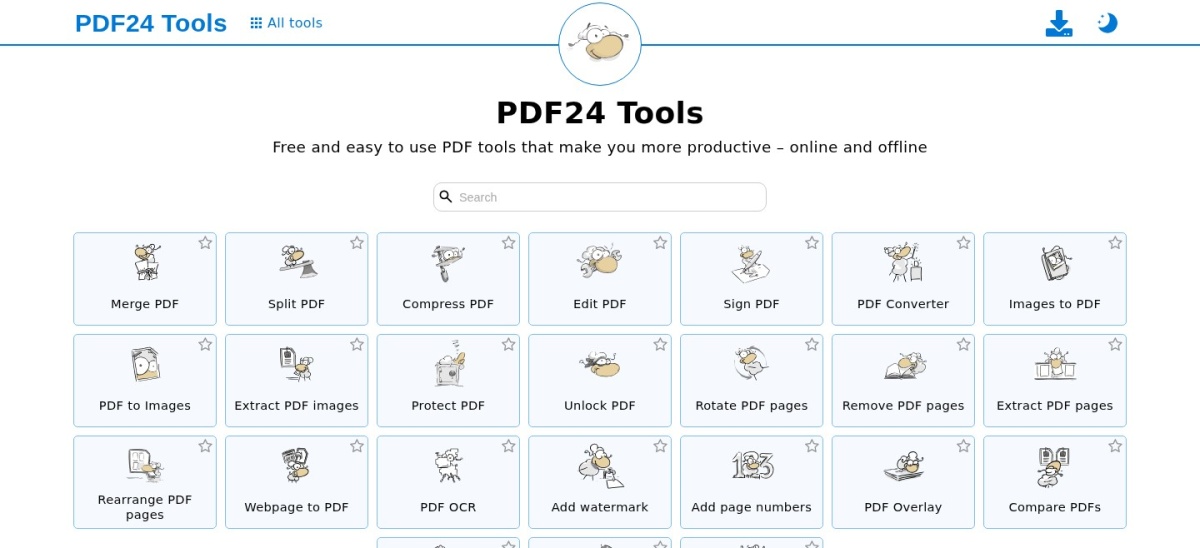
PDF24 homepage, captured Nov 2026.
PDF24 is a PDF utility suite offering both browser tools and PDF24 Creator for Windows, which runs offline and is free for private and commercial use. Users can adjust DPI, image quality, and color options to shrink PDFs.
The trade off is that PDF24 Creator is Windows-only and its modular interface feels dated compared with modern commercial apps. It suits Windows users and organizations that want free local compression without subscription fees.
What we like
Free for both personal and business use with no paid tiers
PDF24 Creator processes files locally on Windows PCs
Offers DPI, image quality, and batch compression controls
Includes a virtual PDF printer and merge or split utilities
Watch out for
Desktop creator is limited to Windows rather than macOS or Linux
Interface layout can feel clunky across separate tool windows
PDF24 Creator is free to download and use without paid subscription tiers.Visit pdf24.org
03
iLovePDF
4.9/5on Trustpilot (14,247 reviews, checked Nov 2026)
Paid from$9/mo
Best for quick multi-tool browser compression
DeploymentWeb, mobile & desktop
Free tierLimited document processing
CompressionPreset compression levels
ExtrasOCR, merge, split & sign
ilovepdf.com
iLovePDF homepage, captured Nov 2026.
iLovePDF is a widely used online and cross-device PDF platform with compression alongside merging, splitting, conversion, and OCR tools. Its free tier provides essential tools with restricted document processing limits.
The trade off is that heavy usage and full access require a paid plan starting at $9 billed monthly. It suits users who want fast browser-based compression and occasional conversion or editing in one place.
What we like
High user rating with 14,247 reviews on Trustpilot
Fast browser workflow with no complex setup required
Covers compression, OCR, merging, splitting, and format conversion
Available across web, mobile, and desktop apps
Watch out for
Free plan caps document processing and batch tasks
Uploads documents to servers during web processing
Large or complex files can take longer to process
Paid plans unlock full access to all tools, higher processing limits, ad-free use, and desktop and mobile apps.Visit ilovepdf.com
04
PDFgear
4.8/5on G2 (189 reviews, checked Nov 2026)
PriceFree
Best for zero-cost desktop and web PDF tools
DeploymentWindows, Mac, iOS, Android & web
CostFree with no sign-up required
Extra toolsEditing, OCR, merge & Copilot
WatermarksNo watermarks on output
pdfgear.com
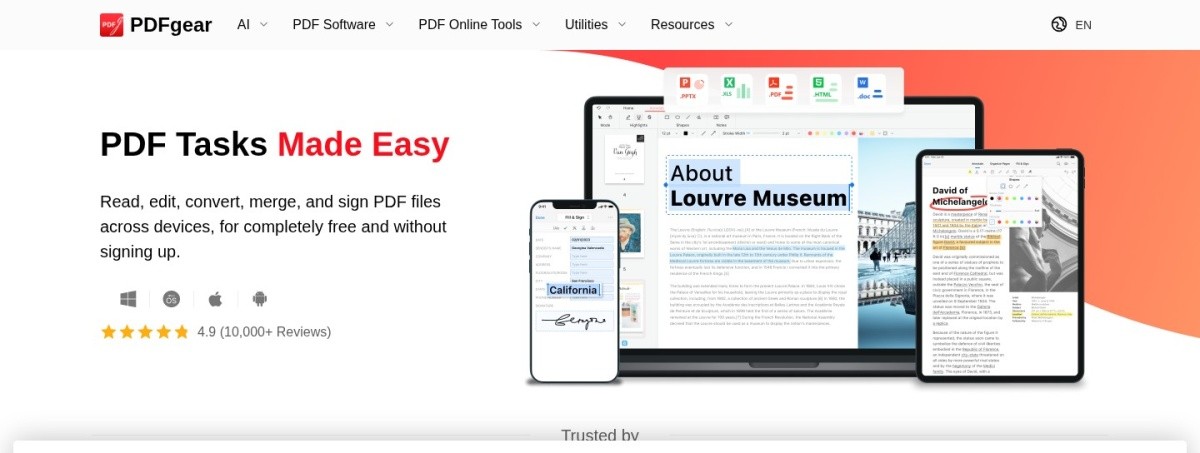
PDFgear homepage, captured Nov 2026.
PDFgear is a cross-platform PDF application for Windows, Mac, mobile, and web that bundles file compression with editing, OCR, conversion, and AI assistance. It is offered free of charge without forced sign-ups or watermarks.
The trade off is that feature depth varies between desktop and web versions, and some users report occasional stability hiccups on heavy files. It suits students, home users, and small teams looking for a free desktop PDF toolkit.
What we like
Free desktop and web tools with no watermarks or subscription fees
Runs on Windows, macOS, iOS, Android, and browsers
Includes text editing, OCR, conversion, and PDF Copilot tools
4.8 out of 5 rating across 189 G2 reviews
Watch out for
Web and desktop tools do not have identical feature parity
Occasional slowdowns or crashes reported on large documents
PDFgear provides its core desktop and web PDF tools without a paid subscription tier.Visit pdfgear.com
05
Foxit PDF Editor
4.6/5on G2 (3,784 reviews, checked Nov 2026)
Starts at$129.99/yr
Best for business teams needing editing and optimization
DeploymentWindows, macOS, Web & mobile
Starting price$129.99 per user/year
Core featuresOptimize PDF, OCR, redaction & eSign
TrialFree trial available
foxit.com
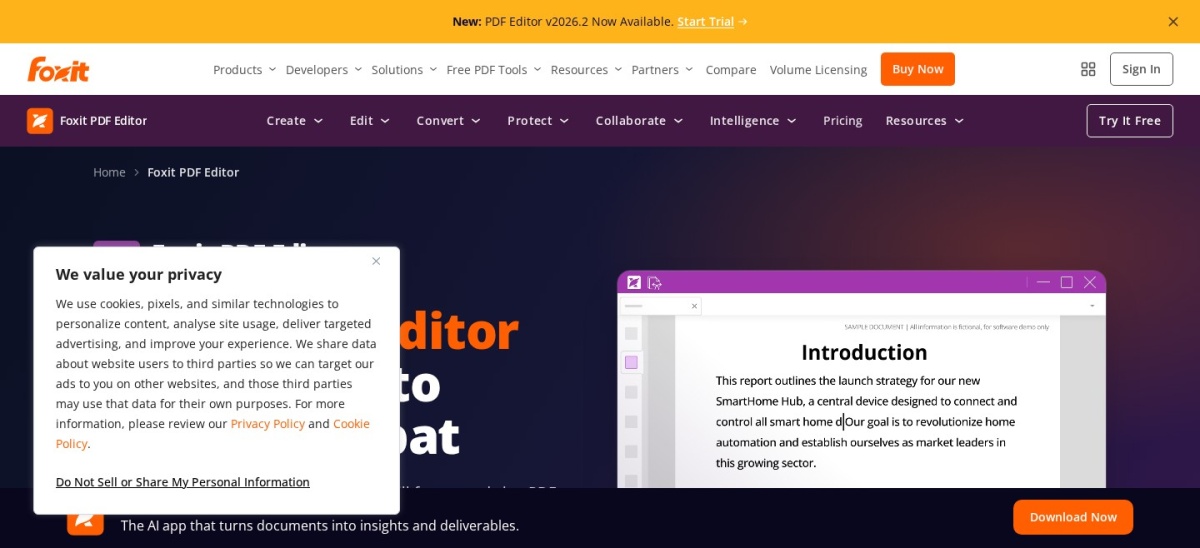
Foxit PDF Editor homepage, captured Nov 2026.
Foxit PDF Editor is a commercial PDF platform for Windows, macOS, and web that combines document optimization with editing, OCR, form creation, and security tools. It holds a 4.6 out of 5 rating across 3,784 G2 reviews.
The trade off is that paid plans start at $129.99 per user/year, which is more than you need for simple file shrinking. It suits businesses and office teams that already edit, sign, and manage PDFs regularly.
What we like
Strong desktop and web capabilities for editing, OCR, and optimizing PDFs
Supports Windows, macOS, and web workflows
4.6 out of 5 rating across 3,784 G2 reviews
Includes document security, redaction, and eSignature options
Watch out for
Costs $129.99 per user/year on the entry PDF Editor plan
Large feature set can feel heavy if you only compress files occasionally
Paid plans add full editing, OCR, security controls, AI Assistant credits, and higher-tier eSign and Smart Redact features.Visit foxit.com
06
GetCompress
5/5on Product Hunt (10 reviews, checked Nov 2026)
Starts at$19 one-time
Best for local batch compression of PDFs and media
DeploymentmacOS, Windows & Linux
Pricing$19 lifetime license
ProcessingLocal offline compression
FormatsPDFs, images, GIFs & videos
getcompress.com
GetCompress homepage, captured Nov 2026.
GetCompress is a desktop compression utility for macOS, Windows, and Linux that compresses PDFs alongside images, GIFs, and videos locally on your device. It supports batch queues and reusable compression presets without uploading files.
The trade off is a $19 lifetime license upfront—with a Black Friday sale note on its pricing page—and a smaller review footprint than legacy PDF suites. It suits creators and professionals who want offline batch compression across PDFs and media.
What we like
Processes PDFs and media files locally without cloud uploads
Runs across macOS, Windows, and Linux desktop systems
Supports batch compression and saved quality presets
One-time $19 license rather than a recurring subscription
Watch out for
Focused on compression rather than full PDF editing or OCR
Requires a $19 upfront purchase rather than a free tier
The $19 lifetime license includes all features, one year of updates, and 14-day refunds.Visit getcompress.com
07
Nitro PDF
4.5/5on Capterra (583 reviews, checked Nov 2026)
Starts at$180/yr
Best for organizations standardizing on PDF workflows
DeploymentDesktop & cloud workflows
Starting price$180.00/yr per user
Core featuresEdit, batch process, convert & sign
TrialFree trial available
gonitro.com
Nitro PDF homepage, captured Nov 2026.
Nitro PDF is a commercial document editing and workflow platform that includes batch processing, file conversion, editing, and electronic signature tools. It holds a 4.5 out of 5 rating across 583 Capterra reviews.
The trade off is a starting price of $180.00 annually per user for Nitro PDF Standard. It suits businesses and administrative teams that process PDFs in bulk every week.
What we like
Supports batch processing alongside editing and conversion
4.5 out of 5 rating across 583 Capterra reviews
Familiar office-style toolbar layout for business users
Pairs document tools with electronic signature workflows
Watch out for
Starts at $180.00 annually per user with no free tier
More expensive than lightweight or single-purpose compressors
Nitro PDF Standard provides the full commercial PDF editing, conversion, and batch workflow suite.Visit gonitro.com
Offline desktop tools vs. online PDF compressors
Online PDF compressors are fast and convenient when you need to shrink a file from any computer without installing software. However, they rely on uploading your file and often impose daily task limits or file size caps on free accounts.
Offline desktop tools keep documents on your own computer, which helps with privacy and lets you batch-compress folders without network delays. They require installation and system compatibility, so pick the model that fits your security rules and volume.
How we chose
We compiled this list by reviewing widely used PDF compression tools and full PDF suites that include file size reduction across desktop, web, and mobile workflows.
All prices, ratings, and review counts were checked on 22 Nov 2026 from vendor pricing pages and public review directories such as Trustpilot, G2, and Capterra.
We excluded unmaintained tools, WordPress plugins, and options where we could not verify current pricing or active support. No vendor paid for a place, and we do not claim testing for this list.
How to choose the right PDF compressor
Follow four practical steps to match a PDF compressor to your files and budget.
Check what is making the PDF large. High-DPI scans and uncompressed photos shrink much more than text-heavy files, so look for image quality or DPI controls rather than aggressive settings that blur small print.
Decide between local and cloud processing. Use a local desktop tool when handling confidential records or large batches, and reserve browser tools for quick tasks on non-sensitive files.
Match free limits to your workload. If you compress a few files per month, a free tool or free tier may cover your needs, whereas regular batch jobs usually warrant a paid plan.
Separate compression from full PDF editing. Buy a full PDF editor only if you also need OCR, redaction, forms, or signing; otherwise a dedicated or free compressor keeps costs down.
FAQ
Does compressing a PDF always reduce file size significantly?
Not always. PDFs packed with high-resolution images or scanned pages often shrink substantially, whereas already-optimized or mostly text PDFs may see smaller reductions without hurting readability.
Can compressing a PDF lower text or chart quality?
Yes, aggressive compression settings can downsample images or soften fine details. Always check text sharpness and charts after compressing and keep your original file as a backup.
Are free PDF compressors safe for sensitive documents?
Offline desktop software keeps files on your computer without uploading them to external servers. If you use an online tool, review its privacy policy and file deletion terms before uploading sensitive files.
Do I need a paid PDF editor just to compress files?
No. Several tools on this list offer free tiers or free desktop software for compressing PDFs, while paid suites add broader editing, OCR, compliance, and workflow features.
What is the difference between a PDF compressor and a PDF editor?
A compressor focuses on reducing file size while preserving readability, while a PDF editor lets you modify text, reorder pages, run OCR, fill forms, and apply security or signature tools.
Should I compress a PDF before or after editing it?
Compress after finishing edits, page reordering, and annotations so you do not re-compress the file multiple times or introduce extra quality loss during final export.
SaaS SEO and WordPress specialist with about 8 years of experience. Rakib compares WordPress plugins, themes, hosting and software using public pricing, documentation and user reviews. See how we rank.