SharePoint is the best document repository software for Microsoft teams, with libraries, versioning and search inside Microsoft 365 from $7 per user a month. Pick Box for simple cloud storage at $5 a month, and M-Files for metadata search at $65 a seat.
How we make this list: we compare pricing pages, product documentation and public user reviews, then re-check every price before each update. No product paid for a place. Disclosure.
SharePoint leads for Microsoft teams at $7 per user a month inside Microsoft 365.
Box is the cheapest repository at $5 per user a month.
M-Files finds files by metadata instead of folders, at $65 a seat a month.
Google Drive and Dropbox cover personal and team storage from $7 and $15 a month.
Alfresco and OpenText Documentum are open-source and enterprise options, both quote-only.
What a document repository should do
A document repository is the single home for every file a team owns. It stores, organises, versions and secures documents so anyone can find the right copy without asking around.
The field splits into cloud suites and enterprise platforms. SharePoint, Google Drive, Box and Dropbox store files as part of a bigger platform. M-Files, DocuWare, Laserfiche, Egnyte and Alfresco are built for repository work first, with workflows and audit trails.
Price runs from $5 to $65 per user a month, with two enterprise options priced by quote only. The cheapest tool that meets your governance needs is usually the right one. Our guide on file manager software covers the lighter end of file storage.
Check who owns the data. A repository that cannot export your files locks you in, however cheap it is. Confirm export and backup options before you commit.
SharePoint is Microsoft's document repository, included with Microsoft 365 Business Basic at $7 per user a month. It organises files into libraries with version history, permissions, approval workflows and retention policies, and search covers the whole tenant.
The trade off is complexity. SharePoint needs configuration to work well, and its 4.0 G2 rating is the lowest here. It suits companies already on Microsoft 365 that want a repository without a second platform.
Box is a cloud content platform that stores business documents with version history, permissions, watermarks and workflows. Business Starter costs $5 per user a month billed annually, confirmed by Box's pricing page, and a free plan covers 10 GB.
The trade off is depth. Box stores files well but lacks the workflow and audit depth of Laserfiche or M-Files. It suits teams that need a simple, reliable repository on a small budget.
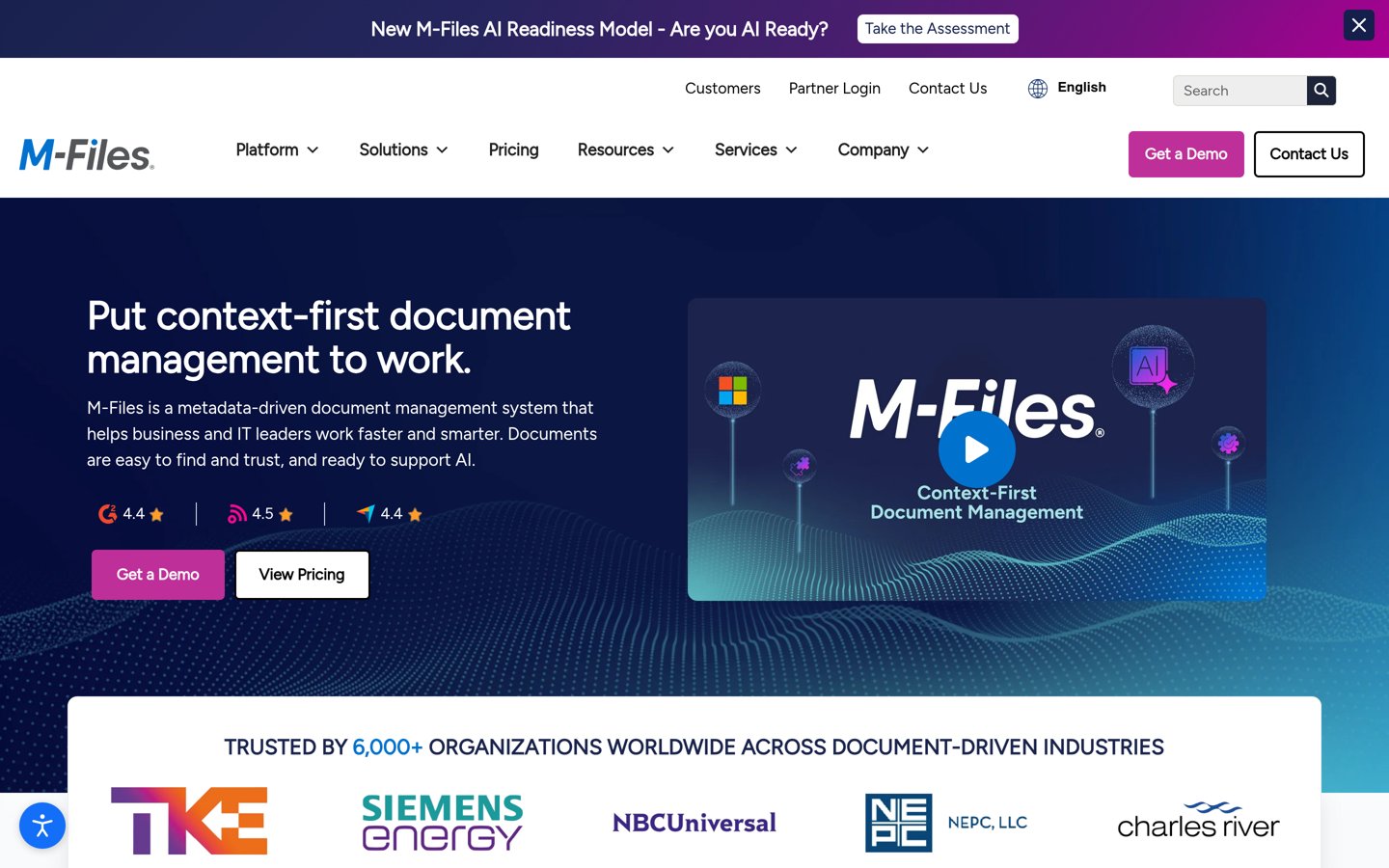
M-Files is a document repository that organises files by metadata instead of folders. Users find documents by what they are, such as a contract or an invoice, and the system enforces version control, permissions and workflows automatically. Essentials costs $65 a seat a month.
The trade off is price. At $65 a seat, M-Files costs more than Box or SharePoint for teams that only need storage and search. It suits companies with large document libraries that waste time hunting through folders.
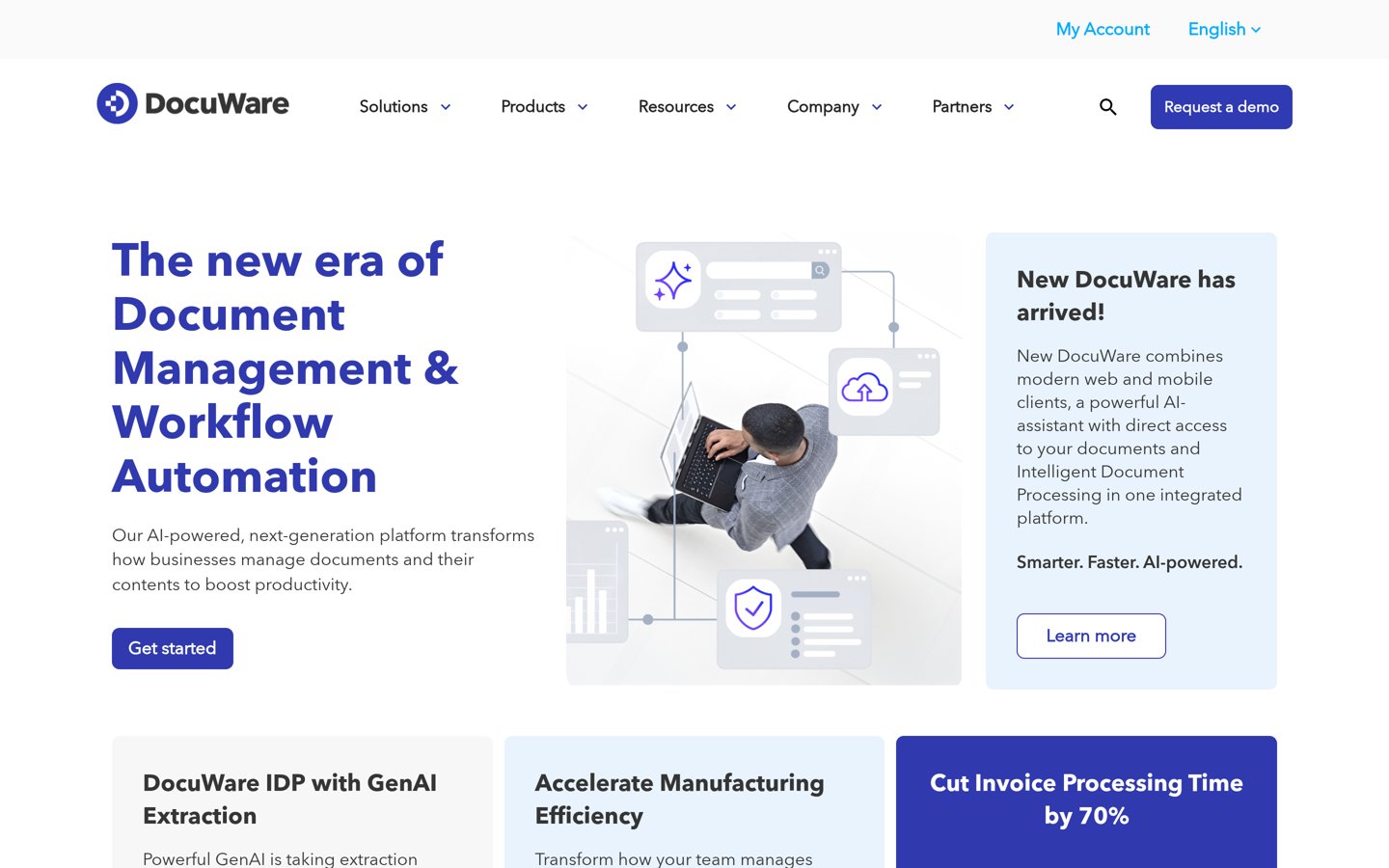
DocuWare is a cloud document repository for mid-size companies that need versioning, workflows and audit trails without running servers. Vendor pricing starts from $30 per user a month, though the exact figure depends on features and user count.
The trade off is that $30 is a starting point, not a fixed checkout price: DocuWare quotes a range of $30 to $125 or more per user a month. It suits companies moving paper processes to the cloud with controlled storage.
Laserfiche is a document repository with versioning, workflows, forms and audit trails. Plans start at $50 per user a month, confirmed on Laserfiche's pricing page, and the platform also offers annual pricing from $45 a month. It covers records management, e-forms and process automation in one system.
The trade off is scale. Some tiers need a 25-user minimum, and the Business and Professional tiers cost $93 and $73 a month. It suits mid-size teams that need a controlled repository, approvals and audit trails without buying a regulated-industry suite.
Egnyte is a document repository that governs files across cloud and on-premise storage in one system. The Team plan costs $10 per user a month, and it adds ransomware protection, permissions and audit trails on top of file storage and sharing.
The trade off is a price conflict: one secondary source lists $22 per user a month for the Business tier, so the $10 Team figure should be confirmed with Egnyte before budgeting. It suits teams with files split between cloud and local servers.
Dropbox is a file storage and sync platform that keeps documents identical across every device. The Standard plan costs $15 per user a month billed annually, with 5 TB of storage, version history and admin controls.
The trade off is repository depth. Dropbox syncs brilliantly but offers less governance than Box or SharePoint at a higher price. It suits teams that live across devices and need files everywhere.
Alfresco is an open-source document repository from Hyland, with versioning, workflows, search and records management. The Community Edition is free to self-host, while Enterprise plans are priced by quote and add support, cloud hosting and advanced features.
The trade off is a low G2 rating of 3.8 out of 5 from 55 reviews, and a quote-only price for paid plans. It suits teams that want an open-source repository and are happy to self-host the free edition.
OpenText Documentum is an enterprise document repository for large organisations that need records management, versioning and governance at scale. It has served regulated industries for decades, with pricing by quote only.
The trade off is a low G2 rating of 3.7 out of 5 from 57 reviews, and no published prices. It suits large enterprises with complex records needs that already run OpenText products.
Cloud repositories win on setup and access. SharePoint, Box and Google Drive work from any device with no servers to run.
On-premise repositories win on control. Alfresco and OpenText Documentum let regulated teams keep files inside their own data centre.
Most teams choose cloud. Choose on-premise only when regulation or policy demands it, and budget for the servers and staff it needs.
How we chose
We started from the established document repository tools with public ratings on G2, Capterra or Trustpilot, then kept those with a published price or a clear quote process and a real product behind them.
Prices come from each vendor's pricing page, checked on 25 November 2026, and ratings and review counts come from G2, Capterra or Trustpilot on the same day. Where a vendor shows a sale, the list shows the regular price.
We left out tools with no verifiable rating and tools that have been retired. No vendor paid for a place, and we do not claim hands-on testing for this list.
How to choose document repository software
Start with how many documents you store, then match the tool to that scale.
Count your documents and users. Per-seat pricing punishes large teams. Suites at $5 to $7 a month suit most; specialists suit large libraries.
Test search with real file names. Search is the feature that matters most. Try finding five old documents before you commit.
Check export and backup. A repository that cannot export your files locks you in. Confirm export options before you commit.
Decide on governance needs. Approvals, audit trails and retention mean a specialist. Simple storage means a suite is enough.
FAQ
What is the best document repository software?
SharePoint is the best document repository software for Microsoft teams, with libraries, versioning and search inside Microsoft 365 from $7 per user a month. Box is the best simple alternative at $5 a month.
What is the cheapest document repository?
Box is the cheapest option here at $5 per user a month billed annually, with 100 GB of storage. SharePoint costs $7 per user a month inside Microsoft 365, which many teams already pay for.
What is a document repository used for?
It stores every document in one place, with version history, permissions and search. Teams use it to stop emailing attachments and to keep one approved copy of every file.
Is there a free document repository?
Alfresco's Community Edition is free to self-host, and Box and Dropbox offer free plans with storage limits. For business use, a paid plan adds storage, admin controls and support.
SharePoint vs Box: which is better?
SharePoint suits teams already on Microsoft 365 that need libraries and workflows for $7 a month. Box suits teams that want simple cloud storage and governance for $5 a month.
Do I need a specialist repository?
You need one if documents must pass approvals, keep audit trails or meet retention rules. If you only need to store and find files, a suite such as SharePoint or Google Drive is enough.
SaaS SEO and WordPress specialist with about 8 years of experience. Rakib compares WordPress plugins, themes, hosting and software using public pricing, documentation and user reviews. See how we rank.