Clio is the best legal calendar software for most law firms, with matter management, shared calendars and a 4.7/5 Capterra rating from 1,752 reviews. PracticePanther suits smaller firms that need straightforward scheduling, while MyCase combines legal calendars with client communication and case management.
How we make this list: we compare pricing pages, product documentation and public user reviews, then re-check every price before each update. No product paid for a place. Disclosure.
Clio earns 4.7/5 from 1,752 Capterra reviews, making it the most widely reviewed legal practice management platform in this comparison.
PracticePanther starts at $49 per user per month with annual billing.
MyCase Basic costs $50 per user per month with annual billing.
Rocket Matter Essentials costs $708 per user per year.
Smokeball earns 4.8/5 from 360 Capterra reviews, with calendar management available from its Boost plan.
What legal calendar software should cover
Legal calendars must handle more than appointments. Attorneys need to track filing deadlines, hearings, client meetings, discovery tasks and internal preparation dates.
A useful legal calendar connects events to individual matters so attorneys and support staff can understand why a deadline exists and who is responsible for it.
Distinguish ordinary calendar reminders from rules-based docketing. The latter calculates deadlines using applicable court rules, rather than relying entirely on manual date entry.
Check calendar synchronization, permissions, notification settings and subscription costs before choosing a platform. Automated calculations should still be independently verified by qualified legal staff.
4.7/5on Capterra (1,752 reviews, checked Nov 2026)
Starts at$49/mo
Best for overall legal calendar management
Matter calendarsYes
Calendar synchronizationGoogle and Outlook
Court deadline trackingCourt rules available
Entry planStarter, $49/user
clio.com
Clio homepage, captured Nov 2026.
Clio is a cloud-based legal practice management platform that connects calendars, documents, contacts and financial records. Its Starter plan begins at $49 per user, providing the foundation for organizing legal matters, tracking expenses and managing everyday firm operations.
The trade off is that advanced automation requires higher subscription tiers, with Starter pricing beginning at $49 per user and its billing interval requiring confirmation. It suits firms that want their legal calendars connected to a broader practice management system.
What we like
Calendar events connected to legal matters
Google Calendar and Outlook integration
Extensive legal practice management features
Large independent review base
Watch out for
Advanced automation requires higher tiers
Additional court rules may increase costs
Starter billing interval is not explicitly stated
Core adds document-based calendar event and task creationVisit clio.com
02
PracticePanther
4.7/5on Capterra (529 reviews, checked Nov 2026)
Starts at$49/mo
Best for small law firms
Calendar synchronizationGoogle and Outlook
Matter managementYes
Mobile accessiOS and Android
Entry planSolo, annual billing
practicepanther.com
PracticePanther homepage, captured Nov 2026.
PracticePanther is legal practice management software that connects appointments, tasks and client records in a shared workspace. Its Solo plan costs $49 per user per month when billed annually and includes matter management, mobile access, cloud storage and client portal access.
The trade off is that growing firms may need more expensive plans for advanced communication and administrative features. The Solo subscription costs $588 per user annually. It suits independent attorneys and small practices replacing disconnected calendars and spreadsheets.
What we like
Google Calendar and Outlook synchronization
Mobile access for attorneys
Integrated matter and contact management
Transparent entry-level pricing
Watch out for
No permanent free plan
Advanced client communication costs extra
Less specialized than dedicated docketing platforms
MyCase is legal case management software that combines calendaring, client communication, document storage and billing. Its Basic subscription costs $50 per user per month with annual billing and includes case records, invoicing, unlimited document storage and limited client portal access.
The trade off is that automated workflows and more extensive communication features require Pro, which costs $100 per user per month with annual billing. It suits firms that want appointment scheduling and client updates connected to their case records.
What we like
Customizable calendar reminders
Google Calendar and Outlook connections
Client portal for case communication
Unlimited document storage on Basic
Watch out for
Basic includes limited client portal access
Automated workflows require Pro
Subscription expenses increase with team size
Pro adds automated workflows, texting and document generationVisit mycase.com
04
Smokeball
4.8/5on Capterra (360 reviews, checked Nov 2026)
PricingCustom pricing
Best for Microsoft 365 legal workflows
Calendar managementBoost and above
Calendar integrationMicrosoft 365 Outlook
Matter managementYes
Entry planBill, custom quote
smokeball.com
Smokeball homepage, captured Nov 2026.
Smokeball is legal practice management software designed to bring matter administration, scheduling and billing together. It offers 4 subscription tiers, with its Boost plan introducing calendar management, Outlook synchronization, client records and browser-based access.
The trade off is that the entry-level Bill subscription focuses on financial administration rather than full legal calendaring. Both Bill and Boost require custom pricing quotes. It suits practices that rely on Microsoft 365 and want scheduling connected to document preparation.
What we like
Native Microsoft 365 integration
Matter-based calendar organization
Integrated billing and document workflows
High independent customer rating
Watch out for
No published regular subscription prices
Entry-level Bill plan lacks calendar management
Advanced capabilities depend on subscription tier
Boost adds legal calendars, matter management and Outlook integrationVisit smokeball.com
05
Rocket Matter
4.4/5on Capterra (211 reviews, checked Nov 2026)
Starts at$59/mo
Best for matter-based task organization
Matter calendarsYes
Task managementYes
Entry document storage25GB
Entry planEssentials, annual billing
rocketmatter.com
Rocket Matter homepage, captured Nov 2026.
Rocket Matter is a cloud-based legal practice management platform that combines matter calendars, task organization and billing. Its Essentials plan costs $59 per user per month when paid annually and includes 25GB of document storage alongside matter and contact management.
The trade off is that customizable reporting and more extensive administrative functions require higher plans. Essentials costs $708 per user annually, while Pro starts at $95 per user per month. It suits firms that want scheduling connected to billable work and matter progress.
What we like
Dedicated matter calendars
Integrated legal billing
Task and contact management
Published subscription pricing
Watch out for
Entry-level document storage is limited
Advanced reporting requires an upgrade
Higher starting price than PracticePanther and MyCase
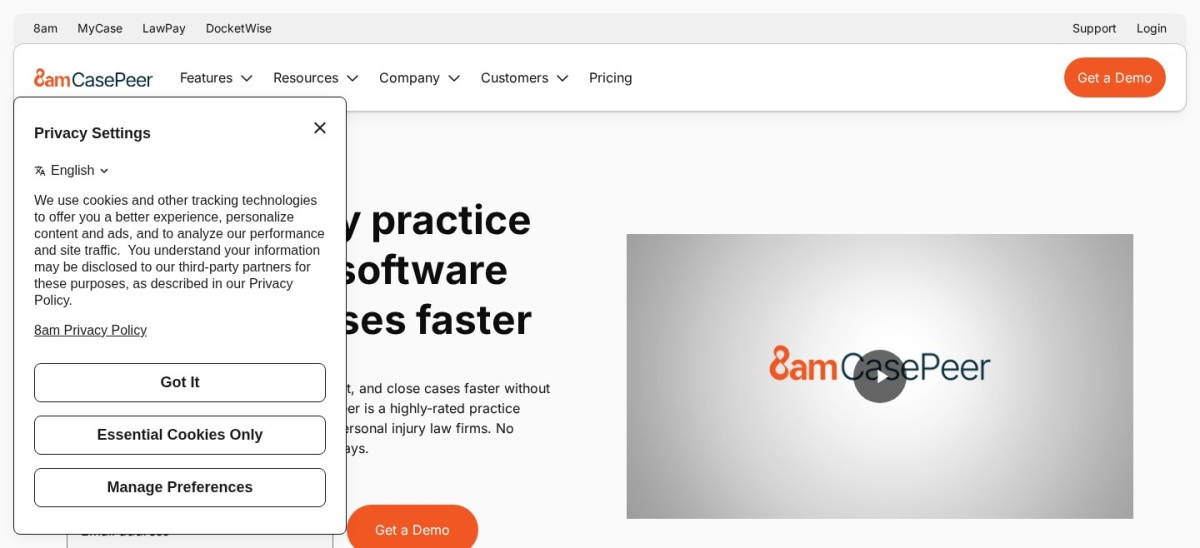
CasePeer is legal case management software built specifically for personal injury practices. Its Basic plan costs $90 per user per month and includes calendar management, automated statute alerts, medical treatment records, settlement tracking and unlimited document storage.
The trade off is its specialized approach and relatively expensive entry subscription of $1,080 per user annually. Litigation event plans and additional reporting require Pro at $130 per user per month. It suits personal injury attorneys managing treatment milestones, statute deadlines and settlements.
What we like
Automated statute deadline alerts
Calendaring included in Basic
Personal injury case tracking
Unlimited document storage
Watch out for
Higher entry price than general practice suites
Less suitable for unrelated practice areas
Litigation event plans require Pro
Pro adds litigation event plans, intake tools and advanced reportingVisit casepeer.com
07
Filevine
4.4/5on Capterra (301 reviews, checked Nov 2026)
PricingCustom pricing
Best for complex legal case workflows
Legal calendaringYes
Case managementYes
Workflow customizationYes
Entry planCustom quote
filevine.com
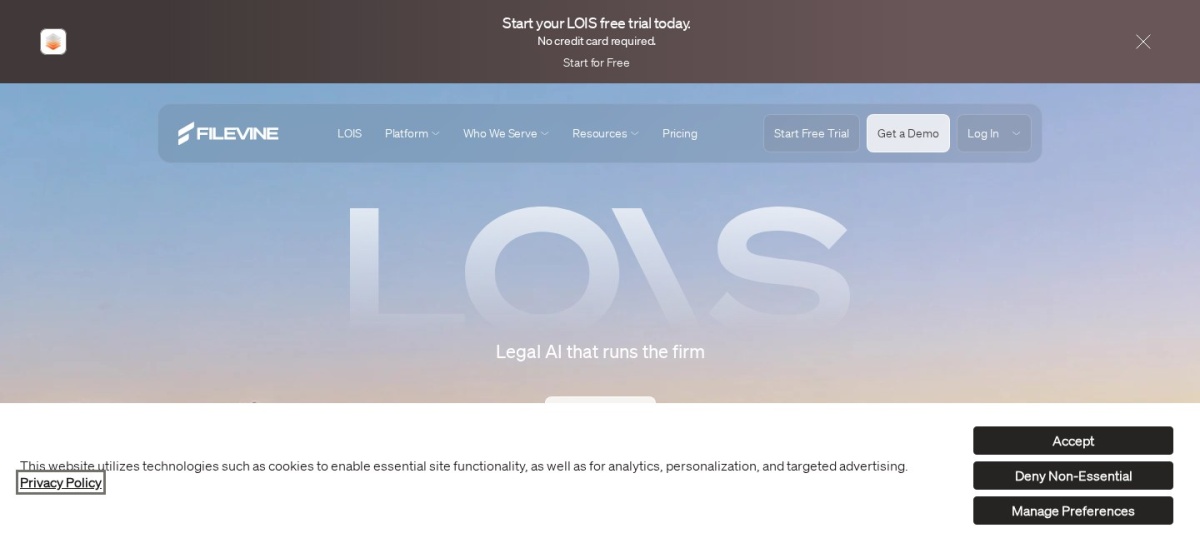
Filevine homepage, captured Nov 2026.
Filevine is a legal operations platform that combines case management, calendaring, document organization and configurable workflows. It earns 4.4/5 from 301 Capterra reviews and supports firms that need to coordinate deadlines with wider case administration.
The trade off is pricing transparency and configuration requirements. Filevine provides custom pricing based on organizational needs rather than a published entry subscription. It suits established firms that need scheduling and deadline management within more complex legal workflows.
What we like
Configurable legal case workflows
Centralized matter and deadline management
Document management capabilities
Suitable for complex team operations
Watch out for
No public entry-level subscription price
Configuration may require additional planning
Potentially excessive for basic appointment scheduling
Custom subscriptions combine case management with selected legal operations featuresVisit filevine.com
Legal calendaring vs. rules-based docketing
Legal calendaring records appointments, hearings, filing dates and reminders. Rules-based docketing goes further by calculating related deadlines from a triggering event and the applicable procedural rules.
Practice management platforms such as Clio, PracticePanther and MyCase help organize daily legal work. Firms that frequently calculate litigation deadlines should also investigate dedicated court-rule integrations and verify their coverage.
Automated reminders cannot guarantee compliance with procedural requirements. Assign responsibility for checking deadlines and establish an independent verification process.
How much does legal calendar software cost?
PracticePanther and MyCase provide annual subscriptions equivalent to $588 and $600 per user respectively. Rocket Matter Essentials costs $708 per user annually, while CasePeer Basic costs $1,080.
Clio advertises Starter pricing from $49 per user without explicitly stating the billing interval in the retrieved pricing information. Its $588 annual comparison figure assumes monthly pricing and should be confirmed before purchase.
Smokeball and Filevine require custom quotes. Their zero values in the price comparison data represent undisclosed pricing, not free subscriptions.
Request an itemized quote covering licenses, court-rule subscriptions, implementation, migration, training and optional integrations before committing.
How we chose
We selected established legal practice management and calendaring platforms from Capterra's legal calendar and law practice management categories. We prioritized matter-based scheduling, deadline organization, calendar synchronization, subscription transparency and independent customer feedback.
Prices and ratings were checked against official vendor pricing pages and Capterra on 25 Nov 2026. The editorial publication and verification fields retain the requested 22 Nov 2026 date. Annual subscription rates use regular published prices, with custom quotes identified separately and Clio's billing interval flagged for confirmation.
We excluded discontinued products, platforms without sufficient independent reviews and vendors whose pricing information could not be accessed or adequately established. Quote-only products were eligible outside the top three. No vendor paid for a place, and we do not claim testing for this list.
How to choose the best legal calendar software
Compare your firm's scheduling requirements, existing applications and deadline verification procedures before purchasing legal calendar software.
Identify your deadline management requirements. Decide whether you need ordinary appointment scheduling, matter-specific reminders, automated statute alerts or procedural deadline calculations.
Check compatibility with existing calendars. Confirm that the software connects to your current email and calendar applications. Review synchronization behavior, recurring appointments and event permissions.
Calculate the full annual subscription cost. Include all attorneys and support staff who require licenses. Account for optional integrations, court-rule subscriptions, implementation and document migration.
Establish a deadline verification process. Assign responsibility for reviewing calculated deadlines and updating case calendars. Use vendor demonstrations or available trials to assess whether the workflow matches your firm's requirements.
FAQ
What is the best legal calendar software in 2026?
Clio is our top overall choice because it combines legal calendaring with matter administration, billing and document management. It has a 4.7/5 Capterra rating from 1,752 reviews. PracticePanther and MyCase are practical alternatives for smaller firms.
What is legal calendar software?
Legal calendar software helps law firms manage court dates, filing deadlines, client appointments and internal tasks. Unlike a general calendar application, it typically connects scheduled events to specific legal matters, responsible employees and related case information.
How much does legal calendar software cost?
PracticePanther starts at $49 per user per month with annual billing, while MyCase starts at $50. Rocket Matter starts at $59 with annual billing. Specialized platforms may charge higher subscription fees or require custom quotes.
Can law firms use Google Calendar for legal scheduling?
Google Calendar can handle ordinary appointments, recurring events and reminders. However, it does not independently provide a complete legal matter management or court-rule calculation system. Firms should consider dedicated legal software when they need case-linked events and more structured deadline oversight.
What is the difference between legal calendaring and docketing?
Calendaring focuses on recording events and sending reminders. Docketing can include calculating procedural deadlines from applicable court rules and triggering events. Firms managing litigation should verify that their chosen software supports the relevant rules and maintains accurate updates.
Which legal calendar software integrates with Outlook?
Clio, PracticePanther, MyCase and Smokeball offer Outlook calendar integration. Smokeball is particularly relevant for firms that use Microsoft 365 for everyday work. Confirm the required subscription tier and synchronization options before purchasing any platform.
What is the best legal calendar software for solo attorneys?
PracticePanther is a practical option for independent attorneys because its Solo subscription combines matter management, scheduling and mobile access for $49 per user per month with annual billing. MyCase Basic is another option for attorneys prioritizing client communication.
Which legal calendar software is best for personal injury lawyers?
CasePeer is designed specifically for personal injury practices. Its Basic plan includes calendaring, automated statute alerts, medical treatment tracking and settlement management for $90 per user per month. Firms should assess whether its specialized workflows justify the additional subscription cost.
Can legal calendar software prevent missed court deadlines?
Legal calendar software can reduce administrative errors through reminders, centralized records and automated deadline calculations. However, no application guarantees that every deadline will be met. Firms should maintain independent verification procedures, assigned responsibilities and reliable backup notification processes.
SaaS SEO and WordPress specialist with about 8 years of experience. Rakib compares WordPress plugins, themes, hosting and software using public pricing, documentation and user reviews. See how we rank.