Best No Code Workflow Automation Tools in 2026: 9 Tools Compared
WLWPLegible EditorsLast verified 23 Nov 2026How we rank13 min read
★ Short answer
Zapier is the best no-code workflow automation tool for most teams, with 9,000+ apps, a free plan and a 4.5/5 G2 rating. Pick Make for visual branching at $9 a month, or n8n if you want to self-host.
How we make this list: we compare pricing pages, product documentation and public user reviews, then re-check every price before each update. No product paid for a place. Disclosure.
Zapier connects 9,000+ apps, more than any other tool here, and its free plan covers 100 tasks a month.
Make Core costs $9 a month billed annually for 10,000 credits, the lowest paid price for high-volume visual workflows.
n8n is the only tool here with a free self-hosted edition and unlimited executions, at 4.8/5 on G2.
IFTTT Starter is the cheapest paid plan at $2.99 a month, but it only runs simple single-trigger Applets.
All nine tools have a free option, from Zapier's 100 tasks a month to Bardeen's 100 credits a month.
What to look for in a no-code automation tool
No-code workflow automation connects apps so a trigger in one starts actions in another, with no code to write. A new form entry can add a row to a sheet, send a message and update a CRM in one flow.
The billing unit matters more than the headline price. Zapier counts tasks, Make counts credits per module, n8n counts whole executions and Integrately counts each action step, so the same workflow can cost very different amounts.
Check the free plan limits before you commit. Free tiers range from 100 tasks a month on Zapier and Integrately to 1,000 credits a month on Make and Activepieces, and some cap the number of active workflows.
If your workflows touch WordPress, the connection usually runs through the REST API. Our guide on how to use the WordPress REST API explains what it can and cannot do.
List prices in each vendor's currency, checked Nov 2026
IFTTTFREE$36
MakeFREE$108
BardeenFREE$120
AlbatoFREE$180
PabblyFREE$228
ZapierFREE$240
IntegratelyFREE$240
n8nFREE€240
ActivepiecesFREE$240
The 9 best no code workflow automation tools
01
Zapier
4.5/5on G2 (2,181 reviews, checked Nov 2026)
Paid from$19.99/mo
Best no-code automation tool overall
Apps connected9,000+
Free plan100 tasks/mo
Paid planProfessional, $19.99/mo
Trial14-day Pro trial
zapier.com
Zapier homepage, captured Nov 2026.
Zapier is the largest no-code automation platform in this list, connecting more than 9,000 apps through simple trigger-and-action workflows called Zaps. The free plan covers 100 tasks a month with two-step Zaps, and the visual builder plus Copilot help new users build a first automation fast.
The trade off is price. Professional starts at $19.99 a month and tasks are counted per action, so long multi-step workflows can use up a monthly allowance quickly. It suits teams that want the widest app coverage and the shortest learning curve.
Make is a visual automation platform where workflows are built as scenarios on a canvas, with routers, filters and iterators for branching logic. The free plan includes 1,000 credits a month, and Core adds unlimited active scenarios with scheduling down to one minute.
The trade off is the learning curve. The canvas is more powerful than a simple trigger-action list, so beginners need more time before complex scenarios feel natural. It suits builders who want visual branching and low per-run costs.
What we like
Lowest paid price for 10,000 credits a month
Visual canvas with routers and branching
Unlimited active scenarios on Core
Watch out for
Steeper learning curve than Zapier
Credits are counted per module run
Fewer apps than Zapier
Pro adds priority execution and custom variablesVisit make.com
03
n8n
4.8/5on G2 (219 reviews, checked Nov 2026)
Paid from€20/mo
Best for self-hosting and AI workflows
Integrations400+
Free optionSelf-hosted, unlimited
Paid planStarter, €20/mo
Executions2,500/mo on Starter
n8n.io
n8n homepage, captured Nov 2026.
n8n is an open-source workflow automation platform with a node-based canvas, AI agent building and a free Community Edition you can self-host with unlimited executions. The cloud Starter plan costs €20 a month billed annually and includes 2,500 executions a month across 400+ integrations.
The trade off is setup and skill. Self-hosting needs a server and some technical comfort, and the node canvas assumes more knowledge than Zapier. It suits technical teams that want control over data and costs.
What we like
Free self-hosted edition with unlimited executions
Highest G2 rating in this list at 4.8/5
Strong AI agent and code-step support
Watch out for
Cloud prices are in euros, not dollars
Self-hosting needs server upkeep
Steeper learning curve for non-technical users
Pro adds 10,000 executions and more usersVisit n8n.io
04
Activepieces
4.8/5on G2 (142 reviews, checked Nov 2026)
Paid from$20/mo
Best open-source Zapier alternative
Free plan1,000 credits/mo
Paid planPlus, $20/mo
Credits on Plus10,000/mo
Self-hostYes, open source
activepieces.com
Activepieces homepage, captured Nov 2026.
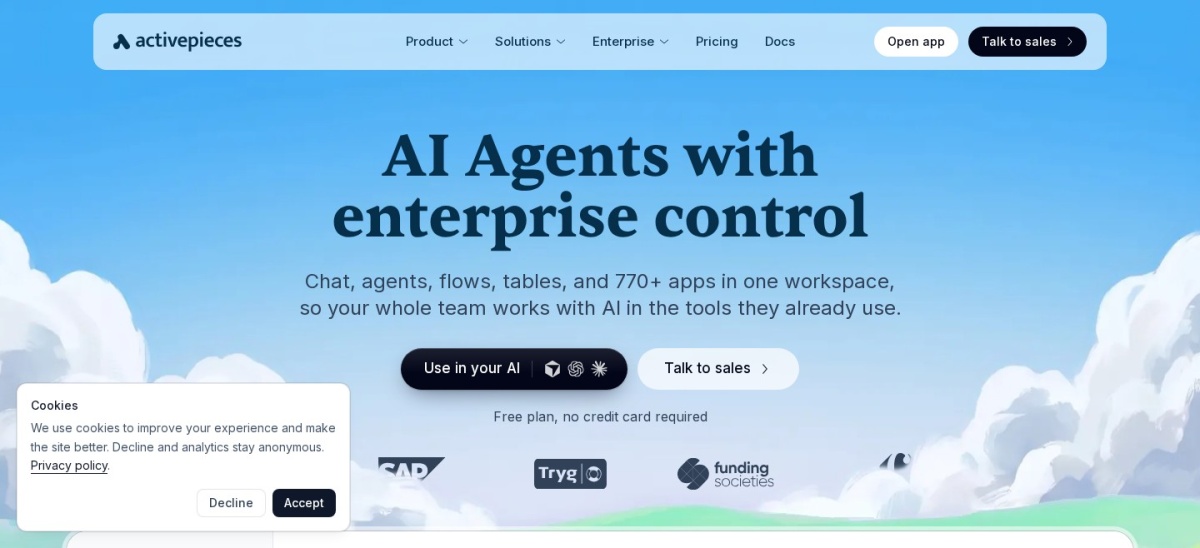
Activepieces is an open-source automation platform with a visual builder, AI agents and pieces that connect apps without code. The free cloud plan includes 1,000 credits a month, and Plus costs a flat $20 a month for 10,000 credits with bring-your-own AI keys.
The trade off is a smaller community. With 142 G2 reviews it has far fewer public reviews than Zapier or Make, so answers to edge cases can be harder to find. It suits small teams that want open-source code and flat pricing.
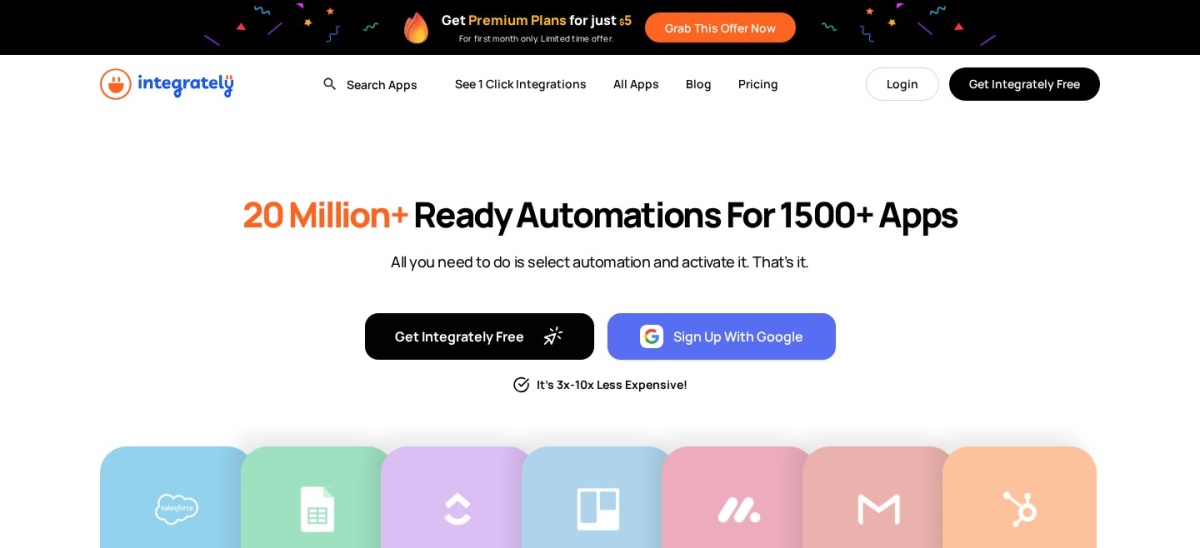
Integrately is a no-code automation platform built around ready-made, one-click automations across 1,500+ apps. The free plan covers 100 tasks a month, triggers are free, and Starter costs $19.99 a month billed annually for 2,000 tasks.
The trade off is task counting. Conditions, searches and data edits each count as a task, so a four-step flow can use four tasks per record. It suits teams that want to start from a ready-made automation rather than build from scratch.
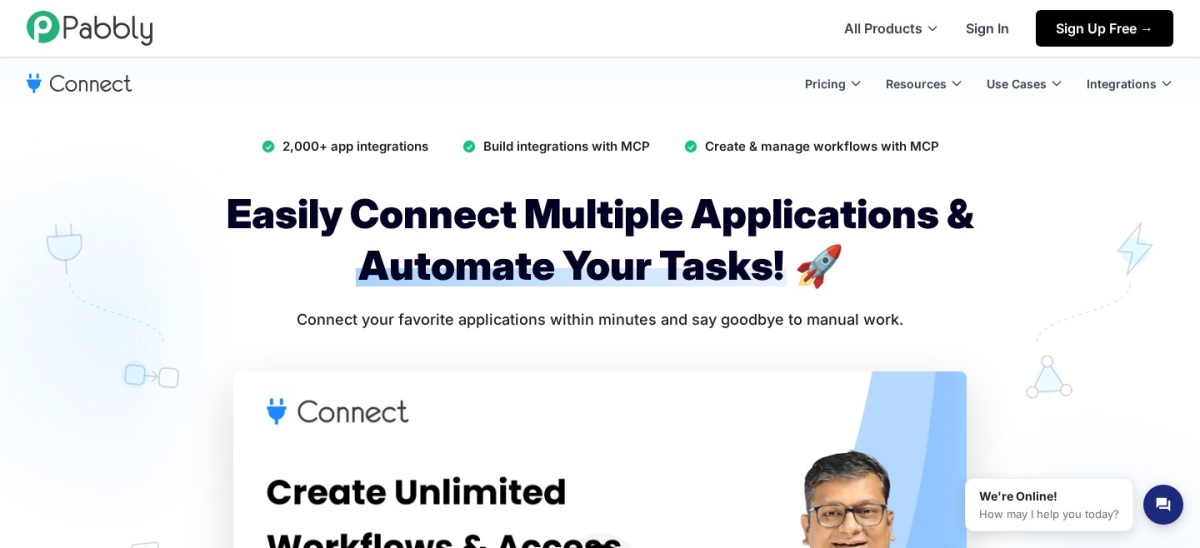
Pabbly Connect is a budget automation platform with 2,000+ integrations and multi-step workflows, routers and formatters. The free plan includes 100 tasks, and Standard costs $19 a month for 10,000 tasks, with triggers and internal steps free.
The trade off is polish. Reviewers rate its value highly but note an older interface and slower support on hard cases, with ease of use at 4.2 on Capterra. It suits buyers who want many tasks for a low monthly price.
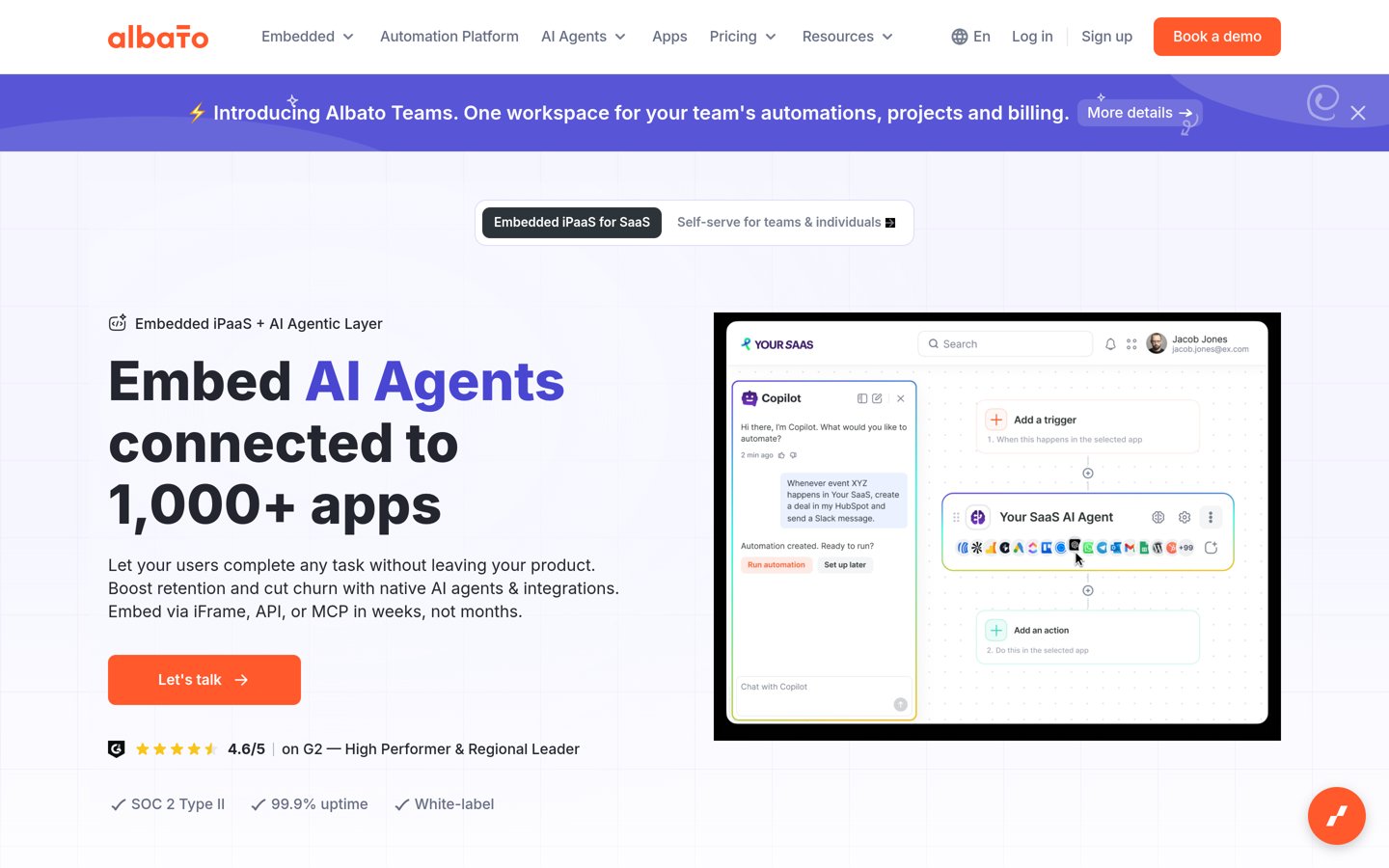
Albato is a no-code automation platform that connects 1,000+ apps, with a builder, data migration tools and an app library aimed at small teams. The free plan covers basic use, and Pro costs $15 a month billed annually for 1,000 transactions.
The trade off is scale. Its app library is smaller than Zapier's, and the Pro transaction limit is low for busy teams, so heavy use means a higher tier. It suits small teams that want a low price and fast human support.
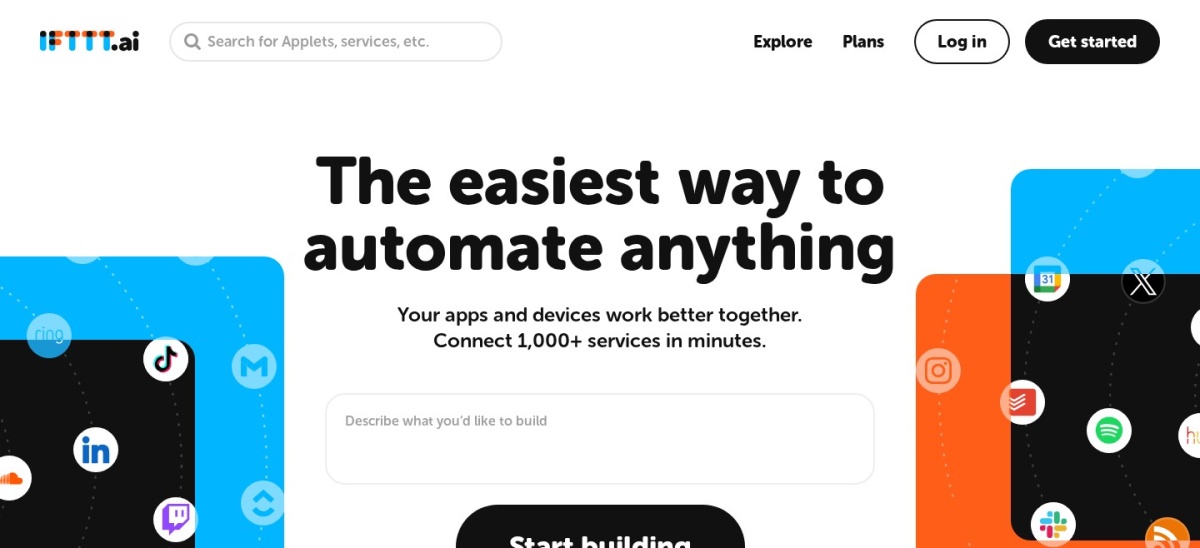
IFTTT is a simple automation service that links apps, smart home devices and phones through short Applets. The free plan allows 2 Applets, and Starter costs $2.99 a month for 20 Applets across 1,000+ services.
The trade off is depth. Applets are single-trigger flows with no branching or loops, so it cannot run the multi-step business workflows the tools above handle. It suits individuals automating personal apps, notifications and smart home devices.
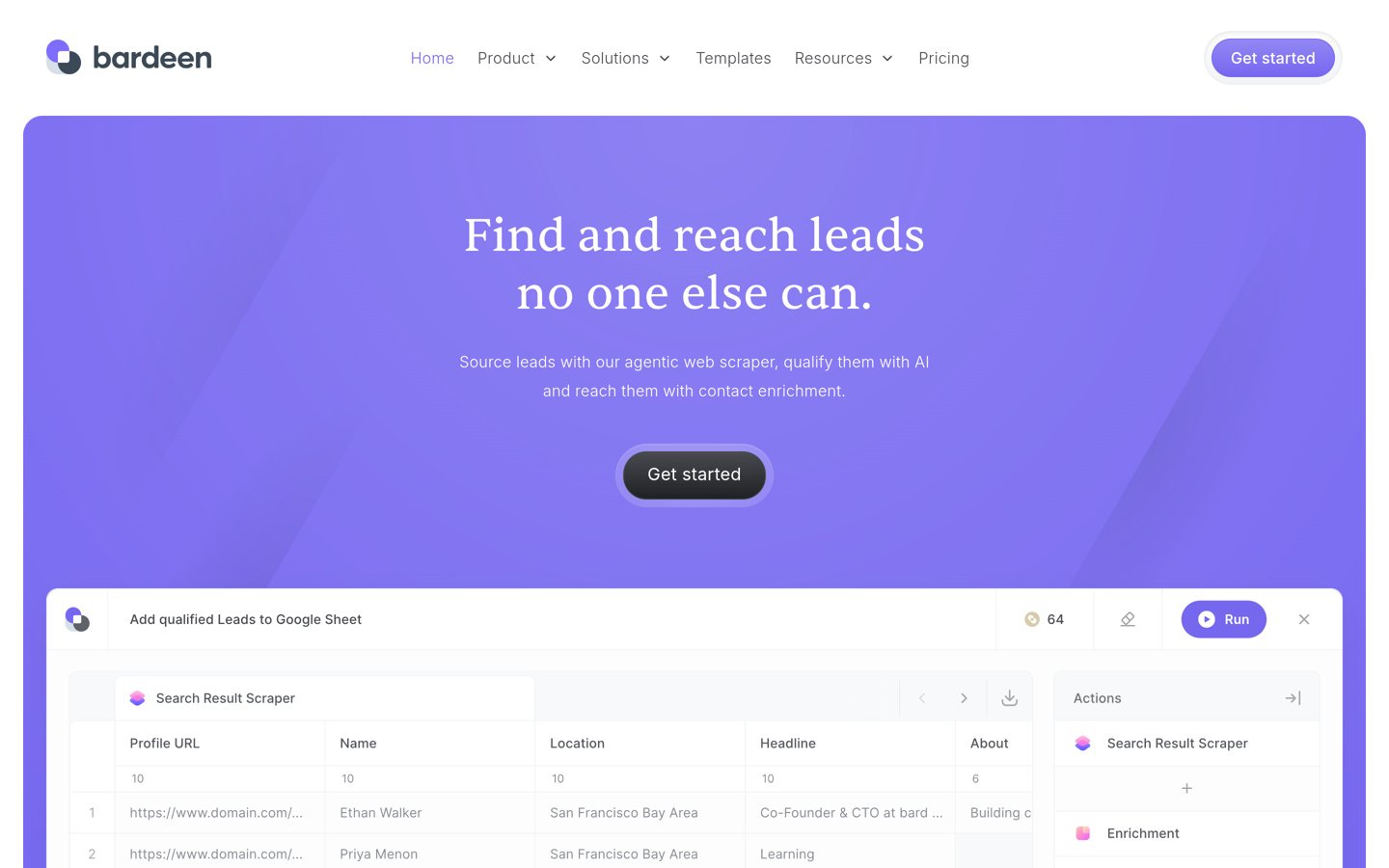
Bardeen is a browser-based automation tool with AI agents that scrape web pages, enrich leads and push results to a CRM. The free plan includes 100 credits a month, and Basic costs $10 a month for browser automations and lead sourcing.
The trade off is scope. It is built for sales and research work in the browser, not for general app-to-app workflows, and its G2 base is only 36 reviews. It suits sales teams that collect and enrich leads from web pages.
Free plans are enough to prove a workflow works. Most cover a few hundred to 1,000 runs a month with basic steps.
Paid plans mostly add volume, multi-step logic and premium apps. Zapier reserves multi-step Zaps and premium apps for Professional, while Make unlocks unlimited scenarios on Core.
Watch the billing unit before you upgrade. A workflow that runs 500 times a month can use 500 tasks on Zapier, 2,000 credits on Make if it has four modules, or 500 executions on n8n.
How we chose
We started from the best-known no-code automation platforms with public pricing and a free option, then kept nine with an established user base and a clear paid plan.
Prices come from each vendor's pricing page, checked on 23 November 2026. Ratings and review counts come from G2 or Capterra on the same day. Annual-billed prices are shown as their monthly equivalent.
We left out tools with custom-only pricing and tools that shut down new sign-ups. No vendor paid for a place, and we do not claim to have used these tools ourselves.
How to choose a no-code workflow automation tool
Start with the apps you already use, then match the billing unit to your volume.
List the apps you must connect. If a tool lacks one core app, the rest of the feature list does not matter. Zapier covers the most apps; check the smaller tools first.
Count runs, not workflows. A workflow that runs 1,000 times a month costs far more than one that runs 20 times. Match the billing unit to your volume before you pick a plan.
Use the free plan to build one real workflow. A real workflow shows the true cost in tasks or credits and whether the builder fits your team.
Check the paid gate for the features you need. Multi-step logic, premium apps and faster runs often sit behind paid plans. See which plan unlocks them before you commit.
FAQ
What is the best no-code workflow automation tool?
Zapier is the best pick for most teams. It connects 9,000+ apps, has a free plan with 100 tasks a month and a 4.5/5 G2 rating from 2,181 reviews. Make is the better value pick for visual branching.
What is the cheapest no-code automation tool?
IFTTT Starter is the cheapest paid plan here at $2.99 a month for 20 Applets. It only runs simple single-trigger flows, so for business workflows Make Core at $9 a month is the cheapest useful paid plan.
Is there a free no-code automation tool?
Yes. All nine tools in this list have a free option. Zapier and Integrately give 100 tasks a month, Make and Activepieces give 1,000 credits a month, and n8n can be self-hosted for free with unlimited executions.
Which no-code automation tool can I self-host?
n8n and Activepieces both offer a free self-hosted edition. n8n Community Edition has unlimited executions, while Activepieces is open source under the MIT licence. The other tools in this list are cloud-only.
Zapier vs Make: which is better?
Zapier is better for the widest app coverage and the easiest start, with 9,000+ apps. Make is better for visual branching and low cost, with Core at $9 a month for 10,000 credits. Pick Zapier for coverage and Make for complex visual workflows.
Do I need to know how to code to automate workflows?
No. All nine tools are built for users without code, using visual builders and ready-made templates. n8n and Activepieces also allow code steps, but they are optional and only needed for the hardest workflows.