ABBYY FineReader PDF is the best top rated PDF extractor software for scanned and multilingual documents, with OCR in many languages from about eight dollars a month. Adobe Acrobat fits teams already paying for Adobe apps, while Docparser fits fixed-layout invoices.
How we make this list: we compare pricing pages, product documentation and public user reviews, then re-check every price before each update. No product paid for a place. Disclosure.
ABBYY FineReader suits multilingual scanned extraction at $8.25 a user a month, while Adobe Acrobat suits teams already in the Adobe ecosystem at $19.99 a month.
Docparser suits fixed-layout invoices at $39 a month, while Parseur suits email and document parsing with a free plan to start.
Parseur holds the highest G2 rating at 4.8 out of 5, but on only 17 reviews, while Adobe has the largest review base at more than 4,200 Capterra reviews.
iLovePDF is the cheapest annual pick at $60 a year, with one subscription covering up to 25 users.
Nanonets is the only tool here with no published price at all, so budget for a sales call before you commit.
How do you choose top rated PDF extractor software?
PDF extraction splits into two jobs: pulling text from a scanned page, and pulling structured fields from an invoice or form. ABBYY and Adobe do the first well, while Docparser, Parseur and Nanonets do the second.
OCR language coverage decides the winner for scanned documents. ABBYY supports more than 190 languages, PDFelement covers 29 on Windows, and most browser tools handle only common languages well.
Free limits are tight everywhere. Parseur gives 20 pages a month free, Smallpdf allows two tasks a day, and iLovePDF caps free files at 15 MB.
Ratings favour the parsing tools. Parseur leads at 4.8 out of 5 on G2, Nanonets follows at 4.7, and Adobe leads on Capterra at 4.7 from more than 4,200 reviews.
Price spreads are wide. ABBYY starts at $8.25 a month, Adobe at $19.99, and Nanonets publishes no price, so the cheapest tool depends on your volume.
ABBYY FineReader PDF is a desktop PDF tool built around OCR, turning scanned pages into searchable text and editable files in more than 190 languages. Standard costs $8.25 a user a month billed yearly, and Corporate at $13.75 adds Hot Folder automation and up to 5,000 pages a month.
The trade off is that it is a desktop editor, not an automation platform. There is no free plan, and high-volume invoice extraction needs a different tool. It suits teams that extract text from scans in many languages.
4.7/5on Capterra (4,264 reviews, checked Nov 2026)
Starts at$19.99/mo
Best all-round PDF extractor
Free planNo, 7-day trial
Paid planPro, $19.99 a month
OCRYes, with editable text
E-signingYes, built in
adobe.com
Adobe Acrobat homepage, captured Nov 2026.
Adobe Acrobat is the most complete PDF tool in this list, with OCR, text and table extraction, redaction, comparison and e-signing in one app. Pro costs $19.99 a month on an annual plan billed monthly, and Standard costs $14.99 a month for lighter editing needs.
The trade off is price and lock-in. Acrobat is the dearest monthly subscription here, and the AI assistant costs $4.99 a month extra. It suits teams already paying for Adobe apps.
What we like
Highest Capterra rating here
Most complete feature set
E-signing built in
Watch out for
Dearest monthly price here
AI assistant costs extra
No free plan
Standard at $14.99 a month covers lighter editingVisit adobe.com
03
Docparser
4.6/5on G2 (53 reviews, checked Nov 2026)
Starts at$39/mo
Best for fixed-layout invoices
Free planNo, 14-day trial
Paid planFrom $39 a month
Parsing rulesYes, zonal OCR
IntegrationsZapier and API
docparser.com
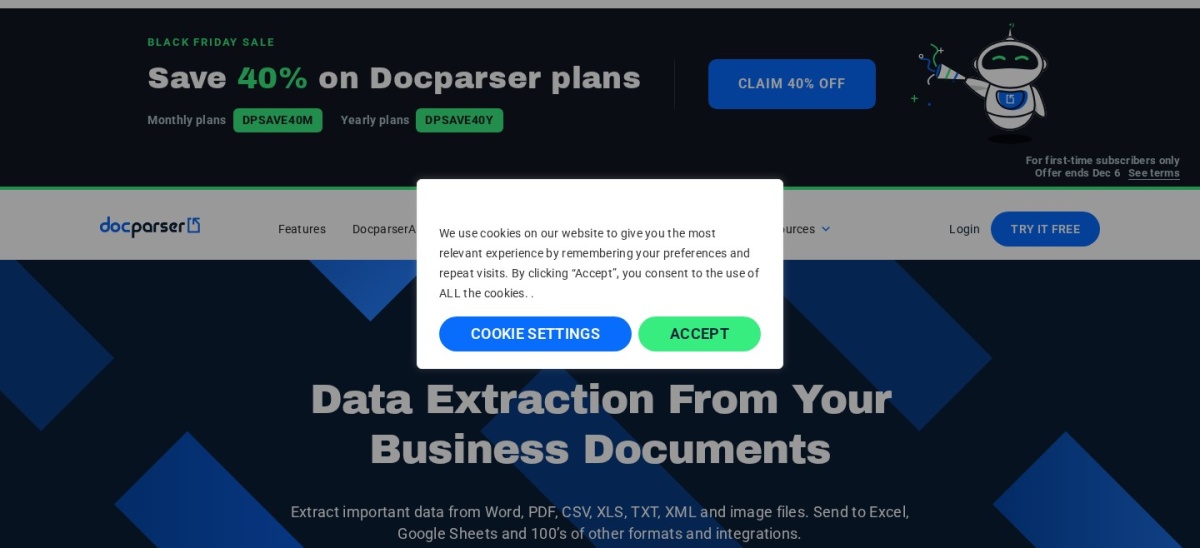
Docparser homepage, captured Nov 2026.
Docparser is a cloud document parser that extracts data from PDFs with zonal OCR and rules you configure, with templates for invoices, bank statements and bills of lading. Paid plans start at $39 a month, and the tool suits teams that process the same document format again and again.
The trade off is setup time. Rules take an afternoon to configure, and the review base is small at 53 G2 reviews, so there are fewer public opinions to check. It suits small teams with fixed-layout documents.
iLovePDF is a browser-based PDF suite with more than 20 tools for merging, splitting, compressing, converting and extracting text from PDFs. The free plan covers casual use, and Premium costs $5 a month billed yearly, or $60 a year, with one subscription covering up to 25 users.
The trade off is that files upload to iLovePDF servers, so there is no offline mode, and the free tier caps files at 15 MB and shows ads. It suits small teams that want cheap browser tools.
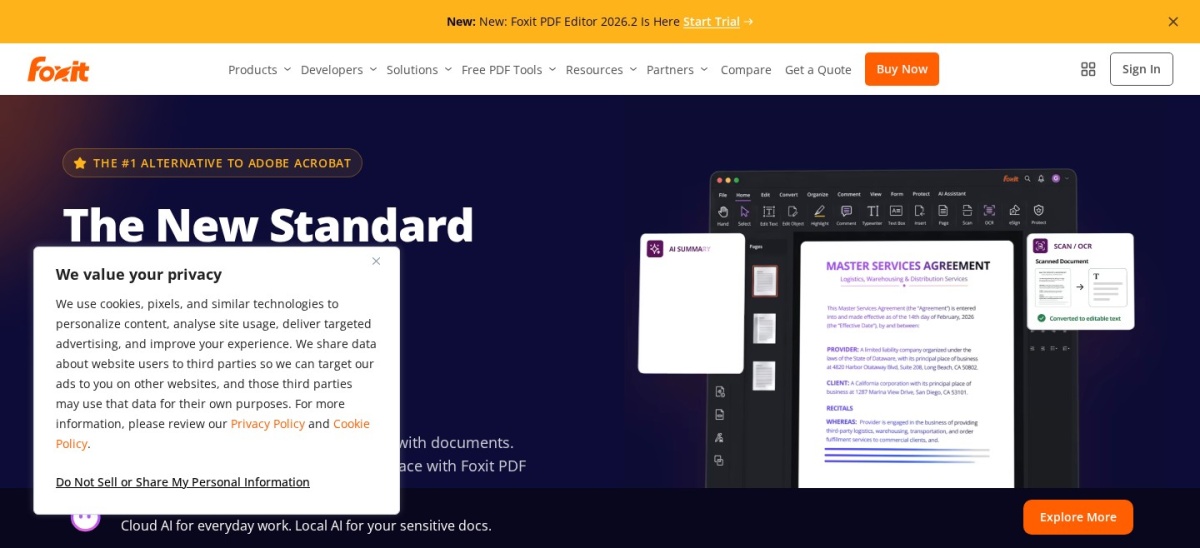
Foxit PDF Editor is a desktop PDF editor that covers text and image editing, conversion, OCR, forms and document security for $129.99 a user a year. It holds a 4.6 out of 5 G2 rating from more than 3,700 reviews, and a perpetual licence costs $209.99 for buyers who dislike subscriptions.
The trade off is that e-signing requests and mobile apps need Editor+ at $159.99 a year, and the base plan includes only a small AI credit allowance. It suits offices that want Acrobat-level editing for less.
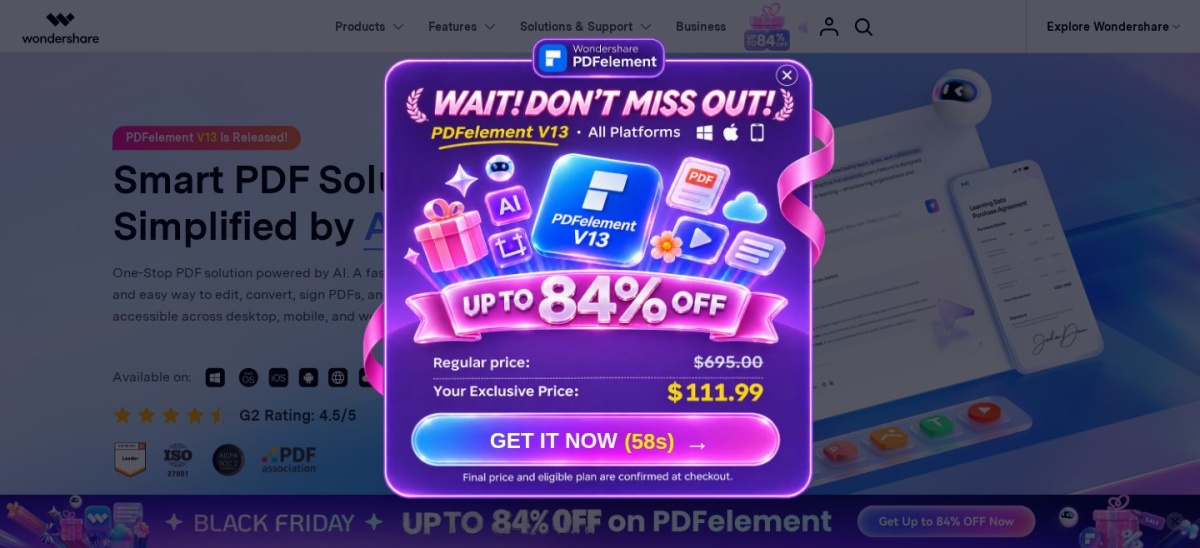
PDFelement is a desktop PDF editor from Wondershare that covers text and image editing, conversion to Office formats, OCR, form building, redaction and e-signing. One licence covers desktop, mobile and web, and the yearly plan at $79.99 is the cheapest full editor subscription in this list.
The trade off is the pricing page. The yearly plan lists at $129 and is usually shown on sale at $79.99, and the AI assistant costs extra. It suits budget buyers who want a full desktop editor.
Smallpdf is a browser-first PDF suite with more than 30 tools for converting, compressing, editing, signing and protecting files, plus desktop and mobile apps for Pro subscribers. Pro costs $108 a year, and it bundles a full Sign.com premium e-signing subscription and unlimited AI PDF tools.
The trade off is the free tier. It allows only two tasks a day, and everything processes on Smallpdf servers with no offline mode. It suits browser-first teams that also need e-signing.
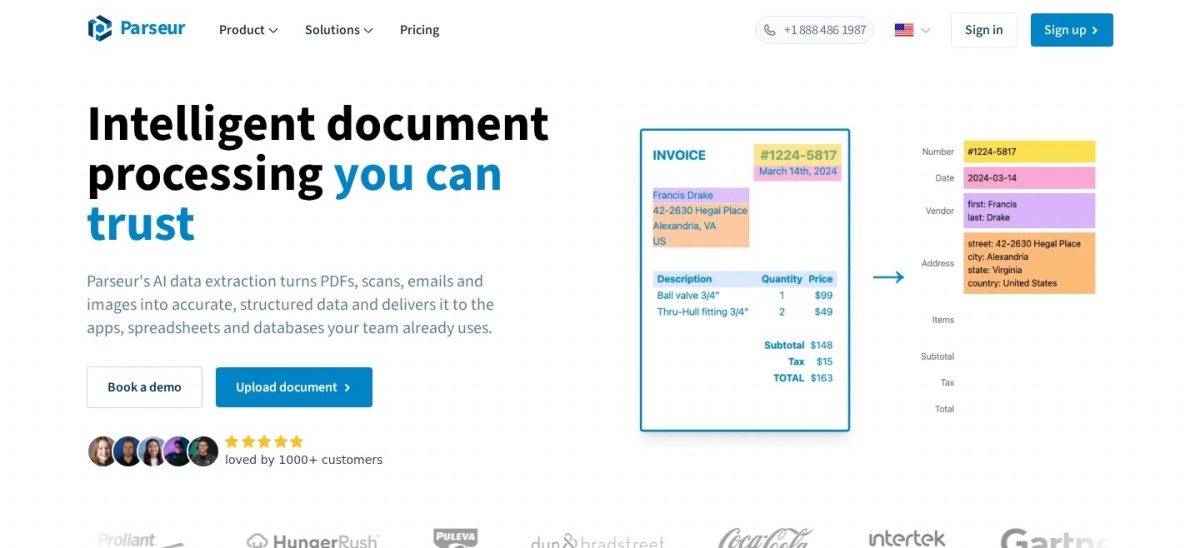
Parseur is a document parser that turns emails and PDFs into rows of data, with an AI engine and a template engine that adapts to new layouts. The free plan covers 20 pages a month, and Micro costs $39 a month billed yearly for 100 pages, with every plan including the API and Zapier.
The trade off is the page meter. Small paid plans cost more per page than people expect, and the G2 review base is the smallest in this list at 17 reviews. It suits teams with a steady trickle of emails and PDFs.
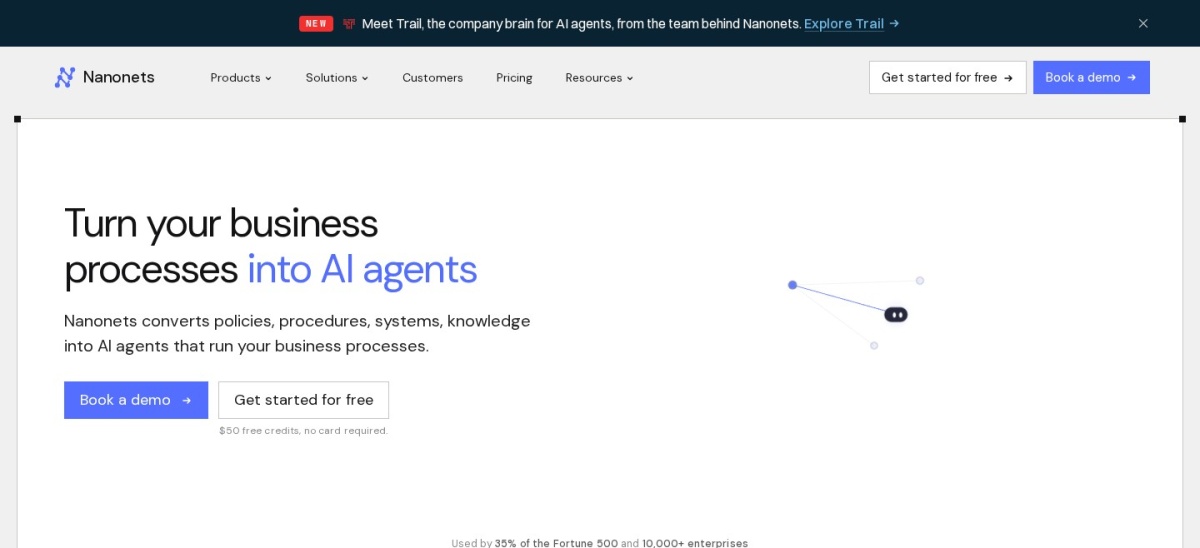
Nanonets is an AI document processing platform that builds custom extraction models trained on your own invoices, receipts and contracts, with confidence scoring for review. A free tier covers small volumes, and paid plans are custom-quoted, so teams talk to sales for pricing.
The trade off is pricing opacity and setup. Custom models need training data and review time, and there is no published entry price to budget against. It suits high-volume teams with varied document layouts.
Scanned pages vs structured fields: pick the right tool
If your PDFs are scans, you need OCR first. ABBYY, Adobe, Foxit and PDFelement all turn scanned pages into searchable, editable text.
If your PDFs are digital invoices, you need field extraction. Docparser, Parseur and Nanonets pull named fields into a spreadsheet or API.
Many teams need both. A common setup pairs a desktop editor for scans with a parser for invoices, rather than forcing one tool to do both jobs.
How we chose
We started from the PDF tools G2 and Capterra rate highest for extraction, then kept those with a verifiable rating and a published price or a free plan.
Prices come from each vendor pricing page, checked on 29 November 2026. Parseur Micro was read on its own pricing page today at $49 a month, or $468 a year billed annually. Ratings come from G2 or Capterra on the same day.
We left out enterprise-only platforms with no published price and no free tier. No vendor paid for a place, and we do not claim hands-on testing for this list.
How to choose a PDF extractor
Start with your document type, then test extraction on your own files before you pay.
Sort your documents first. Separate scans from digital PDFs and invoices from letters, because each type needs a different tool.
Test on your own files. Run ten of your real documents through the free plan or trial and check the output field by field.
Check the language list. Confirm your languages are supported, because OCR quality falls fast outside the common ones.
Price by volume, not by seat. Count your monthly pages and price the tier that covers them, including any per-page charges.
FAQ
What is the top rated PDF extractor software in 2026?
ABBYY FineReader PDF is the top rated PDF extractor software for scanned and multilingual documents, with a 4.5 out of 5 G2 rating and OCR in more than 190 languages. Adobe Acrobat is the best all-round pick.
Is there a free PDF extractor?
Yes. iLovePDF, Smallpdf, Parseur and Nanonets all offer free plans, although each caps pages, tasks or file size. Google-style free tools do not extract structured fields.
Which PDF extractor is best for invoices?
Docparser is the best pick for fixed-layout invoices, with rule-based zonal OCR and templates for common documents. Parseur is better for mixed email and PDF intake.
How much does PDF extractor software cost?
Paid plans start at $5 a month for iLovePDF Premium and $8.25 a month for ABBYY FineReader, and run to $19.99 a month for Adobe Acrobat Pro. Nanonets publishes no price.
ABBYY vs Adobe Acrobat: which extracts better?
ABBYY is better for scanned and multilingual documents, with OCR in more than 190 languages. Adobe Acrobat is better as an all-round editor with e-signing and redaction built in.
Can a PDF extractor read handwriting?
Most tools here handle printed text well, but handwriting accuracy varies and is not a headline feature of any of them. ABBYY and Adobe handle clean handwriting best, with manual review still needed.
SaaS SEO and WordPress specialist with about 8 years of experience. Rakib compares WordPress plugins, themes, hosting and software using public pricing, documentation and user reviews. See how we rank.