DeepL is the top pick for natural phrasing on document translations, starting at $8.74/month billed annually with a free tier that includes 1 file translation per month. Smallpdf fits quick browser-based PDF translations and summaries, while Adobe Acrobat Pro suits teams that already edit and sign PDFs in one suite.
How we make this list: we compare pricing pages, product documentation and public user reviews, then re-check every price before each update. No product paid for a place. Disclosure.
DeepL starts at $8.74/month billed annually for Individual users and includes 3 file translations per month up to 30 MB.
Smallpdf offers a free tier with no sign-up required and paid plans starting at $9/month billed annually in guides or $15/month monthly.
iLovePDF starts at $60 billed annually ($5/month) on its yearly plan and includes PDF translation alongside core file tools.
Foxit PDF Editor starts at $129.99 per user per year for PDF Editor, with optional AI Assistant credits for translation.
Smartcat starts at $1,200/year on the Adapt plan for collaborative localization workflows and 280+ supported languages.
What to look for in PDF translator software
Translating a PDF is rarely just swapping words. Multi-column layouts, tables, embedded images, and scanned pages often break when a tool extracts text into a flat stream.
Scanned PDFs require optical character recognition (OCR) before translation can run cleanly. Some tools skip image-only pages or require paid tiers to process scanned documents.
Check whether a tool meters usage by file count, character count, words, or AI credits. A short two-page memo and a dense technical manual can consume allowances at very different rates.
Privacy rules also matter for contracts, financial reports, and internal files. Review whether uploaded documents are deleted automatically and whether free tiers allow model training.
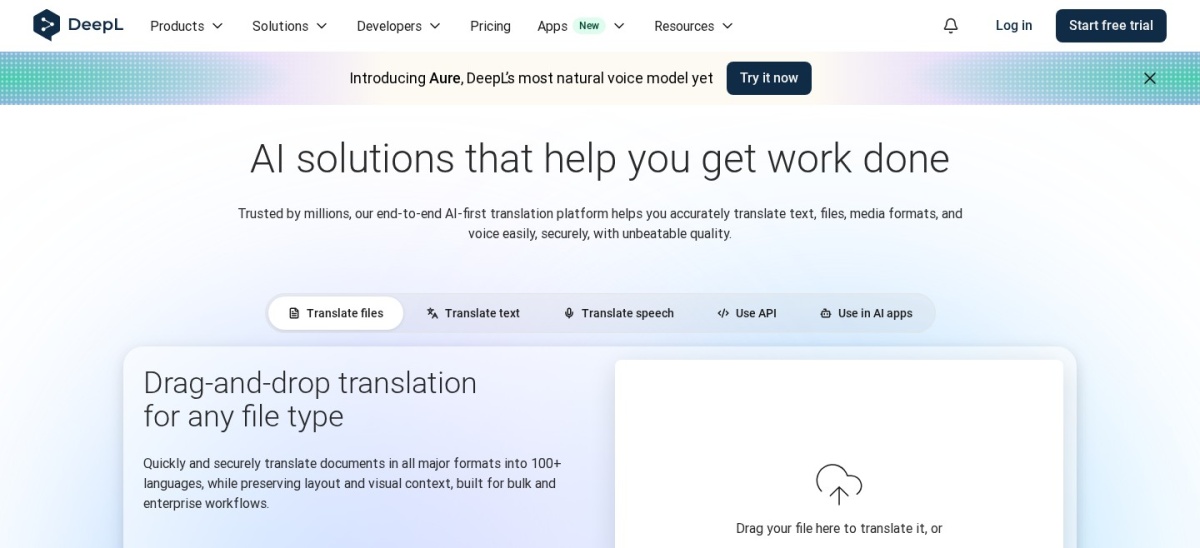
DeepL is a translation platform for text, documents, and speech with a free plan that includes 50,000 characters per month and 1 file translation up to 5 MB. Paid Individual plans start at $8.74/month billed annually and raise the allowance to 300,000 characters and 3 file translations per month.
The trade off is that Individual caps file translations at 3 per month and scanned PDF support is limited compared with dedicated OCR tools. It suits writers and professionals who want fluent translations for standard documents and can manage occasional layout touch-ups.
What we like
Produces natural-sounding translations across supported languages
Preserves layout across supported document formats including PDF
Includes glossary support for consistent terminology
Offers web, desktop, mobile, and API access
Watch out for
Individual plan limits document translations to 3 files per month
Scanned PDFs are less reliable than on dedicated OCR tools
Free tier usage can be used for model training
Paid plans add higher monthly character and file limits, glossary controls, and stronger privacy protections.Visit deepl.com
02
Smallpdf
4.5/5on G2 (310 reviews, checked Nov 2026)
Paid from$9/mo
Best for quick browser PDF translation
Free tierFree online use, no sign-up
Annual plan$108/yr on G2 ($9/mo guide)
AI file limitUp to 50 MB
G2 rating4.5/5 (310 reviews)
smallpdf.com
Smallpdf homepage, captured Nov 2026.
Smallpdf is a browser-based PDF suite with an online PDF translator that supports over 20 languages and offers both full document translations and quick summaries. You can start for free in the browser without creating an account, while paid plans unlock higher usage limits and desktop or mobile tools.
The trade off is that images and complex layouts do not always carry over cleanly into translated files, and monthly billing runs $12 to $15/month depending on plan terms. It suits users who want fast document summaries or light PDF translation alongside basic PDF tools.
What we like
Lets you translate PDFs in the browser without installing software
Supports full document translation as well as quick summaries
Includes OCR for scanned PDFs and image files
Bundles over 30 other PDF utilities in one workspace
Watch out for
Images and special layouts may not preserve cleanly after translation
Free plan caps daily and AI-tool usage
Less suited for specialized localization or CAT workflows
Paid plans expand AI and document limits and add unlimited access across web, desktop, and mobile tools.Visit smallpdf.com
03
iLovePDF
4.6/5on G2 (584 reviews, checked Nov 2026)
Paid from$48/yr
Best low-cost annual PDF suite
Free tierFree basic PDF tools
Yearly plan$48/yr ($5/mo billed yearly)
Monthly plan$9/mo billed monthly
G2 rating4.6/5 (584 reviews)
ilovepdf.com
iLovePDF homepage, captured Nov 2026.
iLovePDF is a PDF utility platform that includes an AI PDF translator alongside merging, splitting, compression, and conversion tools. It offers a free tier for basic tasks and a Premium plan priced at $60/year ($5/month billed yearly, or $9/month billed monthly).
The trade off is that free access restricts batch work and per-task limits, and its translation feature focuses on PDFs rather than broad localization workflows. It suits budget-conscious users who want an inexpensive annual PDF toolkit with built-in translation.
What we like
Low entry cost at $60/year on annual billing
Supports translating PDFs while keeping layout or text-only options
Includes OCR and a wide set of everyday PDF utilities
Available across web, desktop, and mobile apps
Watch out for
Free plan enforces usage and file-size caps
Lacks translation memory and glossary tools for large teams
Monthly billing costs noticeably more than the yearly plan
Premium removes per-task and batch restrictions and unlocks full access to PDF, OCR, and conversion tools.Visit ilovepdf.com
04
Lara Translate
4.5/5on G2 (40 reviews, checked Nov 2026)
PriceFree
Best for style modes and context control
Free tier60,000 chars/mo included
Translation stylesFaithful, fluid, or creative
Privacy modeIncognito mode available
G2 rating4.5/5 (40 reviews)
laratranslate.com
Lara Translate homepage, captured Nov 2026.
Lara Translate is a translation platform built around context-aware AI models and selectable styles such as faithful, fluid, and creative. Its free tier includes 60,000 characters per month with no credit card required, while higher tiers and scanned PDF support expand on paid plans.
The trade off is that the free tier caps monthly characters at 60,000 with no extra usage top-up, and scanned PDF support is gated to Pro. It suits professionals who want style control and context options for document translation.
What we like
Offers faithful, fluid, and creative translation styles
Includes incognito mode to avoid storing or training on content
Supports document uploads alongside web and API workflows
Provides a no-card free starting allowance
Watch out for
Free tier is capped at 60,000 characters per month
Scanned PDF translation requires upgrading to a paid plan
Smaller public review count than established enterprise suites
Paid Pro and custom plans unlock scanned PDF support, mobile apps, higher character volumes, and team features.Visit laratranslate.com
05
Foxit PDF Editor
4.6/5on G2 (3,704 reviews, checked Nov 2026)
Starts at$129.99/yr
Best for desktop PDF editing and AI add-ons
Entry plan$129.99/user/yr (PDF Editor)
AI credits300 free credits/mo included
AI add-on$49.99/yr for 2,000 credits/mo
G2 rating4.6/5 (3,704 reviews)
foxit.com
Foxit PDF Editor homepage, captured Nov 2026.
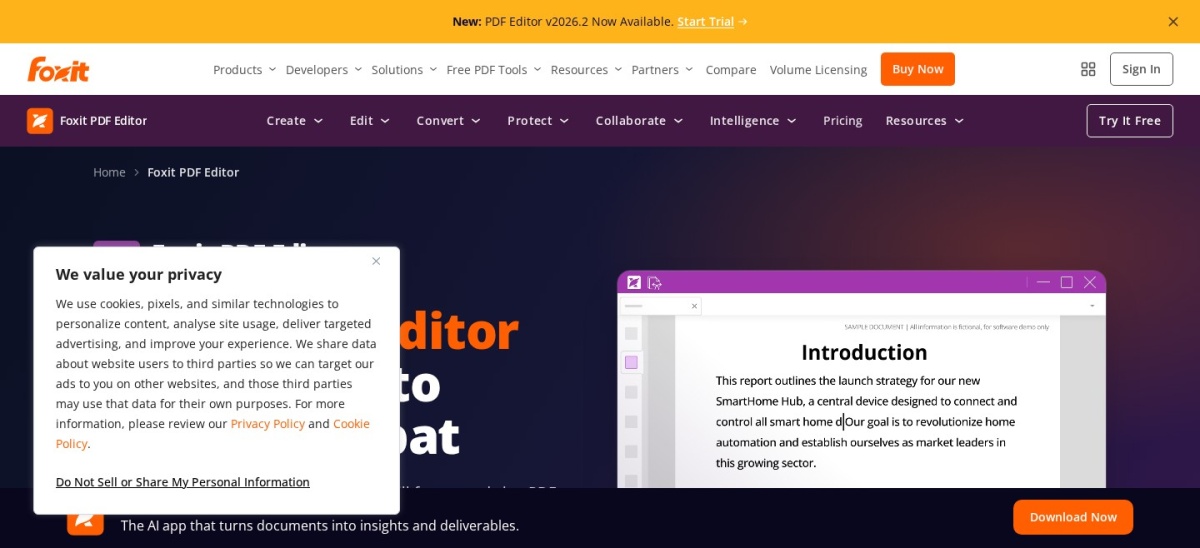
Foxit PDF Editor is a desktop and web PDF editor that includes built-in OCR, form tools, and AI Assistant credits that can be used for document tasks such as translation and summarization. Its entry PDF Editor subscription starts at $129.99 per user per year with 300 free AI credits per month.
The trade off is that there is no permanent free tier—only a 14-day trial—and heavy translation workloads can require the $49.99/year AI Assistant add-on. It suits office teams that already need a full PDF editor with predictable per-user pricing.
What we like
Combines PDF editing, OCR, and AI translation tools in one app
Includes 300 free monthly AI credits on the base subscription
Offers a perpetual license option alongside annual plans
Strong G2 rating across thousands of business reviews
Watch out for
No free plan after the 14-day trial period
Heavy AI translation usage may need paid credit add-ons
Not a dedicated localization platform with translation memory
Higher tiers and AI Assistant add-ons expand monthly AI credits, mobile apps, and redaction or eSign tools.Visit foxit.com
06
Adobe Acrobat Pro
4.5/5on G2 (5,798 reviews, checked Nov 2026)
Starts at$19.99/mo
Best for established PDF editing workflows
Annual billed monthly$19.99/mo ($239.88/yr)
Month-to-month plan$29.99/mo
Core strengthsEditing, OCR, signing, AI
G2 rating4.5/5 (5,798 reviews)
adobe.com
Adobe Acrobat Pro homepage, captured Nov 2026.
Adobe Acrobat Pro is a full-featured PDF editing, conversion, and signing application that pairs strong OCR capabilities with AI features for working across documents. Individual annual billing starts at $19.99/month ($239.88/year), while month-to-month billing is $29.99/month.
The trade off is that pricing is higher than single-purpose translators and translation is bundled inside a broad PDF suite rather than a dedicated localization tool. It suits organizations already standardized on Adobe Acrobat for PDF production and review.
What we like
Strong OCR for turning scanned PDFs into searchable text
Lets you edit, organize, and sign PDFs after translation
Widely supported across desktop, web, and enterprise teams
Large review base confirming broad workflow reliability
Watch out for
Higher annual cost than dedicated translation tools
No permanent free tier for ongoing document work
Lacks dedicated CAT features like translation memory grids
Acrobat Studio and AI Assistant add-ons expand generative AI capabilities and document workspace tools.Visit adobe.com
07
Smartcat
4.6/5on G2 (183 reviews, checked Nov 2026)
Starts at$1,200/yr
Best for team localization and glossaries
Entry paid plan$1,200/yr (Adapt)
Included volume100,000 Smartwords/yr
Language support280+ languages
G2 rating4.6/5 (183 reviews)
smartcat.com
Smartcat homepage, captured Nov 2026.
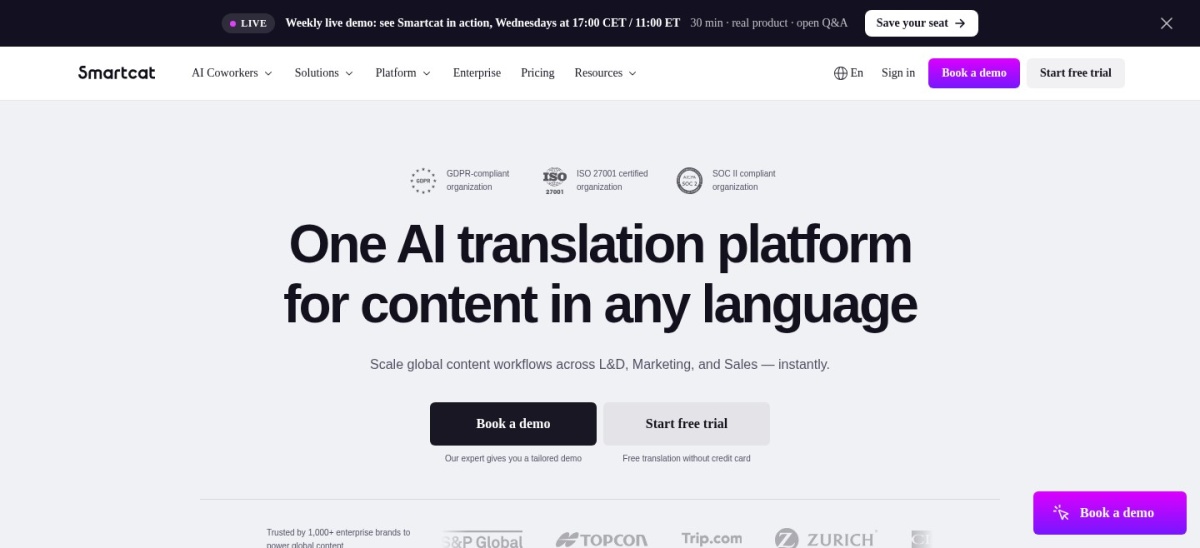
Smartcat is a collaborative translation and localization platform that supports over 280 languages and combines automated translation with review workflows and glossaries. Paid Adapt plans start at $1,200/year and include 100,000 Smartwords per year.
The trade off is a much higher starting price than consumer PDF tools and no permanent free tier after trial limits. It suits businesses and localization teams managing multi-language documents, glossaries, and human review.
What we like
Supports 280+ languages for broad global workflows
Built for team collaboration, glossaries, and review steps
Meters usage by Smartwords across workspaces
Strong G2 satisfaction score among business users
Watch out for
Starting annual cost is high for occasional individual use
No permanent free plan once trial allowances end
Steeper workflow setup than simple one-click file translators
We built this list by looking at established PDF and document translation software with active maintenance, public documentation, and verifiable user reviews.
We checked pricing pages, product documentation, and G2 ratings on 22 Nov 2026, recording regular list prices and entry-level paid tiers rather than promotional discounts.
We excluded WordPress plugins, discontinued tools, and products where we could not confirm active maintenance or current pricing terms. No vendor paid for a place, and we do not claim testing for this list.
How to choose the right PDF translator software
Follow four practical checks before paying for a PDF translation tool:
Check whether your PDFs contain scanned images. Text-based PDFs translate more easily than scanned pages, so confirm whether the tool includes OCR and whether OCR requires a paid plan.
Match the billing meter to your document volume. Compare per-month file caps, character limits, word allowances, and AI credits so short files or dense reports do not exhaust your quota early.
Decide if you need layout editing after translation. If tables, columns, or callouts shift during translation, a tool with built-in PDF editing or conversion saves time during final cleanup.
Review file retention and privacy rules. Check how long uploaded files are stored and whether free or lower tiers allow your text to be used for AI model training.
FAQ
Can I translate a PDF for free without signing up?
Some browser tools such as Smallpdf let you start translating a PDF for free without creating an account, though usage limits and file caps apply. Other tools like DeepL offer a free tier that requires an account and limits monthly file translations.
Why do some PDF translators ruin tables and columns?
PDFs store positioning instructions rather than simple paragraphs, so tools that extract text linearly can scramble columns, tables, and captions. Tools with layout preservation or built-in PDF editing help reduce manual cleanup.
Do all PDF translators handle scanned PDFs?
No. Scanned PDFs are images of pages and require optical character recognition (OCR) first. Some tools skip image-only text or restrict OCR features to paid plans.
Should I pick a dedicated translator or a PDF editor?
Choose a dedicated translation tool when phrasing quality, glossaries, or multilingual workflows matter most. Choose a PDF editor like Foxit PDF Editor or Adobe Acrobat Pro when editing, redacting, and signing PDFs are your main daily tasks.
How do annual and monthly prices compare on these tools?
Annual billing usually lowers the effective monthly rate compared with paying month to month, such as Adobe Acrobat Pro at $19.99/month billed annually versus $29.99/month month-to-month. Always check commitment terms and cancellation rules before subscribing.
SaaS SEO and WordPress specialist with about 8 years of experience. Rakib compares WordPress plugins, themes, hosting and software using public pricing, documentation and user reviews. See how we rank.