Float leads the top resource management software by user ratings as the dedicated planner, with plans from 7 dollars a scheduled person a month. Monday shares the highest rating in the list, while Resource Guru is the cheapest pick at 5 dollars a person a month.
How we make this list: we compare pricing pages, product documentation and public user reviews, then re-check every price before each update. No product paid for a place. Disclosure.
Float is the dedicated planner in the list, with Starter from $7 a scheduled person a month.
Monday holds the joint highest rating here at 4.7, from 17,940 G2 reviews — the largest review base in the list.
Resource Guru is the cheapest paid pick at $5 a person a month, with Blackbelt at $8 for reports.
Smartsheet's resource tools are a separate add-on with no public price, so its $9 Pro plan is only the starting point.
Teamdeck has the thinnest review base here, with only 15 G2 reviews despite a 4.6 rating.
How do you choose top resource management software by user ratings?
Ratings are the starting point, not the decision. Monday and Productive both hold 4.7, but one is a work platform and the other is built for agencies.
Scheduling depth separates the list. Float, Resource Guru and Runn are dedicated planners, while monday, Smartsheet and Wrike are work platforms with scheduling added on.
Price is per scheduled person, not per user. Float charges only for people you schedule, and guests are free, so the real cost depends on who is on the schedule.
Check what is an add-on. Smartsheet Resource Management and monday Capacity Management are separate add-ons, so the headline price is not the full cost. Our resource management software guide compares the wider market.
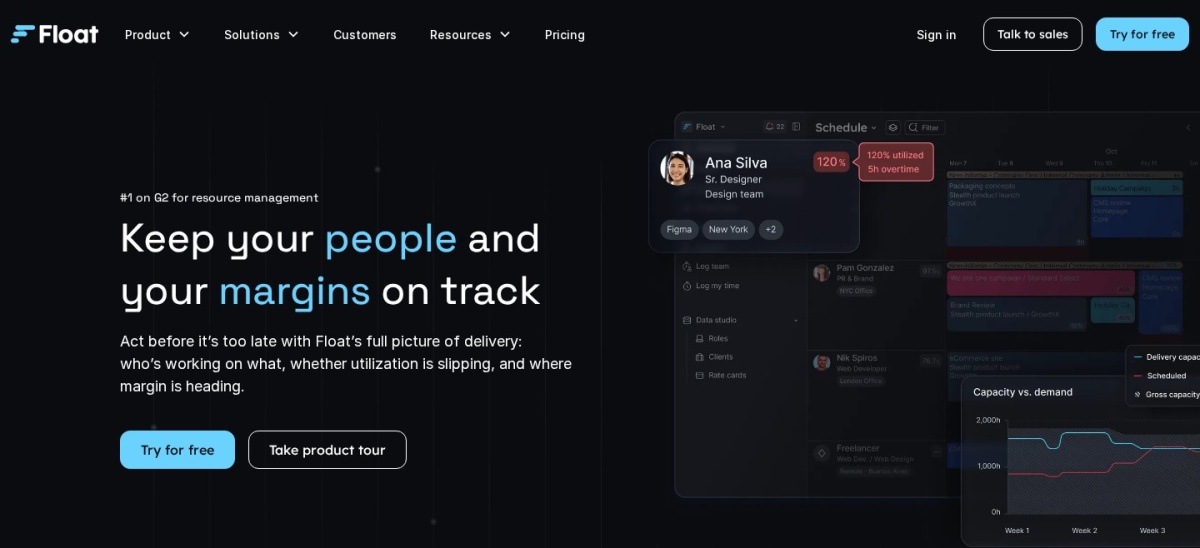
Float is a dedicated resource management tool for agencies and teams, built around a visual schedule, capacity planning and project costing. Starter costs $7 per scheduled person a month billed yearly, and Pro adds time tracking and rate cards at $12.
The trade off is that you pay per scheduled person, so a large team costs more than the headline rate suggests. It suits agencies that need to see who is doing what, when, and what it costs.
monday.com is a work platform whose resource planning comes through workload views, capacity management and a resource planner. Basic costs $9 per user a month, with a three-seat minimum, and a free plan covers up to two seats.
The trade off is that the serious resource tools are Enterprise-only. Resource Planner and Capacity Manager are not in Basic, Standard or Pro. It suits teams that already run their work on monday and want scheduling in the same place.
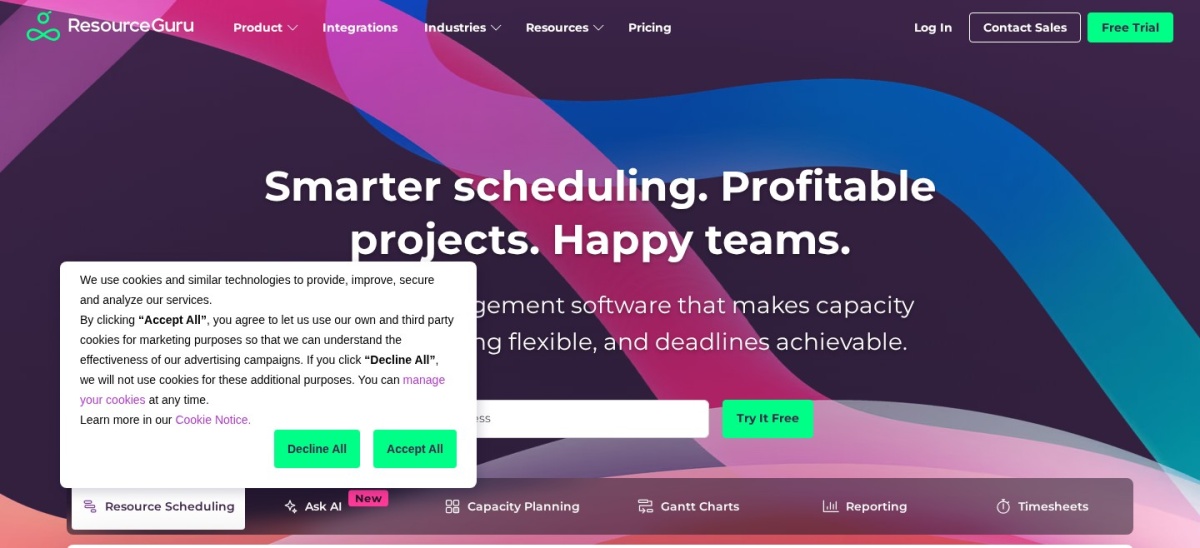
Resource Guru is a simple scheduling tool for people, rooms and equipment, with a clean calendar and clash management. Grasshopper costs $5 per person a month, and Blackbelt adds reports and timesheets at $8.
The trade off is depth. Resource Guru has no project costing or invoicing, so agencies that bill by the hour need a second tool. It suits teams that want simple, fast scheduling without a learning curve.
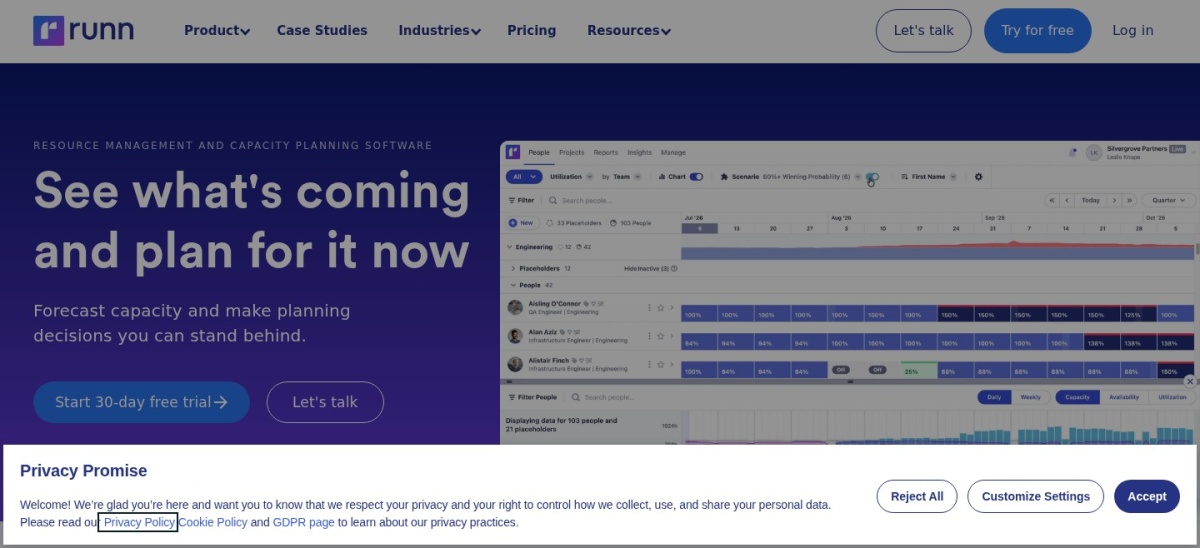
Runn is a capacity planning tool that forecasts team workload, project costs and hiring needs from the schedule. Lite costs $7 per resource a month with a 20-seat minimum, and Standard adds more at $11.
The trade off is the minimum. Lite needs 20 seats, so a ten-person team cannot buy the cheapest plan. It suits growing teams that plan capacity months ahead.
Smartsheet is a spreadsheet-style work platform with scheduling, dashboards and automation. Pro costs $9 per user a month, but Resource Management is a separate add-on with no public price.
The trade off is that the headline price is not the full cost. Resource Management needs the add-on, and the Business plan starts at $19. It suits teams that already plan in Smartsheet and want resource views beside their sheets.
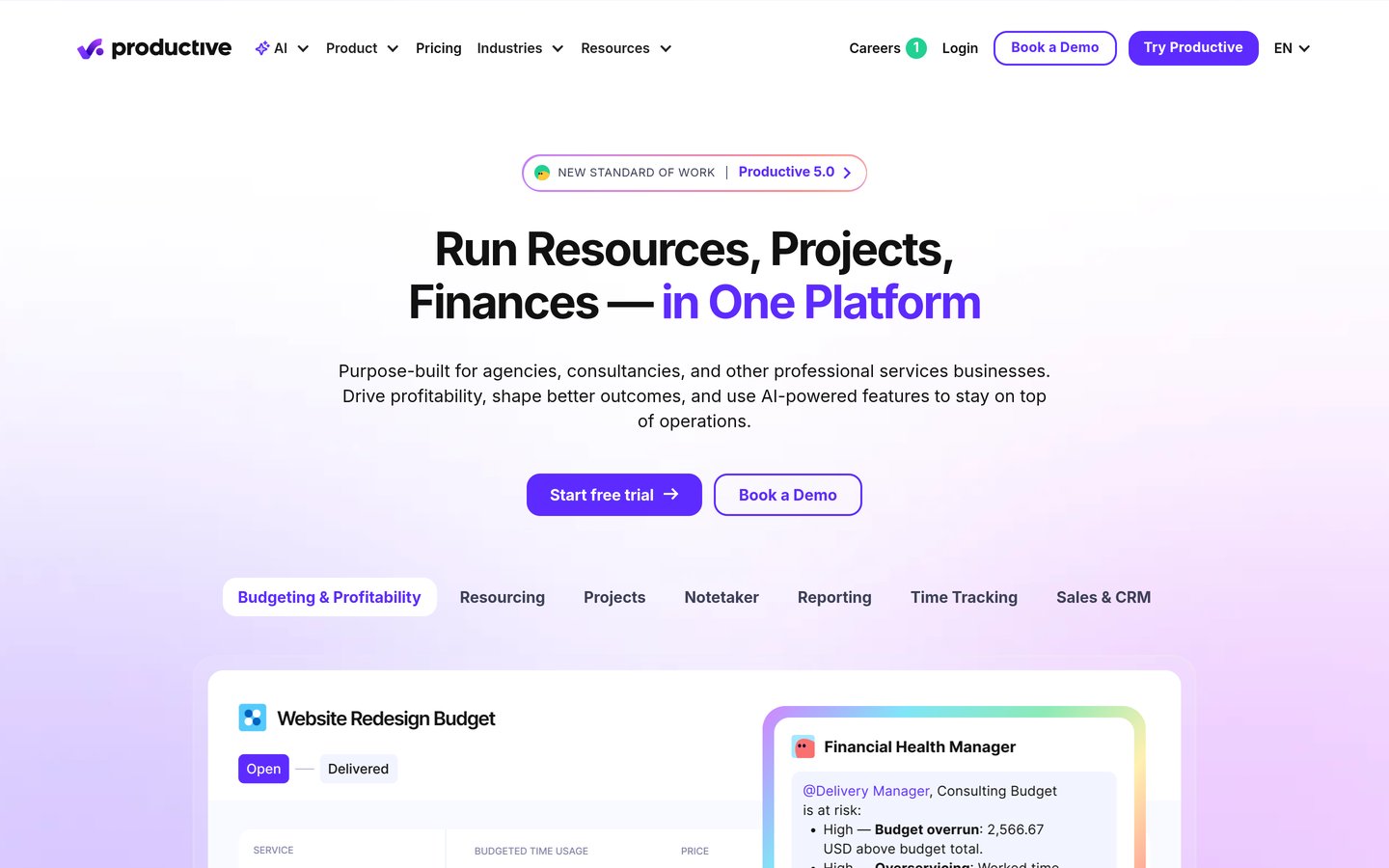
Productive is an agency operations platform that combines resource planning, time tracking, budgeting and invoicing. Essential costs $10 per user a month billed yearly, or $12 month to month.
The trade off is the review base. With 108 G2 reviews, Productive is one of the least-reviewed tools here despite its 4.7 rating. It suits agencies that want planning, time and billing in one place.
Wrike is a work management platform with workload views, capacity planning and time tracking. Team costs $10 per user a month, and a free plan covers basic task work.
The trade off is that Wrike is a work platform first, so resource planning sits beside projects rather than leading them. It suits teams that want projects and capacity in one tool.
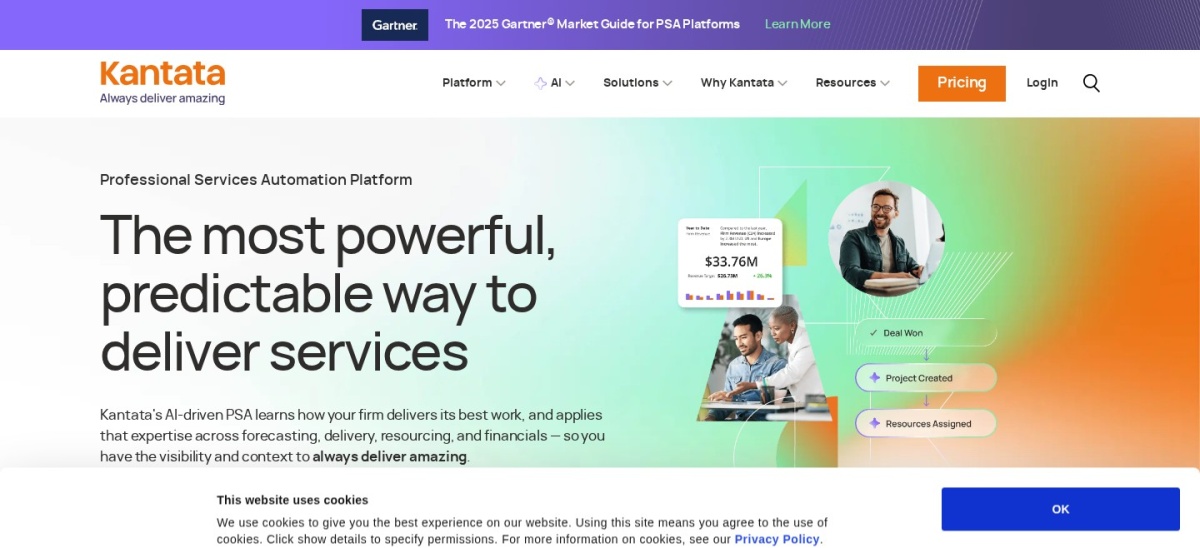
Kantata is a professional services automation platform that combines resource planning, project management and financials. Pricing is custom and quote-based.
The trade off is that there is no list price, and the platform is built for services firms rather than general teams. It suits professional services teams that want planning tied to project finances.
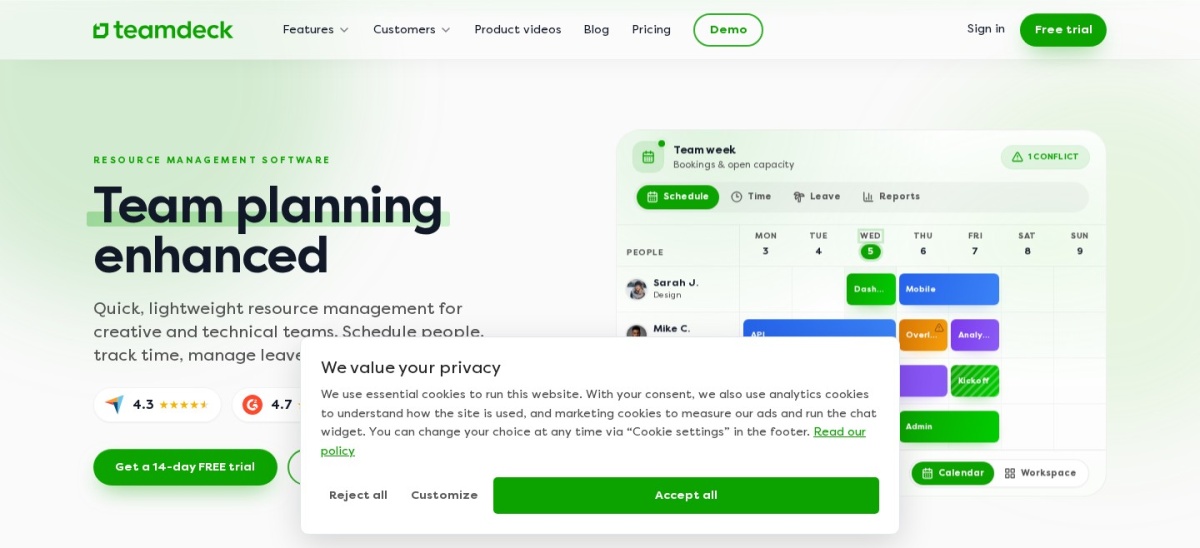
Teamdeck is a lightweight resource scheduler for small teams, with availability, time tracking and leave management. Full Member costs $6 per person a month, and Light Member is $2 for view-only access.
The trade off is the review base. With 15 G2 reviews, Teamdeck has the thinnest base in this list by far, so the 4.6 rating rests on very few voices. It suits small teams that want simple scheduling at a low price.
Float, Resource Guru, Runn and Teamdeck are built only for resource planning. They schedule people, track capacity and forecast workload, and little else.
Monday, Smartsheet, Wrike, Kantata and Productive are work platforms or agency systems with resource tools added on. They do more, but resource planning is not the core.
The dedicated planners are cheaper and faster to learn. The platforms cost more and need more setup, but they replace several tools at once.
Pick a dedicated planner if scheduling is the job. Pick a platform if you also need projects, time tracking or billing in the same place.
How we chose
We started from the resource tools with the strongest G2 ratings and review counts, then kept the nine with a verifiable G2 rating and a live pricing page.
Prices come from each vendor's pricing page, checked on 29 November 2026. Ratings and review counts come from G2 on the same day. Where a vendor shows a monthly and an annual rate, the list shows the annual rate.
We left out tools with no verifiable G2 rating and renamed products whose listings had moved. No vendor paid for a place, and we do not claim hands-on testing for this list.
How to choose top resource management software by user ratings
Start with who you schedule and how far ahead you plan, then check whether the price is per scheduled person or per user.
Count scheduled people, not total users. Float charges only for people on the schedule, and guests are free. Work out who actually needs a seat before you compare prices.
Check what is an add-on. Smartsheet Resource Management and monday Capacity Management cost extra. Ask for the full price with the add-ons you need.
Weigh the review base, not just the score. Teamdeck holds 4.6 from 15 reviews, while monday holds 4.7 from 17,940. A high score on a thin base means less.
Try the schedule view first. The calendar is where you will live. Check that it shows capacity, leave and project work the way your team thinks.
FAQ
What is the best resource management software by user ratings?
Float leads this list as the dedicated planner, with plans from $7 a scheduled person a month. Monday holds the joint highest rating at 4.7, from 17,940 G2 reviews.
How much does resource management software cost?
Paid plans here run from $5 a person a month at Resource Guru to $12 at Float Pro, all billed yearly. Kantata is the only quote-only tool, and Smartsheet charges extra for its resource add-on.
Is there a free resource management software?
Monday and Wrike both have free plans. Monday covers up to 2 seats, while Wrike covers basic task work. Float, Resource Guru and the rest start with a trial.
Which resource management software is best for agencies?
Float suits agencies best, with scheduling, capacity and project costing from $7 a scheduled person a month. Productive is the pick if you also want time tracking and invoicing in one place.
Float vs monday.com: which is better?
Float is better for dedicated resource planning, with a visual schedule and capacity views built for agencies. Monday is better if you want resource tools inside a wider work platform, but its best resource features are Enterprise-only.
What is the cheapest resource management software?
Resource Guru is the cheapest paid pick at $5 a person a month on Grasshopper. Teamdeck follows at $6, and Float starts at $7 per scheduled person.
SaaS SEO and WordPress specialist with about 8 years of experience. Rakib compares WordPress plugins, themes, hosting and software using public pricing, documentation and user reviews. See how we rank.