Float is the best resource scheduling software for most teams: at $7 per scheduled person a month, its Starter plan covers scheduling, capacity and time off, and G2 rates it 4.2 out of 5 from 2,249 reviews. Pick Resource Guru at $5 a month for the lowest price, or Runn for forecasting and project finances.
How we make this list: we compare pricing pages, product documentation and public user reviews, then re-check every price before each update. No product paid for a place. Disclosure.
Float leads at $7 per scheduled person a month with a live capacity view, rated 4.2/5 from 2,249 G2 reviews.
Resource Guru is the cheapest dedicated scheduler at $5 a person a month, rated 4.6/5 from 506 G2 reviews.
Runn pairs scheduling with project financials from $7 a resource a month, but plans start at 20 seats.
Teamdeck is the lowest per-seat price at $2 a month, though Light seats cannot log time.
Only Ganttic charges a flat monthly fee, $25 for up to 20 resources with unlimited viewers, while monday.com and Asana keep workload views on higher tiers.
What resource scheduling software should cover
Resource scheduling software shows who is working on what, and when they are free. It replaces the spreadsheet where bookings, holidays and project dates drift apart.
The core view is a timeline with each person, their booked hours and their capacity. Good tools flag overbooking, hold tentative bookings for work not yet won, and track time off beside project work.
Price is usually per person per month, but the billing unit differs. Float and Runn charge only for people on the schedule, Teamdeck charges per seat type, and Ganttic charges a flat fee for a set number of resources, so compare the bill for your team size, not the headline price.
Our guide on creating a content calendar covers the same planning habit for publishing, and the same rule applies here: a schedule only helps if it is kept up to date.
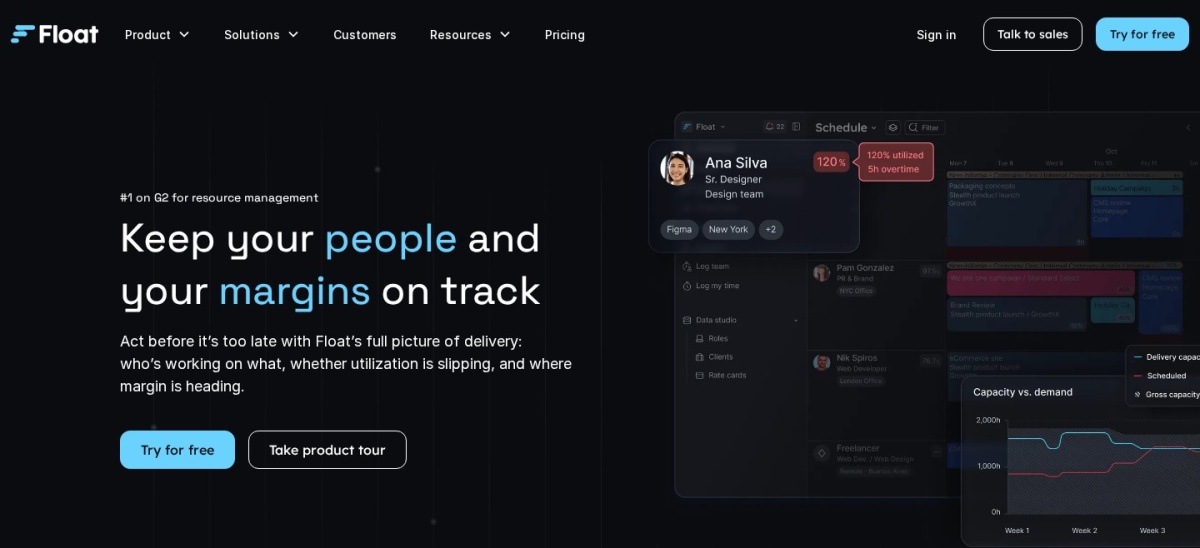
Float is a resource scheduling and capacity planning platform built around a visual timeline for agencies and delivery teams. Its Starter plan at $7 per scheduled person a month includes scheduling, capacity views, time off management, project scoping and API access, and only people on the schedule are billed.
The trade off is that time tracking, client rate cards, cost estimation and SSO need Pro at $12 per scheduled person a month. It suits agencies and delivery teams of about 10 to 200 people that want a clear live view of who is free and who is overbooked.
What we like
Only scheduled people are billed
Clear capacity view with overbooking flags
Time off and project scoping in Starter
Largest review base of the dedicated schedulers here
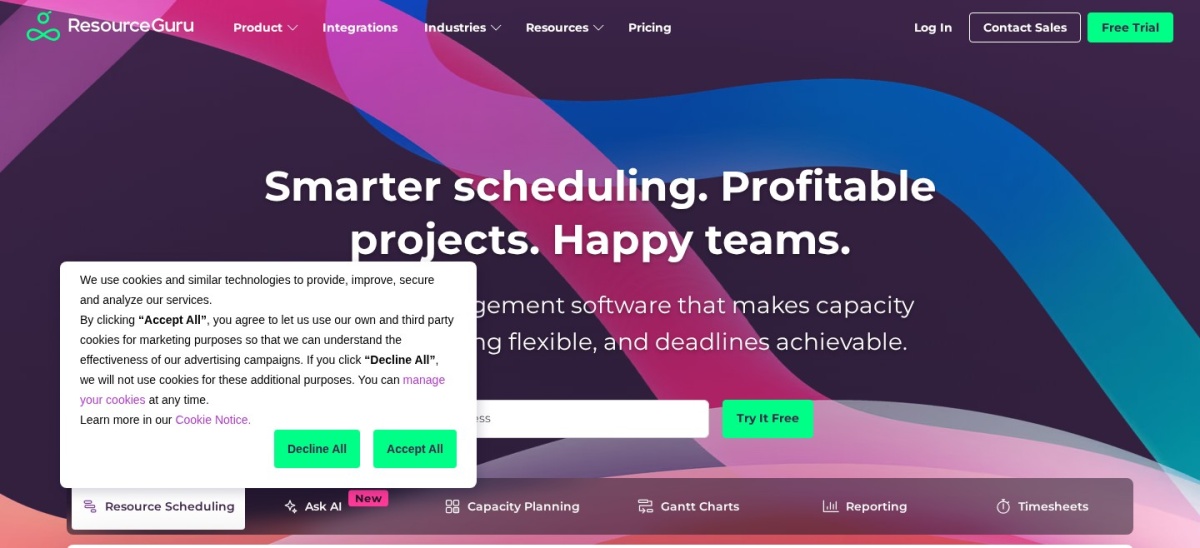
Resource Guru is a scheduling tool for teams that book people, equipment and rooms around real availability. Its Grasshopper plan at $5 per person a month includes drag-and-drop scheduling, clash management, leave management, calendar sync and unlimited projects and clients.
The trade off is reporting depth. Timesheets, custom reports and project budgets need Blackbelt at $8 per person a month, and SSO and approval workflows need Master at $12. It suits small and mid-sized teams that want simple scheduling without a heavy setup.
What we like
Lowest entry price of any dedicated scheduler here
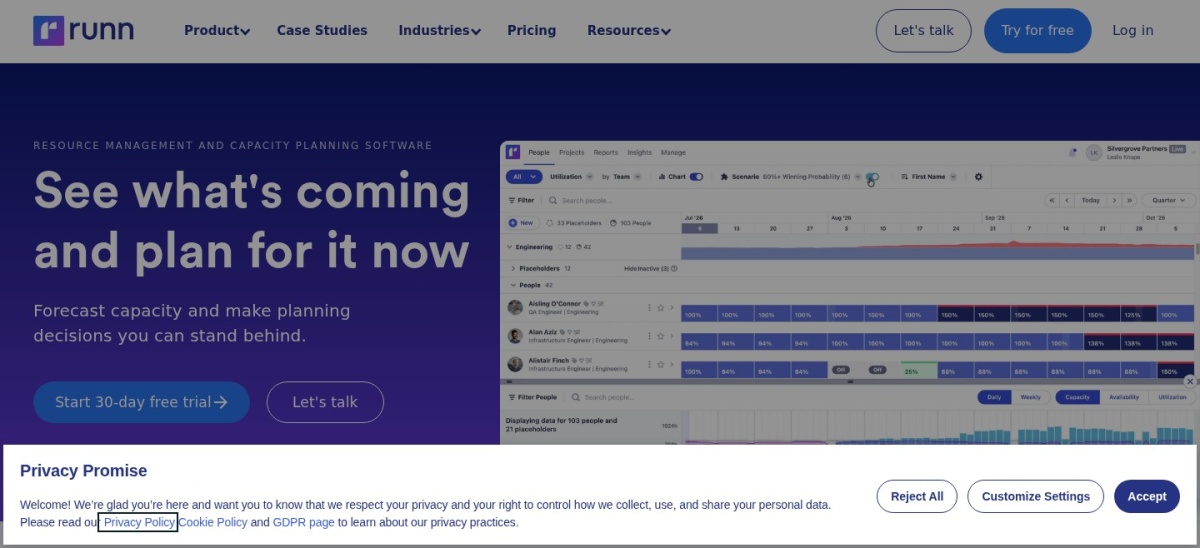
Runn is a resource planning and forecasting platform for professional services teams. Its Lite plan at $7 per resource a month covers scheduling, tentative projects, capacity and utilization charts, and skills and tags, with a 30-day free trial.
The trade off is the seat minimum. Plans start at 20 resource seats, so the smallest bill is $140 a month, and project financials need Standard at $11 per resource a month. It suits consulting and technical teams that plan tentative work and hiring against future capacity.
What we like
Tentative projects show work not yet won
Capacity and utilization charts in Lite
Forecasts hiring needs against demand
Watch out for
20-seat minimum on every plan
Financials need Standard at $11 a month
Standard adds project financials and the APIVisit runn.io
04
Teamdeck
4.6/5on G2 (15 reviews, checked Nov 2026)
Starts at$2/mo
Best low-cost option with time tracking
SchedulingCalendar with conflict flags
Time trackingFull Member seats only
Free trial14 days
Paid planLight Member, $2/person/month
teamdeck.io
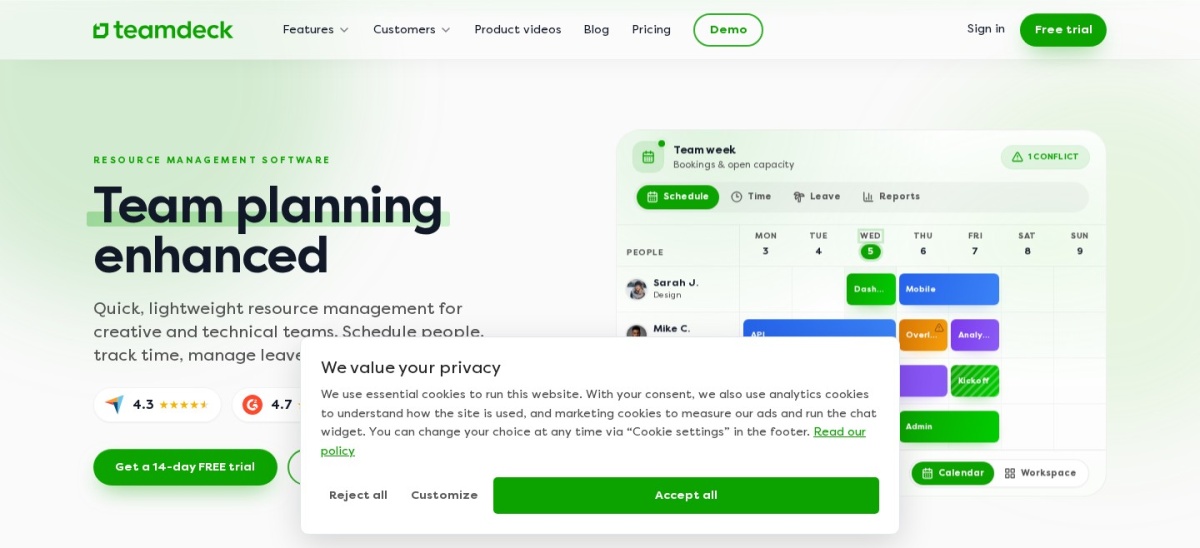
Teamdeck homepage, captured Nov 2026.
Teamdeck is a resource scheduling, time tracking and leave management tool for creative and technical teams. Every account gets the same features, with Light Member seats at $2 per person a month for calendar and report access and Full Member seats at $6 for scheduling and time tracking.
The trade off is the seat split. Light seats cannot log time, request leave or use the mobile app, so most teams pay the Full Member price for anyone who works in the tool. It suits small teams that want scheduling, timesheets and leave in one low-cost tool.
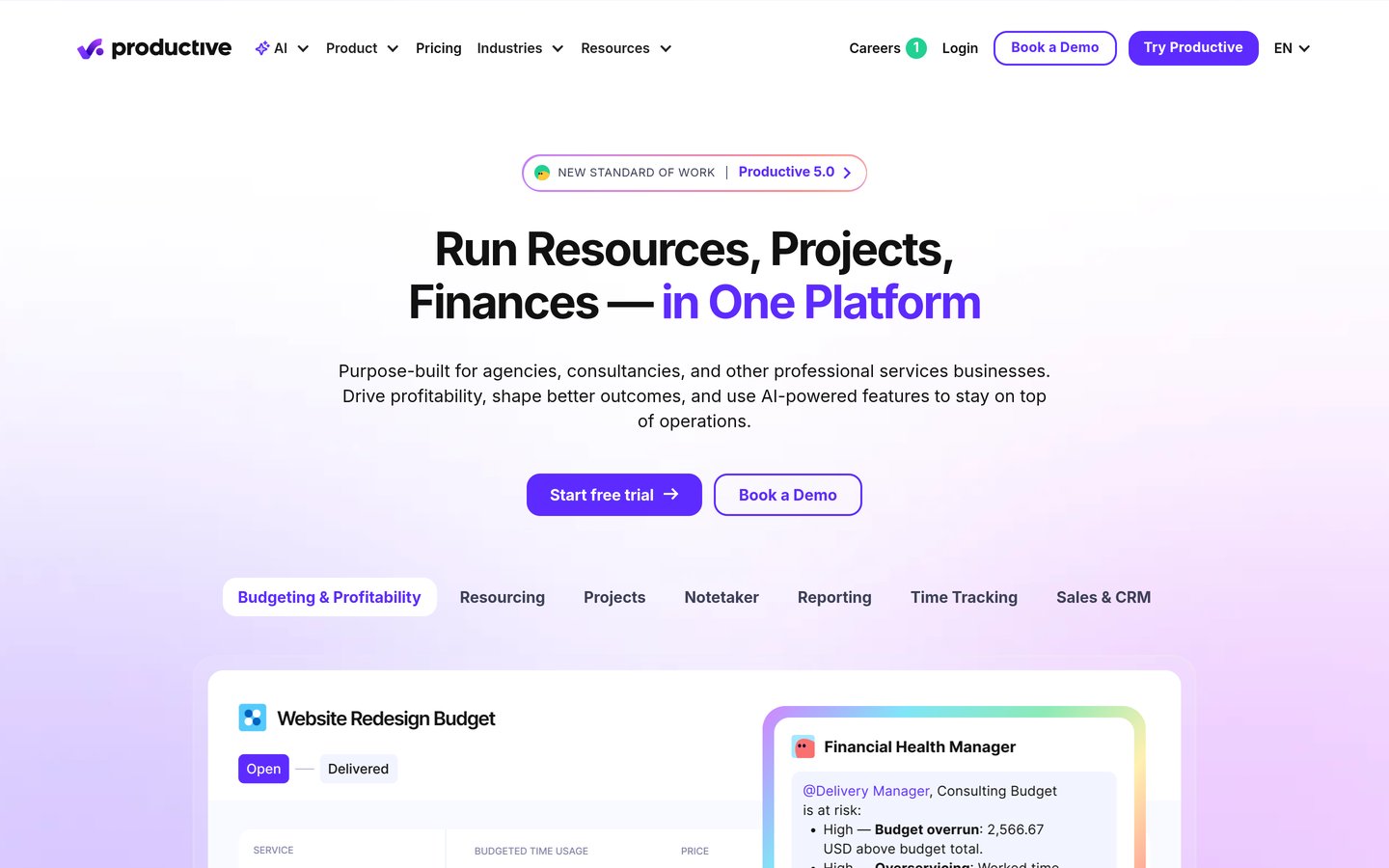
Productive is an agency management platform that joins resource planning, budgeting, project work, time tracking and billing in one system. Its Essential plan at $10 per user a month billed annually covers resource planning, budgets, time tracking, expenses and reporting, with a 3-user minimum.
The trade off is depth on the entry plan. Recurring budgets, advanced reports, rate cards and invoicing integrations sit on Professional at $25 per user a month billed annually. It suits agencies and consultancies that want resourcing tied to budgets and billing.
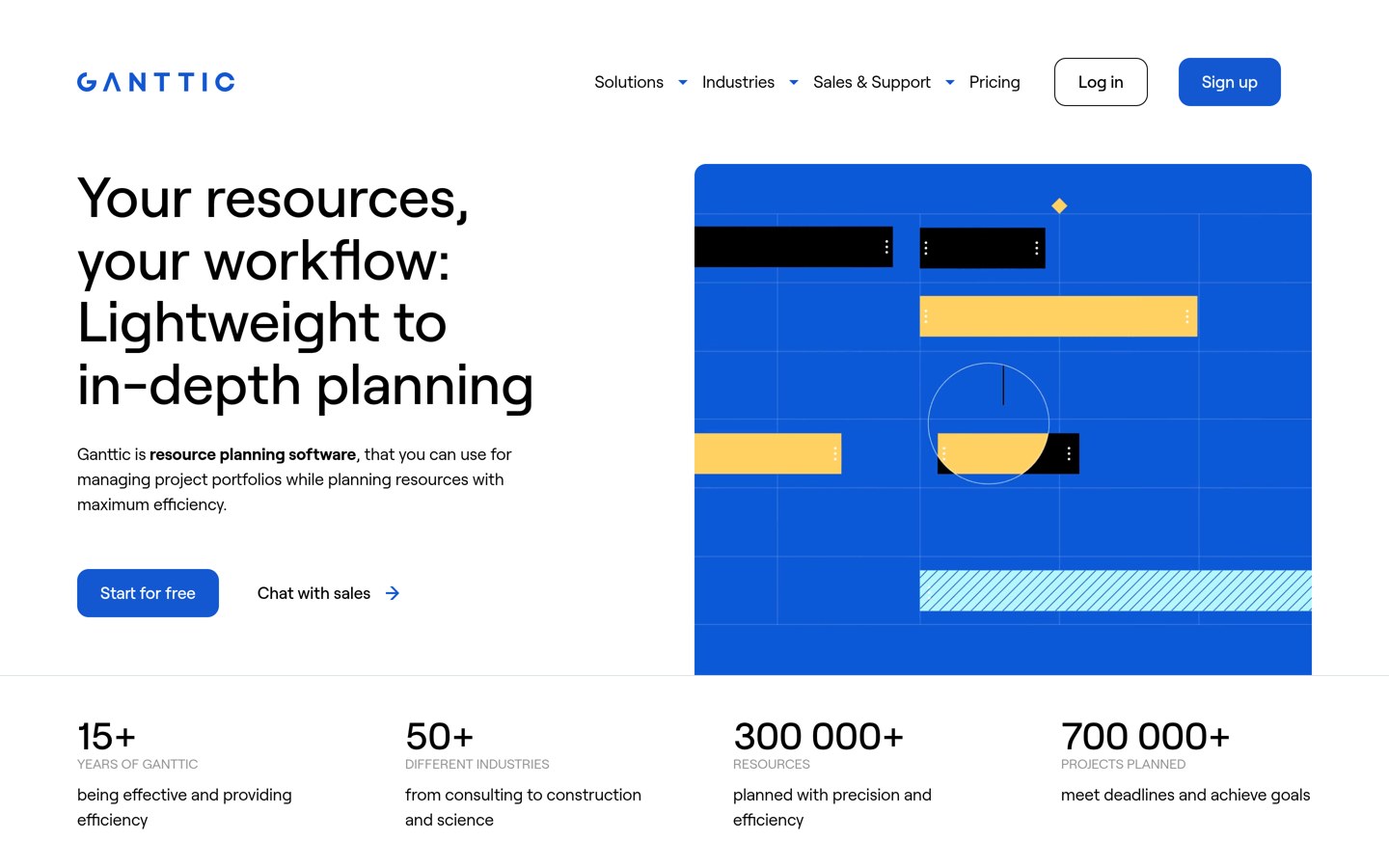
Ganttic is a Gantt-style resource planning tool that schedules people, rooms, vehicles and equipment on one visual plan. It is free for up to 10 resources, and the Pro 20 plan costs $25 a month flat with unlimited users, whatever their role.
The trade off is price per resource at small scale. A team with 11 resources pays the same $25 a month as a team with 20, and the price steps up to $59 a month at 50 resources. It suits teams that book non-human resources beside people and want many viewers for free.
What we like
Free for up to 10 resources
Flat fee with unlimited users
Books rooms and equipment beside people
Watch out for
Flat tiers can cost more than per-seat tools for small teams
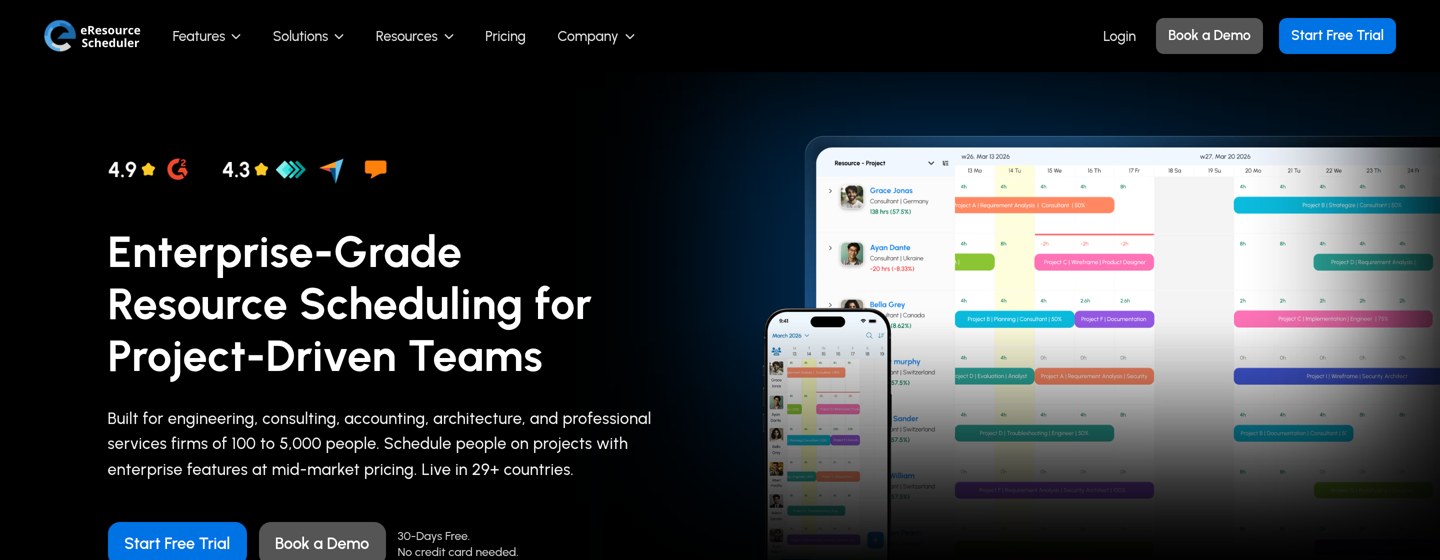
eResource Scheduler is enterprise resource scheduling software for project-driven engineering, consulting and accounting firms of 100 to 5,000 people. Its Scheduling module at $5 per resource a month includes drag-and-drop scheduling, heat maps, utilization reports, custom fields and API access.
The trade off is the modular price. Timesheets cost $4, financials $3 and extra scheduling features $2 more per resource a month, so a full setup costs $14 per resource a month. It suits large firms that want scheduling, timesheets and margin tracking in one place.
What we like
Highest G2 rating in this list at 4.9
Heat maps and utilization reports in the core module
monday.com is a work management platform whose boards, timelines and Gantt views can carry team scheduling. Its Basic plan at $9 per seat a month billed annually covers unlimited boards and items, with a free plan for up to 2 seats and a 3-seat minimum on paid plans.
The trade off is that real resource scheduling costs more. The workload view that shows who is overbooked sits on Pro at $19 per seat a month billed annually, and seats then increase in steps of five. It suits teams that already run projects on monday.com and want scheduling in the same place.
What we like
Largest review base here: 4.7 from 17,985 G2 reviews
Asana is a work management platform for planning projects, coordinating tasks and tracking team work. Its Starter plan at $10.99 per user a month billed annually adds Timeline and Gantt views, dashboards, unlimited automations and unlimited free guests, with a free Personal plan for up to 2 users.
The trade off is that capacity planning costs more. The workload view that shows who has too much work sits on Advanced at $24.99 per user a month billed annually, over twice the Starter price. It suits teams that already manage tasks in Asana and want light scheduling beside them.
Entry plans cover the schedule itself: bookings, capacity and time off. Time tracking, cost estimates and advanced reports usually sit one tier up.
Float keeps time tracking and rate cards on Pro at $12 a person a month, and Runn keeps financials on Standard at $11 a resource a month.
monday.com and Asana are the clearest example: their cheapest paid plans have no workload view, so scheduling by capacity needs Pro at $19 a seat a month for monday.com or Advanced at $24.99 a user a month for Asana.
Check the seat minimum too. Runn plans start at 20 resource seats, monday.com paid plans start at 3 seats, and Asana Starter needs 2 seats, so a one-person team pays for more than one seat.
How we chose
We started from dedicated resource scheduling tools and work platforms with a scheduling or workload view, then kept the nine with public prices and a public rating.
Prices come from each vendor's pricing page, checked on 26 November 2026. Ratings and review counts come from G2 and Capterra on the same day. Where a vendor shows a sale, the list shows the regular price.
We left out tools with no published price, including Saviom and Kantata, and tools whose product has been folded into another brand, including Forecast and Hub Planner. No vendor paid for a place, and we do not claim to have used these tools ourselves.
How to choose resource scheduling software
Start with who you schedule, then check what each seat really costs.
Count the people you schedule, not the people who log in. Float and Runn charge per scheduled person, so viewers cost nothing. Teamdeck and monday.com charge per seat, so a large viewing team costs more.
List the features you need before you compare prices. Time tracking, project budgets and workload views often sit on a higher tier. Check which tier holds them before you shortlist a tool on its entry price.
Try the trial with real project dates. Load two or three current projects and a holiday week, then check whether overbooking is flagged and reports show who is free.
Add up the bill for your team size. Seat minimums change the maths: Runn starts at 20 seats, monday.com at 3 seats, and Ganttic charges one flat fee whatever the viewer count.
FAQ
What is the best resource scheduling software?
Float is the best resource scheduling software for most teams. At $7 per scheduled person a month, Starter covers scheduling, capacity and time off, and G2 rates it 4.2 out of 5 from 2,249 reviews.
How much does resource scheduling software cost?
Dedicated schedulers in this list start at $2 to $10 per person a month, with Ganttic at a $25 flat monthly fee instead. Entry prices rise to $11 or $12 a month for time tracking and financials, and enterprise tools are quote only.
Is there free resource scheduling software?
Ganttic is free for up to 10 resources, and monday.com and Asana both offer free plans for up to 2 users. The free plans cover basic boards and scheduling, but workload views that flag overbooking need a paid tier.
What is the difference between resource scheduling and project management?
Resource scheduling answers who is free and who is overbooked across projects, while project management tracks tasks, deadlines and deliverables inside one project. Many teams run both, with a scheduler beside a task tool.
Can resource scheduling software track time off?
Yes, most tools in this list include time off or leave management in their entry plan, including Float, Resource Guru and Teamdeck. Time off is what stops a schedule from booking someone who is on holiday.
Which resource scheduling tool is best for small teams?
Resource Guru at $5 a person a month or Teamdeck at $2 a seat a month suit small teams best, since both cover scheduling, capacity and leave without a seat minimum. Float is the better pick once a team passes about 10 people.
SaaS SEO and WordPress specialist with about 8 years of experience. Rakib compares WordPress plugins, themes, hosting and software using public pricing, documentation and user reviews. See how we rank.