Best Resource Management Software in 2026: 7 Tools Compared
WLWPLegible EditorsLast verified 22 Nov 2026How we rank6 min read
★ Short answer
Float is the top pick for visual scheduling and capacity planning, starting at $7 per scheduled person per month on its Starter plan. Resource Guru fits teams booking people alongside rooms and equipment at $5 per person per month on its Grasshopper plan, while Productive suits agencies combining scheduling with budgets and invoicing from $10 per user per month.
How we make this list: we compare pricing pages, product documentation and public user reviews, then re-check every price before each update. No product paid for a place. Disclosure.
Float starts at $7 per scheduled person per month on Starter and holds a 4.2/5 rating across 2,249 G2 reviews.
Resource Guru starts at $5 per person per month on Grasshopper and holds a 4.6/5 rating across 506 G2 reviews.
Teamdeck starts at $2 per Light Member per month and $6 per Full Member per month with a 4.6/5 rating across 15 G2 reviews.
Runn starts at $7 per resource per month on Lite and holds a 4.8/5 rating across 33 Capterra reviews.
Productive starts at $10 per user per month on Essential (3-seat minimum) and holds a 4.7/5 rating across 104 G2 reviews.
Teamwork.com offers a free plan up to 5 users and 5 projects, with Basics starting at $9.99 per user per month billed yearly.
What to look for in resource management software
Dedicated resource schedulers focus on who is booked, for how many hours, and where team capacity is over- or under-used. They help managers spot scheduling clashes, account for time off, and balance workloads ahead of deadlines.
Full professional services automation tools tie capacity directly to billing rates, budgets, and profitability. If you track retainer burn or billable margins on every engagement, look for financial tracking alongside schedule views.
All-in-one work management suites keep tasks, workloads, and timesheets in one workspace. They work well when your team already runs daily tasks there, though they can charge per seat even for teammates who only view schedules.
Pay attention to how each vendor counts seats and billing terms. Some charge only for scheduled people or offer lighter non-login seats, while others require seat minimums or charge higher monthly rates than annual billing.
Best for visual team scheduling and capacity planning
Entry planStarter ($7/mo)
Free option30-day trial
Billing unitPer scheduled person
Rating sourceG2 (4.2/5)
float.com
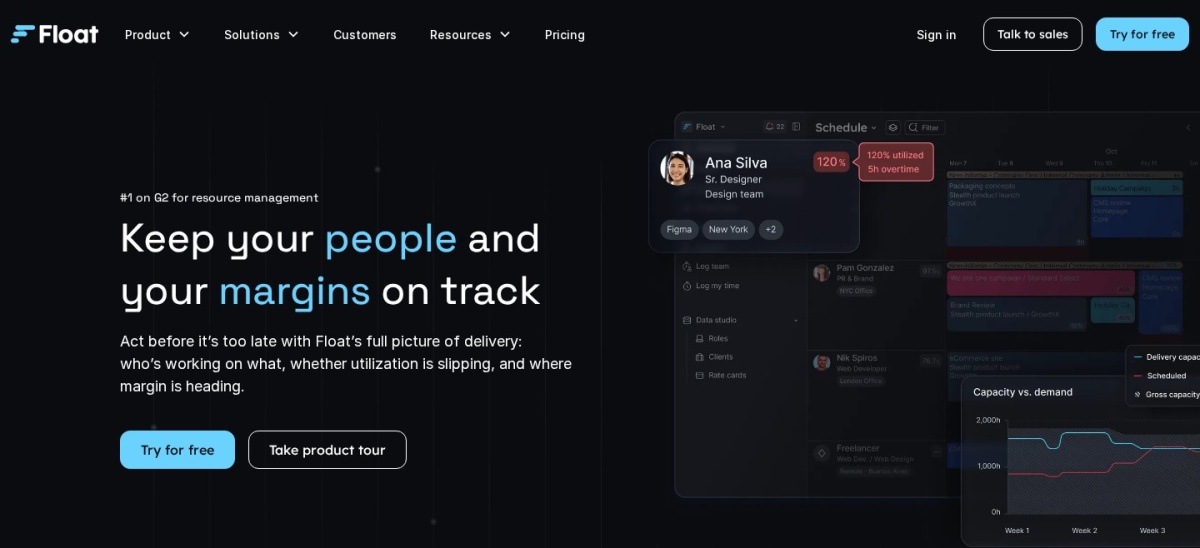
Float homepage, captured Nov 2026.
Float is a resource scheduling and capacity planning platform built around a visual timeline for teams and agencies. Its Starter plan at $7 per scheduled person per month includes capacity planning, time off management, project scoping, role suggestions, and API access.
The trade off is that time tracking, client rate cards, cost estimation, and custom access roles require upgrading to Pro at $12 per scheduled person per month. It suits agencies and delivery teams that want clear schedule visibility without paying for unscheduled teammates.
What we like
Clear visual timeline for team capacity and time off
Charges per scheduled person rather than every viewer
Includes API and calendar integrations on Starter
Watch out for
No permanent free plan, only a 30-day trial
Time tracking and rate cards sit on the Pro tier
Pro at $12/mo per scheduled person adds time tracking, rate cards, cost estimation, and SSO.Visit float.com
02
Resource Guru
4.6/5on G2 (506 reviews, checked Nov 2026)
Starts at$5/mo
Best for booking people, rooms, and equipment together
Entry planGrasshopper ($5/mo)
Free option14-day trial
Billing unitPer person
Rating sourceG2 (4.6/5)
resourceguruapp.com
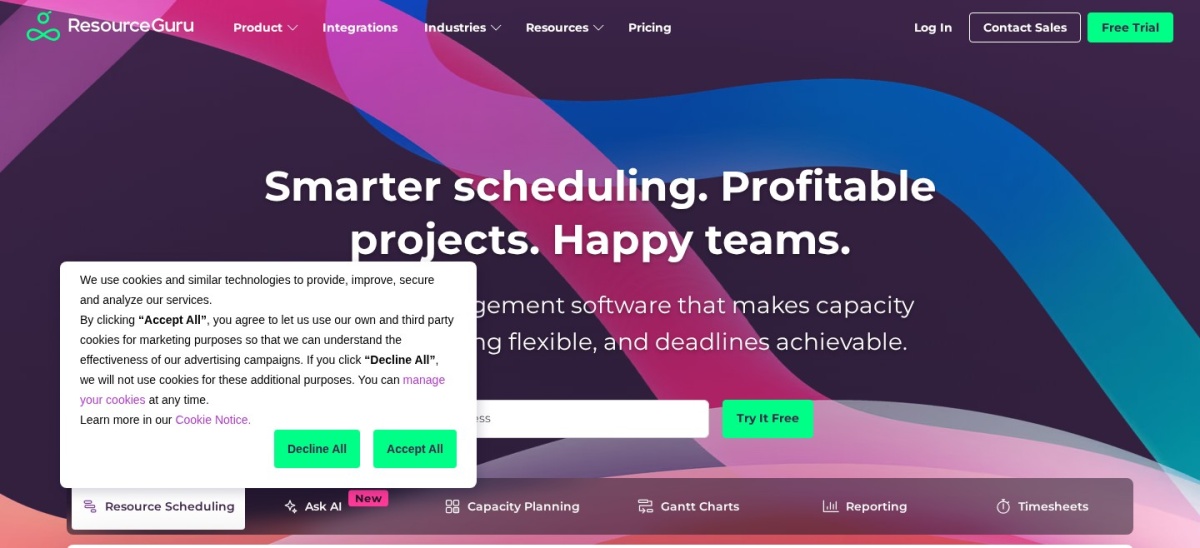
Resource Guru homepage, captured Nov 2026.
Resource Guru is a scheduling and clash-management tool for booking staff alongside physical assets like rooms and equipment. Its Grasshopper plan starts at $5 per person per month annually with tentative bookings, clash prevention, and skill search.
The trade off is that timesheets, custom reports, budgets, and utilization heatmaps require moving up to Blackbelt or Master, and annual billing discounts apply per year. It suits small and mid-sized teams booking mixed human and physical resources.
What we like
Strong clash detection and tentative booking workflows
Supports non-human resources such as rooms and gear
High user satisfaction across small and mid-sized teams
Best low-cost per-seat option with full core features
Entry planLight Member ($2/mo)
Free option14-day trial
Billing unitPer seat (Light/Full)
Rating sourceG2 (4.6/5)
teamdeck.io
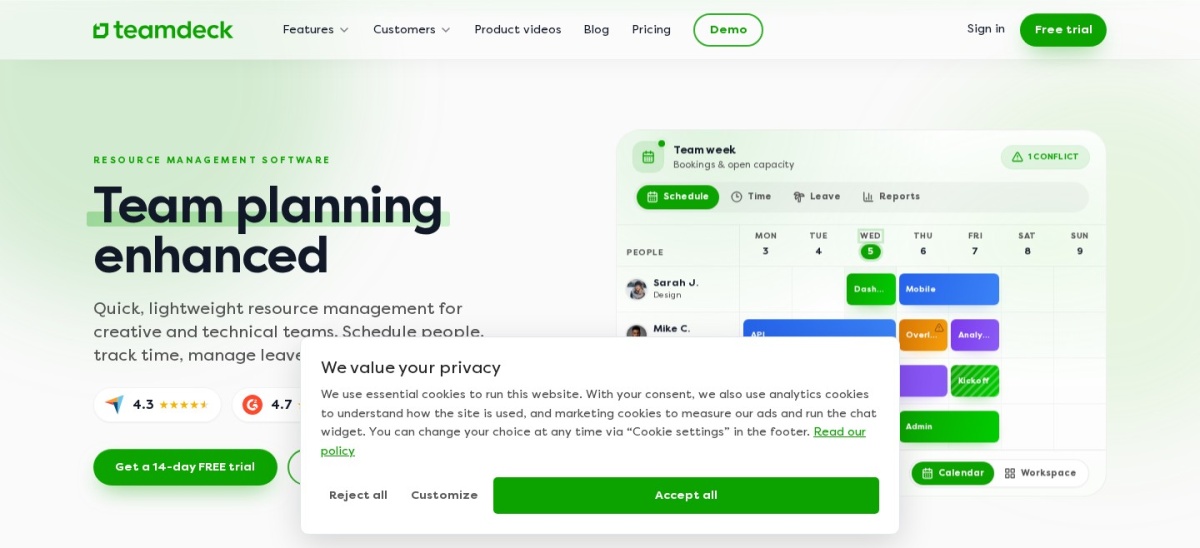
Teamdeck homepage, captured Nov 2026.
Teamdeck is a resource scheduling, time tracking, and leave management platform that includes its core feature set across accounts. It offers Light Member seats from $2 per person per month ($1.80 yearly) for calendar and report visibility and Full Member seats from $6 per month ($5.40 yearly).
The trade off is that Light Members cannot log into the app or mobile tools, and annual billing saves 10% rather than offering a free tier. It suits small teams and agencies that want scheduling, timesheets, and leave in one lightweight app.
What we like
Low entry price with Light and Full seat options
Combines resource scheduling, timesheets, and leave
Includes calendar sync, Slack integration, and API access
Watch out for
No permanent free plan, only a 14-day trial
Smaller review count on G2 than larger rivals
Full Member seats add app and mobile login, time tracking, and leave management.Visit teamdeck.io
04
Runn
4.8/5on Capterra (33 reviews, checked Nov 2026)
Starts at$7/mo
Best for capacity forecasting and scenario planning
Entry planLite ($7/mo)
Free option30-day trial
Billing unitPer resource seat
Rating sourceCapterra (4.8/5)
runn.io
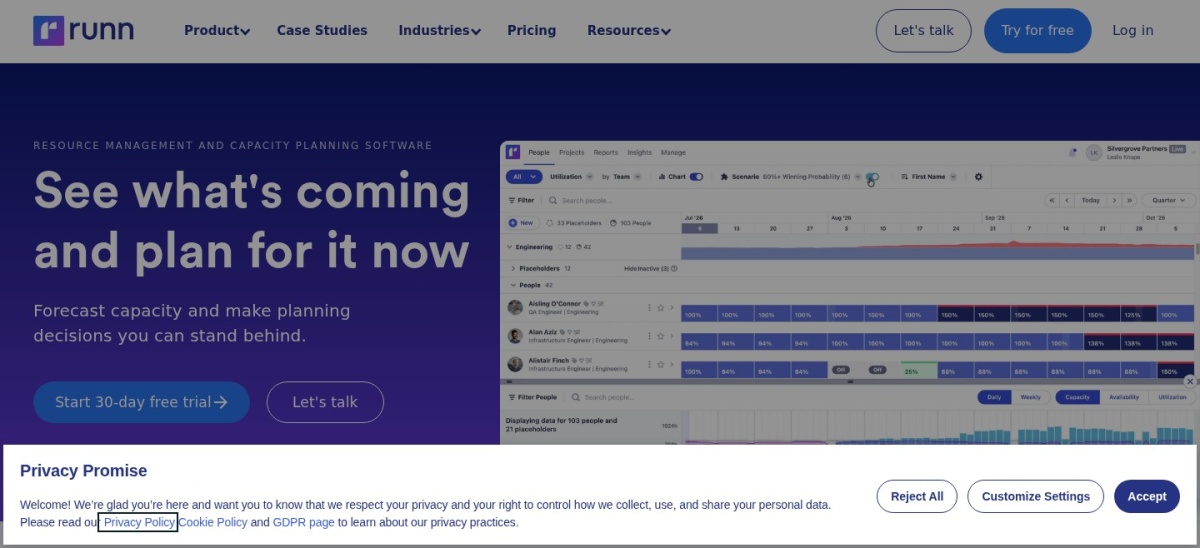
Runn homepage, captured Nov 2026.
Runn is a resource planning and forecasting platform designed to model future capacity and tentative project demand. Its Lite plan starts at $7 per resource per month with scheduling, tentative projects, capacity and utilization charts, skills, and project financials.
The trade off is that timesheets, API access, out-of-the-box integrations, and a 30-day audit log require the $11 per month Standard plan. It suits consultancies and services teams that need pipeline forecasting before hiring or committing.
What we like
Strong visual forecasting for tentative and pipeline work
Includes project financials from the Lite tier
Offers a 30-day free trial with no credit card
Watch out for
No free forever plan
Timesheets and integrations require Standard at $11/mo
Standard at $11/mo per resource adds timesheets, integrations, API access, and custom fields.Visit runn.io
05
Teamwork.com
4.4/5on G2 (1,226 reviews, checked Nov 2026)
Paid from$9.99/mo
Best free starter plan for client project delivery
Entry planBasics ($9.99/mo)
Free optionFree up to 5 users
Billing unitPer user (yearly)
Rating sourceG2 (4.4/5)
teamwork.com
Teamwork.com homepage, captured Nov 2026.
Teamwork.com is a client project and professional services platform with task boards, Gantt views, time tracking, and capacity tools. Its Free plan supports up to 5 users and 5 projects, while Basics starts at $9.99 per user per month billed yearly with up to 300 projects.
The trade off is that financial budgets, profitability tracking, tentative projects, and timesheet approvals require higher tiers such as Accelerate at $24.99 per user per month. It suits small client-facing teams starting on a free tier or growing into structured delivery.
What we like
Free plan available for up to 5 users and 5 projects
Built for client workflows with Gantt, board, and list views
Billable time tracking included on Basics
Watch out for
Project profitability and financial budgets sit on higher plans
Interface can feel dense for simple scheduling needs
Accelerate at $24.99/mo per user billed yearly adds budgets, quotes, and basic invoicing.Visit teamwork.com
06
Productive
4.7/5on G2 (104 reviews, checked Nov 2026)
Starts at$10/mo
Best for combining resourcing with budgets and profitability
Entry planEssential ($10/mo)
Free option14-day trial
Billing unitPer user (3-seat min)
Rating sourceG2 (4.7/5)
productive.io
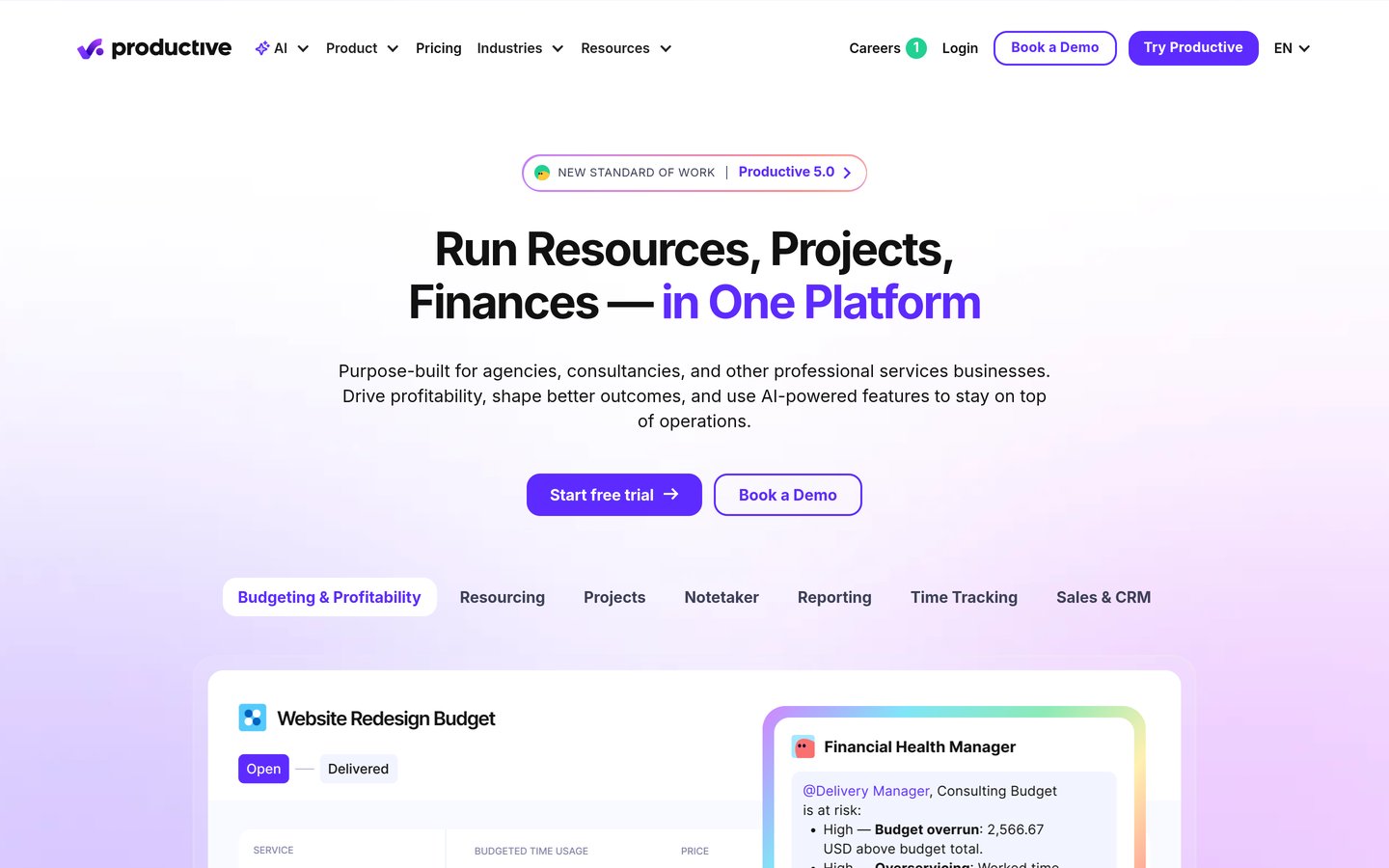
Productive homepage, captured Nov 2026.
Productive is an agency and consultancy operations platform combining resource planning, time tracking, budgeting, and reporting. Its Essential plan starts at $10 per user per month billed yearly ($12 monthly) with a 3-seat minimum.
The trade off is that invoicing starts on the $25 per user per month Professional plan, and there is no free tier beyond a trial. It suits agencies and consultancies that want utilization and budget tracking in one system.
What we like
Connects resource scheduling directly to project budgets
Includes time tracking, time off, and reporting in one hub
Strong review scores among agency operations buyers
Watch out for
Requires a 3-seat minimum on paid plans
Invoicing requires upgrading to the Professional tier
Professional at $25/mo per user billed yearly adds invoicing, rate cards, and skills tracking.Visit productive.io
07
ClickUp
4.6/5on G2 (15,881 reviews, checked Nov 2026)
Paid from$9/mo
Best all-in-one workspace with a free tier
Entry planCore ($9/mo)
Free optionFree Forever
Billing unitPer user (yearly)
Rating sourceG2 (4.6/5)
clickup.com
ClickUp homepage, captured Nov 2026.
ClickUp is a broad work management platform combining tasks, docs, Gantt charts, time tracking, and workload views. It offers a Free Forever plan at $0 and a Core paid plan starting at $9 per user per month billed yearly ($12 monthly).
The trade off is that full Resource Management and Timesheets sit on the Business plan at $17 per user per month billed yearly, and large setups can feel complex. It suits teams that already run tasks in ClickUp and want workload visibility alongside daily work.
What we like
Free Forever plan lets teams test task workflows first
Combines task management, docs, and time tracking in one app
Large review footprint with 15,881 G2 reviews
Watch out for
Resource Management and timesheets require Business at $17/mo
Broad feature set can add setup overhead
Business at $17/mo per user billed yearly unlocks Resource Management, timesheets, and Google SSO.Visit clickup.com
Dedicated schedulers vs. all-in-one work hubs
Dedicated tools like Float, Resource Guru, and Teamdeck focus on capacity calendars, availability, and scheduling speed. Teams often pair them with a separate task tracker or accounting app when they do not want heavy task management clutter.
All-in-one platforms like Teamwork.com, Productive, and ClickUp keep tasks, time entries, and project workflows in one place. They reduce app switching for cross-functional teams, though they can cost more per seat when you expand across departments.
How we chose
We built this list from established resource management and project delivery platforms with active public review profiles and published pricing.
All prices, review counts, and ratings were checked on 22 Nov 2026 using official vendor pricing pages and public review directories (G2 and Capterra).
We excluded tools that lacked transparent entry pricing or focused solely on enterprise custom quotes without a clear starting tier. No vendor paid for a place, and we do not claim testing for this list.
How to choose resource management software
Follow four practical steps to match a tool to how your team plans and bills work.
Map how your team schedules work. Decide whether you need a visual timeline for people and tentative projects or workload views tied directly to task lists.
Check seat and billing rules early. Compare per-scheduled-person pricing against per-user pricing, seat minimums, and annual versus monthly billing rates.
Verify time and budget features. Confirm whether timesheets, rate cards, and budget tracking are included on the entry tier or gated behind higher plans.
Test with one live project. Run a real project schedule and time-off calendar during a free trial or free plan before rolling it out to everyone.
FAQ
What is the best resource management software overall?
Float stands out for visual scheduling and capacity planning, starting at $7 per scheduled person per month on Starter. If you also need room and equipment bookings, Resource Guru starts at $5 per person per month on Grasshopper.
Which resource management tools have a free plan?
Teamwork.com offers a free plan for up to 5 users and 5 projects, and ClickUp provides a Free Forever plan starting at $0. Other tools on this list offer time-limited free trials rather than a permanent free tier.
How does per-person pricing differ from per-user pricing?
Per-person or per-scheduled-person plans often count only people assigned to schedules or active seats, whereas per-user plans can charge for every teammate in the workspace. Always check how a vendor counts part-time staff, contractors, and viewers.
Do I need timesheets inside my resource management tool?
Timesheets help compare planned hours against actual hours worked, especially on billable client projects. However, if your team already tracks time elsewhere, a lighter scheduling tool can keep setup simpler.
What is the difference between capacity planning and forecasting?
Capacity planning tracks current availability, bookings, and time off across your team. Forecasting looks further ahead using tentative projects and pipeline demand to plan hiring or future project commitments.
Are annual plans cheaper than monthly billing?
Most vendors offer lower effective monthly rates when you pay annually rather than month to month. Check whether annual discounts apply automatically or require a full year paid upfront.