R-Studio is the top rated data recovery software RAID pick for rebuilding failed arrays, with a one-time licence and a dedicated RAID reconstruction module. EaseUS is the easier guided choice, while Disk Drill suits Mac and Windows users who want one licence for both.
How we make this list: we compare pricing pages, product documentation and public user reviews, then re-check every price before each update. No product paid for a place. Disclosure.
R-Studio is the only pick built first for RAID, with automatic parameter detection and a one-time $79.99 licence.
EaseUS holds the highest rating here at 4.8 out of 5 from 424 G2 reviews, and its Pro plan covers NAS, Linux and RAID.
Disk Drill costs $69 a year and covers Mac and Windows under one licence, with a Black Friday price of $41.40 today.
Stellar and Ontrack keep RAID recovery in higher tiers, so check the edition before you buy, not just the starting price.
DMDE is the cheapest paid plan at $20 a year, and its free version recovers up to 4,000 files per folder.
How do you choose the top rated data recovery software raid?
Start with the RAID level and the damage. A deleted file on a healthy array is a different job from a RAID 5 with two failed drives, and only some tools rebuild the array virtually before recovering files.
Check which edition actually includes RAID. Several tools in this list sell RAID recovery only in a higher tier, so the cheapest paid plan on the page may not do the job you need.
Image the drives before you scan. A byte-level copy of each member drive lets the software rebuild the array from the images, while the originals stay untouched if a setting goes wrong.
If a drive clicks, smells burnt or is not detected at all, stop and call a lab. No software in this list can fix a dead drive, and running scans on failing hardware can make the damage worse.
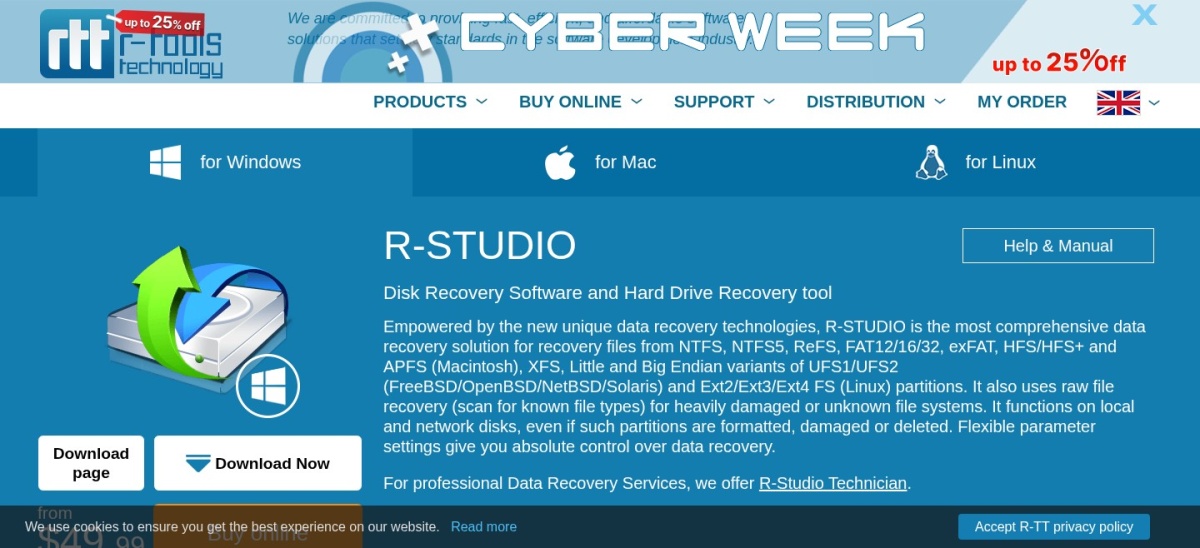
R-Studio is a professional recovery suite from R-Tools Technology for Windows, Mac and Linux that rebuilds RAID arrays virtually and recovers data from damaged partitions. The demo scans and previews everything but only recovers files up to 1,024 KB, so a licence is needed for a real job.
The trade off is the learning curve. R-Studio assumes you know disk layouts and RAID levels, and its interface is dense compared with the guided tools here. It suits technicians and confident users who need a full RAID rebuild for a one-time price.
What we like
Virtual RAID rebuild with automatic parameter detection
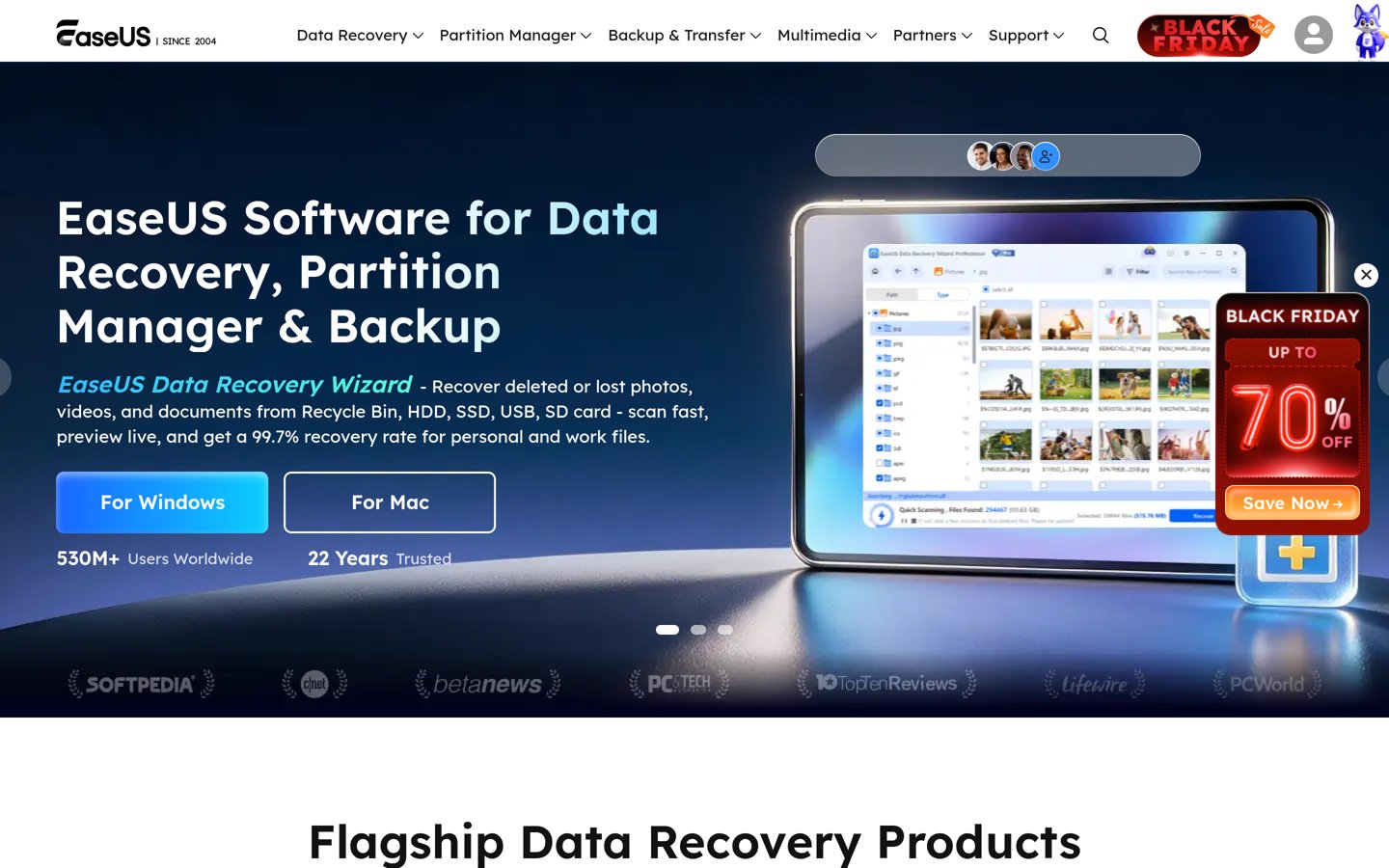
EaseUS Data Recovery Wizard homepage, captured Nov 2026.
EaseUS Data Recovery Wizard is a guided recovery tool for Windows and Mac that covers deleted files, formatted drives, NAS, Linux and RAID. The free version recovers up to 2 GB, and the Pro plan adds unlimited recovery plus crashed-PC rescue.
The trade off is the yearly price. Pro costs $99.95 a year, which is the highest yearly figure in this list, and it renews unless you cancel. It suits beginners and small teams who want a guided RAID recovery without learning disk layouts.
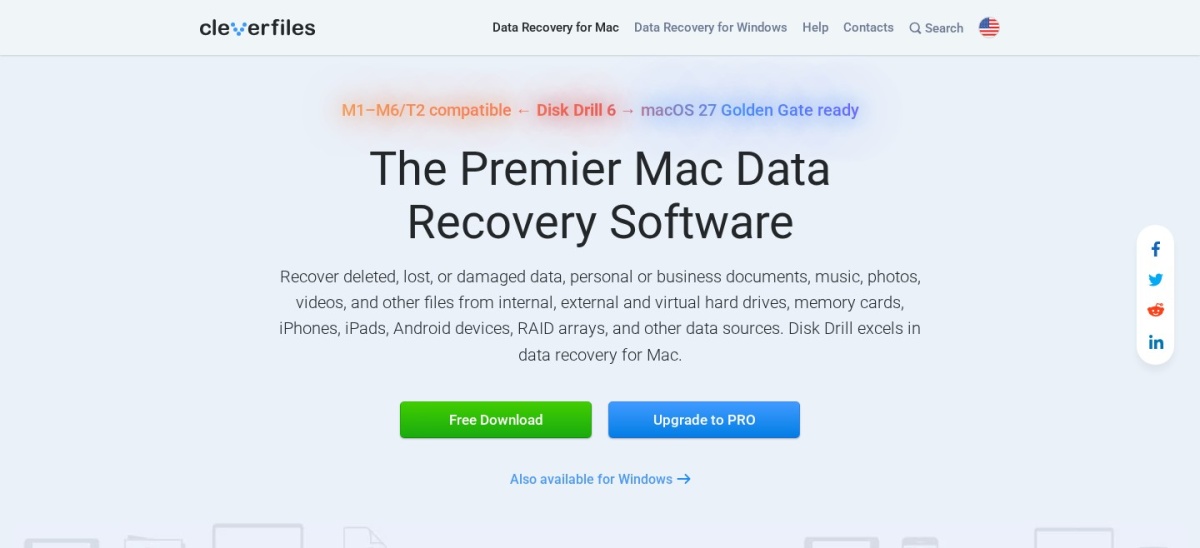
Disk Drill is a cross-platform recovery app from CleverFiles for Mac and Windows, with byte-to-byte disk imaging and recovery from RAID arrays. The free Basic edition scans and previews files, and recovers up to 100 MB on Windows.
The trade off is the sale pricing. The official page lists $69 a year with a Black Friday price of $41.40 today, and PRO purchases are non-refundable except where the law requires it. It suits households with both a Mac and a PC under one licence.
4.8/5on Trustpilot (5,610 reviews, checked Nov 2026)
Paid from$59.99/yr
Best for photo and video repair beside RAID
RAID supportTechnician edition only
Free recoveryUp to 1 GB
PlatformsWindows and Mac
Paid planStandard, $59.99/yr
stellarinfo.com
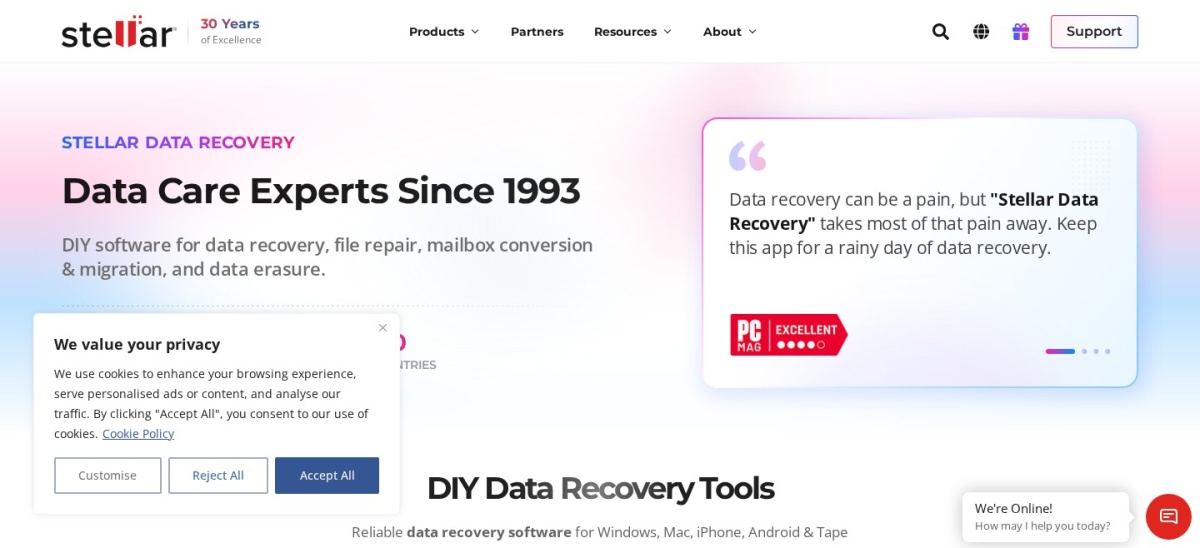
Stellar Data Recovery homepage, captured Nov 2026.
Stellar Data Recovery is a recovery tool for Windows and Mac that handles deleted files, formatted drives and lost partitions. The free version recovers up to 1 GB, and higher tiers add photo and video repair plus RAID recovery.
The trade off is the tiering. RAID recovery sits in the Technician edition at $99.99 a year, not the $59.99 Standard plan, so the cheapest price on the page does not cover RAID. It suits users who also want photo and video repair beside recovery.
What we like
Largest review base here, 4.8 out of 5 on Trustpilot
Wondershare Recoverit homepage, captured Nov 2026.
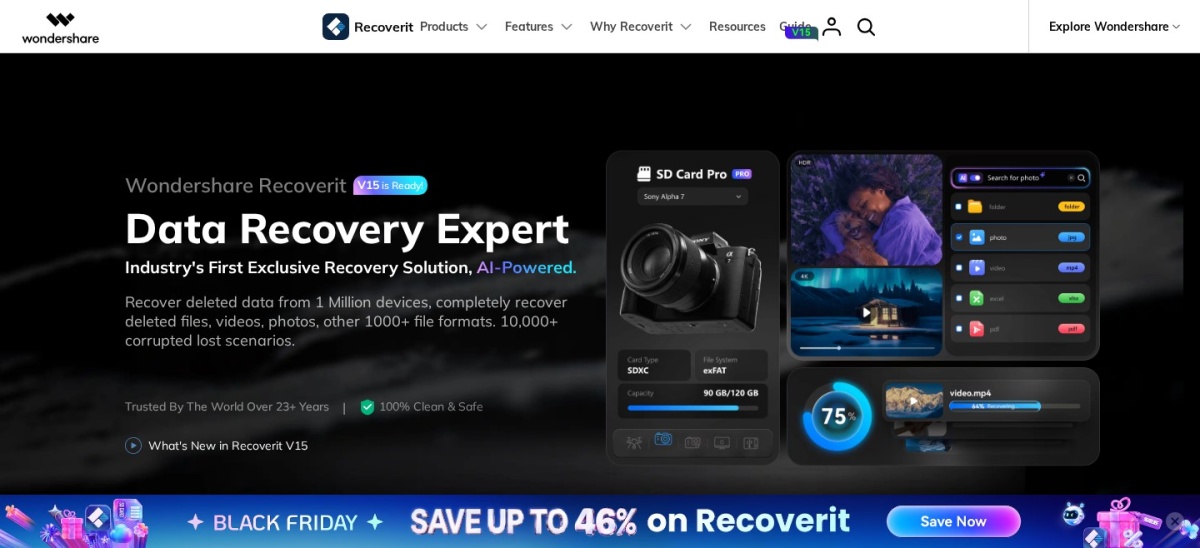
Wondershare Recoverit is a recovery tool for Windows and Mac that handles deleted files, crashed systems, NAS storage and corrupted media. The free version scans and previews files with a small recovery limit, and paid plans add NAS and RAID recovery.
The trade off is the tiering and the renewal. RAID and NAS recovery sit in the Premium plan at $99.99 a year, and yearly plans renew automatically unless you turn renewal off. It suits creative users who also need photo and video repair.
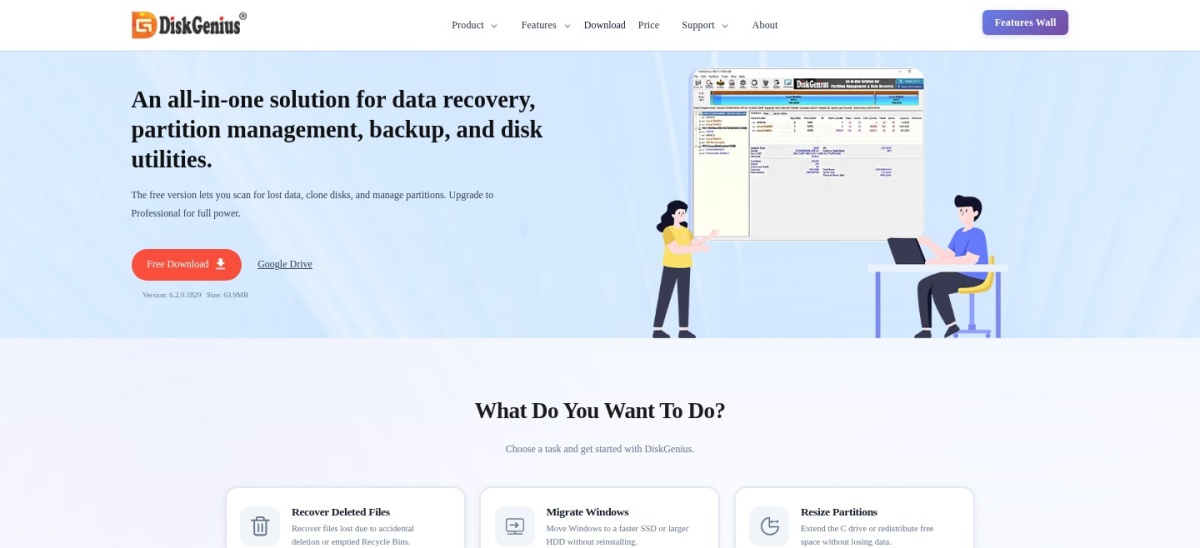
DiskGenius is a Windows disk utility from Eassos that combines file recovery with partition management, disk cloning and bad-sector checks. The free edition scans and previews files, and the Professional edition adds full recovery with RAID support.
The trade off is the Windows-only focus and the price ladder. RAID recovery needs the Professional edition at $99.90 a year, while the cheapest paid option is a one-month licence at $69.90. It suits Windows users who want partition tools beside recovery.
What we like
Partition manager, cloning and recovery in one tool
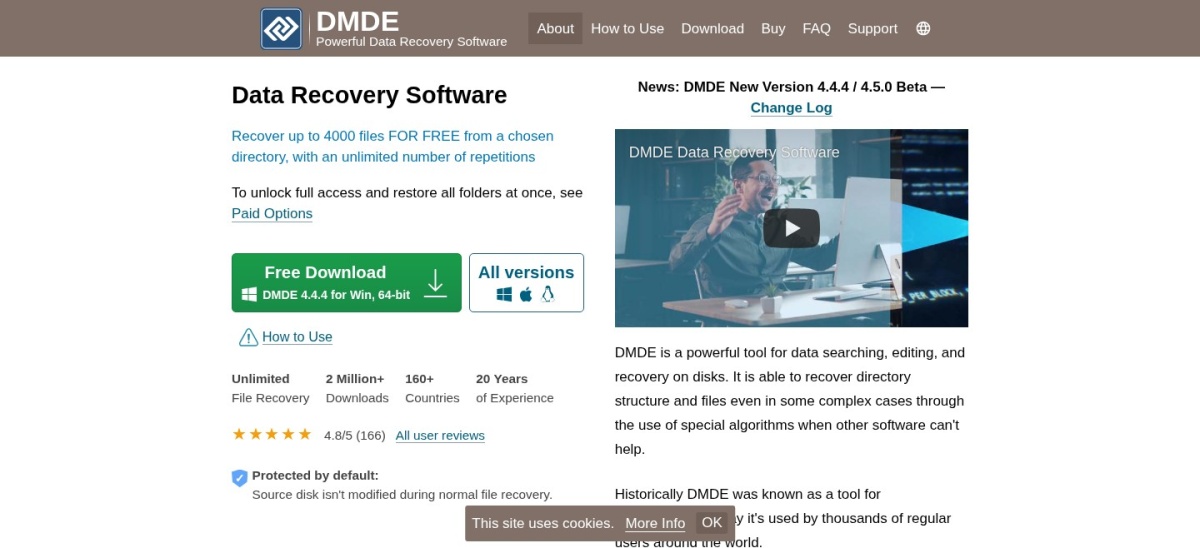
DMDE is a disk editor and recovery tool for Windows, Mac and Linux aimed at technical users. The free version recovers up to 4,000 files from one directory at a time, and it rebuilds RAID arrays, edits partitions and handles many file systems.
The trade off is the interface. DMDE is dense and technical, with a hex editor and disk tools that beginners can find hard to use. It suits technicians and confident users who want pro-grade RAID recovery for $20 a year.
What we like
Cheapest paid plan here at $20 a year
Free version recovers up to 4,000 files per folder
2.9/5on Trustpilot (2,608 reviews, checked Nov 2026)
Paid from$59.99/yr
Best lab-backed RAID recovery
RAID supportPremium and Toolkit
Free recovery1 GB, files under 25 MB
PlatformsWindows and Mac
Paid planHome, $59.99/yr
ontrack.com
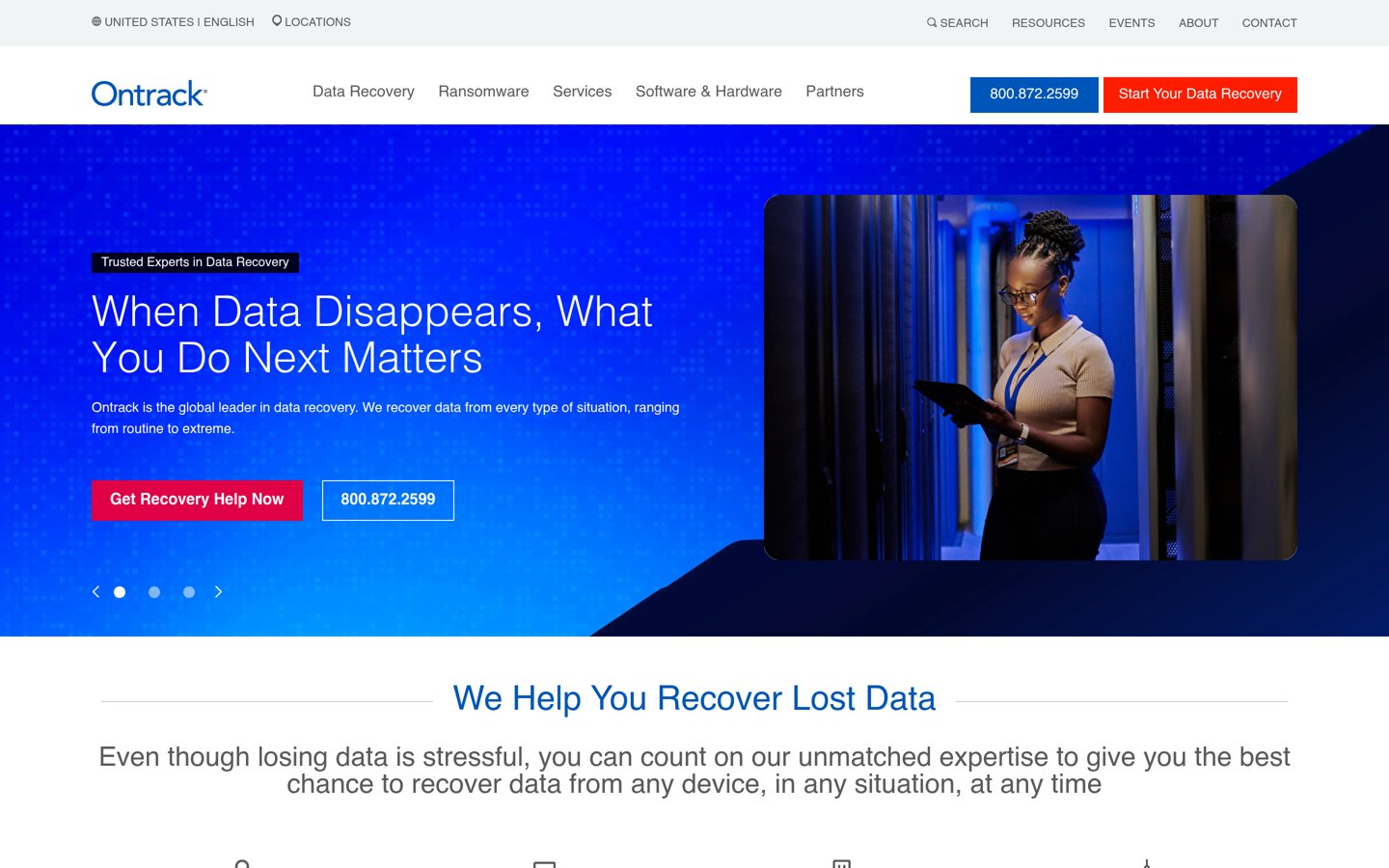
Ontrack EasyRecovery homepage, captured Nov 2026.
Ontrack EasyRecovery is the DIY software from Ontrack, a long-running data recovery company with lab services behind it. The free version recovers up to 1 GB, with each file under 25 MB, and paid editions add RAID recovery, disk imaging and media repair.
The trade off is pricing clarity. The official site does not show all paid prices in one table, and the $59.99 Home price comes from a 2026 review of the checkout pages. It suits users who want a lab-backed brand and may need to escalate to a professional service.
What we like
Lab-backed brand with recovery services behind it
RAID recovery in Premium and Toolkit editions
Free version recovers up to 1 GB
Disk imaging and media repair in higher tiers
Watch out for
Lowest Trustpilot score here at 2.9 out of 5
Paid prices are not shown in one place on the site
Software recovery works on logical damage: deleted files, a formatted volume, a lost partition or a degraded array with readable drives.
It cannot fix physical damage. Clicking, grinding, a drive that spins down, or a controller that is not detected all point to a lab, not an app.
Image first, recover second. A byte-level copy of each member drive lets the software rebuild the array from the images while the originals stay untouched.
How we chose
We started from the recovery tools most often recommended for RAID in 2026 round-ups, then kept eight with a published rating on G2, Capterra or Trustpilot and a current price.
Prices come from each vendor's pricing page or store, checked in November 2026. Ratings and review counts come from G2, Capterra and Trustpilot in the same month. Where a vendor shows a sale, the list shows the regular price and notes the sale figure.
We left out tools with no public rating on G2, Capterra or Trustpilot, including UFS Explorer RAID Recovery and ReclaiMe Pro. No vendor paid for a place, and we do not claim hands-on testing for this list.
How to choose RAID data recovery software
Match the tool to the array first, then to your skill level, and image the drives before you scan.
Work out what failed. A deleted file needs a simple scan. A degraded RAID 5 or a lost partition needs virtual rebuild and disk imaging, which only the pro tools here do well.
Check the edition, not the headline price. Stellar, Recoverit and Ontrack keep RAID recovery in higher tiers. Confirm the edition you are buying includes RAID before you pay.
Image every member drive first. Copy each disk byte for byte, then rebuild the array from the images. That way a wrong setting cannot overwrite the originals.
Run the free scan before paying. Every tool here lets you scan and preview first. If the scan does not find your files, do not buy the licence.
FAQ
What is the top rated data recovery software RAID in 2026?
R-Studio is the strongest choice for RAID recovery in 2026. It rebuilds RAID 0, 1, 5, 6 and 10 virtually, detects array parameters automatically, and costs $79.99 once instead of a yearly subscription.
How much does RAID data recovery software cost?
Paid RAID recovery tools in this list cost from $20 a year for DMDE to $99.95 a year for EaseUS, with R-Studio at $79.99 once. Most tools also offer a free scan, so you can preview recoverable files before paying anything.
Is there free RAID data recovery software?
Yes, but free recovery is limited. DMDE recovers up to 4,000 files per folder for free, EaseUS recovers up to 2 GB, and Ontrack recovers up to 1 GB. For a full RAID rebuild you will usually need a paid licence.
Which RAID data recovery software is best for beginners?
EaseUS Data Recovery Wizard is the easiest pick for beginners. Its wizard walks you through each step, and it holds a 4.8 out of 5 rating from 424 G2 reviews. Choose R-Studio instead if you are comfortable with technical settings and need a full RAID rebuild.
R-Studio or EaseUS: which is better for RAID recovery?
R-Studio is better for serious RAID work, with virtual rebuilds, a hex editor and disk imaging for damaged arrays. EaseUS is better for a guided recovery on a healthy array, with a simpler interface and a 2 GB free allowance.
Can data recovery software fix a physically dead RAID drive?
No. Software can only recover data from drives the computer can still read. If a drive clicks, is not detected, or has physical damage, stop using the array and send it to a professional recovery lab.
SaaS SEO and WordPress specialist with about 8 years of experience. Rakib compares WordPress plugins, themes, hosting and software using public pricing, documentation and user reviews. See how we rank.