Disk Drill is the best file recovery software for most people, with a free scan and preview, 100 MB of free recovery on Windows, and PRO at $89 a year. Pick EaseUS for the largest free cap at 2 GB, and R-Studio for badly damaged drives or RAID.
How we make this list: we compare pricing pages, product documentation and public user reviews, then re-check every price before each update. No product paid for a place. Disclosure.
Disk Drill is the best all-round pick: free scan and preview, 100 MB free recovery on Windows, and PRO at $89 a year.
EaseUS has the largest free cap at 2 GB, so try it first for a deleted folder of documents or photos.
Stellar and Recoverit both score 4.7 or higher on Trustpilot, but check the list price: Stellar lists at $69.99 a year and Recoverit at $119.99.
R-Studio and DMDE are the pro picks for damaged drives and RAID, at $79.99 once and $20 a year.
DMDE is the cheapest paid plan at $20 a year, and its free version recovers up to 4,000 files per folder.
What to look for in file recovery software
Deleted files are not gone at once. The drive marks their space as free, and the data stays until new files overwrite it. That is why the first step after a loss is to stop writing to the drive.
A good recovery tool scans the drive, shows what it can find, and lets you preview files before you pay. Every tool in this list offers a free scan and preview, and most let you recover some data free.
Free limits differ a lot. EaseUS and 4DDiG allow up to 2 GB, Stellar, MiniTool and Ontrack allow 1 GB, Recoverit allows 500 MB, and Disk Drill allows 100 MB on Windows. Backups are the better fix: our guide on backing up a WordPress site shows how to keep a copy before trouble starts.
Prices also differ in kind. Some tools sell yearly plans, some sell one-time licences, and several show a sale price below the list price. This list shows the list price and notes the sale price where the site shows one.
4.4/5on Trustpilot (496 reviews, checked Nov 2026)
Paid from$89/yr
Best file recovery software overall
Free recovery100 MB on Windows
PlatformsWindows and Mac
Licence1 user, 3 devices
Paid planPRO, $89/yr
cleverfiles.com
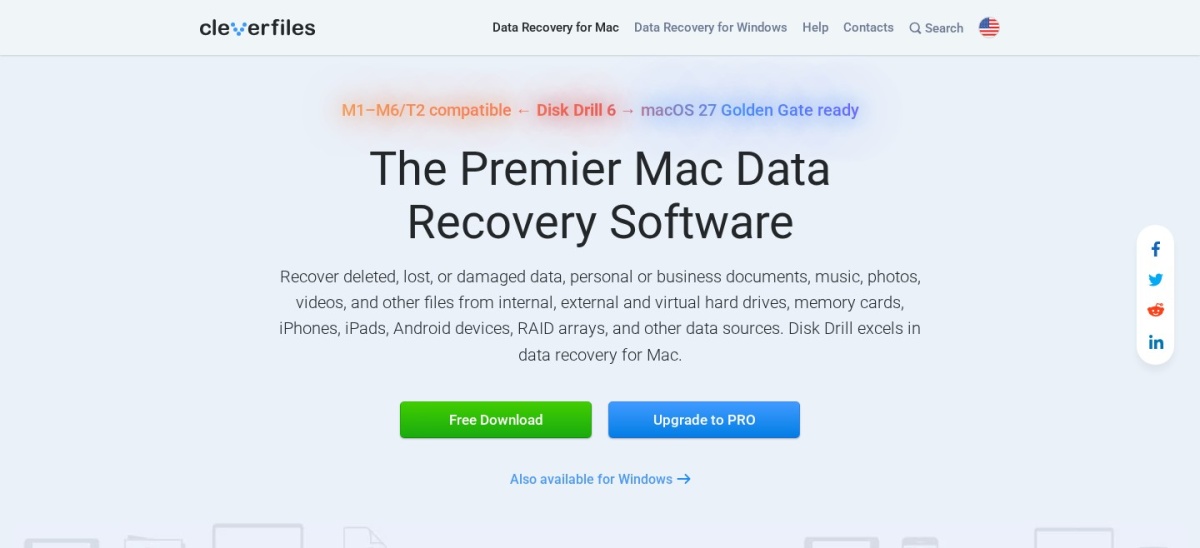
Disk Drill homepage, captured Nov 2026.
Disk Drill is a recovery app for Windows and Mac from CleverFiles that scans drives, memory cards and USB sticks for deleted, formatted or lost files. The free version scans and previews what it finds, and Windows users can recover up to 100 MB without paying. PRO adds unlimited recovery on up to three devices.
The trade off is the small free limit and the refund terms. PRO sales are generally non-refundable, so preview the files you need before you pay $89 a year. It suits most home users who deleted files recently and want a guided, preview-first recovery.
What we like
Scan and preview before paying
Works on Windows and Mac under one licence
Covers drives, cards, USB sticks and disk images
Watch out for
Free recovery is only 100 MB on Windows
PRO purchases are generally non-refundable
PRO adds unlimited recovery; a $149 lifetime licence is also listedVisit cleverfiles.com
02
EaseUS Data Recovery Wizard
4.8/5on G2 (424 reviews, checked Nov 2026)
Paid from$99.95/yr
Best for guided recovery with a large free cap
Free recoveryUp to 2 GB
File types1,000+ supported
PlatformsWindows and Mac
Paid planPRO, $99.95/yr
easeus.com
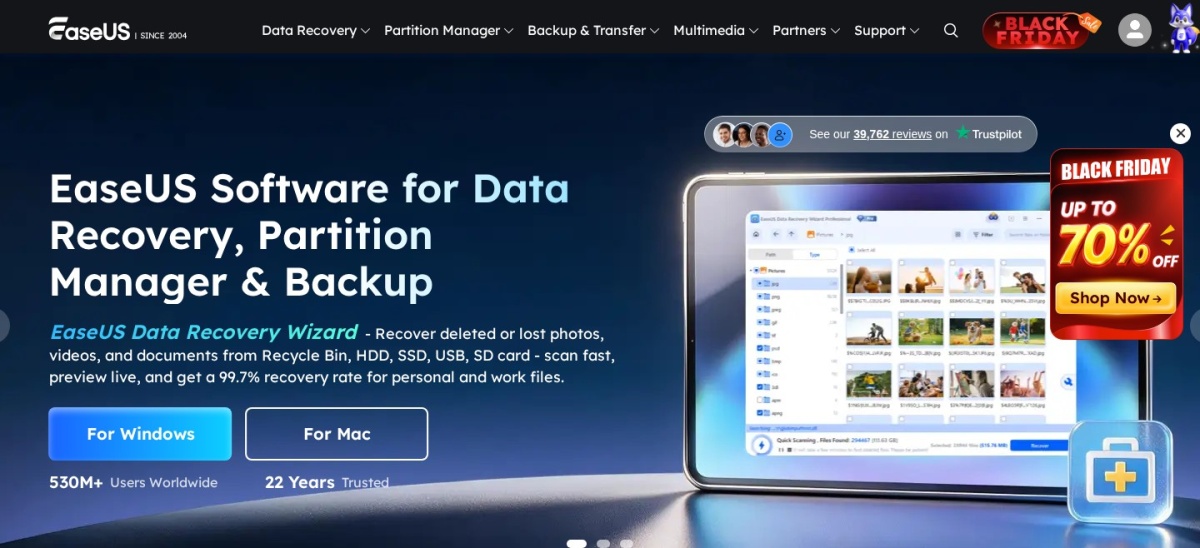
EaseUS Data Recovery Wizard homepage, captured Nov 2026.
EaseUS Data Recovery Wizard is a guided recovery tool for Windows and Mac that handles deleted files, formatted drives, lost partitions and crashed systems. The free version scans, previews files and recovers up to 2 GB, which covers many everyday accidents. It supports more than 1,000 file types across hard drives, SSDs, USB sticks and memory cards.
The trade off is price. A month of PRO costs $69.95, so a one-off job is dear unless you take the $99.95 yearly plan, and the yearly plan renews. It suits beginners who want the largest free cap and a clear step-by-step wizard.
What we like
Largest free recovery cap in this list at 2 GB
Clear wizard that suits beginners
Preview files before paying
Watch out for
Monthly licence is costly for a one-off job
Deep scans can be slow on large drives
PRO adds unlimited recovery; a $149.95 lifetime licence is also listedVisit easeus.com
03
Stellar Data Recovery
4.8/5on Trustpilot (5,562 reviews, checked Nov 2026)
Paid from$69.99/yr
Best for formatted drives and lost partitions
Free recoveryUp to 1 GB
PlatformsWindows and Mac
Deep scanYes, plus disk imaging
Paid planStandard, $69.99/yr
stellarinfo.com
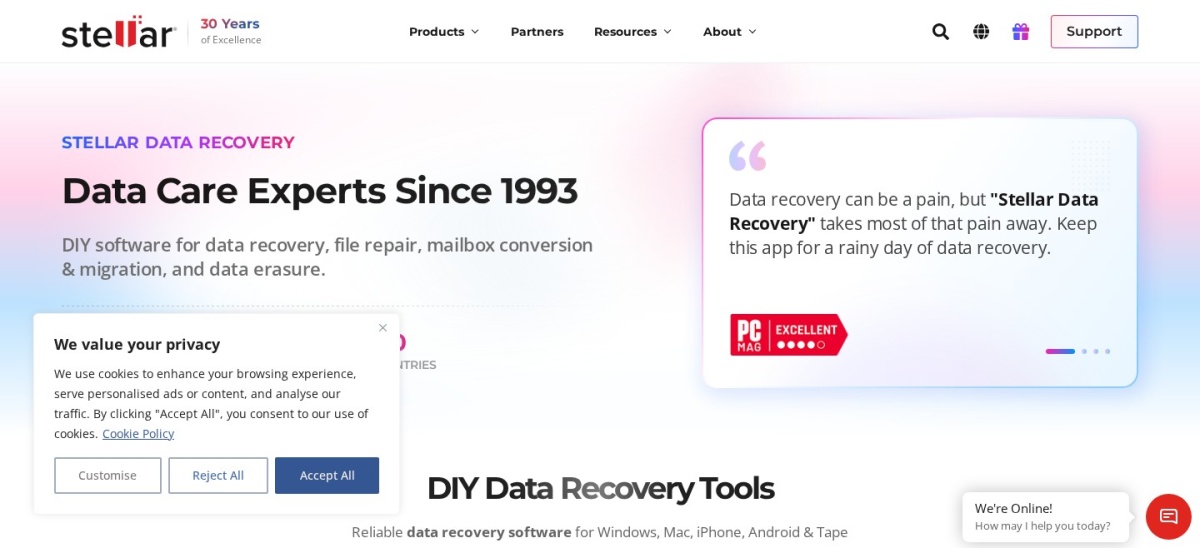
Stellar Data Recovery homepage, captured Nov 2026.
Stellar Data Recovery is a long-running recovery tool from Stellar Information Technology, a company in the field since 1993. The free version scans, previews and recovers up to 1 GB from deleted, formatted and lost-partition cases. Paid editions add crashed-system recovery and photo and video repair.
The trade off is the price display. The site shows Standard at $59.99 against a $69.99 list price, so the lower figure is a discount, and licences cover one PC. It suits users with a formatted drive or a lost partition who want a preview before paying.
What we like
Strong Trustpilot score from 5,500+ reviews
Disk imaging protects a failing drive
Handles encrypted drives and lost partitions
Watch out for
Deep scans are slow on large drives
One licence covers one PC only
Standard adds unlimited recovery; Professional adds photo and video repairVisit stellarinfo.com
04
Wondershare Recoverit
4.7/5on Trustpilot (6,636 reviews, checked Nov 2026)
Paid from$119.99/yr
Best for photos, video and camera cards
Free recoveryUp to 500 MB
File types1,000+ supported
PlatformsWindows and Mac
Paid planAnnual, $119.99/yr
recoverit.wondershare.com
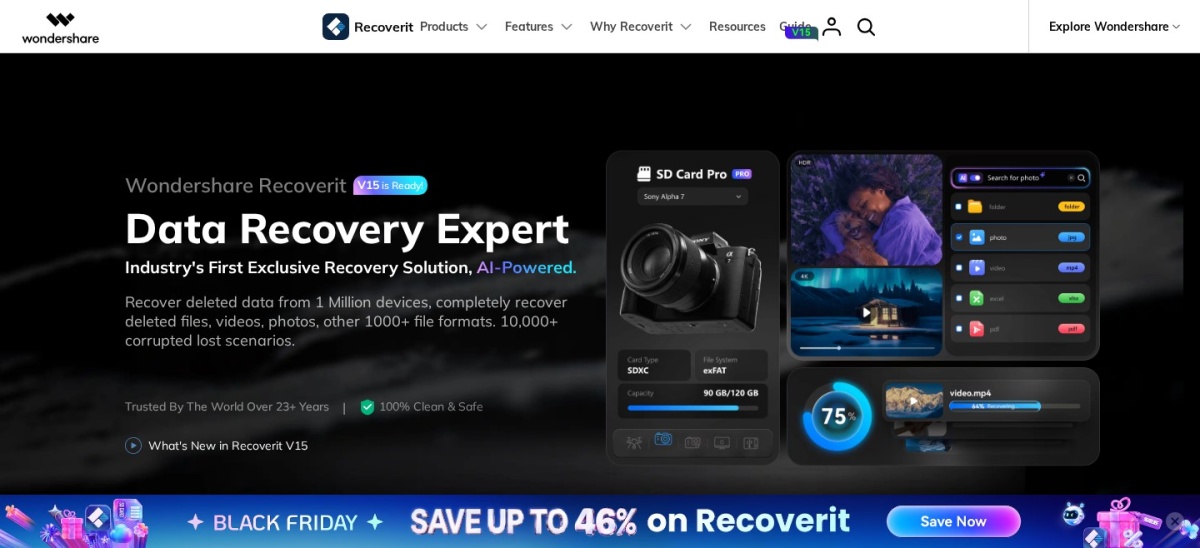
Wondershare Recoverit homepage, captured Nov 2026.
Wondershare Recoverit is a recovery app for Windows and Mac that covers deleted files, formatted drives and crashed systems. The free version scans and previews files and recovers up to 500 MB. It supports more than 1,000 file types, repairs damaged photos and videos, and works with camera cards and NAS drives.
The trade off is the list price. The annual plan lists at $119.99, though the site shows $74.99 as a sale price, and subscriptions renew automatically. It suits photographers and video makers who need repair tools beside recovery.
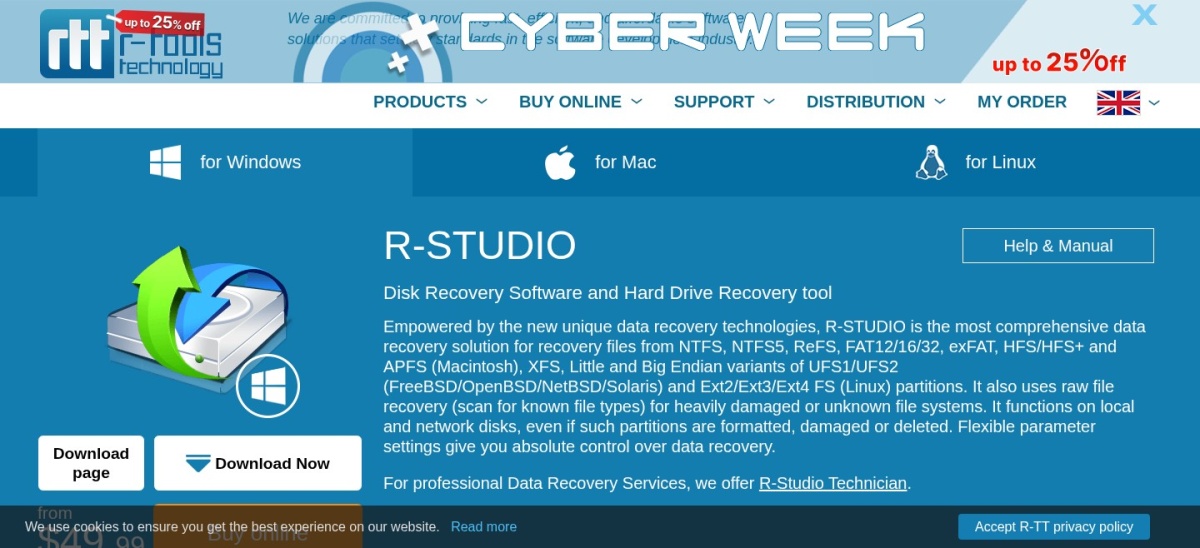
R-Studio is a professional recovery tool from R-Tools Technology for Windows, Mac and Linux. It recovers files from damaged, formatted or deleted partitions, rebuilds RAID arrays and scans network drives. A free demo scans and previews results so you can check what is recoverable before buying.
The trade off is the learning curve. The interface is built for technicians, with hex editing and fine scan controls, and the $79.99 licence is a one-time purchase, not a subscription. It suits advanced users and technicians facing a damaged drive.
What we like
Strongest option here for RAID and damaged partitions
Works across Windows, Mac and Linux
One-time licence with no yearly renewal
Watch out for
Interface is hard for beginners
No free recovery tier, demo only
The $79.99 licence is one-time; cheaper FAT and NTFS editions start at $49.99Visit r-studio.com
06
MiniTool Power Data Recovery
4.4/5on G2 (31 reviews, checked Nov 2026)
Paid from$89/yr
Best simple recovery for Windows and Mac
Free recoveryUp to 1 GB
PlatformsWindows and Mac
Bootable mediaWinPE builder, paid
Paid planAnnual, $89/yr
minitool.com
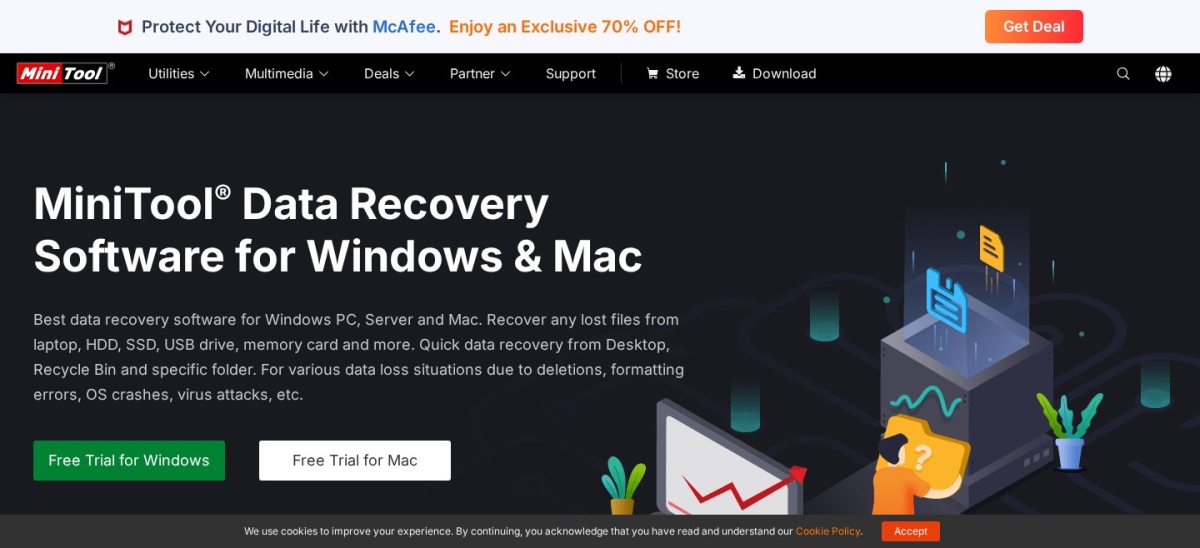
MiniTool Power Data Recovery homepage, captured Nov 2026.
MiniTool Power Data Recovery is a Windows and Mac utility for deleted files, formatted drives, Recycle Bin losses and RAW partitions. The free version scans, previews and recovers up to 1 GB. Paid plans add unlimited recovery, saved scan results and a WinPE bootable media builder for crashed PCs.
The trade off is the monthly price. A month costs $69, so the $89 yearly plan is the sensible paid route, and it covers one PC only. It suits home users who want a simple tool with a clear free limit.
What we like
Simple interface with clear scan results
Bootable media for crashed PCs on paid plans
Free 1 GB covers small losses
Watch out for
Monthly plan is poor value next to the yearly plan
One licence covers one PC
Annual adds unlimited recovery; Personal Ultimate is $129 once for 3 PCsVisit minitool.com
07
Tenorshare 4DDiG
4.8/5on G2 (129 reviews, checked Nov 2026)
Paid from$99.95/yr
Best value lifetime licence
Free recoveryUp to 2 GB
File types2,000+ supported
PlatformsWindows and Mac
Paid plan1 Year, $99.95/yr
4ddig.tenorshare.com
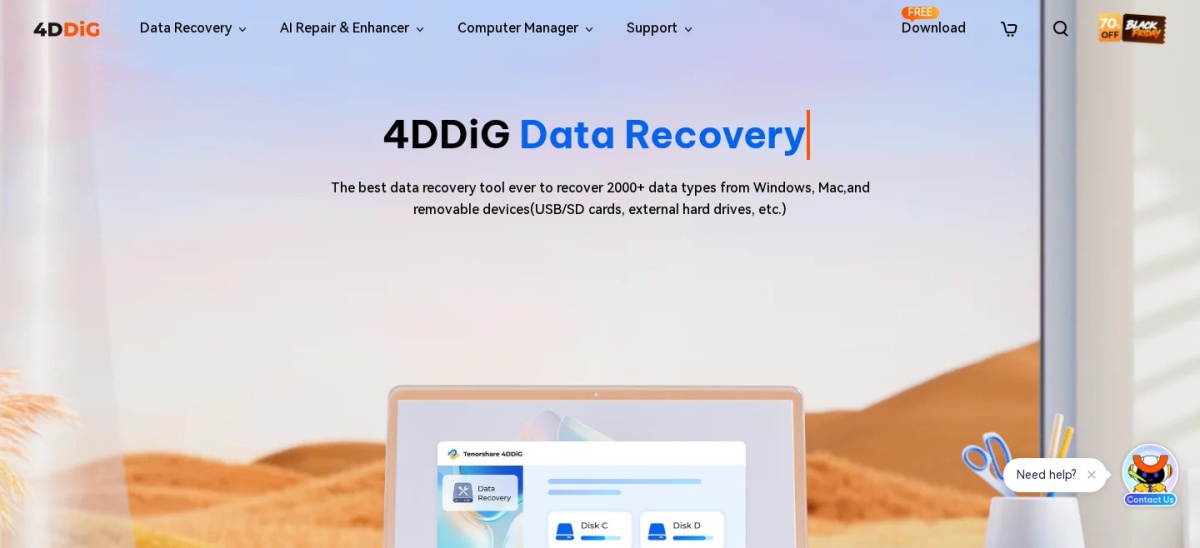
Tenorshare 4DDiG homepage, captured Nov 2026.
Tenorshare 4DDiG is a recovery app for Windows and Mac that handles deleted, formatted and lost files from drives, USB sticks and memory cards. The free version scans, previews and recovers up to 2 GB. It supports more than 2,000 file types and adds AI photo and video repair plus bootable media for crashed PCs.
The trade off is billing. The yearly plan lists at $99.95 but the site shows $59.95, and monthly and yearly plans renew automatically. It suits users who want a low-cost lifetime licence, listed at $119.95 and shown at $79.95.
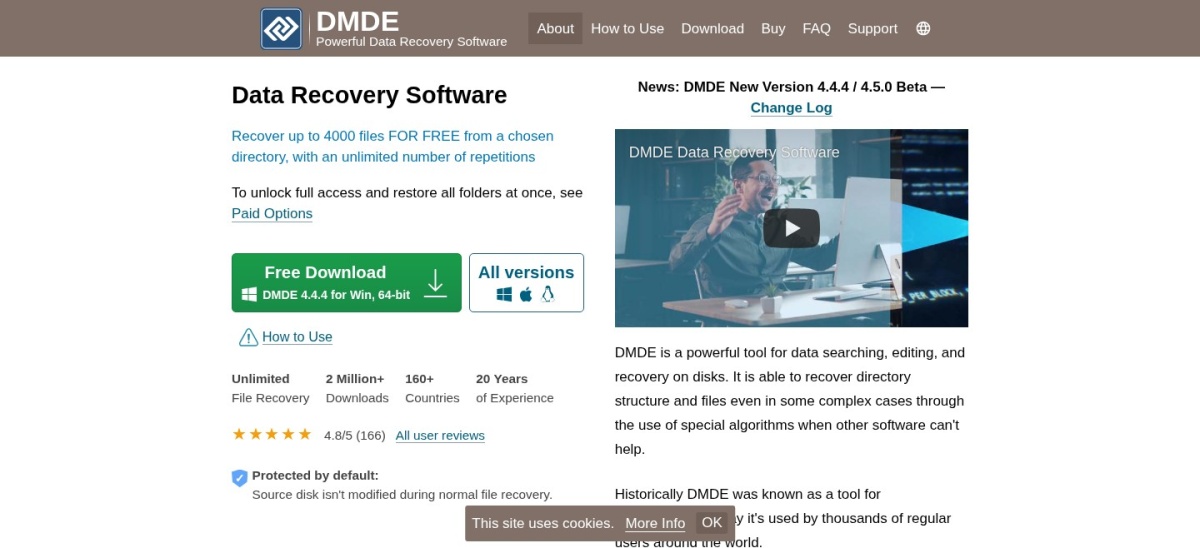
DMDE is a disk editor and recovery tool for Windows, Mac and Linux aimed at technical users. The free version recovers up to 4,000 files from one directory at a time, with no limit on repeats. It rebuilds RAID arrays, edits partitions at disk level and handles many file systems.
The trade off is the interface. DMDE is dense and technical, with a hex editor and disk tools that beginners can find hard to use. It suits technicians and confident users who want pro-grade recovery for $20 a year.
What we like
Cheapest paid plan in this list at $20 a year
Generous free limit of 4,000 files per folder
RAID rebuild and disk editing included
Watch out for
Interface is hard for beginners
Very few independent reviews to judge it by
Express adds bulk folder recovery; Standard is $48 onceVisit dmde.com
09
Ontrack EasyRecovery
2.9/5on Trustpilot (2,608 reviews, checked Nov 2026)
Paid from$59.99/yr
Best for lab-backed recovery with RAID support
Free recoveryUp to 1 GB, files under 25 MB
PlatformsWindows and Mac
RAID supportYes, paid editions
Paid planHome, $59.99/yr
ontrack.com
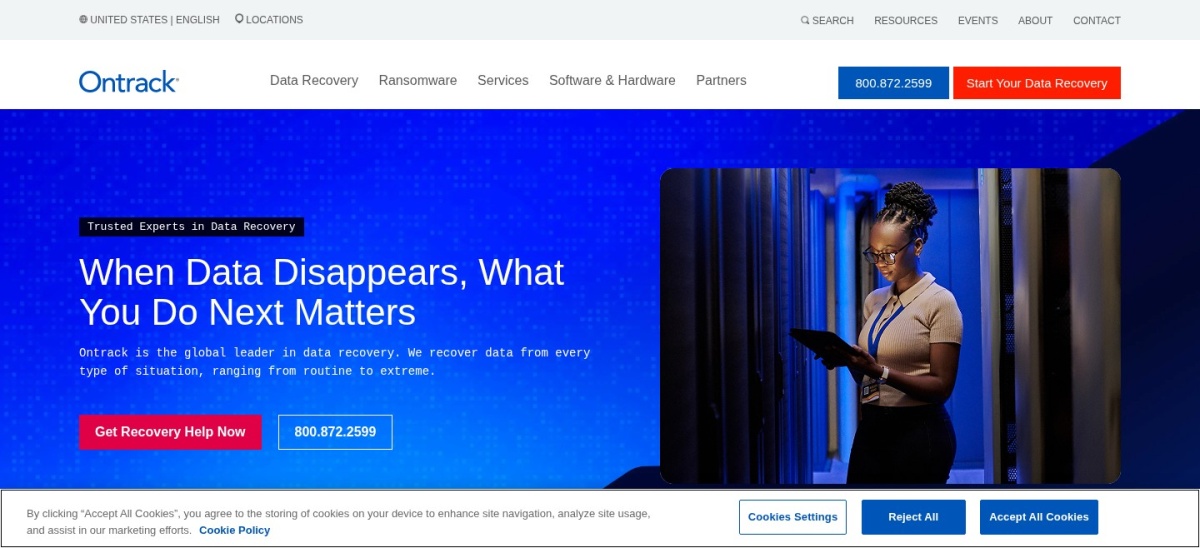
Ontrack EasyRecovery homepage, captured Nov 2026.
Ontrack EasyRecovery is the DIY software from Ontrack, a long-running data recovery company with lab services behind it. The free version recovers up to 1 GB, with each file under 25 MB. Paid editions add RAID recovery, disk imaging and photo and video repair.
The trade off is clarity. The official site does not show all paid prices in one table, and the $59.99 Home price comes from a 2026 review of the checkout pages. It suits users who may later need a professional lab for a physically damaged drive.
What we like
Backed by a professional recovery lab
Disk imaging and RAID recovery in paid editions
Free 1 GB to prove it works
Watch out for
Paid prices are not shown in one place on the site
Lowest Trustpilot score in this list
Home adds unlimited recovery; Premium and Toolkit add RAID and lab-grade toolsVisit ontrack.com
Free vs paid: what you give up
Free versions are best for small, recent losses. A 1 GB or 2 GB cap covers a folder of documents or a memory card of photos, and the scan tells you if the files are still there.
Paid plans matter when the loss is large or the drive is damaged. They remove the cap, add deep scans, disk imaging and bootable media for a PC that will not start.
If the drive clicks, grinds or is not detected at all, stop and use a lab. No software in this list can fix a physically failing drive, and running scans on it can make things worse.
How we chose
We started from the established recovery tools most often recommended in 2026 round-ups, then kept nine with a published rating on G2, Capterra or Trustpilot and a current pricing page.
Prices come from each vendor's pricing page, checked on 25 November 2026. Where a site shows a sale price against a higher list price, this list shows the list price and notes the sale figure. Ratings and review counts come from G2, Capterra or Trustpilot on the same day.
We left out tools with no published rating and no clear pricing, including Recuva, whose site blocks the screenshot service. No vendor paid for a place, and we do not claim hands-on testing for this list.
How to choose file recovery software
Stop using the affected drive first, then match the tool to the size and state of the loss.
Stop writing to the drive. Do not install the recovery tool on the same drive. Install it on another drive and save recovered files elsewhere, or you may overwrite them.
Run the free scan and preview first. Every tool here scans free. Check that your files appear and preview the important ones before you pay anything.
Match the free cap to the loss. A 2 GB cap from EaseUS or 4DDiG covers most small losses. For larger jobs, compare the yearly price against a one-time licence such as R-Studio at $79.99.
Pick a pro tool for damaged drives. For a formatted drive, a lost partition or RAID, choose R-Studio, DMDE or Stellar, and use disk imaging first. Once files are back, keep a copy: our guide on backing up a WordPress site shows a simple routine.
FAQ
What is the best file recovery software?
Disk Drill is the best all-round pick for most people. It scans and previews files free, recovers up to 100 MB free on Windows, and PRO costs $89 a year for unlimited recovery on up to three devices.
Can I recover deleted files for free?
Yes, for small losses. EaseUS and 4DDiG recover up to 2 GB free, Stellar, MiniTool and Ontrack recover up to 1 GB, and DMDE recovers up to 4,000 files per folder free. Larger losses need a paid plan.
Does file recovery software work on a formatted drive?
Often, yes, if nothing has overwritten the data. Stellar, R-Studio, DMDE and EaseUS all handle formatted drives and lost partitions. Stop using the drive at once, scan it, and preview the results before paying.
Can recovery software fix a physically damaged drive?
No. If a drive clicks, grinds, is not detected, or smells of burning, stop using it. Software cannot repair broken hardware, and further scans can cause more damage. Use a professional lab such as Ontrack for those cases.
Why do prices differ from the sale price on the vendor site?
Several vendors show a discounted price against a higher list price. This list shows the list price so plans can be compared fairly, and notes the sale figure in the text. Check the checkout page before buying, as sale prices change often.
Should I install recovery software on the same drive?
No. Installing software or saving recovered files to the same drive can overwrite the deleted files you want back. Install the tool on a different drive and save recovered files to separate storage.
SaaS SEO and WordPress specialist with about 8 years of experience. Rakib compares WordPress plugins, themes, hosting and software using public pricing, documentation and user reviews. See how we rank.