SQLite is the best of the top portable database software options for most developers, because the whole database lives in one file, it costs nothing, and it runs on every major platform. Pick Firebird for a full-featured open-source engine, or DBeaver when you need one portable client for many databases.
How we make this list: we compare pricing pages, product documentation and public user reviews, then re-check every price before each update. No product paid for a place. Disclosure.
SQLite is the default portable database: free, public domain, one file, and already on every phone and computer.
Firebird adds stored procedures, triggers and multi-user access to the same single-file idea, still free.
HSQLDB and H2 are the Java picks, with in-memory modes that suit tests and desktop apps.
DBeaver and Beekeeper Studio are portable clients, not engines, and cover 100-plus databases from one window.
Only Access costs real money here at 179.99 dollars once, and InterBase sells by quote for commercial use.
How do you choose the top portable database software options?
Portable means the database travels with the app. A portable database lives in one file or one folder, needs no server install, and copies to a new machine like any document.
Start with the workload, not the brand. Transactional app data points to SQLite or Firebird, analytics over local files points to an in-process columnar engine, and Java apps point to H2 or HSQLDB.
Free is the norm here. Seven of the nine tools in this list cost nothing, so the real cost is learning curve and limits, not licences.
Ratings are thin for open-source engines. G2 counts here range from 5 to 856 reviews, so treat a 4.5 from a handful of reviewers as a hint, not proof.
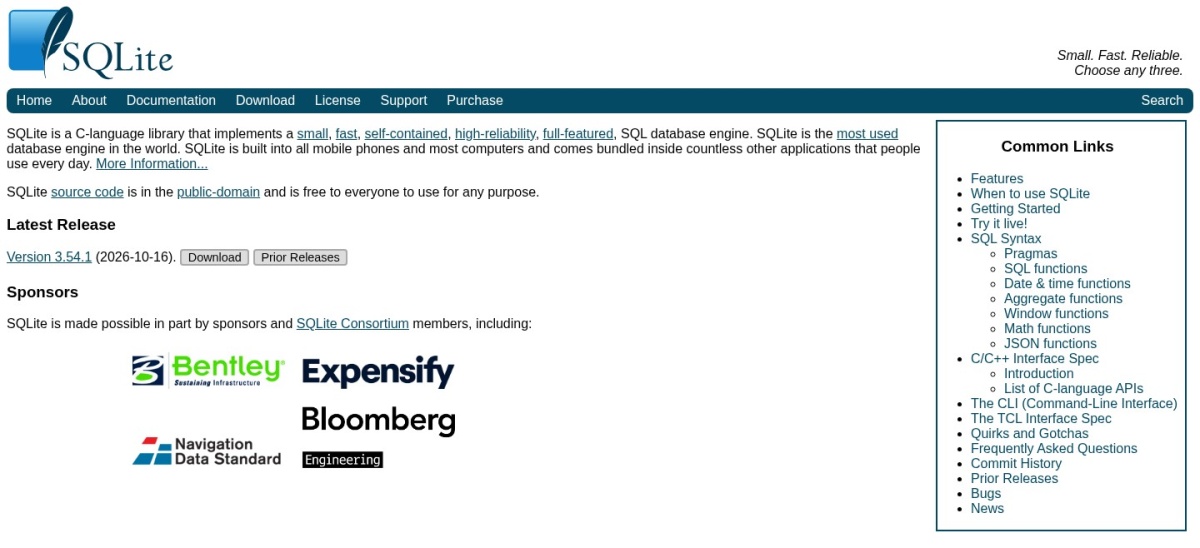
SQLite is the most widely deployed database engine in the world, built into every phone and most computers. The whole engine is a small C library and the whole database is a single file, so deployment means copying a file and there is no server to install or keep running.
The trade off is write concurrency. Only one process writes to a database file at a time, and there is no built-in user management, so very busy multi-user apps need a server database instead. It suits desktop apps, mobile apps, prototypes and anything that ships its data with the program.
What we like
Free and public domain, with no licence to track
One file holds the whole database
Runs on every major platform
Huge ecosystem of drivers and tools
Watch out for
One writer at a time per database file
No built-in users or permissions
No server mode for shared access
Paid support and extensions are sold separately by HwaciVisit sqlite.org
02
Firebird
4.1/5on G2 (24 reviews, checked Nov 2026)
PriceFree
Best full-featured free engine
StorageSingle file
LicenseOpen source
SQL featuresProcedures, triggers, events
ModesEmbedded and server
firebirdsql.org
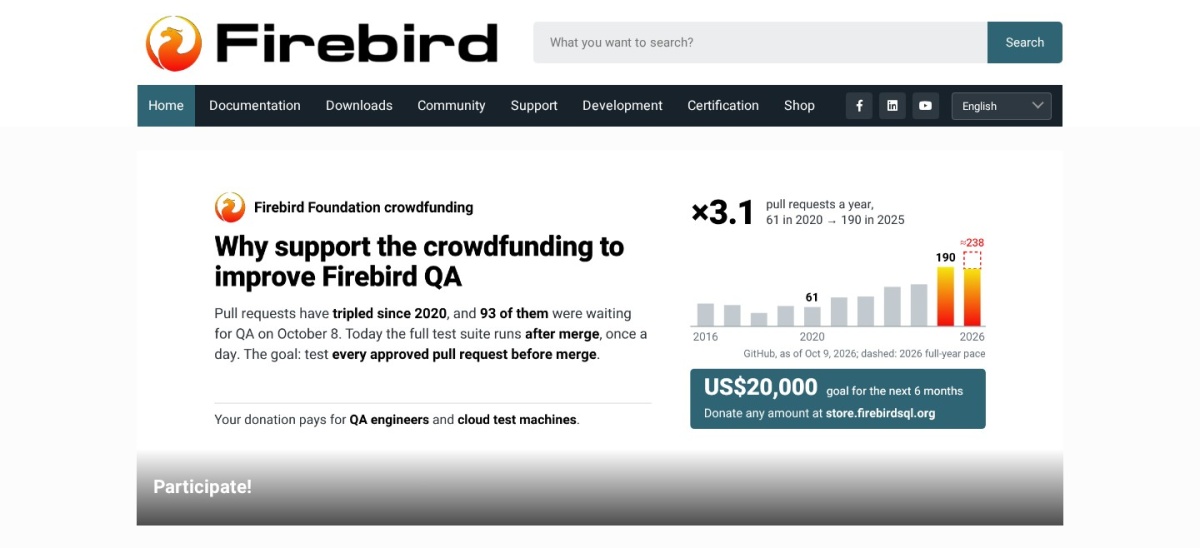
Firebird homepage, captured Nov 2026.
Firebird is a full-featured open-source relational database that also runs embedded, opening its database file directly inside the client process. It includes stored procedures, triggers, events and multi-generational architecture, in a Windows installer of about 7 MB.
The trade off is polish. There is no official graphical admin tool, documentation can lag behind releases, and some users report slow remote access. It suits Delphi and desktop developers who want more than SQLite without running a server.
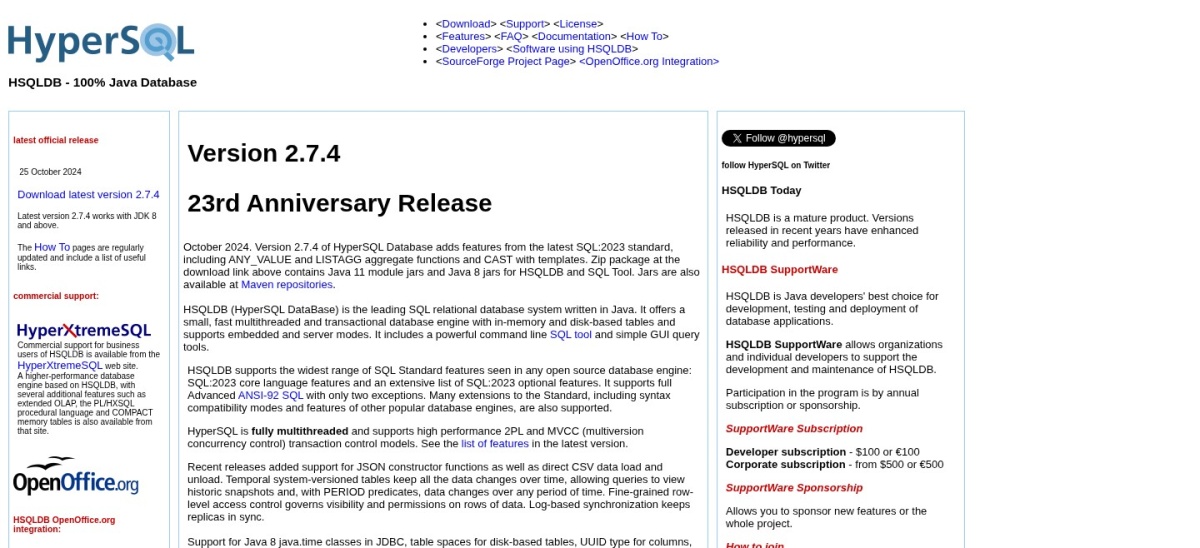
HSQLDB is a Java relational database engine that runs in-process with in-memory and disk tables, plus a server mode when one is needed. Version 2.7.4 from October 2024 adds features from the SQL:2023 standard, and the engine has served Java developers for over two decades.
The trade off is scale. Reviewers say it is not usable for large projects, and performance drops with many tables or large transactional datasets. It suits Java desktop apps, integration tests and small tools that need a database they can carry in a folder.
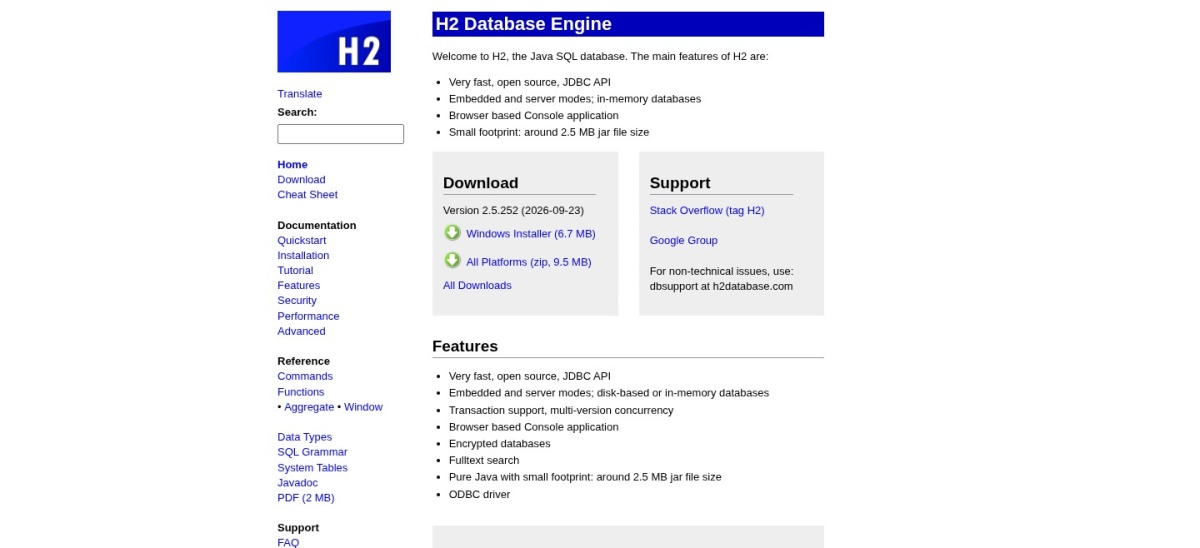
H2 is a Java SQL database that runs embedded, in-memory or as a small server, and ships with a browser-based console for inspecting data. Version 2.5.252 came out in September 2026, and the whole engine is a jar of about 2.5 MB, so it drops into any JVM project with one dependency line.
The trade off is the thin public record. Its G2 rating of 4.5 rests on only 5 reviews, and compatibility modes do not replace testing against the production engine. It suits Java developers who need a fast disposable database for tests and local development.
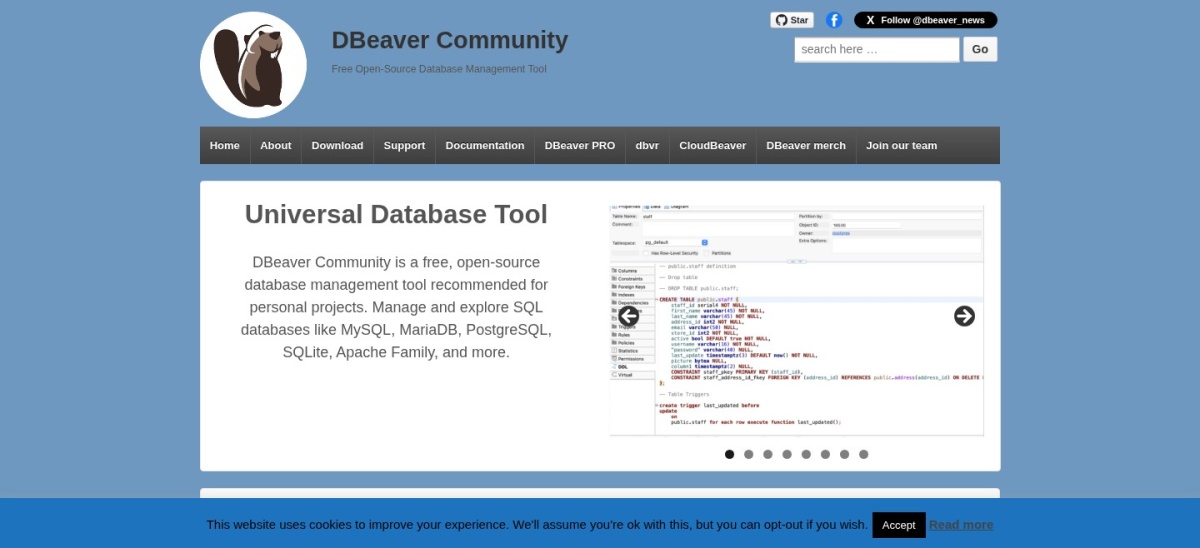
DBeaver is a free open-source desktop client that connects to more than 100 databases, from SQLite and PostgreSQL to cloud warehouses, through JDBC drivers. The Community edition covers SQL editing, ER diagrams, data export and SSH tunnels, so one portable install can serve every database on a machine.
The trade off is that NoSQL and power tools cost extra. MongoDB, Redis and Cassandra connections, the visual query builder and SSO sit in Lite at $113 a year, with Enterprise at $255. It suits developers and analysts who touch several database engines every week.
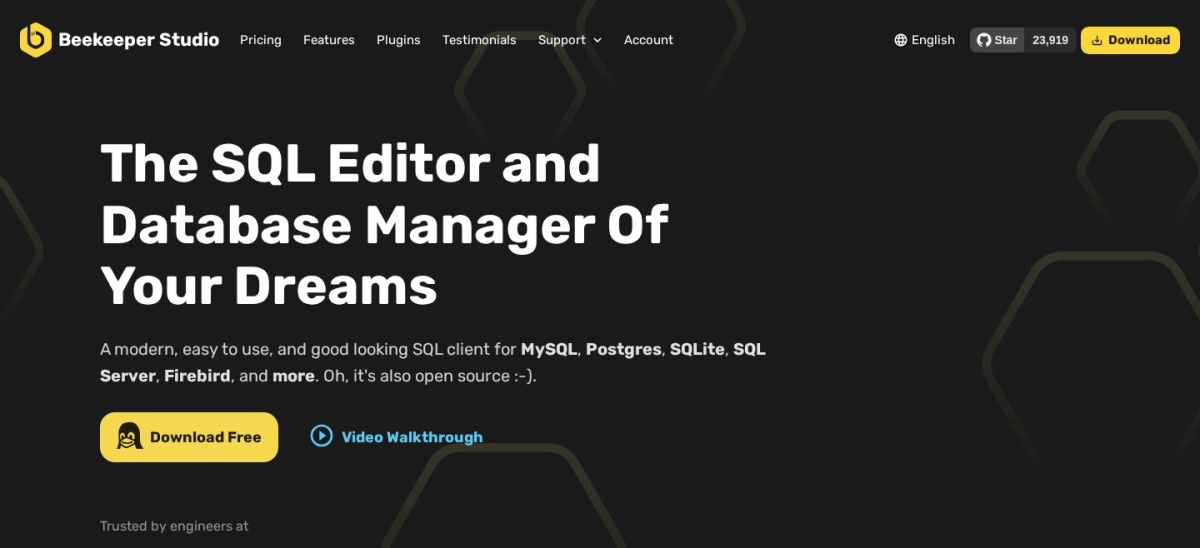
Beekeeper Studio is a free open-source SQL client with a clean modern interface, unlimited connections, queries and tabs on its Community plan. It covers PostgreSQL, MySQL, SQLite, SQL Server and more, and runs the same on Windows, macOS and Linux.
The trade off is the paid tier. Import and export, the JSON sidebar and AI features sit in Indie at $9 per user a month billed yearly, and the Community plan is barred for larger firms. It suits small teams and solo developers who want a light, pleasant client.
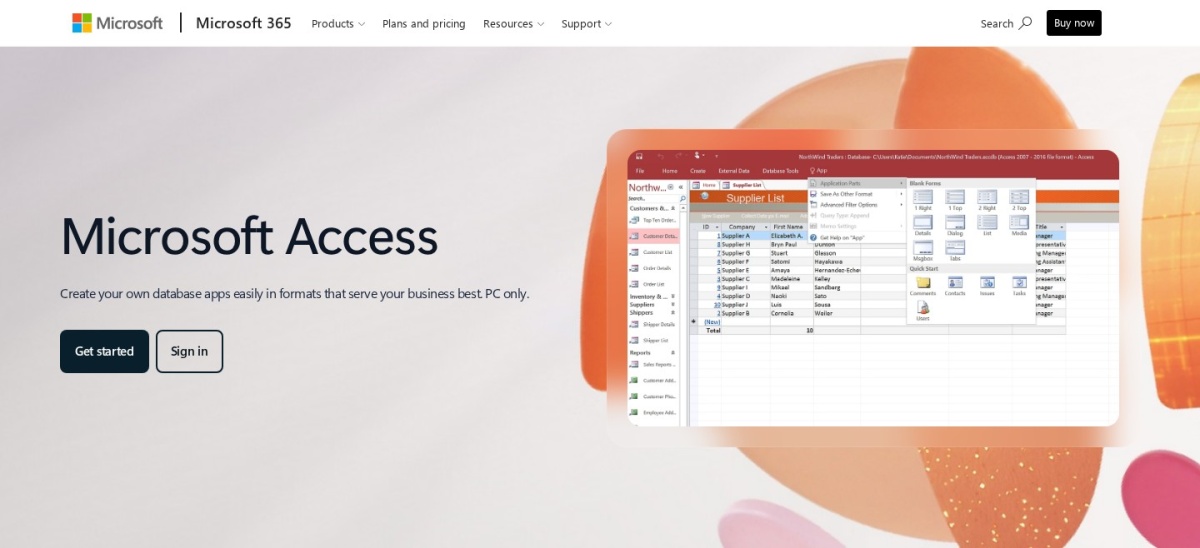
Microsoft Access is the desktop database most Windows teams already know, with tables, forms, queries and reports in one application. Templates let a non-developer build an inventory tracker or customer database in an afternoon, and the file moves with the user like any document.
The trade off is price and platform. The standalone licence costs $179.99 once for one PC, Access runs only on Windows, and large or multi-user workloads outgrow it fast. It suits small Windows teams that want a guided database builder without a server.
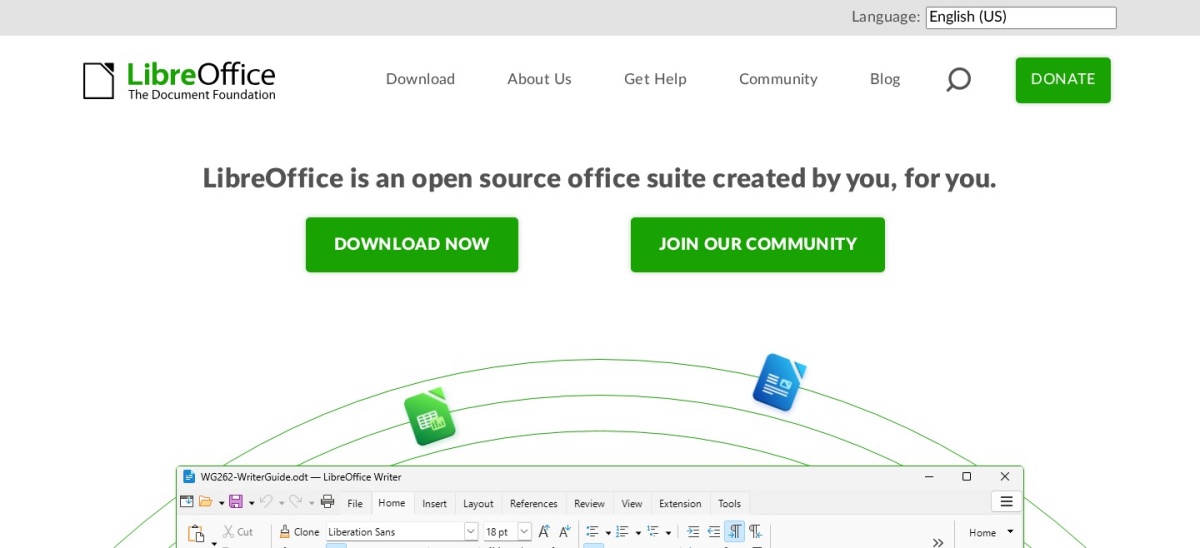
LibreOffice Base is the free desktop database inside LibreOffice, with tables, forms, queries and reports in the same style as Access. It stores data in HSQLDB or Firebird files, runs on Windows, macOS and Linux, and costs nothing.
The trade off is the thin record and rough edges. Its G2 rating of 3.8 rests on only 15 reviews, and users report a dated interface with fewer templates than Access. It suits teams that want a free Access-style tool on any operating system.
InterBase is a commercial embeddable relational database from Embarcadero, built for applications that ship their data with the program. It adds AES-256 encryption by default, multi-version concurrency control and point-in-time recovery, with a small on-disk footprint.
The trade off is the commercial model. The ToGo Lite and Developer editions are free, but shipping an app needs ToGo Pro, an annual subscription priced through sales, and the strongest story sits inside the Delphi world. It suits ISVs that need supported, encrypted embedded SQL.
Seven tools here are database engines. SQLite, Firebird, HSQLDB, H2, Access, LibreOffice Base and InterBase store the data themselves, in a file your app opens.
DBeaver and Beekeeper Studio are clients. They hold no data of their own and instead connect to engines such as SQLite or PostgreSQL, which makes them portable in a different way.
Pick an engine when you need somewhere to put the data, and a client when you already have databases and need one window to work in.
How we chose
We started from the portable and embedded databases that appear most often in 2026 comparisons, then kept those with a verifiable rating on G2, Capterra or Trustpilot and a published price or free plan.
Prices and ratings were checked on 29 November 2026. Ratings and review counts come from G2 on the same day, and prices come from each vendor's pricing page or published licence terms, with quote-only tools marked Custom.
We left out DuckDB, SQLCipher, LiteDB and Turso because no G2, Capterra or Trustpilot rating could be verified for them. No vendor paid for a place, and we do not claim hands-on testing for this list.
How to choose a portable database
Match the engine to the workload first, then check the licence and the limits before you commit.
Pick the workload first. Transactional app data points to SQLite or Firebird, Java apps to H2 or HSQLDB, and local analytics to a columnar engine.
Check the write pattern. One writer at a time suits most desktop apps, but a busy multi-user app needs a server database instead.
Count the real cost. Most engines here are free, so weigh learning curve, admin tooling and support against the one-time Access licence or an InterBase quote.
Test the file move. Copy the database file to a fresh machine and open it there. If that fails, the tool is not as portable as it claims.
FAQ
What are the top portable database software options in 2026?
SQLite is the best portable database software option for most developers, because it is free, stores everything in one file and runs on every major platform. Firebird is the strongest free alternative when you need stored procedures, triggers and multi-user access.
Is SQLite really free?
Yes. SQLite is in the public domain, so anyone can use it for any purpose without paying a licence fee. Commercial support and extra extensions are sold separately, but the engine itself costs nothing to embed or ship.
What is the best portable database for Java applications?
H2 is the best portable database for Java testing, with an in-memory mode and a browser console in a jar of about 2.5 MB. HSQLDB is the better pick for a Java desktop app that needs disk tables and SQL:2023 features.
Which portable database is best for beginners?
Microsoft Access is the easiest starting point for Windows users who want tables, forms and reports without writing code, though it costs 179.99 dollars once. LibreOffice Base is the free alternative on any operating system.
SQLite vs Firebird: which should I choose?
Choose SQLite for the simplest portable storage, because one file, no server and the widest driver support win for most apps. Choose Firebird when you need stored procedures, triggers, events and multi-user access in the same single-file package.
Do I need a database client as well as an engine?
Not always. An engine such as SQLite stores the data, while a client such as DBeaver or Beekeeper Studio gives you one window to browse, query and edit it. Use a client when you work with several different databases every week.
SaaS SEO and WordPress specialist with about 8 years of experience. Rakib compares WordPress plugins, themes, hosting and software using public pricing, documentation and user reviews. See how we rank.