DBeaver is the best database management tool for most developers, because its free Community edition covers more than 100 databases and its paid editions add schema compare and ERD editing. Pick DataGrip if you write SQL all day, and TablePlus if you want a fast native client with a one-time licence.
How we make this list: we compare pricing pages, product documentation and public user reviews, then re-check every price before each update. No product paid for a place. Disclosure.
DBeaver gives the widest free coverage, with paid editions from $113 per year for schema compare and ERD editing.
DataGrip has the strongest SQL code intelligence, with refactoring and a visual explain plan, and is free for non-commercial use.
TablePlus and HeidiSQL are the fastest native options, and TablePlus costs $99 once instead of a subscription.
Navicat Premium and DbVisualizer are the most complete paid suites, with modelling, data sync and reporting.
pgAdmin, HeidiSQL and MySQL Workbench are free forever, and each is the official tool for its own database.
What a database management tool should do
A database management tool is the desktop client where developers write SQL, browse tables, compare schemas and manage databases without touching a command line.
The free options are strong. DBeaver Community, pgAdmin, HeidiSQL and MySQL Workbench all cost nothing, and for many teams the free options are all they will ever need.
The paid picks earn their price in different ways. DataGrip wins on SQL intelligence, TablePlus on speed with a one-time licence, and Navicat on multi-engine depth, and our guide on best database software covers the engines they connect to.
Watch the free-tier limits. TablePlus caps free use at two tabs, Beekeeper reserves ER diagrams for paid plans, and DataGrip is free only for non-commercial use.
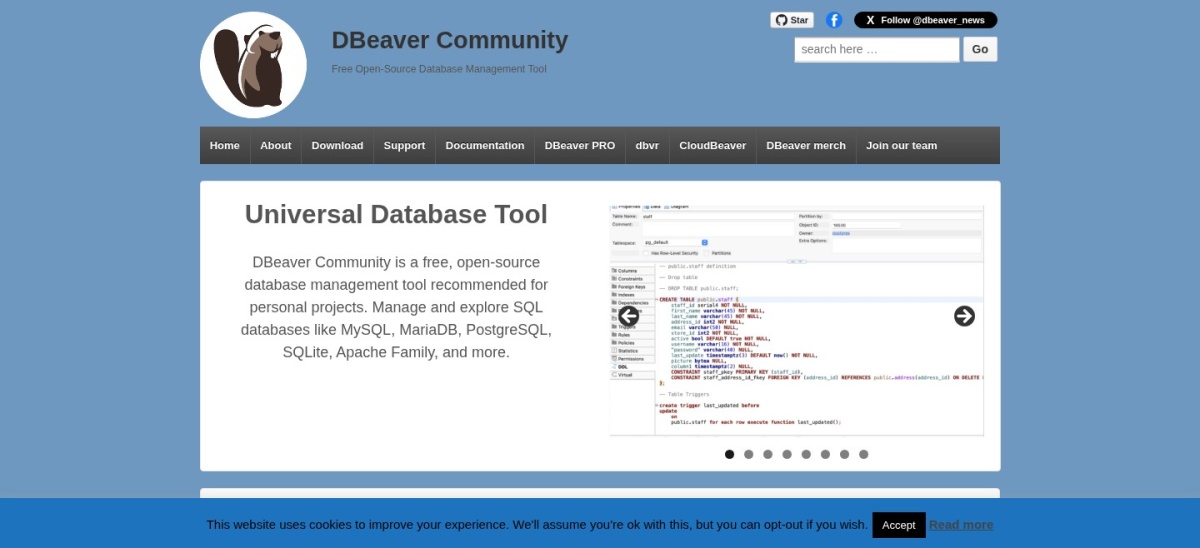
DBeaver is the open-source default for database work, with a free Community edition that connects to more than 100 databases from MySQL and PostgreSQL to cloud warehouses and NoSQL stores. The SQL editor, data grid, ER diagrams and task management cover daily work, and paid Lite starts at $113 a year.
The trade off is that the paid editions add the features power users want, including schema compare and ERD editing, so the free edition is not the whole product. It suits developers who want one free client that talks to everything.
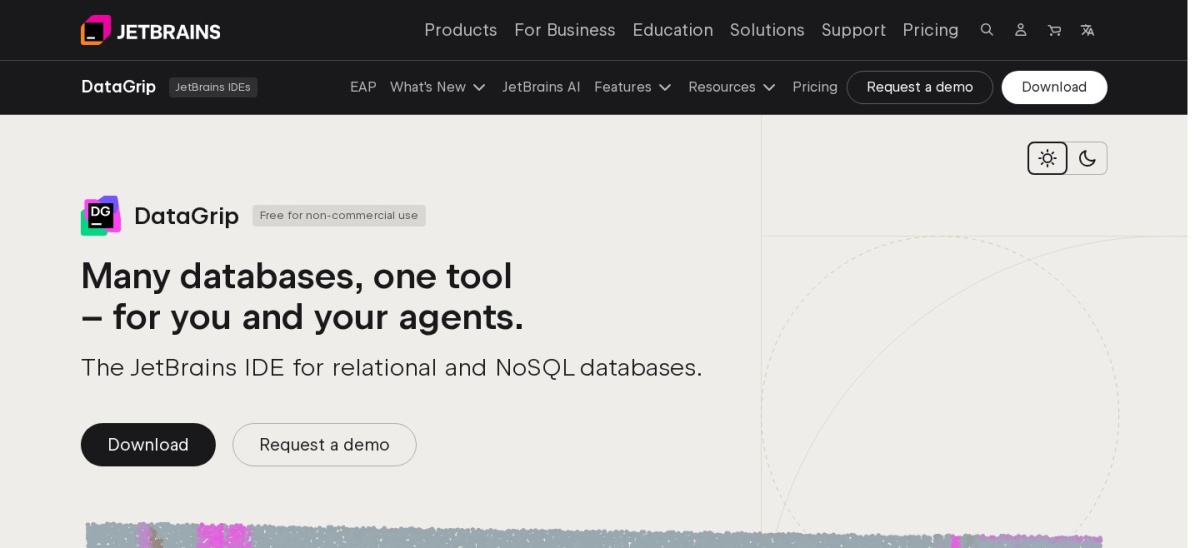
DataGrip is JetBrains' database IDE, with the strongest SQL code intelligence in this list: context-aware completion, on-the-fly analysis with quick fixes, refactoring and a visual explain plan. It is free for non-commercial use, and individuals pay $109 a year in year one.
The trade off is the subscription price for commercial use, with some sources listing $259 a year for commercial licences, so confirm the figure on the vendor page. It also wants to stay connected for activation. It suits developers who write SQL all day.
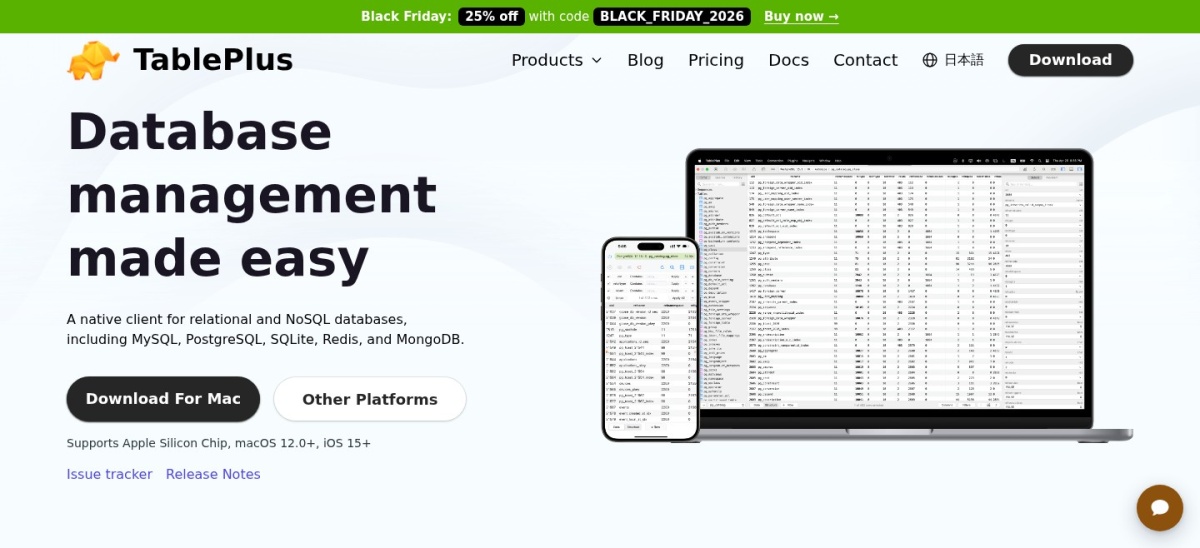
TablePlus is a fast, native database client that launches instantly and feels at home on Mac, Windows and Linux, with inline editing, advanced filters and a safe mode for production. A Basic licence costs $99 as a one-time purchase for one device, and the free tier is limited to two tabs.
The trade off is that it does less than DBeaver or Navicat, with no data sync or modelling depth, and each licence covers one device. It suits Mac-first teams that want speed without a subscription.
Navicat Premium is the polished commercial suite for multi-database teams, covering MySQL, PostgreSQL, SQL Server, Oracle, SQLite, MariaDB, MongoDB, Redis and Snowflake. Premium Lite is free, and paid plans start at $749.99 per user per year, or $1,499 for a perpetual seat.
The trade off is price, because it costs several times more than DBeaver or TablePlus for similar everyday work. It suits enterprises managing many database engines that want modelling, data sync and automation in one suite.
DbVisualizer is a mature multi-engine SQL client with a genuinely usable free tier, visual query building and charts for analysts who want more than a grid. A Pro licence costs $229 per user for the first year, with renewals at $119, and G2 rates it 4.7 out of 5 from 269 reviews.
The trade off is that it is a JDBC-based desktop client, so it feels less native than TablePlus and less deep than DataGrip for heavy SQL. It suits analysts who want charts and visual query building across many engines.
Beekeeper Studio is a modern, open-source database client that sits between DBeaver and TablePlus, with a tabbed query editor that feels like a code editor. The Community edition is free, and Indie costs $108 a year and keeps working on the versions you paid for if you stop.
The trade off is that import, the ER diagram and the AI Shell need a paid plan, and the review base is small at 15 G2 reviews. It suits developers who want a clean, fast client without a heavy IDE.
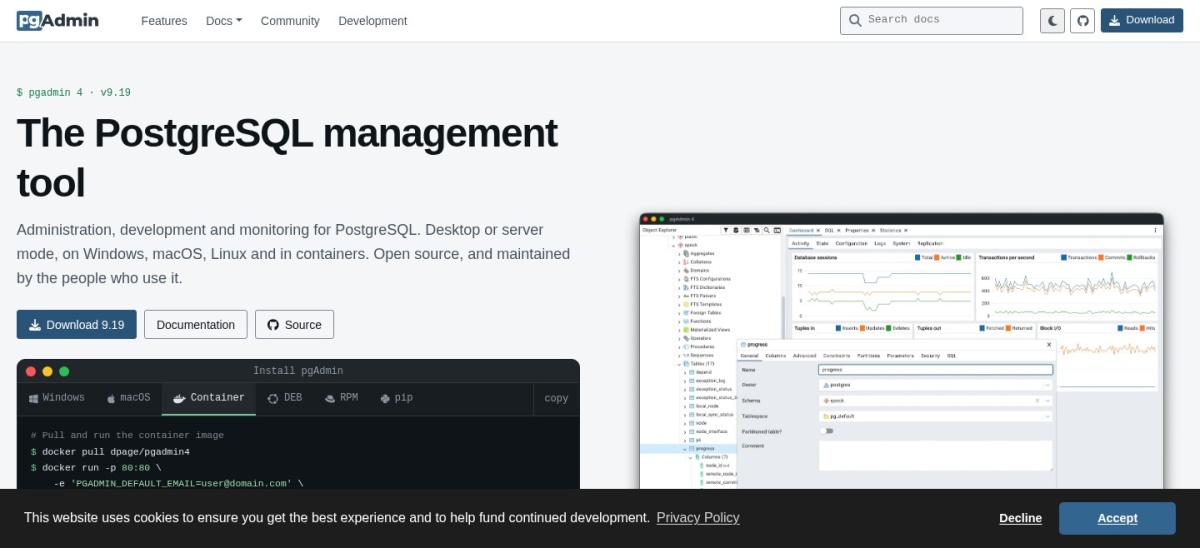
pgAdmin is the official administration tool for PostgreSQL, free and open source, with full object management, a serious query tool with graphical EXPLAIN, ERD and Schema Diff. For PostgreSQL-only work it is hard to beat on depth, and it costs nothing.
The trade off is that it is a single-engine tool, so MySQL and SQL Server teams need something else, and its lowest rating here at 4.1 reflects a dated interface. It suits PostgreSQL developers and administrators who want the official tool.
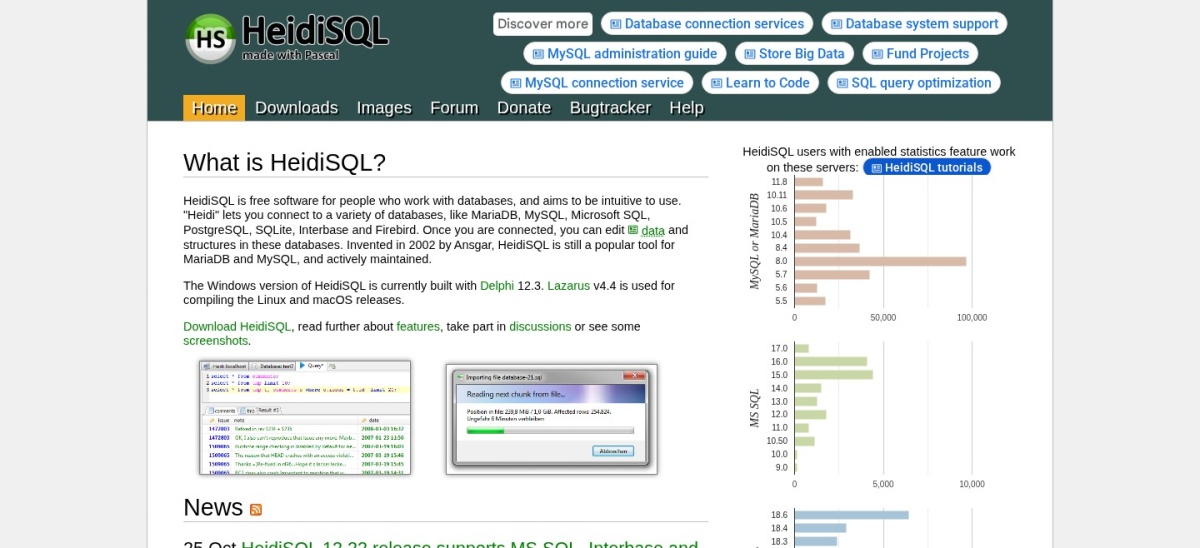
HeidiSQL is a lightweight free client that has been a favorite since 2002, a fast, intuitive client for MySQL, MariaDB, PostgreSQL, SQL Server and SQLite. It is open source, runs on Windows, Mac and Linux, and was updated in August 2026.
The trade off is that the G2 rating of 4.7 rests on only 3 reviews, so the score is thin, and it lists no Oracle, MongoDB or Redis support. It suits Windows users who want a light, free client for MySQL-family databases.
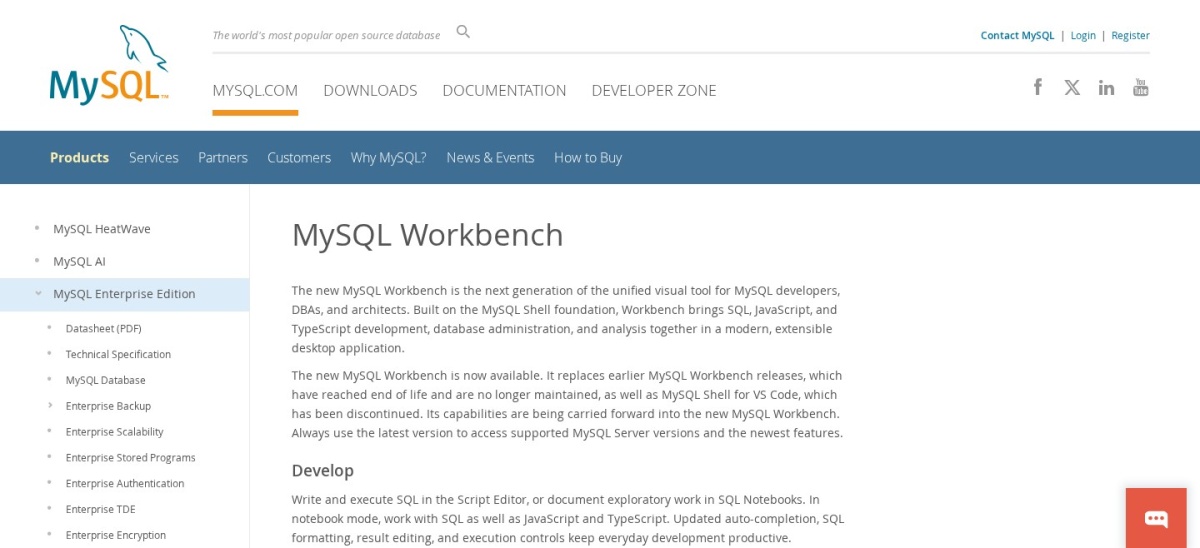
MySQL Workbench is the official free client for MySQL and MariaDB, covering modelling, administration and querying in one package. It is now rebuilt as a next-generation desktop app on the MySQL Shell foundation, with SQL, JavaScript and TypeScript support.
The trade off is that it only covers MySQL and MariaDB, so teams on Postgres need another tool, and its modelling depth is overkill for simple queries. It suits MySQL teams that want the vendor's own free tool.
Free clients cover daily work well. DBeaver Community, pgAdmin, HeidiSQL and MySQL Workbench handle querying, browsing and basic admin at no cost.
Paid plans mostly add depth. You get schema compare, ERD editing, data sync and visual query building that free tiers hold back.
The cheapest paid entry here is TablePlus at $99 once, while Navicat Premium costs $749.99 per user per year for the full suite.
If you work on one database, the free official tool is usually enough. Pay only when you manage several engines at once.
How we chose
We started from the most widely used database management tool tools, then kept those with a verifiable rating on G2, Capterra or Trustpilot and a published price or free plan.
Prices come from each vendor's pricing page, checked on 25 November 2026. Ratings and review counts come from the review site named on each tool on the same day. Where a vendor shows a sale, the list shows the regular price.
We left out tools with no verifiable rating or no published pricing information. No vendor paid for a place, and we do not claim hands-on testing for this list.
How to choose a database management tool
Start with the engines you use every day, then check whether the free tier covers your real work.
List your engines first. DBeaver covers 100+ databases and pgAdmin covers one, so the tool must match your estate before anything else matters.
Test the free tier on real work. Run your daily queries for a week, because TablePlus caps free use at two tabs and Beekeeper reserves ER diagrams for paid plans.
Check the licence model. TablePlus sells a one-time licence, DBeaver and Beekeeper sell yearly plans, and Navicat charges per user per year.
Try the SQL editor, not the feature list. DataGrip wins on code intelligence and TablePlus wins on speed, and only typing real queries shows which matters to you.
FAQ
What is the best database management tool?
DBeaver is the best database management tool for most developers, because its free Community edition covers more than 100 databases and its paid editions add schema compare and ERD editing. DataGrip is the best paid alternative for heavy SQL work.
Is DBeaver really free?
DBeaver Community is free and open source, covering more than 100 databases with a full SQL editor, data grid and ER diagrams. Paid Lite starts at $113 a year and adds schema compare, ERD editing and Git sync.
How much does DataGrip cost?
DataGrip is free for non-commercial use, and individuals pay $109 a year in year one. Some sources list $259 a year for commercial licences, so confirm the figure on the JetBrains pricing page before buying.
Is TablePlus a one-time purchase?
TablePlus sells perpetual licences, with Basic at $99 for one device, Standard at $129 for two and Team at $79 per seat. Each licence includes one year of updates and support.
What is the best free database client?
DBeaver Community is the best free client for multi-database work, while pgAdmin is best for PostgreSQL, HeidiSQL for MySQL on Windows, and MySQL Workbench for MySQL modelling and administration.
Is Navicat worth the price?
Navicat Premium is worth it for enterprises managing many database engines, with modelling, data sync and automation in one suite. For a single database or a small team, DBeaver or TablePlus cover the same daily work for far less.
SaaS SEO and WordPress specialist with about 8 years of experience. Rakib compares WordPress plugins, themes, hosting and software using public pricing, documentation and user reviews. See how we rank.