Disk Drill is the best hard drive data recovery software for most people. Its free version scans and previews files before you pay, Pro costs $89 a year, and it holds a 4.0 out of 5 rating on G2. Pick EaseUS for the easiest guided recovery and R-Studio for RAID and damaged partitions.
How we make this list: we compare pricing pages, product documentation and public user reviews, then re-check every price before each update. No product paid for a place. Disclosure.
Disk Drill leads for most people: free scan and preview, Pro at $89 a year, and one licence covers Windows and Mac on up to 3 devices.
EaseUS has the highest rating here at 4.8 out of 5 on G2, and the most generous free tier at 2 GB of recovery.
R-Studio is the pro pick at $79.99 one time, with RAID rebuilds and a hex editor most rivals lack.
Stellar holds the largest review base at 4.8 out of 5 from 5,610 Trustpilot reviews, and its Standard plan costs $59.99 a year.
DMDE is the cheapest paid route at $20, but its 5.0 rating comes from a single SourceForge review, so treat that score with care.
What to look for in hard drive recovery software
A hard drive can fail in two ways: files get deleted or a partition goes missing, or the drive itself stops responding. Software can help with the first kind and with logical damage, but no program can fix a drive with failed hardware.
Start with the free scan. Every tool here lets you scan and preview files before you pay, so only buy when you can see the files you need in the results.
Check the free recovery limit, not just the price. Free tiers range from 100 MB to 2 GB, and that gap decides whether a small job costs nothing at all.
Keep a backup habit beside any recovery tool. Our 3-2-1 backup rule guide explains why three copies on two kinds of storage beat any recovery attempt.
The 9 best hard drive data recovery software tools
01
Disk Drill
4/5on G2 (64 reviews, checked Nov 2026)
Paid from$89/yr
Best hard drive recovery software overall
PlatformsWindows, Mac
Free recovery100 MB on Windows
Paid licence1 user, 3 devices
Disk imagingYes, byte-to-byte
cleverfiles.com
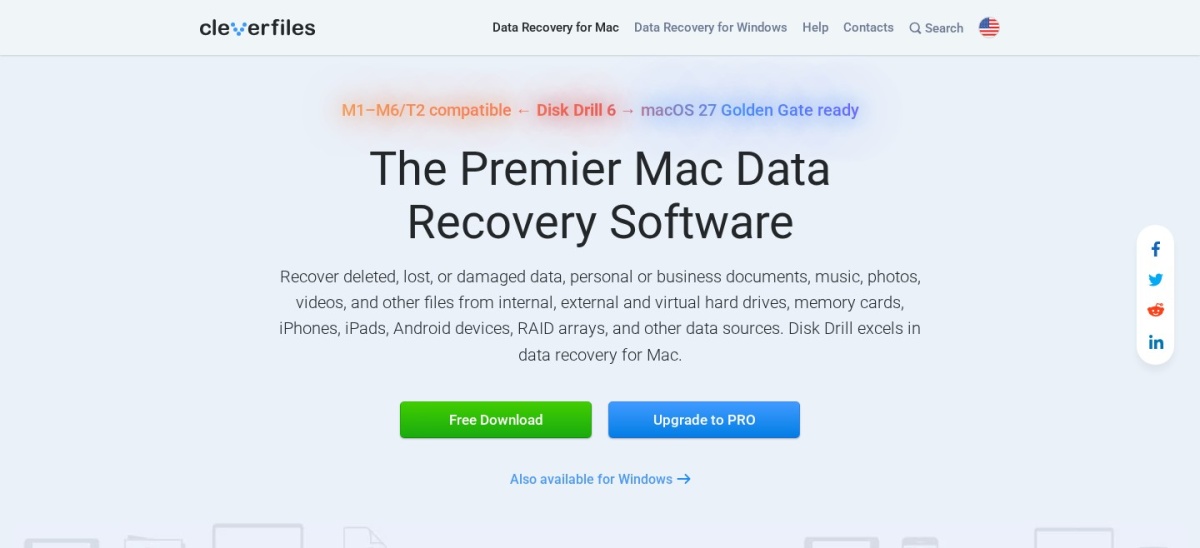
Disk Drill homepage, captured Nov 2026.
Disk Drill is a recovery app from CleverFiles for Windows and Mac. The free version scans a drive, previews recoverable files and recovers up to 100 MB on Windows, so you can confirm your files exist before paying. Pro adds unlimited recovery, byte-to-byte disk imaging and drive health monitoring.
The trade off is the refund policy. CleverFiles says Pro purchases are non-refundable except where the law requires it, so the free preview matters more here than with rivals. Pro costs $89 a year, or $149 for a lifetime licence. It suits most home users who want one clear workflow for deleted files and formatted drives.
What we like
One licence covers Windows and Mac on up to 3 devices
Free scan and preview before you pay
Byte-to-byte disk imaging included
Recovers playable video from fragmented files
Watch out for
Pro purchases are generally non-refundable
Free recovery is only 100 MB on Windows
Mac free version is preview only
Pro adds unlimited recovery, and the $149 licence adds lifetime updatesVisit cleverfiles.com
02
EaseUS Data Recovery Wizard
4.8/5on G2 (424 reviews, checked Nov 2026)
Paid from$99.95/yr
Best for easiest guided recovery
PlatformsWindows, Mac
Free recovery2 GB
Yearly plan$99.95, 1 PC
Bootable mediaYes, WinPE
easeus.com
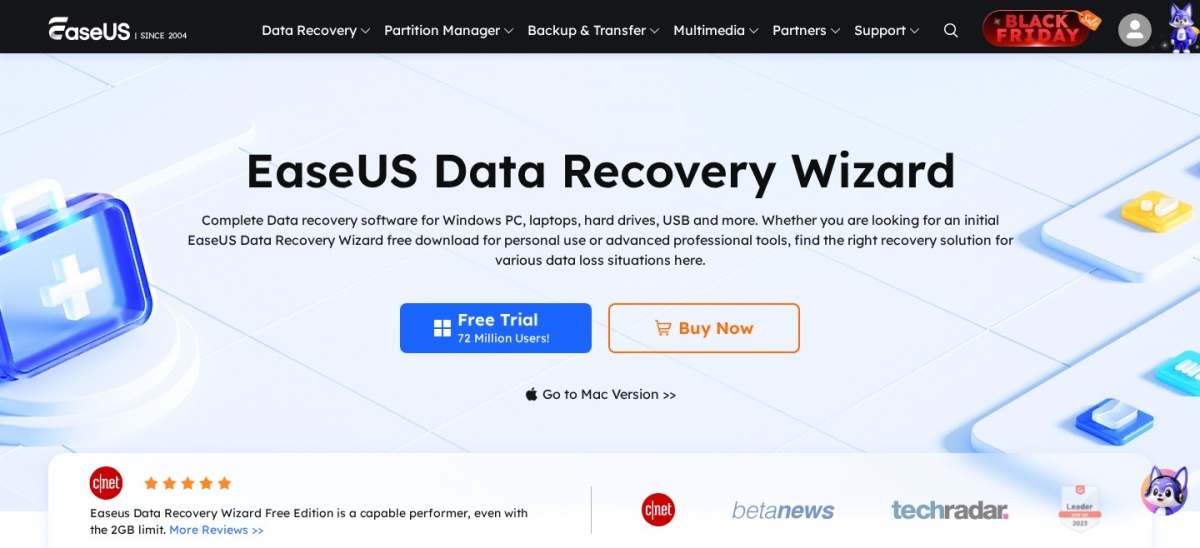
EaseUS Data Recovery Wizard homepage, captured Nov 2026.
EaseUS Data Recovery Wizard is the easiest tool in this list for a first recovery. The free version recovers up to 2 GB, the largest free allowance here, and the wizard walks you through scan, preview and recovery in three steps. It handles deleted files, formatted drives and lost partitions on Windows and Mac.
The trade off is price. A single month of Pro costs $69.95, and the yearly plan is $99.95, so a one-off job costs more here than with most rivals. The $149.95 lifetime licence is the better buy if you expect to use it again. It suits beginners who want the clearest path from scan to recovered files.
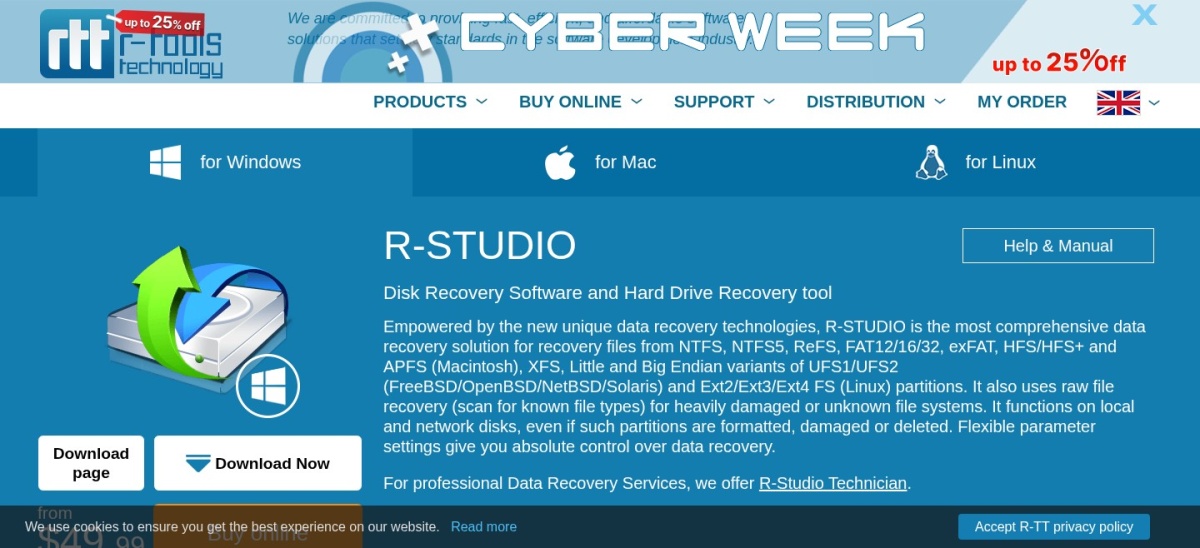
R-Studio is a professional recovery suite from R-Tools Technology for Windows, Mac and Linux. It rebuilds RAID arrays, reads disk images and virtual disks, and includes a hex editor and network recovery for damaged or formatted drives. The full edition costs $79.99 as a one-time licence.
The trade off is the learning curve. The interface assumes you know what a partition table is, and the demo only recovers files up to 1,024 KB, so testing is limited. Cheaper FAT and NTFS editions cost $49.99 and $59.99. It suits IT staff and technicians handling RAID or badly damaged drives.
4.8/5on Trustpilot (5,610 reviews, checked Nov 2026)
Paid from$59.99/yr
Best for photo and video recovery
PlatformsWindows, Mac
Free recovery1 GB
Photo/video repairProfessional plan
RAID recoveryTechnician plan
stellarinfo.com
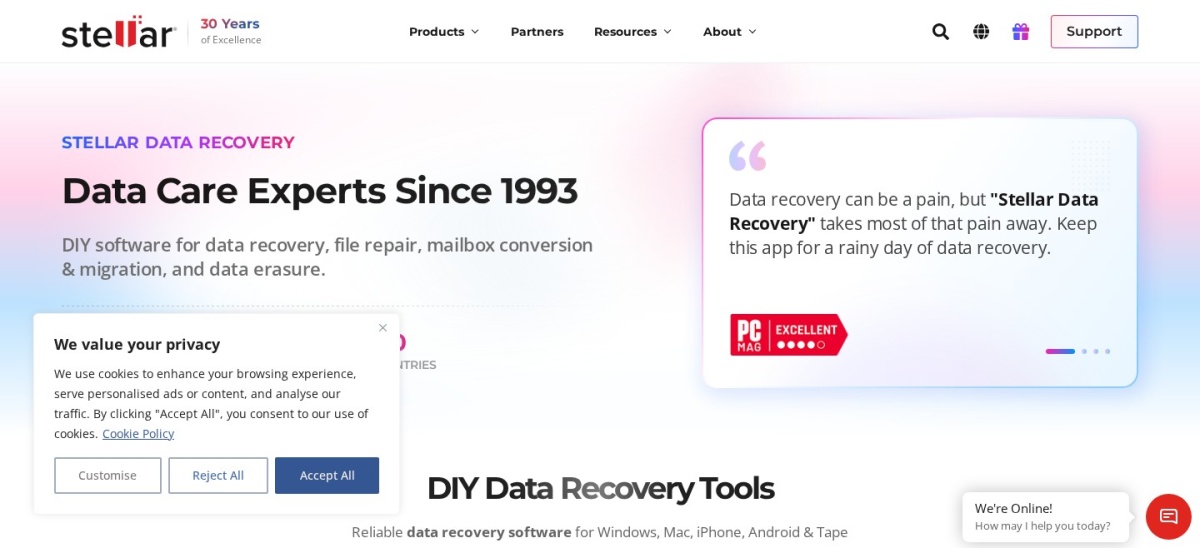
Stellar Data Recovery homepage, captured Nov 2026.
Stellar Data Recovery is a long-running recovery tool from Stellar Information Technology, in business since 1993. The free version recovers up to 1 GB, and the Standard plan at $59.99 a year covers deleted files, formatted drives, lost partitions and encrypted drives. It holds a 4.8 out of 5 Trustpilot score from 5,610 reviews.
The trade off is price creep. Stellar lists Standard at $59.99 a year, shown as reduced from $69.99, and photo and video repair needs the $79.99 Professional plan. RAID recovery needs the $99.99 Technician plan. It suits photographers and anyone recovering media that may need repair after recovery.
What we like
Largest review base in this list
Photo and video repair on Professional
1 GB free recovery
Support team replies to most negative reviews
Watch out for
Prices are shown as discounts that change often
RAID recovery needs the Technician plan
Deep scans can be slow on large drives
Professional adds bootable recovery and disk imaging for $79.99 a yearVisit stellarinfo.com
05
MiniTool Power Data Recovery
4.4/5on G2 (31 reviews, checked Nov 2026)
Paid from$89/yr
Best for Windows users on a budget
PlatformsWindows, Mac
Free recovery1 GB
Yearly plan$89, 1 PC
Bootable mediaWinPE builder included
minitool.com
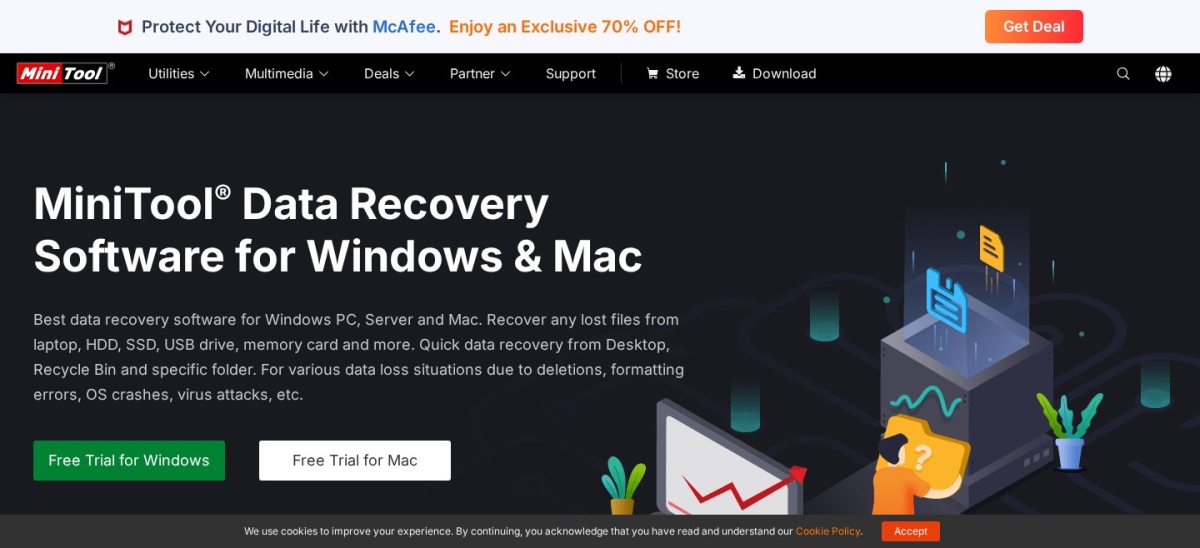
MiniTool Power Data Recovery homepage, captured Nov 2026.
MiniTool Power Data Recovery is a Windows-first recovery tool from MiniTool Software. The free edition recovers up to 1 GB, and the yearly plan costs $89 for one PC with unlimited recovery and a WinPE bootable builder. A lifetime Personal Ultimate licence covers 3 PCs.
The trade off is polish. The interface trails Disk Drill and EaseUS, and the monthly plan at $69 is poor value next to the $89 yearly plan. Mac users get a thinner deal than Windows users. It suits Windows users who want a low yearly price and a bootable rescue option.
4/5on Trustpilot (1,938 reviews, checked Nov 2026)
Paid from$69.99/yr
Best for video recovery and repair
PlatformsWindows, Mac
Free recovery100 MB
File formats1,000+
NAS recoveryPremium plan
recoverit.wondershare.com
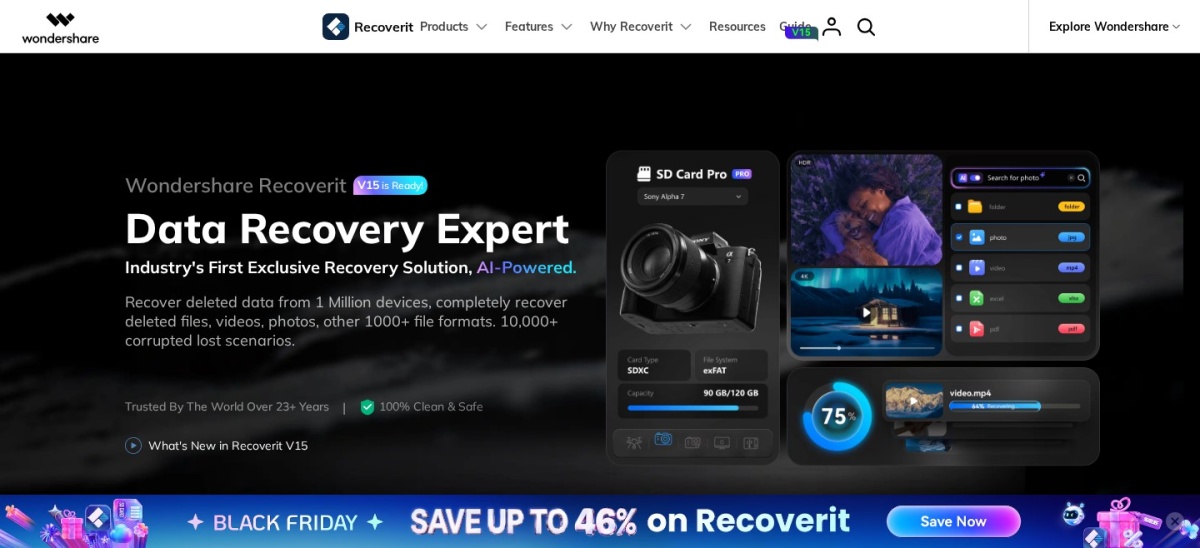
Wondershare Recoverit homepage, captured Nov 2026.
Wondershare Recoverit is a media-focused recovery tool for Windows and Mac. It recovers more than 1,000 file formats, with advanced video recovery and repair for corrupted footage from cameras and drones. Essential costs $69.99 a year for one PC, and it holds a 4.0 out of 5 Trustpilot score from 1,938 reviews.
The trade off is the free tier. Recoverit caps free recovery at 100 MB, the smallest allowance in this list, so most jobs need a paid plan. The bootable toolkit sits on the $79.99 Standard plan, and NAS recovery needs Premium at $99.99. It suits videographers recovering footage that may need repair.
3.6/5on Trustpilot (360 reviews, checked Nov 2026)
Paid from$99.95/yr
Best beginner-friendly recovery with repair
PlatformsWindows, Mac
File types1,000+
Photo/video repairYes, higher tiers
Free versionUp to 2 GB recovery
4ddig.tenorshare.com
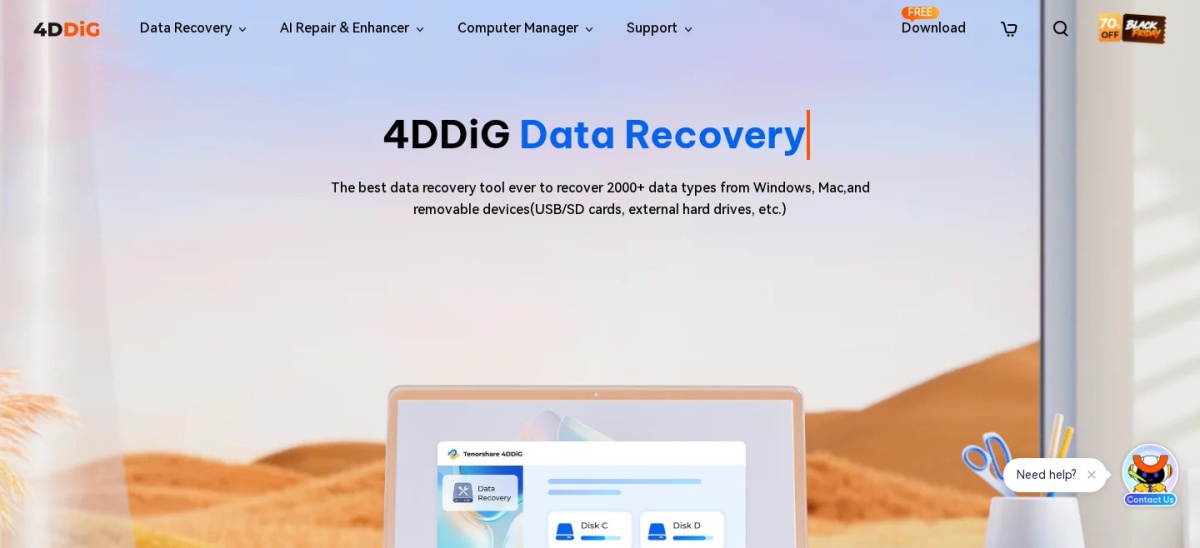
Tenorshare 4DDiG homepage, captured Nov 2026.
Tenorshare 4DDiG is a beginner-friendly recovery tool for Windows and Mac. It covers more than 1,000 file types, recovers from formatted drives, crashed systems and memory cards, and bundles photo and video repair on higher tiers. The free version offers up to 2 GB of recovery.
The trade off is trust. 4DDiG holds a 3.6 out of 5 Trustpilot score from 360 reviews, the lowest in this list, with reviewers flagging refund and cancellation friction. The one-year licence lists at $99.95, though promotions often show $59.95. It suits first-time users who want repair tools beside recovery.
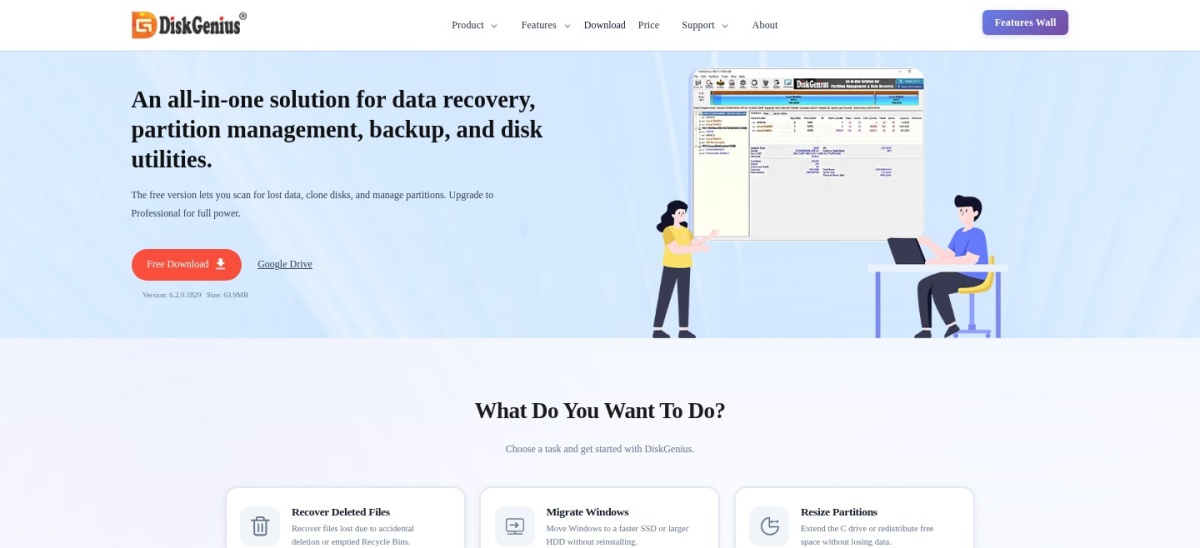
DiskGenius is a Windows disk utility that combines data recovery with partition management, disk cloning, backup and bad-sector checks in one program. The free edition scans and previews lost files, and the Professional licence adds full recovery. It holds a 3.8 out of 5 Trustpilot score from 36 reviews.
The trade off is focus. DiskGenius is a disk utility first, so its interface is crowded and recovery is one job among many. Professional costs $69.90 for one month, $99.90 for one year or $129.90 for life. It suits technical Windows users who also need partition and cloning tools.
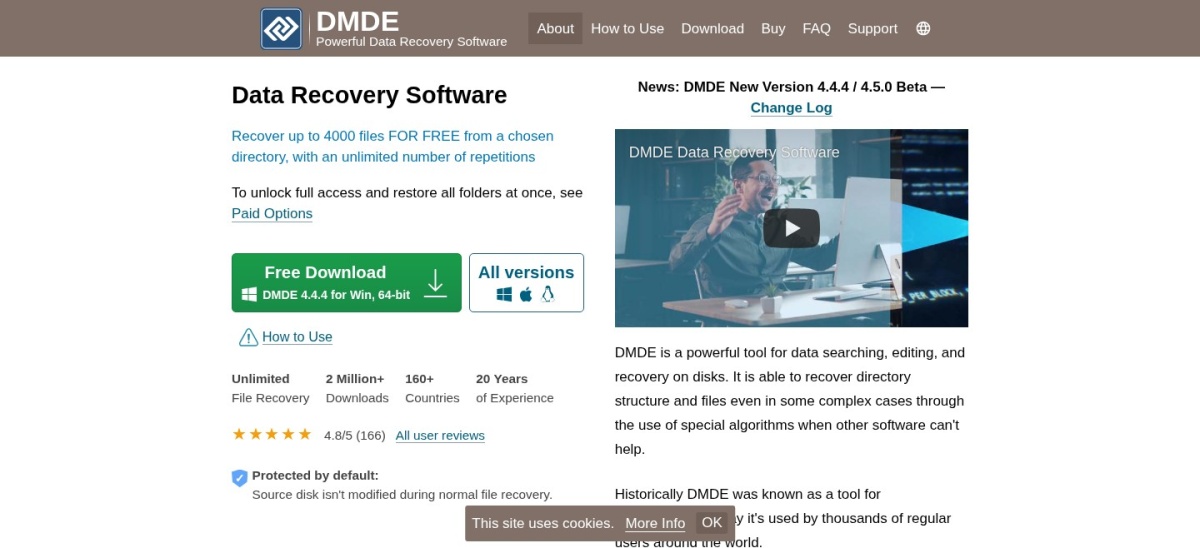
DMDE is a low-cost recovery tool for technical users, built around a disk editor and file recovery engine. The free edition recovers files from the current panel with batch limits, and paid editions start at $20. It runs on Windows, Mac and Linux and includes a RAID constructor and disk imaging.
The trade off is usability. The interface is dated and assumes you understand disks and file systems, and its 5.0 rating rests on a single SourceForge review, so the score proves little. Standard costs $48 and Professional $95. It suits experts who want deep control at the lowest price in this list.
What we like
Cheapest paid plan in this list at $20
Disk editor and RAID constructor included
Runs on Windows, Mac and Linux
Portable, no install needed
Watch out for
Dated, technical interface
Rating rests on a single review
Free edition has batch limits
Professional adds client recovery features for $95Visit dmde.com
Free vs paid: what the free tier really gives you
Free tiers in this list recover between 100 MB and 2 GB, except for R-Studio, which has no free recovery at all. That gap decides whether a small job costs nothing.
Paid plans mostly add unlimited recovery and bootable media. The scan and preview are free in every tool here, so you only pay when you can see your files.
If the drive makes clicking sounds or is not detected at all, stop and call a lab. No software in this list can fix failed hardware, and continued use can destroy what is left.
For a drive with family photos or business files, the cheapest paid plan is DMDE at $20, while most people will pay between $59.99 and $99.95 a year.
How we chose
We started from the recovery tools most often recommended for hard drives, then kept nine with a public rating on G2, Capterra, Trustpilot or SourceForge and a published price.
Prices come from each vendor's pricing page or store, checked on 25 November 2026. Ratings and review counts come from the review platforms on the same day. Where a vendor shows a sale, the list shows the regular price.
We left out tools with no public rating on G2, Capterra, Trustpilot or SourceForge, including PhotoRec and TestDisk. No vendor paid for a place, and we do not claim hands-on testing for this list.
How to choose hard drive data recovery software
Stop using the affected drive first, then match the tool to the job.
Stop writing to the drive. Every new file risks overwriting deleted data. Install the recovery tool on a different drive and recover to a different drive.
Scan free before you pay. Every tool here previews recoverable files for free. Only buy when you can see the files you need in the scan results.
Match the free limit to the job. EaseUS gives 2 GB free and MiniTool and Stellar give 1 GB, while Disk Drill and Recoverit give 100 MB. A small job may cost nothing.
Pick the pro tool for hard cases. Choose R-Studio or DMDE for RAID, damaged partitions or disk imaging, and a simpler tool for recently deleted files.
FAQ
What is the best hard drive data recovery software?
Disk Drill is the best pick for most people. Its free version scans and previews files before you pay, Pro costs $89 a year, and one licence covers Windows and Mac on up to 3 devices. EaseUS is the easiest alternative, and R-Studio is the pro pick for RAID.
Is free data recovery software enough?
Sometimes. EaseUS recovers 2 GB free, MiniTool and Stellar recover 1 GB, and Disk Drill and Recoverit recover 100 MB. That covers small jobs, but larger recoveries need a paid plan. Free tools such as PhotoRec recover without a cap, but they lose file names and need technical skill.
Can data recovery software fix a physically damaged hard drive?
No. Software can only help when the drive is detected and the damage is logical, such as deleted files or a lost partition. If the drive clicks, grinds or is not detected, stop using it and contact a recovery lab, because continued use can destroy the remaining data.
How much does hard drive data recovery software cost?
Paid plans in this list start at $20 for DMDE and run to $99.95 a year for EaseUS and 4DDiG. Most people pay between $59.99 and $99 a year. One-time licences exist too, such as R-Studio at $79.99 and Disk Drill lifetime at $149.
Should I install recovery software on the drive I want to recover from?
No. Installing anything on the affected drive can overwrite the deleted files you want back. Install the tool on a different drive, or run a portable version from a USB stick, and always recover files to a different drive.
Do I need to pay before I know if my files are recoverable?
No. Every tool in this list lets you scan and preview recoverable files before paying. Run the free scan first, check that your files appear with their names intact, and only buy the licence when the preview looks right.
SaaS SEO and WordPress specialist with about 8 years of experience. Rakib compares WordPress plugins, themes, hosting and software using public pricing, documentation and user reviews. See how we rank.