Disk Drill is the best data recovery software for external hard drives for most people, with a one-time $89 Pro license for Windows and Mac, up to 500 MB of free recovery on Windows, and a 4.0 out of 5 rating on G2. Pick EaseUS for the simplest guided recovery and R-Studio for RAID and damaged partitions.
How we make this list: we compare pricing pages, product documentation and public user reviews, then re-check every price before each update. No product paid for a place. Disclosure.
Disk Drill is the only pick here with a one-time $89 license that covers both Windows and Mac, and its free Windows edition recovers up to 500 MB.
EaseUS has the largest free allowance at 2 GB and the highest G2 rating in this list at 4.8 out of 5 from 424 reviews.
Stellar costs $59.99 a year, the joint-lowest paid price here, and holds a 4.8 out of 5 Trustpilot rating from 5,610 reviews.
R-Studio is the pro pick: its $79.99 one-time license covers RAID rebuilds, disk imaging and a hex editor, but the demo only recovers files up to 1,024 KB.
Three tools here sell one-time licenses — Disk Drill, R-Studio and DiskGenius — while the rest charge yearly, so check the renewal terms before you buy.
What to look for in recovery software for an external hard drive
An external hard drive usually fails in one of two ways: files are deleted or a partition goes missing, or the drive stops mounting at all. Software can help with the first kind and with logical damage, but no program can fix a drive with failed hardware.
Start with the free scan. Every tool here lets you scan and preview files before you pay, so only buy when you can see the files you need in the results.
Check the file system before you choose. Most external drives ship formatted as exFAT or NTFS, and cheaper editions of some tools only cover one of them, so a FAT-only license will not help an NTFS drive.
Keep a backup habit beside any recovery tool. Our 3-2-1 backup rule guide explains why three copies on two kinds of storage beat any recovery attempt.
The 9 best data recovery software for external hard drives
01
Disk Drill
4/5on G2 (64 reviews, checked Nov 2026)
Paid from$89/yr
Best overall for external drives
PlatformsWindows, Mac
Free recovery500 MB on Windows
Paid licenseOne-time, $89
Disk imagingYes, byte-to-byte
cleverfiles.com
Disk Drill homepage, captured Nov 2026.
Disk Drill is a recovery app from CleverFiles for Windows and Mac that handles deleted files, formatted drives and lost partitions on external hard drives, USB sticks and memory cards. The free Windows edition recovers up to 500 MB, the scan and preview are free on both platforms, and one $89 license activates on up to three computers.
The trade off is the rating. Disk Drill holds 4.0 out of 5 on G2 from 64 reviews, the lowest score among the top three here, and Mac users get preview only until they pay. It suits most home users who want one simple tool and a license they pay for once.
EaseUS Data Recovery Wizard homepage, captured Nov 2026.
EaseUS Data Recovery Wizard is a guided recovery app for Windows and Mac that walks you through scan, preview and recovery in three steps. The free edition recovers up to 2 GB, the largest free allowance in this list, and it handles formatted external drives, lost partitions and RAW drives.
The trade off is price. The yearly Pro plan lists at $99.95 for one PC, and the monthly plan costs $69.95, so a single urgent job is dear unless you take the yearly plan. It suits beginners who want the clearest path from a dead external drive to recovered files.
What we like
Largest free allowance at 2 GB
Highest G2 rating in this list
Clear three-step guided recovery
Watch out for
Yearly plan covers one PC only
Monthly plan is costly for one job
Pro adds unlimited recovery and WinPE bootable mediaVisit easeus.com
03
Stellar Data Recovery
4.8/5on Trustpilot (5,610 reviews, checked Nov 2026)
Paid from$59.99/yr
Best value for photo and video recovery
PlatformsWindows, Mac
Free recovery1 GB
Photo/video repairProfessional plan
RAID recoveryTechnician plan
stellarinfo.com
Stellar Data Recovery homepage, captured Nov 2026.
Stellar Data Recovery is a recovery app for Windows and Mac that covers deleted files, formatted drives and crashed systems on external hard drives. The free edition recovers up to 1 GB, and paid plans add photo and video repair, which matters when an external drive holds a photo library.
The trade off is tiering. The $59.99 Standard plan covers basic recovery, while photo and video repair needs the Professional plan and RAID recovery needs Technician. It suits photographers and home users whose external drive mostly holds photos and video.
4.7/5on Trustpilot (6,636 reviews, checked Nov 2026)
Paid from$69.99/yr
Best for video recovery and repair
Free recovery100 MB
File types1,000+ supported
PlatformsWindows and Mac
Paid planEssential, $69.99/yr
recoverit.wondershare.com
Wondershare Recoverit homepage, captured Nov 2026.
Wondershare Recoverit is a recovery app for Windows and Mac that covers deleted files, formatted drives and crashed systems. The free version scans and previews files and recovers up to 100 MB on Windows. It supports more than 1,000 file types, repairs damaged photos and videos, and works with camera cards and NAS drives.
The trade off is price clarity. The Essential plan lists at $69.99 a year, while the store page shows lower sale prices that change, and subscriptions renew automatically. It suits photographers and video makers who need repair tools beside recovery.
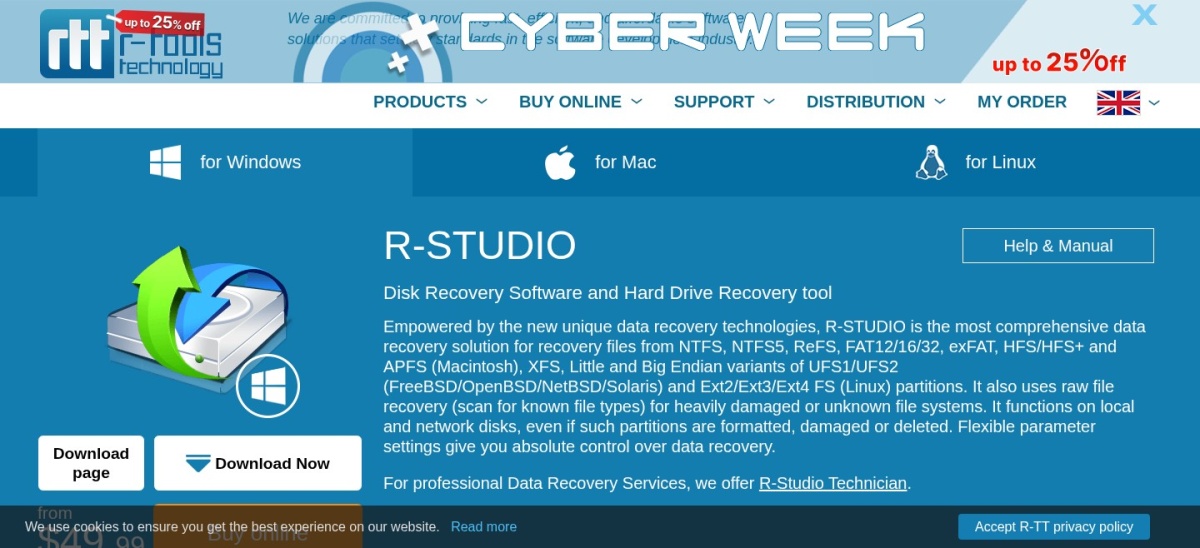
R-Studio is a professional recovery suite from R-Tools Technology for Windows, Mac and Linux that rebuilds RAID arrays and recovers data from damaged partitions. It reads NTFS, FAT, exFAT, APFS and ReFS volumes, images failing drives before recovery, and includes a hex editor for manual repair.
The trade off is skill. The interface assumes technical knowledge, and the demo only recovers files up to 1,024 KB, so you pay $79.99 before you know the full result. It suits technicians and advanced users facing RAID damage or a drive with bad sectors.
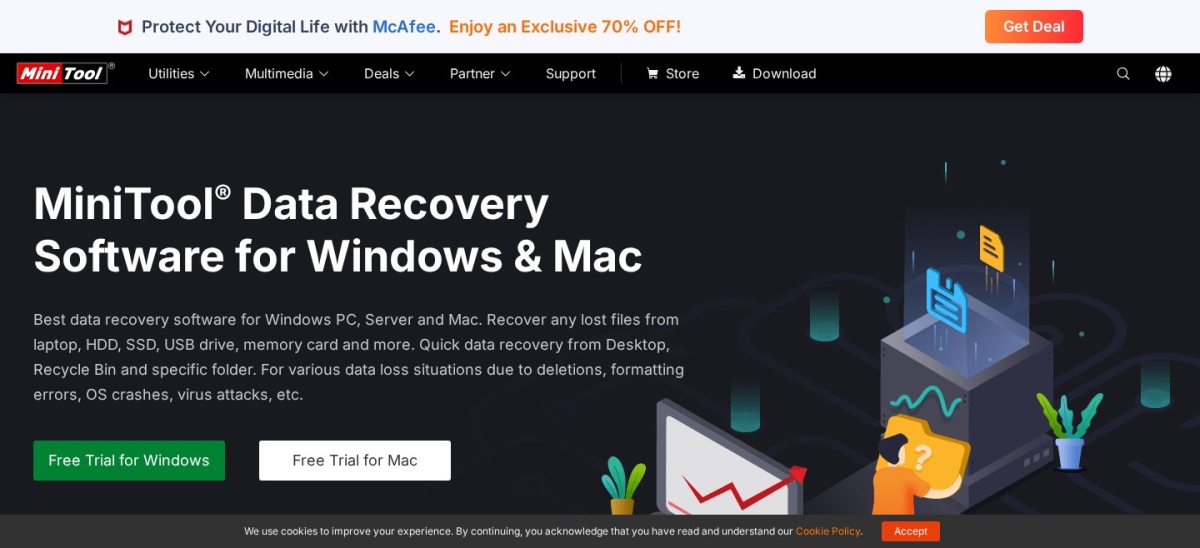
MiniTool Power Data Recovery homepage, captured Nov 2026.
MiniTool Power Data Recovery is a Windows-first recovery app, with a Mac version, that restores deleted files from external hard drives, USB sticks and SD cards. The free edition recovers up to 1 GB, scans specific folders to save time, and previews files before you save them.
The trade off is depth. It handles common deletion and formatting cases well but has fewer pro features than R-Studio, and the yearly plan costs $89 for one PC. It suits Windows users who want a simple tool for a small recovery job.
What we like
Free 1 GB covers small recovery jobs
Preview files before saving them
WinPE bootable media in paid plans
Watch out for
Fewer pro features than R-Studio
Yearly plan covers one PC only
Personal Yearly adds unlimited recovery and bootable mediaVisit minitool.com
07
Tenorshare 4DDiG
4.8/5on G2 (129 reviews, checked Nov 2026)
Paid from$99.95/yr
Best beginner-friendly recovery with repair
Free recoveryUp to 2 GB
File types2,000+ supported
PlatformsWindows and Mac
Paid plan1 Year, $99.95/yr
4ddig.tenorshare.com
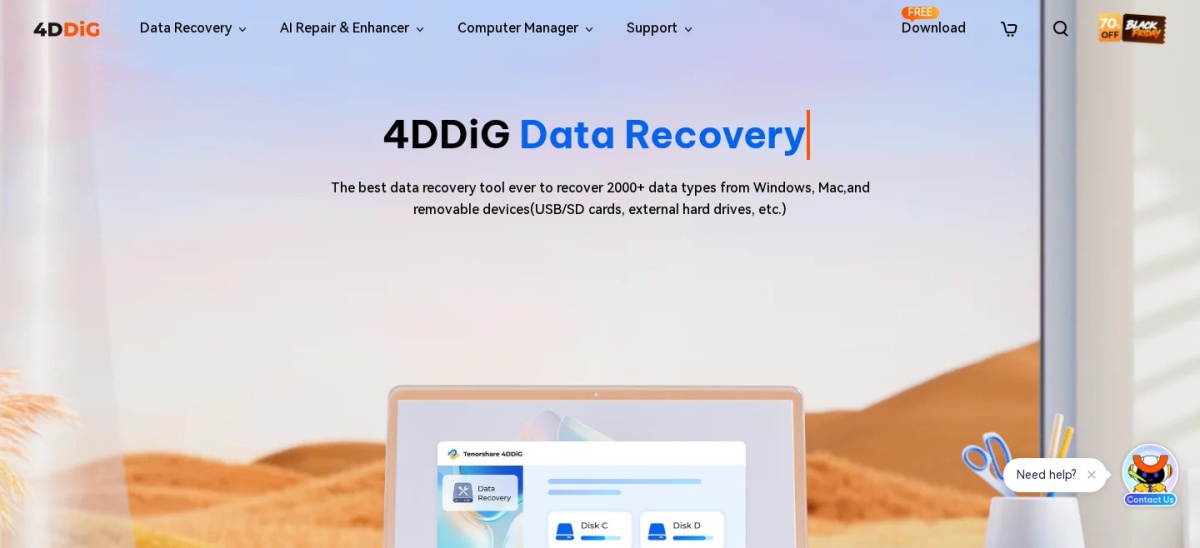
Tenorshare 4DDiG homepage, captured Nov 2026.
Tenorshare 4DDiG is a recovery app for Windows and Mac that handles deleted, formatted and lost files from external drives, USB sticks and memory cards. The free version scans, previews and recovers up to 2 GB. It supports more than 2,000 file types and adds photo and video repair plus bootable media for crashed PCs.
The trade off is billing. The yearly plan lists at $99.95 but the site shows lower sale prices, and monthly and yearly plans renew automatically. It suits users who want a low-cost lifetime license, listed at $119.95, for repeat recovery jobs.
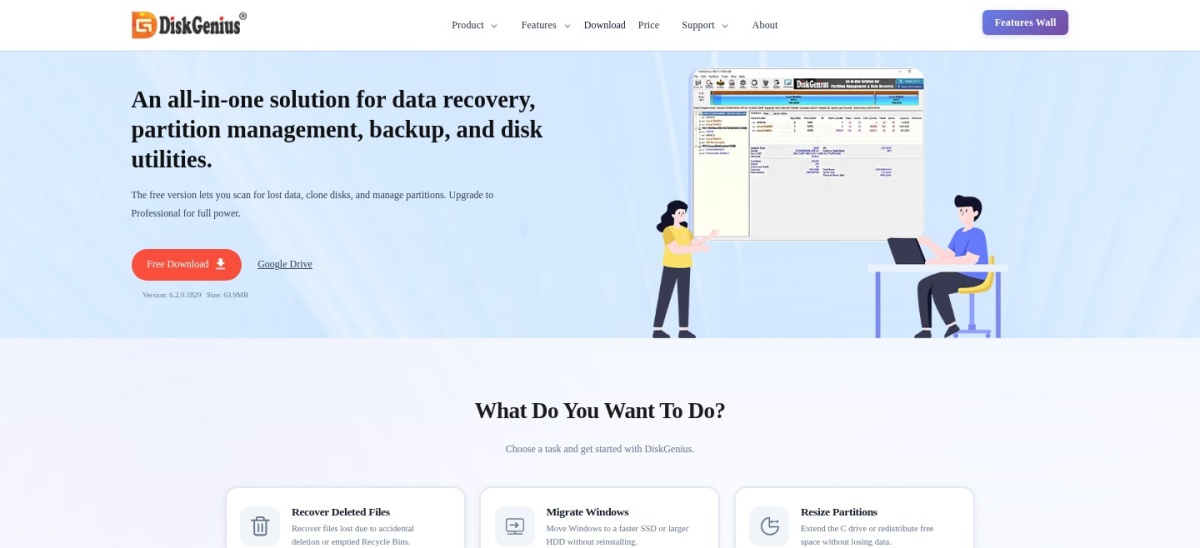
DiskGenius is a Windows disk utility that combines file recovery with a full partition manager, disk cloning and bad-sector checks. The free edition scans and previews recoverable files on external hard drives, and the paid edition unlocks full recovery beside the partition tools.
The trade off is scope. It runs on Windows only, so Mac users need another tool, and the $99.90 Professional edition is a one-time license the price ladder shows as a yearly amount. It suits Windows users who want one tool for recovery, partitions and cloning.
2.9/5on Trustpilot (2,608 reviews, checked Nov 2026)
Paid from$59.99/yr
Best for lab-backed recovery with RAID support
Free recoveryUp to 1 GB, files under 25 MB
PlatformsWindows and Mac
RAID supportYes, paid editions
Paid planHome, $59.99/yr
ontrack.com
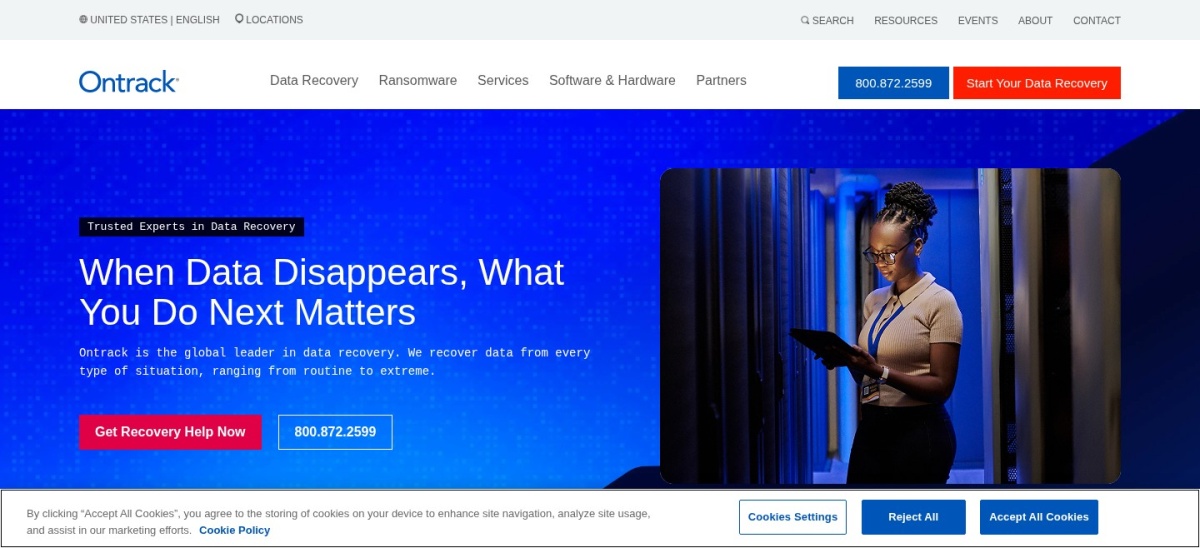
Ontrack EasyRecovery homepage, captured Nov 2026.
Ontrack EasyRecovery is the DIY software from Ontrack, a long-running data recovery company with lab services behind it. The free version recovers up to 1 GB, with each file under 25 MB. Paid editions add RAID recovery, disk imaging and photo and video repair.
The trade off is trust. It holds 2.9 out of 5 on Trustpilot from 2,608 reviews, the lowest score in this list, and paid prices are not shown in one place on the site. It suits users who may later need a professional lab for a physically damaged drive.
What we like
Backed by a professional recovery lab
Disk imaging and RAID recovery in paid editions
Free 1 GB to prove it works
Watch out for
Lowest Trustpilot score in this list
Paid prices are not shown in one place
Home adds unlimited recovery; Premium and Toolkit add RAIDVisit ontrack.com
One-time licenses vs subscriptions: what the ladder shows
Three tools here sell one-time licenses: Disk Drill at $89, R-Studio at $79.99 and DiskGenius at $99.90. You pay once and keep the version you bought, which beats a yearly fee if you recover files more than once.
The price ladder lists every tool as a yearly amount, so those three one-time prices appear with a /yr label even though they are not subscriptions. Read the per-tool price line for the real billing term.
The other six tools charge yearly and renew automatically unless you cancel. If you only need one recovery, a monthly plan or the free tier may cost less than a full year.
How we chose
We started from the recovery tools most often recommended for external hard drives, then kept those with a free scan or free recovery tier and a public rating on G2, Capterra or Trustpilot.
Prices come from each vendor's pricing page or store page, checked on 25 November 2026. Ratings and review counts come from G2, Capterra and Trustpilot on the same day. Where a vendor shows a sale, the list shows the regular price.
We left out tools with no public rating and tools that only recover from phones. No vendor paid for a place, and we do not claim to have used these tools ourselves.
How to choose data recovery software for an external hard drive
Start with the free scan, then pay only when you can see your files in the results.
Stop using the drive. Do not save new files to it or run repairs on it. Every write risks overwriting the files you want back.
Run the free scan first. Scan the external drive, preview the results and check the free recovery limit. If the files you need fit inside it, the job may cost nothing.
Match the license to the drive. Check the file system — exFAT, NTFS or APFS — and the platform. A FAT-only license will not help an NTFS drive, and some tools are Windows only.
Pick one-time or yearly on purpose. A one-time license suits repeat jobs, while a yearly plan suits a single urgent recovery. Keep a backup after recovery so you do not pay twice. Our 3-2-1 backup rule guide explains the setup.
FAQ
What is the best data recovery software for an external hard drive?
Disk Drill is the best pick for most people. Its $89 one-time Pro license covers Windows and Mac, the free Windows edition recovers up to 500 MB, and it holds a 4.0 out of 5 rating on G2 from 64 reviews.
Can I recover files from an external hard drive for free?
Yes, for small jobs. EaseUS and 4DDiG recover up to 2 GB free, MiniTool and Stellar allow 1 GB, and Disk Drill recovers 500 MB on Windows. Scan and preview first, then pay only if the files you need sit above the free limit.
Does data recovery software work on a drive that is not detected?
Usually not. If your computer cannot see the drive at all, or it makes clicking sounds, software cannot reach it and you should stop and call a recovery lab. Software helps when the drive mounts but files are deleted, formatted or missing.
Should I buy a one-time license or a yearly plan?
Buy a one-time license if you expect to recover files more than once, since Disk Drill, R-Studio and DiskGenius charge once. Take a yearly plan for a single urgent job, and cancel renewal after the recovery so you are not charged again.
Will recovery software work on both Windows and Mac?
Most tools here run on both, including Disk Drill, EaseUS, Stellar, Recoverit and 4DDiG. DiskGenius is Windows only and MiniTool is Windows-first, so check the platform list before you buy if you use a Mac.
What should I do after recovering files from an external drive?
Copy the recovered files to a different drive, never back to the same one, then check that the important files open. After that, set up a backup routine so the next failure costs you nothing but time.
SaaS SEO and WordPress specialist with about 8 years of experience. Rakib compares WordPress plugins, themes, hosting and software using public pricing, documentation and user reviews. See how we rank.