Bitwarden leads our top open source password management software list, free for unlimited passwords on every device, with Premium at $20 a year. Proton Pass adds email aliases, while KeePass keeps your vault fully offline.
How we make this list: we compare pricing pages, product documentation and public user reviews, then re-check every price before each update. No product paid for a place. Disclosure.
Bitwarden leads with a 4.6 G2 rating, unlimited free passwords and Premium at $20 a year.
Proton Pass adds email aliases and a 4.7 G2 rating, with Plus at $2.99 a month.
KeePass and KeePassXC are free offline vaults with no cloud and no subscription.
Psono and Passbolt are the team picks, with self-hosting and sharing from 2.50 euros a user a month.
Buttercup is free with a 4.8 G2 rating, but that rating rests on only two reviews.
How do you choose the top open source password management software?
Open source means the code is public. Anyone can read it, which is why security teams trust these vaults more than closed tools with the same features.
Self-hosting is the big split. Bitwarden, Psono, Passbolt and KeePassXC all run on your own server, while Proton Pass and Buttercup store your vault in the cloud or on your device.
A free plan is often enough. Bitwarden, KeePass, KeePassXC and Buttercup are free for personal use with no password limit, so paying only buys extras such as sharing and reports.
Check the sync method before you pick. KeePass and KeePassXC store a local file that you sync yourself, while Bitwarden and Proton Pass sync through their own cloud.
List prices in each vendor's currency, checked Nov 2026
KeePassFree
KeePassXCFree
PsonoFREE€2.50
ButtercupFree
BitwardenFREE$20
Proton PassFREE$36
PassboltFREE$59
The 7 best top open source password management software tools
01
Bitwarden
4.6/5on G2 (1,515 reviews, checked Nov 2026)
Paid from$20/yr
Best open source password manager overall
Free planUnlimited passwords
Premium$20/yr
Self-hostedYes
PlatformsAll major platforms
bitwarden.com
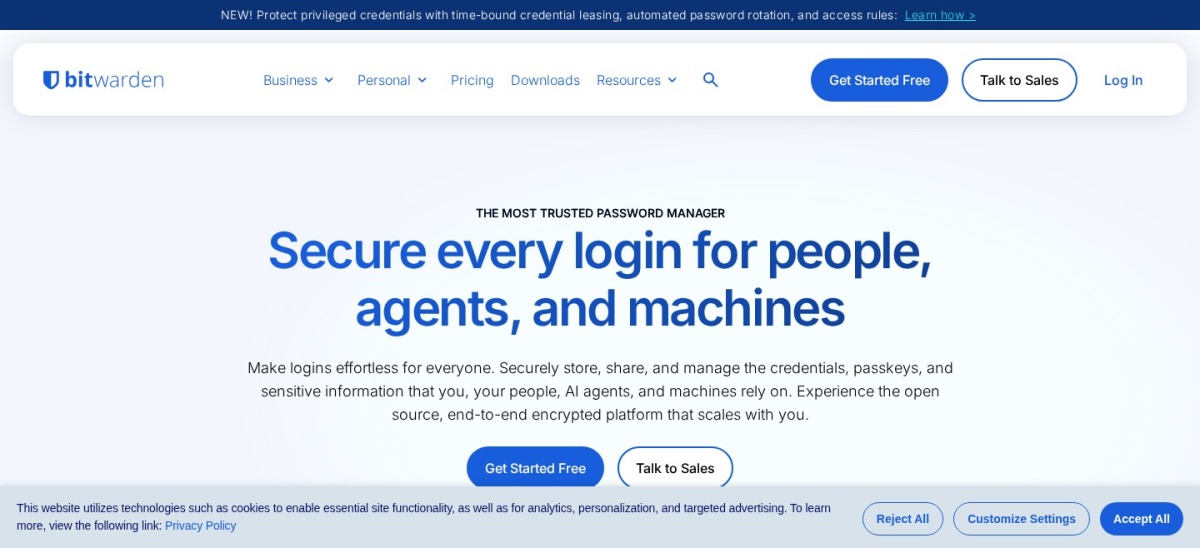
Bitwarden homepage, captured Nov 2026.
Bitwarden is an open source password manager with a free plan that stores unlimited passwords on unlimited devices. Premium costs $20 a year and adds emergency access, security reports and one gigabyte of encrypted file storage.
The trade off is the interface. Bitwarden is functional rather than beautiful, and the self-hosted edition needs a server to run. It suits almost everyone, from one person to a whole team.
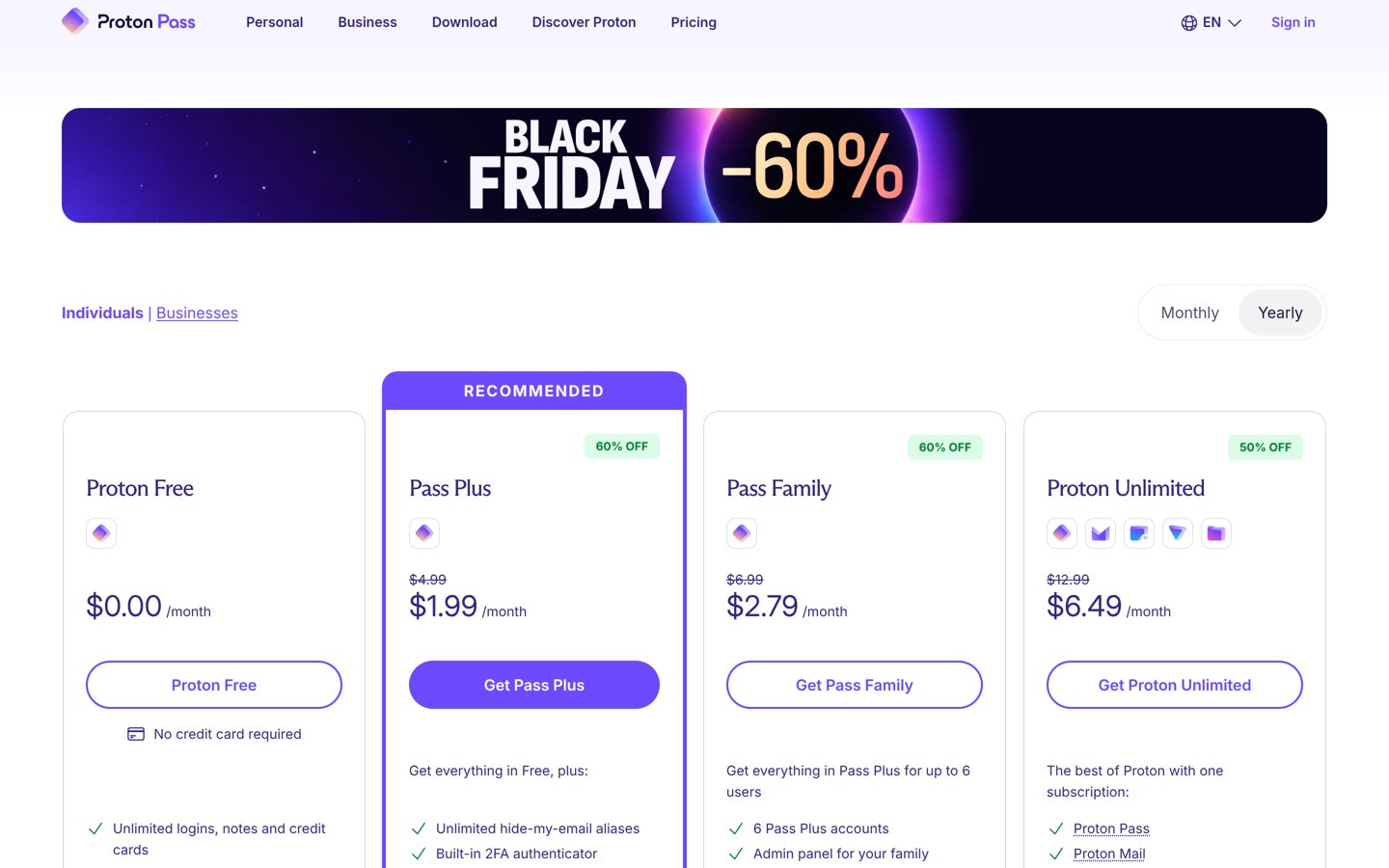
Proton Pass is a password manager from Proton, the team behind Proton Mail, with end-to-end encryption and a hide-my-email alias feature. Its free plan stores unlimited logins, and Plus costs $2.99 a month with unlimited aliases and more storage.
The trade off is the review base. Proton Pass holds 4.7 out of 5 on G2 from only 127 reviews, and there is no self-hosted edition. It suits Proton users and anyone who wants aliases with their vault.
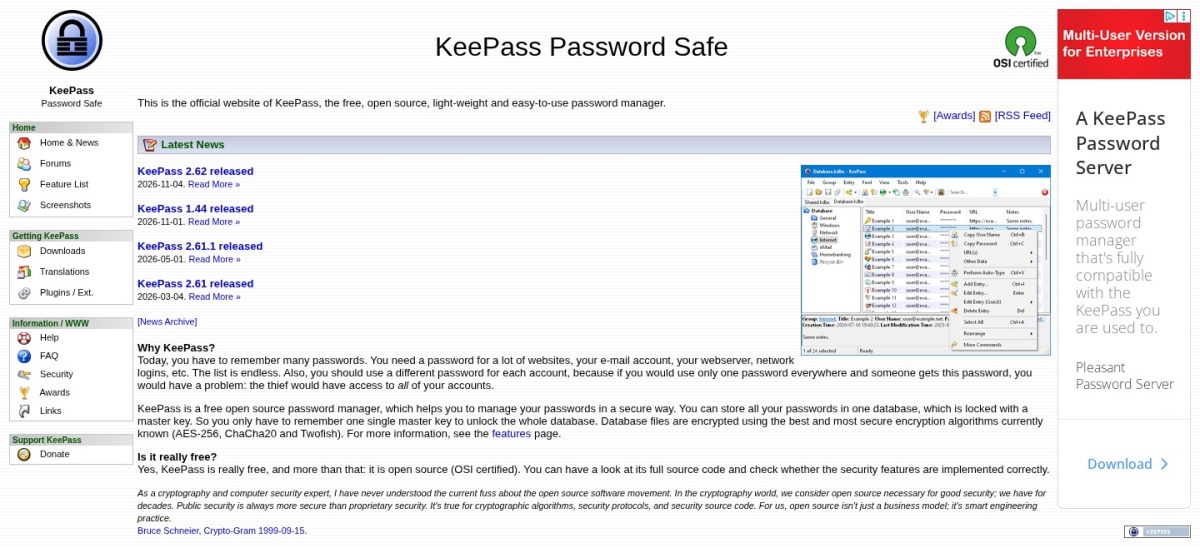
KeePass is the original free, open source password manager for Windows, storing your vault in a local encrypted file. It costs nothing, has no cloud account, and plugins add browser integration and sync through Dropbox or Google Drive.
The trade off is the look and feel. KeePass has a dated Windows interface and needs plugins for features that rivals include by default. It suits Windows users who want a vault with no cloud at all.
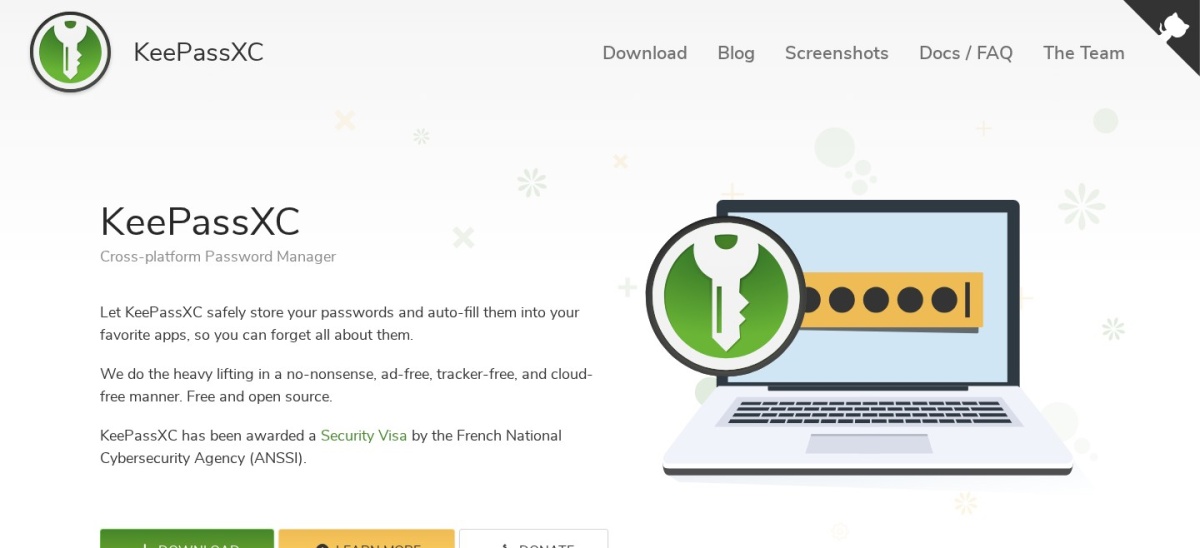
KeePassXC is a community fork of KeePass with a modern interface and native apps for Windows, Mac and Linux. It is free, stores your vault in a local encrypted file, and includes a browser extension and command-line tool out of the box.
The trade off is sync. KeePassXC has no built-in cloud sync, so you move the vault file yourself through Dropbox, Google Drive or a USB stick. It suits people who want KeePass without the Windows-only limits.
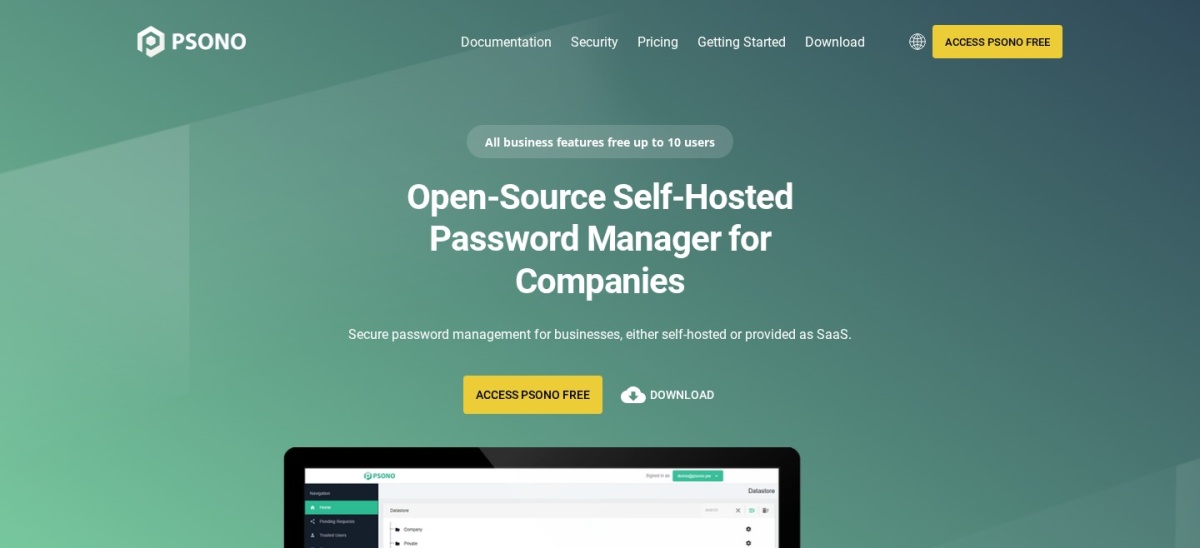
Psono is an open source password manager built for teams, with a self-hosted edition and a free Community plan for up to 10 users. Paid plans start at 2.50 euros a user a month and add sharing, folders and enterprise controls.
The trade off is the currency and the review base. Prices are listed in euros, not dollars, and Psono holds 4.7 out of 5 on G2 from only 21 reviews. It suits small teams that want to host their own vault.
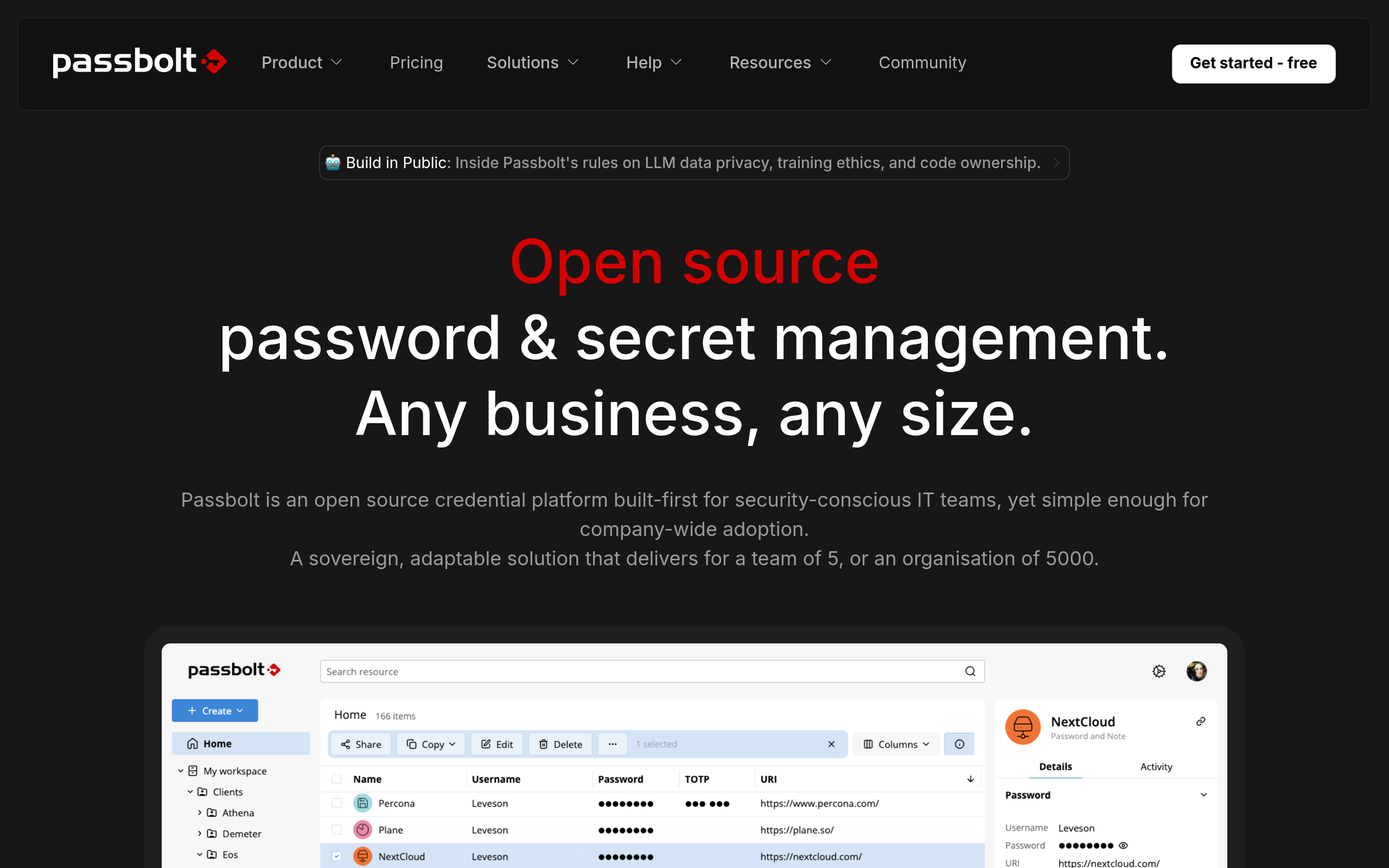
Passbolt is an open source password manager for teams, with a free Community Edition you can self-host and a Pro plan at $4.90 a user a month billed annually. Pro adds sharing, folders, single sign-on and support, with a minimum of 10 users.
The trade off is the minimum. Pro needs at least 10 users, so a small team pays for seats it does not use. It suits teams that need shared vaults and an audit trail.
Buttercup is a free, open source password manager with a clean interface and apps for Windows, Mac, Linux and mobile. It stores your vault in a local file or in Dropbox, Google Drive or Nextcloud, with no account and no subscription.
The trade off is the thin review base. Buttercup holds 4.8 out of 5 on G2 from only two reviews, so the rating is not settled. It suits personal use, while Bitwarden is the safer pick for teams.
Open source vaults let anyone inspect the encryption code, which means flaws are found and fixed in public. Bitwarden and KeePassXC have both passed independent security audits of their open code.
Closed tools can be safe too, but you must trust the vendor's word. With open source, the claim is checkable by anyone with the skills to read the code.
The code is only half the story. Use a strong master password and turn on two-factor authentication, because no vault protects a weak master password.
How we chose
We started from the established open source password managers with public G2 or Capterra ratings, then kept the seven that are still maintained and work as a daily password vault. Padloc, TeamPass and Vaultwarden have no public rating and were left out.
Prices come from each vendor's pricing page, checked on 29 November 2026. Ratings and review counts come from G2, except KeePassXC, which uses Capterra. Bitwarden and Proton Pass prices are corroborated by multiple pricing guides, since their pages render with JavaScript.
We left out closed-source tools and password managers with no public rating. No vendor paid for a place, and we do not claim hands-on testing for this list.
How to choose an open source password manager
Decide whether you want to self-host, then check how the vault syncs.
Decide whether to self-host. If you want the vault on your own server, pick Bitwarden, Psono, Passbolt or KeePassXC. If not, Bitwarden cloud or Proton Pass is simpler.
Check the sync method. KeePass and KeePassXC store a local file you sync yourself. Bitwarden and Proton Pass sync through their own cloud, which is easier on several devices.
Test the browser extension. Install the extension and save a login. If autofill is awkward, you will stop using the vault, which defeats the purpose.
Turn on two-factor authentication. Add a second factor to the vault itself, then store your recovery codes somewhere safe. A vault without two-factor authentication is a single point of failure.
FAQ
What is the top open source password management software in 2026?
Bitwarden is the top open source password management software in 2026. It holds 4.6 out of 5 on G2 from 1,515 reviews, stores unlimited passwords free on every device, and Premium costs $20 a year.
How much does open source password management software cost?
Most of it is free. Bitwarden Premium costs $20 a year, Proton Pass Plus costs $2.99 a month, Passbolt Pro costs $4.90 a user a month, and Psono starts at 2.50 euros a user a month. KeePass, KeePassXC and Buttercup are free.
Is Bitwarden really free?
Yes. Bitwarden's free plan stores unlimited passwords on unlimited devices, with sync and two-factor authentication included. Premium at $20 a year adds emergency access, security reports and one gigabyte of file storage.
Which open source password manager can I self-host?
Bitwarden, Psono, Passbolt and KeePassXC can all be self-hosted on your own server. Bitwarden and Passbolt offer official self-hosted editions, while KeePassXC is a local app you run yourself.
KeePass vs KeePassXC: which should I use?
KeePassXC is the better pick for most people, with a modern interface, browser integration and native apps for Windows, Mac and Linux. KeePass is the original Windows app and needs plugins for the same features.
Is Buttercup a good password manager?
Buttercup is a good free password manager with a clean interface and a 4.8 G2 rating, but that rating rests on only two reviews. It suits personal use, while Bitwarden and Proton Pass are safer picks for teams.
SaaS SEO and WordPress specialist with about 8 years of experience. Rakib compares WordPress plugins, themes, hosting and software using public pricing, documentation and user reviews. See how we rank.