Bitwarden is the best passphrase generator app for most people: its free plan includes a passphrase generator with word count, separator and capitalisation controls, and it is rated 4.6/5 from 1,515 G2 reviews. Pick 1Password for the most polished apps or Proton Pass for the highest-rated free plan.
How we make this list: we compare pricing pages, product documentation and public user reviews, then re-check every price before each update. No product paid for a place. Disclosure.
Bitwarden's free plan includes the full passphrase generator, and Premium costs only $19.80 a year.
1Password and Keeper both offer a dedicated memorable-password mode; Keeper's uses the EFF 7,776-word list.
Proton Pass has the highest G2 rating in this list at 4.7/5, but from only 127 reviews.
LastPass and Dashlane have no word-based passphrase mode; their generators make random character passwords.
KeePass is free and fully offline, but word passphrases need its free plugin; Zoho Vault is the cheapest paid plan at $10.80 a year.
What makes a good passphrase generator
A passphrase is several random words joined together, such as correct-horse-battery-staple. Random words are easier to remember and type than a string of mixed characters, and they stay strong because each word adds about 13 bits of strength.
The generator matters more than the vault. Look for word count, a choice of separator, capitalisation and an optional number, so the passphrase still fits sites that demand a capital letter or a digit.
Free plans differ more than prices do. Bitwarden, Proton Pass and Zoho Vault include the generator free, while 1Password and Dashlane are paid only. Pair any passphrase with two-factor authentication, as our guide on what two-factor authentication is explains.
Paid plans in this list run from $10.80 to $65.04 a year. Most vendors also show a cheaper first-year price, so judge a plan by its renewal price, which is the figure this list shows.
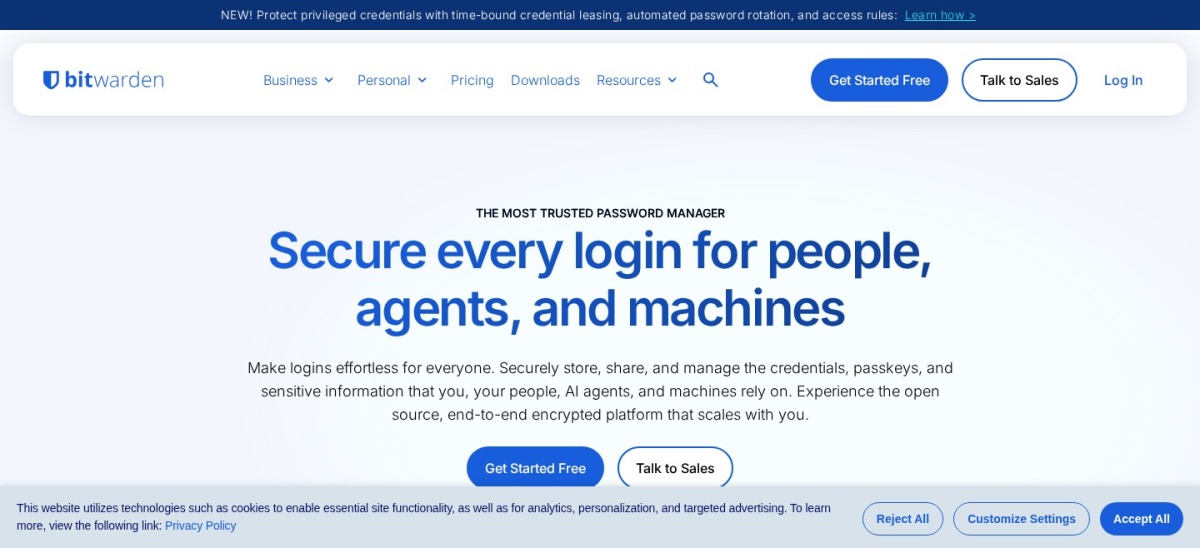
Bitwarden is an open-source password manager with the most complete free passphrase generator in this list. Its generator lets you pick the number of words, the separator between them, capitalisation and an optional number, and the free plan covers unlimited passwords on unlimited devices.
The trade off is the plain interface, which G2 reviewers call dated next to 1Password and Dashlane. Premium costs $19.80 a year and adds 1 GB of file storage, a built-in authenticator and emergency access. It suits anyone who wants a free generator with full controls.
What we like
Full passphrase controls on the free plan
Open source, with unlimited free passwords
Cheapest paid plan among the big names
Watch out for
Plain interface that reviewers call dated
Autofill can feel clunky, per G2 reviews
Premium adds an authenticator, file storage and emergency accessVisit bitwarden.com
02
1Password
4.6/5on G2 (1,824 reviews, checked Nov 2026)
Starts at$47.88/yr
Best paid polish and apps
Word passphrase modeYes, memorable passwords
Free planNo, 14-day trial
Paid planIndividual, $47.88/yr
Storage1 GB documents
1password.com
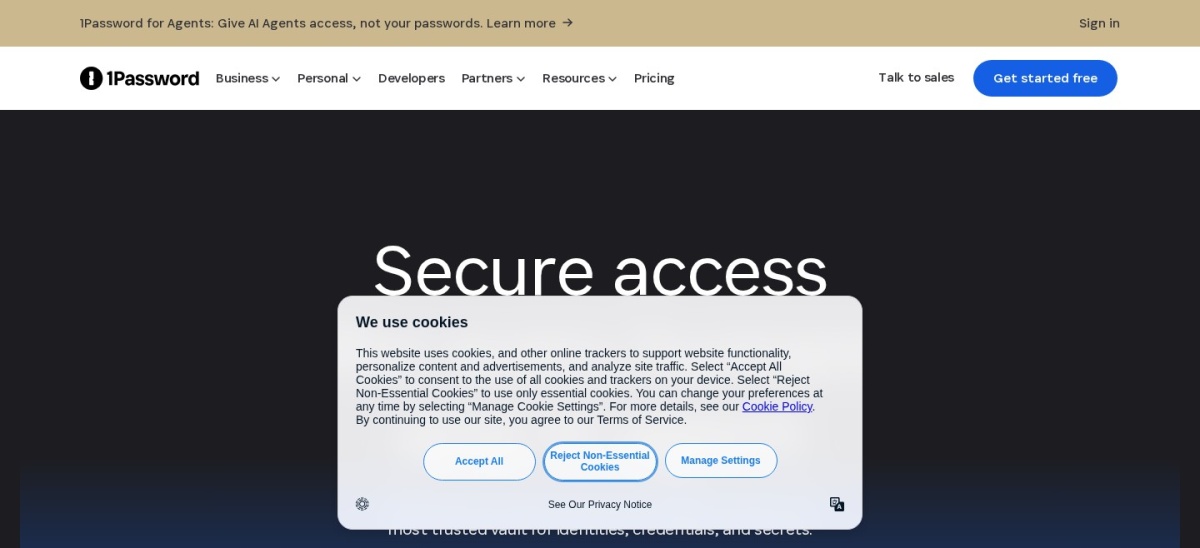
1Password homepage, captured Nov 2026.
1Password is a paid password manager with a polished memorable password generator that builds passphrases from random words. You set the word count and separator, and the generator also makes random passwords up to 100 characters and PIN codes.
The trade off is price and the lack of a free plan: Individual costs $47.88 a year after a $2.99-a-month first-year offer for new customers, and you get a 14-day trial instead. It suits people who want the smoothest apps and will pay for them.
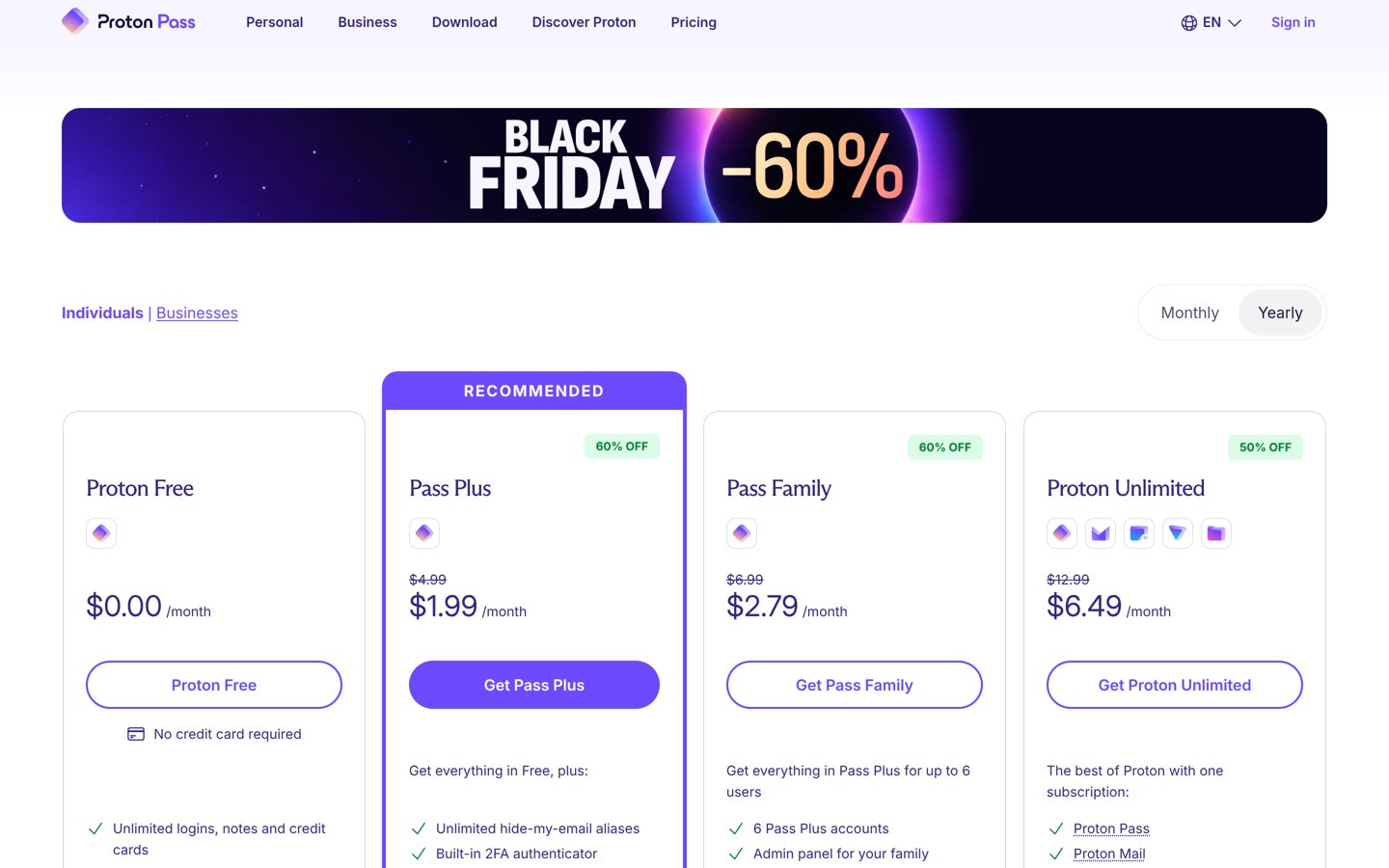
Proton Pass is an open-source password manager from the team behind Proton Mail, and its free plan includes the passphrase generator. The memorable password mode makes passphrases of 3 to 10 words with a separator, capitals and numbers, and the free plan covers unlimited logins on unlimited devices.
The trade off is the renewal price. Pass Plus costs $35.88 a year at renewal, after a $23.88 first year, which is nearly twice Bitwarden Premium. It suits people who want a privacy-first free plan with email aliases.
What we like
Highest G2 rating in this list
Free plan with unlimited logins and devices
Hide-my-email aliases on every plan
Watch out for
Small review base, only 127 G2 reviews
Renewal price jumps from the first-year offer
Plus adds unlimited aliases, an authenticator and dark web monitoringVisit proton.me
04
Keeper
4.6/5on G2 (1,235 reviews, checked Nov 2026)
Paid from$42.99/yr
Best EFF word-list generator
Word passphrase modeYes, EFF 7,776-word list
Free plan1 device, 10 records
Paid planUnlimited, $42.99/yr
ExtraBreachWatch is a $26.99/yr add-on
keepersecurity.com
Keeper homepage, captured Nov 2026.
Keeper is a password manager with a dedicated passphrase generator built on the EFF list of 7,776 words. You set the word count, separator, capitals and numbers, and the generator sits inside the same tool as the random password generator, so you can switch between the two.
The trade off is the free plan, which holds only 10 records on one mobile device with no sync, so it works as a demo rather than a daily driver. Unlimited costs $42.99 a year, and dark web monitoring costs extra as a $26.99-a-year add-on. It suits buyers who want a word-list generator with strong compliance credentials.
RoboForm is a long-running password manager with separate password and passphrase generators in its browser extension. The passphrase generator lets you set the word count, separator, numbers and capitalisation, and the random password generator can make passwords up to 512 characters long.
The trade off is the look: G2 reviewers call the interface dated, and the free plan works on one device only with no sync. Premium costs $29.88 a year at renewal after a $19.90 first-year offer, and adds sync, sharing and breach monitoring. It suits people who want a cheap generator with deep controls.
Dashlane is a password manager that pairs its generator with a VPN, dark web monitoring and phishing alerts. Its generator builds long random passwords with length and character controls, and Premium covers unlimited passwords and devices with live chat support.
The trade off is that Dashlane has no free plan since September 2025 and no word-based passphrase mode, so memorable passphrases need another tool. Premium costs $65.04 a year, the highest price in this list. It suits people who want the VPN and scam protection bundled with the vault.
What we like
VPN, dark web monitoring and phishing alerts included
Strong autofill, praised in G2 reviews
Live chat support on Premium
Watch out for
No free plan since September 2025
Highest price in this list
Premium adds the VPN, dark web monitoring and phishing alertsVisit dashlane.com
07
LastPass
4.5/5on G2 (2,080 reviews, checked Nov 2026)
Paid from$36/yr
Best for existing LastPass users
Word passphrase modeNo, random passwords
Free plan1 device type
Paid planPremium, $36/yr
Storage1 GB file storage
lastpass.com
LastPass homepage, captured Nov 2026.
LastPass is a widely used password manager with a generator that makes random passwords up to 100 characters long, with length, character and pronounceable options. The free plan stores unlimited passwords, and Premium adds use on all device types, 1 GB of file storage and emergency access.
The trade off is trust and scope: its generator has no word-based passphrase mode, and the 2022 incident in which attackers copied encrypted vault backups still weighs on its reputation. Premium costs $36 a year. It suits existing users who already keep their vaults there.
What we like
Largest G2 review base in this list
Free plan stores unlimited passwords
Emergency access and passkeys on Premium
Watch out for
No word-based passphrase mode
2022 vault backup theft still hurts trust
Premium adds all device types, 1 GB storage and emergency accessVisit lastpass.com
08
Zoho Vault
4.4/5on G2 (78 reviews, checked Nov 2026)
Paid from$10.80/yr
Best for small Zoho teams
Word passphrase modeYes, in the extension
Free planUnlimited passwords
Paid planStandard, $10.80/yr
SharingPaid plans only
zoho.com
Zoho Vault homepage, captured Nov 2026.
Zoho Vault is a low-cost password manager with a built-in passphrase generator in its browser extension. You set the word count, mixed case, numbers and separator, and the free plan covers unlimited passwords, autofill and the generator.
The trade off is that the free plan has no password sharing, and paid plans are priced per user, so costs rise with each seat. Standard costs $10.80 a year per user, and Professional needs at least 5 users. It suits small teams already using Zoho apps.
What we like
Cheapest paid plan in this list
Free plan includes the passphrase generator
Good fit for teams already on Zoho
Watch out for
No sharing on the free plan
Interface feels dated, per G2 reviews
Standard adds sharing, user provisioning and cloud backupVisit zoho.com
09
KeePass
4.5/5on G2 (222 reviews, checked Nov 2026)
PriceFree
Best free offline pick
Word passphrase modeVia free plugin
Free planYes, fully free
Paid planNone, $0
StorageLocal file, your cloud
keepass.info
KeePass homepage, captured Nov 2026.
KeePass is a free, open-source password manager that keeps your vault in a local file on your own device, with no account and no cloud copy unless you choose one. Its built-in generator makes long random passwords, and word-based passphrases come from the free Readable Passphrase Generator plugin.
The trade off is the dated interface and the manual setup: sync, sharing and mobile access all need your own effort, and help comes from its community forums rather than a support desk. It costs nothing, which makes it the cheapest pick here by far. It suits people who want full offline control.
Use a passphrase when you must type or remember the secret yourself, such as a master password or a computer login. Five or six random words with a separator are easier to type than a 20-character string and still carry high entropy.
Use a random password for website logins that the manager fills in for you. Length matters more than memorability there, so let the generator make a long string and store it.
Never reuse either one. Our guide on limiting login attempts in WordPress explains why unique logins matter even when the password itself is strong.
How we chose
We started from the password managers with a built-in generator and a public rating, then kept the nine with a G2 rating and a passphrase or password generator you can use today.
Prices come from each vendor's pricing page, checked on 25 November 2026. Ratings and review counts come from G2 on the same day. Where a vendor shows a first-year offer, the list shows the regular renewal price.
We left out standalone web generators with no public rating and no vault, such as the EFF Diceware list used with physical dice. No vendor paid for a place, and we do not claim to have used these tools ourselves.
How to choose a passphrase generator app
Start with where the passphrase will be used, then match the generator to that job.
Decide what the passphrase protects. A master password you type daily deserves words you can remember; a website login the manager fills in can be a long random string.
Check the word controls. Look for word count, separator, capitals and numbers. Bitwarden, Keeper, RoboForm, Proton Pass and Zoho Vault all offer those settings.
Count the cost across a year. Free plans cover the generator in Bitwarden, Proton Pass, Zoho Vault and KeePass. Paid plans run from $10.80 to $65.04 a year, so check the renewal price, not the first-year offer.
Bitwarden is the best passphrase generator app for most people. Its free plan includes a full passphrase generator with word count, separator, capitalisation and number controls, and it is rated 4.6 out of 5 from 1,515 G2 reviews.
What is a passphrase?
A passphrase is a password made of several random words, such as correct-horse-battery-staple. Random words are easier to remember and type than a string of mixed characters, and five or six words give enough strength for a master password.
How many words should a passphrase have?
Use at least five words for a master password, and six for anything critical. Each word from a 7,776-word list adds about 13 bits of strength, so six words reach about 77 bits, which is far beyond what an online guessing attack can try.
Are free passphrase generators safe?
Yes, if the words are picked at random by the tool and never sent to a server. The managers in this list generate passphrases on your device, so the words stay in your vault. Avoid generators that ask you to type your own words.
Do I still need a password manager if I use passphrases?
Yes. A manager stores a different passphrase for every site, fills it in for you and warns you about reused or weak ones. Remembering one strong master passphrase is realistic; remembering fifty is not.
Which passphrase generator is best for a master password?
Bitwarden or Keeper. Both let you set the word count and separator, and Keeper uses the EFF 7,776-word list. Use six words with a separator and store the result in the manager itself, with two-factor authentication turned on.
SaaS SEO and WordPress specialist with about 8 years of experience. Rakib compares WordPress plugins, themes, hosting and software using public pricing, documentation and user reviews. See how we rank.