Tableau is the best top data analysis software for most teams, with the strongest visualisation and a large reviewer base behind it. Power BI is the cheaper pick for Microsoft shops, while Looker Studio is the best free option for Google-centred reporting.
How we make this list: we compare pricing pages, product documentation and public user reviews, then re-check every price before each update. No product paid for a place. Disclosure.
Tableau leads on visualisation, rated 4.4 out of 5 from 4,237 G2 reviews, but a Creator seat costs $75 a month.
Power BI Pro costs $14 a user a month and is the cheapest paid route for teams already on Microsoft 365.
Looker Studio is free for unlimited reports and viewers, with a paid Pro tier at $9 a user per project a month.
Qlik Sense and Sisense charge by plan, not by seat above their entry tiers, so viewer numbers matter less than data volume.
Domo starts at $30,000 a year, so it only makes sense for large teams with heavy data work.
How do you choose the best top data analysis software?
Start with who will use it every day. A tool analysts love can still fail if managers cannot read its dashboards without training.
Price is rarely one number. Some tools charge per user, some charge per plan, and some charge for the data you load, so compare the same team size on each one.
Free plans are real here. Looker Studio is free, Power BI Desktop is free to build in, and KNIME Analytics Platform is free for local work.
Check the data sources first. If your data lives in Google Sheets and BigQuery, a Google tool fits; if it lives in Excel and Azure, Power BI fits better.
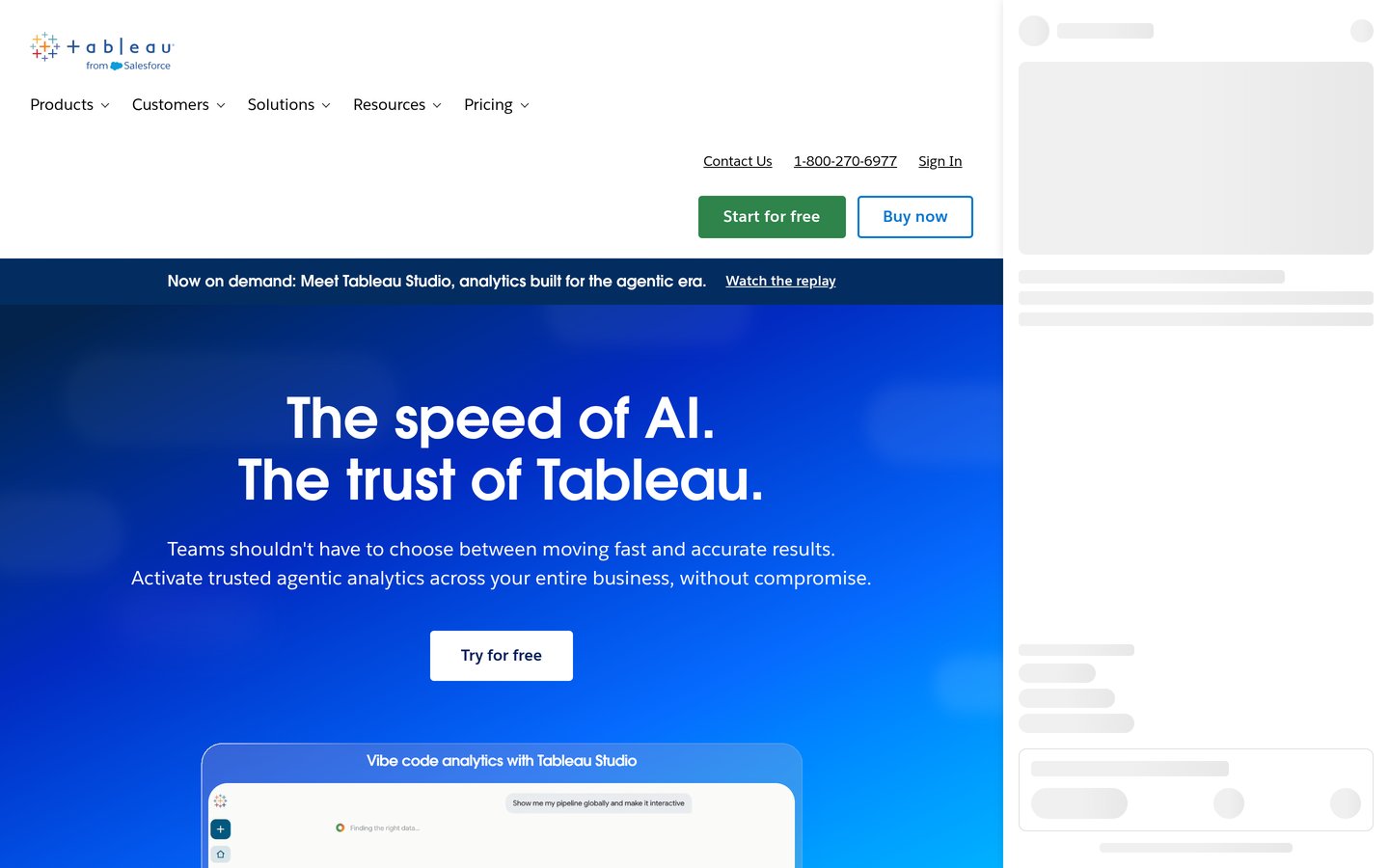
Tableau is the most widely used visualisation platform in this list, with drag-and-drop dashboards, live and extract connections, and a large library of chart types. A Viewer seat costs $15 a month on the Standard edition, while the Creator seat that builds and publishes workbooks costs $75 a month.
The trade off is cost and learning time. Building a full team means paying for at least one Creator seat, and advanced features take practice to master. It suits teams that present data to clients or executives and need polished, interactive dashboards.
What we like
Strongest drag-and-drop visualisation in this list
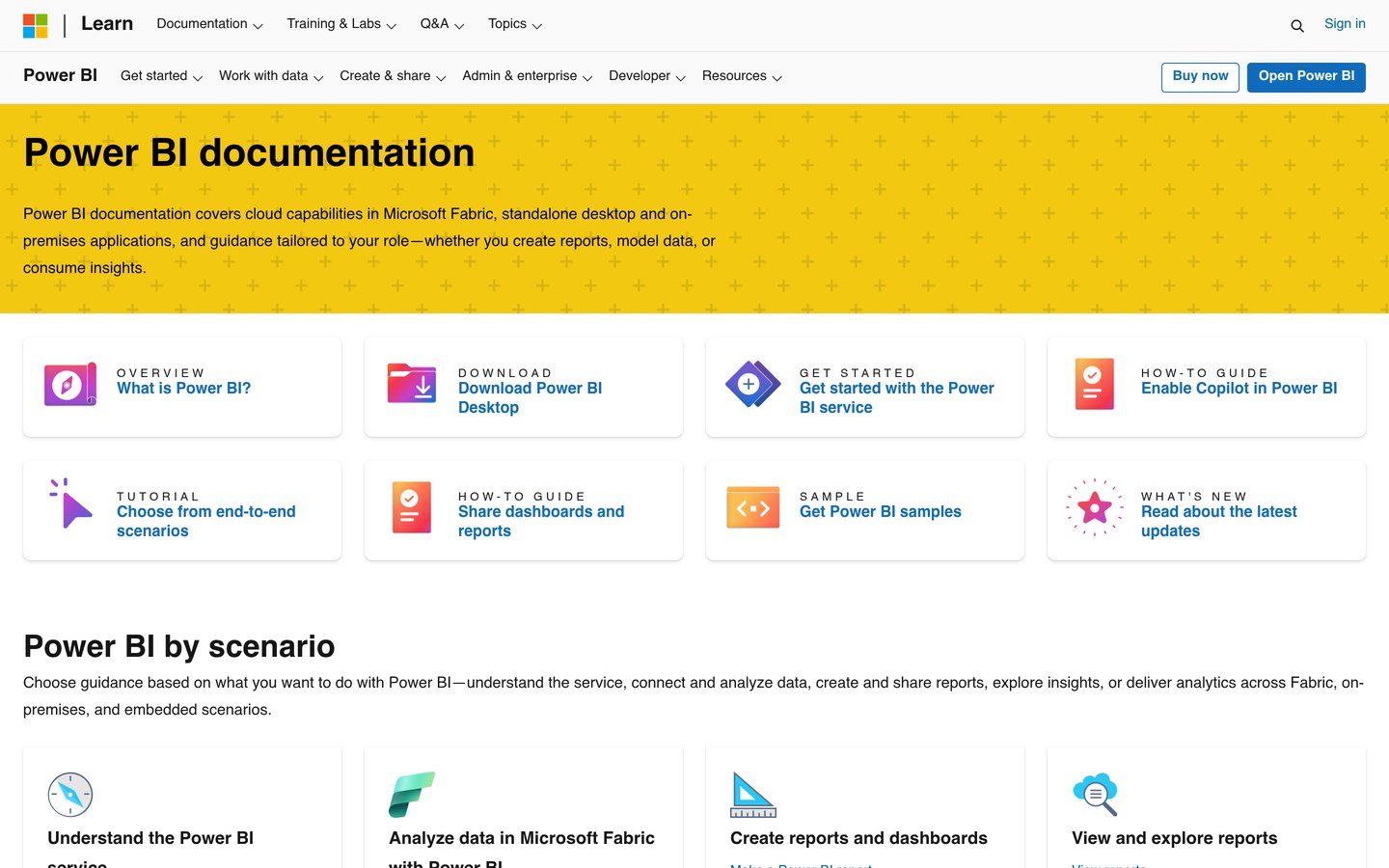
Microsoft Power BI is a dashboard and reporting tool built into Microsoft Fabric, with a free Desktop app for building reports and a Pro licence for publishing and sharing them. Pro costs $14 a user a month on annual billing, and Power Query handles cleaning and shaping data before it is visualised.
The trade off is the Microsoft ecosystem. It works best with Excel, Teams and Azure, and advanced modelling uses DAX, which takes time to learn. It suits teams already on Microsoft 365 that want cheap, shared reporting without buying a separate platform.
Looker Studio is Google's free dashboarding and reporting tool, with unlimited reports and viewers on the free plan. It connects directly to Google Analytics 4, Google Ads, Google Sheets and BigQuery, and the paid Pro tier adds team workspaces and support at about $9 a user per project a month.
The trade off is depth. It has no semantic modelling layer like the full Looker product, and large or blended datasets can load slowly. It suits marketing teams and small businesses that report mainly on Google data and want to spend nothing on dashboards.
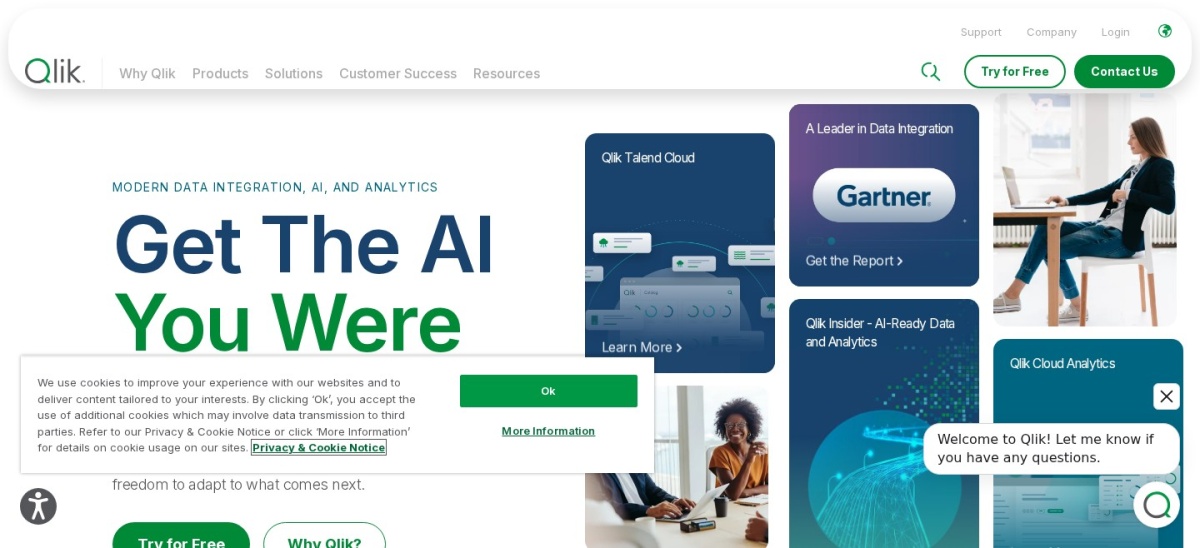
Qlik Sense is a cloud analytics platform, sold as Qlik Cloud Analytics, built on an associative engine that lets users explore data without a fixed model. Starter costs $300 a month for 10 users and 10 GB of data, while Standard at $825 a month adds users at no extra cost and charges for data capacity instead.
The trade off is the fixed data ceiling on Starter. Its 10 GB cannot be extended, so a growing team must jump to Standard at $825 a month. It suits mid-size teams with many viewers and moderate data volumes who want to explore freely.
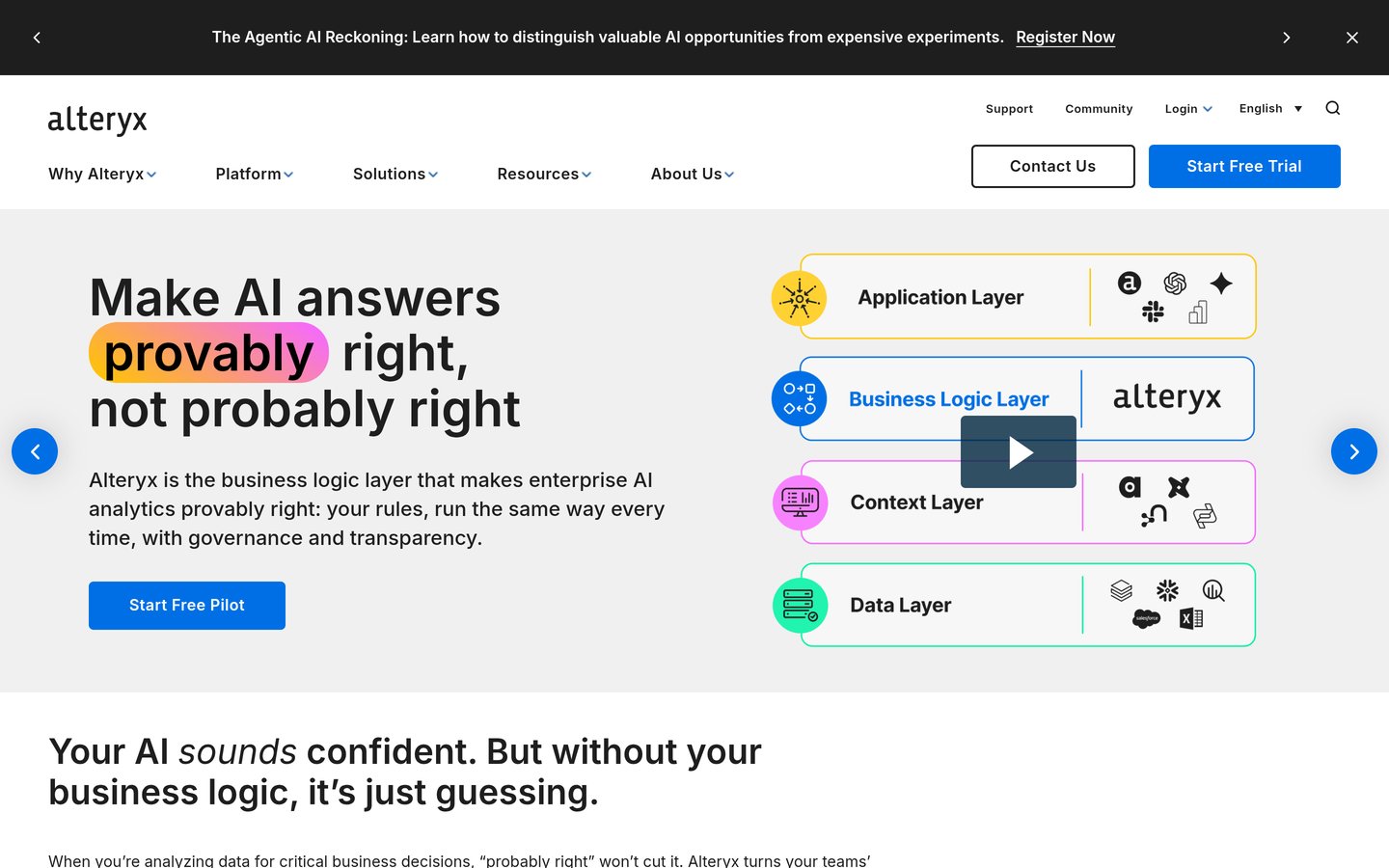
Alteryx is a low-code platform for preparing, blending and automating data work, with drag-and-drop workflows that replace repetitive spreadsheet steps. Its only published price is Starter at $250 a user a month, billed annually, for teams of 1 to 10 users, while Professional and Enterprise are quote-only.
The trade off is price. At $250 a user a month it is the priciest per-seat tool here, and its built-in visualisation is thinner than Tableau or Power BI. It suits analysts who spend most of their time cleaning and joining data rather than charting it.
What we like
Highest G2 rating here, 4.6 out of 5
Drag-and-drop prep without writing code
Repeatable workflows save hours on recurring reports
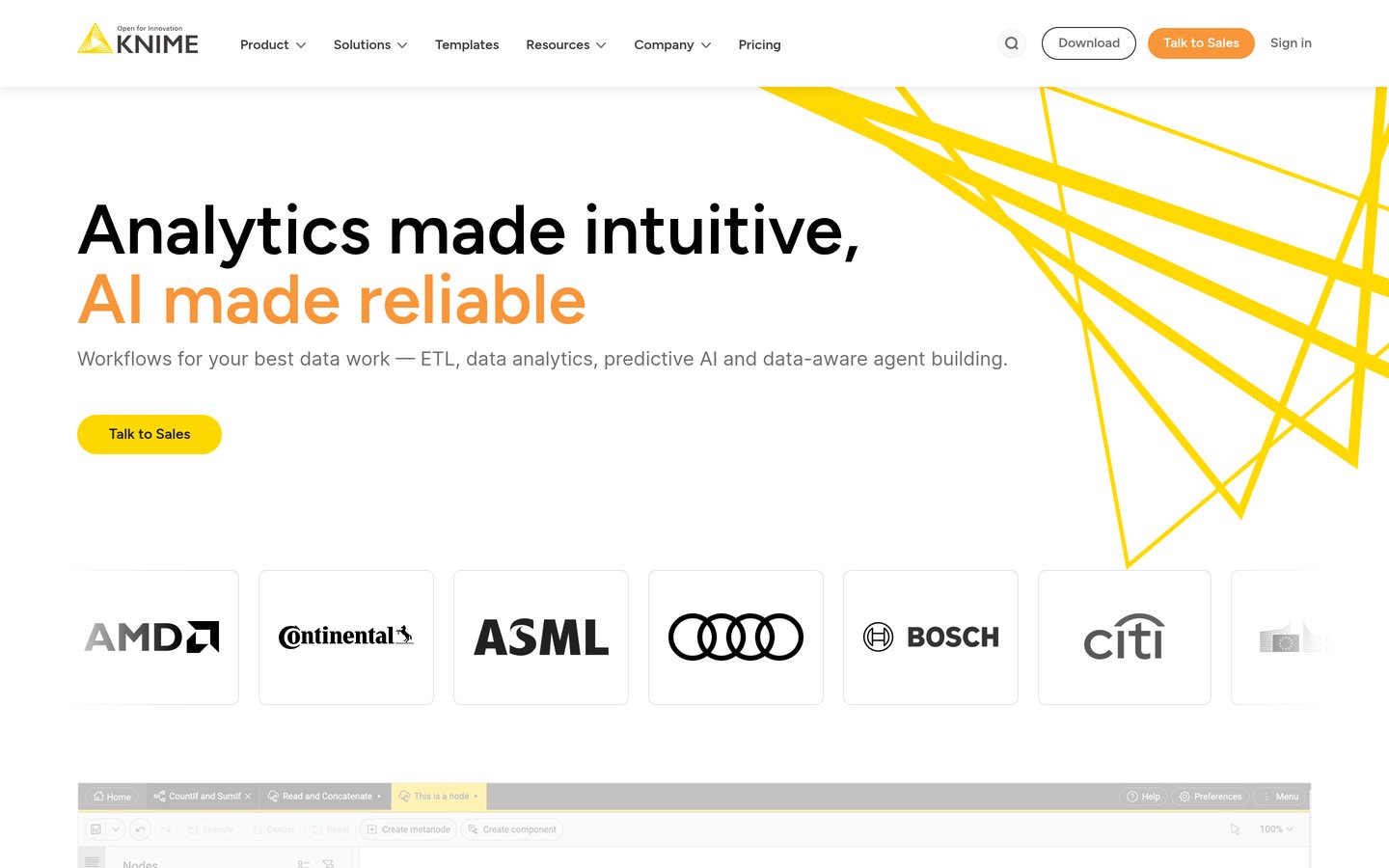
KNIME is an open-source platform for visual data preparation, machine learning and reporting, built by dragging nodes into a workflow instead of writing code. The Analytics Platform desktop is free, with more than 300 data source connectors, while paid plans add scheduling, sharing and deployment, with Pro listed from $19 a month.
The trade off is sharing and scale. Scheduling and team collaboration need a paid plan, and large datasets can use a lot of memory. It suits analysts and small teams on a tight budget who want Alteryx-style prep without paying for it.
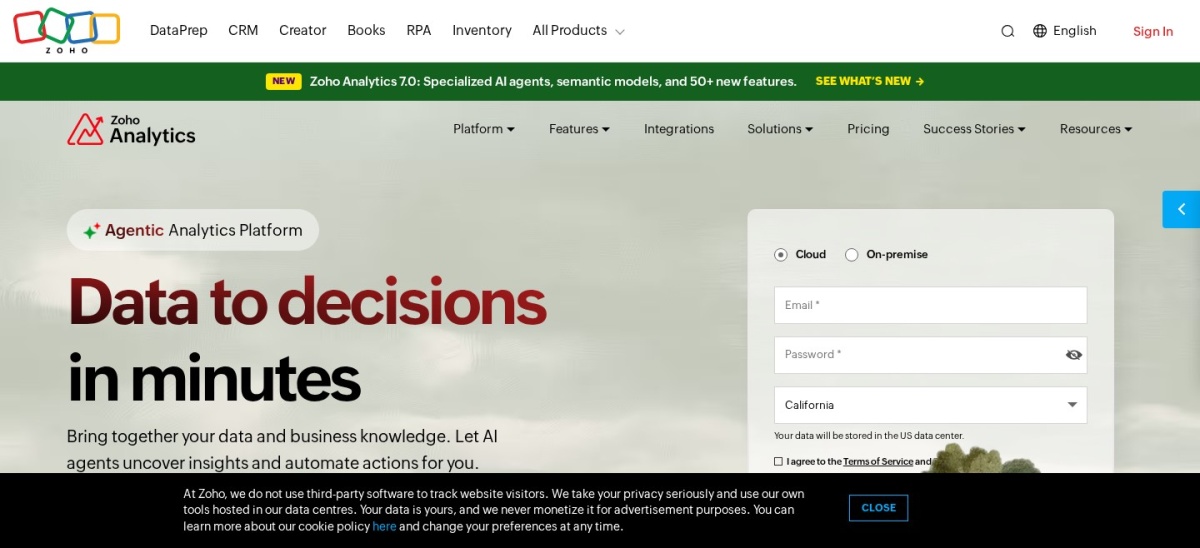
Zoho Analytics is a cloud reporting tool for business users, with unlimited reports and dashboards on every plan and a free plan for 2 users and 10,000 rows. Basic costs $24 a month on annual billing for 2 users and 0.5 million rows, and it connects to more than 500 data sources, including Zoho CRM.
The trade off is depth. Advanced analytics and AI features sit on higher plans, and reviewers note a learning curve for complex formulas. It suits small teams, especially Zoho users, that want cheap reporting without a data team.
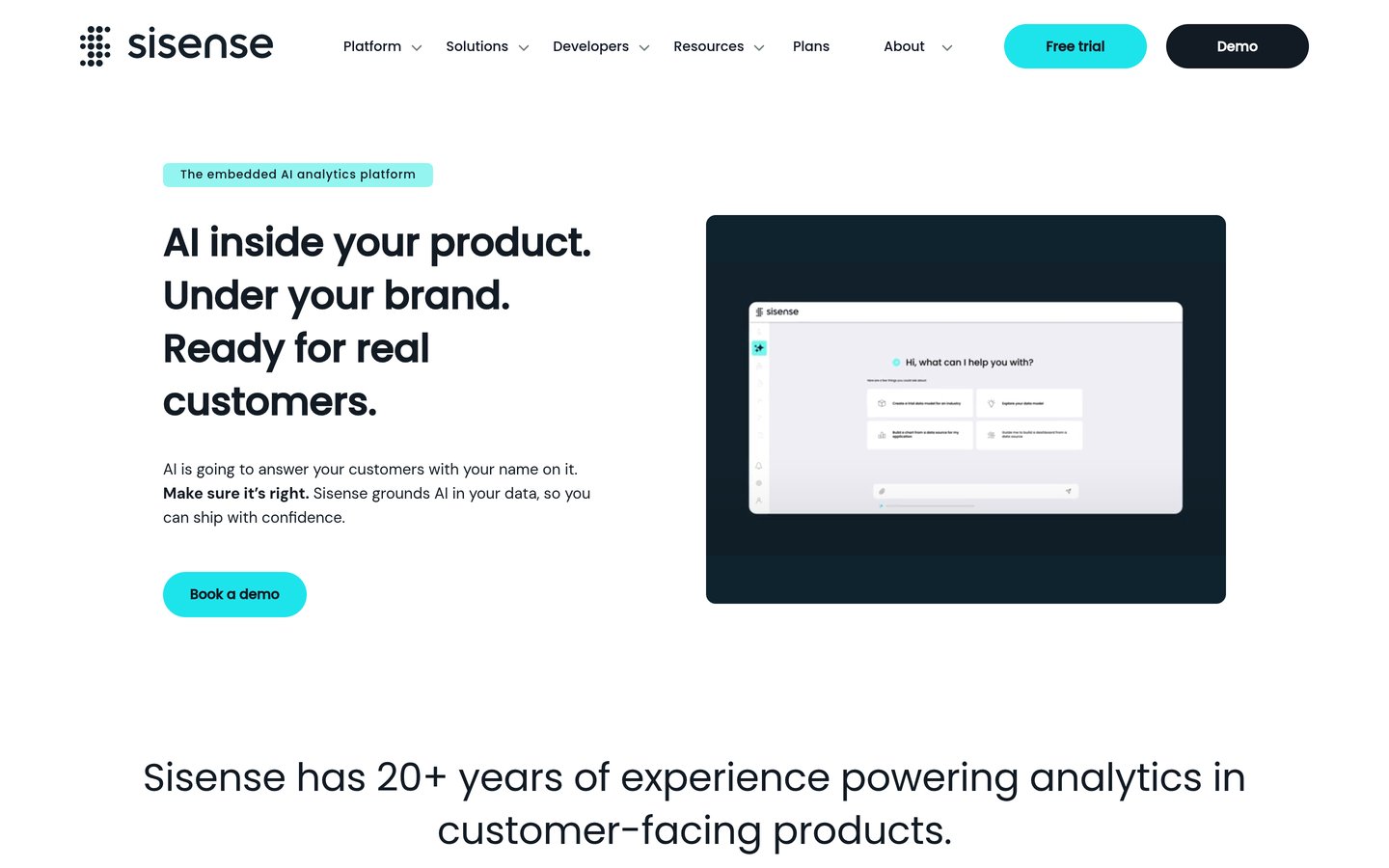
Sisense is a business intelligence platform built for embedding analytics inside other products, with customisable dashboards and a semantic data layer. Launch costs $399 a month for 2 designers and 50 viewers, while Grow at $1,299 a month adds 5 designers and 100 viewers.
The trade off is the entry cost for a small team. Launch is a package price, so a one-person team pays the same as a three-person team, and setup takes technical skill. It suits software companies that want analytics inside their own product.
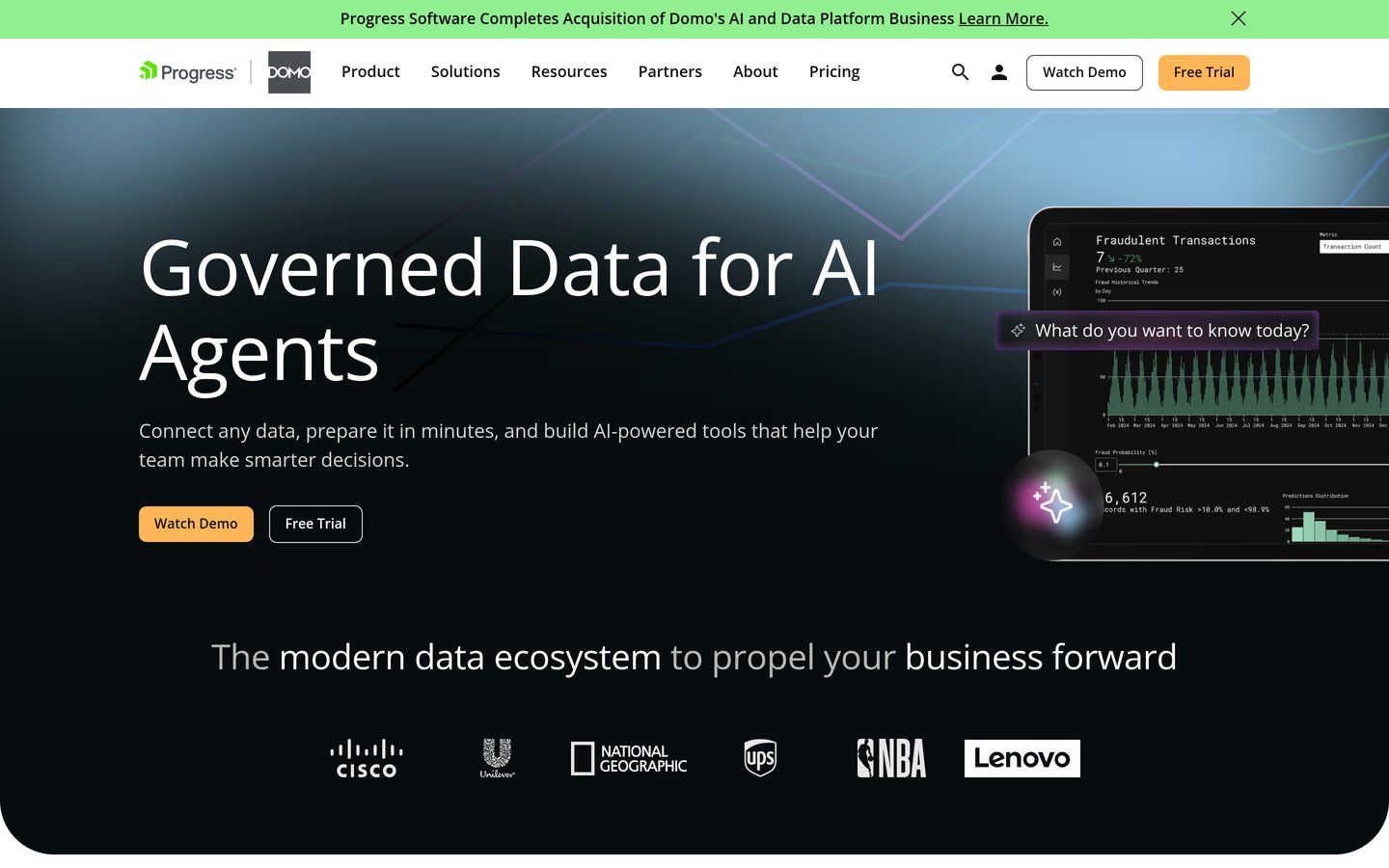
Domo is an all-in-one analytics platform that combines data connectors, transformation, dashboards and AI in one place, with unlimited users on its credit-based model. Its only published entry price is $30,000 a year for a 12-month contract on its AWS Marketplace listing, at $3.25 a credit, while larger deals are quoted.
The trade off is the entry bill. There is no cheap tier for a small team, and the credit model means busy data pipelines cost more than quiet ones. It suits large companies that want everyone in the business on one analytics platform.
What we like
Unlimited users, no per-seat fees
Centralises data from many sources in one place
Rated 4.3 out of 5 from 1,096 G2 reviews
Built-in data prep, dashboards and AI in one tool
Watch out for
Entry contract is $30,000 a year
Credit costs rise with busy pipelines
Takes about 3 months to implement, per G2
Larger contracts add a bigger credit pool and supportVisit domo.com
Free vs paid: what you give up
Free plans cover reporting well. Looker Studio, Power BI Desktop and KNIME all let you build real dashboards without paying.
Paid plans mostly add sharing, scheduling and governance. That is the point where a personal tool becomes a team tool.
If only one person needs the analysis, a free tool is enough. If ten people need the same dashboard every morning, pay for sharing.
How we chose
We started from the best-known data analysis and business intelligence tools with a published price and a G2 rating, then kept the nine with the clearest pricing and the strongest reviewer base.
Prices and ratings were checked on 29 November 2026. Prices come from vendor pricing pages where they are published, and from the sources listed below where the vendor shows no price.
We left out tools with no verifiable rating or no published price at all. No vendor paid for a place, and we do not claim hands-on testing for this list.
How to choose top data analysis software
Start with your data and your team, then match the price model to both.
List your data sources first. Write down every source you need, from spreadsheets to your CRM and warehouse, then check each tool connects to all of them.
Count builders and viewers separately. Some tools charge per builder, some per viewer, and some by data volume, so the same team can cost very different amounts.
Try the free tier on real data. Build one dashboard from your own data before you pay, and check how fast it loads and how easy it is to share.
Check the price at your real team size. A cheap per-user price can beat a flat plan at 5 users and lose at 50, so price the plan you will actually buy.
FAQ
What is the best top data analysis software in 2026?
Tableau is the best top data analysis software for most teams, thanks to its strong visualisation and its rating of 4.4 out of 5 from 4,237 G2 reviews. Power BI is the best value pick for Microsoft teams, and Looker Studio is the best free option.
What is the cheapest top data analysis software?
Looker Studio is the cheapest, because it is free for unlimited reports and viewers. Power BI Desktop is also free to build in, and KNIME Analytics Platform is free for local work, while paid sharing starts at $14 a user a month with Power BI Pro.
Is there a free top data analysis software tool?
Yes. Looker Studio is free for unlimited reports and viewers, Power BI Desktop is free for building reports, KNIME Analytics Platform is free and open source, and Zoho Analytics has a free plan for 2 users and 10,000 rows.
Which top data analysis software is best for beginners?
Looker Studio is the easiest starting point for beginners, because it is free and its Google connectors work with no setup. Power BI is also friendly for Excel users, while Tableau and Alteryx take longer to learn.
Tableau vs Power BI: which is better?
Tableau is better for polished, interactive visualisation and for teams that present data to clients. Power BI is better for Microsoft teams on a budget, since Pro costs $14 a user a month against $75 a month for a Tableau Creator seat.
How much does top data analysis software cost?
Paid plans in this list run from $9 a user a month for Looker Studio Pro to $30,000 a year for a Domo entry contract. Most small teams pay between $14 and $75 a user a month, depending on whether they need building or viewing seats.
SaaS SEO and WordPress specialist with about 8 years of experience. Rakib compares WordPress plugins, themes, hosting and software using public pricing, documentation and user reviews. See how we rank.