Teramind is the top computer monitoring software for teams that need deep evidence, with screen recording, live viewing and data loss prevention from $14 a user a month. Insightful suits analytics-led teams at a lower price, while ActivTrak fits small teams with a free plan for up to three people.
How we make this list: we compare pricing pages, product documentation and public user reviews, then re-check every price before each update. No product paid for a place. Disclosure.
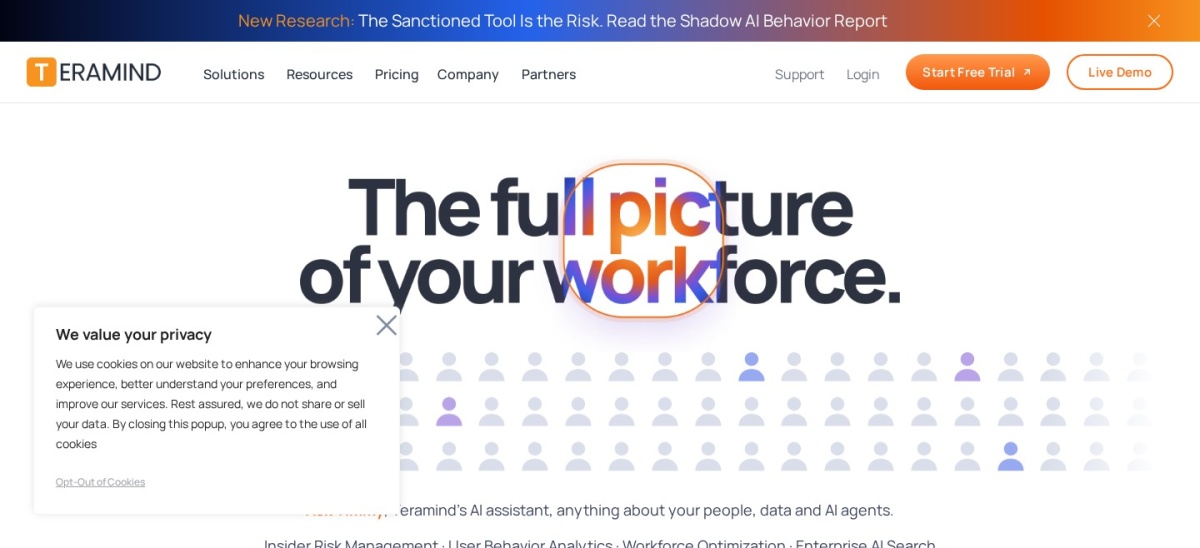
Teramind is the deepest monitor here: screen recording, keystroke logging on higher tiers and data loss prevention, from $14 a seat a month with a 5-seat minimum.
Insightful pairs screenshots and attendance with project budgeting at $8 a user a month, and holds a 4.6 out of 5 G2 rating from 508 reviews.
Controlio records the screen as continuous video and lets managers watch live, from $6.67 a user a month billed annually.
ActivTrak has the most useful free plan, covering up to 3 people, and it skips keystroke logging and screenshots by default.
Hubstaff is the cheapest paid entry at $4.99 a seat a month, with screenshots, GPS tracking and payroll built in.
Veriato costs the most at $18 a user a month and has the thinnest review base here, 37 G2 reviews, so weigh it on its insider-risk features alone.
How do you choose the top computer monitoring software?
Computer monitoring software watches what happens on work devices: apps and websites used, active hours, screenshots and idle time. The best tools turn that raw activity into reports a manager can act on, not just a pile of screenshots.
The tools split into two camps. Teramind, Controlio and Veriato record deeply for security and compliance, while ActivTrak, Insightful and DeskTime lean toward productivity analytics with lighter capture.
Price is not the whole cost. Seat minimums matter: Teramind and Controlio need 5 seats, Hubstaff needs 2, and annual billing is the only option on some plans, so check the smallest bill before you commit.
Monitoring carries a trust cost as well as a licence cost. Tell staff what is recorded before rollout, put it in a written policy, and check the notice and consent rules where your team works.
Teramind is a behavior analytics and data loss prevention platform that records screens, tracks app and website use, and scores user risk. The Starter plan at $14 a seat a month billed annually covers live view, screen recording, website and app tracking, and limited behavior rules, with a 5-seat minimum.
The trade off is depth and price. Keystroke logging, email and file monitoring, and data loss prevention sit on the UAM plan at $28 and the DLP plan at $32, so the full forensic picture costs more than double the entry price. It suits finance, healthcare and other regulated teams that need evidence, not just productivity charts.
What we like
Deepest monitoring here, with DLP rules that can block risky actions
Live view plus recorded history in one place
Cloud and on-premise deployment options
Publishes clear per-seat prices
Watch out for
5-seat minimum on every plan
Most invasive tool here, with real cultural costs
Key features sit on the pricier tiers
Higher tiers add keystroke logging and data loss preventionVisit teramind.co
02
Insightful
4.6/5on G2 (508 reviews, checked Nov 2026)
Starts at$8/mo
Best for workforce analytics at a fair price
ScreenshotsYes, on base plan
Keystroke loggingNo, by design
Live screen viewNo
Cheapest planAnalytics, $8/mo
insightful.io
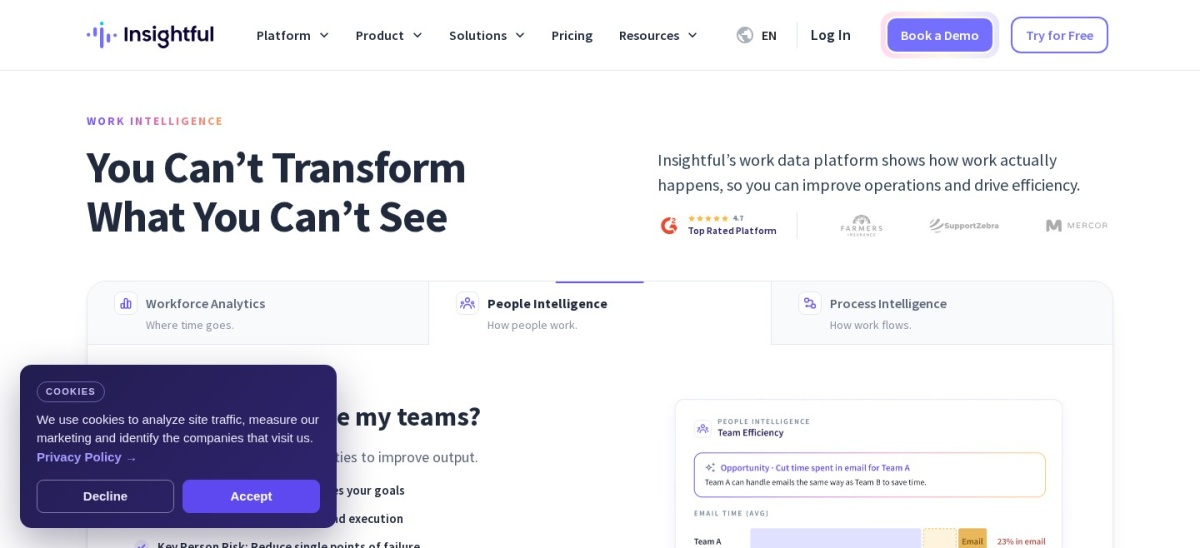
Insightful homepage, captured Nov 2026.
Insightful is a workforce analytics platform that tracks time, app and website use, attendance and productivity trends automatically. The Workforce Analytics plan costs $8 a user a month billed annually and includes screenshots, project time budgeting and reporting.
The trade off is that it is an analytics tool, not a surveillance one. There is no keystroke logging by design and no live screen viewing, and deeper people-intelligence features sit on the $24 Insights plan. It suits mid-market teams that want one vendor covering monitoring, attendance and project costs.
What we like
Strongest review base here: 4.6 out of 5 from 508 G2 reviews
Monitoring, attendance and project budgeting in one
Screenshots included on the cheapest plan
On-premise option for security-conscious teams
Watch out for
No free plan, only a 7-day trial
No live screen viewing or keystroke logging
Premium features cost $24 a user a month
Insights plan adds people-intelligence features at $24 a user a monthVisit insightful.io
03
ActivTrak
4.3/5on G2 (342 reviews, checked Nov 2026)
Paid from$10/mo
Best free plan for small teams
ScreenshotsPaid add-on
Keystroke loggingNo
Live screen viewNo
Cheapest plan$10/mo, annual
activtrak.com
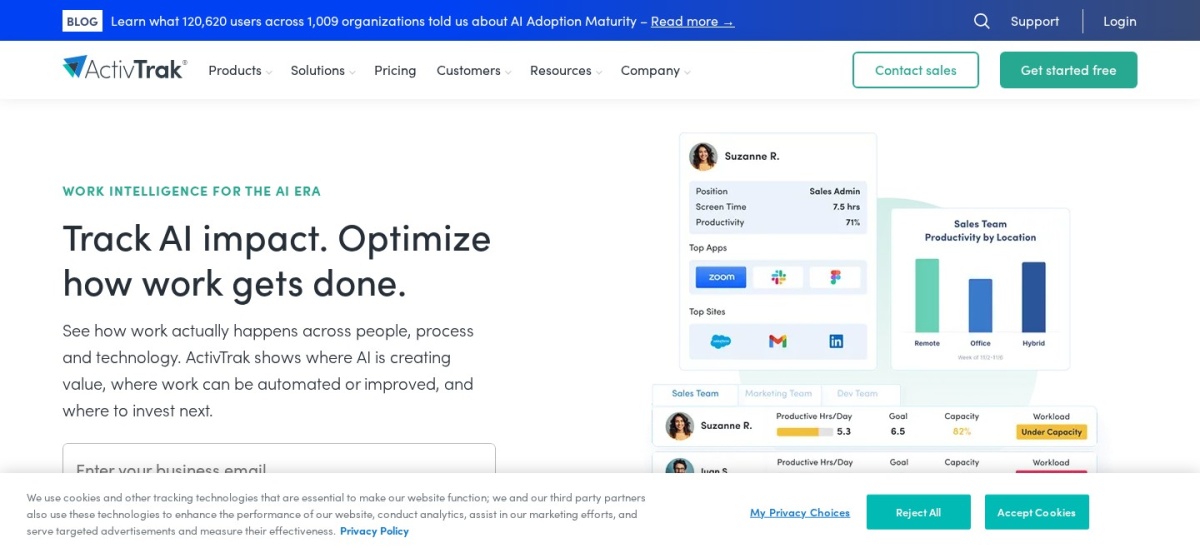
ActivTrak homepage, captured Nov 2026.
ActivTrak is a workforce analytics platform that measures work patterns without watching screens by default. It tracks app and website use, classifies activity as productive or not, and surfaces focus time, meeting load and burnout risk. The free plan covers up to 3 people, and paid plans start at $10 a worker a month billed annually.
The trade off is that screenshots cost extra as an add-on, so the screen-monitoring part of this list is not in the base price. Paid plans also run on annual contracts. It suits teams that want to understand how work happens, through capacity planning and coaching data, rather than to watch what each person does.
Controlio is a monitoring platform that records the screen as continuous video instead of still screenshots, with keyword-tagged playback, live viewing, keystroke logging and app tracking. The Cloud plan costs $7.99 a user a month billed monthly, or $79.90 a user a year billed annually, with a 5-seat minimum and 6 months of history.
The trade off is that live viewing is the most contested feature in this category, and the review base is small at 112 G2 reviews despite the 4.9 rating. It suits security-focused teams and investigations that need to watch exactly what happened, with the staff conversation handled openly before rollout.
What we like
Highest G2 rating here at 4.9 out of 5
Continuous video beats still screenshots for evidence
Hubstaff is a time tracker for remote and field teams: staff run a timer, the app captures screenshots, tracks activity levels and GPS, and turns hours into payroll and invoices. The Starter plan costs $4.99 a seat a month billed annually, or $7 month to month, with a 2-seat minimum, and a free plan covers one user.
The trade off is the timer model. It measures active tracked time rather than passive activity, so hours go missing when people forget to start it, and Starter caps screenshots and app tracking at 500 entries a seat a month. It suits agencies and field teams that pay hourly and need tracking tied to payments.
Time Doctor is a time tracking and productivity platform that rates every app and website for productivity, nudges idle workers, and tracks projects and tasks. The Basic plan costs $6.67 a user a month billed annually, or $8 month to month, with screenshots and project tracking.
The trade off is that the features that justify the name sit higher up. Productivity ratings, payroll, attendance and scheduling need Standard at $11.67 a user a month billed annually. It suits BPOs, call centres and agencies where verifying hours and output across distributed teams matters most.
What we like
Productivity ratings per app and site
Unlimited screenshots on the Basic plan
Idle-time nudges for distracted workers
Payroll integrations on higher plans
Watch out for
Timer-based like Hubstaff
Ratings can feel judgmental to staff
Payroll and ratings need the $11.67 plan
Standard adds payroll, ratings and scheduling at $11.67 a user a monthVisit timedoctor.com
07
DeskTime
4.5/5on G2 (400 reviews, checked Nov 2026)
Starts at$6.42/mo
Best for automatic tracking without timers
ScreenshotsPremium plan only
Keystroke loggingNo
Automatic trackingYes
Cheapest planPro, $6.42/mo
desktime.com
DeskTime homepage, captured Nov 2026.
DeskTime is automatic time tracking software that records app, website and document use in the background, so nobody has to start a timer. The Pro plan costs $6.42 a user a month billed annually and adds project and cost tracking, productivity reports and calendar integrations.
The trade off is that screenshots are not in the Pro plan. They arrive with Premium at $9.17 a user a month billed annually, along with shift scheduling and absence management. It suits agencies and consultancies that bill clients by the hour and need to know what each client costs.
What we like
Fully automatic, with no timer to remember
Project and cost tracking built in
ISO 27001 and ISO 27701 certified
Used by 700,000+ people, per DeskTime
Watch out for
Screenshots need the $9.17 Premium plan
No permanent free plan, only a 14-day trial
Desktop app required for automatic tracking
Premium adds screenshots, scheduling and absence managementVisit desktime.com
08
Monitask
4.8/5on G2 (101 reviews, checked Nov 2026)
Paid from$6.49/mo
Best simple screenshots for small teams
ScreenshotsYes
Free planYes
Cheapest plan$6.49/mo
G2 rating4.8 out of 5
monitask.com
Monitask homepage, captured Nov 2026.
Monitask is a simple employee monitoring tool built around screenshots, activity tracking and timesheets for small teams. Paid plans start at $6.49 a user a month billed annually, and a free plan is available for small teams that only need light oversight.
The trade off is depth. Monitask keeps the feature set narrow, so teams that need data loss prevention or enterprise controls will outgrow it. It suits small teams that want straightforward screenshots and activity reports without a long setup or a big monthly bill.
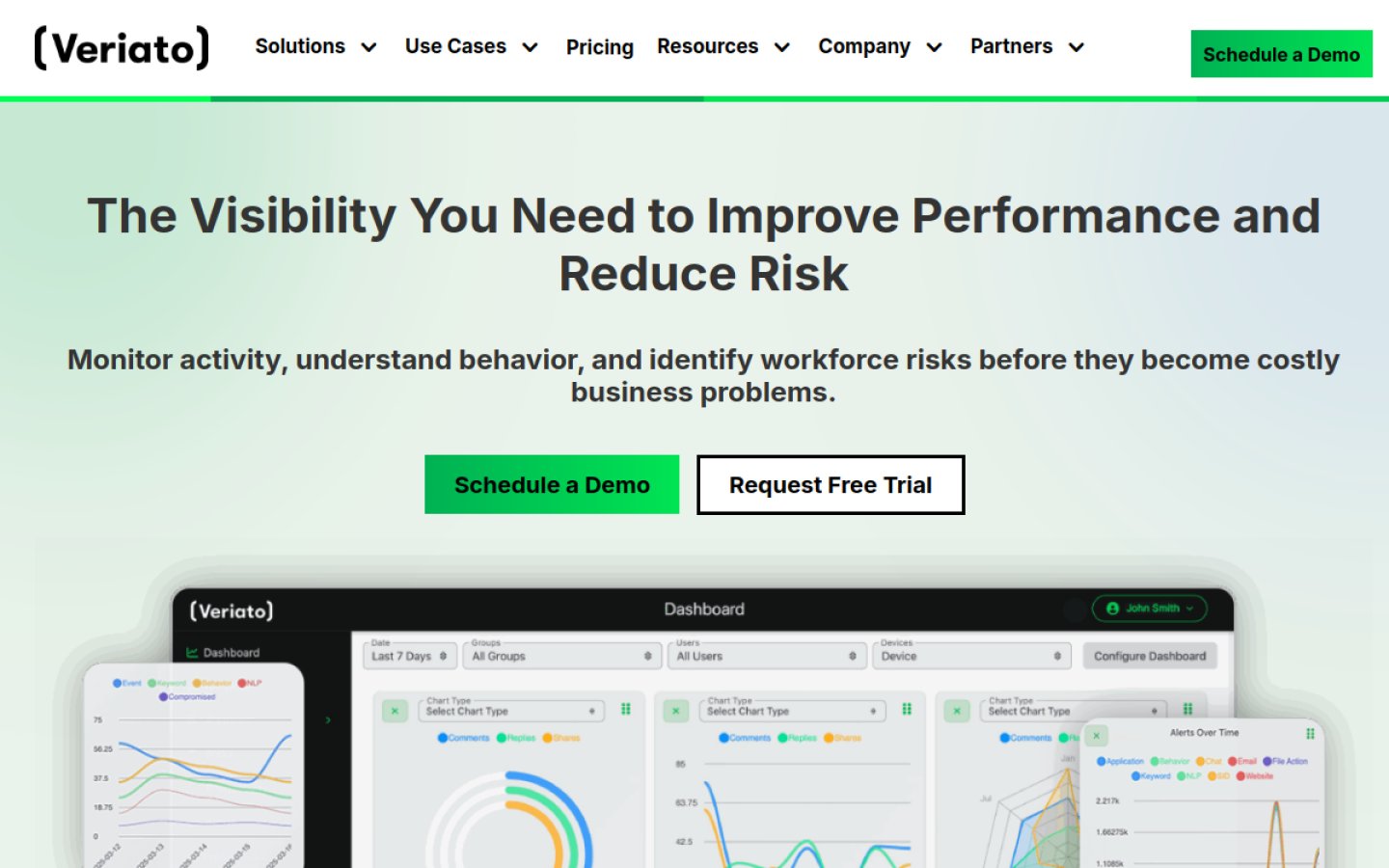
Veriato is an insider-risk monitoring platform that watches user behavior for signs of data theft, fraud and policy breaches. Plans start at $18 a user a month billed annually, the highest entry price in this list, aimed at teams that need behavior analytics rather than simple time tracking.
The trade off is the thin review base and the price. With 37 G2 reviews behind a 4.3 rating, there is less public evidence to weigh than for the other tools here. It suits security teams that will judge it on its insider-risk features alone, ideally through a trial first.
What we like
Built for insider-risk detection, not just time tracking
Behavior analytics flag risky actions early
Aimed at security and compliance teams
Watch out for
Highest entry price in this list at $18 a user a month
Deep monitoring vs light tracking: which side fits?
Deep tools record screens, keystrokes and file moves, and some can block risky actions. They fit regulated teams that need evidence after an incident.
Light tools track time, app use and productivity scores without watching every keystroke. They fit remote teams that want visibility without surveillance.
Pick the lightest tool that answers your real question. If a productivity report settles it, you do not need video evidence, and your team will thank you for the lighter touch.
How we chose
We started from the most-reviewed computer monitoring tools on G2, then kept 9 established products with public pricing and a trial or free plan.
Prices come from vendor pricing pages and review listings checked in November 2026, and show the cheapest paid plan on annual billing. Ratings and review counts come from G2. Where a vendor shows a sale, the list shows the regular price.
We left out tools without public per-user pricing and tools with too few reviews to judge. No vendor paid for a place, and we do not claim hands-on testing for this list.
How to choose computer monitoring software
Start with what you need to prove, then pick the lightest tool that proves it.
Decide what you need to see. Screenshots answer different questions from time reports. List the three decisions the tool must support before you compare features.
Check the smallest bill, not the headline price. Seat minimums and annual-only billing change the real cost. Teramind and Controlio need 5 seats, and Hubstaff needs 2.
Test the agent on your own machines first. Install it on two or three devices, check CPU use and false alerts, and confirm it works on Windows, Mac and any Linux machines you run.
Tell staff before you switch it on. Write down what is recorded, who can see it and how long it is kept, then share that policy with the team.
FAQ
What is the best computer monitoring software in 2026?
Teramind is the best computer monitoring software for teams that need deep evidence, with screen recording, live viewing and data loss prevention from $14 a user a month. For analytics-led teams, Insightful is the better value at $8 a user a month, while ActivTrak fits small teams with a free plan for up to three people.
How much does computer monitoring software cost?
Paid plans in this list run from under $5 to $18 a user a month on annual billing. Hubstaff is the cheapest paid entry at under $5 a seat a month, most tools sit between $6 and $10, and Teramind and Veriato cost more because they add security and insider-risk features.
Is there free computer monitoring software?
Yes. ActivTrak has a free plan for up to 3 people, Hubstaff has a free plan for one user, and Monitask offers a free plan for small teams. Free plans cover basic tracking only, so expect to pay once you need screenshots, reports or more seats.
Which computer monitoring software is best for small teams?
ActivTrak is the best fit for small teams because its free plan covers 3 people and paid plans start at $10 a worker a month. Monitask and Hubstaff are cheaper paid options, while Insightful suits small teams that want analytics and project budgeting in one place.
Teramind vs Insightful: which is better?
Teramind is better for security-led teams that need screen recording, keystroke logging and data loss prevention. Insightful is better for productivity analytics, with screenshots, attendance and project budgeting at $8 a user a month, and it never logs keystrokes by design.
Does computer monitoring software record keystrokes?
Some tools do and some do not. Teramind logs keystrokes on its higher tiers, Controlio includes keystroke logging, and Insightful and ActivTrak do not log keystrokes at all. Check each plan before you buy, and tell staff what is recorded.
SaaS SEO and WordPress specialist with about 8 years of experience. Rakib compares WordPress plugins, themes, hosting and software using public pricing, documentation and user reviews. See how we rank.