GitHub is the best of the top code sharing tools for software teams, with a huge community and Team plans that start at four dollars per user each month. GitLab suits teams that want self-hosting, while Bitbucket fits teams already running Atlassian tools.
How we make this list: we compare pricing pages, product documentation and public user reviews, then re-check every price before each update. No product paid for a place. Disclosure.
GitHub is the top pick, rated 4.7 out of 5 on G2, with Team plans at $4 per user a month.
GitLab Premium costs $29 per user a month and adds built-in security scanning and CI/CD.
Bitbucket is the cheapest paid plan here at $3.65 per user a month for teams on Atlassian tools.
CodePen and CodeSandbox are the quickest ways to share a runnable snippet, both with free plans.
Sourcegraph is the only enterprise-priced entry, starting at $16,000 a year for code search at scale.
How do you choose the best code sharing tools for software teams?
Start with where your code already lives. A team on GitHub rarely gains by moving to a second host just to share snippets, while a team on Atlassian tools gets more from Bitbucket.
Sharing means different things for different teams. Some need full repositories with pull requests and reviews, while others only need a link to a runnable snippet for a quick review.
Price is usually per user, so count seats before you compare. A $4 plan looks cheap until you multiply it by 50 developers, and a per-workspace plan like CodeSandbox can cost less for a whole team.
Self-hosting is the deciding factor for regulated teams. GitLab and Sourcegraph both offer self-hosted options, while Replit, CodePen and Gitpod run only in the cloud.
GitHub is the largest code hosting platform for software teams, with pull requests, code review and Actions automation built in. The free plan covers unlimited public and private repositories, and Team adds protected branches and code owners at $4 per user each month.
The trade off is cost at scale. Team pricing is per user, so a large team pays for every seat, and Enterprise jumps to $21 per user each month. It suits teams of any size that want the widest ecosystem of integrations and the largest developer community.
What we like
Largest developer community and integration ecosystem
Free plan covers unlimited public and private repos
Actions automation built in, no extra CI tool needed
Strong code review with protected branches on Team
Watch out for
Per-user pricing adds up fast on large teams
Enterprise at $21 per user a month is a big jump
Advanced security features need the Enterprise plan
GitLab is an all-in-one DevSecOps platform that combines code hosting, CI/CD, security scanning and issue tracking in one place. The free plan covers up to 5 users, and Premium adds code review rules, protected environments and advanced CI at $29 per user each month.
The trade off is price. Premium costs more than seven times GitHub Team per user, and the interface packs in so many features that new teams need time to learn it. It suits teams that want one platform for code, pipelines and security instead of three separate tools.
What we like
Code, CI/CD and security in one platform
Self-hosted option for regulated teams
Free plan for up to 5 users
Strong merge request and review workflow
Watch out for
Premium is pricey at $29 per user a month
Interface can feel crowded for small teams
Some features need the higher Ultimate tier
Premium adds review rules and protected environmentsVisit gitlab.com
03
Bitbucket
4.4/5on G2 (1,017 reviews, checked Nov 2026)
Paid from$3.65/mo
Best value for Atlassian teams
Free planYes, up to 5 users
Standard plan$3.65 per user, monthly
Jira integrationBuilt in, native
CI/CDPipelines included
bitbucket.org
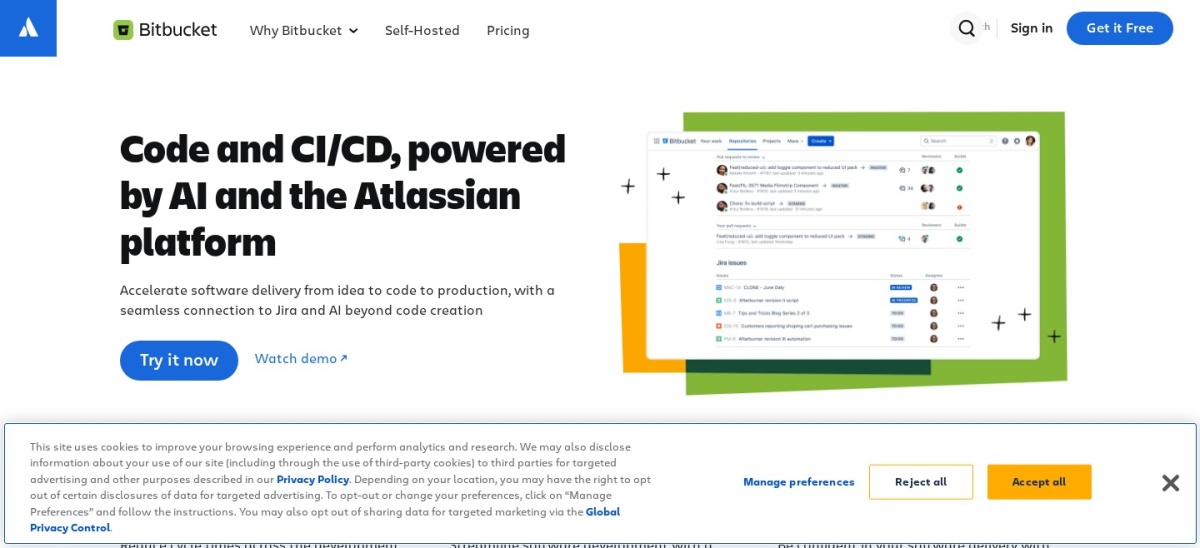
Bitbucket homepage, captured Nov 2026.
Bitbucket is Atlassian's Git hosting service, built to work closely with Jira and Confluence. The free plan covers up to 5 users with unlimited public and private repositories, and Standard adds branch permissions, deployment controls and merge checks at $3.65 per user each month.
The trade off is ecosystem lock-in. Bitbucket shines beside Jira, but teams outside Atlassian tools get less from it, and its community is far smaller than GitHub's. It suits teams already running Jira and Confluence that want the cheapest paid Git hosting in this list.
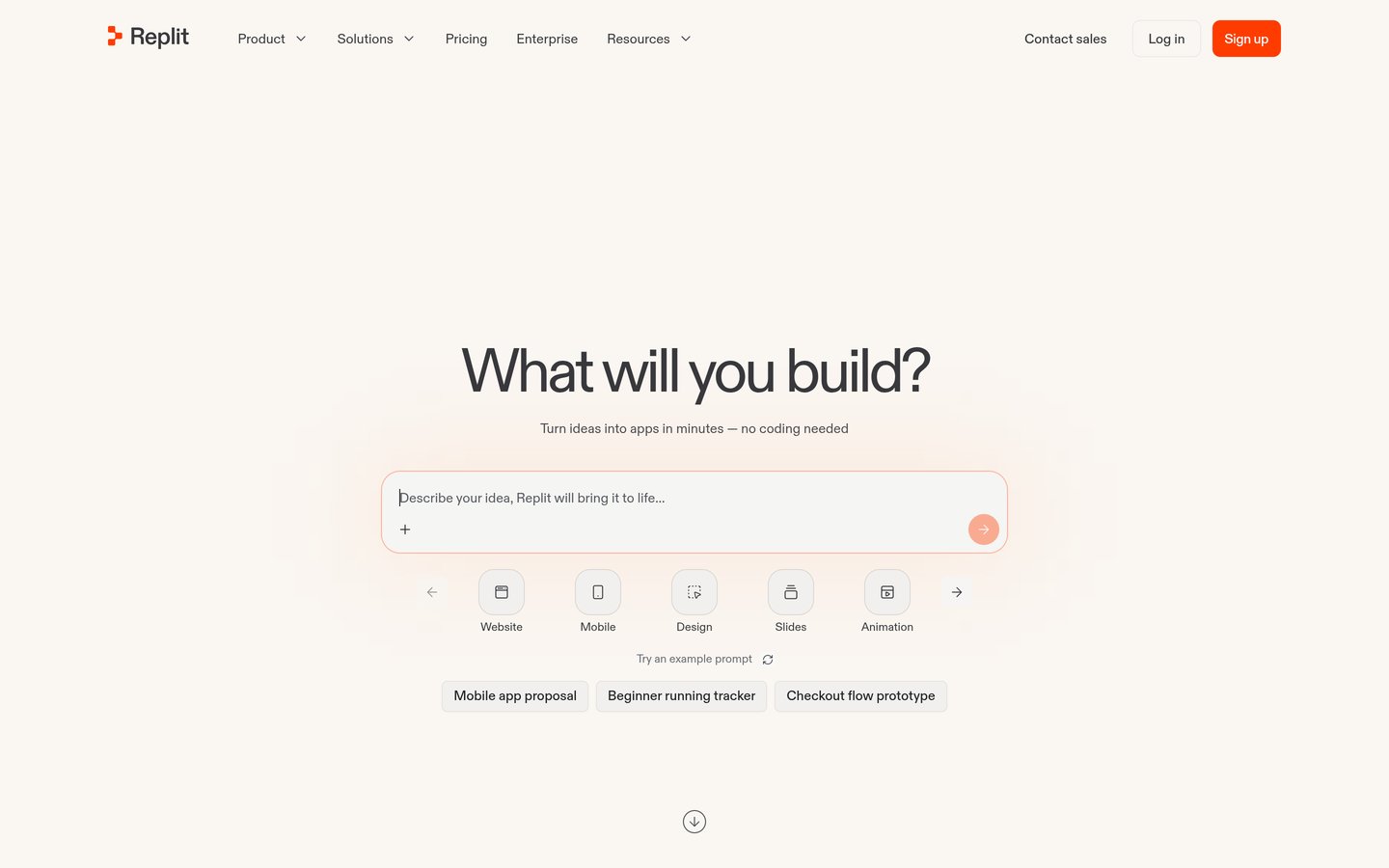
Replit is a browser-based IDE where a team can write, run and share code together in real time, with no local setup. The free plan covers public repls, and Core adds private repls, more compute and always-on deployments at $20 per user each month.
The trade off is that Replit is a workspace, not a Git host. Teams that need pull requests, protected branches and long-term repository history will still need GitHub or GitLab beside it. It suits teaching, pair programming and quick prototypes shared as a live link.
CodePen is the best-known place to share front-end code, with HTML, CSS and JavaScript in one live pen anyone can open and fork. The free plan covers unlimited public pens, and Pro adds private pens, asset hosting, Collab Mode and professor features at $8 a month.
The trade off is scope. CodePen only handles front-end pens, so back-end code, full repositories and team permissions are out of reach. It suits designers and front-end developers who want to share a working snippet with a link, not a whole project.
CodeSandbox is an online editor for full-stack projects, with templates for React, Node and more that run in the browser. The free Build plan covers up to 5 members, and Pro adds private sandboxes, more VM credits and up to 20 members at $9 per workspace each month.
The trade off is the per-workspace model. Pro is priced per workspace, not per user, so a second workspace doubles the bill, and heavy use adds on-demand VM credits. It suits teams that want to share a whole running project, not just a file, with one link.
Azure DevOps is Microsoft's suite for code hosting, boards, pipelines and test plans, built for teams already on Azure and Visual Studio. The first 5 users are free, and Basic adds unlimited private repositories, boards and pipelines at $6 per user each month.
The trade off is that Azure DevOps feels heavy outside the Microsoft stack. Teams on AWS or Google Cloud get less from it, and the interface carries a lot of menus for small projects. It suits enterprise teams on Azure that want repos, boards and pipelines under one login.
Sourcegraph is a code search and intelligence platform that indexes every repository so developers can find functions, usages and patterns across a whole codebase. Its entry Enterprise plan starts at $16,000 a year and includes code search, code intelligence and batch changes.
The trade off is price and scope. Sourcegraph is not a Git host, so teams still need GitHub or GitLab for repositories, and $16,000 a year only fits large organisations. It suits engineering teams with dozens of repositories that lose time searching code by hand.
Gitpod is a cloud development environment that spins up a ready-to-code workspace from any Git repository, so a new developer can start in minutes. The free plan covers 50 hours a month, and Basic adds 100 hours, more storage and longer timeouts at $9 a month.
The trade off is that Gitpod is an environment, not a sharing tool on its own. Teams still need a Git host for code review, and the free 50 hours run out fast on a busy team. It suits teams that onboard developers often and want every workspace identical.
Free plans cover the basics well. Most tools in this list let a small team share code for nothing, with public repos or a few private ones.
Paid plans mostly add privacy, permissions and scale. You get private repositories, protected branches, code owners and more members.
The cheapest paid plans here run from $3.65 to $9 per user a month, while enterprise tools like Sourcegraph start far higher. Pick the free plan first, then pay only when a limit blocks real work.
How we chose
We started from the code sharing tools with a G2 rating and real review counts, then kept the nine with the strongest ratings and the clearest fit for software teams. Pastebin, JSFiddle and StackBlitz were left out because no verifiable G2, Capterra or Trustpilot rating exists for them.
Prices come from each vendor's pricing page or a G2 pricing listing, checked on 29 November 2026. GitHub Team and Bitbucket Standard were confirmed on their official pricing pages; GitLab Premium rests on WPLegible sibling articles and a G2 listing because the GitLab pricing page was blocked on the day.
No vendor paid for a place, and we do not claim hands-on testing for this list.
How to choose a code sharing tool for your team
Start with where your code lives today, then check the limits that will bite first.
Count your seats and your repos. Per-user pricing multiplies fast, so work out the monthly bill for your whole team before you compare feature lists.
Decide if you need self-hosting. Regulated teams should shortlist GitLab and Sourcegraph; everyone else can use a cloud host and skip the maintenance.
Check the free plan limits. Five free users may cover a startup, but a growing team hits the limit in months. Know what the first paid tier adds.
Test sharing with a real snippet. Share a link with a colleague who has no account and see what they can open, run and comment on without signing up.
FAQ
What are the top code sharing tools for software teams in 2026?
GitHub is the top pick for most software teams, with GitLab close behind for teams that want self-hosting. Bitbucket is the cheapest paid option at $3.65 per user a month, and CodePen and CodeSandbox are best for sharing runnable snippets.
How much do code sharing tools cost?
Paid plans in this list run from $3.65 to $29 per user a month, with most tools offering a free plan for small teams. Sourcegraph is the exception, starting at $16,000 a year for enterprise code search. Per-workspace pricing, like CodeSandbox Pro at $9 a month, can cost less for a whole team.
Is there a free code sharing tool for software teams?
Yes. GitHub, GitLab, Bitbucket, Replit, CodePen, CodeSandbox, Azure DevOps and Gitpod all offer free plans, with limits on users, private repos or hours. GitHub's free plan is the most generous for code hosting, with unlimited public and private repositories.
Which code sharing tool is best for a small team?
GitHub is the best choice for most small teams, because the free plan covers unlimited repositories and Team costs only $4 per user a month. Bitbucket is cheaper still at $3.65 per user a month if your team already uses Jira and Confluence.
GitHub vs GitLab: which is better for software teams?
GitHub wins on community size, integrations and price, with Team at $4 per user a month against GitLab Premium at $29. GitLab wins for teams that want code, CI/CD and security in one platform, or need to self-host. Most teams should start with GitHub unless self-hosting is a requirement.
Can I self-host a code sharing tool?
Yes. GitLab offers a self-hosted option on its Premium plan, and Sourcegraph is built for self-hosted enterprise code search. The other tools in this list run only in the cloud, so a team that must keep code on its own servers should shortlist GitLab first.
SaaS SEO and WordPress specialist with about 8 years of experience. Rakib compares WordPress plugins, themes, hosting and software using public pricing, documentation and user reviews. See how we rank.