GitHub is the best DevOps platform for most teams, with code hosting, pull requests and Actions CI in one place, backed by 2,412 G2 reviews. Pick GitLab for the most complete all-in-one platform and Jenkins for free, self-hosted automation.
How we make this list: we compare pricing pages, product documentation and public user reviews, then re-check every price before each update. No product paid for a place. Disclosure.
GitHub Team costs $4 per user a month and covers hosting, pull requests, Actions CI and security in one place.
GitLab Premium at $29 per user a month is the most complete single platform, with CI, security scanning and issue tracking built in.
Jenkins and Argo CD are free and open source, but you pay in hosting and maintenance time instead of subscription fees.
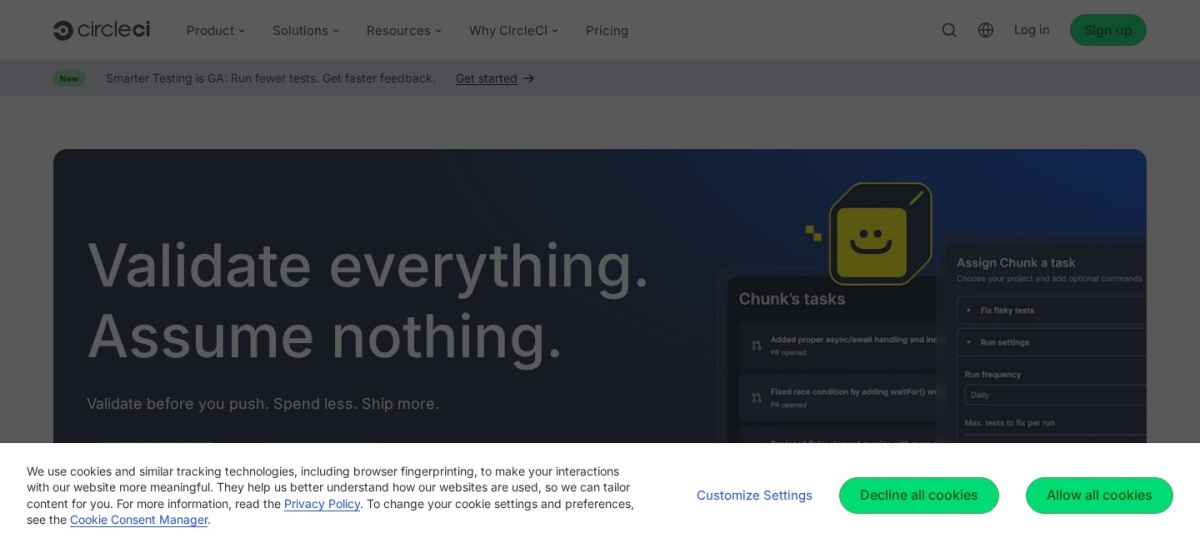
CircleCI from $15 a month and TeamCity Cloud from $45 a month are the strongest dedicated CI engines in this list.
Bitbucket Standard at $3.65 per user a month is the cheapest paid tier here for teams already using Jira and Confluence.
What a DevOps platform does
A DevOps platform connects code, builds, tests and deployments so a change moves from a pull request to production without manual steps. The best ones cover source control, CI and CD, and often security scanning and issue tracking too.
All-in-one platforms trade depth for convenience. GitHub and GitLab cover the whole lifecycle in one place, while Jenkins, CircleCI and TeamCity focus on builds and let you choose the rest of your stack.
Free and open-source tools are not free to run. Jenkins and Argo CD cost nothing to download, but they need servers, updates and someone to keep them running, which is a real cost for a small team.
Teams already running project management software should check integration first. GitHub, GitLab and Bitbucket all connect to Jira, Slack and the tools your team already uses.
GitHub is the most widely used DevOps platform, combining code hosting, pull requests, Actions CI and CD, package hosting and security scanning in one place. Team costs $4 per user a month and adds private repositories, branch protections and 2,000 Actions minutes a month, and GitHub claims more than 100 million developers use the platform.
The trade off is that GitHub's CI is a generalist. Dedicated engines such as CircleCI and TeamCity offer deeper build features, and Enterprise at $21 per user a month is a steep jump from Team. It suits teams of any size that host code on GitHub already.
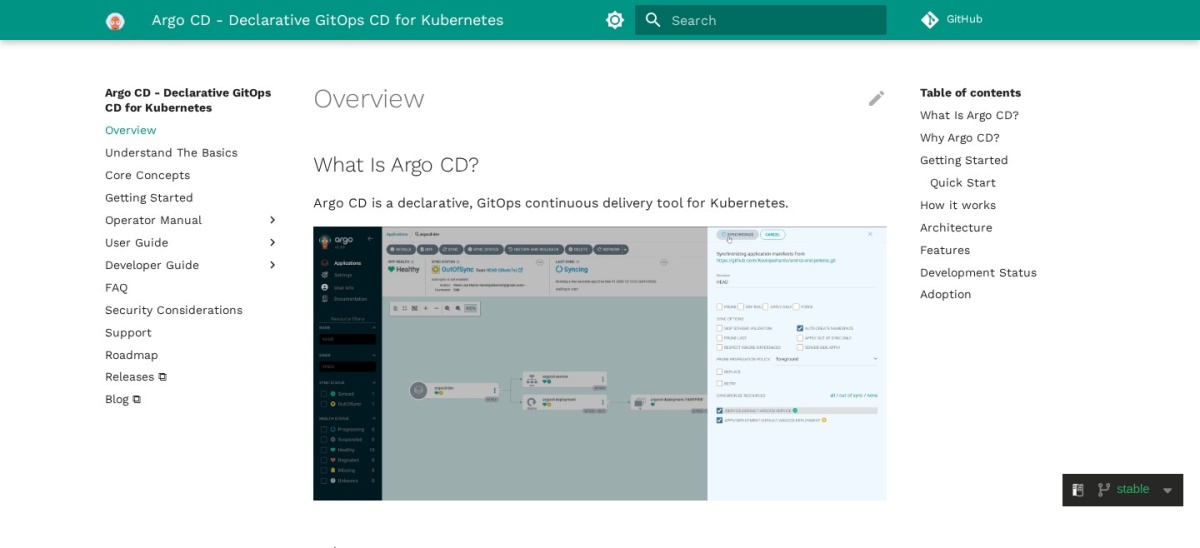
Argo CD is a free, open-source GitOps tool for Kubernetes: you declare the desired state in Git, and Argo CD continuously syncs your clusters to match, with drift detection, automated sync policies and a clear UI showing what is deployed where. It is a CNCF-graduated project and costs nothing to use.
The trade off is scope. Argo CD does deployments, not CI, so you pair it with a build tool such as GitHub Actions or Jenkins, and it is Kubernetes-only. It suits platform teams running Kubernetes who want Git as the single source of truth.
GitLab is an all-in-one DevOps platform with code hosting, CI and CD, issue tracking, security scanning and wikis in a single application. Premium costs $29 per user a month and includes 10,000 CI minutes, while the free plan covers 5 users with 400 CI minutes a month.
The trade off is complexity and price. GitLab's breadth means a longer setup than GitHub for teams that only need hosting, and $29 a seat is the highest in this list. It suits teams that want one platform from code to deployment.
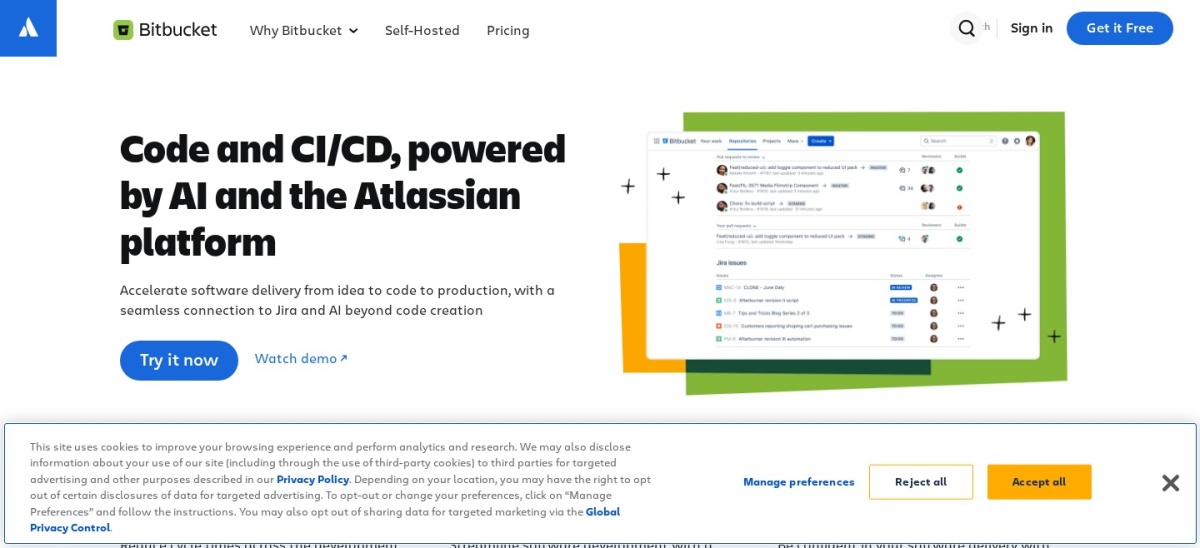
Bitbucket is Atlassian's Git hosting platform, with built-in Pipelines CI and CD and the deepest integration with Jira and Confluence of any tool in this list. Standard costs $3.65 per user a month, the cheapest paid tier here, and the free plan covers 5 users.
The trade off is ecosystem. Bitbucket shines inside Atlassian stacks and is less compelling elsewhere, and its review count is high but its feature set is narrower than GitHub or GitLab. It suits teams already standardised on Jira and Confluence.
Jenkins is a free, open-source automation server with more than 1,800 plugins, and it is the most flexible CI tool in this list. It runs on your own servers, supports any language or platform, and costs nothing to download or use.
The trade off is maintenance. You host, update and secure Jenkins yourself, and plugin quality varies, so a small team without a dedicated platform engineer can spend more time on Jenkins than on their product. It suits teams that need full control and have the skills to run it.
CircleCI is a dedicated cloud CI and CD platform with fast builds, self-hosted runners and reusable configuration packages called orbs. The free plan includes 30,000 credits a month for up to 5 users, and Performance starts from $15 a month.
The trade off is scope. CircleCI focuses on builds and deployments, so you still need GitHub or GitLab for hosting and issues, and credit-based billing needs monitoring on busy projects. It suits teams that want the fastest cloud CI without managing servers.
Octopus Deploy is a continuous delivery and deployment platform designed for complex release management across Kubernetes, multicloud and hybrid targets. It supports canary and blue-green deployments natively, and Cloud starts at $45 a month for 5 deployment targets, with a free tier covering 10 targets.
The trade off is price and focus. Octopus does deployment, not builds, so you pair it with a CI tool, and $45 a month is high for small teams. It suits enterprises with complex, multi-environment releases.
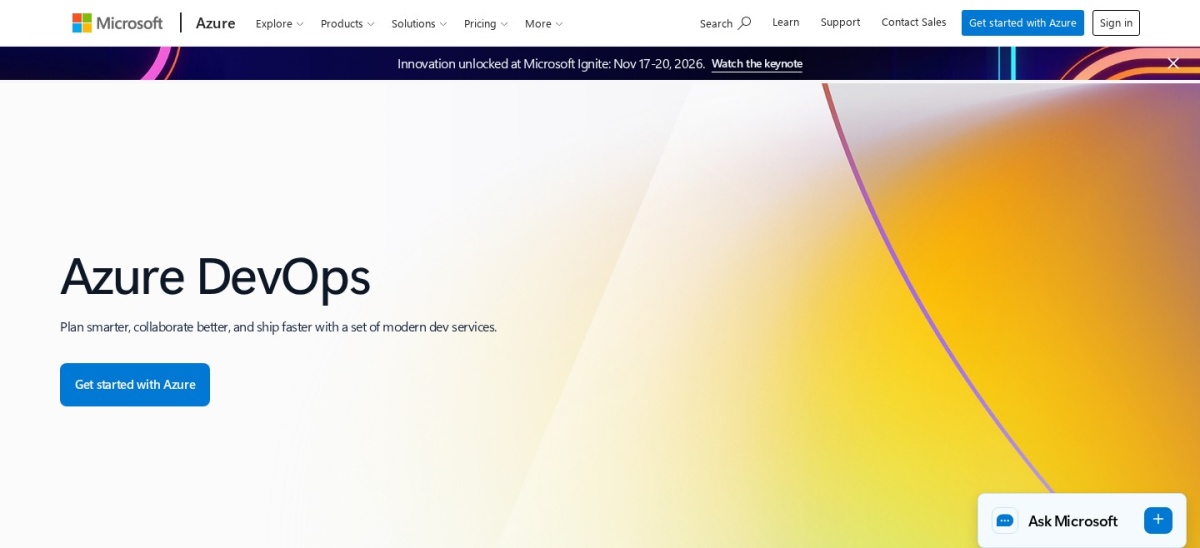
Azure DevOps is Microsoft's end-to-end DevOps platform, with Boards for planning, Repos for Git hosting, Pipelines for CI and CD, Test Plans and Artifacts in one suite. The first 5 users are free, and Basic costs $6 per user a month after that.
The trade off is ecosystem. Azure DevOps is at its best inside Microsoft and Azure stacks, and teams outside that world often find GitHub simpler. It suits Microsoft shops that want one platform for planning, code and deployment.
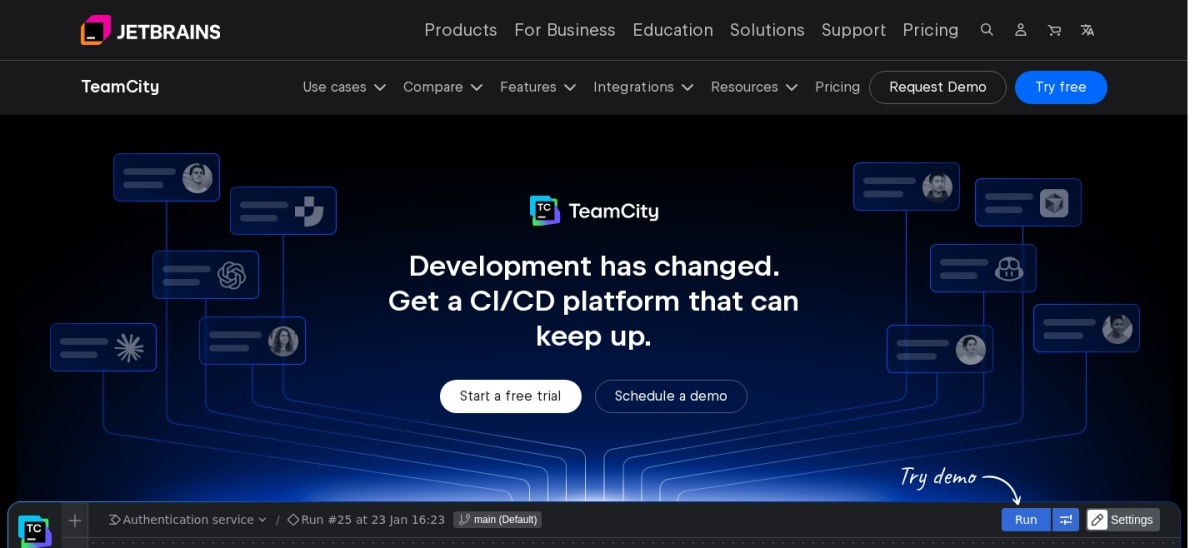
TeamCity is JetBrains' CI and CD server, with powerful builds, code coverage analysis, flaky test detection and risk-based execution. TeamCity Cloud starts at $45 a month for 3 committers with 24,000 build credits, and the on-premises Professional edition is free forever.
The trade off is price and complexity. Cloud pricing is per committer, so a growing team pays more quickly than on flat plans, and the feature depth takes time to learn. It suits teams that want the most powerful build server and already use JetBrains tools.
CI tools build and test code on every change. Jenkins, CircleCI and TeamCity are CI engines, and GitHub Actions and GitLab CI do the same job inside their platforms.
CD tools manage releases to environments. Octopus Deploy and Argo CD are CD specialists: they take a built artefact and deploy it safely, with rollbacks when something goes wrong.
All-in-one platforms cover both. GitHub, GitLab and Azure DevOps include CI and CD, so most teams never need a specialist tool unless their releases are complex.
Start with the all-in-one, then add a specialist only when you hit a limit. A CD tool earns its place when deployments span many environments or need canary releases.
How we chose
We started from the DevOps platforms with the most G2 reviews and the widest adoption, then kept the nine with a real free tier or trial and published pricing. Every tool here has a verifiable G2 rating with a review count.
Prices come from each vendor's pricing page, checked on 25 November 2026. Several vendor pages render with JavaScript, so where a figure could not be read from the page itself we used dated comparisons quoting the vendor page and flagged them in the notes. Ratings and review counts come from G2 on the same day.
We left out tools with no verifiable G2 rating and tools sold only as part of a larger cloud contract. No vendor paid for a place, and we do not claim hands-on testing for this list.
How to choose a DevOps platform
Start with where your code lives, then match the CI and CD depth to your release complexity.
Start with your code host. If your code is on GitHub, start with Actions. If it is on GitLab, start with GitLab CI. Switching hosts is the most expensive change you can make.
Check the free tier limits. Count your CI minutes, users and build agents. A free tier that fits today can cost real money at ten developers.
Test a real pipeline. Build, test and deploy a real service, not a hello-world app. Check build speed, failure messages and rollback before you commit.
Price the whole lifecycle. Add hosting, CI minutes, deployment targets and seats together. The cheapest CI engine can be the most expensive platform once you add the rest.
FAQ
What is the best DevOps platform?
GitHub is the best DevOps platform for most teams. It covers hosting, pull requests, Actions CI and security in one place, and it is rated 4.7 out of 5 on G2 from 2,412 reviews.
What is the difference between CI and CD?
CI builds and tests code on every change, while CD manages releases to environments. Jenkins, CircleCI and TeamCity are CI engines, and Octopus Deploy and Argo CD are CD specialists.
Is Jenkins free?
Yes, Jenkins is free and open source, with more than 1,800 plugins. You host it yourself, so the cost is servers, updates and maintenance time rather than a subscription.
How much does GitLab cost?
GitLab is free for up to 5 users with 400 CI minutes a month, and Premium costs $29 per user a month with 10,000 CI minutes. Ultimate adds compliance and advanced security features.
Which DevOps platform is best for Kubernetes?
Argo CD is the best DevOps tool for Kubernetes deployments in this list. It syncs clusters from Git with drift detection and automated sync, and it is free and open source.
What is the cheapest DevOps platform?
Jenkins and Argo CD are free and open source, and Bitbucket Standard at $3.65 per user a month is the cheapest paid tier in this list. GitHub Team at $4 a month is close behind.
SaaS SEO and WordPress specialist with about 8 years of experience. Rakib compares WordPress plugins, themes, hosting and software using public pricing, documentation and user reviews. See how we rank.