DiskGenius is the top cloning software for moving Windows to a new drive, with a free edition that clones a system disk and migrates Windows to an SSD. EaseUS Todo Backup is the best value paid option, while Macrium Reflect X suits careful users who want a long trial.
How we make this list: we compare pricing pages, product documentation and public user reviews, then re-check every price before each update. No product paid for a place. Disclosure.
DiskGenius is the top pick: 4.9 out of 5 on G2, with a free edition that clones a system disk and migrates Windows to an SSD.
EaseUS Todo Backup is the best value paid option at $39.95 a year, with a 4.8 rating from 133 G2 reviews.
Paragon is the cheapest paid plan at $24.95 a year, and Hasleo costs $34.95 once with no subscription.
Clonezilla is completely free and clones whole systems, but uses text menus with no graphical interface.
Several ratings rest on very few reviews, so check the review count beside every score.
What should you check before picking top cloning software?
Cloning software copies a whole disk or system to a new drive, which is how you move Windows to an SSD without reinstalling. The tools in this list cover free and paid options, and the right pick depends on whether you clone a system disk or just data.
The first thing to check is what the free edition actually clones. DiskGenius and Clonezilla clone a system disk for free, while EaseUS, MiniTool and Hasleo need a paid plan for system cloning. Our guide on best free hard drive cloning software covers the free-only field.
Price is the second thing to weigh. Paragon costs $24.95 a year, EaseUS and AOMEI cost $39.95 a year, and Hasleo costs $34.95 once, so the cheapest paid plan is under $40 a year. The price ladder below shows the cheapest paid plan for each tool.
The third thing is the review base. Several tools here have very few reviews, so a 4.9 from 4 reviews means less than a 4.8 from 133 reviews. Read the ratings with the review counts beside them.
Free planYes, clones system disk and migrates Windows
Cheapest paid planProfessional, $99.90 a year
Lifetime optionLifetime licence, $129.90 once
PlatformsWindows only
diskgenius.com
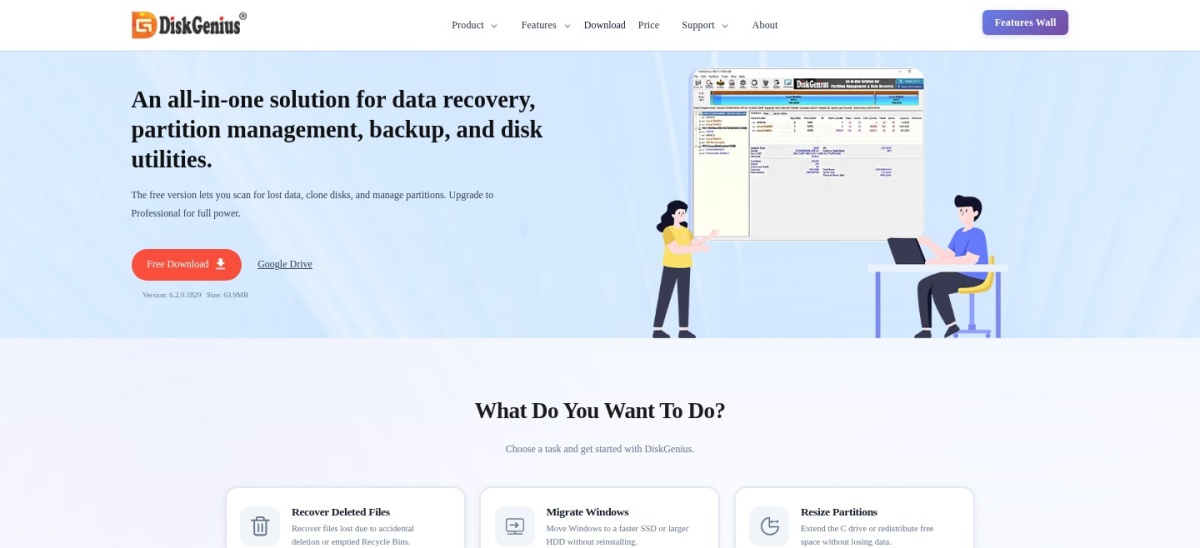
DiskGenius homepage, captured Nov 2026.
DiskGenius is the best cloning software for moving Windows to a new drive, because even the free edition clones a system disk and migrates Windows to an SSD. The Professional plan costs $99.90 a year and adds partition recovery and RAID support.
The trade off is the thin review base. Only 4 G2 reviews back the 4.9 rating, so the score rests on very little feedback, and the tool runs on Windows only. It suits Windows users who want a free system clone.
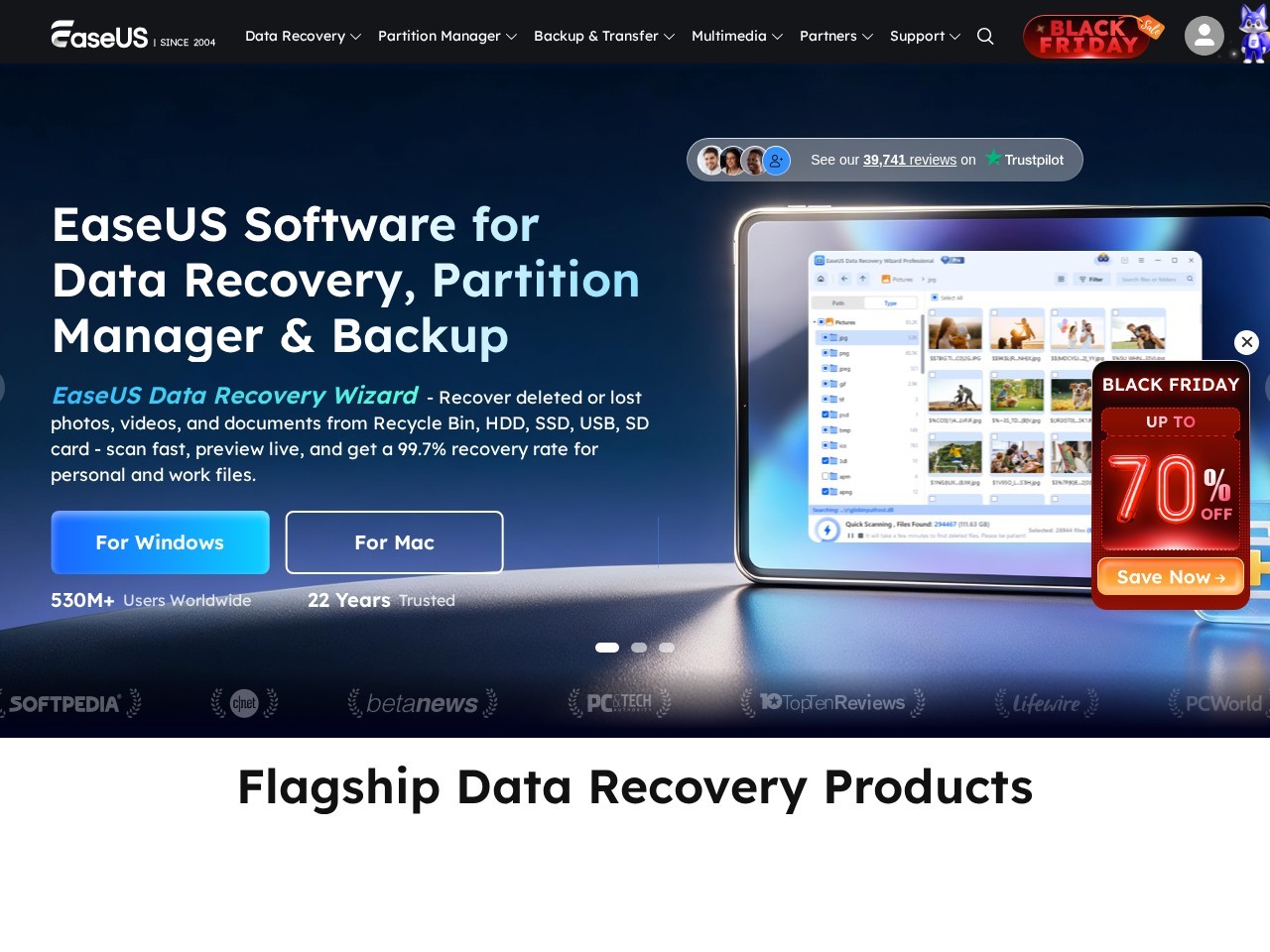
EaseUS Todo Backup is the best value paid cloning tool, with a Home plan at $39.95 a year that unlocks system cloning and disk migration. The free edition covers backup and restore, so you can test the interface before paying for the cloning features.
The trade off is the edition gap. The G2 rating covers the Business edition, while the $39.95 price is the Home edition, so the rating and the price describe different versions. It suits home users who want cheap, reliable cloning.
Macrium Reflect X is the best cloning software for careful users who want a verified, reliable clone. The Home plan costs $49.99 a year for one PC, with a 30-day trial to test it, and the tool has a long reputation for disk imaging that works first time.
The trade off is the price confusion. The business listing on G2 shows $65 a device, while the home pricing page shows $49.99 a year for one PC, so check the home page for the price that applies to you. It suits users who clone once and want it right.
Cheapest paid planHard Disk Manager Advanced, $24.95 a year
Direct cloningNeeds the paid Advanced plan
PlatformsWindows only
paragon-software.com
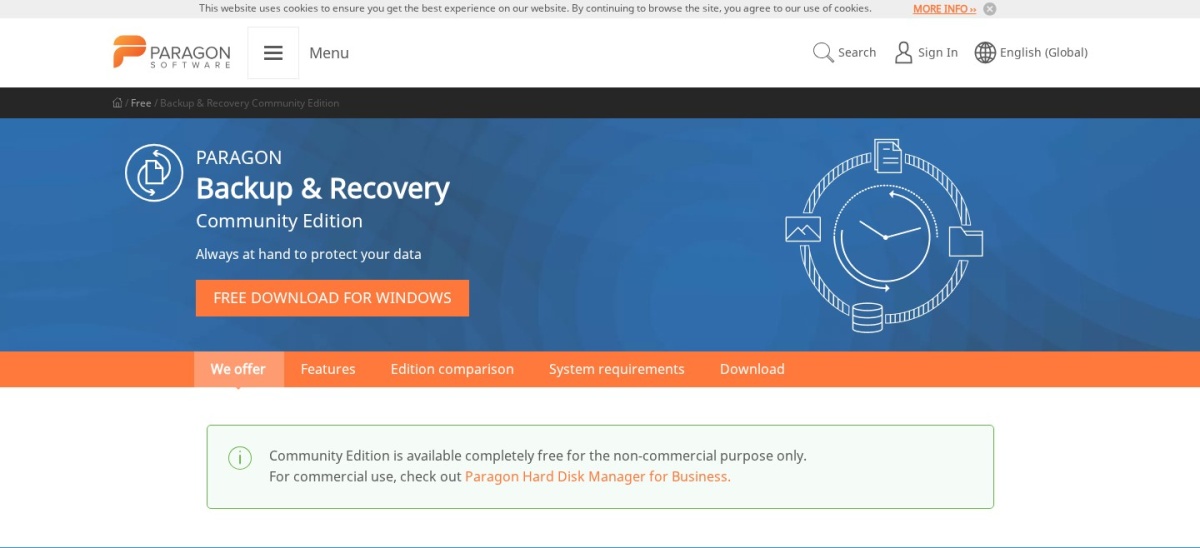
Paragon Backup & Recovery homepage, captured Nov 2026.
Paragon Backup & Recovery is the cheapest paid cloning tool here, with direct cloning in Hard Disk Manager Advanced at $24.95 a year. The free edition images disks for non-commercial use, so basic backup costs nothing and the paid upgrade is the cheapest in this list.
The trade off is the very thin review base. Only 3 G2 reviews back the 4.7 rating, so the score rests on almost no feedback, and direct cloning needs the paid plan. It suits budget users who want the cheapest paid clone.
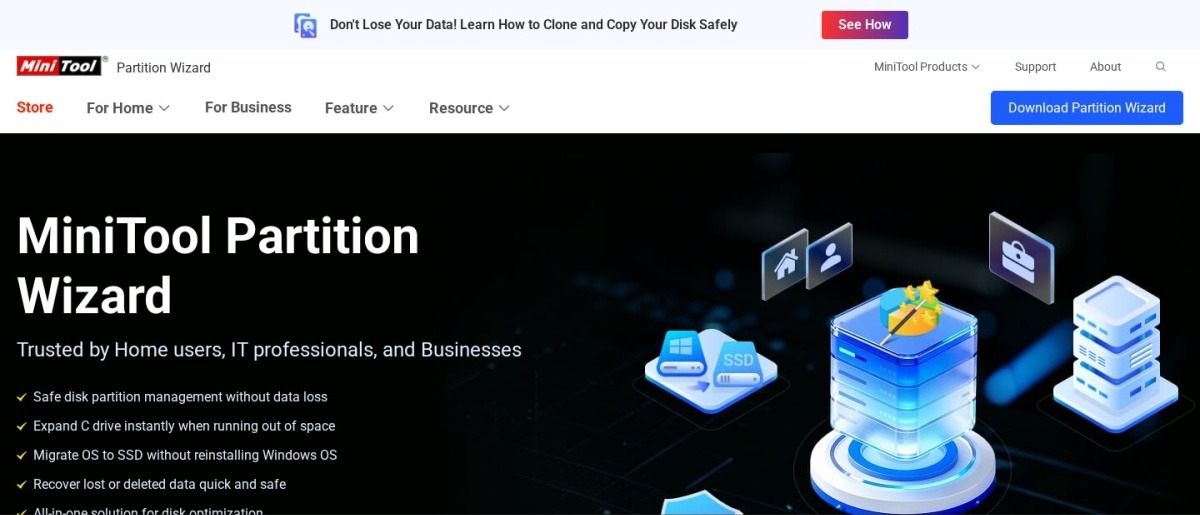
MiniTool Partition Wizard homepage, captured Nov 2026.
MiniTool Partition Wizard is the best cloning tool for people who also manage partitions, because it combines disk cloning with partition resizing, moving and recovery in one app. The free edition clones data disks and partitions, and Pro costs $59 a year for system-disk cloning.
The trade off is the Pro paywall. Cloning a system disk or migrating Windows needs the $59 a year Pro plan, so the free edition only covers data disks. It suits Windows users who want one tool for partitions and cloning.
Cheapest paid planEssentials, $49.99 a year for 1 PC
Cloud storageAdvanced plan adds cloud backup
PlatformsWindows and Mac
acronis.com
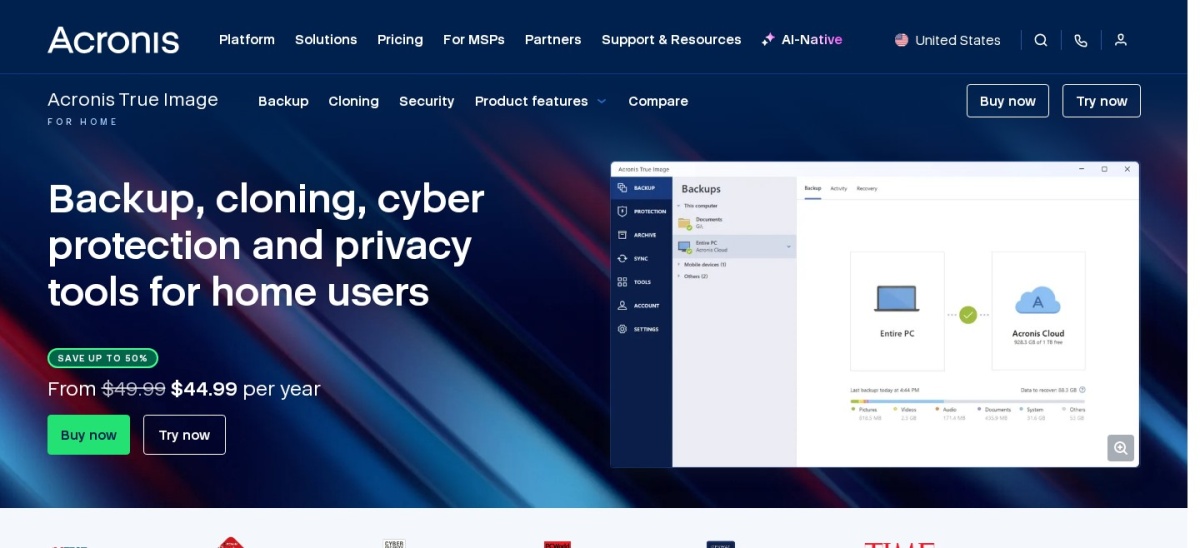
Acronis True Image homepage, captured Nov 2026.
Acronis True Image is the best all-in-one backup and cloning tool, sold as Acronis Cyber Protect Home Office, combining disk cloning with full system backup and optional cloud storage. The Essentials plan costs $49.99 a year for one PC, and Advanced adds cloud backup for $72.99 a year.
The trade off is the lack of a free plan. There is only a 30-day trial, and the cheapest plan has no cloud storage, so backup to the cloud costs more. It suits users who want backup and cloning in one subscription.
Cheapest paid planProfessional, $39.95 a year for 1 PC
Lifetime optionPerpetual licence, $69.95 once
PlatformsWindows only
aomeitech.com
AOMEI Backupper homepage, captured Nov 2026.
AOMEI Backupper is a simple cloning and backup tool with a free Standard edition and a Professional plan at $39.95 a year for one PC. The interface is straightforward, and a perpetual licence costs $69.95 once for users who dislike subscriptions.
The trade off is the thin review base. Only 18 G2 reviews back the 4.3 rating, so public feedback is limited, and the tool runs on Windows only. It suits home users who want simple backup and cloning.
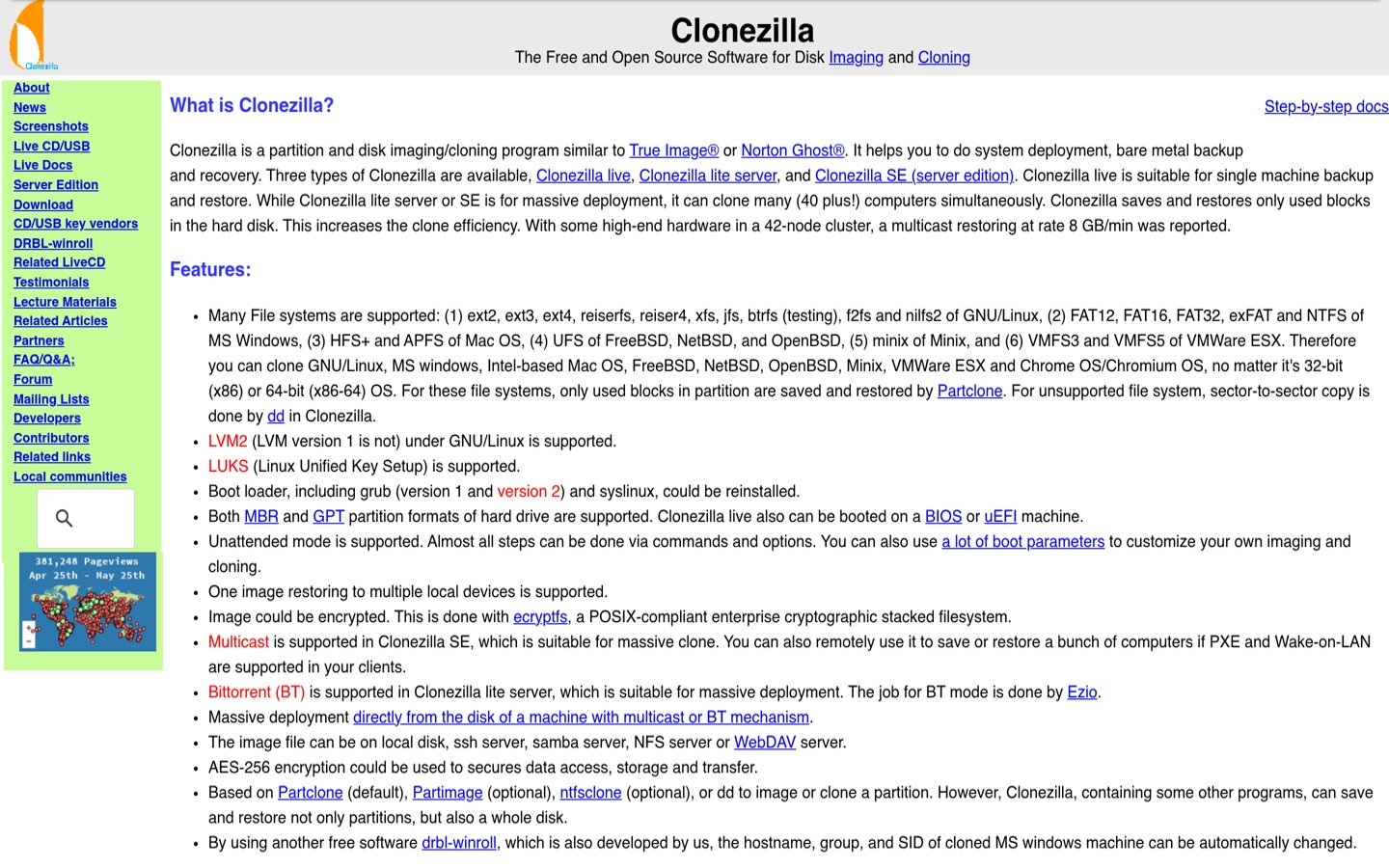
Clonezilla is the best completely free cloning tool, with no paid plan at all. It boots from a USB stick, clones disks, partitions and whole systems, and handles Windows and Linux drives, so a full migration costs nothing but time.
The trade off is the interface. Clonezilla uses text menus with no graphical interface, so beginners can find it intimidating, and a wrong choice can wipe the wrong disk. It suits technical users who want free, reliable cloning.
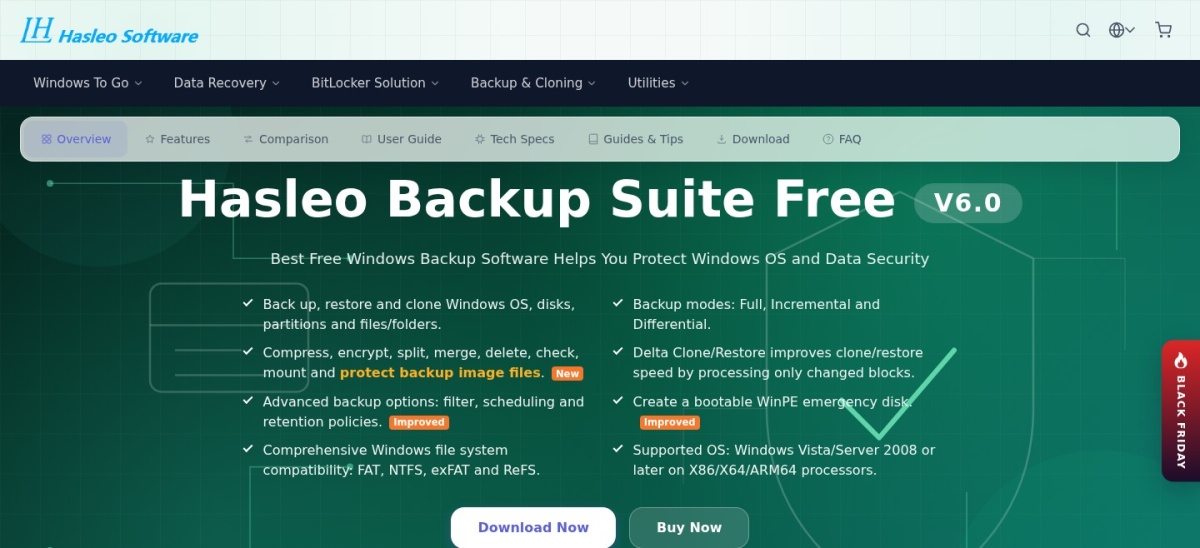
Hasleo Backup Suite is the best free cloning suite with a one-time upgrade, because the Home plan costs $34.95 once rather than every year. The free edition covers system, disk and file backup and clones data disks, so most users can start without paying.
The trade off is the rating source. The 4.1 score comes from Trustpilot, not G2, with only 33 reviews, and system-disk cloning needs the paid Home plan. It suits users who want a cheap one-time upgrade instead of a subscription.
System cloning copies the whole Windows installation, including the boot sector, so the new drive starts up on its own. DiskGenius and Clonezilla do this free, while EaseUS, MiniTool and Hasleo need a paid plan.
Data cloning copies files, partitions or a data disk without the operating system. The free editions of most tools here handle data cloning, which suits a second drive or a media library.
The target drive matters. A new SSD must hold all the used space from the old drive, and a smaller SSD needs the tool to shrink partitions first, which not every free edition can do.
Always verify the clone. Boot from the new drive before you wipe the old one, and keep a backup until the new drive has run for a week without problems.
How we chose
We started from the cloning and imaging tools people actually use to move Windows to a new drive: free tools, paid tools and backup suites with cloning. Each tool had to clone a disk or system and carry a rating on G2 or Trustpilot.
Prices come from each vendor's pricing page, checked on 29 November 2026. Ratings and review counts come from G2 or Trustpilot on the same day, and the cheapest paid plan is shown as a yearly figure so the tools compare fairly.
We left out tools with no verifiable rating on G2, Capterra or Trustpilot. No vendor paid for a place, and we do not claim hands-on testing for this list.
How to choose the best cloning software
Start with system or data cloning, then check the free edition before you pay.
Decide system or data cloning. Moving Windows to an SSD needs system cloning, while copying files needs only data cloning. Pick a tool whose free or paid plan covers your job.
Check the free edition first. DiskGenius and Clonezilla clone a system disk free, while EaseUS, MiniTool and Hasleo need a paid plan for system cloning.
Check the review count, not just the score. A 4.9 from 4 reviews means less than a 4.8 from 133 reviews. Read the rating with the review count beside it.
Back up before you clone. Cloning writes to the target disk, and a wrong choice can wipe data. Back up first, then clone, then check the new drive boots.
FAQ
What is the top cloning software?
DiskGenius is the top cloning software for moving Windows to a new drive, with a free edition that clones a system disk and migrates Windows to an SSD. EaseUS Todo Backup is the best value paid option at $39.95 a year.
Is there free cloning software?
Yes. Clonezilla is completely free with no paid plan, and DiskGenius, EaseUS Todo Backup, Paragon, MiniTool, AOMEI and Hasleo all have free editions. Free editions often limit system cloning to the paid plan.
Which cloning software is cheapest?
Paragon is the cheapest paid plan at $24.95 a year, followed by Hasleo at $34.95 once with no subscription. EaseUS and AOMEI both cost $39.95 a year, and Clonezilla costs nothing at all.
Can cloning software move Windows to an SSD?
Yes, that is the main job of these tools. DiskGenius and Clonezilla do it free, while EaseUS, Macrium, MiniTool and Acronis do it on paid plans. The new SSD must be at least as large as the used space on the old drive.
Is cloning software safe to use?
Yes, if you back up first. Cloning writes to the target disk, so a wrong choice can wipe data on the wrong drive. Back up your files, double-check the source and target disks, then clone.
Which cloning software is best for beginners?
EaseUS Todo Backup and AOMEI Backupper are the easiest starts, with simple interfaces and free editions to try. Clonezilla is powerful but uses text menus, so beginners should read the guide first.
SaaS SEO and WordPress specialist with about 8 years of experience. Rakib compares WordPress plugins, themes, hosting and software using public pricing, documentation and user reviews. See how we rank.