Microsoft Power BI is the best BI software without SQL requirements for most teams, with a free Desktop app and Pro at $14 a user a month. Tableau suits visual exploration, while Looker Studio is the best free option for Google data.
How we make this list: we compare pricing pages, product documentation and public user reviews, then re-check every price before each update. No product paid for a place. Disclosure.
Power BI Pro costs $14 a user a month and holds 4.5 out of 5 on G2 from 1,658 reviews.
Looker Studio is free with unlimited reports, and Pro costs only $9 a user a month.
Tableau Viewer seats cost $15 a month, but building reports needs a $75 Creator seat.
ThoughtSpot turns plain-English questions into charts from $25 a user a month.
Domo publishes no list price, so budget for a sales conversation before you commit.
How do you choose the top BI software without SQL requirements?
Every tool here lets a non-technical person build a dashboard by clicking, dragging or typing a question. None of them forces you to write SQL on day one, which is the whole point of this list.
The cheapest ways to start are Looker Studio, which is free, and Power BI, where the Desktop app is free and Pro costs $14 a user a month. Both get harder once you need custom calculations or large data sets.
Plain-English questions separate the leaders. ThoughtSpot and Power BI with Copilot answer typed questions directly, while Looker Studio and Databox still need you to build the chart yourself.
Check who builds the data model before you buy. ThoughtSpot, Qlik Sense and Metabase all need someone technical to connect and model data first, even though business users never see SQL.
The 9 best BI software tools without SQL requirements
01
Microsoft Power BI
4.5/5on G2 (1,658 reviews, checked Nov 2026)
Paid from$14/user/mo
Best BI software without SQL overall
Cheapest paid planPro, $14/user/mo
Free planYes, Desktop app
Ask in plain EnglishYes, with Copilot
G2 rating4.5/5 (1,658 reviews)
microsoft.com
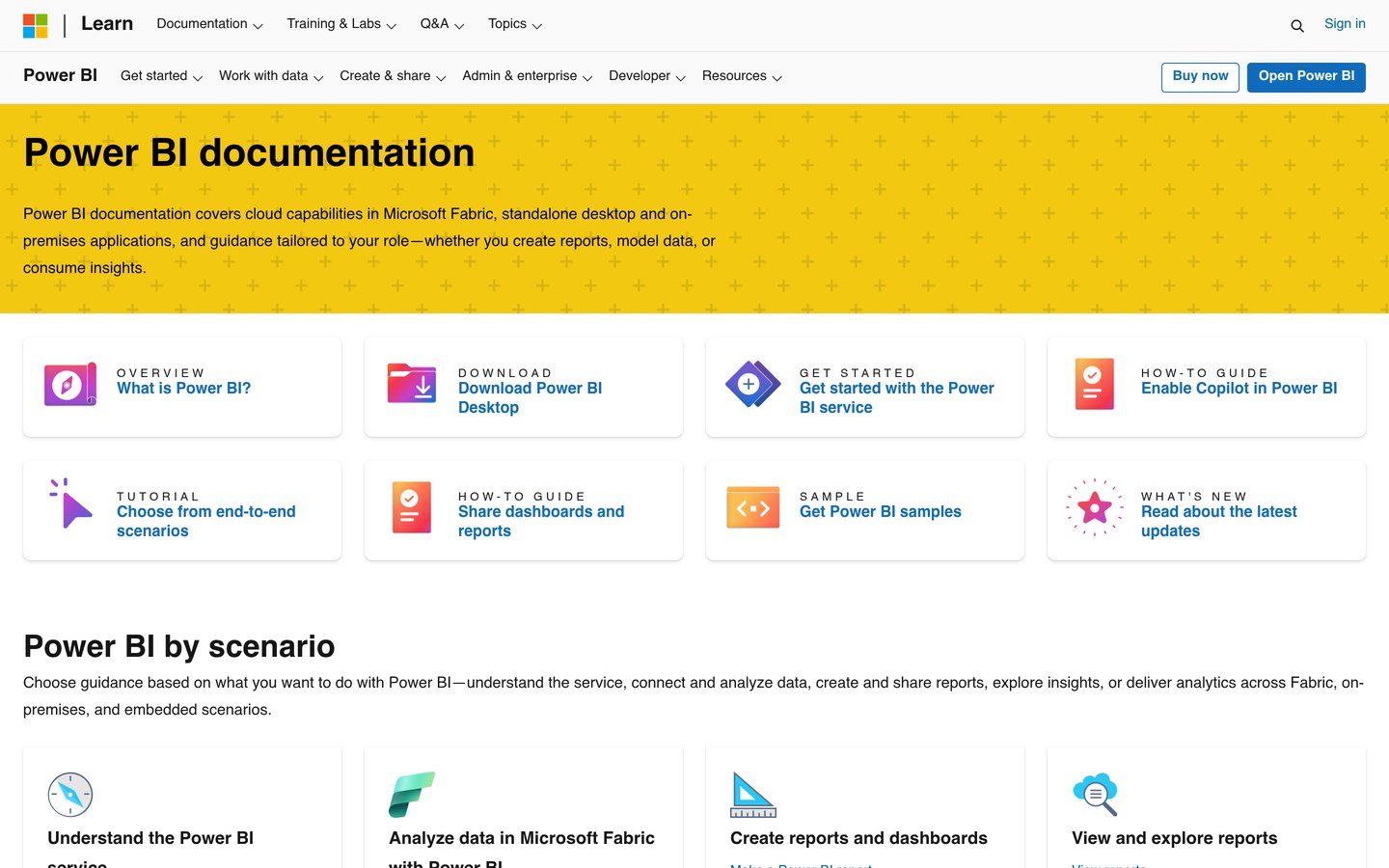
Microsoft Power BI homepage, captured Nov 2026.
Microsoft Power BI is a business intelligence platform for building interactive reports and dashboards from spreadsheets, databases and cloud apps without writing SQL. The free Desktop app builds reports, and Pro at $14 a user a month adds sharing, collaboration and scheduled refresh.
The trade off is advanced work. Simple dashboards are point and click, but custom calculations need DAX, a formula language that is not SQL yet still trips up beginners. It suits teams already on Microsoft 365 who want the cheapest full BI platform.
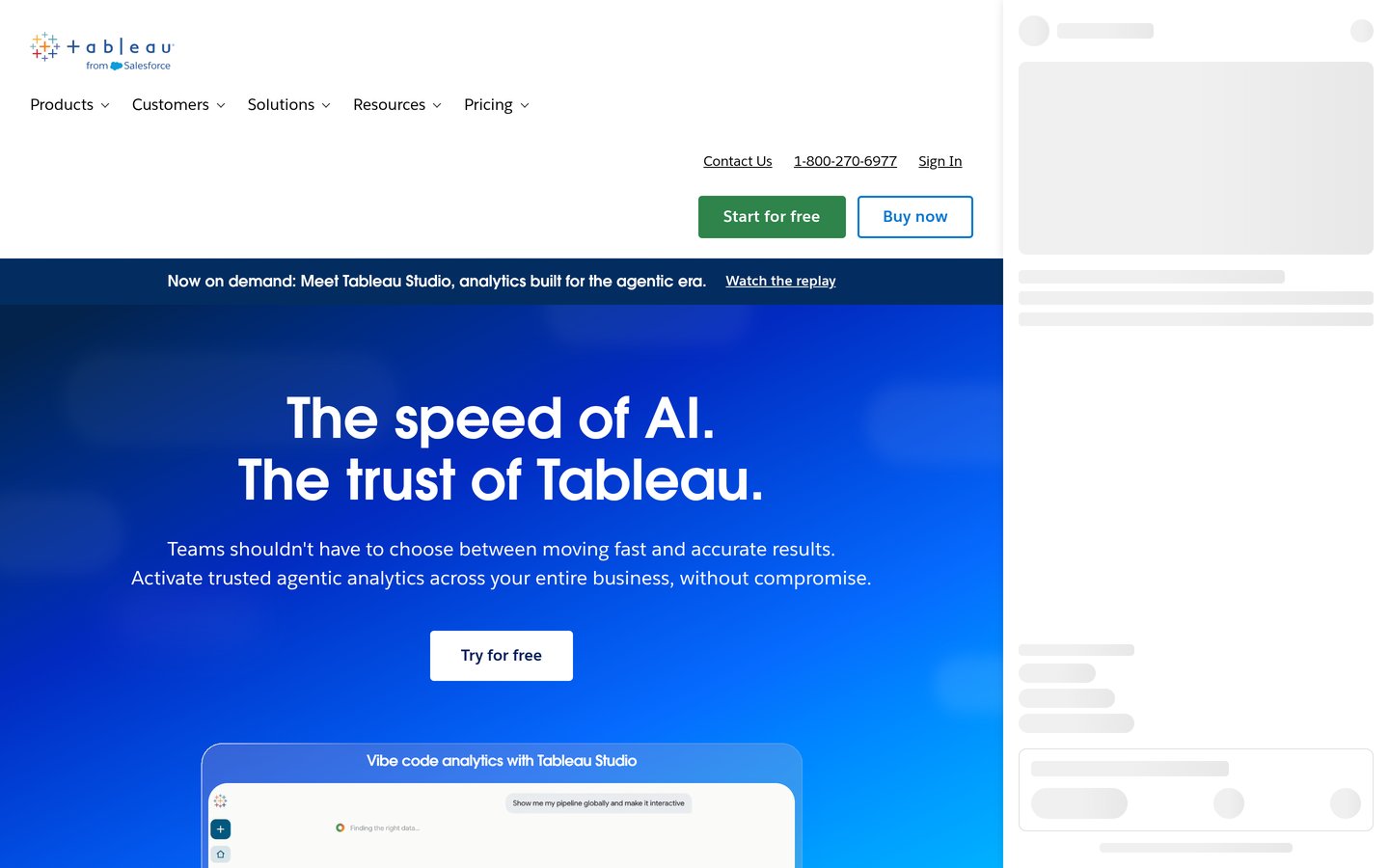
Tableau is a visual analytics platform from Salesforce for exploring data and publishing interactive dashboards by dragging fields onto a canvas. Viewer seats cost $15 a user a month, and the free trial lets teams test the full product before buying.
The trade off is the authoring price. Reading dashboards is cheap, but building them needs a Creator seat at $75 a user a month, so most teams buy a few Creators and many Viewers. It suits managers who consume analyst-built dashboards and explore them visually.
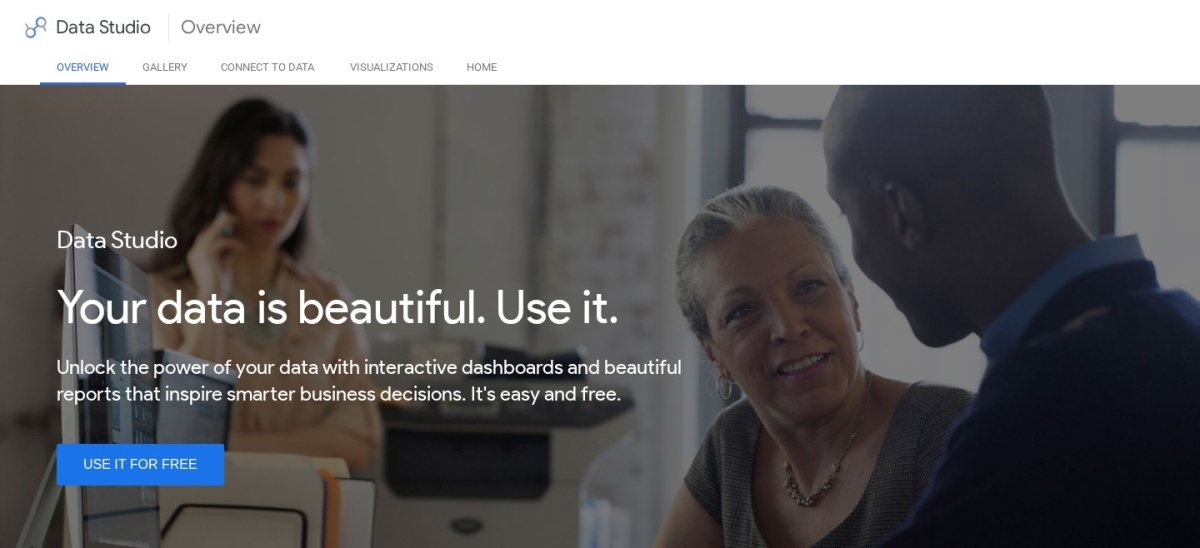
Looker Studio is a free Google tool for building dashboards from Sheets, Analytics, Ads and hundreds of connectors without writing SQL. The core tool is free with unlimited reports and viewers, and Pro costs $9 a user a month for team features and support.
The trade off is scale. Looker Studio slows down and gets messy with large data sets, and it has no real natural-language querying. It suits marketers and small teams reporting on Google data who want to pay nothing to start.
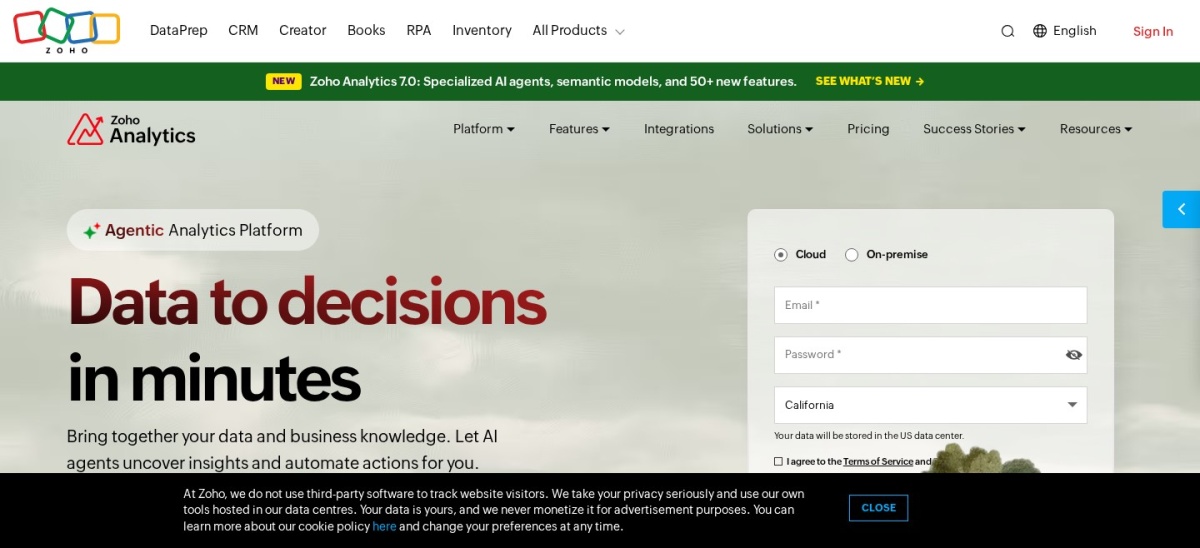
Zoho Analytics is a self-service reporting platform that blends data from files, databases and business apps into dashboards with an AI assistant called Zia. Basic costs $24 a month for 2 users and 500,000 rows, and a free plan covers 2 users with fewer rows.
The trade off is the rating. Its 4.2 G2 score is the lowest in this list, and reviewers note dated visuals next to Tableau and Power BI. It suits small teams already using Zoho apps who want cheap, guided dashboards.
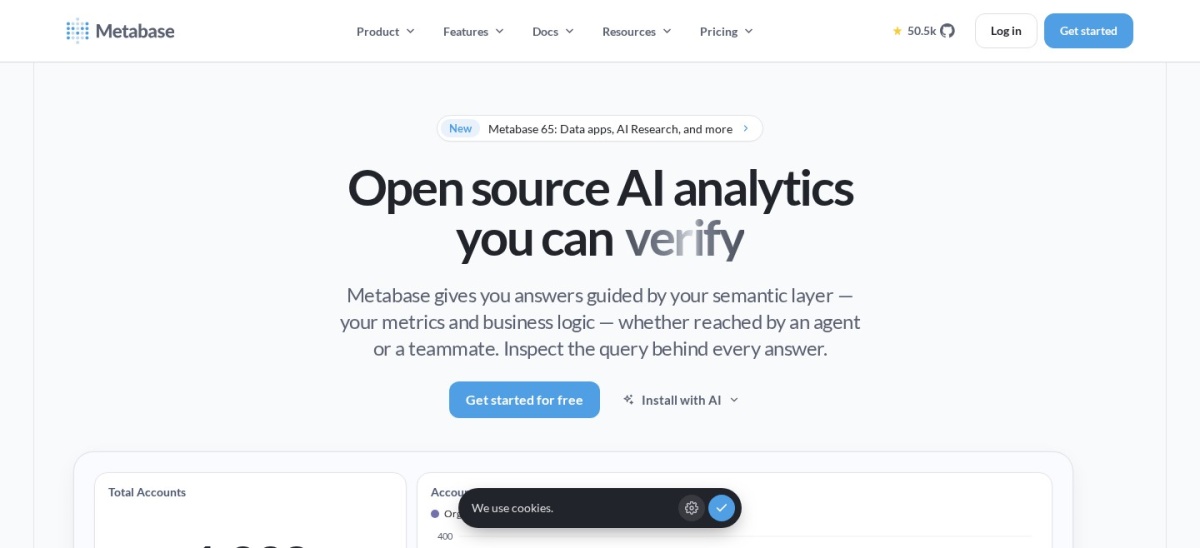
Metabase is an open-source BI tool that lets business users ask questions of a company database with a visual question builder instead of SQL. The self-hosted edition is free, and Cloud Starter costs $100 a month for 5 users with hosting included.
The trade off is setup. Someone technical still has to connect the database and model the data before non-technical users can ask good questions. It suits teams that want an open-source option and have one technical person to set it up.
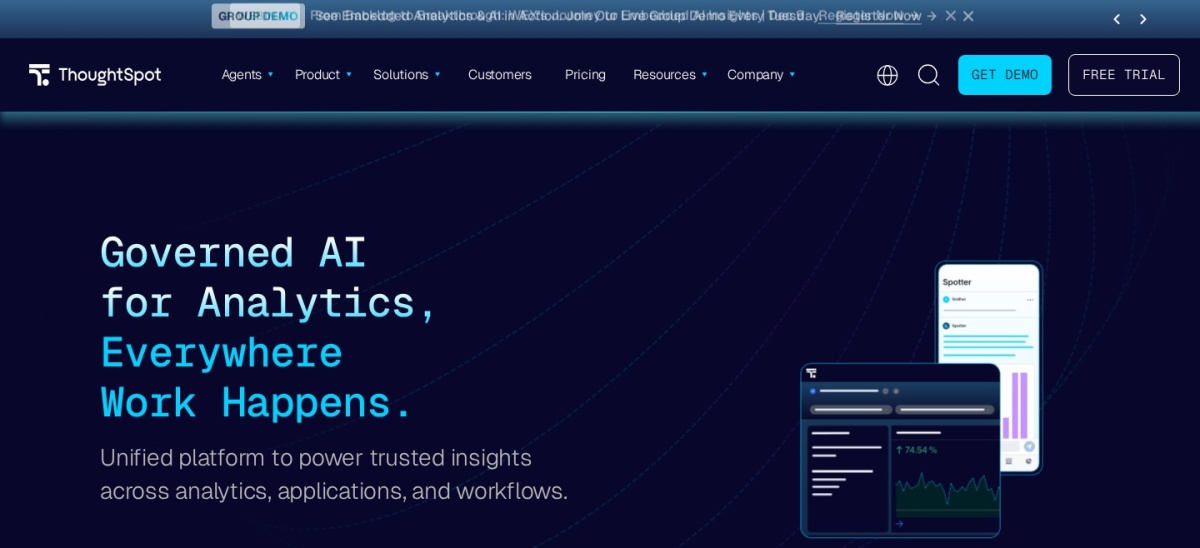
ThoughtSpot is a search-driven analytics platform where business users type a question in plain English and get a chart or table back. Essentials costs $25 a user a month for 5 to 50 users, and its Spotter AI agent answers follow-up questions too.
The trade off is modelling. ThoughtSpot needs a well-built data model before plain-English questions work well, so larger teams should budget setup time. It suits companies that want one search box for data instead of a dashboard library.
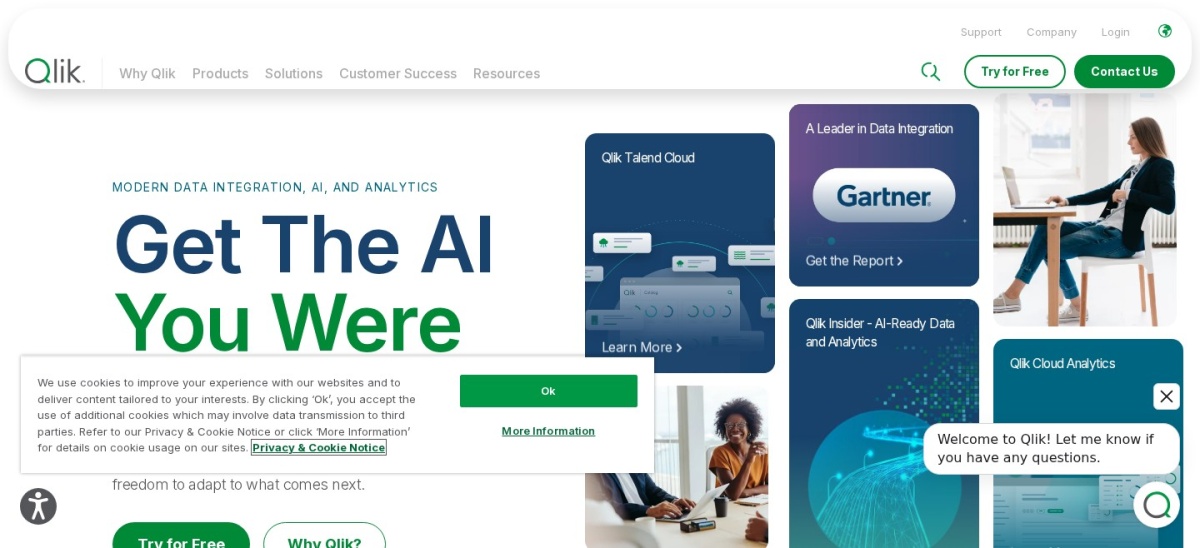
Qlik Sense is a self-service analytics platform built on an associative engine that links every field in your data, so any selection updates all charts at once. Business costs $30 a user a month billed annually, and Insight Advisor suggests charts from plain questions.
The trade off is the learning curve. Load scripts and data models take time to learn, so business users depend on someone technical at the start. It suits mid-size teams exploring complex data where the question changes every time.
What we like
Associative engine shows related and unrelated data
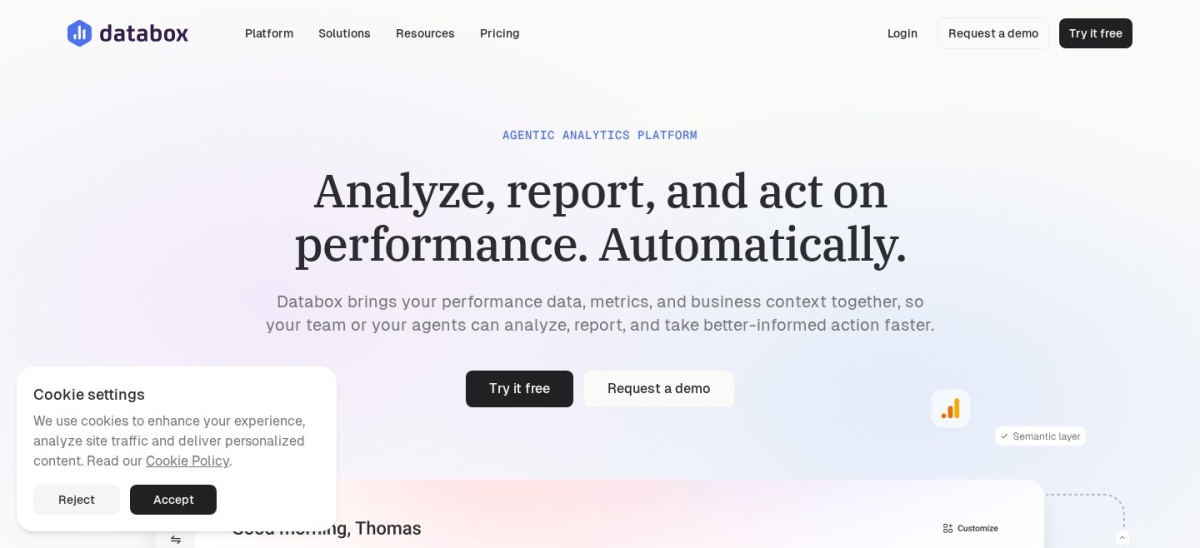
Databox is a KPI dashboard tool for small teams and agencies that track marketing and sales numbers from more than 100 apps. The free plan covers limited data sources and dashboards, and Starter costs $71 a month for more sources, users and refresh rates.
The trade off is depth. Databox is built for KPI dashboards, not deep analysis, so teams that need joins and modelling will outgrow it. It suits agencies and marketers who want a live KPI wall without touching a database.
Domo is a cloud BI platform that combines connectors, data preparation and dashboards in one hosted service for mid-size and larger companies. Pricing is custom and credit-based, so every deal goes through a sales conversation and there is no published entry price.
The trade off is transparency and cost. There is no list price to budget against, and reviewers say the interface can feel unintuitive. It suits executive teams that want one hosted platform for connectors, prep and reporting.
Free plans cover the basics well. Looker Studio is free with unlimited reports, Power BI Desktop builds reports for free and Metabase can be self-hosted at no cost.
Paid plans mostly add sharing, speed and governance. Power BI Pro unlocks sharing, Zoho Basic adds connectors and Tableau Viewers can only read reports until someone pays for a Creator seat.
If your team only needs a few dashboards, a free plan may be enough. For a whole company, budget at least $9 to $14 a user a month for a paid tier.
How we chose
We started from the BI platforms most often named for non-technical teams, then kept those with a published price or a clear quote-only model and a public G2 rating.
Prices come from each vendor pricing page or a November 2026 comparison that quoted it, checked on 29 November 2026. Ratings and review counts come from G2 on the same day. Microsoft and Tableau pricing pages returned a bot block to our checker, so their prices are corroborated by recent comparisons.
We left out tools with no verifiable rating and tools that force SQL for basic reports. No vendor paid for a place, and we do not claim hands-on testing for this list.
How to choose BI software without SQL requirements
Start with the data you already have, then pick the tool that reads it with the least setup.
List your data sources first. If your data lives in Sheets and Google Analytics, Looker Studio fits. If it lives in Excel and Teams, Power BI fits better.
Test a plain-English question. Type a real business question into the trial. If the tool needs a modelled data set first, budget setup time or pick a simpler tool.
Count viewers, not just builders. Viewer seats are cheap on Tableau but every Power BI viewer needs Pro. Multiply the price by everyone who reads reports.
Check the free plan limits. Free plans cap users, rows or refresh rates. Confirm the cap covers your team before you build dashboards on it.
FAQ
What is the best BI software without SQL requirements in 2026?
Microsoft Power BI is the best BI software without SQL requirements for most teams. Pro costs $14 a user a month, it holds 4.5 out of 5 on G2 from 1,658 reviews, and the free Desktop app builds reports without a paid seat.
How much does BI software without SQL cost?
Looker Studio is free and Power BI Pro costs $14 a user a month. Zoho Analytics Basic costs $24 a month, ThoughtSpot Essentials costs $25 a user a month, and Domo sells by quote with no published price.
Is there a free BI tool that needs no SQL?
Yes. Looker Studio is free with unlimited reports, Power BI Desktop is free for building reports, and Metabase has a free open-source edition. All three let you build dashboards without writing SQL.
Which BI tool is best for small teams?
Zoho Analytics suits small teams that pull numbers from business apps, with Basic at $24 a month. Databox suits small teams that mainly track KPIs from apps, with a free plan below its $71 a month Starter.
Power BI or Tableau: which is better without SQL?
Power BI is better for most teams because Pro costs $14 a user a month and sharing is included. Tableau is better for visual exploration, but building reports needs a $75 Creator seat.
Can non-technical users really use BI software without SQL?
Yes, for standard dashboards and questions. ThoughtSpot and Power BI answer plain-English questions directly, but someone technical usually has to connect and model the data first.
SaaS SEO and WordPress specialist with about 8 years of experience. Rakib compares WordPress plugins, themes, hosting and software using public pricing, documentation and user reviews. See how we rank.