Best BI Software for Analytics in 2026: 9 Tools Compared
WLWPLegible EditorsLast verified 23 Nov 2026How we rank12 min read
★ Short answer
Tableau is the best BI software for analytics for most teams, with the deepest visual analysis, rated 4.4 out of 5 on G2 from 3,787 reviews. Pick Power BI for the best value at $10 a user a month and Looker Studio for free Google-native reporting.
How we make this list: we compare pricing pages, product documentation and public user reviews, then re-check every price before each update. No product paid for a place. Disclosure.
Tableau leads on visual depth, with Creator at $75 a user a month and 3,787 G2 reviews at 4.4/5.
Power BI Pro costs $10 a user a month, the lowest paid price among the big three BI tools.
Looker Studio is free with unlimited reports and viewers, but it slows on large datasets.
ThoughtSpot turns plain-language questions into charts from $25 a user a month, with a separate warehouse bill.
Domo and Sisense publish no list price, so budget for a sales conversation before you commit.
What BI software for analytics should cover
BI software turns raw data into charts, dashboards and answers that a team can act on. The best tools connect to your sources, clean the data and let anyone explore it without waiting on a data team.
Start with the questions you need answered every week. A sales team needs pipeline and revenue views, a marketing team needs campaign and channel views, and both need numbers they trust.
Check how the tool handles your data size and shape. Some tools query live data, some copy it in, and some slow down when rows pass a few million.
Price by role, not by headcount. Builders pay the most, viewers pay the least, and a tool that looks cheap per seat can cost far more once every builder is counted.
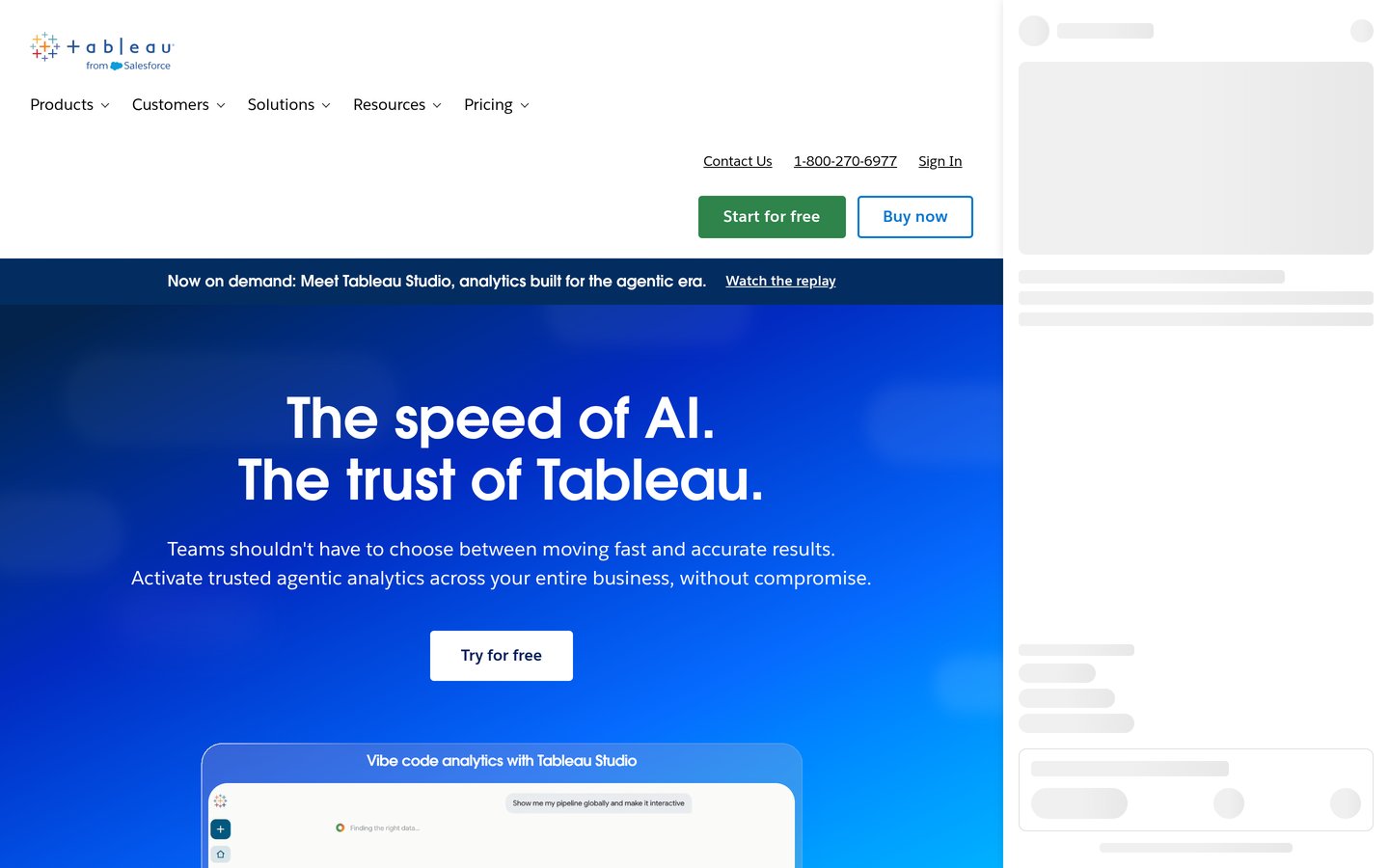
Tableau is a visual analytics platform from Salesforce for exploring data with drag-and-drop charts, maps and dashboards. Creator seats cost $75 a user a month on Standard, with Explorer at $42 and Viewer at $15, and it is rated 4.4 out of 5 on G2 from 3,787 reviews.
The trade off is cost. Every deployment needs at least one Creator seat, so a small team pays $900 a year per builder before viewers are counted. It suits teams that need deep, presentation-ready analysis and can afford the licences.
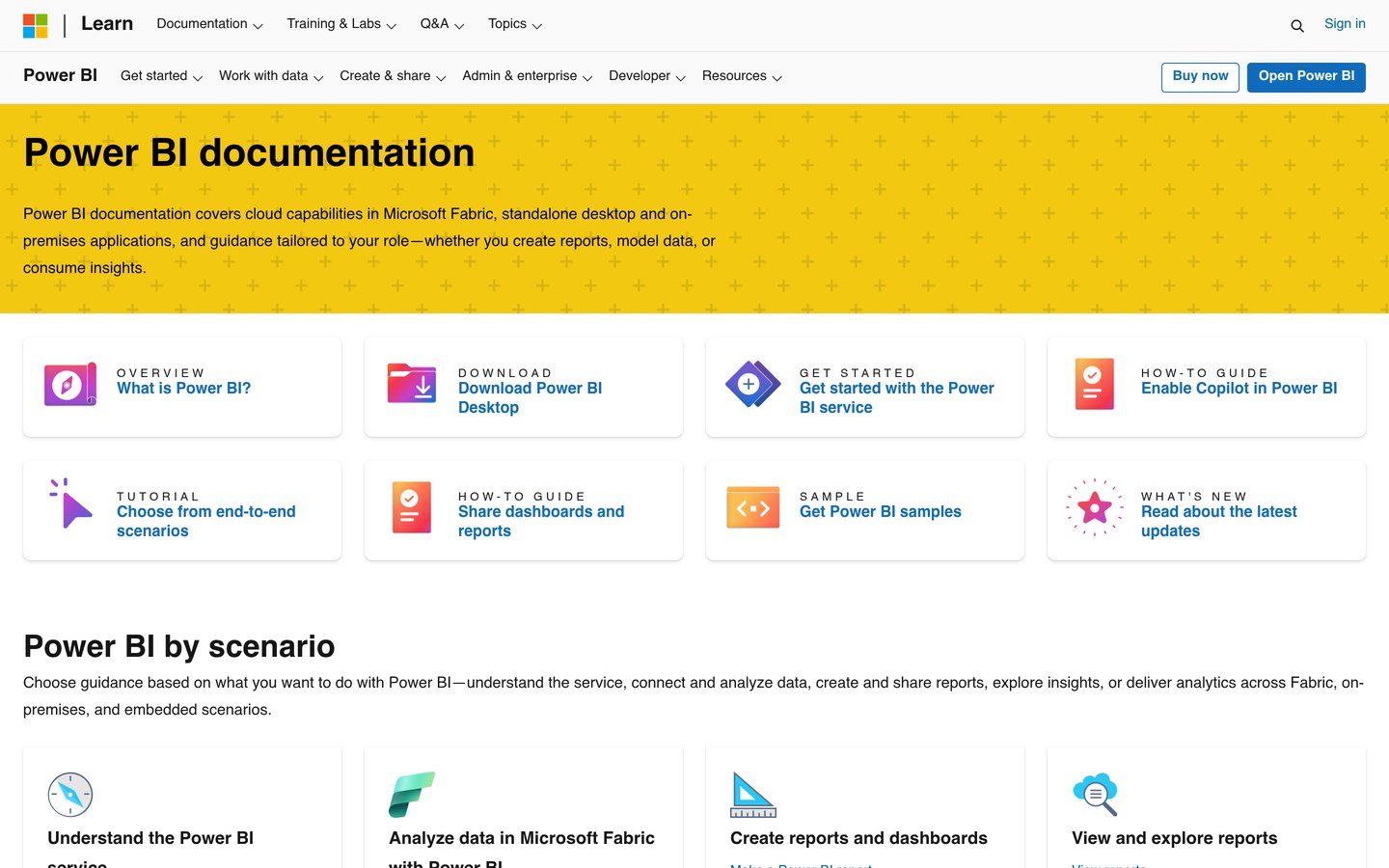
Microsoft Power BI is a business analytics service for building interactive reports and dashboards from Excel, databases and cloud apps. The free desktop app builds reports, and Pro costs $10 a user a month to share them, rated 4.5 out of 5 on G2 from 1,658 reviews.
The trade off is the ecosystem. It works best inside Microsoft 365, and the desktop builder runs on Windows only. It suits teams that already live in Excel and Teams and want strong analytics at a low seat price.
Looker Studio is Google's free dashboard and reporting tool for turning Analytics, Ads, Sheets and BigQuery data into shareable reports. The core tool is free with unlimited reports and viewers, and it is rated 4.4 out of 5 on G2 from 460 reviews.
The trade off is depth. It slows down on large or blended datasets, and connectors for non-Google sources often cost extra. It suits marketing and analytics teams whose data already lives in Google products.
Qlik Sense is a self-service analytics platform built on an associative engine that links every field in your data, so any selection updates all charts at once. Business costs $30 a user a month billed annually, and it is rated 4.4 out of 5 on G2 from 929 reviews.
The trade off is the learning curve. Scripting and data modelling take time to learn, and the Enterprise tier is quote-only. It suits analysts who explore data freely instead of following fixed report paths.
What we like
Associative engine finds links other tools miss
Strong data integration and prep tools
Business tier needs no IT setup
Watch out for
Scripting can be hard for new users
Enterprise tier is quote-only
Enterprise adds governance and is priced by quoteVisit qlik.com
05
ThoughtSpot
4.4/5on G2 (340 reviews, checked Nov 2026)
Starts at$25/mo
Best for asking data questions in plain language
Free planNo, free trial
Cheapest paid planEssentials, $25/user/mo
G2 rating4.4/5, 340 reviews
DeploymentCloud
thoughtspot.com
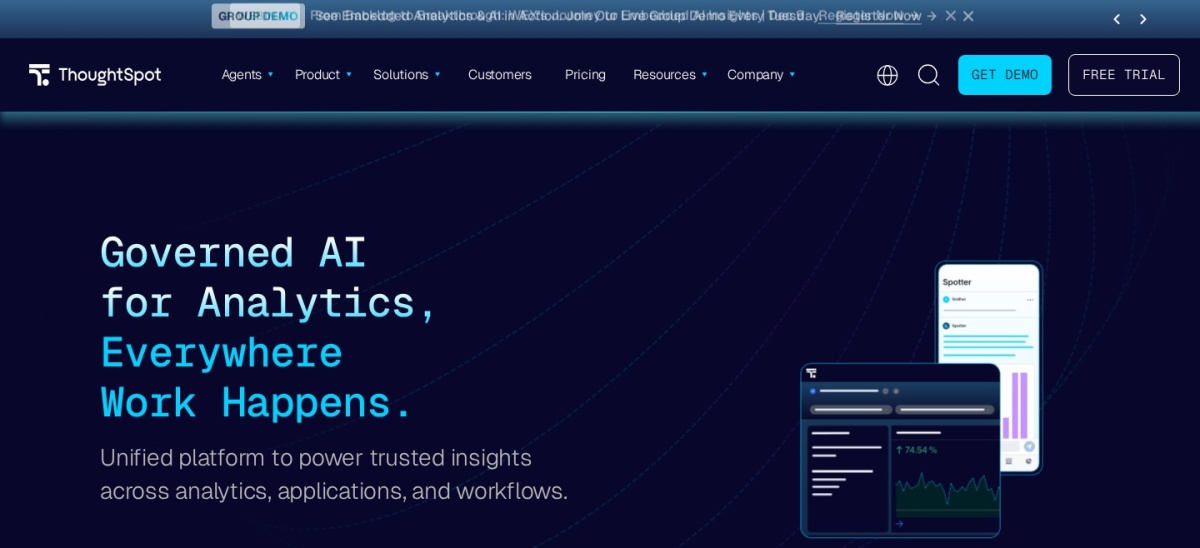
ThoughtSpot homepage, captured Nov 2026.
ThoughtSpot is a search-driven analytics platform where users type a question and get a chart or table back. Essentials costs $25 a user a month billed annually for 5 to 50 users, and it is rated 4.4 out of 5 on G2 from 340 reviews.
The trade off is the warehouse. ThoughtSpot has no built-in storage, so you pay separately for Snowflake, BigQuery or Databricks. It suits business users who want answers without learning a query language.
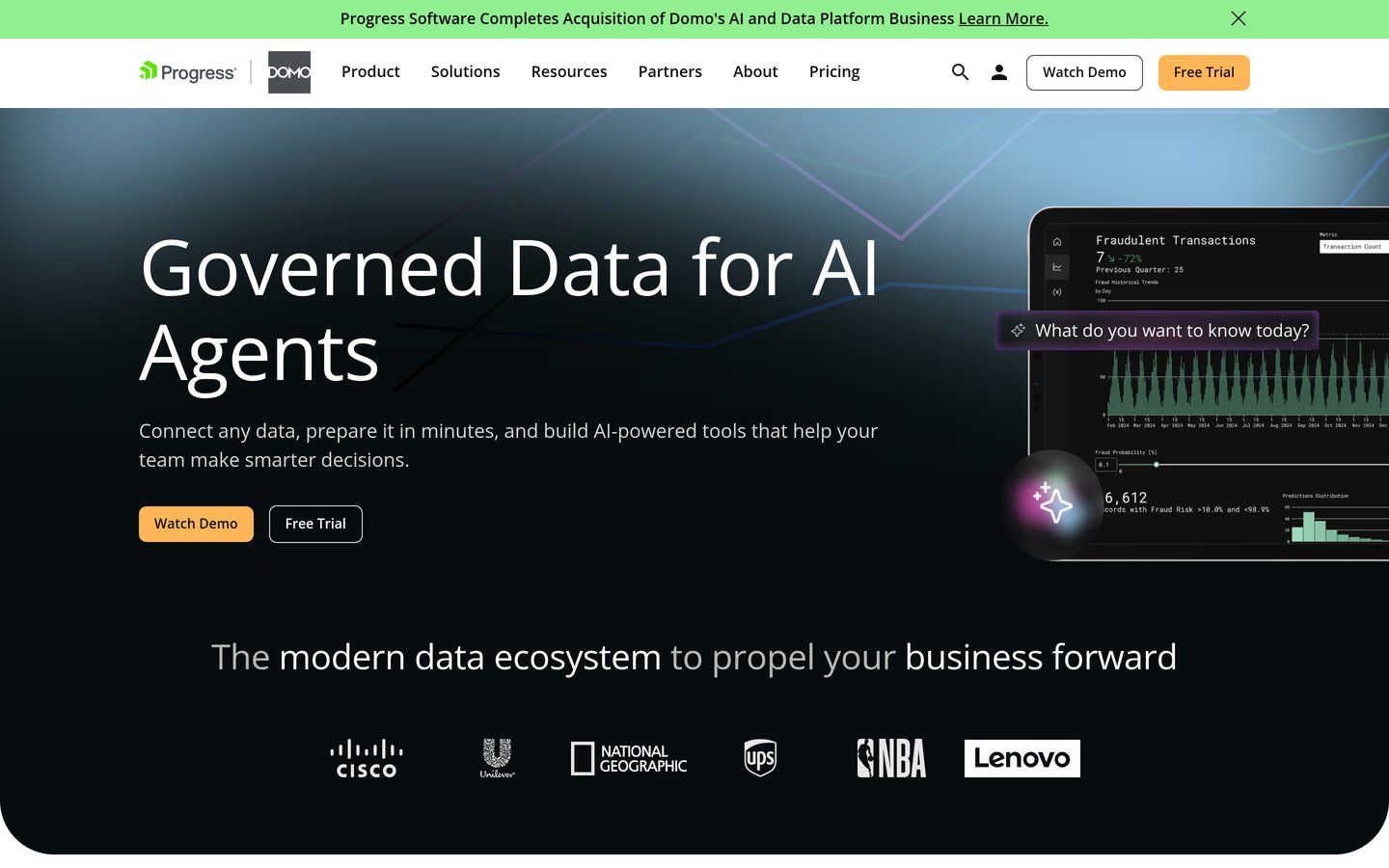
Domo is a cloud analytics platform that combines data connectors, preparation, dashboards and low-code apps under one login. It lists over 1,000 connectors, and it is rated 4.3 out of 5 on G2 from 1,085 reviews.
The trade off is pricing. Domo publishes no list price and bills on a credit model, so costs depend on data volume and usage. It suits executives who want one platform from source to dashboard.
What we like
Over 1,000 connectors in one platform
Magic ETL needs no separate tool
Strong mobile dashboards for executives
Watch out for
No published list price
Credit-based pricing can be hard to predict
Ask for a written yearly estimate before signingVisit domo.com
07
Sisense
4.2/5on G2 (1,063 reviews, checked Nov 2026)
PricingCustom/quote
Best for embedding analytics inside a product
Free planNo, free trial
Cheapest paid planCustom quote
G2 rating4.2/5, 1,063 reviews
DeploymentCloud or self-hosted
sisense.com
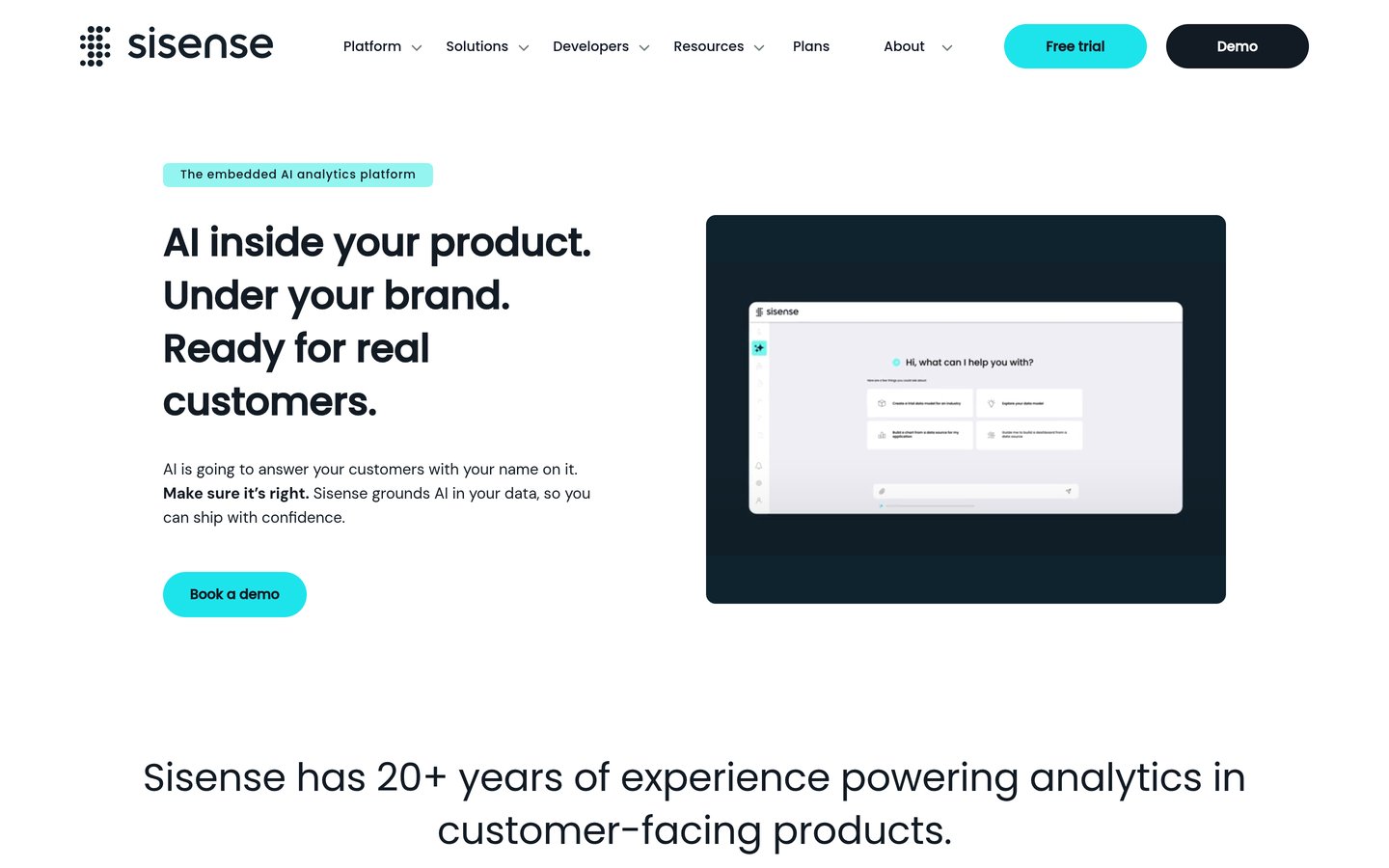
Sisense homepage, captured Nov 2026.
Sisense is an analytics platform built for embedding dashboards and AI insights inside customer-facing software, with APIs, SDKs and white-label options. Pricing is by quote, and it is rated 4.2 out of 5 on G2 from 1,063 reviews.
The trade off is the sales process. There is no published price, and setup is heavier than a simple dashboard tool. It suits software teams that ship analytics as part of their own product.
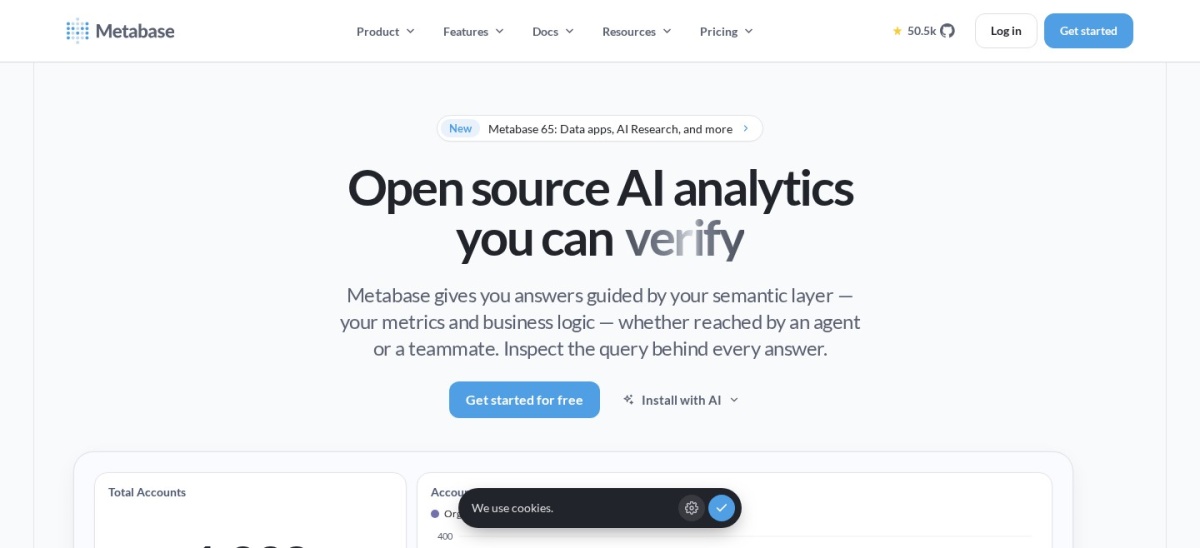
Metabase is an open-source analytics tool for asking questions, building dashboards and sharing results without writing SQL. The open-source edition is free, Starter costs $85 a month for 5 users, and it is rated 4.4 out of 5 on G2 from 147 reviews.
The trade off is governance. Advanced access controls, SSO and sandboxing need Pro at $500 a month. It suits small teams that want a cheap, easy start and can host it themselves.
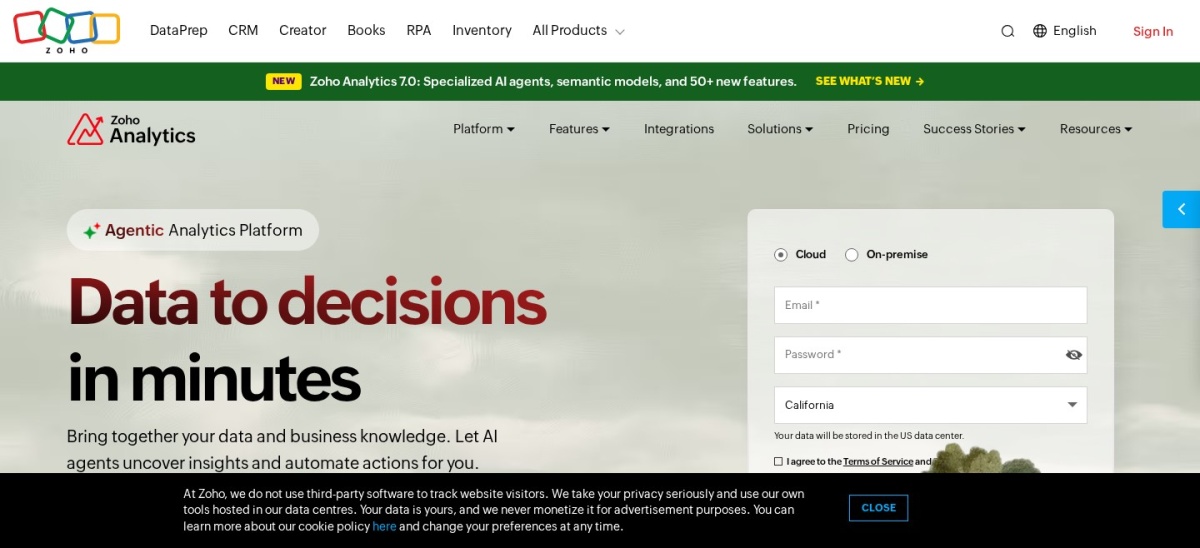
Zoho Analytics is a self-service BI tool with dashboards, data preparation and an AI assistant, plus ready-made reports for Zoho CRM and Books. The free plan covers 2 users and 10,000 rows, and Basic costs $24 a month, rated 4.2 out of 5 on G2 from 289 reviews.
The trade off is the row cap. Each plan limits rows, so growing data pushes you to a higher tier. It suits small teams already using Zoho apps who want cheap, bundled analytics.
Free plans cover the basics well. Looker Studio is free with unlimited reports, Metabase is free and open source, and Zoho Analytics covers 2 users and 10,000 rows at no cost.
Paid plans mostly add sharing, governance and scale. You get more rows, more users, scheduled reports and controls over who sees what.
The line between free and premium is the same trade-off in every category. Our guide to free vs premium plugins explains how to weigh a free plan against a paid upgrade before you commit.
If analytics drives decisions every day, a paid plan usually pays for itself in saved time. If you report once a month, start free and upgrade only when you hit a real limit.
How we chose
We started from the BI software tools most often named in 2026 comparisons, then kept 9 established products with published prices or a clear quote process and a public review footprint on G2.
Prices come from each vendor's pricing page, checked on 23 November 2026, with the top 3 read on their official pages. Ratings are G2 scores from the same week. Where a vendor shows a sale, the list shows the regular price.
We left out tools with no published price and no clear quote route, and niche tools with too few reviews to judge. No vendor paid for a place, and we do not claim hands-on testing for this list.
How to choose BI software
Start with the data you already have, then check price, skills and scale before you commit.
List your data sources first. If your data lives in Google tools, a Google-native option wins. If it lives in Microsoft 365, a Microsoft tool wins.
Count the people who will build, not just view. Creator and author seats cost far more than viewer seats, so price the builders first.
Try the free tier or trial on real data. A demo with sample data hides slow queries and missing connectors, so load your own data.
Add up the real first-year cost. A $10 monthly seat costs $120 a year, while a quote-only platform can cost thousands before anyone builds a dashboard.
FAQ
What is the best BI software for analytics?
Tableau is the best pick for deep analysis, with the strongest visual tools in this list, rated 4.4 out of 5 on G2 from 3,787 reviews. Power BI is the best value at $10 a user a month, and Looker Studio is the best free option.
Is Power BI really $10 a month?
Yes. Power BI Pro costs $10 per user per month and unlocks sharing, collaboration and scheduled refreshes. The free desktop app builds reports, but you need Pro to publish and share them with others.
Can I use BI software without a data team?
Yes, for basic dashboards. Looker Studio, Metabase and Zoho Analytics are built for non-technical users. Larger rollouts still need someone to model data and check that numbers match.
What is the difference between BI software and a dashboard tool?
BI software covers the full path from data to decision, including modelling, preparation and governance. A dashboard tool only shows charts, so it needs clean data from somewhere else.
Do I need Tableau or is Power BI enough?
Power BI is enough for most teams, especially in Microsoft shops. Tableau wins when visual quality and advanced analysis matter most and the budget covers $75 Creator seats.
Is Looker Studio really free?
Yes, the core tool is free with unlimited reports and viewers. Looker Studio Pro adds team workspaces and support at $9 per user per project per month.