DiskGenius Free is the best free hard drive cloning software for most Windows users, because it clones the system disk and migrates Windows to an SSD without a paid licence. Pick Clonezilla for expert-grade bootable cloning, Rescuezilla for the same power with a graphical interface, and Samsung Data Migration if you are moving to a Samsung SSD.
How we make this list: we compare pricing pages, product documentation and public user reviews, then re-check every price before each update. No product paid for a place. Disclosure.
DiskGenius Free clones a system disk and migrates Windows to an SSD at no cost, with Professional at $99.90 a year for full recovery.
Clonezilla, Rescuezilla and Samsung Data Migration have no paid edition at all, so everything they clone is free.
Hasleo and MiniTool clone data disks for free, while system-disk cloning needs a paid edition; Paragon's free edition covers imaging, not cloning.
Samsung Data Migration is free and simple, but it only works when the target drive is a Samsung SSD.
EaseUS Todo Backup charges $39.95 a year for cloning, and Acronis is trial-only at $49.99 a year.
What free cloning actually covers
A cloning tool copies a whole drive so the new drive boots exactly like the old one. That is what you need when you swap a hard drive for an SSD or move Windows to a larger disk.
Free plans differ in one key place: whether they clone the system disk. Some free editions clone only data disks, while others clone everything but keep recovery or scheduling behind a paid licence. Check that line before you download.
Bootable tools run from a USB stick outside Windows, so they can clone a drive Windows is running from. Tools that run inside Windows are easier to start, but they cannot always copy a locked system drive. Our guide on the 3-2-1 backup rule for websites explains why a second copy matters before any drive move.
Prices in this list are the regular prices from each vendor's pricing page, checked on 25 November 2026. Where a vendor was running a sale, the list still shows the regular price.
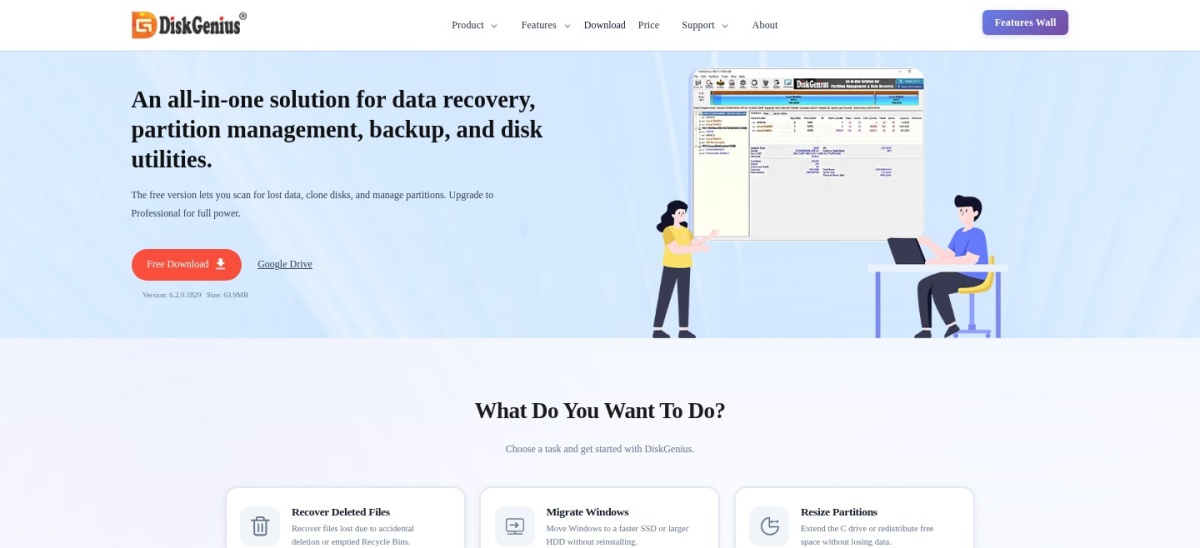
DiskGenius is a Windows disk utility that clones disks and partitions and migrates Windows to a new SSD or HDD in its free edition. The free version also covers partition management, disk health checks and basic file recovery, and the download page lists version 6.2.0.1829 at 63 MB.
The trade off is that full file recovery and backup are Professional features, and the one-month licence costs $69.90, with a year at $99.90 and a lifetime licence at $129.90. It suits Windows users who want to move to an SSD without leaving Windows or paying first.
What we like
Clones the system disk free, inside Windows
Migrates Windows to a smaller or larger SSD
Partition tools and disk health checks included
No subscription: licences are one-off payments
Watch out for
G2 rating rests on only 4 reviews
Full data recovery needs Professional
Windows only, no Mac or Linux version
Professional adds full recovery and backup from $69.90 for one monthVisit diskgenius.com
02
Clonezilla
4.3/5on G2 (15 reviews, checked Nov 2026)
PriceFree
Best free expert-grade cloning
Free system-disk cloneYes
Runs fromBootable USB
G2 rating4.3/5 (15 reviews)
Paid planNone, fully free
clonezilla.org
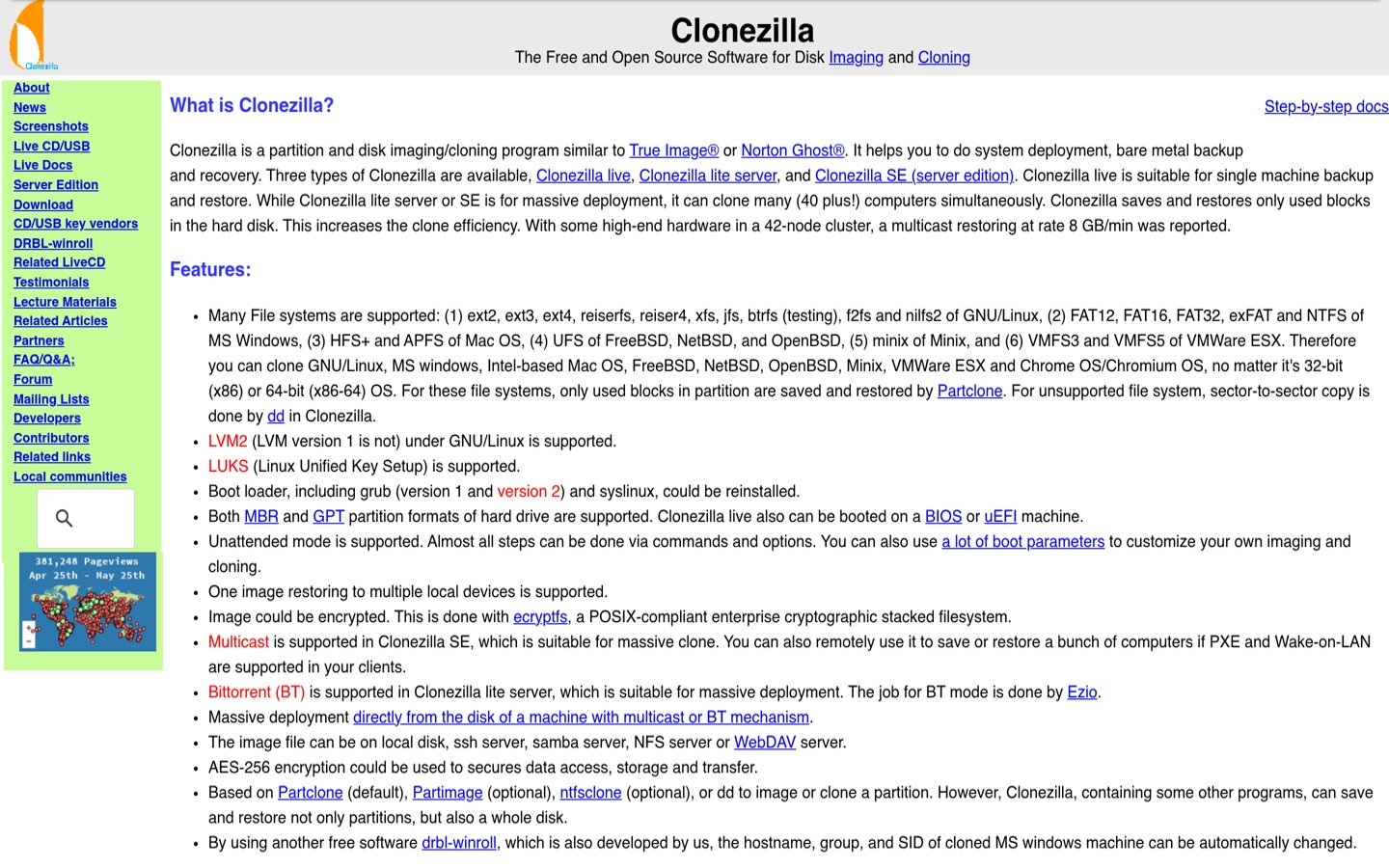
Clonezilla homepage, captured Nov 2026.
Clonezilla is a free, open-source disk imaging and cloning program that boots from a USB stick and copies whole disks or partitions. It saves and restores only used blocks, supports multicast restores to many machines at once, and works on Windows, Mac and Linux systems.
The trade off is the interface. Clonezilla uses text menus and keyboard navigation, so a first clone takes patience and a careful read of each step. It suits technicians and confident users who want a free tool with no paid edition behind it.
4.6/5on AlternativeTo (49 reviews, checked Nov 2026)
PriceFree
Best free cloning for beginners
Free system-disk cloneYes
Runs fromBootable USB
AlternativeTo rating4.6/5 (49 ratings)
Paid planNone, fully free
rescuezilla.com
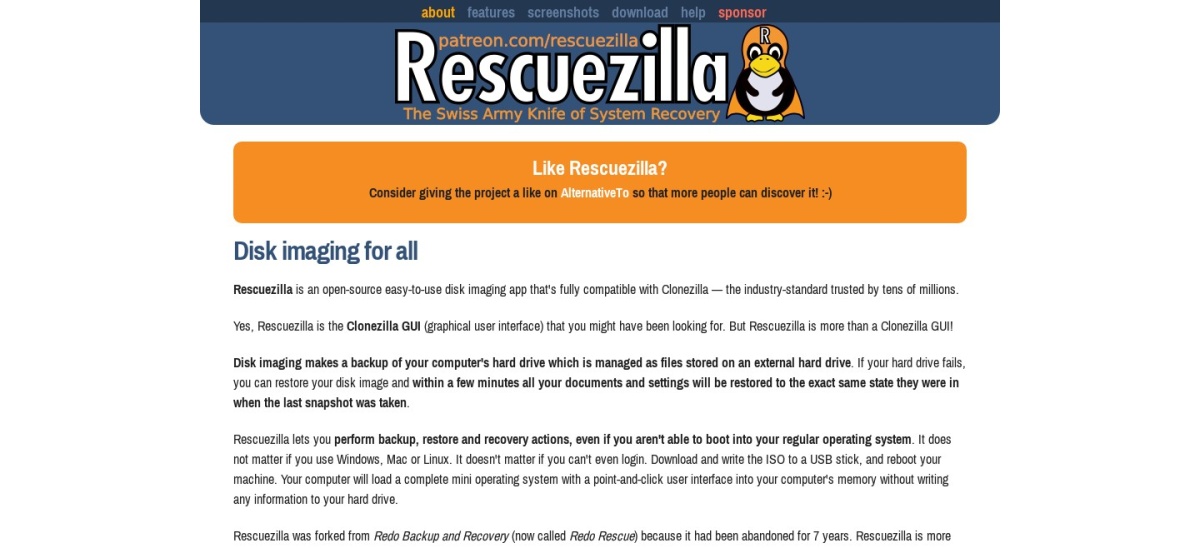
Rescuezilla homepage, captured Nov 2026.
Rescuezilla is a free, open-source disk imaging and cloning app that boots from a USB stick and gives Clonezilla's engine a point-and-click interface. Its images are compatible with Clonezilla, and it backs up, restores, clones and verifies images on Windows, Mac and Linux machines.
The trade off is polish. Rescuezilla is a small community project, so documentation is thinner than the commercial tools here and there is no paid support line. It suits home users who want Clonezilla's reliability without learning text menus.
What we like
Graphical interface over Clonezilla's engine
Free with no paid edition
Images interchangeable with Clonezilla
Works even when Windows will not boot
Watch out for
Small project with community support only
No scheduling or central management
Interface text can be hard to read on high-resolution screens
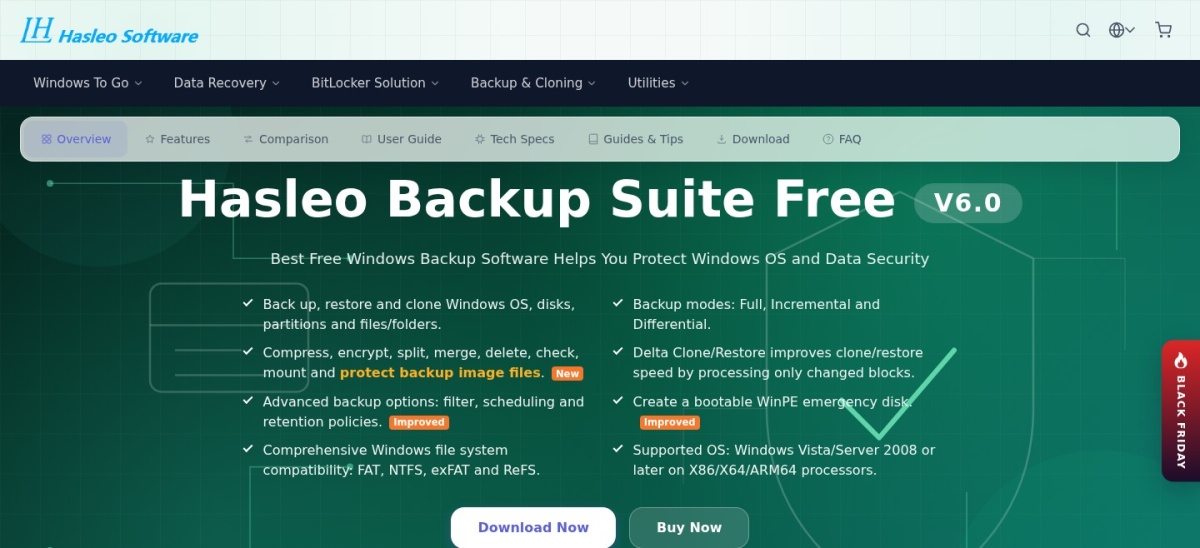
Hasleo Backup Suite is a free Windows backup and cloning suite that covers system, disk, partition and file backup with full, incremental and differential modes. The free edition includes a WinPE emergency disk, scheduled backups, compression and encryption, and version 6.0 is current.
The trade off is system-disk cloning. The free edition clones data disks but not the system disk, so moving Windows needs the Home edition at $34.95 as a one-time payment. It suits home users who want scheduled imaging free and only pay if they need direct system cloning.
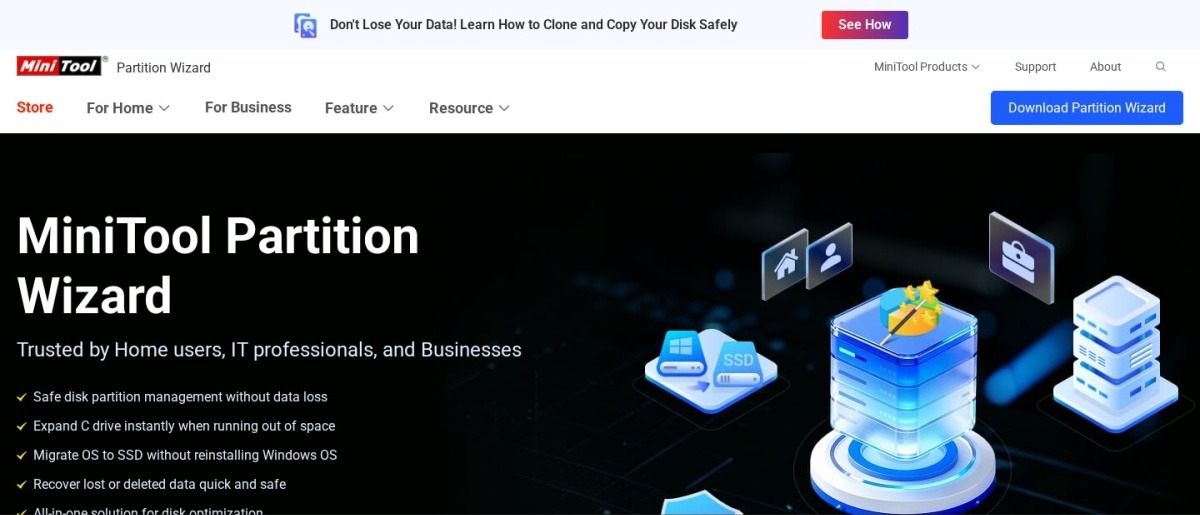
MiniTool Partition Wizard homepage, captured Nov 2026.
MiniTool Partition Wizard is a Windows partition manager whose free edition creates, resizes, moves, merges and formats partitions. It clones data disks and partitions for free, converts FAT32 to NTFS, and includes a space analyser and surface test.
The trade off is that cloning the system disk and migrating Windows to an SSD need Pro at $59 a year for one PC. It suits users who mainly manage partitions and only clone a second, data-only drive for free.
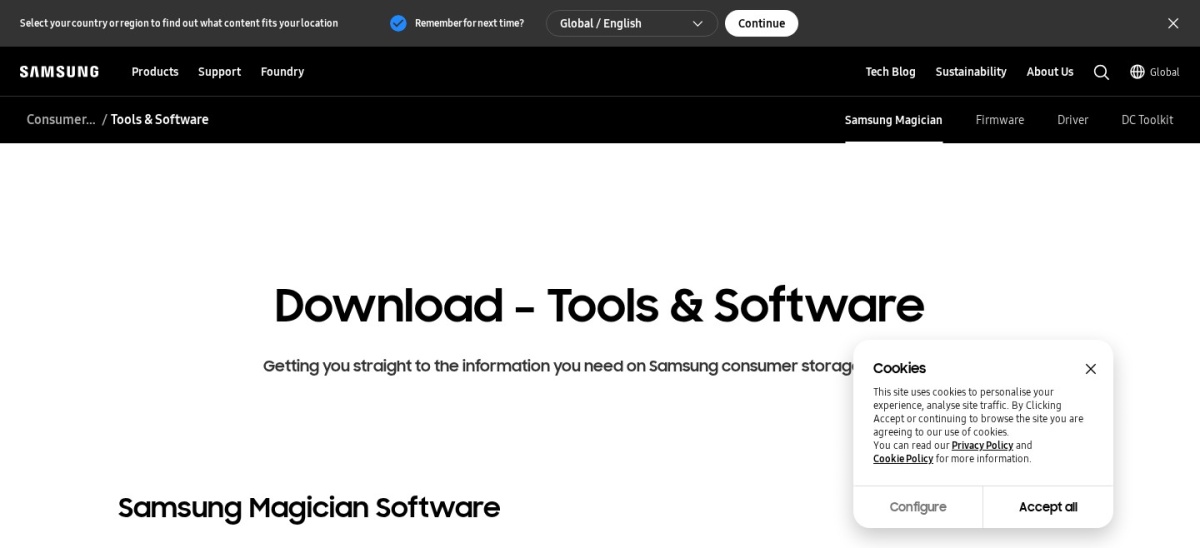
Samsung Data Migration homepage, captured Nov 2026.
Samsung Data Migration is Samsung's free migration feature, now inside Samsung Magician, that moves Windows, apps and files from an old drive to a Samsung SSD. It copies the system volume plus up to two more volumes, and the target drive's data is erased first.
The trade off is the target. Data Migration only works when the new drive is a Samsung SSD, and the source drive must hold Windows. It suits anyone who just bought a Samsung SSD and wants the simplest possible move.
What we like
Free and made by the SSD maker
Moves Windows, apps and files in a few clicks
No separate download: inside Magician
Works with Samsung SATA and NVMe SSDs
Watch out for
Only works with a Samsung SSD as target
Source drive must hold Windows
Clones whole volumes, not single partitions
No paid edition; Magician is free for Samsung SSD ownersVisit samsung.com
07
Paragon Backup & Recovery
4.7/5on G2 (3 reviews, checked Nov 2026)
Paid from$24.95/yr
Best free imaging with rescue media
Free system-disk cloneNo, HDM needed
Free disk imagingYes, scheduled
G2 rating4.7/5 (3 reviews)
Paid planHDM Advanced, $24.95/yr
paragon-software.com
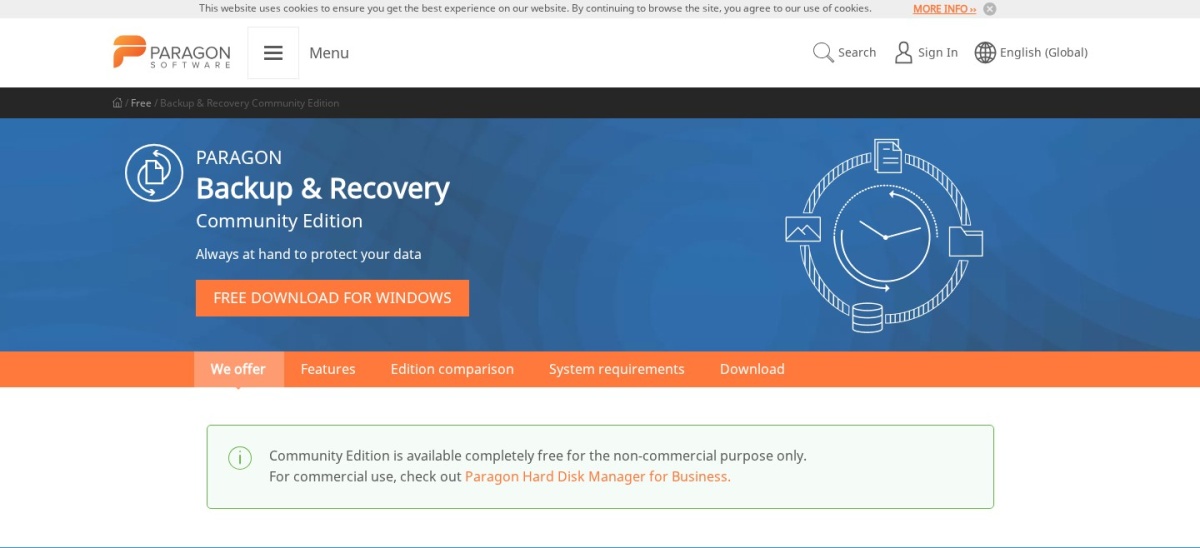
Paragon Backup & Recovery homepage, captured Nov 2026.
Paragon Backup & Recovery is a free Windows backup tool for non-commercial use that images whole disks, the system or chosen files. It runs scheduled full, incremental and differential backups and builds a bootable WinPE USB stick for restores.
The trade off is cloning. Direct disk-to-disk copying sits in Hard Disk Manager Advanced, which lists at $24.95 a year after a $19.95 first year, or $79.95 once for 3 PCs. It suits home users who want free scheduled imaging and a rescue stick.
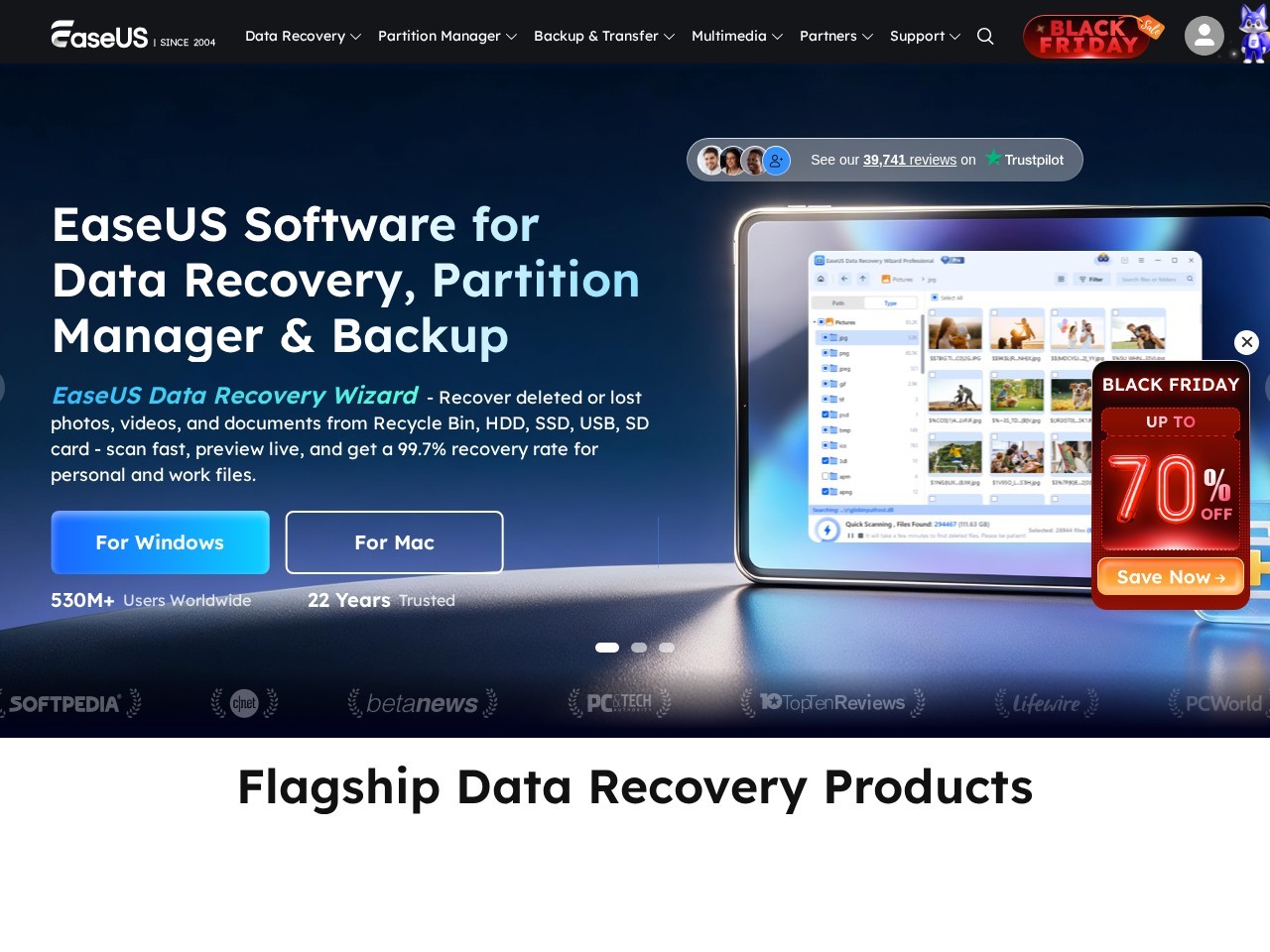
EaseUS Todo Backup is a Windows backup suite whose free edition covers system, file and disk backup with scheduling, encryption and bootable rescue media. The interface is plain and guided, so a first backup takes a few clicks.
The trade off is cloning. Disk and system cloning unlock with Home at $39.95 a year, so the free edition backs up and restores but does not clone directly. It suits beginners who want free imaging now and may pay for cloning later.
Acronis Cyber Protect Home Office homepage, captured Nov 2026.
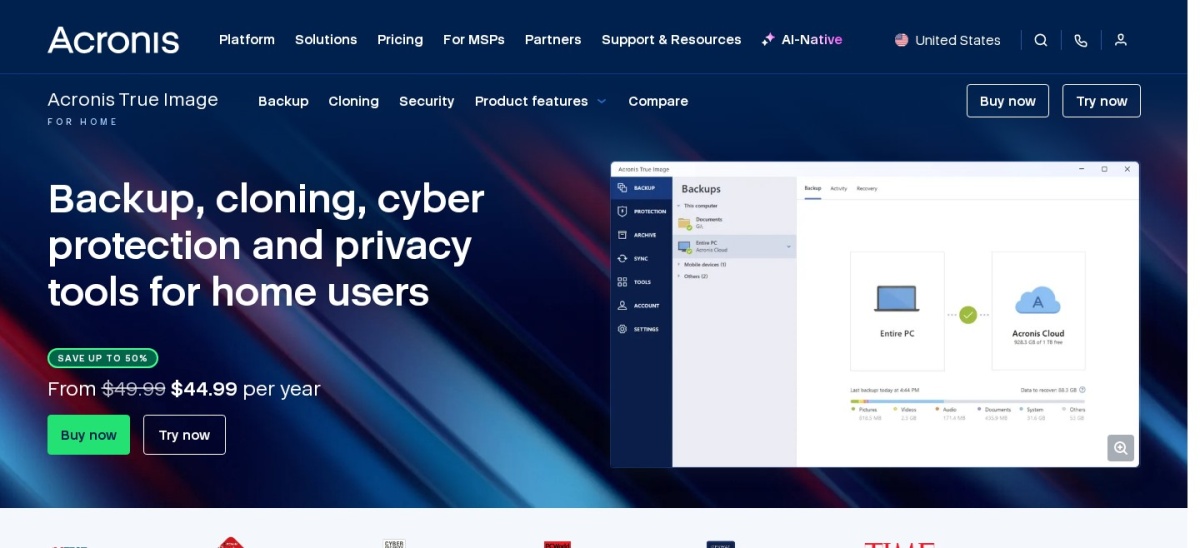
Acronis Cyber Protect Home Office is a paid backup and cloning suite that adds antivirus and ransomware protection to disk imaging. It clones whole disks, backs up files and systems on a schedule, and restores to different hardware.
The trade off is that there is no free edition, only a 30-day trial, and Essential lists at $49.99 a year for one computer. It suits households that want cloning, backup and security in one subscription.
What we like
Cloning, backup and antivirus in one tool
Restore to different hardware
Scheduled backup with ransomware protection
71 G2 reviews, a solid base
Watch out for
No free edition, only a 30-day trial
$49.99 a year, every year
Cloud storage costs extra on the cheapest plan
Essential is $49.99 a year; a sale price was showing on 25 Nov 2026Visit acronis.com
Free vs paid: what you give up
Free tools clone well when the job is simple. DiskGenius, Clonezilla and Rescuezilla clone a system disk at no cost, and Samsung's tool does the same for its own SSDs.
Paid editions mostly add convenience. System-disk cloning in Hasleo and MiniTool, direct cloning in Paragon, and cloning at all in EaseUS Todo Backup sit behind a paid licence.
The two paid-only names in this market show the other side. Acronis bundles security with cloning for $49.99 a year, while Macrium's free edition ended in early 2024 and only a 30-day trial remains.
Before you clone, keep a separate backup of the source disk. Our guide on cloning a WordPress site shows the same habit in another setting: a copy you have already checked beats one you have not.
How we chose
We started from the disk cloning and imaging tools most often recommended for Windows, then kept nine established tools with a free download or a free trial. Every tool here clones or images a disk, and the notes say plainly where the free edition stops.
Prices and ratings were checked on 25 November 2026. Ratings and review counts come from G2, Trustpilot, GetApp, AlternativeTo or TechSpot, as shown per tool. Where a vendor was running a sale, the list shows the regular price.
We left out AOMEI Backupper, whose homepage showed a Black Friday popup in every screenshot attempt, HDClone, which has no published user rating, and Macrium Reflect, whose free edition ended in 2024 and whose site blocked the screenshot capture with a bot check. No vendor paid for a place, and we do not claim hands-on testing for this list.
How to choose a free hard drive cloning software
Start with the drive you are moving from, then check what the free edition actually clones.
Check whether the free edition clones the system disk. DiskGenius, Clonezilla and Rescuezilla do. Hasleo, MiniTool and EaseUS Todo Backup charge for it, so read the edition comparison first.
Decide whether to boot from USB. Bootable tools such as Clonezilla and Rescuezilla clone a drive Windows is running from, while tools inside Windows are easier to start but cannot always copy a locked system drive.
Match the tool to the target drive. Samsung Data Migration only works with a Samsung SSD. For any other brand, pick a brand-neutral tool such as DiskGenius or Clonezilla.
Back up first, then check the clone boots. Keep the old drive untouched until the new one has booted on its own. A clone you have not booted is only a copy, not a migration.
FAQ
What is the best free hard drive cloning software?
DiskGenius Free is the best pick for most Windows users, because it clones the system disk and migrates Windows to an SSD without a paid licence. Clonezilla is the strongest fully free alternative, and Rescuezilla adds a graphical interface to the same engine.
Is Clonezilla really free?
Yes. Clonezilla is free and open source, with no paid edition, licence or feature lock. You download it, write it to a USB stick and boot from it; the only cost is your time learning the text menus.
Can I clone my hard drive to an SSD for free?
Yes, with the right tool. DiskGenius Free, Clonezilla and Rescuezilla all clone a system disk to an SSD at no cost, and Samsung Data Migration does the same for Samsung SSDs. Hasleo and MiniTool clone data disks free but charge for the system disk.
What is the difference between cloning and imaging?
Cloning copies a drive straight onto another drive, so the new drive boots at once. Imaging saves the drive as a file you restore later, which is better for backups but needs a restore step before the new drive boots.
Do I need a paid plan to clone Windows?
Not always. DiskGenius Free, Clonezilla and Rescuezilla clone Windows without paying, and Samsung's tool does too for its own SSDs. You only need a paid plan for system-disk cloning in Hasleo, MiniTool and EaseUS Todo Backup, or for Acronis at $49.99 a year.
Is Macrium Reflect still free?
No. Macrium ended its free edition in early 2024, and the current Reflect X Home is $49.99 a year after a 30-day trial. Former free users usually move to Hasleo Backup Suite Free, Rescuezilla or Clonezilla instead.
SaaS SEO and WordPress specialist with about 8 years of experience. Rakib compares WordPress plugins, themes, hosting and software using public pricing, documentation and user reviews. See how we rank.