WLWPLegible EditorsLast verified 22 Nov 2026How we rank13 min read
★ Short answer
GitHub Actions is the best CI/CD software for most development teams using GitHub, combining repository events, automated workflows and a Team plan priced at $4 per user monthly. GitLab is better for teams wanting an integrated DevSecOps platform, while CircleCI suits organizations needing dedicated build optimization and flexible execution environments.
How we make this list: we compare pricing pages, product documentation and public user reviews, then re-check every price before each update. No product paid for a place. Disclosure.
GitHub Actions is our top pick for GitHub-based teams, with GitHub rated 4.7/5 from 2,440 G2 reviews and Team priced at $4/user/month.
GitLab combines source control, CI/CD and security workflows; Premium costs $29/user/month and has a 4.5/5 G2 rating.
CircleCI offers up to 6,000 build minutes on its free tier, while Performance starts at $15/month with usage-based credits.
Azure Pipelines includes one free Microsoft-hosted parallel job with 1,800 minutes monthly; an additional self-hosted parallel job costs $15/month.
Bitbucket Standard costs $3.65/user/month and integrates Pipelines with repository management and Jira workflows.
Buildkite Pro costs $30/active user/month, while Travis CI usage-based pricing starts at $15/month.
What matters when choosing CI/CD software
Continuous integration and continuous delivery software automates building, testing and releasing code. Developers push changes to a repository, and pipelines run predefined jobs to identify problems before deployment.
The first consideration is repository integration. GitHub Actions, GitLab and Bitbucket Pipelines work closely with their respective code-hosting platforms. CircleCI, Buildkite and Travis CI provide dedicated pipeline services that can connect to external repositories.
Next, compare execution environments. Managed runners reduce infrastructure administration, while self-hosted runners offer more control over operating systems, installed dependencies and network access.
Pricing needs careful interpretation. Some providers charge per user, others per parallel job, and others consume credits based on compute usage. A low entry subscription may become expensive when build frequency, concurrency and resource requirements increase.
Finally, consider secrets management, deployment approvals, dependency caching, test reporting and pipeline configuration. The right platform should fit the team's existing development workflow without adding unnecessary maintenance.
4.7/5on G2 (GitHub) (2,440 reviews, checked Nov 2026)
Paid from$4/mo
Best for GitHub-based development teams
Free optionGitHub Free
Workflow formatYAML
ExecutionHosted and self-hosted runners
Paid planGitHub Team, $4/user/mo
github.com
GitHub Actions homepage, captured Nov 2026.
GitHub Actions is a CI/CD automation service built directly into GitHub repositories. Developers can trigger YAML workflows from pushes, pull requests, schedules and releases, with GitHub-hosted or self-hosted runners. GitHub Free includes Actions access, while GitHub Team costs $4 per user monthly and adds collaboration features and additional Actions allowances.
The trade off is that GitHub Actions is closely tied to GitHub, and hosted compute usage beyond included allowances can create additional charges. The $4 monthly Team price is a platform subscription rather than an unlimited CI/CD compute package. It suits developers already managing code reviews, issues and releases through GitHub.
What we like
Automation runs alongside repositories and pull requests
Large marketplace of reusable workflow actions
Supports hosted and self-hosted runners
Free option for individual developers and teams
GitHub has a 4.7/5 G2 rating from 2,440 reviews
Watch out for
Less attractive for repositories hosted outside GitHub
Hosted runner consumption can add variable charges
Complex YAML workflows can become difficult to maintain
GitHub Team adds collaboration controls and additional Actions allowances; compute overages remain usage-based.Visit github.com
02
GitLab
4.5/5on G2 (905 reviews, checked Nov 2026)
Paid from$29/mo
Best for integrated DevSecOps workflows
Free optionGitLab Free
Workflow formatYAML
DeploymentCloud and self-managed
Paid planPremium, $29/user/mo
gitlab.com
GitLab homepage, captured Nov 2026.
GitLab is an integrated DevSecOps platform combining Git repositories, merge requests, CI/CD pipelines and security capabilities. Its Free tier supports automated build and deployment workflows, while GitLab Runners execute jobs on managed or self-managed infrastructure. Premium costs $29 per user monthly and expands team management and development capabilities.
The trade off is subscription cost and platform complexity. At $29 per user monthly, Premium costs more than lightweight repository subscriptions, and teams must account for compute usage and administrative requirements. It suits organizations that want source control, pipeline automation and development governance within one platform.
What we like
Integrated source control and CI/CD
Supports cloud-hosted and self-managed deployments
Built-in merge request and development workflows
Security and governance capabilities
Rated 4.5/5 from 905 G2 reviews
Watch out for
Premium subscription is relatively expensive
Broad platform requires more configuration knowledge
Compute capacity and usage require separate planning
Premium adds advanced team controls, support and additional development capabilities.Visit gitlab.com
03
CircleCI
4.4/5on G2 (511 reviews, checked Nov 2026)
Paid from$15/mo
Best for build optimization and execution flexibility
Free build minutesUp to 6,000/mo
Free active usersUp to 5
ExecutionCloud and self-hosted runners
Paid planPerformance, from $15/mo
circleci.com
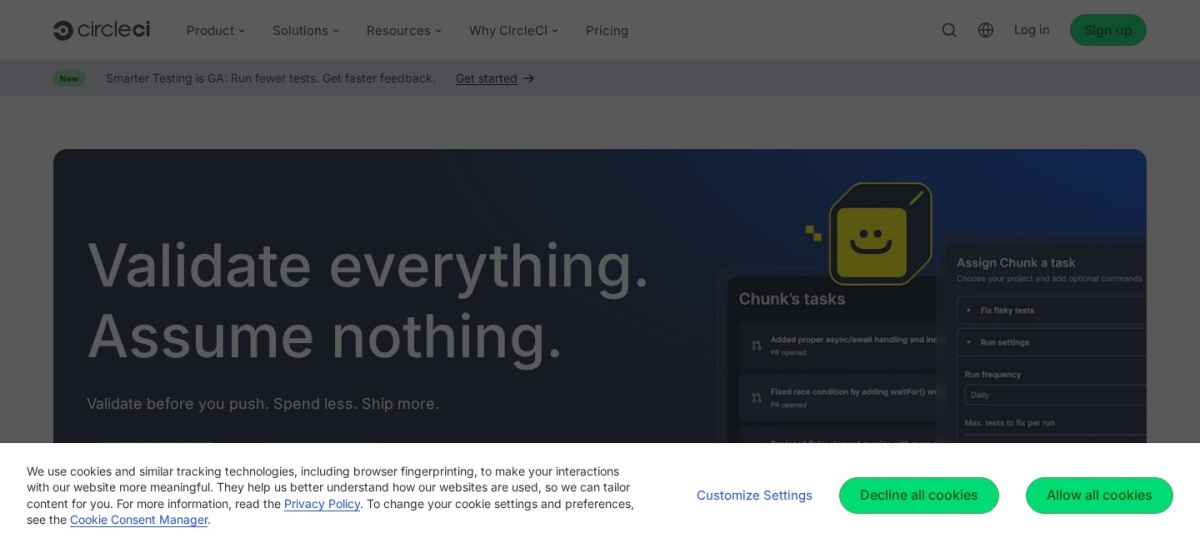
CircleCI homepage, captured Nov 2026.
CircleCI is a dedicated CI/CD platform for automating builds, tests and deployment workflows. Its Free plan supports up to 6,000 build minutes and 5 active users monthly, with Docker, Linux, Windows, macOS, Arm and self-hosted execution options. Performance starts at $15 monthly, offering additional credits and larger resource classes.
The trade off is usage-based pricing, because credits are consumed by execution resources and other billable activity. Performance includes free monthly credits, with additional credits sold in $15 packages, so the subscription is not an unlimited build allowance. It suits teams that need configurable runners, parallel execution and build performance features.
What we like
Supports multiple operating systems and architectures
Azure Pipelines is Microsoft's cloud-based service for automating software builds, tests and deployments across multiple platforms. Each Azure DevOps organization receives one free Microsoft-hosted parallel job with 1,800 monthly minutes and one self-hosted parallel job with unlimited minutes. Additional self-hosted parallel jobs cost $15 monthly, while extra Microsoft-hosted parallel jobs cost $40 monthly.
The trade off is that pricing depends on job capacity rather than a single flat unlimited-build subscription. Teams needing more hosted concurrency may pay $40 per additional parallel job, and self-hosted agents require infrastructure management. It suits development teams using Azure DevOps, Azure Repos and Microsoft development tools.
What we like
Works with multiple languages and operating systems
Free Microsoft-hosted and self-hosted job allowances
Integrates with Azure DevOps services
Supports YAML pipelines and deployment workflows
Self-hosted parallel job expansion starts at $15/month
Watch out for
Multiple pricing categories can be confusing
Additional Microsoft-hosted jobs cost more
Permissions and pipeline configuration require planning
Paid parallel jobs increase build capacity; hosted jobs cost $40/month and self-hosted jobs $15/month.Visit azure.microsoft.com
05
Bitbucket
4.4/5on G2 (Bitbucket) (1,017 reviews, checked Nov 2026)
Paid from$3.65/mo
Best for Jira-connected development teams
Free planUp to 5 users
CI/CD engineBitbucket Pipelines
WorkflowRepository-based YAML
Paid planStandard, $3.65/user/mo
bitbucket.org
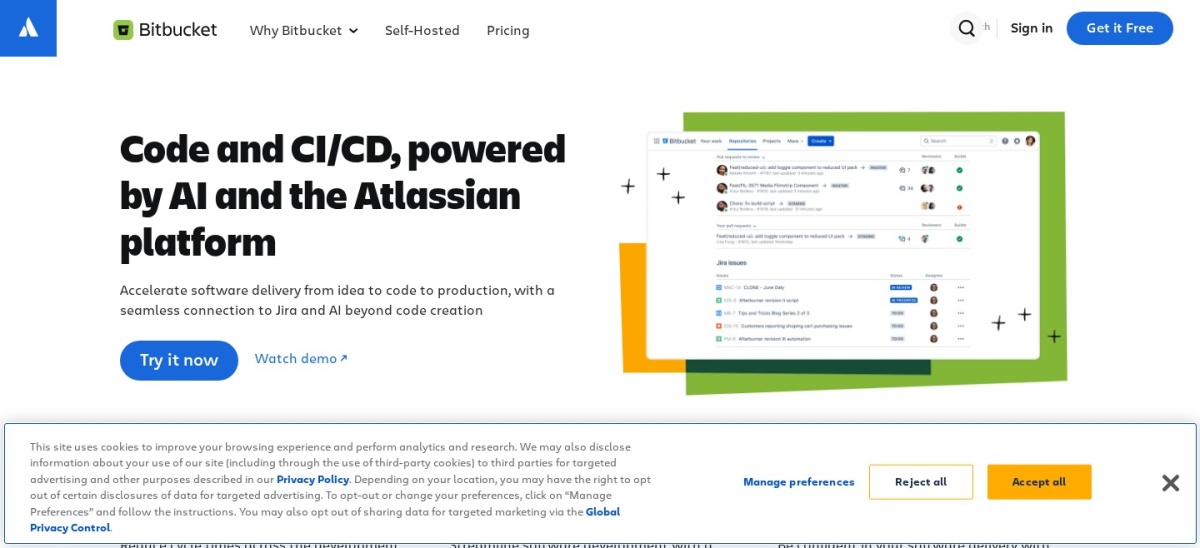
Bitbucket homepage, captured Nov 2026.
Bitbucket is a Git repository platform with integrated CI/CD through Bitbucket Pipelines. Its Free plan supports up to 5 users, while Standard costs $3.65 per user monthly and supports growing development teams. Pipelines can automate builds, testing and deployments while connecting changes with Jira issues and pull requests.
The trade off is that Bitbucket Pipelines is most convenient when repositories already live in Bitbucket, and cloud build minutes are separately limited by plan allowances. Standard costs $3.65 per user monthly, but heavier pipeline activity can require additional capacity. It suits teams using Jira for planning and Bitbucket for source control.
What we like
CI/CD integrated with Git repositories
Direct connection with Jira workflows
Free plan for small development teams
Standard subscription costs $3.65/user/month
Supports automated testing and deployments
Watch out for
Best suited to Bitbucket-hosted repositories
Cloud build minutes have usage limits
Less independent from repository hosting than dedicated CI services
Standard adds paid-team collaboration capacity and expanded repository and Pipelines allowances.Visit bitbucket.org
06
Buildkite
4.7/5on G2 (32 reviews, checked Nov 2026)
Paid from$30/mo
Best for infrastructure-controlled build pipelines
Free planUp to 5 users
Free concurrencyUp to 10 jobs
ExecutionHosted and self-hosted agents
Paid planPro, $30/active user/mo
buildkite.com
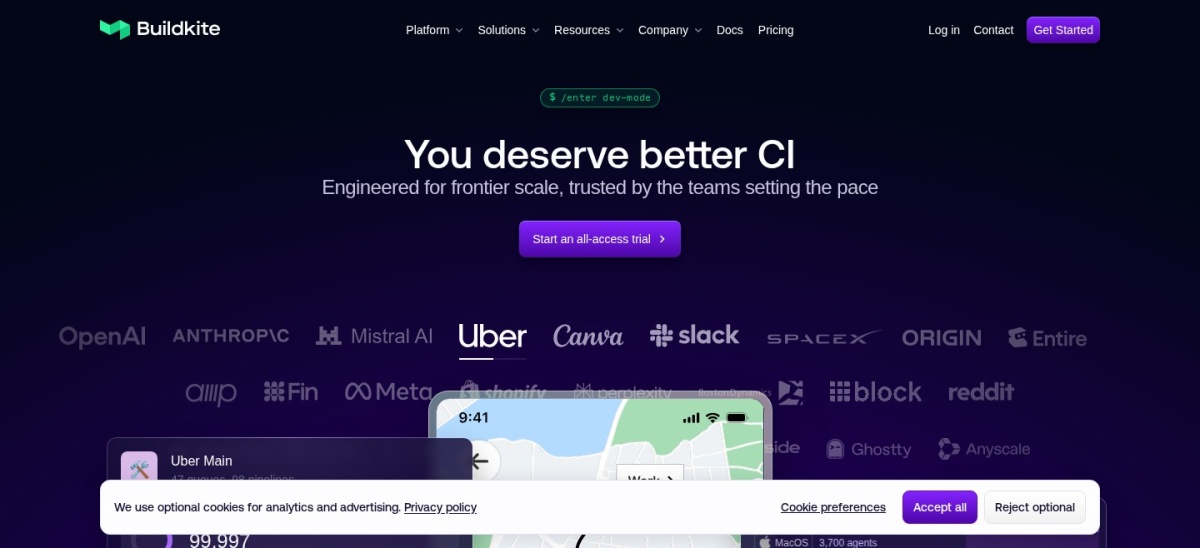
Buildkite homepage, captured Nov 2026.
Buildkite is a CI/CD orchestration platform offering dynamic pipelines, hosted compute and self-hosted agents. Its Free plan supports up to 5 users, 10 concurrent jobs and 2,000 Linux vCPU minutes monthly. Pro costs $30 per active user monthly and includes higher concurrency, additional compute allowances and expanded test management.
The trade off is that the $30 active-user subscription does not remove infrastructure and usage considerations. Teams running their own agents must maintain those machines, while hosted compute and resource allowances need monitoring. It suits engineering groups that want flexible pipeline orchestration and direct control over execution environments.
Pro adds higher concurrency, more compute, expanded test execution and priority email support.Visit buildkite.com
07
Travis CI
4.5/5on G2 (92 reviews, checked Nov 2026)
Starts at$15/mo
Best for straightforward repository-triggered builds
Entry planUsage Based
Linux credits35,000/mo
Concurrent jobsUp to 80
Paid planFrom $15/mo
travis-ci.com
Travis CI homepage, captured Nov 2026.
Travis CI is a hosted CI/CD platform that automates builds and tests when developers update their repositories. Its entry Usage Based plan starts at $15 monthly and includes 35,000 Linux build credits per month, support for up to 80 concurrent jobs and access to premium virtual machines. Configuration files define automated build and deployment steps.
The trade off is that the entry plan uses credits, so workload requirements must be evaluated before comparing it with subscriptions that charge per user. Travis CI also offers larger plans for additional capacity. It suits developers who want a dedicated hosted CI service without adopting a broader repository management platform.
What we like
Dedicated hosted CI/CD service
Entry pricing starts at $15/month
Supports automated repository-triggered workflows
Usage Based plan includes 35,000 Linux credits
Rated 4.5/5 from 92 G2 reviews
Watch out for
Credit consumption requires monitoring
Advanced workloads may require higher spending
Less integrated project management than full DevOps suites
Higher paid plans offer additional build capacity, unlimited-plan options and server deployment choices.Visit travis-ci.com
Why CI/CD pricing is difficult to compare
CI/CD subscriptions use different billing units. GitHub, GitLab and Bitbucket sell broader development platform subscriptions, while CircleCI and Travis CI charge around usage credits. Azure Pipelines prices additional parallel execution capacity, and Buildkite combines active-user subscriptions with compute and agent allowances.
The annual figures in our comparison represent the published entry paid price multiplied by 12. For per-user or per-job products, that means one billable unit. They are comparison baselines, not estimates of a complete team's annual expenses.
When budgeting, estimate build frequency, job duration, runner sizes, concurrency and artifact storage. Account for managed compute, additional credits, self-hosted infrastructure and any paid security features.
Hosted vs self-hosted CI/CD runners
Hosted runners execute jobs on infrastructure managed by the CI/CD provider. They reduce setup and operating work, making them attractive for teams that want to automate testing without maintaining build servers.
Self-hosted runners execute jobs on infrastructure the organization manages. They can help with private network access, specialized hardware, custom dependencies and internal security requirements.
Self-hosting does not automatically reduce total costs. Teams remain responsible for operating systems, security updates, capacity management and runner availability. Evaluate those costs alongside subscription and compute charges before choosing an execution model.
How we chose
We selected established CI/CD products used for production software delivery, drawing candidates from G2's CI/CD, continuous integration, source code management and DevOps categories. We prioritized active products with meaningful public review histories, recognizable development workflows and documented automation capabilities.
Prices and ratings were checked against vendor pricing pages and G2 listings accessed during this research, using 22 Nov 2026 as the guide's stated comparison date. The comparison uses standard published entry paid prices rather than promotional offers, and annual equivalents multiply monthly rates by 12.
We excluded products without sufficiently clear public pricing, incomplete rating evidence or a relevant maintained CI/CD offering. We also avoided treating platform subscriptions as unlimited compute packages and did not include estimated infrastructure costs. No vendor paid for a place, and we do not claim testing for this list.
How to choose the right CI/CD software
Start with your existing repositories and release process, then compare runner requirements, pipeline features and the recurring cost of running builds.
Match the platform to your repository. Choose GitHub Actions when most code is hosted on GitHub, GitLab when development and delivery already use GitLab, or Bitbucket Pipelines when your team depends on Bitbucket and Jira. Dedicated services such as CircleCI and Travis CI are worth considering when you want a separate CI/CD platform.
Estimate your build workload. Review how frequently pipelines run, how long jobs take, which operating systems they need and how many jobs execute concurrently. Compare those requirements with each vendor's included minutes, credits, parallel jobs and resource allowances.
Choose an execution and security model. Decide whether managed runners provide enough flexibility or whether private networks, internal dependencies and specialized hardware require self-hosted agents. Check secrets handling, repository permissions, deployment approvals and audit capabilities before committing.
Compare the full recurring cost. Calculate user subscriptions, paid build capacity, overages, artifact storage and self-hosted infrastructure. Use the published entry price as a starting point, but evaluate the cost of the actual workload rather than ranking platforms only by their lowest subscription.
FAQ
What is the best CI/CD software in 2026?
GitHub Actions is our top pick for teams using GitHub because it connects automated builds, tests and deployments directly to repository events. GitLab is a stronger choice for integrated DevSecOps workflows, while CircleCI offers dedicated build optimization and a flexible execution model.
What is the difference between continuous integration and continuous delivery?
Continuous integration automatically builds and tests changes when developers merge or push code. Continuous delivery prepares validated changes for release through automated deployment workflows. Continuous deployment goes further by releasing qualifying changes automatically, without requiring a separate manual approval.
Is GitHub Actions free?
GitHub Actions is available through GitHub Free, with included usage allowances that depend on repository and account conditions. GitHub Team costs $4 per user monthly and includes additional collaboration features and Actions allowances. Hosted compute exceeding included limits may incur usage charges.
Is Jenkins better than GitHub Actions?
Jenkins offers extensive customization through its open-source automation server and plugin ecosystem, but teams must manage the server, security updates and operational maintenance. GitHub Actions reduces that administration for GitHub repositories. The better option depends on infrastructure control, team expertise and repository hosting.
Which CI/CD software is best for beginners?
GitHub Actions is a practical starting point for developers already using GitHub because workflows live next to repositories and pull requests. Bitbucket Pipelines is another approachable option for Bitbucket teams. Both still require developers to understand YAML configuration, build environments and deployment credentials.
How much does CI/CD software cost?
Entry paid pricing varies by billing model. GitHub Team costs $4 per user monthly, CircleCI Performance starts at $15 monthly, and GitLab Premium costs $29 per user monthly. Actual expenses can increase with additional users, runner capacity, compute credits, artifacts and infrastructure.
Which CI/CD tools support self-hosted runners?
GitHub Actions, GitLab, CircleCI, Azure Pipelines, Bitbucket Pipelines and Buildkite support self-hosted execution options. Self-hosting provides more control over operating systems, network access and dependencies, but the organization must maintain runner security, capacity and availability.
Which CI/CD software is best for large development teams?
GitLab, Azure Pipelines, CircleCI and Buildkite are worth evaluating for larger organizations. GitLab combines development workflows and governance, Azure Pipelines integrates with Azure DevOps, CircleCI offers configurable execution capacity, and Buildkite supports infrastructure-controlled delivery. Compare security, concurrency and total operating costs.