Lansweeper is the best tool for remote software inventory for most IT teams, with agentless network discovery plus an agent for laptops that rarely touch the office network, free for the first 100 assets. Snipe-IT is the free open-source pick for teams that can self-host, while InvGate suits mid-market teams that want a fixed yearly price.
How we make this list: we compare pricing pages, product documentation and public user reviews, then re-check every price before each update. No product paid for a place. Disclosure.
Lansweeper is the only tool here that combines agentless network scanning with an agent for remote laptops.
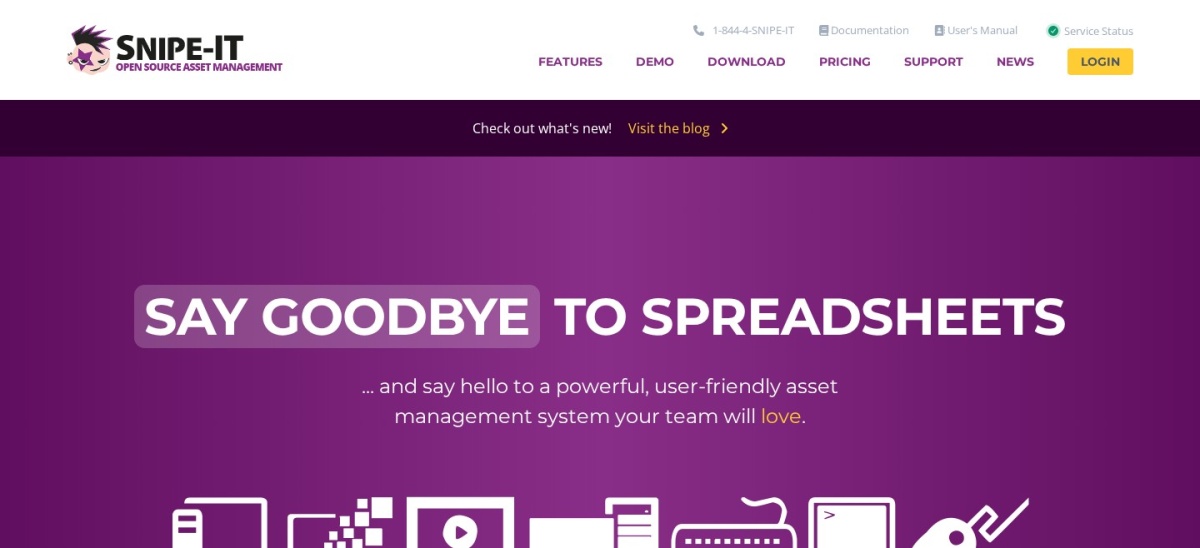
Snipe-IT is free when self-hosted, but it relies on manual entry and has no automatic discovery.
InvGate charges a flat $1,499 a year for 500 devices, the clearest fixed price in this list.
NinjaOne holds the highest G2 rating here at 4.7 out of 5 from more than 5,800 reviews.
Pricing units differ widely: per asset, per technician, per endpoint and flat yearly fees all appear in this list.
How do tools for remote software inventory find off-network devices?
Remote work broke the old inventory model. Laptops that never visit the office never appear in a network scan, so the software on them stays invisible until an audit or a security incident.
The fix is an agent or a cloud connector. A small agent on each laptop reports installed software back to a central inventory, even when the device only connects from home or a cafe.
Software inventory is not the same as hardware tracking. The list here focuses on tools that record what is installed, which version it is and where the licence came from, not just who holds the laptop.
Licence compliance is the payoff. Our guide to the best IT inventory software shows how teams use the same data to find unused licences and cut renewals.
Watch the pricing unit before you buy. Some tools charge per asset, some per technician and some a flat yearly fee, so compare the cost at your device count, not the headline figure.
Lansweeper is a cyber asset intelligence platform that automatically discovers and inventories hardware, software, users and cloud resources. It scans networks without agents and adds an agent for laptops that rarely touch the office network, and it is used across 30,000-plus environments.
The trade off is the price jump. The free tier covers 100 assets, but Starter starts at $299 a month billed yearly for 2,000 assets, so a small fleet pays the same as a large one. It suits IT teams that need to find every device, including ones nobody registered.
What we like
Agentless scanning plus an agent for remote devices
Covers IT, OT, IoT and cloud assets
Free for the first 100 assets
Watch out for
Starter starts at 2,000 assets, so small fleets overpay
Snipe-IT is a free, open-source asset management system for tracking hardware, licences, accessories and consumables in one place. Self-hosting costs nothing and has no limits on users or assets, and hosted Basic plans start at $39.99 a month with upgrades and backups handled for you.
The trade off is that Snipe-IT tracks what you enter. It does not find devices on the network by itself, so remote software records go stale unless someone keeps them updated. It suits technical teams that want a free register and can run a server.
What we like
Free self-hosted with unlimited users and assets
Deep custom fields and audit trails
Rated 4.6 out of 5 from 27 G2 reviews
Watch out for
No automatic discovery, records need manual upkeep
InvGate Asset Management homepage, captured Nov 2026.
InvGate Asset Management is a mid-market ITAM platform with agent-based discovery, network scanning and lifecycle automation. Starter costs a fixed $1,499 a year for 500 IP devices, each covering two non-IP devices such as monitors, with a 30-day free trial.
The trade off is the thin review base. Its 4.6 G2 rating rests on only 20 reviews, and there is no free plan, only a trial. It suits mid-market teams that want discovery and a CMDB at a published, predictable price.
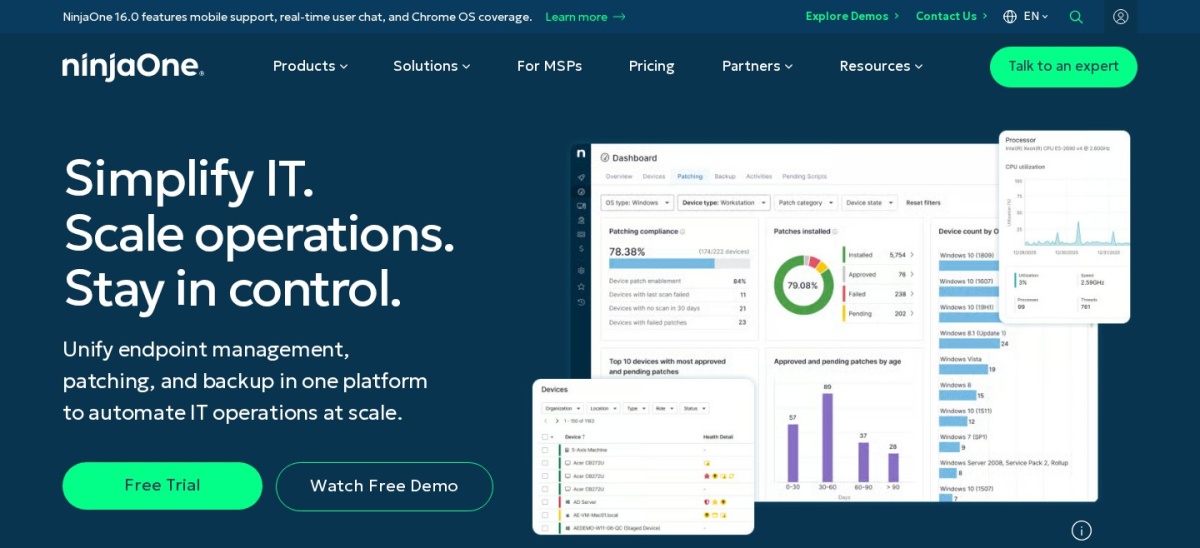
NinjaOne is a cloud RMM platform that covers monitoring, patching, software deployment, backup and remote access in one console. It patches Windows, macOS and Linux plus third-party apps, and its agent reports software inventory from endpoints wherever they work.
The trade off is that pricing is per endpoint and starts low but scales with the fleet. It suits MSPs and internal IT teams that want remote monitoring and software inventory in the same console.
Atera is an all-in-one IT platform that combines RMM, patching, remote access, ticketing and automation, with an AI agent that handles routine incidents. Pricing is per technician, so one fee covers unlimited endpoints, which suits teams with many remote devices per technician.
The trade off is that the per-technician model only pays off at scale. A team with one technician and 50 devices pays the same as one with 500. It suits MSPs and IT teams with high endpoint-to-technician ratios.
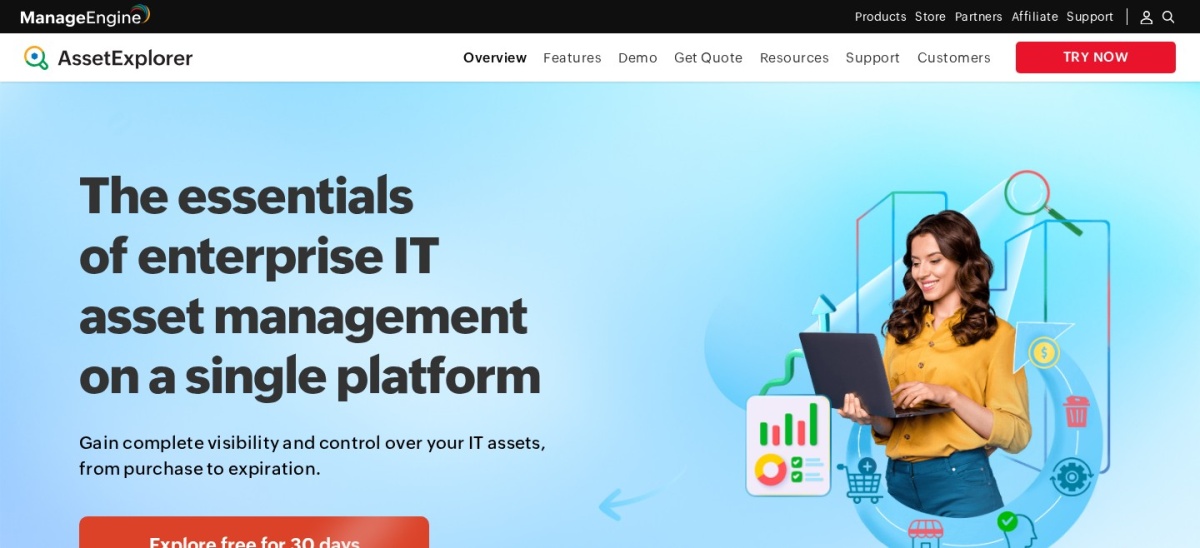
ManageEngine AssetExplorer homepage, captured Nov 2026.
ManageEngine AssetExplorer is ManageEngine's IT asset management tool, with network discovery, software licence tracking and lifecycle management. Cloud plans start at $115 a month for 250 assets, with a free edition for 50 cloud nodes or 25 on-premises nodes.
The trade off is the thin review base. Its 4.2 G2 rating rests on only 13 reviews, the lowest rating in this list, and on-premises pricing is per node. It suits budget teams that want real discovery without a large bill.
4.6/5on G2 (Not published reviews, checked Nov 2026)
Starts at$19/mo
Best asset tracking inside a service desk
Service deskTicketing and service catalogue
Asset recordsHardware, software and contracts
Free trial14 days
Paid planStarter, $19 per agent a month
freshworks.com
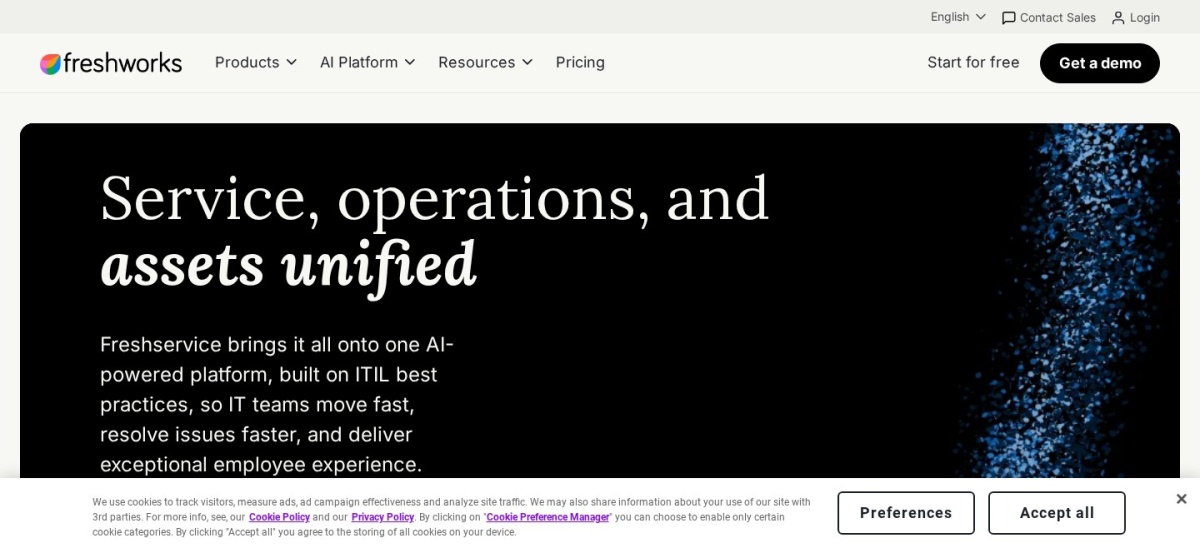
Freshservice homepage, captured Nov 2026.
Freshservice is Freshworks' IT service management platform, with asset records, discovery and depreciation built into the service desk. Starter costs $19 per agent a month billed yearly, and adds ticketing, a service catalogue and loaner workflows to asset records.
The trade off is that pricing is per agent, so the bill grows with the support team rather than the fleet, and software discovery sits in higher tiers. It suits teams that live in tickets and want asset data beside them.
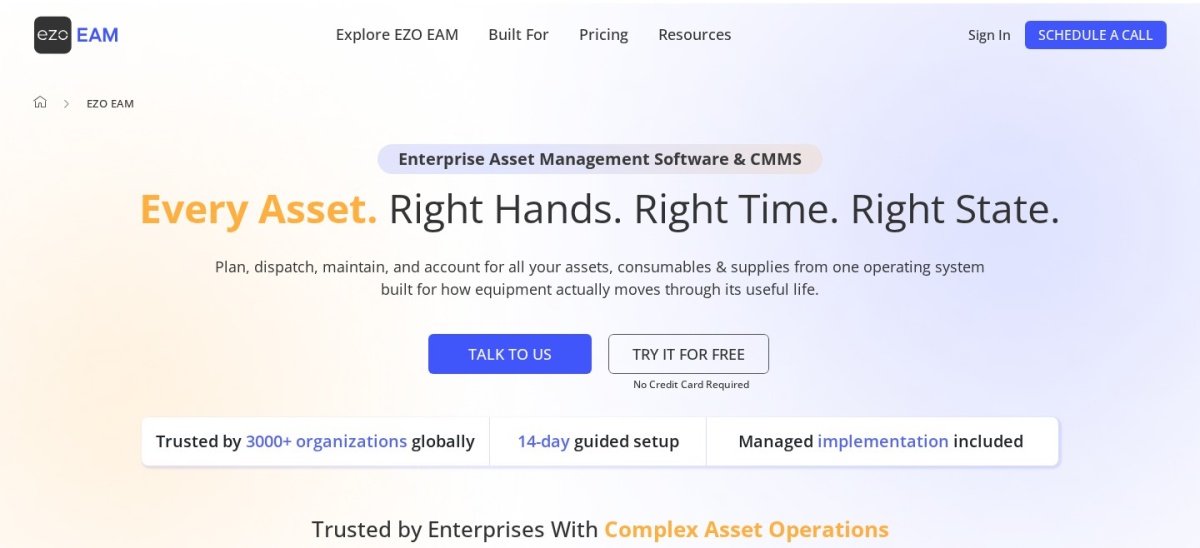
EZOfficeInventory is a cloud asset management platform, now sold as EZO EAM, for tracking equipment, stock and consumables with check-out, reservations, labels and a mobile app. Essential costs $537 a year for 100 items with unlimited users.
The trade off is that it is built for general equipment, not software. It tracks what is issued and where it is, but software licence tracking is not its strength. It suits operations teams that lend equipment and need reservations.
What we like
Reservations and check-out built in
Unlimited users on every plan
Rated 4.4 out of 5 from 406 G2 reviews
Watch out for
Weak on software licence tracking
Built for general equipment, not IT fleets
Interface draws criticism in older reviews
Advanced adds purchase orders and maintenanceVisit ezo.io
09
Asset Panda
4.6/5on Capterra (1,369 reviews, checked Nov 2026)
Starts at$3,000/yr
Best for tracking any asset type
Asset typesAny type, fully configurable
Mobile appBarcode scanning and audits
Starter package1,000 assets
Paid planStarter, $3,000 a year
assetpanda.com
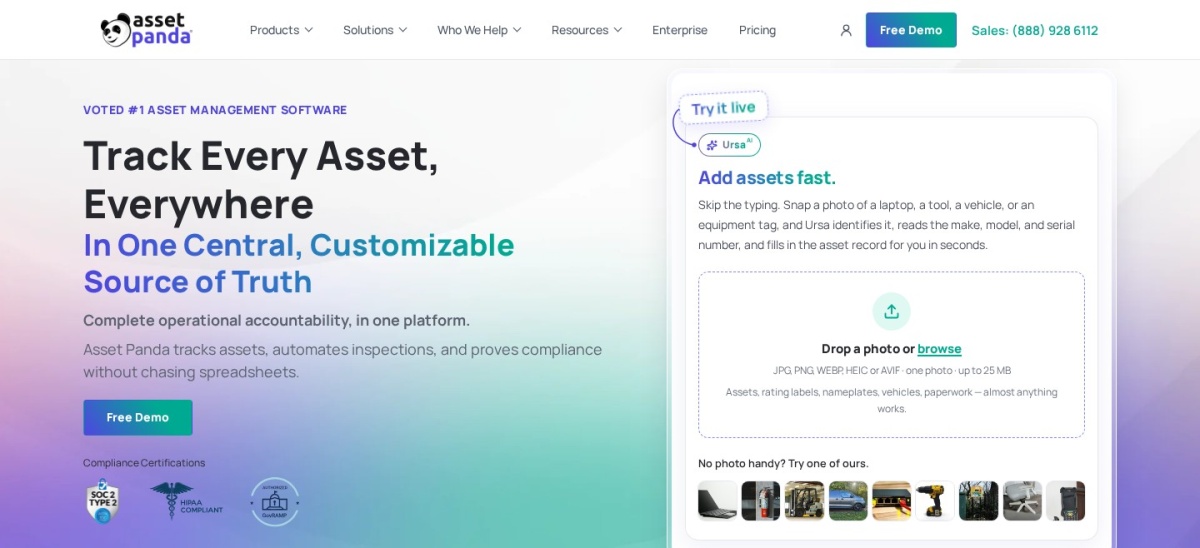
Asset Panda homepage, captured Nov 2026.
Asset Panda is a cloud platform for tracking both physical and IT assets throughout their full lifecycle. One configurable database covers laptops, licences, furniture and anything else, with barcode scanning and a mobile app for audits.
The trade off is price and setup. Starter costs $3,000 a year for 1,000 assets, the highest fixed price here, and building the database takes real configuration time. It suits teams that track mixed assets, not just IT gear.
Agentless scanning works well on the office network. It finds every device on the subnet without installing anything, and it catches printers, switches and servers too.
Remote laptops need an agent. A lightweight agent phones home on its own schedule, so the inventory stays current even when the laptop never joins the office network.
Most teams in this list use both. Lansweeper and InvGate scan the network where they can and use agents for the devices that work from home.
How we chose
We started from the inventory tools IT teams use for remote and hybrid fleets, keeping only those with a verifiable rating on G2 or Capterra.
Prices come from each vendor pricing page, checked on 30 November 2026 for the top three tools. Ratings and review counts come from G2 and Capterra on the same day. Where a vendor shows a sale, the list shows the regular price.
We left out tools with no public aggregator rating and tools that only track physical assets without recording installed software. No vendor paid for a place, and we do not claim hands-on testing for this list.
How to choose tools for remote software inventory
Start from where your devices actually work, then check how the data gets in.
Count your remote devices first. Laptops that never visit the office are the ones that go missing. Count them before you compare prices.
Check how the data gets in. Agentless scanning covers the office network. Remote laptops need an agent or a cloud connector.
Match the pricing unit to your fleet. Per-asset pricing suits small fleets, per-technician suits large ones, and a flat yearly fee suits a fixed device count.
Test the licence reports before you pay. Ask for a trial import of your real asset list and check the licence report it produces.
FAQ
What is the best tool for remote software inventory in 2026?
Lansweeper is the best tool for remote software inventory for most IT teams. It scans the office network without agents and adds an agent for remote laptops, is rated 4.4 out of 5 on G2, and is free for the first 100 assets.
How much do tools for remote software inventory cost?
Paid plans in this list run from $3.75 per endpoint a month for NinjaOne to $3,000 a year for Asset Panda. Lansweeper Starter costs $299 a month billed yearly, and InvGate charges a flat $1,499 a year for 500 devices.
Is there a free tool for remote software inventory?
Yes. Snipe-IT is free and open source when you host it yourself, with unlimited users and assets. Lansweeper is free for up to 100 assets, and ManageEngine AssetExplorer has a free edition for 50 cloud nodes.
How do I inventory software on laptops that never come to the office?
Use a tool with an agent, such as Lansweeper, NinjaOne or Atera. The agent reports installed software back to the central inventory on its own schedule, so the record stays current even when the laptop only connects from home.
Lansweeper or Snipe-IT: which is better for remote teams?
Lansweeper is better for remote teams because it discovers software automatically, including on off-network laptops through its agent. Snipe-IT is free but relies on manual entry and imports, so records go stale unless someone keeps them updated.
Do these tools track software licences too?
Most do. Lansweeper, InvGate and ManageEngine AssetExplorer all track installed software against licence counts, so you can see which licences are unused before renewal time.
SaaS SEO and WordPress specialist with about 8 years of experience. Rakib compares WordPress plugins, themes, hosting and software using public pricing, documentation and user reviews. See how we rank.