Lansweeper is the top pick for broad IT, OT, and cloud asset discovery across 30,000+ environments, starting with a free plan for up to 100 detailed assets. For flat-rate multi-site collectors, Domotz charges $35/month per collector, while Total Network Inventory offers a perpetual license starting at $100 one-time.
How we make this list: we compare pricing pages, product documentation and public user reviews, then re-check every price before each update. No product paid for a place. Disclosure.
Lansweeper supports 30,000+ environments and offers a free tier with full detail on your first 100 assets.
Domotz charges $35/month per collector with unlimited devices per site and a 4.8/5 score across 105 G2 reviews.
Total Network Inventory holds a 4.8/5 rating on G2 across 23 reviews with perpetual licensing starting at $100 one-time.
ManageEngine AssetExplorer provides published annual tiers starting at $1,245/year for 250 cloud assets and a free edition.
InvGate Asset Management starts at $1,499/year for 500 IP devices with a 4.7/5 rating on G2.
What to look for in network inventory software
Effective network inventory software finds every IP-connected endpoint, switch, server, virtual machine, and cloud resource without forcing manual spreadsheet updates. Most platforms combine agentless active scanning, SNMP and ICMP sweeps, agent-based collectors, and directory or cloud connectors.
Pricing models vary sharply across vendors. Some tools charge per managed asset or IP device, others bill per site collector or monitoring sensor, and a few still sell perpetual licenses or free editions for small footprints.
Before choosing a tool, check whether you need passive traffic and dependency mapping, software license and warranty tracking, or live uptime alerting. A dedicated asset scanner solves audits and blind spots faster, while a monitoring suite tracks ongoing device health.
Also confirm deployment fit early. Cloud consoles simplify multi-site rollouts, while on-premises or local collectors suit air-gapped subnets, strict data residency rules, and internal labs.
Entry paid tierStarter from $299/mo billed annually
Included assets2,000 assets on Starter
DeploymentCloud and on-premises
lansweeper.com
Lansweeper homepage, captured Nov 2026.
Lansweeper is a cyber asset intelligence and discovery platform used across 30,000+ environments to catalog hardware, software, users, and cloud resources. Its free plan includes asset discovery and inventory with full detail on your first 100 assets, core intelligence beyond that, up to 6 user seats, and community support.
The trade off is that paid plans start at $299 per month billed annually for Starter with 2,000 assets, and vulnerability or lifecycle insights require higher tiers. It suits IT and security teams that want multi-method discovery across mixed IT, OT, and cloud estates.
What we like
Free plan covers full asset detail on up to 100 assets with no time limit
Combines agentless scanning, agents, and cloud connectors across IT, OT, and IoT
Adds dynamic topology diagrams and asset data enrichment for ITSM and security tools
Watch out for
Starter plan begins at $299/month billed annually for 2,000 assets
Vulnerability and lifecycle insights are gated behind the Pro tier
Starter adds 2,000 assets, 1 installation, SSO, and service desk ticket enrichment.Visit lansweeper.com
02
Domotz
4.8/5on G2 (105 reviews, checked Nov 2026)
Starts at$35/mo
Best for flat per-site collector pricing
Pricing model$35 per collector per month
Device limitUnlimited devices per collector
Deployments16 options (VM, Linux, Docker, box)
SecuritySOC 2 Type II and ISO 27001
domotz.com
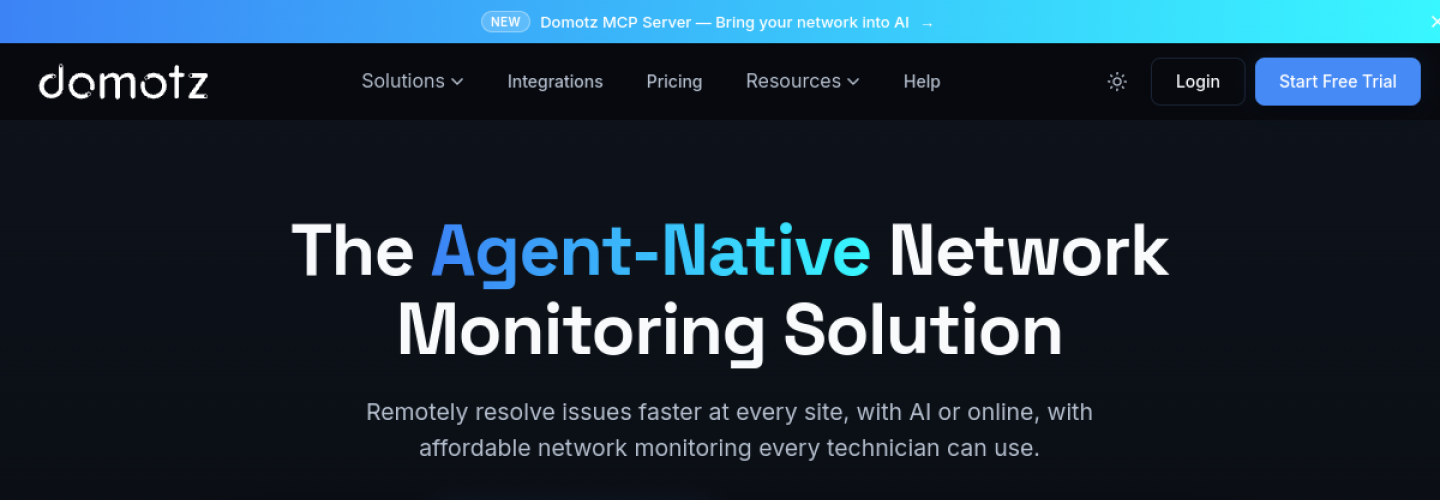
Domotz homepage, captured Nov 2026.
Domotz is a network monitoring and discovery platform trusted by 3,600+ customers across 40,000+ networks to map endpoints, switches, cameras, and IoT devices. Every plan includes automatic discovery, topology mapping, real-time alerts, and remote management at $35 per collector per month with unlimited devices.
The trade off is that you pay $35 per month per collector rather than a free permanent tier, and multi-site rollouts require a collector per location. It suits internal IT teams and MSPs that want predictable site-based pricing without per-device fees.
What we like
Flat $35/month per collector includes unlimited devices and all platform features
Supports 16 collector deployment options including Windows, Linux, Docker, and VMs
Includes automated topology maps, config backups, and new-device alerts
Watch out for
No permanent free tier beyond a 14-day trial
Costs add up across many separate physical sites or collectors
Every plan includes unlimited devices per collector, topology mapping, and remote actions.Visit domotz.com
03
Total Network Inventory
4.8/5on G2 (23 reviews, checked Nov 2026)
Starts at$100 one-time
Best for one-time perpetual licensing
License typePerpetual license with 1 year updates
Starting price$100 one-time entry license
User limitUnlimited users and installations
Host OSWindows desktop application
softinventive.com
Total Network Inventory homepage, captured Nov 2026.
Total Network Inventory is an agentless network auditing and asset scanner from Softinventive Lab for Windows, macOS, Linux, and SNMP devices. It starts at a $100 one-time perpetual license with 1 year of updates included, unlimited users, and custom tabular reports.
The trade off is that optional annual update renewals cost 30% of the license price after year one and the console runs on Windows. It suits small IT teams that prefer a perpetual purchase over ongoing SaaS subscriptions.
What we like
One-time perpetual licensing starts at $100 with unlimited users and installations
Performs agentless scans across Windows, macOS, Linux, and SNMP hardware
Includes software license accounting, custom reports, and network maps
Watch out for
Optional annual update renewals cost 30% of the license price after year one
Main application runs on Windows rather than a native cloud console
Annual paid tierFrom $1,245/yr for 250 cloud assets
DiscoverySNMP, agent, and agentless scans
Asset trackingHardware, software, and CMDB
manageengine.com
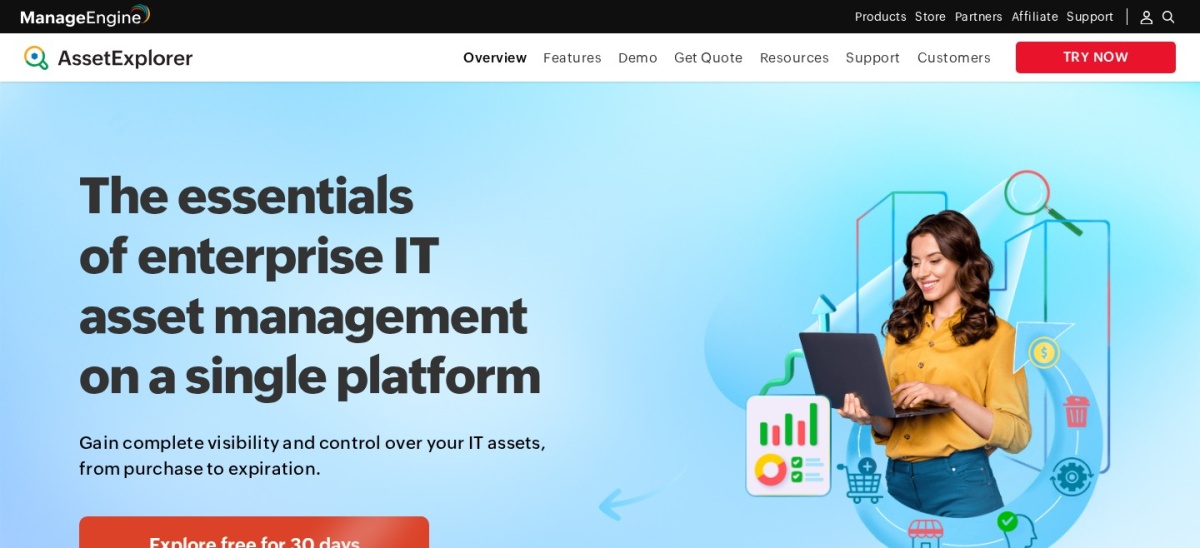
ManageEngine AssetExplorer homepage, captured Nov 2026.
ManageEngine AssetExplorer is an IT asset management and network inventory tool available in cloud and on-premises editions. Its free edition never expires and supports up to 25 nodes on-premises or 50 nodes on cloud with core inventory features.
The trade off is that paid cloud plans start at $1,245 per year for 250 IT assets and climb sharply as asset counts grow. It suits IT teams that want published asset-tier pricing with CMDB and contract tracking.
What we like
Free edition never expires for small environments up to 25 or 50 nodes
Published annual pricing makes budgeting for 250 to 10,000 assets clear
Tracks hardware, software licenses, warranties, and barcode or QR labels
Watch out for
Cloud pricing starts at $1,245/year for 250 assets and scales per asset pack
Interface and workflows feel denser than lightweight modern discovery tools
Paid asset packs expand device limits up to 10,000+ assets and include 24x5 support.Visit manageengine.com
05
InvGate Asset Management
4.7/5on G2 (11 reviews, checked Nov 2026)
Starts at$1,499/yr
Best for ITAM and lifecycle workflows
Starter price$1,499/year fixed for 500 IP devices
Discovery methodsAgentless, agents, MDM, and cloud
Lifecycle toolsContracts, warranties, QR labels
TrialFree trial available
invgate.com
InvGate Asset Management homepage, captured Nov 2026.
InvGate Asset Management discovers network devices, endpoints, and cloud assets while tying them to lifecycle and contract records. The Starter plan is priced at $1,499 per year fixed for up to 500 IP devices, including agentless scanning, agents, and cloud connectors.
The trade off is that Starter lacks SSO integration, open API access, and automated CMDB mapping, which move to Pro starting at $2,500 per year. It suits mid-sized teams that want structured asset lifecycle tracking without a free tier.
What we like
Clear $1,499/year fixed Starter price covering up to 500 IP devices
Pulls inventory from agentless scans, agents, MDM tools, and cloud providers
Includes contract, warranty, and QR or barcode asset tracking from Starter
Watch out for
No permanent free tier beyond a free trial
SSO, open API, and automated CMDB mapping require the Pro tier
Pro tiers add SSO, open API access, automated CMDB mapping, and software metering.Visit invgate.com
06
Docusnap
4.4/5on G2 (4 reviews, checked Nov 2026)
Starts at$229/mo
Best for automated network documentation
Entry price$229/month billed annually (Pro)
Device modelUnlimited assets and sites per plan
Core outputsNetwork diagrams, CMDB, reports
EditionsDocusnap365 and Docusnap 15
docusnap.com
Docusnap homepage, captured Nov 2026.
Docusnap combines automated network inventory with generated topology diagrams, CMDB storage, and audit reports. Docusnap365 Pro starts at $229 per month billed annually and covers unlimited assets and sites within user and data storage limits.
The trade off is that annual billing starts at $229 per month with no permanent free tier, and data volume caps apply by edition. It suits IT teams and auditors that need repeatable diagrams and compliance documentation.
What we like
Unlimited assets and sites in Docusnap365 editions rather than per-device fees
Generates network diagrams, CMDB records, and warranty reports automatically
Offers both cloud-connected Docusnap365 and local Docusnap 15 editions
Watch out for
No free plan beyond a 30-day trial, starting at $229/month billed annually
Report customization can feel rigid for specialized output formats
Business and Enterprise editions add compliance frameworks, higher data limits, and APIs.Visit docusnap.com
07
Paessler PRTG
4.7/5on G2 (219 reviews, checked Nov 2026)
Starts at$200/mo
Best for sensor-based inventory and monitoring
Entry price$200/month paid annually (PRTG 500)
Sensor capacityUp to 500 sensors (about 50 devices)
DiscoveryAuto-discovery with SNMP, WMI, packet
TrialFree 30-day trial available
paessler.com
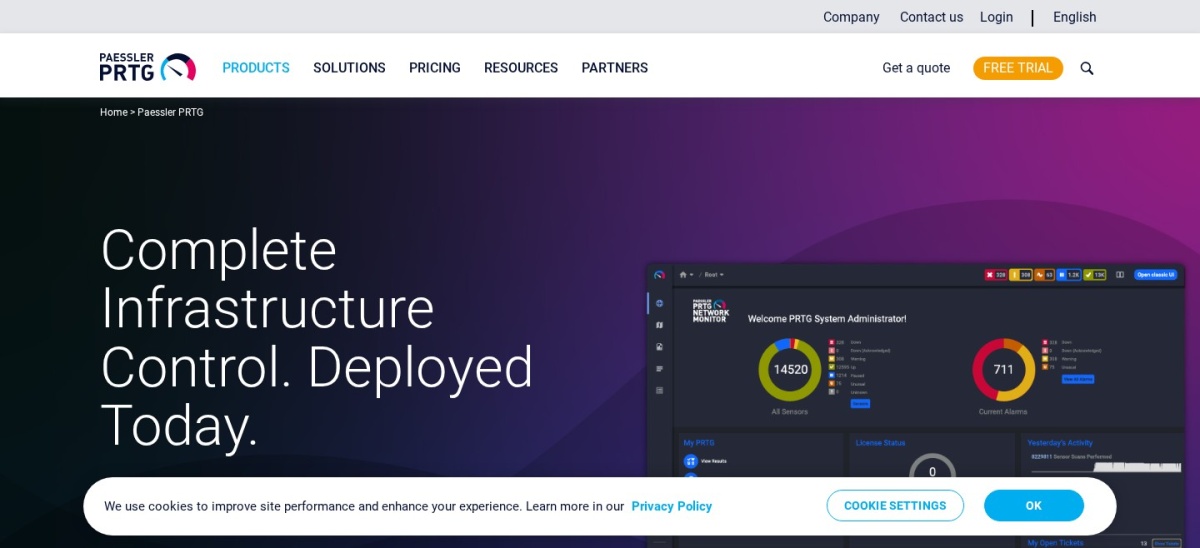
Paessler PRTG homepage, captured Nov 2026.
Paessler PRTG is a network monitoring and auto-discovery platform that maps devices and tracks ongoing health metrics via sensors. The PRTG 500 license starts at $200 per month paid annually for up to 500 sensors, roughly enough for about 50 devices.
The trade off is that sensor consumption adds up fast on dense switches or servers, pushing costs to $2,400 per year at entry. It suits infrastructure teams that want auto-discovery paired with live performance and uptime monitoring.
What we like
Fast auto-discovery across routers, switches, servers, and virtual hosts
Strong real-time monitoring, alerting, and NetFlow or packet inspection
Clear published pricing tiers from PRTG 500 up to PRTG 10000
Watch out for
No permanent free tier beyond a 30-day trial
Sensor-based licensing can grow expensive as monitored metrics increase
Higher sensor tiers expand capacity from 500 sensors up to 10,000 sensors for larger estates.Visit paessler.com
How network inventory pricing models compare
Per-asset and per-IP licensing scales closely with the size of your hardware fleet, which works well for predictable estates but can penalize environments with many virtual machines or network interfaces. Always check whether inactive devices or storage units count toward your cap.
Collector, site, and sensor models shift the cost driver from device count to physical locations or metric depth. A flat per-collector plan can save money across multi-site branches, whereas a sensor-based tool requires estimating how many counters each device needs.
How we chose
We built this shortlist by reviewing established network discovery, IT asset inventory, and network documentation tools with active vendor support and verified public reviews.
All prices, plan tiers, review scores, and product details were checked on 22 Nov 2026 directly from vendor pricing pages and G2 review listings.
We excluded tools without published starting prices or clear entry tiers so readers can compare real costs side by side without guessing quote-only ranges.
No vendor paid for a place, and we do not claim testing for this list.
How to choose network inventory software
Follow four steps to match a discovery platform to your network size and budget:
Count your active devices and sites first. List routers, switches, firewalls, servers, workstations, and remote locations so you can compare per-asset, per-site, and per-sensor tiers accurately.
Check discovery methods against your network. Confirm whether you need SNMP sweeps, agentless scans, installed agents, or cloud and directory connectors to reach every subnet.
Decide between pure inventory and live monitoring. Pick a dedicated inventory or documentation tool for audits and asset records, or choose a monitoring platform if you also need continuous alerts.
Verify data storage and compliance needs. Check whether your security policy requires on-premises or regional cloud hosting, role permissions, or audit-ready reporting.
FAQ
What is the difference between network inventory software and network monitoring?
Network inventory software focuses on discovering, cataloging, and tracking hardware, software, and device attributes across your network. Network monitoring focuses on continuous uptime, latency, bandwidth, and health alerts, though several platforms combine discovery with monitoring.
Are there free network inventory tools for small networks?
Yes. Lansweeper offers a free tier with full detail on up to 100 assets, and ManageEngine AssetExplorer provides a free edition limited to 25 on-premises or 50 cloud nodes.
How does agentless network discovery work?
Agentless discovery scans IP ranges and queries devices over protocols such as SNMP, ICMP, or network credentials without installing software on every endpoint. It helps find unmanaged hardware and rogue devices quickly.
Is perpetual licensing still available for network inventory tools?
Yes, though subscriptions are common. Total Network Inventory offers a perpetual license starting at $100 one-time with one year of updates included and optional renewals afterward.
Should small IT teams choose per-device or per-collector pricing?
Per-collector pricing such as Domotz at $35 per month per collector works well when you have a small number of sites with many devices. Low-node asset tiers or perpetual licenses fit small single-site setups.
Why do some tools require agents alongside network scans?
Network scans catch reachable IP hardware well, while agents or directory connectors can gather deeper OS, user, and software details from roaming or off-network laptops.
SaaS SEO and WordPress specialist with about 8 years of experience. Rakib compares WordPress plugins, themes, hosting and software using public pricing, documentation and user reviews. See how we rank.