Lansweeper is the best IT inventory software for most teams. Its agentless discovery maps hardware, software and cloud assets, it is rated 4.4 out of 5 on G2, and the free tier covers 100 assets. Pick Snipe-IT for a free self-hosted registry, or ManageEngine AssetExplorer for low-cost discovery with a free edition.
How we make this list: we compare pricing pages, product documentation and public user reviews, then re-check every price before each update. No product paid for a place. Disclosure.
Lansweeper finds devices on its own: agentless discovery across IT, OT and cloud, with a free tier for 100 assets.
Snipe-IT is the only free option here: open source, self-hosted, unlimited users and assets, with hosted plans from $39.99 a month.
ManageEngine AssetExplorer is the cheapest paid discovery tool: cloud from $115 a month for 250 assets, on-premises from $955 a year.
EZOfficeInventory has the most reviews of any dedicated inventory tool here: 4.4 out of 5 from 407 G2 reviews, priced by item count from $44.75 a month.
Two tools publish no prices at all: Asset Panda and Oomnitza are quote-only, so budget for a sales call before you shortlist them.
PDQ Deploy & Inventory is the highest rated at 4.8 out of 5 from 274 G2 reviews, but it is built for Windows-first shops.
What IT inventory software should do
IT inventory software answers one question: what do we own, where is it, and who uses it. Without it, teams track laptops and licences in spreadsheets that go stale within weeks.
There are two kinds of tools here. Discovery tools such as Lansweeper and ManageEngine scan the network and build the inventory for you. Registry tools such as Snipe-IT and Asset Panda track what you enter, which suits teams that also manage non-IT assets.
Software licences are part of the inventory too. Our guide on plugin licence renewals explains what happens when a licence lapses, which is the same risk these tools help you track.
Price is hard to compare because vendors charge in different ways: per asset, per device, per agent, per admin, or a flat yearly fee. Work out your total on your real counts before you compare headline prices.
Free tiers matter here. Lansweeper covers 100 assets free, Snipe-IT is free when self-hosted, and ManageEngine offers a free edition, so a small team can start without spending anything.
Lansweeper is an agentless discovery platform that finds every device on the network, in the cloud and on the factory floor, then keeps the inventory current without manual entry. The free tier covers 100 assets with full detail and 6 user seats, and the site says it is trusted by more than 30,000 environments.
The trade off is price. Starter starts at $245 a month billed annually for 2,000 assets, and vulnerability and lifecycle insights need the Pro plan from $449 a month. It suits mid-size and larger teams that want the network to inventory itself.
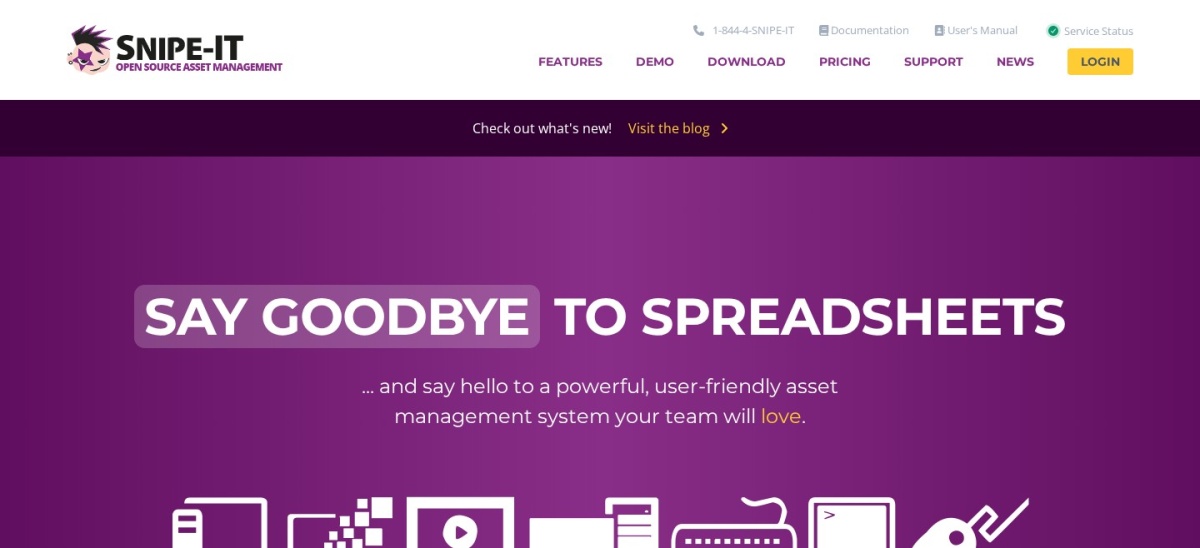
Snipe-IT is a free, open-source asset management system for tracking hardware, licences, accessories and consumables in one place. Self-hosting costs nothing and has no limits on users or assets, and hosted Basic plans start at $39.99 a month with upgrades and backups handled for you.
The trade off is discovery. Snipe-IT tracks what you enter, so it does not find devices on the network by itself, and you need a server and someone comfortable running it. It suits small teams with a bit of technical skill and a zero software budget.
What we like
Free self-hosted version with unlimited users and assets
Check-in and check-out, depreciation and audit trails
Hosted plans from $39.99 a month
Rated 4.6 out of 5 on G2
Watch out for
No automatic network discovery
Self-hosting needs server skills and upkeep
Only 27 G2 reviews, so the rating is thin
Hosted plans add automatic upgrades, backups and priority supportVisit snipeitapp.com
03
ManageEngine AssetExplorer
4.2/5on G2 (13 reviews, checked Nov 2026)
Paid from$955/yr
Best value discovery and licence tracking
DiscoveryAgent and agentless scans
Free editionYes, limited nodes
Cloud price$115/mo, 250 assets
On-premises priceFrom $955/yr
manageengine.com
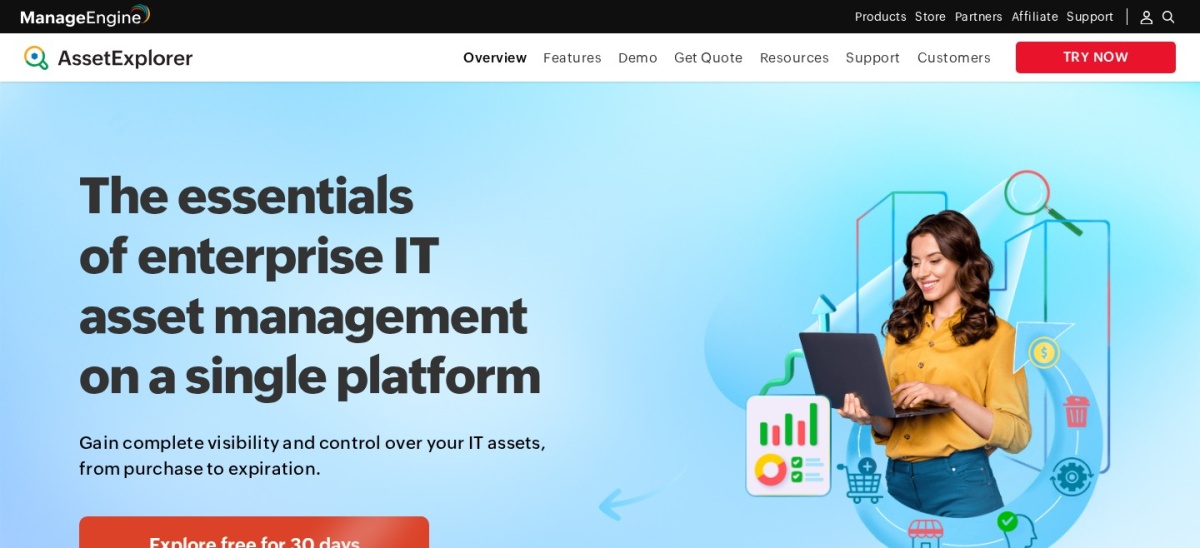
ManageEngine AssetExplorer homepage, captured Nov 2026.
ManageEngine AssetExplorer is a full-lifecycle asset tool that scans the network with agents or without them, tracks software licences and purchase contracts, and runs in the cloud or on your own servers. Cloud plans start at $115 a month for 250 assets, and the on-premises edition starts at $955 a year.
The trade off is scale and proof. The G2 rating is 4.2 out of 5 from only 13 reviews, and the price climbs with every asset pack, reaching $1,545 a month for 10,000 cloud assets. It suits teams already using ManageEngine tools who want discovery without a big bill.
What we like
Agent and agentless discovery plus licence compliance
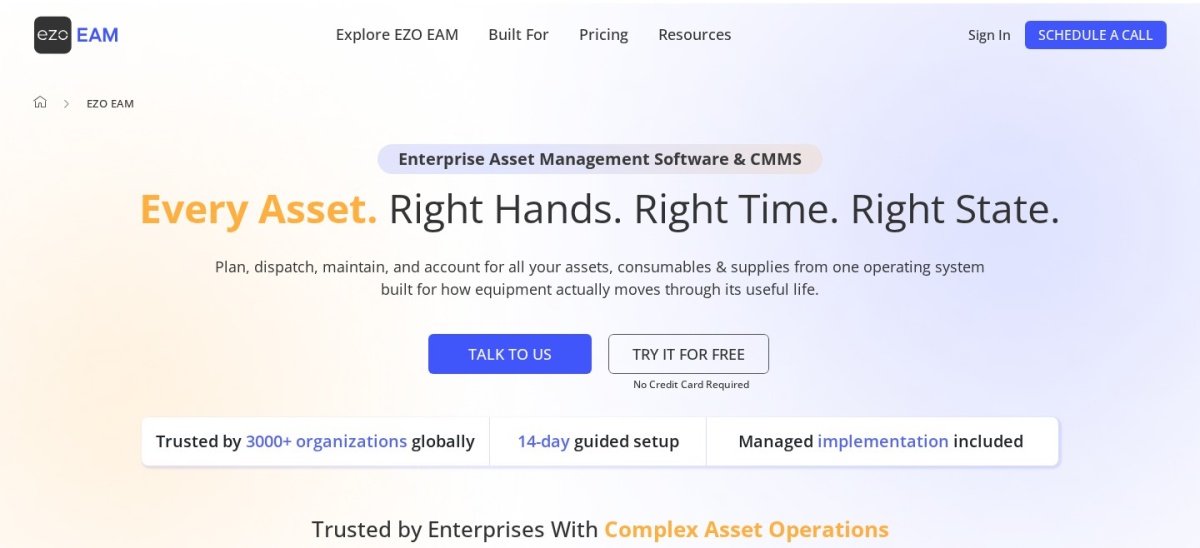
EZOfficeInventory is an asset tracking platform, now branded EZO EAM, built for physical equipment: barcode and QR labels, check-in and check-out, reservations and depreciation. Essentials starts at $44.75 a month billed annually for 100 items, with unlimited users under a fair-usage policy.
The trade off is that the price climbs with your item count, so a large estate costs far more than the starting figure, and full maintenance features need a separate CMMS add-on. It suits schools, warehouses and field teams that track shared equipment across locations.
What we like
Most reviewed dedicated tool here: 407 G2 reviews at 4.4 out of 5
Unlimited users on paid plans
Barcode, QR and RFID tracking with a mobile app
Reservations and availability calendar included
Watch out for
Price rises with every item you add
No free plan, only a 14-day trial
Full maintenance tools cost extra as a CMMS add-on
Advanced adds RFID, purchase orders and auditsVisit ezo.io
05
PDQ Deploy & Inventory
4.8/5on G2 (274 reviews, checked Nov 2026)
Starts at$1,950/yr
Best for Windows inventory and patching
PlatformWindows and macOS
Licence$1,950 per admin/yr
InventoryHardware and software scans
DeploymentsScheduled and scripted
pdq.com
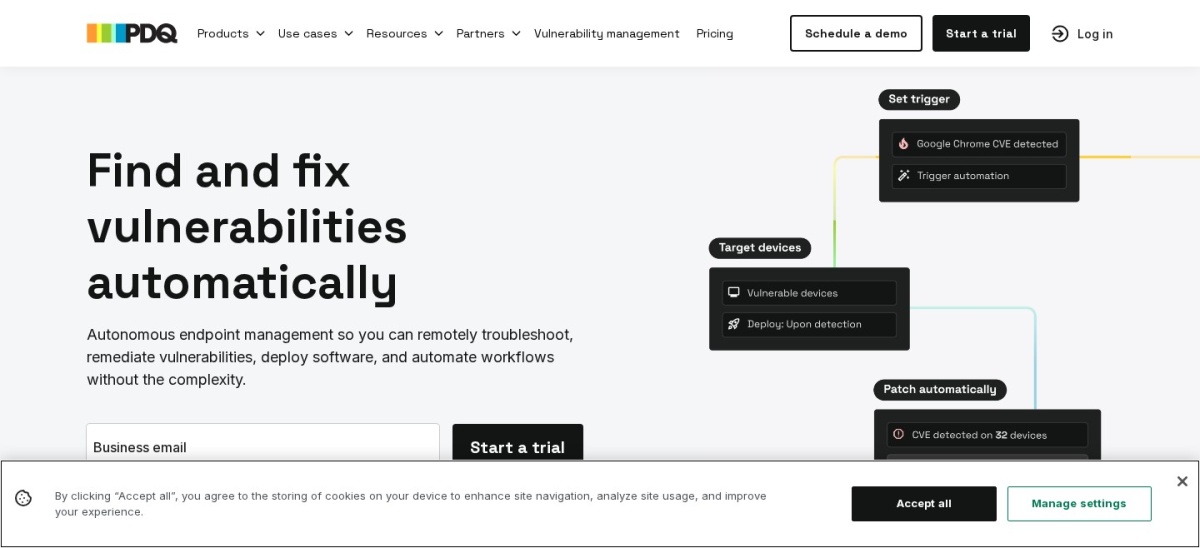
PDQ Deploy & Inventory homepage, captured Nov 2026.
PDQ Deploy & Inventory is an on-premises tool that scans Windows and macOS devices for hardware and software details, then deploys software and patches to them from the same console. One licence covers both tools at $1,950 per admin per year, and it holds the highest G2 rating in this list.
The trade off is scope. It is built for Windows-first shops, it has no licence compliance or lifecycle workflows like the dedicated ITAM tools, and the price is per admin. It suits small and mid-size IT teams that manage mostly Windows machines.
What we like
Highest G2 rating here: 4.8 out of 5 from 274 reviews
Inventory and deployment in one console
Works on-premises, including air-gapped networks
Custom reports and collections
Watch out for
Windows-first, with limited macOS depth
No software licence compliance tracking
Per-admin pricing adds up for larger teams
PDQ Connect is the separate cloud option from $12 per device a yearVisit pdq.com
06
Asset Panda
4.2/5on G2 (43 reviews, checked Nov 2026)
PricingCustom/yr
Best for custom mobile asset tracking
PricingQuote only
Mobile appBarcode and QR scanning
Custom fieldsYes
Free trial7 days
assetpanda.com
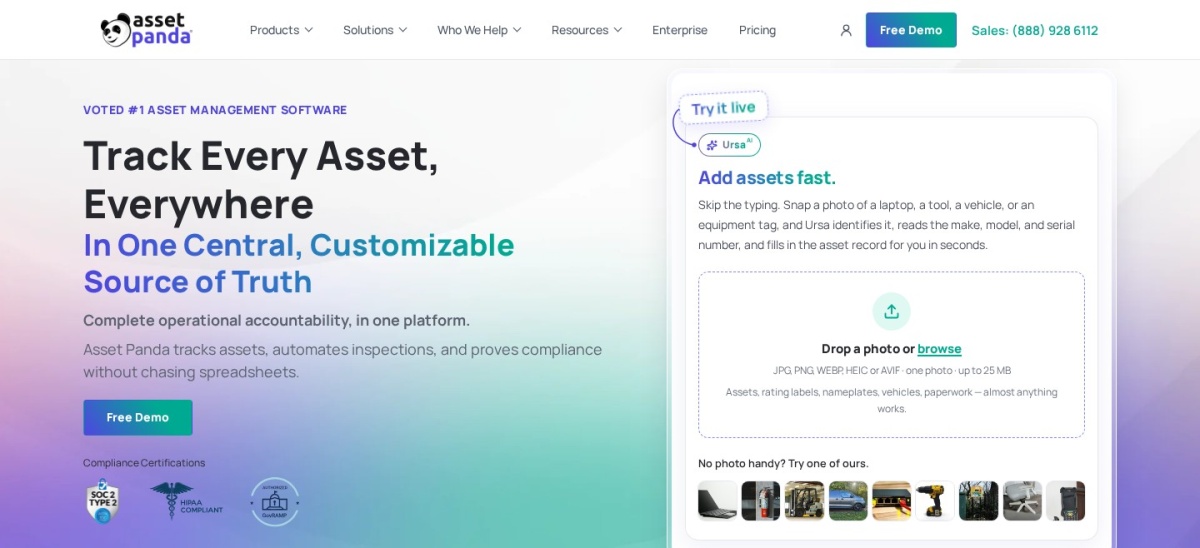
Asset Panda homepage, captured Nov 2026.
Asset Panda is a cloud asset tracking platform for organisations whose assets do not fit a standard template, with custom fields, smart forms and workflows for anything from laptops to facilities equipment. The mobile app scans barcodes and QR codes for fast physical audits, and the vendor page confirms a 7-day free trial.
The trade off is price. Asset Panda no longer publishes plan prices, so every deal is a custom quote, and third-party comparisons put the Starter plan at $3,000 a year. It suits teams that need deep customisation and mobile-first tracking.
What we like
Deeply customisable fields, forms and workflows
Strong mobile app with barcode and QR scanning
Tracks IT and non-IT assets in one place
24/7 support on paid plans
Watch out for
No published prices; every plan is a custom quote
No automatic network discovery
Per-user pricing limits who can edit
Ask sales for a quote; Starter was $3,000 a year in 2026 comparisonsVisit assetpanda.com
07
Freshservice
4.6/5on G2 (1,386 reviews, checked Nov 2026)
Starts at$19/mo
Best for ITSM teams adding asset data
Service deskIncidents and requests
Asset unitsPacks of 500
Starter plan$19/agent/mo
Free trial14 days
freshworks.com
Freshservice homepage, captured Nov 2026.
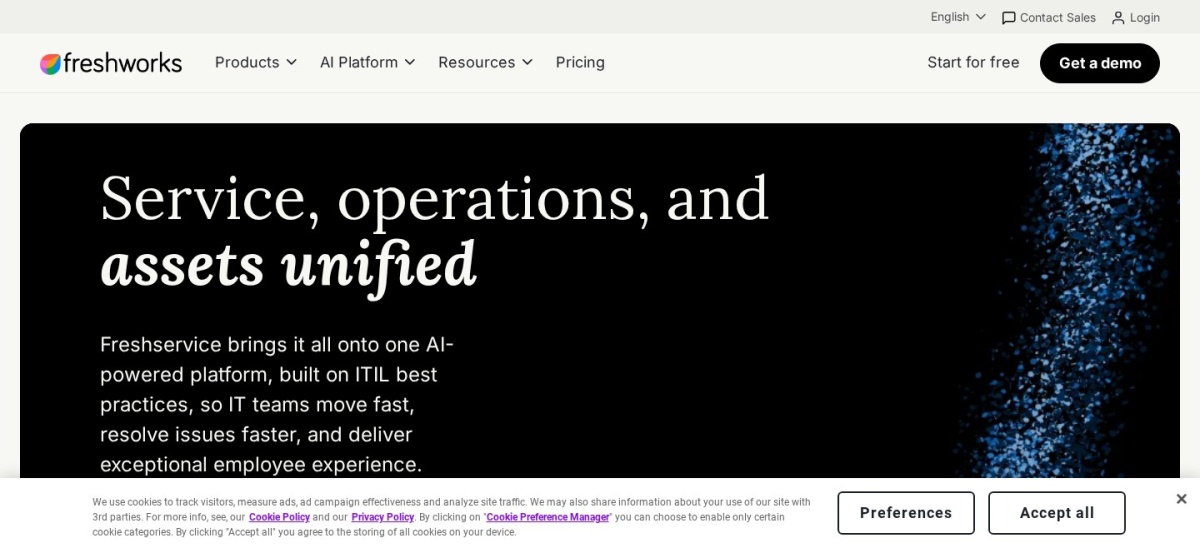
Freshservice is a cloud service desk from Freshworks that adds asset management on top of ticketing, so every incident shows the device, owner and history behind it. Starter costs $19 per agent a month billed annually, and the asset module is licensed in Asset Unit packs of 500.
The trade off is that asset management is an add-on, not the core product, and its price is not published on the pricing page, so the total cost is hard to pin down. It suits teams that already run Freshservice for support and want assets in the same place.
What we like
Largest review base here: 1,386 G2 reviews at 4.6 out of 5
Tickets linked to asset records and history
Automation and AI add-ons on higher plans
27 languages supported
Watch out for
Asset management is a paid add-on with unpublished pricing
Starter plan has no service catalogue or SLAs
Reporting needs work, per G2 reviewers
Growth at $49 per agent a month adds SLAs and a service catalogueVisit freshworks.com
08
InvGate Asset Management
4.7/5on G2 (11 reviews, checked Nov 2026)
Starts at$1,499/yr
Best for simple per-device pricing
Pricing basisPer IP device
Starter plan$1,499/yr, 500 devices
DeploymentCloud or on-premises
Free trial30 days
invgate.com
InvGate Asset Management homepage, captured Nov 2026.
InvGate Asset Management is a mid-market ITAM tool with automatic discovery, licence contracts and lifecycle workflows behind a simple per-device price. Starter is a fixed $1,499 a year for 500 IP devices, each covering two non-IP devices such as monitors, and a 30-day free trial is available.
The trade off is thin public proof. The G2 rating is 4.7 out of 5 from only 11 reviews, and costs jump to $5 per device a year on Pro once you pass 500 devices. It suits mid-size teams that want clear per-device pricing without enterprise complexity.
What we like
Clear per-device pricing from $1,499 a year
Automatic discovery plus licence and contract tracking
Cloud or on-premises on Enterprise
Rated 4.7 out of 5 on G2
Watch out for
Only 11 G2 reviews behind the rating
Pro pricing jumps once you pass 500 devices
No native remote deployment
Pro starts at $2,500 a year; Enterprise from $12,000 a yearVisit invgate.com
09
Oomnitza
4.6/5on G2 (142 reviews, checked Nov 2026)
PricingCustom/yr
Best for enterprise asset intelligence
PricingCustom quote
Connectors1,500+ prebuilt
FocusAsset intelligence
DeploymentCloud
oomnitza.com
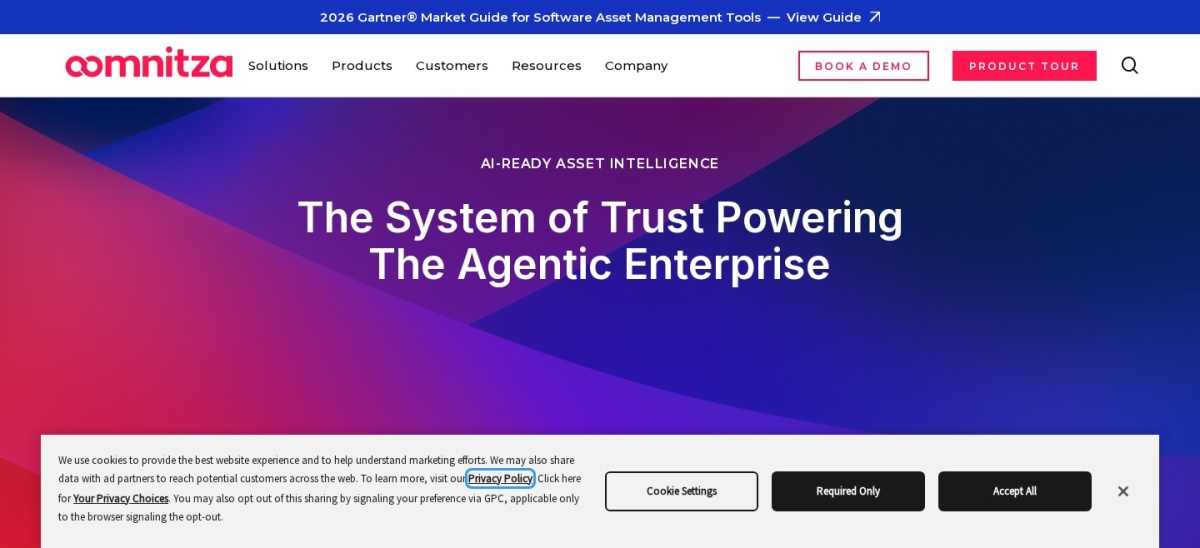
Oomnitza homepage, captured Nov 2026.
Oomnitza is an enterprise asset intelligence platform that builds trusted asset records by reconciling data from IT, security, HR, finance and cloud systems through more than 1,500 prebuilt connectors. It adds lifecycle automation, software spend control and audit-ready evidence on top of the inventory.
The trade off is access. Oomnitza publishes no prices, so every deal is a custom quote, and the platform is built for enterprises rather than small teams. It suits large organisations that need one trusted source of asset truth across many systems.
What we like
1,500+ connectors to IT, HR, finance and security tools
Discovery tools find devices for you. They scan the network, read cloud accounts and update the inventory when hardware appears or disappears, so the list stays close to reality with little effort.
Registry tools record what you tell them. They are better when assets move by hand, such as laptops handed to new starters or tools shared across sites, because every change is a deliberate entry.
Most teams end up wanting both: discovery for the networked estate and a registry for the rest. If you can only pick one, pick the type that matches where your assets actually live.
How we chose
We started from the IT inventory tools with public G2 ratings, then kept nine established products that cover discovery, registries, mobile tracking and enterprise asset intelligence.
Prices come from each vendor's pricing page, checked on 25 November 2026. Ratings and review counts come from G2 on the same day. Where a vendor shows a sale, the list shows the regular price.
We left out tools with no public rating and tools aimed only at non-IT assets. No vendor paid for a place, and we do not claim hands-on testing for this list.
How to choose IT inventory software
Start with how your assets get into the system, then match the price model to your estate.
Decide discovery or registry. If devices join and leave on their own, pick a discovery tool such as Lansweeper. If you track shared equipment by hand, a registry such as Snipe-IT or Asset Panda fits better.
Count what you will pay for. Vendors charge per asset, per device, per agent or per admin. Work out your total on your real counts before you compare headline prices.
Check the free tier first. Lansweeper covers 100 assets free, Snipe-IT is free self-hosted, and ManageEngine has a free edition. A trial run on real data beats a demo.
Confirm licence tracking if you need it. Not every tool tracks software licences and contracts. See how to check what a licence renewal costs before you rely on it for audits.
FAQ
What is the best IT inventory software?
Lansweeper is the best pick for most teams. Its agentless discovery maps hardware, software and cloud assets without manual entry, it is rated 4.4 out of 5 from 80 G2 reviews, and the free tier covers 100 assets.
Is there free IT inventory software?
Yes. Snipe-IT is free and open source when you self-host it, with unlimited users and assets. Lansweeper has a free tier for 100 assets, and ManageEngine AssetExplorer offers a free edition with a limited node count.
How much does IT inventory software cost?
It ranges from free to thousands a year. Snipe-IT hosted plans start at $39.99 a month, ManageEngine AssetExplorer starts at $955 a year on-premises, and Lansweeper Starter starts at $245 a month. Asset Panda and Oomnitza are quote-only.
What is the difference between discovery and registry tools?
Discovery tools scan the network and build the inventory themselves, so records stay current with little effort. Registry tools track what you enter by hand, which suits shared equipment and non-IT assets but needs regular audits to stay accurate.
Do I need IT inventory software if I use a service desk?
It depends on the desk. Freshservice adds asset records to tickets, which suits teams that already use it for support. If your desk has no asset module, a dedicated tool such as Lansweeper or Snipe-IT gives you the inventory and licence tracking.
Which IT inventory tool has the most reviews?
Freshservice has the most reviews in this list, with 1,386 G2 reviews at 4.6 out of 5. Among dedicated inventory tools, EZOfficeInventory leads with 407 reviews at 4.4 out of 5, while PDQ holds the highest rating at 4.8 out of 5.
SaaS SEO and WordPress specialist with about 8 years of experience. Rakib compares WordPress plugins, themes, hosting and software using public pricing, documentation and user reviews. See how we rank.