Best Computer Inventory Software in 2026: 8 Tools Compared
WLWPLegible EditorsLast verified 24 Nov 2026How we rank13 min read
★ Short answer
Snipe-IT is the best computer inventory software for teams that can self-host, with unlimited assets for free. Lansweeper at $299 a month suits teams that want automatic network discovery instead.
How we make this list: we compare pricing pages, product documentation and public user reviews, then re-check every price before each update. No product paid for a place. Disclosure.
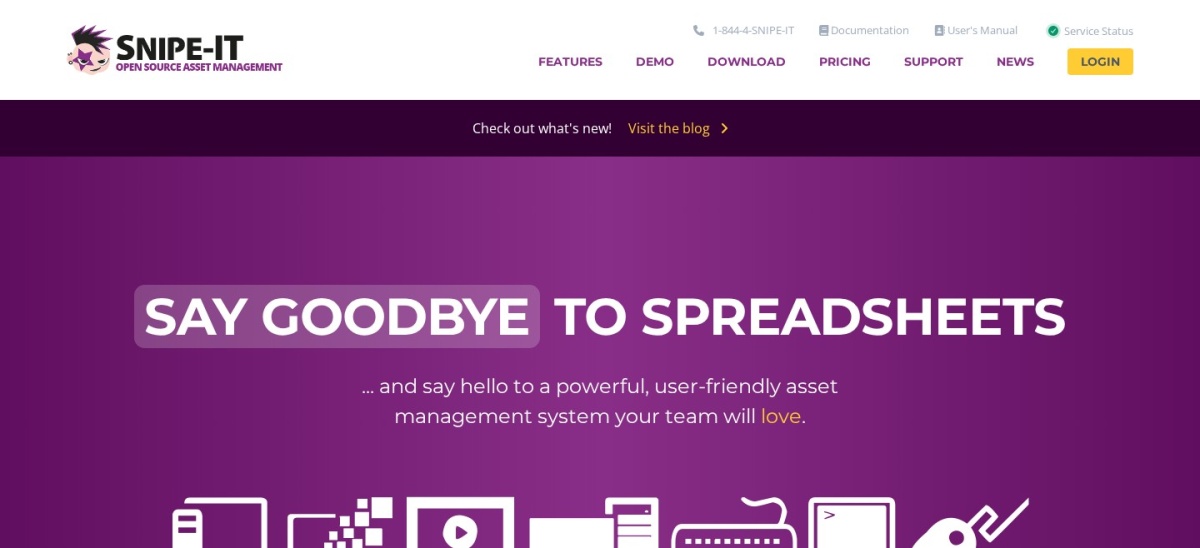
Snipe-IT is free to self-host with unlimited users and assets, and hosted plans start at $39.99 a month.
Lansweeper scans the network and builds the inventory itself, with a free tier for up to 100 assets.
ManageEngine AssetExplorer starts at $115 a month for 250 assets, the cheapest discovery option here.
EZOfficeInventory at $35 a month is the cheapest paid tracker for barcode and mobile check-in.
All 8 tools carry a G2 rating between 4.2 and 4.6 out of 5, checked in November 2026.
What computer inventory software should cover
Computer inventory software answers one question: what do we actually own, and where is it. The tools here split into two camps: trackers you fill in by hand, and discovery tools that scan the network for you.
Discovery tools such as Lansweeper and ManageEngine AssetExplorer find hardware, software and users automatically. Trackers such as Snipe-IT and Asset Panda rely on check-in, barcodes and imports, but give you more control over each record.
Free options are real. Snipe-IT is free and open source, ManageEngine AssetExplorer is free up to 50 nodes, and Lansweeper is free up to 100 assets.
Watch the pricing unit. Some tools charge per asset, some per agent and some per month flat, so compare the cost at your asset count, not the headline figure.
Snipe-IT is a free, open-source IT asset management system that tracks hardware, software licences, accessories and users. The self-hosted edition costs nothing with unlimited assets and users, and hosted plans from Grokability start at $39.99 a month.
The trade off is it has no network discovery scan, so assets enter through imports or MDM and RMM sync adapters. It suits teams with server skills that want a full asset register for no licence fee.
Lansweeper is a network discovery platform that scans the network and builds a complete inventory of hardware, software and users without an agent on every machine. Starter starts at $299 a month billed annually for 2,000 assets, with a free tier for up to 100 assets.
The trade off is the Starter price has been reported between $239 and $299 a month in 2026 comparisons, so confirm the current figure. It suits IT teams that want the network to inventory itself.
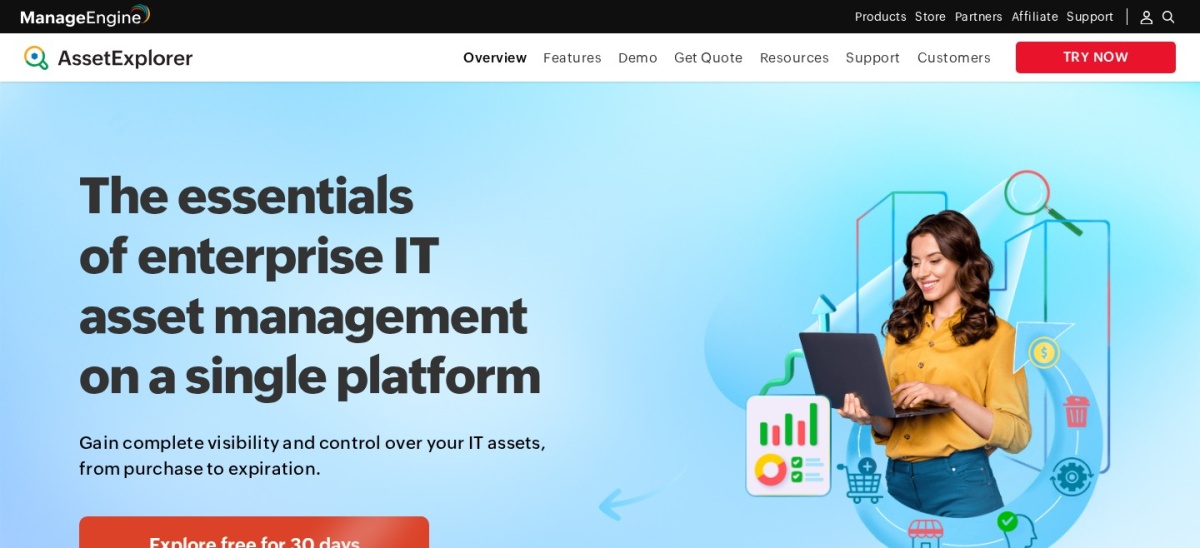
ManageEngine AssetExplorer homepage, captured Nov 2026.
ManageEngine AssetExplorer is ManageEngine's IT asset management tool, with network discovery, software licence tracking and lifecycle management. Cloud plans start at $115 a month for 250 assets, with a free edition for 50 cloud nodes or 25 on-premises nodes.
The trade off is the G2 review base is thin at 13 reviews, and on-premises pricing is per node. It suits budget teams already running ManageEngine tools.
EZOfficeInventory is an asset tracking tool for small businesses that need barcode, RFID and maintenance tracking for IT gear and equipment together. Essential starts from $35 a month with unlimited users, priced by item count, and covers check-in, check-out and maintenance.
The trade off is there is no free plan, only a 15-day trial, and network discovery is not its strength. It suits operations-heavy teams tracking gear across sites.
InvGate Asset Management homepage, captured Nov 2026.
InvGate Asset Management is a mid-market IT asset management platform with agent-based discovery, network scanning and lifecycle automation. Starter costs $1,499 a year for 500 IP devices, with a 30-day free trial and simple per-device pricing.
The trade off is the G2 review base is small at 20 reviews, and the service desk is a separate product. It suits mid-size IT teams that want clean per-device pricing.
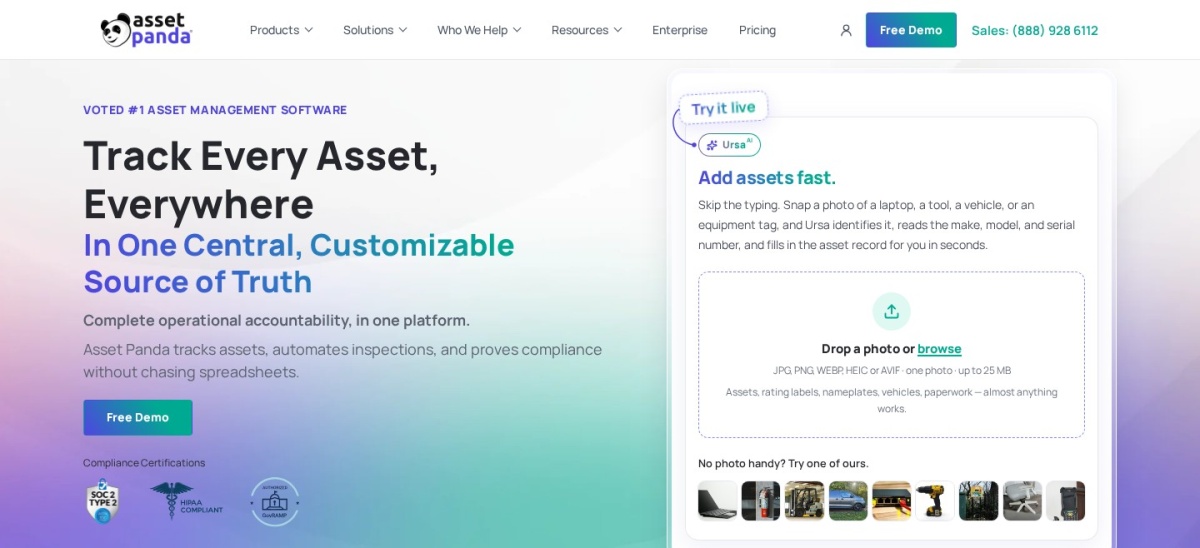
Asset Panda is a cloud asset tracking platform built around a mobile app, for organisations whose assets do not fit a standard template. Starter at $3,000 a year includes 5 users and up to 1,000 assets, with custom fields, smart forms and barcode scanning.
The trade off is the price is high for small teams, and discovery relies on integrations rather than a network scan. It suits teams doing physical audits on mobile.
4.6/5on G2 (Not published reviews, checked Nov 2026)
Starts at$19/agent/mo
Best ITAM inside a service desk
Free planNo, 14-day trial
Paid planStarter, $19/agent/mo
DiscoveryAgent and probe
TicketingIncluded
freshworks.com
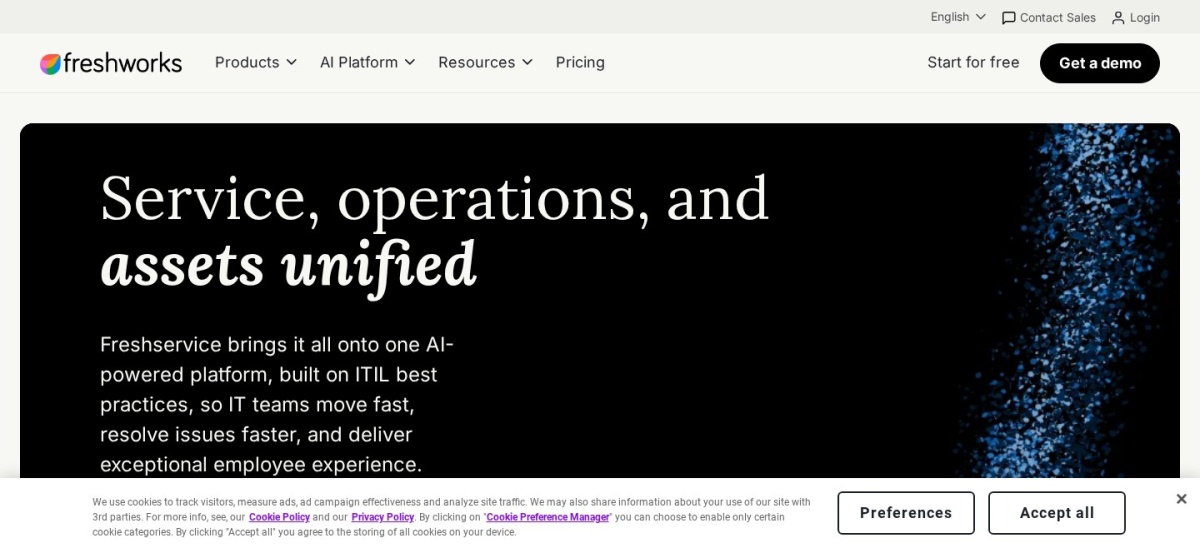
Freshservice homepage, captured Nov 2026.
Freshservice is Freshworks' IT service management platform, with asset records, discovery and depreciation built into the service desk. Starter costs $19 per agent a month billed annually, and adds ticketing, a service catalogue and loaner workflows to asset records.
The trade off is pricing is per agent, so the bill grows with the support team, and the G2 review count was not published. It suits IT teams that already run a service desk.
4.4/5on G2 (Not published reviews, checked Nov 2026)
Starts at$44.75/mo
Best for equipment check-in across sites
Free planNo, trial
Paid planFrom $44.75/mo
DiscoveryBarcode and QR scan
ReservationsIncluded
ezofficeinventory.com
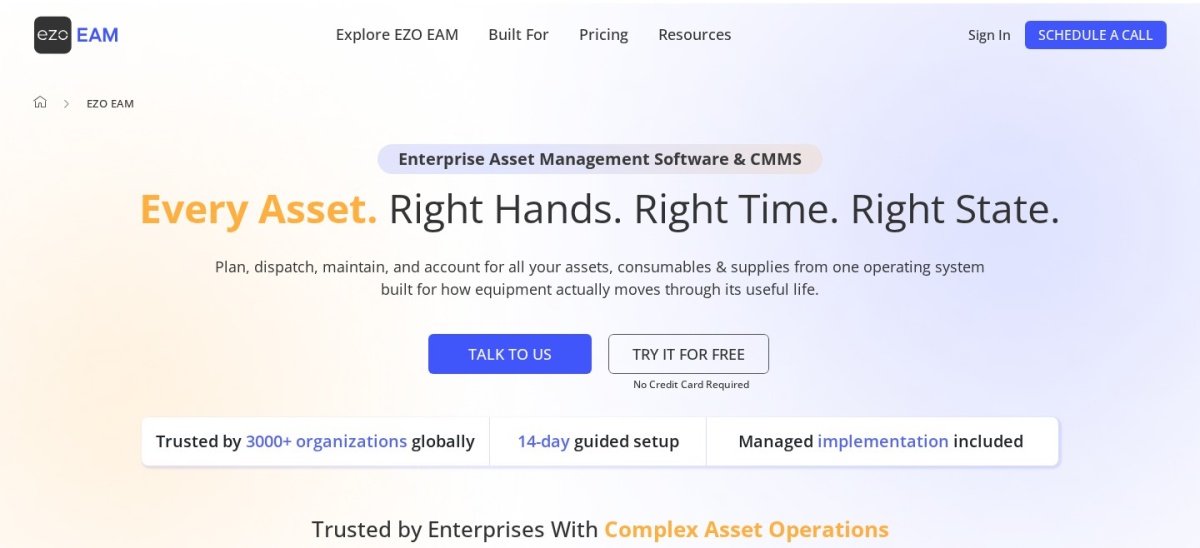
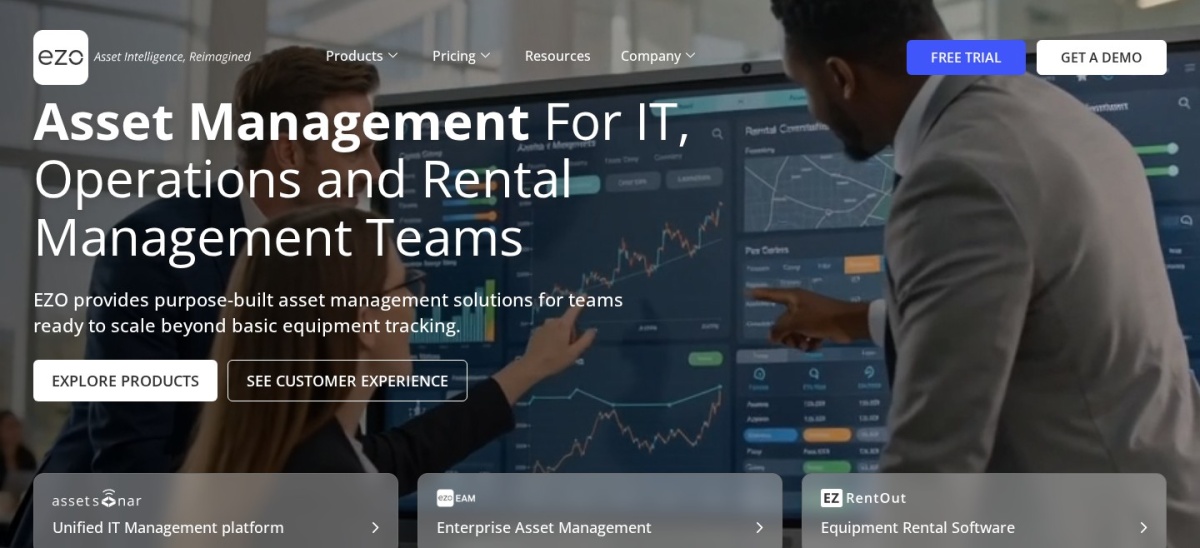
EZO homepage, captured Nov 2026.
EZO is an asset tracking platform for growing multi-site teams, covering equipment check-in, check-out, reservations and maintenance. Plans start from $44.75 a month, with barcode and QR scanning and a mobile app for audits across sites.
The trade off is the G2 review count was not published, and network discovery is not its focus. It suits teams running equipment across several sites.
Discovery tools win when the network changes fast and nobody has time for manual entry. They find new devices, software and users as they appear.
Trackers win when the job is check-in, check-out, audits and depreciation. A barcode scan at the door beats a network scan for loaner laptops and field equipment.
Many teams run both: Lansweeper for discovery and Snipe-IT for the register. The two approaches answer different questions.
How we chose
We started from the most widely used computer inventory software tools with a verifiable rating on G2, Capterra or Trustpilot, then kept those with published pricing or a clear quote-based model.
Prices come from each vendor's pricing page or public list price, checked on 24 November 2026. Ratings and review counts come from G2, Capterra or Trustpilot on the same day. Where a vendor shows a sale, the list shows the regular price.
We left out tools with no verifiable rating on any of the three review sites. No vendor paid for a place, and we do not claim hands-on testing for this list.
How to choose computer inventory software
Start with how assets enter the system, then check the price at your asset count.
Decide discovery or tracking first. If devices appear faster than you can log them, pick Lansweeper or AssetExplorer. If the job is check-in and audits, pick Snipe-IT or Asset Panda.
Count your assets honestly. Free tiers cap at 100 assets for Lansweeper and 50 nodes for AssetExplorer. Price the tier that fits your real count.
Check the pricing unit. Some tools charge per asset, some per agent and some flat per month. Work out the yearly cost at your size before you compare.
Test the mobile app. If your team audits on foot, the barcode scanner matters more than the dashboard. Try it on your own devices first.
FAQ
What is the best computer inventory software?
Snipe-IT is the best computer inventory software for teams that can self-host, with unlimited assets for free and a 4.6 out of 5 G2 rating. Lansweeper is the best discovery-first pick, scanning the network to build the inventory automatically.
Is Snipe-IT really free?
Yes, Snipe-IT is free and open source when you host it yourself, with unlimited assets and users. The vendor Grokability offers hosted plans from $39.99 a month, or $399.99 a year, with managed servers and email support.
How much does Lansweeper cost?
Lansweeper is free for up to 100 assets. Starter is reported from $239 to $299 a month billed annually for 2,000 assets, with Pro above it. Confirm the current figure on the vendor pricing page before you buy.
What is the cheapest computer inventory software?
Snipe-IT is the cheapest at $0 self-hosted, followed by EZOfficeInventory from $35 a month and ManageEngine AssetExplorer from $115 a month for cloud discovery. Lansweeper and AssetExplorer both offer free tiers for small inventories.
Does computer inventory software find devices automatically?
Discovery tools do. Lansweeper scans the network without an agent on every machine, and ManageEngine AssetExplorer uses network scanning plus an agent. Snipe-IT and Asset Panda rely on imports, barcodes and MDM sync instead.
Which tool is best for barcode tracking?
Asset Panda is the best pick for barcode-driven physical tracking, with a mobile app, custom fields and smart forms. EZOfficeInventory is the cheaper alternative from $35 a month, with barcode, RFID and QR scanning built in.