Freshservice is the top asset management software for most IT teams, pairing service desk ticketing with asset tracking from nineteen dollars per agent a month. Lansweeper leads on network discovery, while Snipe-IT is the free open-source pick for teams happy to self-host.
How we make this list: we compare pricing pages, product documentation and public user reviews, then re-check every price before each update. No product paid for a place. Disclosure.
Freshservice leads for most IT teams, pairing tickets and assets in one console from $19 per agent a month.
Lansweeper finds devices without agents, but Starter costs $299 a month for 2,000 assets.
ManageEngine AssetExplorer publishes per-asset prices from $115 a month for 250 assets.
Snipe-IT is free to self-host with unlimited assets, and hosted plans start at $39.99 a month.
NinjaOne holds the highest G2 rating here at 4.7 from more than 5,700 reviews, but pricing is by quote.
Three of the nine tools publish no price at all, so a quote is the only way to compare them.
How do you choose the top asset management software?
Discovery is the first split. Some tools find devices on the network by themselves, while others only track what you type in by hand.
Pricing is the second split. A few vendors publish clear prices, while the enterprise names sell by quote only, so the cheapest list price is rarely the cheapest deal.
Licence tracking matters as much as hardware. The best tools in this list flag unused and expired licences, which is where most teams save money.
Free tiers are real but small. Lansweeper covers 100 assets, AssetExplorer covers 50 cloud nodes, and Snipe-IT is free without limits when you host it yourself.
Freshservice is Freshworks' IT service management platform, and its Growth plan adds asset management to the ticket queue. It tracks hardware and software assets, links them to incidents and changes, and covers warranty and contract dates in the same console agents already use.
The trade off is that asset management is not in the cheapest plan. Starter costs $19 per agent a month, but asset tracking starts with Growth at $49, so small teams pay more than the headline price. It suits mid-size IT teams that want tickets and assets in one tool.
Lansweeper is an agentless discovery platform that builds a live inventory of IT, OT, IoT and cloud assets without installing agents on every device. Hardware, software, warranty status and lifecycle data land in one normalized inventory, and the free tier covers 100 assets with unlimited users.
The trade off is price and the jump to paid. Starter costs $299 a month billed annually for 2,000 assets, and vulnerability and lifecycle insights need the Pro plan. It suits mid-size IT teams that need an audit-ready inventory without manual entry.
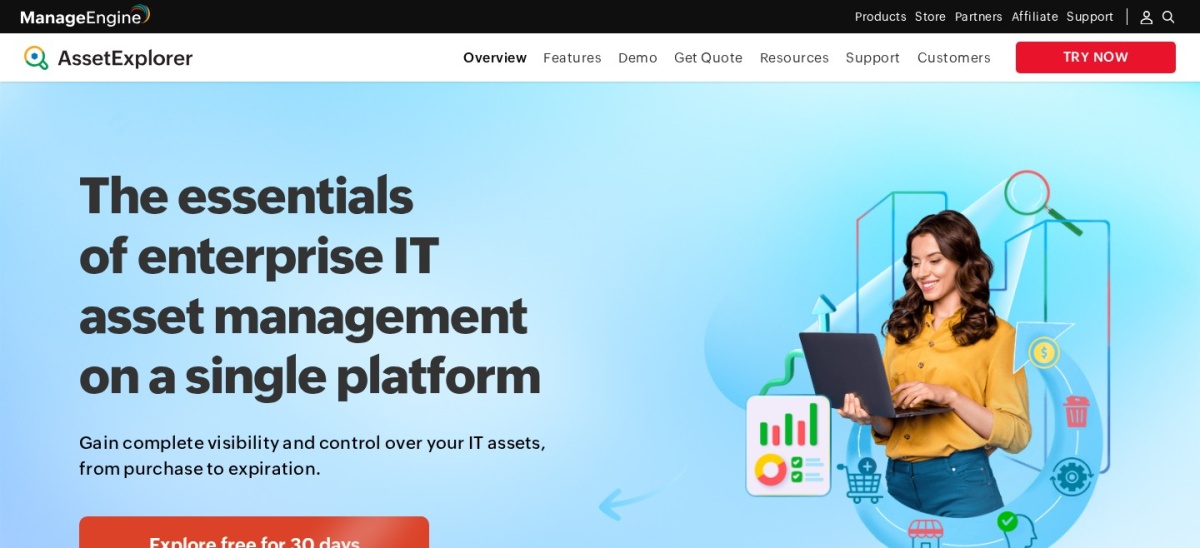
ManageEngine AssetExplorer homepage, captured Nov 2026.
ManageEngine AssetExplorer is a full-lifecycle asset management tool from ManageEngine, part of Zoho. It discovers devices with or without an agent, tracks software licences for compliance, and manages purchase orders, contracts and loans in one place.
The trade off is scale pricing and a thin review base. Cloud costs $115 a month for 250 assets, so the bill grows with the fleet, and only 13 G2 reviews back its 4.2 rating. It suits small and mid-size IT teams that want discovery and licence tracking without a sales call.
Snipe-IT is a free, open-source asset management system for tracking hardware, licences, accessories and consumables in one place. Self-hosting costs nothing and has no limits on users or assets, and hosted Basic plans start at $39.99 a month with upgrades and backups handled for you.
The trade off is effort and discovery. Snipe-IT tracks what you enter, so it does not find devices on the network by itself, and self-hosting needs someone comfortable running a server. It suits small teams that want a free register and can manage the setup.
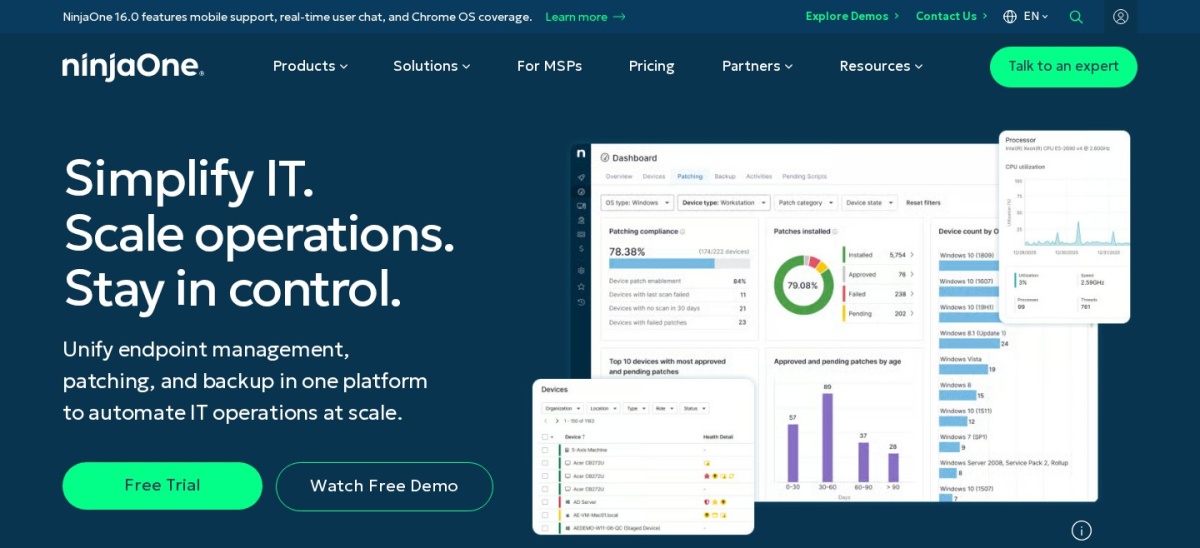
NinjaOne is a cloud endpoint management platform that monitors devices, automates patching across Windows, macOS and Linux, and keeps an asset inventory as part of the same console. It holds the highest G2 rating in this list at 4.7 from more than 5,700 reviews.
The trade off is pricing. NinjaOne publishes only a per-device range, from $1.50 to $3.75 a month by volume, and the exact rate comes from a sales quote, so budgeting needs a conversation. It suits IT teams and MSPs managing large device fleets.
ServiceNow ITAM is the enterprise asset platform on the ServiceNow platform, covering hardware and software assets from request to retirement. Discovery feeds a native CMDB, and licence management tracks compliance alongside ITSM on the same system.
The trade off is cost and implementation. Pricing is a custom quote tied to fulfiller counts, and G2 reviewers report about 6 months to implement, so it is not a quick buy. It suits large enterprises already running ServiceNow.
InvGate Asset Management homepage, captured Nov 2026.
InvGate Asset Management is a mid-market ITAM platform with agent-based and agentless discovery, a built-in CMDB and software licence tracking. The Starter plan costs $1,499 a year for up to 500 IP devices and 1,000 non-IP devices, with no per-agent fees.
The trade off is a small review base. Only 20 G2 reviews back its 4.6 rating, and the platform is narrower than the enterprise suites, with no native patching. It suits mid-size teams that want a flat yearly price and a fast setup.
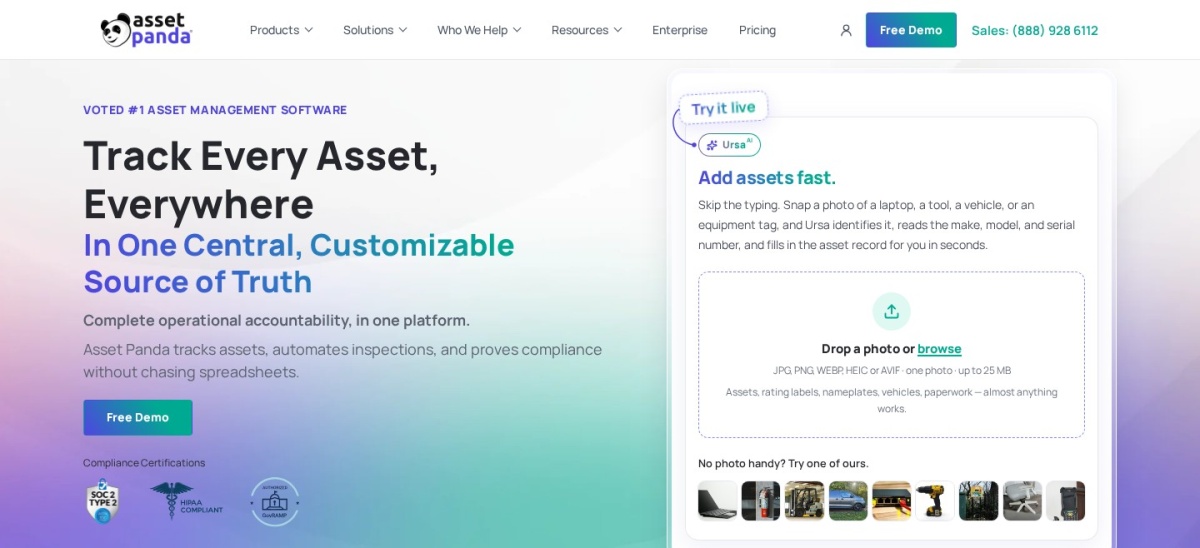
Asset Panda is a cloud asset tracking platform built around custom workflows, so teams can shape fields, forms and approvals to match how they already work. It tracks IT and physical assets with barcode, QR and GPS scanning, plus a mobile app for field teams.
The trade off is pricing transparency. Asset Panda no longer publishes prices on its own site and sells by custom quote, so the only way to compare it is a sales call. It suits operations teams that need flexible workflows more than a fixed price.
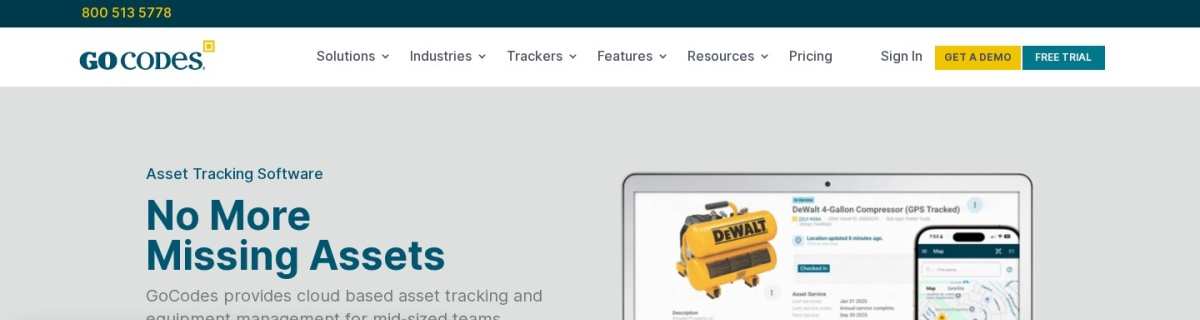
GoCodes is a physical asset tracking platform for construction, trades and field teams, built around patented QR code labels scanned with any phone camera. The Standard plan costs $550 a year for 200 assets and 3 users, with GPS tracking and labels included.
The trade off is focus. GoCodes tracks physical gear brilliantly but does not discover devices on a network, so it fits field equipment better than office IT. It suits teams that lose tools and need check-in and check-out accountability.
Free tiers cover the basics well. Lansweeper finds your first 100 assets, AssetExplorer covers 50 cloud nodes, and Snipe-IT is free without limits when you host it yourself.
Paid plans mostly add discovery and scale. You get automatic network scans, licence compliance and more assets, instead of typing every device in by hand.
Quote-only tools hide the real cost. ServiceNow, NinjaOne and Asset Panda all need a sales conversation before you can compare them with a published price.
For a team replacing spreadsheets, the cheapest paid plan that discovers devices is usually better value than a free register that needs manual entry.
How we chose
We started from the G2 IT asset management leaders and high performers for Fall 2026, then kept the tools with a verifiable G2 rating and a real asset management product.
Prices come from each vendor's pricing page, checked on 29 November 2026. Ratings and review counts come from G2 on the same day. Where a vendor shows a sale, the list shows the regular price.
We left out tools with no verifiable rating on G2, Capterra or Trustpilot. No vendor paid for a place, and we do not claim hands-on testing for this list.
How to choose asset management software
Start with how your assets are found, then check the price model against your fleet size.
Decide if you need discovery. If devices arrive faster than you can log them, pick a tool that scans the network, such as Lansweeper or AssetExplorer.
Count your assets, not your users. Most tools in this list price by asset or device, so a 500-device fleet costs very differently across vendors.
Check licence tracking. If unused software licences are the problem, shortlist tools with licence compliance, such as AssetExplorer or ServiceNow.
Trial the free tier first. Lansweeper, AssetExplorer and Snipe-IT all let you start free, so test discovery on your own network before paying.
FAQ
What is the top asset management software in 2026?
Freshservice is the top pick for most IT teams, pairing service desk ticketing with asset tracking from $19 per agent a month. Lansweeper leads on network discovery, and Snipe-IT is the best free option for teams happy to self-host.
What is the cheapest asset management software?
Snipe-IT is the cheapest, because self-hosting is free with unlimited assets and users. Among hosted tools with published prices, Freshservice Starter is $19 per agent a month, while ManageEngine AssetExplorer starts at $115 a month for 250 assets.
Is there free asset management software?
Yes. Snipe-IT is free and open source when you host it yourself, Lansweeper is free for 100 assets, and ManageEngine AssetExplorer has a free edition for 50 cloud nodes. All three let you start without paying.
What is the difference between Freshservice and Lansweeper?
Freshservice is a service desk with asset tracking added, so tickets and assets share one console. Lansweeper is a discovery specialist that finds every device on the network without agents, but it has no ticketing of its own.
Which asset management software is best for small teams?
Snipe-IT suits small teams that can self-host, with no limits and no cost. If you want discovery without running a server, ManageEngine AssetExplorer starts at $115 a month for 250 assets.
Does asset management software track software licences?
The dedicated tools do. ManageEngine AssetExplorer, ServiceNow ITAM and InvGate all track software licences and flag unused or expired ones, which is where most teams recover the cost of the tool.
SaaS SEO and WordPress specialist with about 8 years of experience. Rakib compares WordPress plugins, themes, hosting and software using public pricing, documentation and user reviews. See how we rank.