Lansweeper is the best IT inventory management software for most teams, with agentless discovery across IT, OT and cloud, rated 4.4/5 on G2. Pick Freshservice if you already run its service desk, PDQ Connect for the lowest per-device price, or Snipe-IT if you want a free self-hosted register.
How we make this list: we compare pricing pages, product documentation and public user reviews, then re-check every price before each update. No product paid for a place. Disclosure.
Lansweeper finds devices without agents and covers IT, OT, IoT and cloud, with a free tier for 100 assets.
Freshservice has the largest review base here at 4.6 out of 5 from 1,387 G2 reviews, but asset management needs the $49 Growth plan.
PDQ Connect is the cheapest paid option at $12 per device per year, and it adds patching and remote actions.
Snipe-IT is free to self-host with unlimited users and assets; hosted plans start at $399.99 a year.
Asset Panda is the priciest pick at $3,000 a year, and its pricing page now asks for a quote instead of listing prices.
What IT inventory software should cover
IT inventory software keeps a live record of every device, licence and user, so audits stop depending on spreadsheets. The best tools discover hardware on their own instead of waiting for manual entry.
Discovery is the first thing to check. Agentless tools scan the network, while agent-based tools install a small program on each device. A record is only useful if it stays current, which is why the same idea matters in our guide on managing inventory in WooCommerce.
Pricing models differ more than features. Some tools charge per device, some per agent, and some a flat yearly fee, so model the cost for your asset count before you shortlist.
Licence tracking matters as much as hardware. Tools that reconcile installed software against entitlements flag unused licences and renewal dates before an audit does.
Lansweeper is an agentless discovery platform that builds a live inventory of IT, OT, IoT and cloud assets without installing agents on every device. Hardware, software, warranty status and lifecycle data land in one normalized inventory, and the free tier covers 100 assets with unlimited users.
The trade off is price and polish. Starter costs $239 a month for 2,000 assets, and reviewers say the interface feels older than the technology underneath. It suits mid-market IT teams that want audit-ready discovery without manual entry.
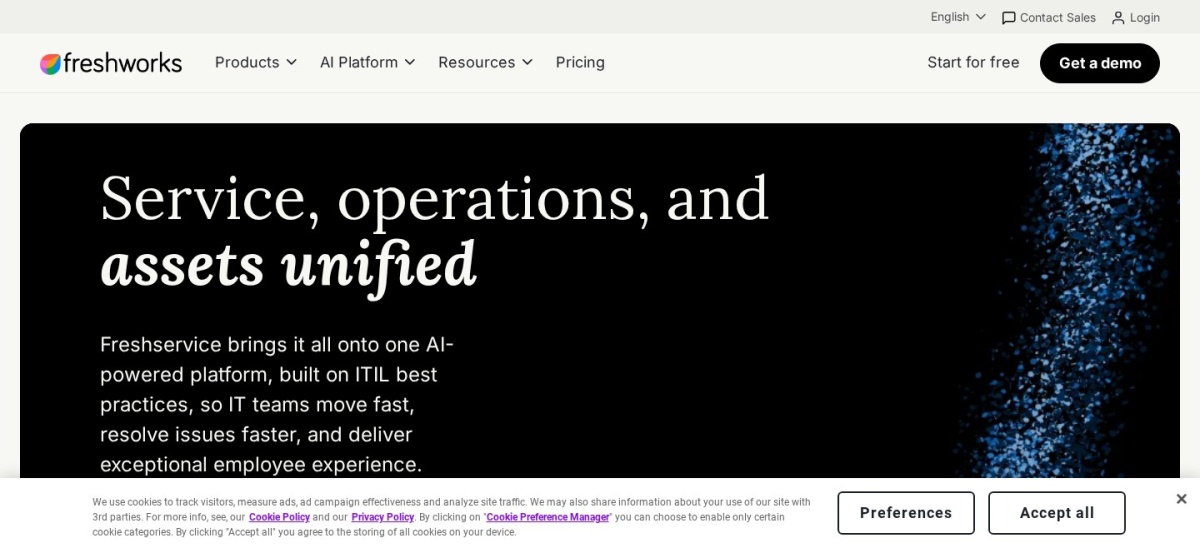
Freshservice is a cloud service desk from Freshworks that folds asset management, discovery and a CMDB into the same platform as tickets and changes. The Growth plan at $49 per agent a month includes the ITAM package with 100 Asset Units, and a 14-day trial covers every feature.
The trade off is licensing. Asset management is a separately licensed module sold in packs of 500 Asset Units, and the $19 Starter plan has no asset features at all. It suits mid-market teams that already run Freshservice and want asset data beside their tickets.
What we like
Largest review base in this list
Clean interface with short onboarding
Asset data linked straight to tickets
Discovery and dependency mapping included
Watch out for
Asset Units are licensed separately from agent seats
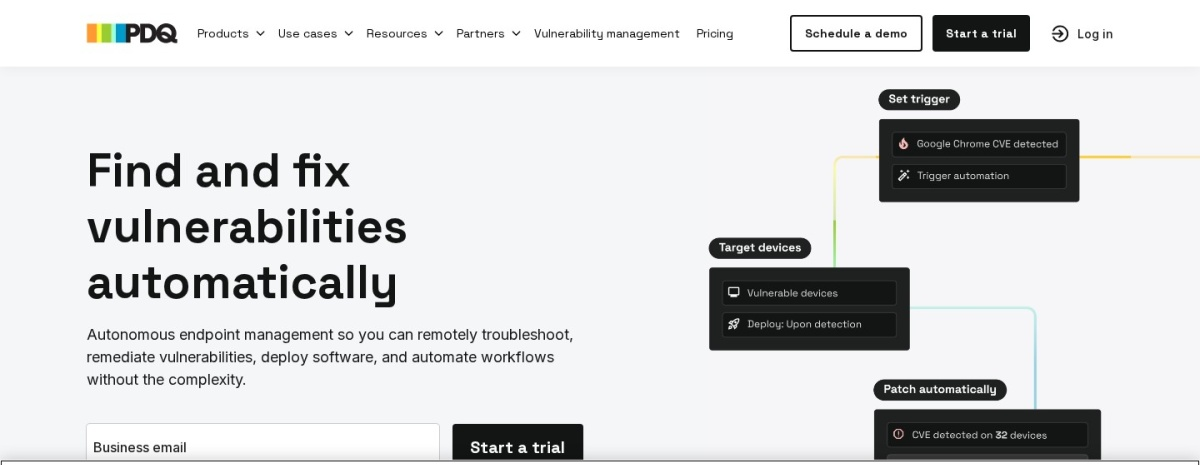
PDQ Connect is a cloud endpoint manager that combines device inventory with software deployment and patching. The Basic plan costs $12 per device per year and covers inventory, prebuilt and custom packages, and Windows and macOS management, with a free trial to start.
The trade off is scope. It manages Windows and macOS endpoints only, and remote desktop and vulnerability scanning need the Plus and Premium plans at $18 and $28 per device per year. It suits small and mid-market teams with remote or hybrid fleets.
What we like
Lowest paid price in this list
Inventory, deployment and patching in one tool
Rated 4.6 out of 5 from 393 G2 reviews
Simple per-device pricing
Watch out for
No Linux endpoint support
Remote desktop needs the $18 Plus plan
Vulnerability scanning needs the $28 Premium plan
Plus adds remote desktop and automation at $18 per device a yearVisit pdq.com
04
InvGate Asset Management
4.7/5on G2 (11 reviews, checked Nov 2026)
Starts at$1,499/yr
Best enterprise ITAM without the complexity
DiscoveryAgent + agentless
CMDBYes, AI auto-mapping
DeploymentCloud or on-prem
Paid planFrom $1,499/yr
invgate.com
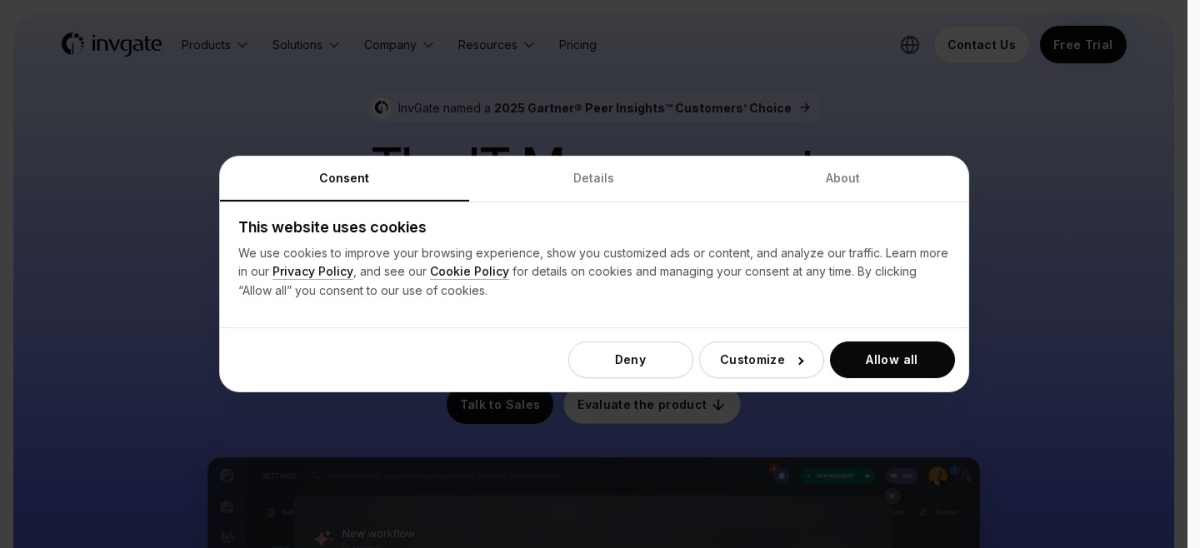
InvGate Asset Management homepage, captured Nov 2026.
InvGate Asset Management is an ITAM platform that pairs agent-based and agentless discovery with a CMDB, lifecycle tracking and AI auto-mapping. Plans start at $1,499 a year for 500 IP devices, each covering two non-IP devices such as monitors, and a 30-day trial is included.
The trade off is evidence. Its 4.7 G2 rating rests on only 11 reviews, the thinnest base in this list, so treat the score as a hint rather than proof. It suits teams that want enterprise depth without a long implementation.
What we like
Both agent and agentless discovery
AI-powered CMDB auto-mapping
Cloud or on-premise deployment
Transparent per-device pricing
Watch out for
G2 rating rests on only 11 reviews
No free plan, only a 30-day trial
Smaller ecosystem than Freshservice or SysAid
Higher tiers add more devices at the same per-device modelVisit invgate.com
05
SysAid
4.5/5on G2 (753 reviews, checked Nov 2026)
Starts at$89/mo
Best all-in-one ITSM and asset platform
Asset managementIncluded
AICopilot + AI agents
DeploymentCloud
Paid planProfessional, $89/agent/mo
sysaid.com
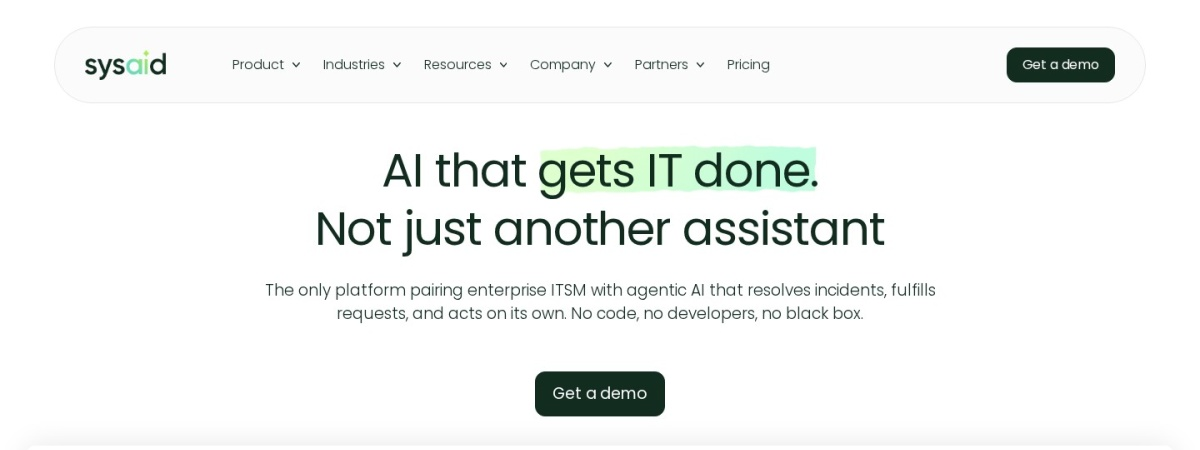
SysAid homepage, captured Nov 2026.
SysAid is an ITSM platform that bundles help desk, asset management, patching and automation for mid-sized IT teams. The Professional plan costs $89 per agent a month and includes its Copilot assistant and no-code AI Agent Builder, with a 30-day trial.
The trade off is price per agent. Costs track the size of the IT team rather than the asset count, and the Enterprise plan is custom-quoted from 20 agents. It suits mid-market teams that want one platform for tickets, assets and automation.
What we like
Rated 4.5 out of 5 from 753 G2 reviews
Strong automation and AI agents
Asset management included, not an add-on
ITIL-aligned workflows
Watch out for
Per-agent pricing grows with team size
Enterprise plan is quote-only
Reviewers cite a learning curve
Enterprise adds a sandbox and custom AI agents on quoteVisit sysaid.com
06
Snipe-IT
4.6/5on G2 (27 reviews, checked Nov 2026)
Paid from$399.99/yr
Best free open-source register
Self-hostedFree, open source
HostedFrom $399.99/yr
Users and assetsUnlimited
DiscoveryNo native discovery
snipeitapp.com
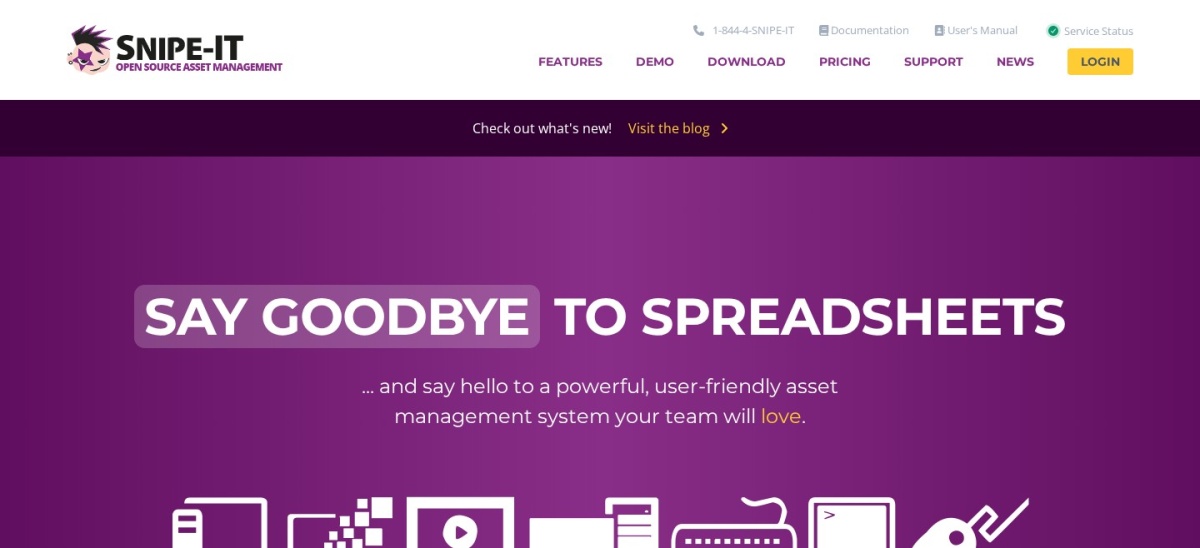
Snipe-IT homepage, captured Nov 2026.
Snipe-IT is a free, open-source asset management system that teams self-host under an AGPL licence, with unlimited users and assets. Managed hosting starts at $39.99 a month, or $399.99 a year, for teams that would rather not run a server.
The trade off is effort. You own the server, the backups and the upgrades, and there is no network discovery of its own, only imports, an API and MDM sync adapters. It suits technical teams that want full control at no licence cost.
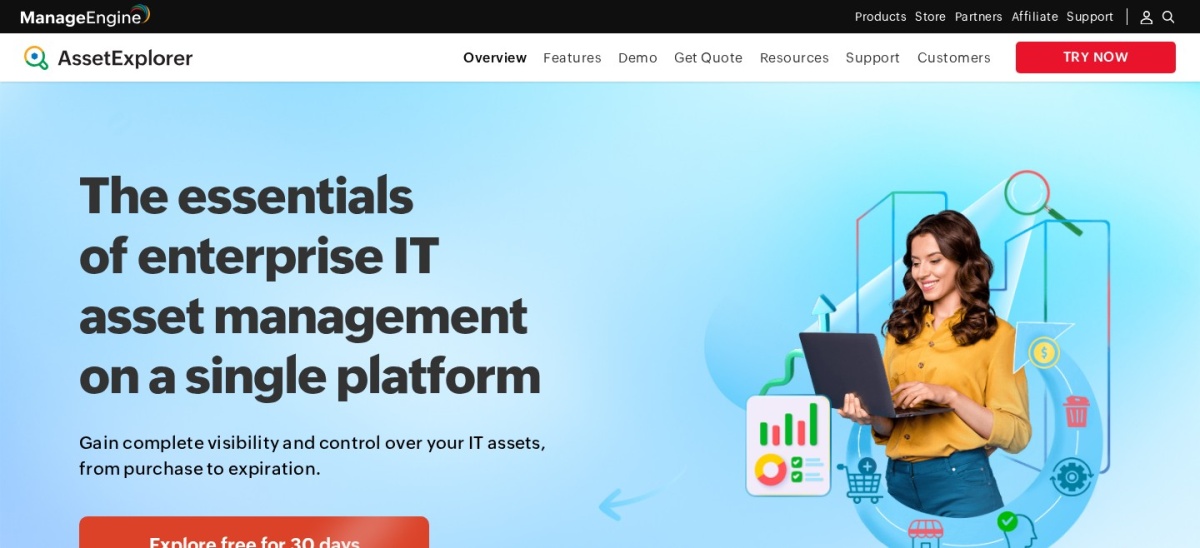
ManageEngine AssetExplorer homepage, captured Nov 2026.
ManageEngine AssetExplorer is a full-lifecycle ITAM tool from Zoho that tracks hardware and software from purchase to disposal, with always-on licence compliance, a CMDB and purchase orders. The on-premise edition starts at $955 a year for 250 assets, and a free edition covers 50 cloud nodes.
The trade off is evidence and polish. Its 4.2 G2 rating rests on only 13 reviews, and reviewers call the interface dated. Cloud pricing starts higher at $1,245 a year for the same 250 assets. It suits budget-conscious IT departments that want lifecycle depth.
What we like
Free edition never expires
Licence compliance and CMDB included
Cloud or on-premise deployment
Lowest entry price of the full ITAM suites
Watch out for
G2 rating rests on only 13 reviews
Interface feels dated
Cloud costs more than on-premise for the same size
4.6/5on Capterra (1,368 reviews, checked Nov 2026)
Starts at$3,000/yr
Best configurable mobile tracking
Entry planStarter, $3,000/yr
AssetsUp to 1,000
Mobile appiOS + Android
Custom fieldsYes, no-code
assetpanda.com
Asset Panda homepage, captured Nov 2026.
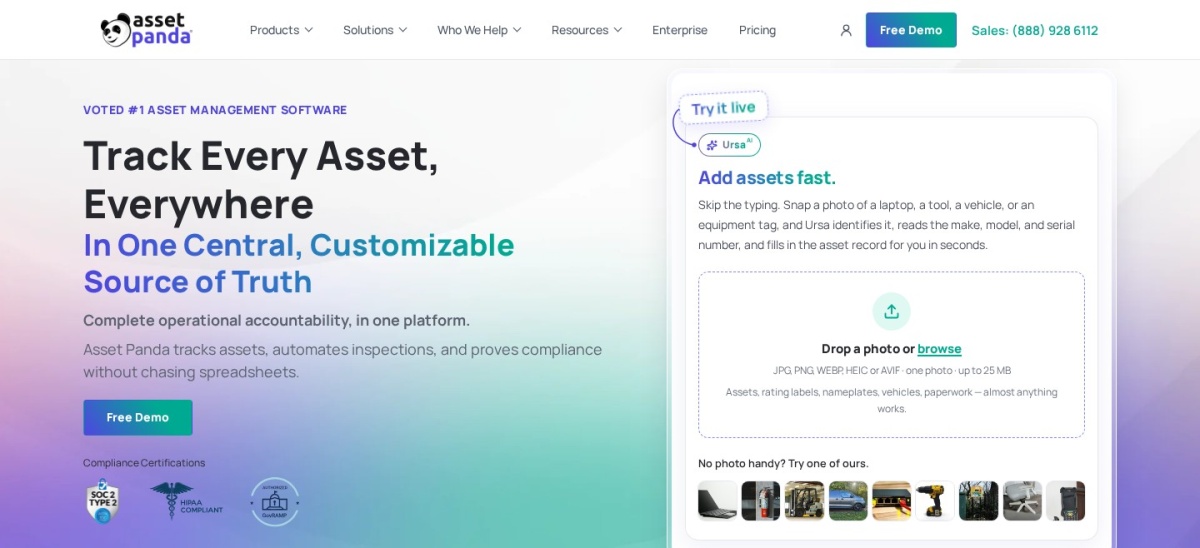
Asset Panda is a cloud asset platform built around a fully configurable registry, with barcode and QR scanning, a mobile app and no-code custom fields and workflows. The Starter plan was last listed at $3,000 a year for 5 users and up to 1,000 assets.
The trade off is price and transparency. Its pricing page now asks for a quote instead of listing prices, and seat and asset limits are no longer published, so confirm what Starter covers before signing. It suits teams tracking mixed asset types across sites.
What we like
Rated 4.6 out of 5 from 1,368 Capterra reviews
Fully configurable without code
Strong mobile and barcode workflows
Automations and smart forms included
Watch out for
Highest starting price in this list
Pricing page no longer lists prices
Depreciation and accounting are basic
Business+ adds integrations, API access and multi-tenant structureVisit assetpanda.com
09
AssetTiger
4.6/5on Capterra (271 reviews, checked Nov 2026)
Starts at$20/mo
Best budget register for small teams
Entry plan$20/mo, 500 assets
UsersUnlimited
Reports80+ built in
Trial30 days, 250 assets
assettiger.com
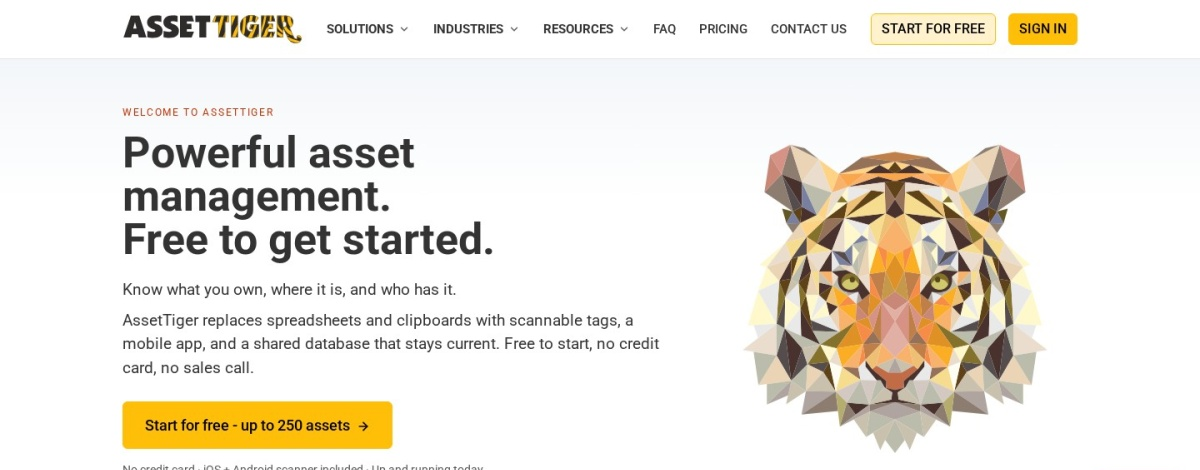
AssetTiger homepage, captured Nov 2026.
AssetTiger is a cloud asset register from MyAssetTag.com, built for small teams and schools. Paid plans start at $20 a month for up to 500 assets, include unlimited users, and cover depreciation, maintenance alerts, contracts and more than 80 built-in reports.
The trade off is simplicity. There is no free plan, only a 30-day trial for up to 250 assets, and assets are entered by barcode scan or import rather than network discovery. It suits small teams that want a low-cost register without paying per seat.
What we like
Simple flat pricing by asset count
Unlimited users on every paid plan
Depreciation and 80+ reports included
Rated 4.6 out of 5 on Capterra
Watch out for
No free plan, only a 30-day trial
No network discovery
Trial limits you to 2 users
All paid plans include the same features; only the asset limit changesVisit assettiger.com
Free vs paid: what you give up
Free plans and trials cover the basics well. Lansweeper tracks 100 assets free, Snipe-IT is free to self-host without limits, and AssetExplorer runs a free edition for 50 cloud nodes.
Paid plans mostly add discovery and scale. Agentless scanning, licence compliance, vulnerability data and larger asset counts sit behind the paywall.
If your fleet is small, a free tier may be enough for years. If your fleet is over a few hundred devices, budget for discovery: manual entry breaks down fast, and the cheapest paid plan that scans the network is usually the best money spent.
How we chose
We started from the established IT inventory and ITAM tools with public ratings on G2 or Capterra, then kept the nine with published prices and a real inventory focus.
Prices come from each vendor's pricing page or the closest published price list, checked on 25 November 2026. Ratings and review counts come from G2 or Capterra on the same day. Where a vendor shows a sale, the list shows the regular price.
We left out quote-only enterprise suites such as ServiceNow and Ivanti, and tools with no public rating. No vendor paid for a place, and we do not claim hands-on testing for this list.
How to choose IT inventory management software
Start with how your devices are found, then match the pricing model to your fleet size.
Count what you own first. List devices, licences and locations before you shortlist, so you know whether you need 100 assets or 10,000. A short audit first saves money later.
Pick discovery over data entry. Agentless scanning keeps the inventory current without an agent on every device. Manual registers only work for small, stable fleets.
Model the total price. Per-device, per-agent and flat fees behave very differently as you grow. Price the plan for your asset count and user count, not the headline rate.
Trial with real assets. Import a slice of your real fleet and check discovery, reporting and exports before you pay. A trial that only holds demo data proves little.
FAQ
What is the best IT inventory management software?
Lansweeper is the best pick for most teams. Its agentless discovery covers IT, OT, IoT and cloud assets, it is rated 4.4 out of 5 on G2, and the free tier covers 100 assets with unlimited users.
What is the cheapest IT inventory software?
PDQ Connect is the cheapest paid option at $12 per device per year. AssetTiger is the cheapest flat-rate option at $20 a month for 500 assets with unlimited users, and Snipe-IT is free if you self-host it.
Is there free IT inventory management software?
Yes. Snipe-IT is free to self-host with unlimited users and assets, Lansweeper is free for 100 assets, and ManageEngine AssetExplorer has a free edition for 50 cloud nodes. All three are real products, not time-limited trials.
Do I need agentless discovery?
It helps most teams. Agentless tools scan the network and find devices nobody registered, including printers, switches and forgotten servers. Agent-based tools see more detail per device but need an install on each one.
What is the difference between IT inventory software and a CMDB?
Inventory software records what you own, while a CMDB records how those items connect and depend on each other. Tools such as Lansweeper, Freshservice, InvGate and AssetExplorer include a CMDB; simpler registers such as AssetTiger do not.
Can IT inventory software track software licences?
Yes, most of the tools here do. ManageEngine AssetExplorer, Freshservice and SysAid reconcile installed software against entitlements and flag unused licences. Simpler registers such as AssetTiger track licence records but do not scan installed software.
SaaS SEO and WordPress specialist with about 8 years of experience. Rakib compares WordPress plugins, themes, hosting and software using public pricing, documentation and user reviews. See how we rank.