Canva is the best software for designing labels for most small businesses, with a huge template library and print-ready exports from Pro at $144 a year. Pick Adobe Express for cheaper premium design, or BarTender when barcodes and high-volume printing matter most.
How we make this list: we compare pricing pages, product documentation and public user reviews, then re-check every price before each update. No product paid for a place. Disclosure.
Canva is the best all-round pick: a huge template library, a free plan and print-ready exports from Pro at $144 a year.
Adobe Express is the cheapest paid step up at $9.99 a month, with 250 generative credits and 730,000 templates on Premium.
BarTender is the barcode standard, with Starter at $199 a year and support for more than 6,000 printer models.
Two tools here are free outright: Inkscape and Avery Design and Print, with free tiers on Canva and Adobe Express too.
Loftware NiceLabel and TEKLYNX CODESOFT are quote or one-time enterprise buys, not monthly subscriptions.
How do you pick software for designing labels?
Start with what you print on. Sheet labels from an office printer need stock-aware templates, while rolls and thermal printers need barcode tools that speak the printer's language.
Design-first tools such as Canva and Adobe Express win when the label has to look like your brand. They give you templates, fonts and print-ready exports, but they do not manage barcode data or print runs.
Barcode and compliance work is a different job. BarTender, NiceLabel and CODESOFT connect to spreadsheets and databases so each label pulls the right code, price and batch number automatically.
Free tools cover most small jobs well. Our label printing software guide compares the print-focused side of this category, while the picks below cover design first.
Canva is a browser-based design app with one of the largest template libraries of any tool here, and its free plan covers label layouts for products, jars, bottles and shipping. You pick a label size, drop in your logo and colours, add a barcode or QR code, and export a print-ready PDF.
The trade off is print control. Canva has no database merge for variable data and no printer calibration, so a run of 500 labels with different codes needs another tool. Pro costs $144 a year and adds premium templates, 100 GB of storage and background removal. It suits small brands that design labels themselves.
What we like
Largest template library in this list
Free plan is genuinely usable for labels
Print-ready PDF export on every plan
Watch out for
No variable-data merge for batch labels
No barcode database or printer calibration
Brand Kit needs the paid Pro plan
Pro adds premium templates, 100 GB storage and background removalVisit canva.com
02
Adobe Express
4.4/5on G2 (1,109 reviews, checked Nov 2026)
Paid from$9.99/mo
Best budget premium label designer
Free planYes, limited templates
Premium templates730,000+
Generative credits250 a month on Premium
Paid planPremium, $9.99/mo
adobe.com
Adobe Express homepage, captured Nov 2026.
Adobe Express is Adobe's lighter design app, built around quick template-led pages for social posts, flyers and product labels. Premium costs $9.99 a month and adds 730,000 templates, Adobe Stock photos and 250 generative credits a month, plus brand kits that keep label colours consistent.
The trade off is credits and depth. Heavy AI use can run through the 250-credit monthly allowance, and Express cannot match a full vector editor for complex dielines. It suits small teams already paying for Adobe apps, since Premium is included with many Creative Cloud plans.
What we like
Cheapest paid plan in this list
Adobe Stock photos included on Premium
Brand kits keep labels consistent
Watch out for
Generative credits cap at 250 a month
Free exports carry a watermark on some assets
No variable-data or barcode database tools
Premium adds templates, stock photos and 250 AI credits a monthVisit adobe.com
03
BarTender
4.2/5on G2 (39 reviews, checked Nov 2026)
Starts at$199/yr
Best for barcode and high-volume labels
Printer drivers6,000+ models
EditionsStarter to Enterprise
Database printingProfessional and up
Free trial30 days
bartendersoftware.com
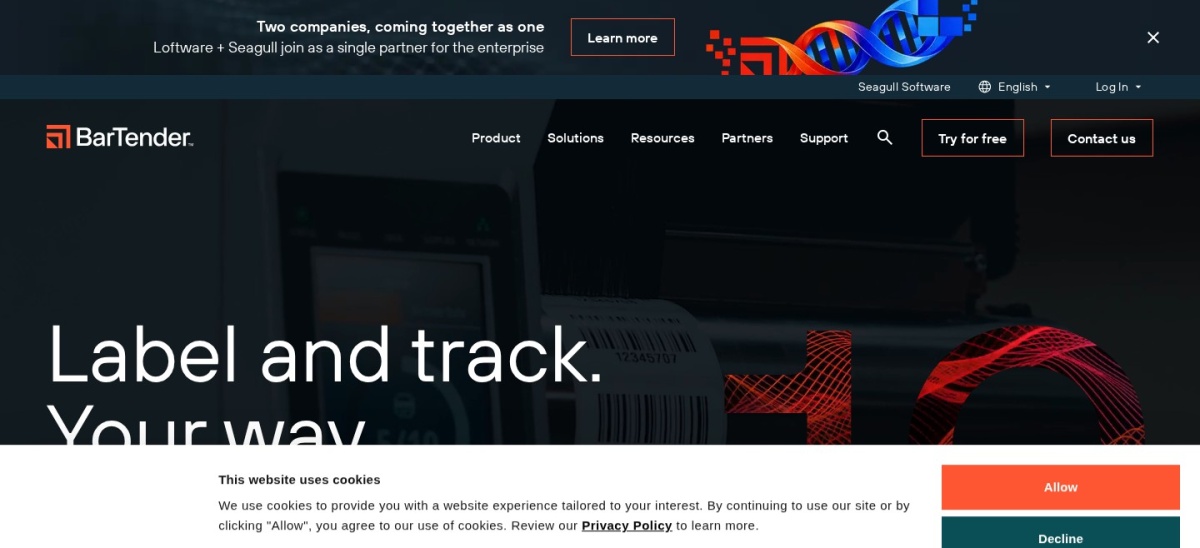
BarTender homepage, captured Nov 2026.
BarTender is the long-standing standard for professional barcode and label printing, from Seagull Scientific. It designs labels with every symbology a warehouse will ever need, connects to databases, Excel files and ERP systems to pull data onto labels automatically, and manages printing across hundreds of printers.
The trade off is price structure and learning curve. Starter costs $199 a year for a single user without database connectivity, and licences are priced per printer, so costs climb with each device. It suits manufacturers, food producers and logistics teams where a misprinted label can stop a line.
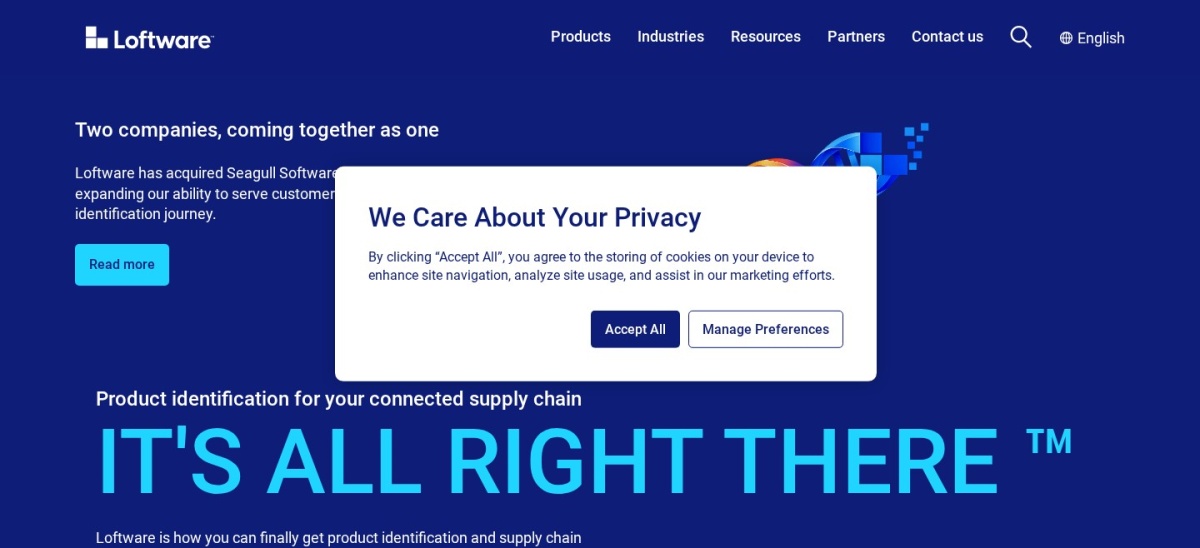
NiceLabel is Loftware's cloud label management platform for teams that need controlled template design, data-driven printing and easier rollout of labelling changes across offices, warehouses and production sites. A central control centre manages revisions, access rules and deployment.
The trade off is cost and setup. NiceLabel sells on quote only, with no published price, and implementations can take months for firms integrating with SAP or Oracle. It suits multi-site manufacturers and retailers that need governed label workflows connected to business systems.
CorelDRAW is a full graphic design suite that bundles vector illustration, photo editing, page layout and font management, with a print-focused workflow that sign makers and print shops have used for decades. The subscription costs $269 a year, or you can buy the 2026 version once for $549.
The trade off is that it is a general design suite, not a labelling system. There is no built-in barcode database or label stock library, so variable-data runs need manual work or add-ons. It suits print shops and studios that design labels as one job among many.
What we like
Professional vector and prepress tools
Perpetual licence option at $549 once
Strong CMYK and Pantone print support
Watch out for
No barcode database or label stock library
Heavier and pricier than label-only tools
No free plan, only a 15-day trial
A one-time 2026 licence costs $549 instead of the subscriptionVisit coreldraw.com
06
Inkscape
4.4/5on G2 (417 reviews, checked Nov 2026)
PriceFree
Best free vector editor for labels
PriceFree, open source
Native formatSVG
PlatformsWindows, macOS, Linux
SupportCommunity forums only
inkscape.org
Inkscape homepage, captured Nov 2026.
Inkscape is a free open-source vector editor built around the SVG format, and it costs nothing with no subscription, no account and no feature locks. It handles logos, icons, diagrams and simple print layouts, with bezier curves, path operations, tracing and a large extension library.
The trade off is polish and print output. The interface feels dated next to paid tools, it can slow down on very complex files, and CMYK output for print is a known weak spot, so check exports before sending them to a printer. It suits designers on a tight budget who work in SVG.
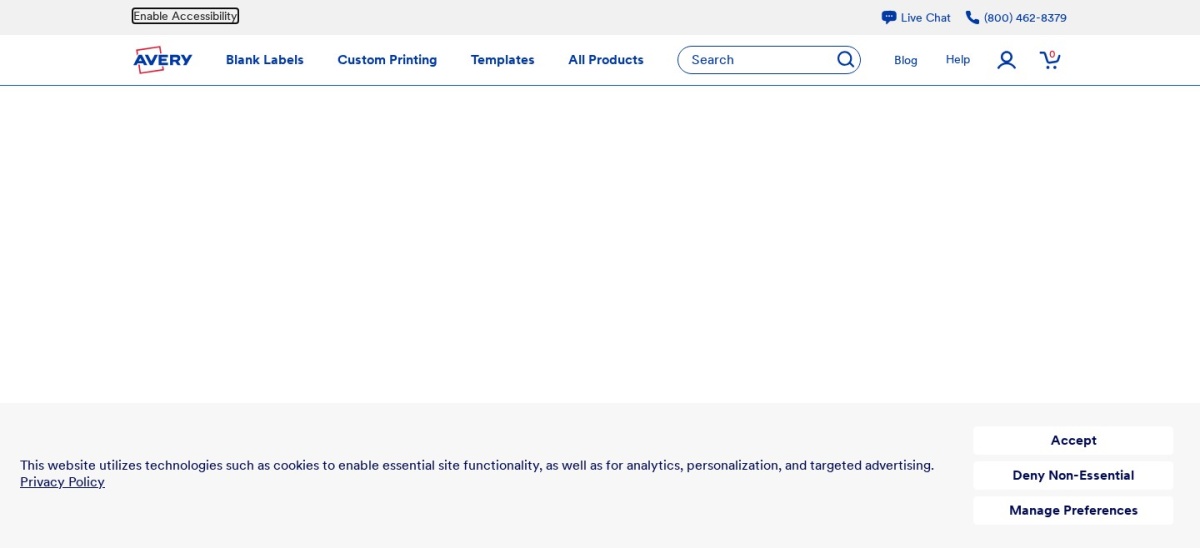
Avery Design & Print is the free web app behind the labels you buy at the office supply store. Its templates match Avery stock sizes exactly, so label sizing stays aligned for repeat runs, and it covers barcodes, QR codes and spreadsheet-driven mail merge for batch printing.
The trade off is scope. It assumes you print on Avery sheets from an office printer, so it cannot drive thermal roll printers or manage barcode databases. It suits small businesses and home offices printing product, address and shipping labels on standard sheets.
What we like
Free, with stock-aware templates
Mail merge from spreadsheets included
Barcodes and QR codes built in
Watch out for
Tied to Avery sheet stock
No thermal or roll printer support
Only 10 G2 reviews behind the rating
Free to use, with the label sheets as the productVisit avery.com
08
Labeljoy
4/5on G2 (2 reviews, checked Nov 2026)
Starts at$129 (one-time)
Best budget barcode labels, one-time price
Label layouts6,500+ built in
Data importCSV and database merge
BarcodesYes, with QR codes
Free trialWatermarked trial
labeljoy.com
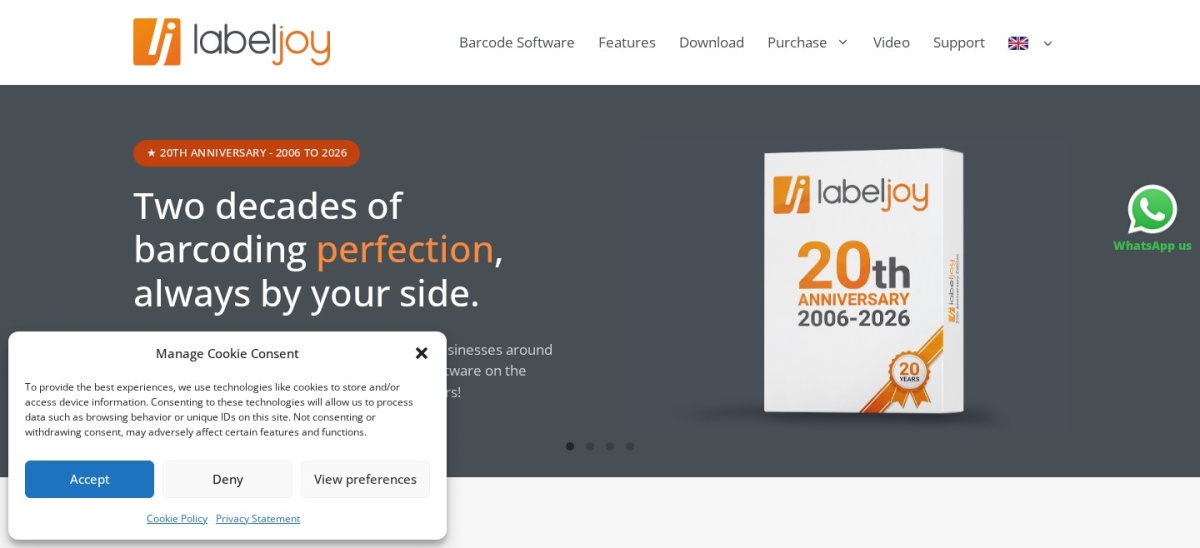
Labeljoy homepage, captured Nov 2026.
Labeljoy is a Windows desktop tool for barcode, address, product and asset labels, sold as a one-time licence rather than a subscription. It pairs a template editor with variable-data binding, so spreadsheet fields flow into each label for repeatable batch runs with barcodes, serial numbers and QR codes.
The trade off is platform and polish. It runs on Windows only, support is thin according to its few G2 reviews, and the interface looks dated next to browser tools. It suits small shops that print repeatable barcode labels and want to pay once instead of monthly.
4.3/5on G2 (Not published reviews, checked Nov 2026)
Starts at$492 (one-time)
Best for integrators and RFID labelling
RFID supportYes
Database printingYes
Perpetual licenceYes
Free trialYes
teklynx.com
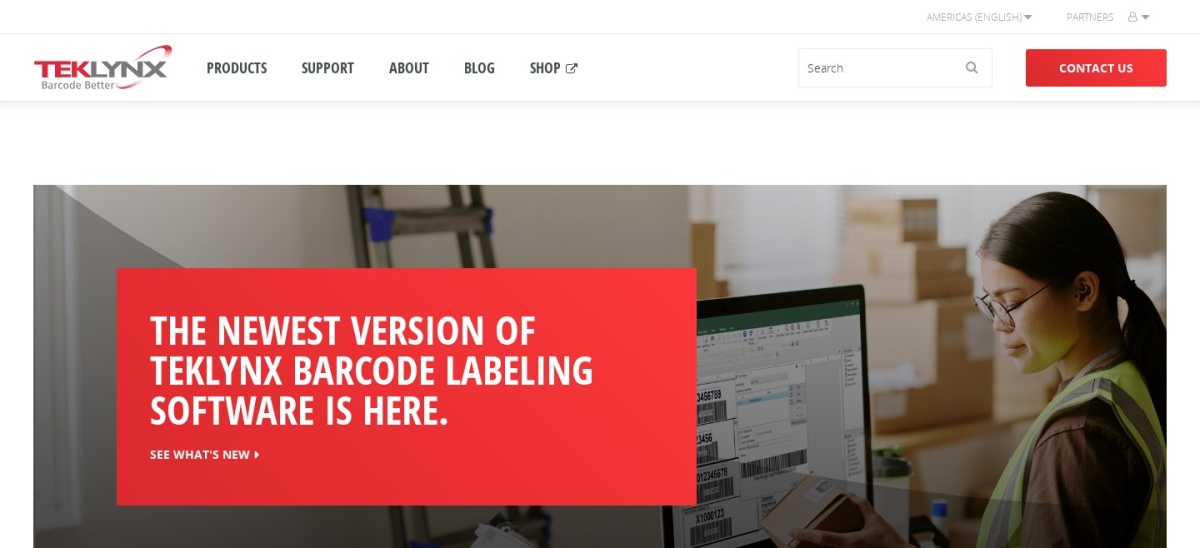
TEKLYNX CODESOFT homepage, captured Nov 2026.
TEKLYNX CODESOFT is an enterprise barcode and RFID label design tool aimed at integrators and technical production teams. It handles complex barcode and RFID design, database connections and compliance labelling, and it is sold as a perpetual licence or subscription rather than a simple monthly plan.
The trade off is cost and complexity. Entry pricing is reported around $492 for a one-time licence, and the tool assumes technical users who already understand labelling workflows. It suits engineers and resellers building label systems for factories and warehouses.
What we like
Strong RFID and complex barcode support
Perpetual licence option
Built for integrators and resellers
Watch out for
Entry price is high for small teams
Steep learning curve for non-technical users
No published price on the vendor site
Perpetual licences start around $492, with subscriptions also offeredVisit teklynx.com
Free vs paid: what you give up
Free tools cover design well. Canva, Adobe Express, Inkscape and Avery all let you build a finished label at no cost.
Paid plans mostly add scale and data. You get database merges, printer drivers and central template control.
If every label is different, a free designer plus a spreadsheet mail merge is often enough. If labels come from a database, pay for a barcode platform.
For a store or a brand that prints labels every week, the first year of BarTender often costs less than one bad print run.
How we chose
We started from the established label design and barcode tools with public ratings on G2, then kept those that design labels as a core job rather than a side feature.
Prices come from each vendor's pricing page or vendor-supplied listings, checked on 30 November 2026. Ratings and review counts come from G2 on the same day. Where a vendor shows a sale, the list shows the regular price.
We left out printer-bundled tools with no public rating and general design suites without label features. No vendor paid for a place, and we do not claim hands-on testing for this list.
How to choose software for designing labels
Start with the printer and the label stock, then match the software to that reality.
Check what you print on. Sheet labels suit Avery or Maestro-style tools, thermal rolls need BarTender or NiceLabel, and brand-first labels suit Canva or Adobe Express.
Count how many labels vary. If every label is the same, any designer works. If codes, prices or batch numbers change, you need variable-data merge.
Try the free tier first. Canva, Adobe Express, Inkscape and Avery are free to start, so design a real label and print a test sheet before paying.
Check the export before you commit. Print one sheet at full size and check alignment, barcode scanning and colours, since a small offset ruins a whole run.
FAQ
What is the best software for designing labels in 2026?
Canva is the best software for designing labels for most small businesses. Its free plan covers label layouts for products, jars and shipping, and Pro adds premium templates and print-ready exports at 144 dollars a year.
Is there free software for designing labels?
Yes. Canva, Adobe Express, Inkscape and Avery Design and Print all have free plans that cover real label design. Inkscape is completely free with no paid version, while Avery is free because the label sheets are the product.
Which label software is best for barcodes?
BarTender is the best pick for barcode labels at volume, with database-driven printing and support for thousands of printer models. Labeljoy is the budget option for small shops, with a one-time licence and spreadsheet merge for batch barcode runs.
Can Canva design product labels?
Yes. Canva has label templates for products, jars, bottles and shipping, and you can add your logo, brand colours, a barcode or a QR code. Export a print-ready PDF from the free plan, or use Pro for premium templates and background removal.
What is the cheapest paid label design software?
Adobe Express Premium is the cheapest paid step here at 10 dollars a month, with 730,000 templates and Adobe Stock photos. Canva Pro costs 144 dollars a year, while BarTender Starter costs 199 dollars a year for barcode work.
Do I need NiceLabel or BarTender for a small shop?
Probably not. Small shops printing a few hundred labels a week do fine with Canva, Avery or Labeljoy. BarTender and NiceLabel earn their price when labels come from a database, span several sites, or need compliance and approval workflows.
SaaS SEO and WordPress specialist with about 8 years of experience. Rakib compares WordPress plugins, themes, hosting and software using public pricing, documentation and user reviews. See how we rank.