BarTender is the best label printing software for most operations, with deep barcode, database and RFID support, rated 4.3 out of 5 on G2. Pick Loftware Cloud for label control across sites, or Label LIVE for a cheap one-time licence on Mac and Windows.
How we make this list: we compare pricing pages, product documentation and public user reviews, then re-check every price before each update. No product paid for a place. Disclosure.
BarTender is the enterprise standard for barcode labeling, starting at $199 a year with database and RFID support.
Loftware Cloud is quote-based and built for multi-site label control, with approval workflows and SAP links.
Label LIVE costs $47.99 once and is the cheapest capable barcode tool for small shops on Mac or Windows.
ZebraDesigner Essentials, Avery Design & Print and Maestro Label Designer are free — start with your printer's own software.
Ratings are thin in this niche: LabelJoy has 2 G2 reviews and CODESOFT has 3, so treat those scores with care.
What label printing software should cover
Label printing software sits between your data and your printer. It designs the label, fills in names, prices or serial numbers from a file or database, and sends the result to the right printer in the right language.
Barcode support is the first split. Sheet-label tools print on office printers, while barcode tools drive thermal printers and encode GS1, Code 128 and QR codes that scanners must read first time.
Printer fit matters more than features. Our guide on printing shipping labels from WooCommerce shows why the software matched to your printer usually wins over a generic designer.
Pricing is mostly per printer or per computer, not per user. Three printers running BarTender or Loftware Cloud can cost several times the sticker price of one licence, while a one-time tool covers the PC instead.
BarTender is the label and barcode software used in warehouses, factories and hospitals to design and print labels, barcodes and RFID tags. The Starter edition costs $199 a year and covers label design with database links to Excel and SQL, while higher editions add automation and system links to SAP and Oracle.
The trade off is price and platform. It is Windows-only, there is no free plan, and costs climb with each printer and edition, so a small shop can pay more than the sticker price. It suits teams that print barcodes at volume and need labels to match regulated or audited formats.
Loftware Cloud is a cloud label management platform for teams that print the same labels across sites, plants or warehouses. Designers build templates in the browser, managers approve changes, and every printer pulls the same controlled version, with links to SAP and Microsoft Dynamics 365 Business Central.
The trade off is price. Loftware publishes no list price, so every deployment is quoted by printer seats, and small teams may pay enterprise money for a handful of printers. It suits regulated or multi-site operations that need approval trails and one version of every label.
What we like
One controlled template set across all sites
Approval workflows and print history
33 integrations, including SAP and Oracle
Cloud design, no on-site server needed
Watch out for
No published price; every deal is quoted
Overkill for a single printer
Implementation can take weeks on large sites
Essentials covers up to 20 printers; Business adds ERP linksVisit loftware.com
03
Label LIVE
4.9/5on G2 (35 reviews, checked Nov 2026)
Starts at$47.99/one-time
Best cheap one-time licence
Cheapest paid planHome, $47.99 once
Free planNo, 14-day trial
PlatformsMac and Windows
Data importExcel, Numbers, CSV
label.live
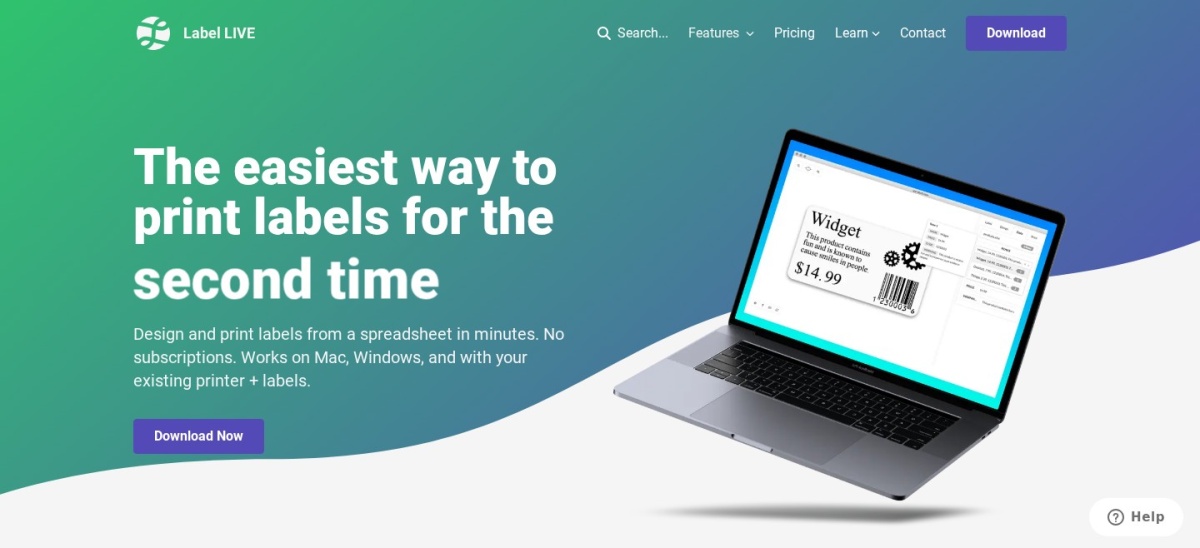
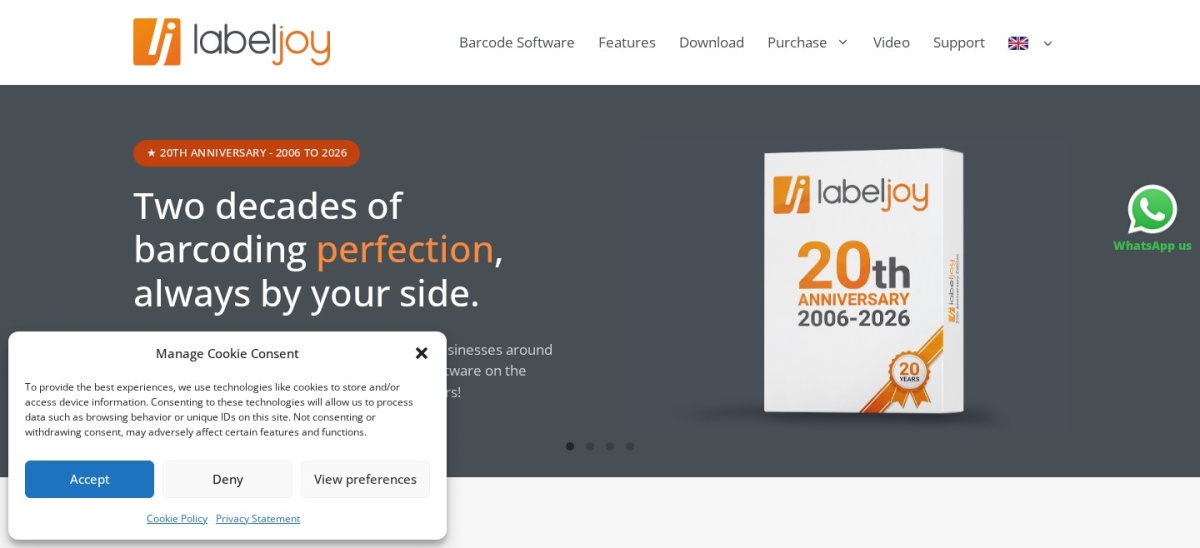
Label LIVE homepage, captured Nov 2026.
Label LIVE is a desktop label app for Mac and Windows that turns spreadsheet rows into printed labels. The Home licence costs $47.99 once per computer, and it imports Excel, Numbers and CSV files, prints to thermal printers from Zebra, Brother and DYMO, and also outputs PDF files.
The trade off is scope. Barcode printing needs the $147.99 Business licence, and each computer needs its own licence, so the cost grows with every workstation. It suits small shops and makers who print from spreadsheets and want a one-time licence instead of a subscription.
4.5/5on Gartner Peer Insights (66 reviews, checked Nov 2026)
Paid from$345/one-time
Best free tool for Zebra printers
Cheapest paid planEssentials, free
Free planYes, Essentials
Printer languageNative ZPL
Database linksProfessional only
zebra.com
ZebraDesigner homepage, captured Nov 2026.
ZebraDesigner is the free label designer that ships with Zebra printers. The Essentials edition is free and covers text, barcodes, graphics and a GS1-128 wizard, speaking the ZPL printer language natively, so labels print exactly as designed on Zebra hardware.
The trade off is lock-in. It is Windows-only, database links and RFID encoding need the Professional edition at $345 once, and mixed printer fleets need a vendor-neutral tool instead. It suits Zebra-only shops that want a free designer matched to their printer.
What we like
Essentials edition is free with no expiry
Native ZPL, so output matches the design
Simple Office-style interface
GS1-128 wizard in the free edition
Watch out for
Windows-only, with no Mac version
Only works well with Zebra printers
Database links need the $345 Pro edition
Professional adds database links and RFID at $345 onceVisit zebra.com
05
Avery Design & Print
4.7/5on G2 (10 reviews, checked Nov 2026)
PriceFree
Best free tool for sheet labels
Cheapest paid planFree
Free planYes
TemplatesMatched to Avery stock
Mail mergeYes
avery.com
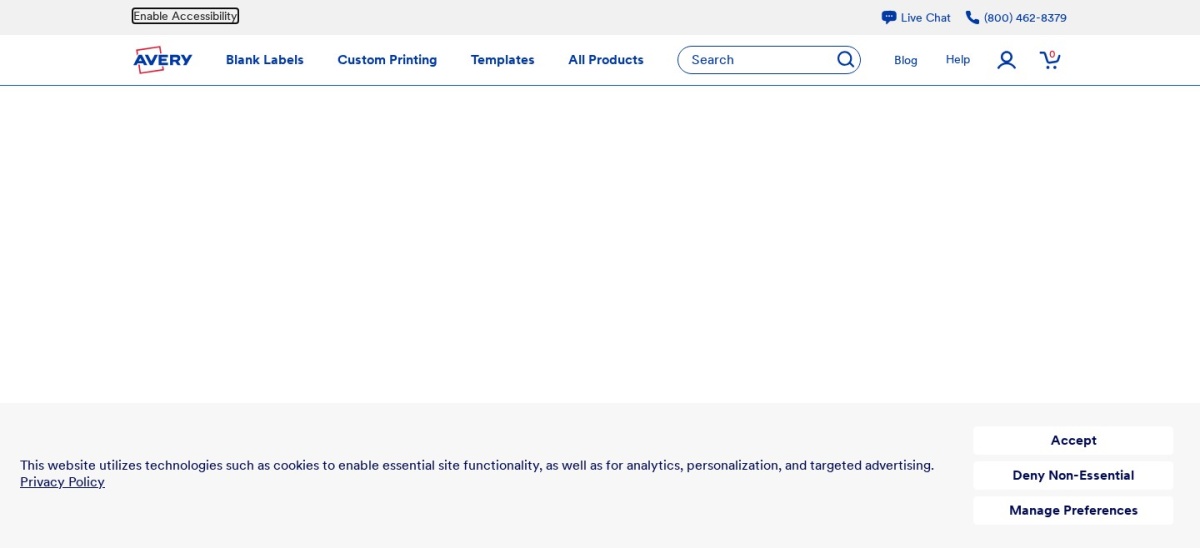
Avery Design & Print homepage, captured Nov 2026.
Avery Design & Print is a free web app for designing sheet labels on a normal office printer. It matches templates to Avery label stock by product number, adds text, images, barcodes and mail-merge fields, and prints from the browser with no download.
The trade off is depth. It handles sheet labels only, so it cannot drive thermal printers or pull live data from a database, and advanced design stays basic. It suits offices and small sellers who print address, product or mailing labels on Avery sheets.
What we like
Free, with no paid plan at all
Templates matched to Avery stock numbers
Mail merge for address and product labels
Works in the browser, nothing to install
Watch out for
Sheet labels only, no thermal printers
No live database links
Design tools stay basic
Free forever; Avery sells the label sheets, not the appVisit avery.com
06
Maestro Label Designer
4.4/5on G2 (4 reviews, checked Nov 2026)
PriceFree
Best free designer for OnlineLabels stock
Cheapest paid planFree
Free planYes
TemplatesMatched to OnlineLabels stock
Mass editYes, across a sheet
onlinelabels.com
Maestro Label Designer homepage, captured Nov 2026.
Maestro Label Designer is a free web tool from OnlineLabels for designing sheet labels and stickers. It opens templates matched to OnlineLabels stock, supports mass edits across a sheet, and saves designs online so a small team can reprint the same label later.
The trade off is scope. It is built around OnlineLabels stock, so it fits that paper best, and it has no barcode database links or thermal printer support. It suits small businesses that buy OnlineLabels sheets and want a free designer tied to the stock they use.
LabelJoy is a Windows barcode label designer for small businesses that print from data. The Flex plan costs $14.90 a month billed yearly, and it covers 26 barcode types, QR codes, database imports from Excel, Access and MySQL, and about 11,000 built-in label layouts.
The trade off is platform and support. It runs on Windows only, help is mainly by email, and the cheapest one-time Business licence costs $379. It suits small firms that outgrow free printer software and want database-driven barcode labels at a low price.
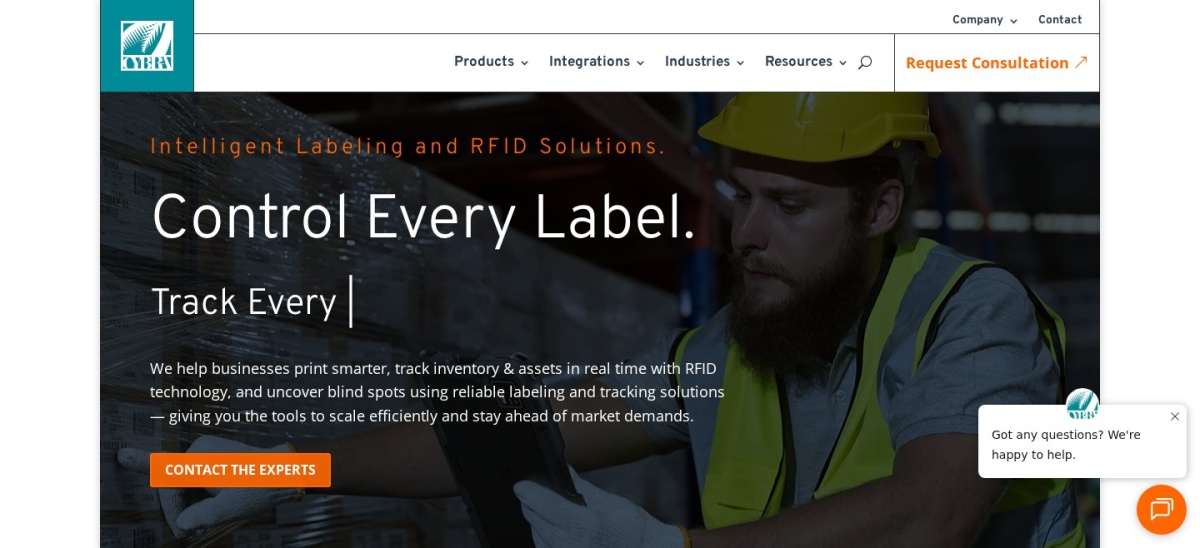
MarkMagic is a barcode label and forms platform from CYBRA for warehouses and manufacturers. The Platform Independent edition starts at $2,585 a year and designs labels, shipping documents and RFID tags, with links to ERP and warehouse systems.
The trade off is cost and age. It is the most expensive tool in this list, its IBM i roots show in the workflow, and add-ons such as PrintTransformer raise the bill further. It suits warehouse teams that already run IBM i or need labels tied tightly to warehouse systems.
CODESOFT is the TEKLYNX label designer for demanding barcode and RFID work. It costs $492 a year for one user and covers more than 100 barcode symbologies including GS1, RFID encoding, database-driven variable data and drivers for over 4,000 printers.
The trade off is reach and rating. It is sold mainly through resellers, it has only 3 G2 reviews at 3.7 out of 5, and print automation needs the separate SENTINEL product. It suits integrators and shops that need complex barcodes and RFID on many printer models.
What we like
More than 100 barcode symbologies
RFID encoding built in
Drivers for over 4,000 printer models
Links to SENTINEL print automation
Watch out for
Only 3 G2 reviews, the thinnest rating here
Sold mainly through resellers
Automation needs a separate product
Pro and Enterprise editions; subscription and perpetual licencesVisit teklynx.com
Free vs paid: what you give up
Free tools cover the basics well. ZebraDesigner Essentials, Avery Design & Print and Maestro Label Designer all design and print real labels at no cost.
Paid tools mostly add data and control. You get database links, serial numbers, RFID encoding and approval trails that free tools do not offer.
If you print the same label by hand a few times a week, a free tool is enough. If labels come from a spreadsheet or a warehouse system every day, the first year of a paid plan usually costs less than the time spent fixing misprints.
How we chose
We started from the label tools most often named in barcode and label roundups, then kept the nine with a live product, a public price or quote route, and a public rating on G2 or Gartner Peer Insights.
Prices come from each vendor's pricing page or vendor-supplied G2 pricing, checked on 25 November 2026. Ratings and review counts come from G2 on the same day, except ZebraDesigner, which has no G2 rating and uses Gartner Peer Insights. Where sources disagreed on a price, the list uses the vendor's own figure and notes the conflict.
We left out printer tools with no public rating, such as DYMO Connect and Brother P-touch Editor. No vendor paid for a place, and we do not claim hands-on testing for this list.
How to choose label printing software
Start with the printer on your desk, then match the software to the data behind your labels.
Check what your printer already includes. Zebra, DYMO and Brother all ship free designer software tuned to their printers. Try that first before paying for anything.
Decide whether you need barcodes. Sheet labels for an office need only a free web tool. Barcodes, serial numbers and RFID need a barcode designer such as BarTender or Label LIVE.
Count printers, not users. Most label tools licence per printer or per computer. Price the whole fleet, including the spare printer, before you commit.
Test with your real data. Run a trial with your own spreadsheet or database file. A tool that cannot read your data cleanly will cost more in fixes than it saves in licence fees.
FAQ
What is the best label printing software?
BarTender is the best label printing software for most operations. It starts at $199 a year, covers barcodes, RFID and database links, and is rated 4.3 out of 5 on G2 from 46 reviews.
What is the best free label printing software?
It depends on your printer. ZebraDesigner Essentials is free for Zebra owners, Avery Design & Print is free for sheet labels on office printers, and Maestro Label Designer is free for OnlineLabels stock.
How much does label printing software cost?
Free tools cost nothing, Label LIVE starts at $47.99 once, and BarTender starts at $199 a year. Enterprise tools such as Loftware Cloud are quoted per printer, and MarkMagic starts at $2,585 a year.
Can label software print barcodes?
Yes, most tools in this list print barcodes. BarTender, CODESOFT, Label LIVE Business and LabelJoy all cover common symbologies including Code 128, GS1 and QR codes.
Do I need special software for a Zebra printer?
No, but it helps. ZebraDesigner Essentials is free and speaks the ZPL printer language natively, so labels print exactly as designed. Third-party tools work too, but may need extra setup.
What is the difference between BarTender and Loftware Cloud?
BarTender is a desktop label designer with deep barcode and automation features, while Loftware Cloud is a cloud platform for managing the same labels across many sites with approvals. BarTender starts at $199 a year; Loftware Cloud is quoted per printer.
SaaS SEO and WordPress specialist with about 8 years of experience. Rakib compares WordPress plugins, themes, hosting and software using public pricing, documentation and user reviews. See how we rank.