DaVinci Resolve is the best software for movie clip editing for most people, because the free version cuts 4K clips with no watermark and Studio costs $295 once. Premiere Pro suits teams already on Adobe, while Final Cut Pro suits Mac editors who want a one-time buy.
How we make this list: we compare pricing pages, product documentation and public user reviews, then re-check every price before each update. No product paid for a place. Disclosure.
DaVinci Resolve is free with no watermark and exports 4K clips at 60 frames per second.
Studio costs $295 once, and Final Cut Pro costs $299.99 once, both cheaper than a year of Premiere Pro.
Premiere Pro costs $22.99 a month on the annual plan, with a 7-day trial and no free plan.
CapCut is free with a $19.99 a month Pro plan, but its Trustpilot score is very low at 1.3.
Lightworks free caps exports at 720p, while Clipchamp free caps at 1080p.
What is the best software for movie clip editing?
Movie clip editing means cutting short clips, adding music and titles, and exporting for YouTube, TikTok or a short film, not building a full feature film.
The tools split three ways: free editors that cut without a watermark, one-time buys that cost once and last for years, and subscriptions that charge every month.
Free editors are good enough for most short clips. Pay for a subscription only when you need the advanced color, effects or collaboration features that the free tier hides.
Check the export limits before you choose. Some free plans cap resolution at 720p, watermark the export or limit how many clips you can save each month.
DaVinci Resolve is a professional video editor with a free version that cuts 4K clips at 60 frames per second with no watermark. It includes editing, color grading, visual effects and audio in one app, with a free timeline, trimming, text titles and a huge library of effects.
The trade off is the learning curve. Resolve is a pro tool, so beginners face a steeper setup than Filmora or CapCut, and the Studio version costs $295 once. It suits editors who want professional tools without a monthly subscription.
Premiere Pro is the industry standard editor for short films, YouTube and social clips, with timeline editing, color, audio and motion graphics in one app. The single-app plan costs $22.99 a month on the annual plan, or $34.49 a month month to month, with a 7-day free trial.
The trade off is the subscription. There is no free plan and no one-time buy, so the cost adds up year after year. It suits teams already on Adobe Creative Cloud that share projects and assets.
4.7/5on G2 (Not published reviews, checked Nov 2026)
Starts at$299.99 (one-time)
Best one-time buy for Mac editors
Entry plan$299.99 one-time
Free trial90 days
PlatformsMac only
G2 rating4.7/5
apple.com
Final Cut Pro homepage, captured Nov 2026.
Final Cut Pro is Apple video editing software for Mac, with a magnetic timeline, 8K support and fast rendering on Apple silicon. It costs $299.99 once for the Mac app, with a 90-day free trial, and it is also included in the Apple Creator Studio bundle at $12.99 a month.
The trade off is the platform. Final Cut Pro runs on Mac only, so Windows teams cannot use it, and the review count is not published. It suits Mac editors who want a one-time buy and the fastest export on Apple hardware.
4.5/5on G2 (Not published reviews, checked Nov 2026)
Paid from$49.99/yr
Best for beginners who want templates
Entry planBasic, $49.99/yr
Free versionYes, with watermark
Perpetual$79.99 once
Rating4.5/5
wondershare.com
Filmora homepage, captured Nov 2026.
Filmora is a beginner-friendly video editor with a simple timeline, drag-and-drop effects, templates and AI tools for titles and captions. The Basic plan costs $49.99 a year, with Advanced at $59.99 a year and a Perpetual plan at $79.99 once for editors who want to stop paying yearly.
The trade off is watermarking. The free version exports with a watermark, so you need a paid plan for clean exports. It suits beginners and small creators who want templates and a fast learning curve.
4.8/5on Capterra (1,135 reviews, checked Nov 2026)
Starts at$69.95/yr
Best for simple clips with effects
Entry plan$69.95 per year
Free planNo, trial only
PlatformsWindows and Mac
Capterra rating4.8/5 (1,135 reviews)
movavi.com
Movavi homepage, captured Nov 2026.
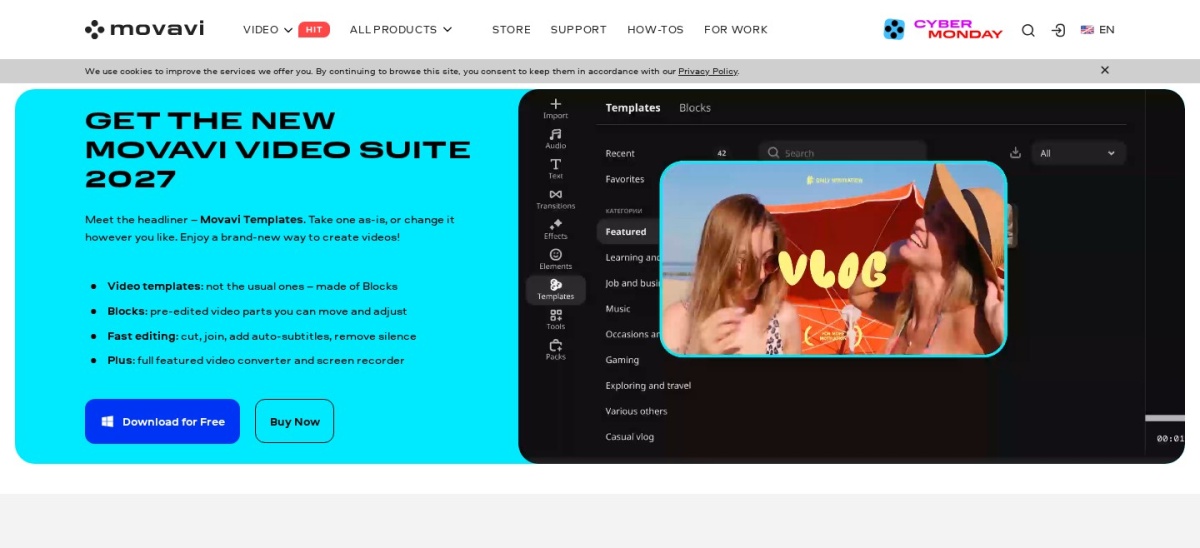
Movavi is a simple desktop editor for quick clips, slideshows and social videos, with effects, transitions and titles in a clean timeline. It costs $69.95 a year, with a free trial that exports with a watermark and a one-time license available on higher tiers.
The trade off is depth. Movavi is lighter than Resolve or Premiere Pro, so advanced color and multi-cam work are limited. It suits casual editors who want a quick, clean result without learning a pro tool.
VEED is a browser-based video editor for short clips, captions and social posts, with AI subtitles, templates and a simple timeline that runs in Chrome. The Lite plan starts at $12 a month on annual billing, with a free plan that exports in 720p with a VEED watermark.
The trade off is the browser. VEED needs a stable connection and is slower for long or 4K projects than a desktop editor. It suits social teams that cut short clips fast and want auto captions.
1.3/5on Trustpilot (471 reviews, checked Nov 2026)
Paid from$19.99/mo
Best free phone and web clip editor
Free planYes, most features
Pro plan$19.99/mo
Annual Pro$179.99 per year
Trustpilot rating1.3/5 (471 reviews)
capcut.com
CapCut homepage, captured Nov 2026.
CapCut is a free video editor for phone and web clips, with templates, effects, auto captions and a simple timeline that beginners learn in minutes. The free plan covers most features, and Pro costs $19.99 a month billed monthly, or $179.99 a year, for cloud storage, premium effects and 4K export.
The trade off is trust. CapCut scores 1.3 out of 5 on Trustpilot from 471 reviews, the lowest rating in this list, with reviewers reporting billing and support problems. It suits creators who want a free editor and accept the support risk.
What we like
Free plan covers most features
Templates and auto captions built in
4K export and cloud storage on Pro
Phone, web and desktop apps
Watch out for
Trustpilot score is 1.3 from 471 reviews
Pro price rose in 2026 from about $9.99
Cloud features need the Pro plan
Pro annual at $179.99 a year saves on monthly billingVisit capcut.com
08
Clipchamp
4.2/5on G2 (150 reviews, checked Nov 2026)
Paid from$11.99/mo
Best free editor for Windows users
Free planYes, 1080p
Premium$11.99/mo
BundleMicrosoft 365, $99.99/yr
G2 rating4.2/5 (150 reviews)
microsoft.com
Clipchamp homepage, captured Nov 2026.
Clipchamp is Microsoft video editor for quick clips, with templates, stock video and a simple timeline in the browser and on Windows. The free plan exports in 1080p with no watermark, and Premium costs $11.99 a month standalone, or comes with Microsoft 365 Personal at $99.99 a year.
The trade off is the paywall. Premium features like 4K export, brand kits and stock audio sit behind the subscription, and the editor is lighter than desktop pro tools. It suits Windows users who want a free editor with templates.
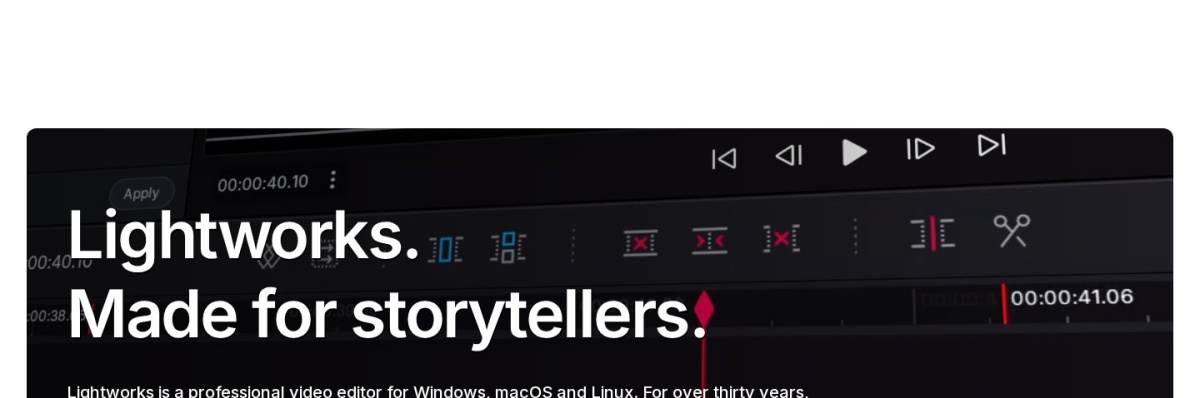
Lightworks is a long-running desktop editor for short clips, with a free tier that cuts and exports in 720p, plus a Create plan at $9.99 a month for 1080p and 4K export, effects and more timelines. It has been used on feature films, so the timeline is a real pro tool.
The trade off is the free cap. Free exports stop at 720p, and the review base is small at 42 G2 reviews. It suits editors who want a free desktop tool with pro history and can live with 720p until they pay.
Free editors like DaVinci Resolve, CapCut and Clipchamp cost nothing and export without a watermark, though Clipchamp free caps at 1080p and Lightworks free caps at 720p.
One-time buys like DaVinci Resolve Studio at $295 and Final Cut Pro at $299.99 cost once and keep working for years, which is cheaper than any subscription after the first year.
Subscriptions like Premiere Pro at $22.99 a month and Filmora at $49.99 a year cost more over time, but include cloud storage, stock assets and updates without a big upfront payment.
How we chose
We started from clip editors with a G2, Capterra or Trustpilot rating and a published price, then kept those that cut short clips, add titles and export for the web.
Prices come from each vendor pricing page or recent pricing checks, checked on 30 November 2026. Ratings and review counts come from G2, Capterra or Trustpilot on the same day. Where a vendor shows a sale, the list shows the regular price.
We left out tools with no aggregator rating and professional-only suites with no free or one-time option. No vendor paid for a place, and we do not claim hands-on testing for this list.
How to choose movie clip editing software
Start with the clips you actually cut, then match the tool to your device and budget.
Pick your device first. Check whether the editor runs on your Mac, Windows PC or phone, because Final Cut Pro is Mac-only and Clipchamp is best on Windows. Our video editing guide compares platform support.
Check the free export limit. Confirm the free plan exports at the resolution you need with no watermark, because Lightworks free caps at 720p.
Decide one-time or subscription. Compare the one-time cost of Resolve Studio or Final Cut Pro against a year of Premiere Pro or Filmora, then pick the cheaper total for your horizon.
Test with a real clip. Cut a short clip from your own footage in the trial and export it, then check quality, speed and ease before you pay.
FAQ
What is the best software for movie clip editing?
DaVinci Resolve is the best software for movie clip editing for most people, because the free version cuts 4K clips with no watermark and Studio costs $295 once. Premiere Pro suits teams already on Adobe, while Final Cut Pro suits Mac editors who want a one-time buy.
Is there a free movie clip editor with no watermark?
DaVinci Resolve is free with no watermark and exports in 4K at 60 frames per second. CapCut is also free with no watermark on most exports, and Clipchamp is free in 1080p with no watermark. Lightworks free caps at 720p, so check the export limit first.
How much does Premiere Pro cost in 2026?
Premiere Pro costs $22.99 a month on the annual plan for a single app, or $34.49 a month on the month-to-month plan. Adobe marks the $22.99 price as first-year pricing for new subscribers, and there is a 7-day free trial but no free plan.
DaVinci Resolve vs Final Cut Pro: which is better?
DaVinci Resolve is better for most editors because the free version already cuts 4K clips and Studio costs $295 once on Windows, Mac and Linux. Final Cut Pro costs $299.99 once but only runs on Mac, and its 90-day trial is the longest in this list.
Which movie clip editor is best for beginners?
Filmora is the easiest start at $49.99 a year, with templates, effects and a simple timeline that new editors learn fast. CapCut is the simplest free option for phone and web clips, while Clipchamp suits Windows users who want a free editor with templates.
Can I edit movie clips on a phone?
CapCut is the best phone editor in this list, with a free mobile app and a $19.99 a month Pro plan for desktop and cloud features. Filmora and Clipchamp also have mobile apps, though the desktop versions offer more control for longer clips.
SaaS SEO and WordPress specialist with about 8 years of experience. Rakib compares WordPress plugins, themes, hosting and software using public pricing, documentation and user reviews. See how we rank.