Adobe Express is the best AI text effects app for most designers. Its Firefly text effects turn a word into chrome, neon or moss textures in one click, and Premium costs $9.99 a month. Pick Canva for team design work and Ideogram when the words inside a generated image must spell correctly.
How we make this list: we compare pricing pages, product documentation and public user reviews, then re-check every price before each update. No product paid for a place. Disclosure.
Adobe Express is the best pick for most designers: Firefly text effects turn a plain word into chrome, neon or moss lettering, and Premium costs $9.99 a month.
Canva is the easiest all-round option, with one-click shadows, outlines, curves and neon styles plus Magic Studio AI, rated 4.7 out of 5 on G2.
Ideogram spells words correctly inside generated images more often than other models, but the text is baked in and cannot be edited later.
Kittl and Recraft keep text as true vector type, which matters for logos, posters and print work that must scale.
Paid plans start at $8.99 a month for Fotor and climb to $24 a month for Kapwing, and most ration AI use by monthly credits.
What to look for in an AI text effects app
AI text effects come in two kinds. Some tools style real, editable type with textures and shadows, while image models paint the words into the picture itself.
Editable type is the safer pick for client work. You can fix a typo, change a font or resize a headline without generating the whole image again.
Baked-in lettering looks striking in a concept, but it locks the words in place. Our guide on generating images with AI in WordPress shows how generated images fit a wider workflow.
Price is mostly about credits. Most of these tools ration AI generation by monthly credits or tokens, so check the allowance on the plan you buy, not just the monthly price.
Adobe Express is a browser and mobile design app with Firefly text effects built in. Type a word, pick a font, then describe a texture such as chrome, moss or neon, and Firefly fills the letterforms while keeping the word readable. The free plan covers basic editing, templates and a daily allowance of AI generations.
The trade off is credits. Premium costs $9.99 a month and adds 250 generative credits a month, 100GB of storage and 30,000 fonts, so heavy AI use can run through the allowance. It suits designers who want quick themed lettering inside an Adobe workflow without opening a desktop app.
What we like
Most direct route to AI text effects from a prompt
Trained on licensed Adobe Stock content
Free plan covers basic editing and templates
Watch out for
AI use is capped by monthly credits
No real vector editing for print work
Premium adds 250 credits a month and 100GB storageVisit adobe.com
02
Canva
4.7/5on G2 (7,925 reviews, checked Nov 2026)
Paid from$18/mo
Best all-round design app with text effects
Text effectsShadows, outline, curve, neon
Free planYes, 5GB storage
AI toolsMagic Studio
Paid planPro, $18/mo
canva.com
Canva homepage, captured Nov 2026.
Canva is a browser-based design platform with one-click text effects for shadows, outlines, curves, glitch and neon styles. Its Magic Studio AI tools generate images and graphics to pair with the type, and the free plan includes templates, 5GB of storage and a basic AI allowance.
The trade off is depth. Canva applies one effect at a time and its lettering stays inside the editor, so it cannot match a vector tool for print work. Pro costs $18 a month billed monthly, or $144 a year, and adds Brand Kits, background removal and a larger AI allowance. It suits teams making social graphics fast.
What we like
Easiest text effects in this list to apply
Huge template and stock library
Strong team sharing and Brand Kits on Pro
Watch out for
One text effect at a time
No true vector export for print
Pro adds Brand Kits, background removal and more AIVisit canva.com
03
Ideogram
4.1/5on Trustpilot (162 reviews, checked Nov 2026)
Paid from$20/mo
Best for readable text inside AI images
Text renderingReadable, well-placed type
Free planYes, weekly credits
Priority credits2,400/mo on Plus
Paid planPlus, $20/mo
ideogram.ai
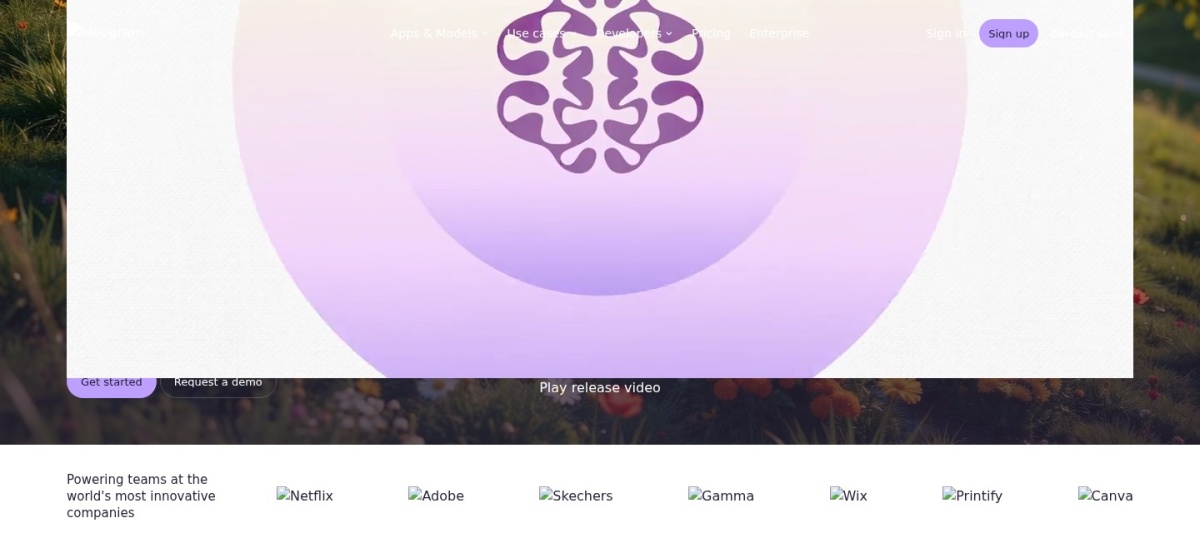
Ideogram homepage, captured Nov 2026.
Ideogram is an AI image platform built to render clear, readable text inside generated images. Type a prompt with the words you want, and its models place the lettering with consistent spacing and spelling more often than general image models. The free plan gives weekly credits, and free images are public.
The trade off is that the text is baked into the image. You cannot edit a letter after generation, so rebuild a winning look in an editor for final work. Plus costs $20 a month billed monthly, or $15 a month billed annually, with 2,400 priority credits a month and private generation. It suits posters, ads and logo concepts.
What we like
Most reliable spelling of any image model here
Magic Prompt expands short prompts
Editing tools such as Magic Fill and Extend on Plus
Watch out for
Text is baked into the image, not editable
Free images are public by default
Plus adds private generation and 2,400 priority creditsVisit ideogram.ai
04
Kittl
4.7/5on G2 (43 reviews, checked Nov 2026)
Paid from$15/mo
Best for type-led posters and merch
Text effectsWarp, curve, outline, layer
Vector exportSVG and PDF on paid plans
AI tokens2,000/mo on Pro
Paid planPro, $15/mo
kittl.com
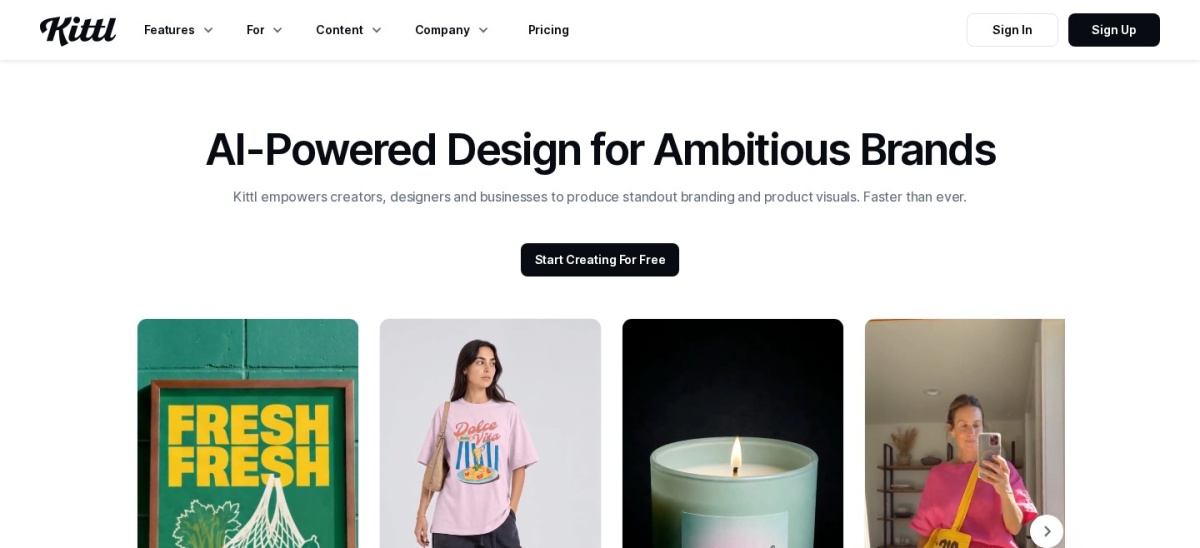
Kittl homepage, captured Nov 2026.
Kittl is a browser-based design platform built around type-led posters, badges and merch graphics. Its text tools curve, warp, outline and layer lettering while keeping the words editable, and paid plans export true vector SVG and PDF files for print. The free plan is for personal use only.
The trade off is metering. AI features run on tokens, and Pro includes 2,000 tokens a month, so heavy generation can use the allowance fast. Pro costs $15 a month billed monthly and adds a commercial licence for up to 500,000 copies. It suits designers selling posters, logos and merch.
Adobe Firefly is the AI engine behind the text effects in Adobe Express, offered as its own app for image, video and audio generation. Its models were trained on licensed Adobe Stock content and public domain material, which Adobe describes as commercially safe. A free plan covers limited generations.
The trade off is credits and control. Standard costs $9.99 a month and includes 2,000 generative credits a month, and video generation can use them fast. It suits designers already in the Adobe ecosystem who want the same text effects beside image generation and expansion in one credit plan.
What we like
Same text effects engine as Adobe Express
Trained on licensed content
Image, video and audio generation in one plan
Watch out for
Credit-based, so video burns the allowance fast
Less value outside the Adobe ecosystem
Standard adds 2,000 credits a month and video generationVisit adobe.com
06
Recraft
4.7/5on G2 (456 reviews, checked Nov 2026)
Paid from$12/mo
Best for vector text designs and logos
Vector outputSVG text designs
Free planYes, daily credits
Credits1,000/mo on Basic
Paid planBasic, $12/mo
recraft.ai
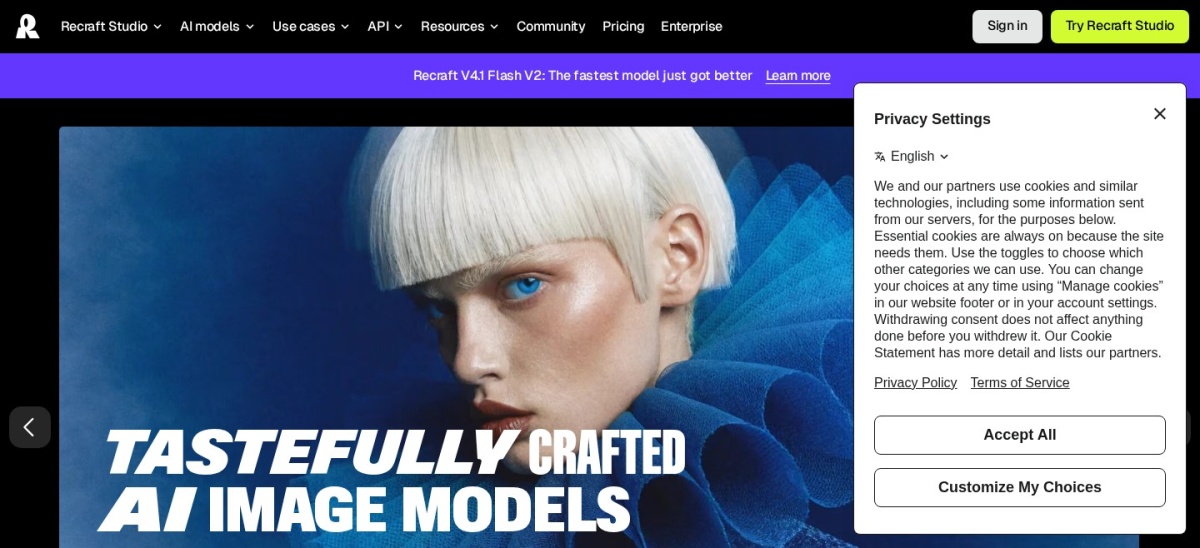
Recraft homepage, captured Nov 2026.
Recraft is an AI image and vector platform that generates text designs as true vector output. That matters for logos and print work, because the lettering scales without losing sharpness. The free plan gives daily credits, and free images are public with no commercial licence.
The trade off is the credit model. Basic costs $12 a month billed monthly, or $10 a month billed annually, for 1,000 credits a month, and each action uses a different number of credits. It suits designers who need vector logos, icons and brand art from a prompt.
What we like
True vector output for logos and print
Strong text rendering and style consistency
Cheapest vector option in this list
Watch out for
Credit costs vary by action and model
Free images carry no commercial licence
Basic adds private images, commercial rights and 1,000 creditsVisit recraft.ai
07
Picsart
4.5/5on G2 (795 reviews, checked Nov 2026)
Paid from$15/mo
Best mobile-first text and image effects
Text effectsStyles, templates, AI generation
Free planYes, with ads
AI credits500/mo on Pro
Paid planPro, $15/mo
picsart.com
Picsart homepage, captured Nov 2026.
Picsart is a mobile-first photo and design app with AI text and image effects on the phone and web. It pairs text styles and templates with AI generation, background removal and video tools in one workspace. The free plan covers basic editing with ads and limited AI credits.
The trade off is that typography is the weak spot. Its text tools are simpler than a type-led editor, and high-resolution output sits behind the paywall. Pro costs $15 a month billed monthly, or $126 a year, with 500 AI credits a month. It suits phone-first designers making social posts.
Fotor is a browser photo editor with AI image generation, text effects and templates for social posts and posters. Its one-click enhancer, background remover and batch editor sit beside the text tools, so a finished graphic rarely needs another app. The free plan covers basic edits with watermarks.
The trade off is the annual discount gap. Pro costs $8.99 a month billed monthly, or $3.33 a month billed annually, and AI features run on 100 credits a month on Pro. It suits designers on a tight budget who edit photos and add styled text in the same place.
What we like
Lowest paid price in this list
Batch editing for photo sets
One-click enhancer and background removal
Watch out for
Only 100 AI credits a month on Pro
Free exports carry watermarks
Pro adds watermark-free exports and batch editingVisit fotor.com
09
Kapwing
4.4/5on Capterra (207 reviews, checked Nov 2026)
Paid from$24/mo
Best for animated text in video
Text effectsAnimated titles and captions
Free planYes, with watermark
AI credits1,000/mo on Pro
Paid planPro, $24/mo
kapwing.com
Kapwing homepage, captured Nov 2026.
Kapwing is a browser-based video editor with animated text overlays, captions and title effects for social clips. Its AI tools write captions, animate titles and resize a video for each platform, so text design carries into the finished clip. The free plan covers basic editing with a watermark.
The trade off is price for still images. Pro costs $24 a month billed monthly, or $16 a month billed annually, which is more than image-only tools charge. It suits creators whose text effects live in video, from Reels and TikToks to YouTube Shorts.
Editable text stays live in the editor. You can change the wording, font or size after you see the result, which is what client work usually needs.
Baked-in images look finished the moment they generate, and Ideogram is the best at this. The catch is that any typo means generating the image again.
A practical split is to concept in Ideogram or Firefly, then rebuild the winner in Canva, Kittl or Recraft. That keeps the idea and the editable file.
How we chose
We started from the design apps and AI image tools that offer text effects, then kept the nine with a live product, a free plan and a public rating on G2, Capterra or Trustpilot.
Prices come from each vendor's pricing page or vendor-supplied G2 pricing, checked on 25 November 2026. Ratings and review counts come from G2, Capterra or Trustpilot on the same day. Where a vendor shows a sale, the list shows the regular price.
We left out dedicated text-effect generators with no public rating, such as TextStudio and MockoFUN. No vendor paid for a place, and we do not claim to have used these tools ourselves.
How to choose an AI text effects app
Start with where the words end up, then match the tool to that output.
Decide if the text must stay editable. Pick Canva, Kittl or Recraft for client work and print. Use Ideogram or Firefly when a striking concept matters more than editing later.
Check the credit allowance, not just the price. A $9.99 plan with 250 credits can cost more per image than a $12 plan with 1,000 credits if you generate often.
Match the output to print or screen. Logos and posters need vector export from Kittl or Recraft. Social posts and video titles are fine in Canva, Picsart or Kapwing.
Try the free plan before paying. Generate the same headline in two or three tools and compare spelling, style and export quality before you commit.
FAQ
What is the best AI text effects app for designers?
Adobe Express is the best pick for most designers. Its Firefly text effects turn a plain word into chrome, neon or moss lettering in one click, and Premium costs $9.99 a month. Canva is the easier all-round option for teams.
Can AI text effects apps spell words correctly?
Ideogram is the most reliable at spelling words correctly inside generated images. Most other image models still garble letters or invent spellings, so check every word before you publish a generated image.
What is the difference between editable text and baked-in text?
Editable text stays live in the editor, so you can fix a typo or change a font after generating. Baked-in text is part of the image pixels, so any change means generating the image again from scratch.
Are AI text effects free to use?
Every tool in this list has a free plan, but free plans limit AI credits, export quality or commercial use. Kittl free is personal use only, and free images from Ideogram and Recraft are public.
Which AI text effects app is best for logos?
Kittl and Recraft are the best picks for logos because they export true vector SVG files. Vector lettering scales to any size without losing sharpness, which matters for print, packaging and large signs.
Can I use AI text effects for client work?
Yes, if the plan you pay for includes a commercial licence. Check the licence on each tool before delivering client work, because free plans often limit use to personal projects or public images.
SaaS SEO and WordPress specialist with about 8 years of experience. Rakib compares WordPress plugins, themes, hosting and software using public pricing, documentation and user reviews. See how we rank.