Best Digital Scrapbooking Software in 2026: 8 Tools Compared
WLWPLegible EditorsLast verified 23 Nov 2026How we rank13 min read
★ Short answer
Canva is the best digital scrapbooking software for most people, with the widest template library, a generous free plan and a Pro plan at $144 a year, rated 4.7/5 on G2. Pick Adobe Express for Adobe-quality templates at $9.99 a month, and Artisan if you want a dedicated desktop scrapbook program.
How we make this list: we compare pricing pages, product documentation and public user reviews, then re-check every price before each update. No product paid for a place. Disclosure.
Canva is the best all-round pick, with the largest template library, a generous free plan and Pro at $144 a year.
Adobe Express Premium at $9.99 a month is the cheapest paid step, with 730,000+ templates and Adobe Stock photos.
Artisan is the only dedicated desktop scrapbook program here, built for layered pages and designer kits, but it runs on Windows only.
Mixbook is the best print-first pick, with 750+ themed templates and books up to 399 pages, and it is free to design.
Free plans cover a single page well; a full album usually means a subscription or a printed book.
What digital scrapbooking software actually does
Digital scrapbooking software turns photos into finished pages without paper, glue or a dining table buried for a month. You arrange photos, layouts, embellishments and journaling, then share the pages online or print them as a book.
The tools fall into three camps. General design apps such as Canva and Adobe Express offer huge template libraries and work for single pages. Dedicated programs such as Artisan are built around layered pages and albums. Print services such as Mixbook and Shutterfly are built to deliver a finished book to your door.
For a single page, almost any free plan will do. For a full album you will add to over months, pick a tool with real album structure, so pages, photos and layouts stay together instead of stacking up as separate files.
Pricing splits the same way. Design apps charge a subscription and let you export for free. Print services are free to design and charge per book, so check the per-book price and shipping before you design forty pages.
Canva is a browser-first design tool with millions of templates, drag-and-drop editing and a free plan that covers most personal scrapbook projects. It reports more than 220 million monthly active users, and its scrapbook templates, stickers and photo tools make a single standout page fast to build.
The trade off is album structure. Canva holds many pages in one design, up to 350 pages, but it has no scrapbook-album structure, so a long project is a stack of pages rather than a book. Pro adds 3.6 million templates, 141 million premium assets and 100GB of storage for $144 a year.
Adobe Express is Adobe's lighter design tool, built around quick template-led pages for social posts, flyers and scrapbook layouts. Premium costs $9.99 a month billed monthly, adds 730,000+ templates, Adobe Stock photos and 250 generative credits a month, and is included with many paid Creative Cloud plans.
The trade off is template depth for memory keeping. Its scrapbook template set is thinner than Canva's, and multi-page designs top out at 99 pages. It suits quick social-sized layouts and crafters already paying for Adobe apps more than long album projects.
What we like
Cheapest paid plan in this list at $9.99 a month
In-editor background removal for sticker-style cutouts
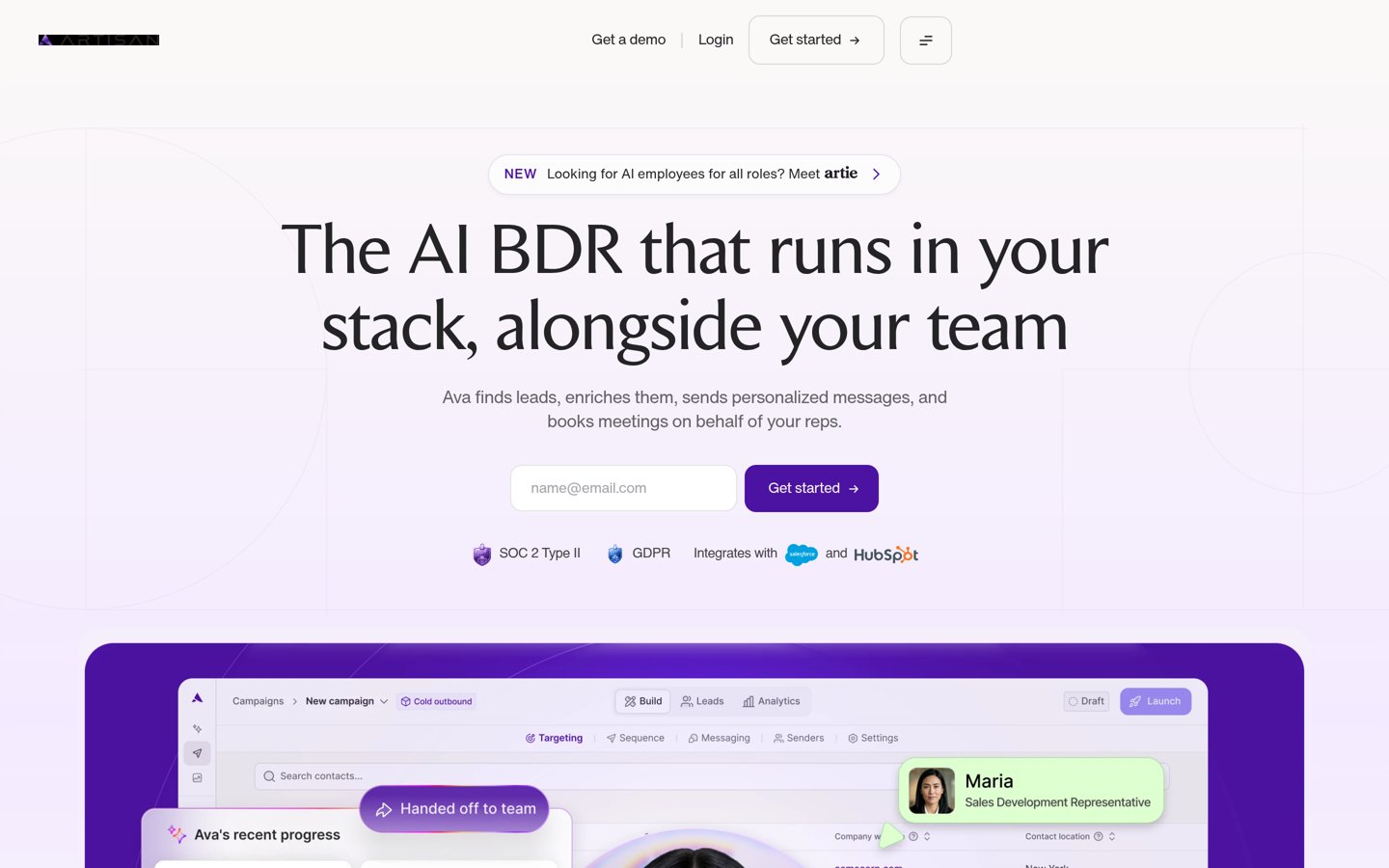
Artisan is the dedicated desktop scrapbook program from Forever, built around layered pages, designer templates, digital embellishments and photo editing tuned for memory keeping. It is the closest thing to Photoshop for scrapbookers without Photoshop's learning curve, and pages can become printed books inside Forever's ecosystem.
The trade off is that it is a serious niche program. Artisan 6 runs on 64-bit Windows only, so Mac users need Parallels or similar, and the subscription is $99.99 a year, with a lifetime option at $999.99. A 30-day free trial lets you try it before paying.
What we like
Only dedicated desktop scrapbook program in this list
Layered pages with designer kits and embellishments
4.4/5on Trustpilot (43,580 reviews, checked Nov 2026)
PricingFrom $14.99/book
Best print-first scrapbook service
Free planYes, free to design
Photo booksFrom $14.99
Templates750+ themed
Max pages399 on select styles
mixbook.com
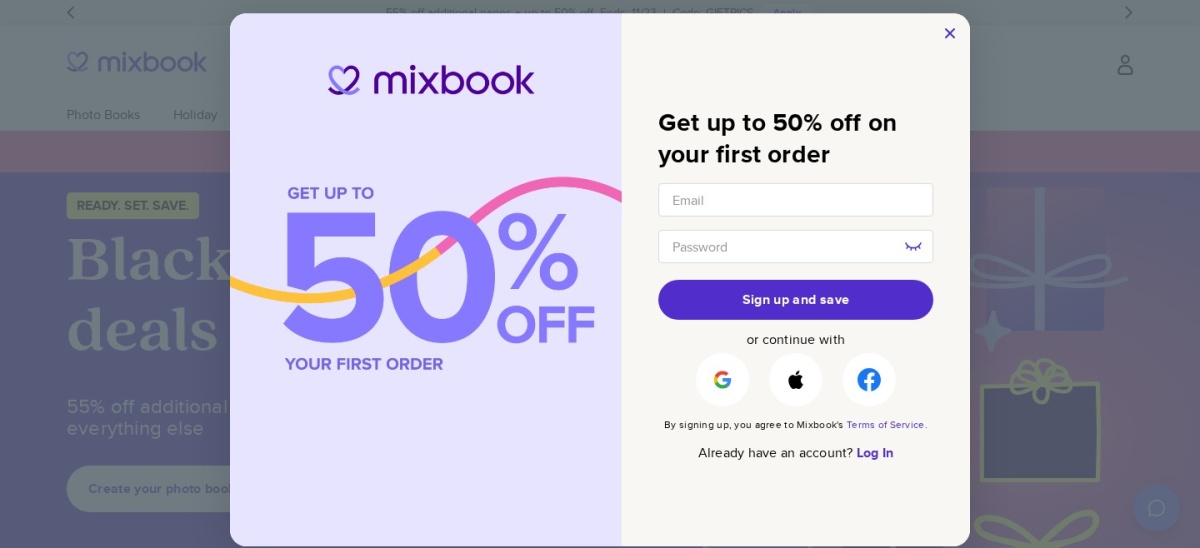
Mixbook homepage, captured Nov 2026.
Mixbook is a photo book service built around printing, with more than 750 themed templates, 8 book sizes and books up to 399 pages on select styles. Designing is free, books start from $14.99, and CNN Underscored named Mixbook the best online photo book maker in side-by-side testing.
The trade off is that print is the product. There is no subscription and no digital-only export path worth planning around, so the final cost is per book plus shipping. It suits people who want a finished book in hand rather than pages on a screen.
What we like
Best print quality in independent testing
750+ themed templates across 8 book sizes
Free to design, pay only for the book
Rated 4.4 out of 5 on Trustpilot from 43,580 reviews
4.1/5on Trustpilot (30,340 reviews, checked Nov 2026)
PricingFrom $5.60/book
Best for hands-off book design
Free planYes, free to design
Photo booksFrom $5.60
Styles122 + 31 premium templates
Max pages111
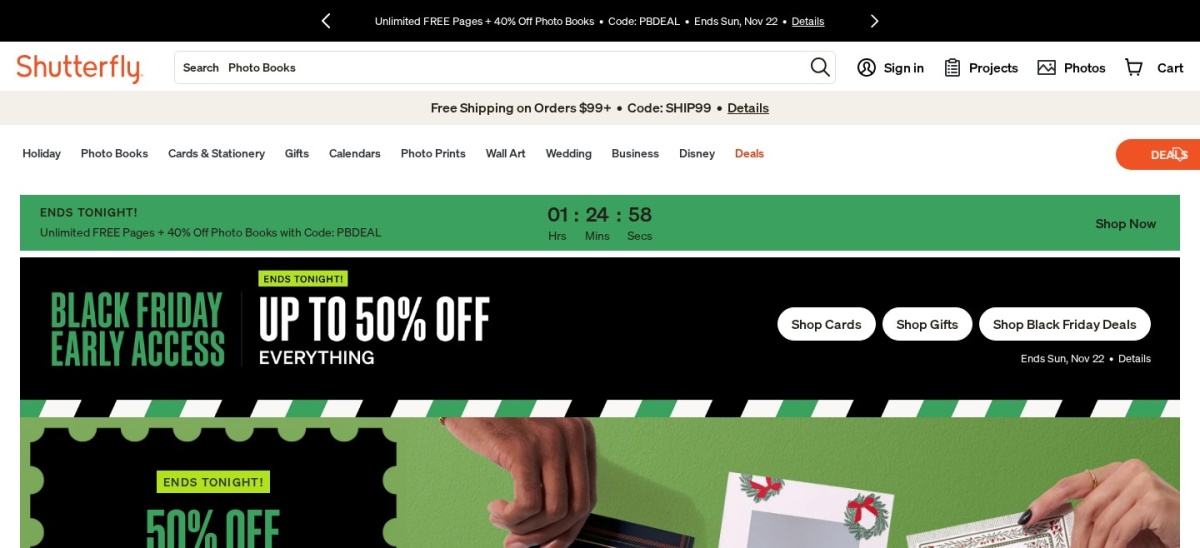
shutterfly.com
Shutterfly homepage, captured Nov 2026.
Shutterfly is a long-established photo book and print service with 6 book sizes, 122 photo book styles plus 31 premium album templates, and a free 24-hour human design service that builds the book for you. Designing is free and books start from $5.60, making it the cheapest way into a printed book here.
The trade off is control and consistency. Its editor is less flexible than Mixbook's, books top out at 111 pages, and reviewers report occasional print and delivery problems. It suits buyers who want a cheap printed book with minimal design work.
What we like
Free 24-hour human design service
Cheapest printed books in this list
Rated 4.1 out of 5 on Trustpilot from 30,340 reviews
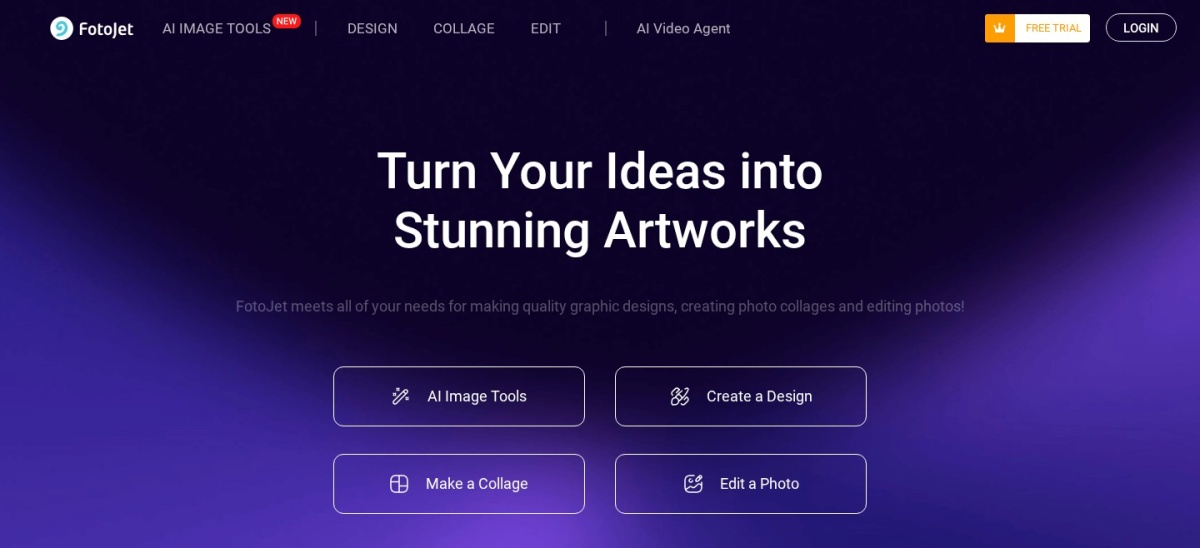
FotoJet is a browser tool for photo collages, cards, posters and social graphics with scrapbook-adjacent templates. It is the quick-collage specialist here: a free collage takes minutes with no account and no learning curve, and Plus costs $6.99 a month or $39.99 a year.
The trade off is depth. FotoJet makes single pages and collages well, but it has no album structure and no print service, so a forty-page scrapbook becomes forty separate files. It suits one-off pages, cards and gifts rather than long projects.
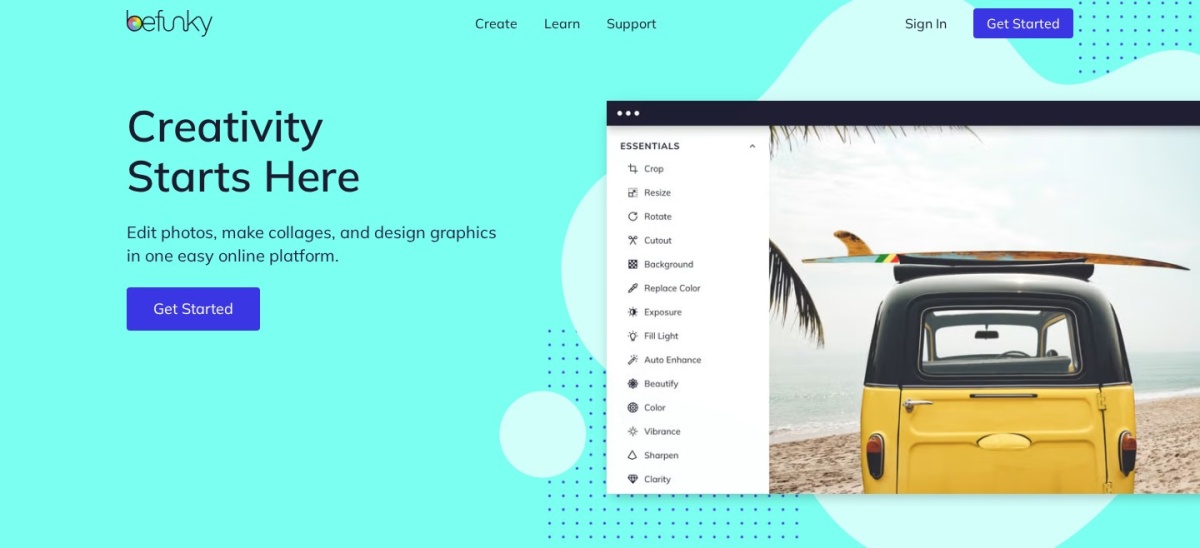
BeFunky pairs a genuinely good photo editor with a collage maker, which suits the scrapbooker whose pages start with edited photos. The free tier covers basic effects, and Plus costs $14.99 a month billed monthly or $83.88 a year, adding premium tools, 1,000 AI credits a month and full-resolution exports.
The trade off is price and batch work. Plus is the dearest monthly plan among the collage tools here, and batch AI editing needs the Pro plan at $24.99 a month. It suits crafters who edit first and lay out second, not bulk page builders.
Fotor is an online photo editor and design tool with more than 1,000 collage layouts, one-click AI enhancement, background removal and batch editing for a whole album at once. The free Basic plan covers simple collages, and Pro costs $8.99 a month or $39.99 a year, with 100 AI credits a month.
The trade off is the free tier. Its exports carry a watermark and most AI tools are locked, so the free plan is a trial in practice. It suits beginners who want dark or dull phone photos fixed before they go into a collage.
Design app vs dedicated program vs print service: which one do you need
A design app and a dedicated program overlap, but they are not the same job. A design app makes the page. A dedicated program holds the whole album together.
If your pages stall because every layout starts from scratch, you need templates: Canva or Adobe Express will get a page done in minutes.
If your pages stall because a forty-page album has become forty loose files, you need a dedicated program: Artisan keeps pages, photos and layouts in one project.
If your pages stall because nothing ever gets printed, you need a print service: Mixbook or Shutterfly turn the design into a book you can hold.
How we chose
We compared tools that appear in scrapbook roundups and design guides, then kept only the ones with a verifiable rating on G2 or Trustpilot. MyMemories Suite and Smilebox were left out because no verifiable rating on those sites could be found for them.
We ranked on template depth, album structure, print options and price, with the free plan checked first, since most scrapbookers start free. Top-three prices were confirmed on each vendor's own pricing page through independent November 2026 checks.
No vendor paid for a place, and we do not claim hands-on testing for this list.
How to choose digital scrapbooking software
Decide what you are actually making first, then match the tool to the job.
Decide page, album or book first. One standout page needs templates. An album you add to for months needs album structure. A gift needs a print service with per-book pricing you can see upfront.
Check the free plan limits. Free plans cover a single page well, but watch for watermarks, page caps and locked exports before you invest hours in a design.
Check print pricing before you design. Print services are free to design and charge per book, so confirm the book price, page limit and shipping before building forty pages.
Check export formats. If pages will live online, JPG and PNG are enough. If they will be printed elsewhere, confirm PDF export and 300 dpi output first.
FAQ
What is the best digital scrapbooking software?
Canva is the best pick for most people, with the widest template library, a generous free plan and Pro at $144 a year, rated 4.7/5 on G2. Adobe Express is the cheapest paid step, and Artisan is the best dedicated desktop program.
Is there free digital scrapbooking software?
Yes. Canva, Adobe Express, FotoJet, BeFunky and Fotor all have free plans, and Mixbook and Shutterfly are free to design. Free plans cover single pages well, though Fotor watermarks free exports and Adobe Express caps multi-page designs at 99 pages.
Is a dedicated scrapbook program better than Canva?
It depends on the project. Artisan is better for a long album because it keeps layered pages, kits and layouts in one desktop project. Canva is better for single pages and quick sharing because its template library is far larger and it runs in any browser.
How much does it cost to print a scrapbook?
Mixbook books start from $14.99 and Shutterfly books from $5.60, before shipping, with the final price set by size, page count and paper. Designing is free on both, so confirm the per-book price and shipping before you build the pages.
Does Artisan work on a Mac?
No. Artisan 6 requires a 64-bit version of Windows 10 or newer, so Mac users need Parallels or a similar tool to run Windows alongside macOS. A 30-day free trial is available, and the subscription is $99.99 a year.
Canva or Adobe Express: which is better for scrapbooking?
Canva wins on template depth, with 3.6 million templates on Pro and a higher G2 rating of 4.7 from 7,643 reviews. Adobe Express wins on price at $9.99 a month and suits crafters already paying for Adobe apps, since Premium is included with many Creative Cloud plans.