Microsoft Teams is the best Slack alternative for most teams, with chat and meetings from four dollars per user a month and a free plan. Pick Google Chat if you live in Gmail and Drive, or Zulip for threaded discussions that stay readable.
How we make this list: we compare pricing pages, product documentation and public user reviews, then re-check every price before each update. No product paid for a place. Disclosure.
Microsoft Teams is the cheapest paid plan here at $4 per user a month, with 320M+ monthly users behind it.
Google Chat and Zulip both rate 4.6 out of 5 on G2, the highest scores in this list.
Zoho Cliq costs a flat $16.20 a month for up to 25 users, the cheapest flat rate for a small team.
Pumble and Chanty start at $2.49 and $3 per user a month, with unlimited history on their free plans.
Mattermost and Rocket.Chat are quote only for paid plans, so budget them with a sales call.
How do you choose the best Slack alternative?
Start with the tools you already pay for. A Microsoft 365 shop gets Teams nearly free, a Google Workspace shop gets Google Chat, and a Zoho shop gets Cliq.
Price per user is only half the story. Slack Pro costs $7.25 per user a month billed yearly, so a $4 plan saves a 20-person team about $780 a year before any other costs.
Free plans differ most on history. Slack keeps 90 days, while Pumble and Chanty keep unlimited history free, so check the limit before you move years of chat.
Microsoft Teams is a chat, meeting and file collaboration hub that comes with Microsoft 365 or as a standalone app. Teams Essentials costs $4 per user a month billed yearly, with meetings for up to 300 people, 30-hour meetings and 10 GB of cloud storage per user.
The trade off is the Microsoft weight. Teams feels heaviest for small teams that only need chat, and its best value sits inside a Microsoft 365 subscription. It suits organisations already on Microsoft 365 and teams that live in meetings.
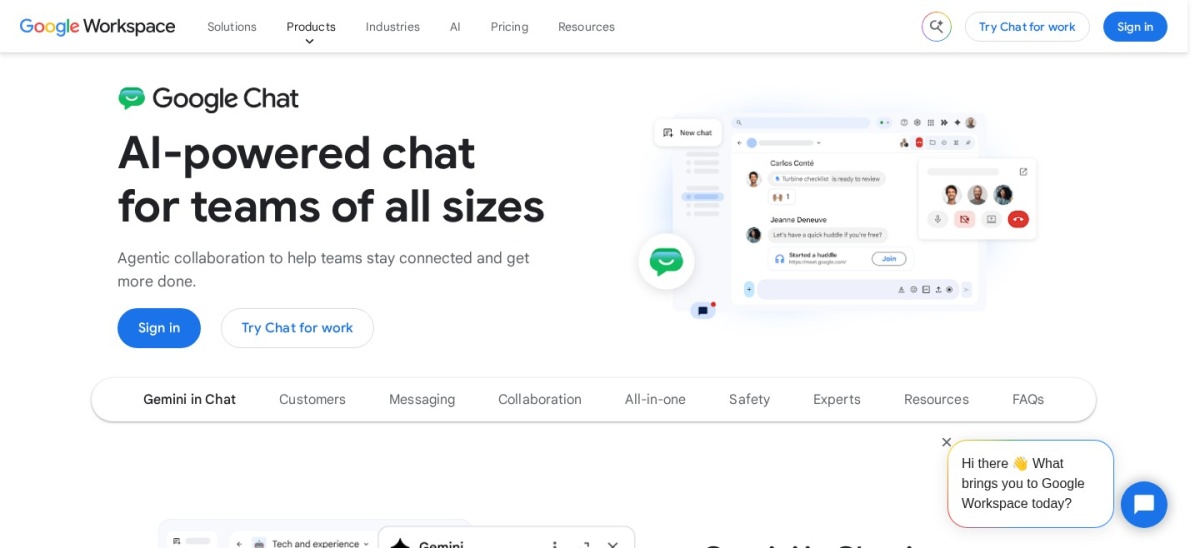
Google Chat is the messaging app inside Google Workspace, with spaces, threads and direct messages beside Gmail, Drive and Meet. Business Starter costs $7 per user a month billed yearly, and a personal Google account gets a free version with the same chat basics.
The trade off is that Google Chat is a suite feature, not a standalone chat product, so its rating here is the Google Workspace suite score. It suits teams that already live in Gmail and Drive and want chat without another app.
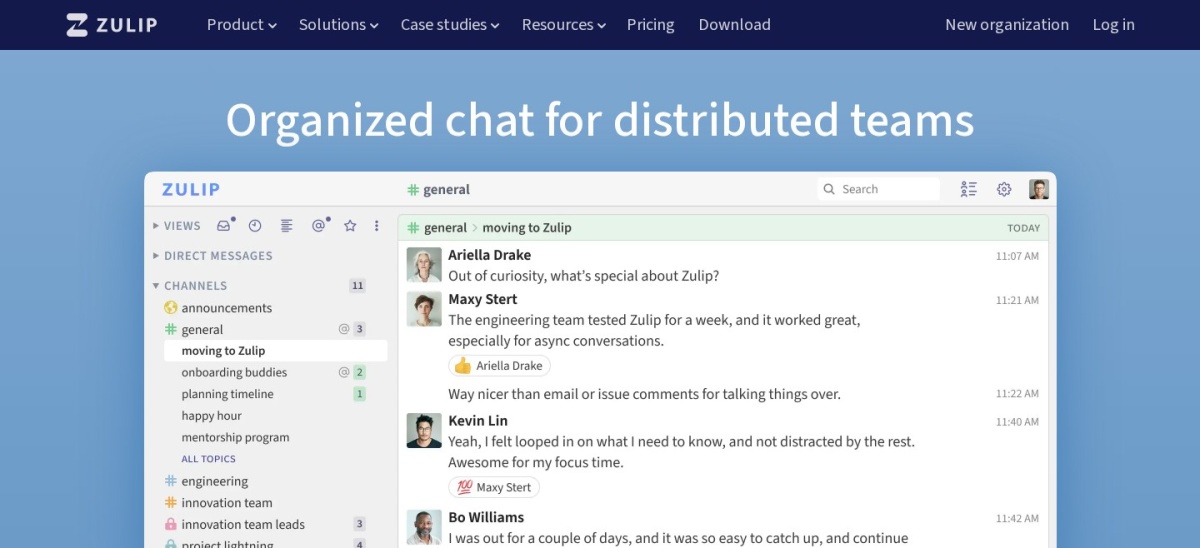
Zulip is an open-source team chat that organises every channel into topics, so long discussions stay readable across time zones. The free cloud plan covers 10,000 searchable messages, and Cloud Standard costs $6.67 per user a month billed yearly with unlimited history.
The trade off is the learning curve. Topics are powerful but unfamiliar, and teams used to flat channels need a week to adjust. It suits distributed teams and open-source projects that want async discussion without losing the thread.
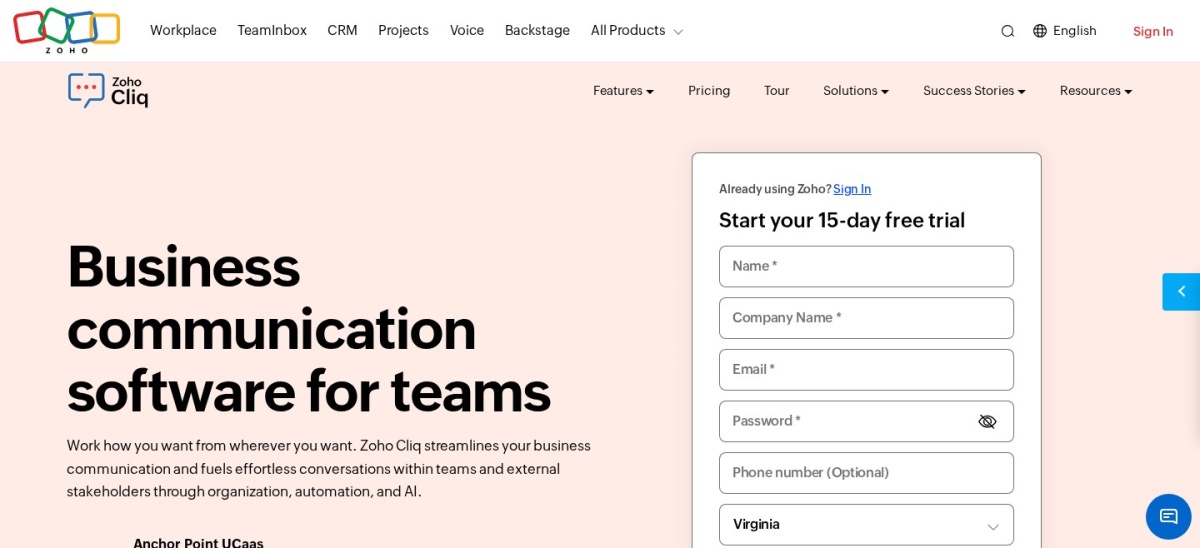
Zoho Cliq is the team chat inside the Zoho suite, with channels, calls, meetings and tasks in one app. The Standard plan costs $16.20 a month billed yearly for up to 25 users, which makes it the cheapest flat-rate paid plan here for a small team.
The trade off is the flat-rate ceiling. Standard covers 25 users, and larger teams move to Professional at $1.80 per user a month. It suits small teams already on Zoho and any team that wants a predictable monthly bill.
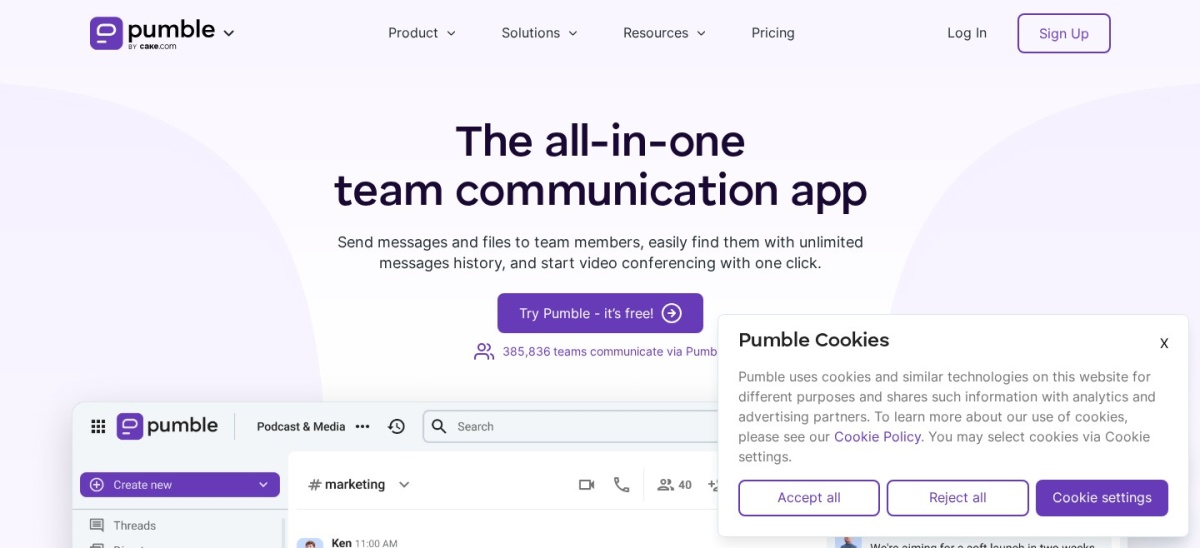
Pumble is a team messaging app from the team behind Clockify, built around unlimited users and searchable history on every plan. The free plan covers unlimited history and 10 GB of storage per workspace, and Pro costs $2.49 per user a month billed yearly.
The trade off is the thin review base, with a 4.5 out of 5 G2 rating from only 40 reviews. It suits budget teams that want Slack-style channels and calls without paying for message history.
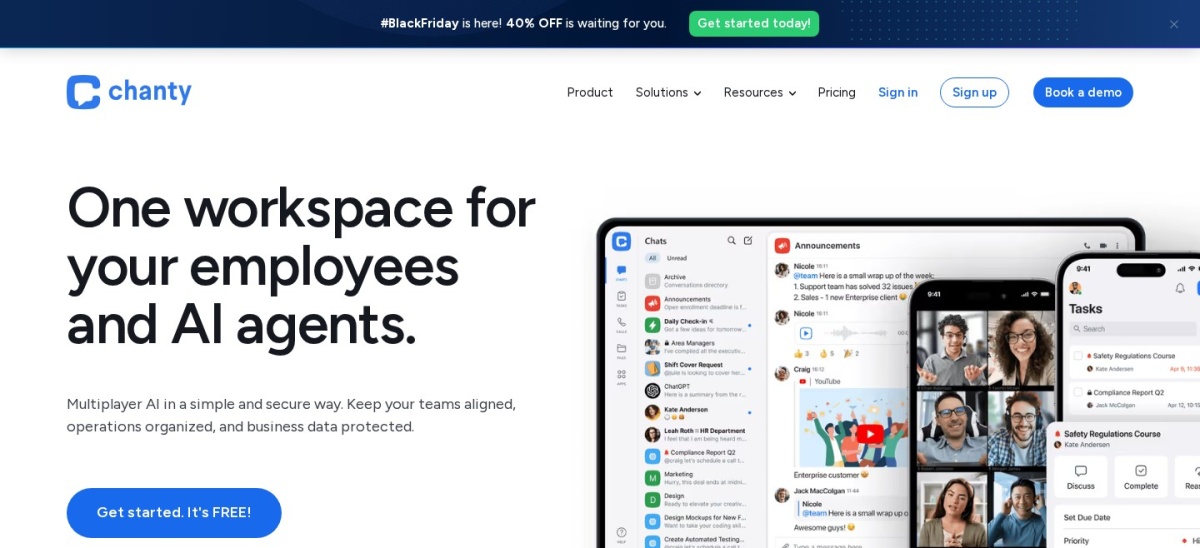
Chanty is a low-cost team chat that bundles messaging with tasks, calls and screen sharing, so small teams get several tools in one bill. The free plan covers unlimited history, and the Business plan costs $3 per user a month with more storage and integrations.
The trade off is the small review base, with a 4.4 out of 5 G2 rating from only 57 reviews. It suits budget-conscious teams that want chat plus basic task management without buying a second app.
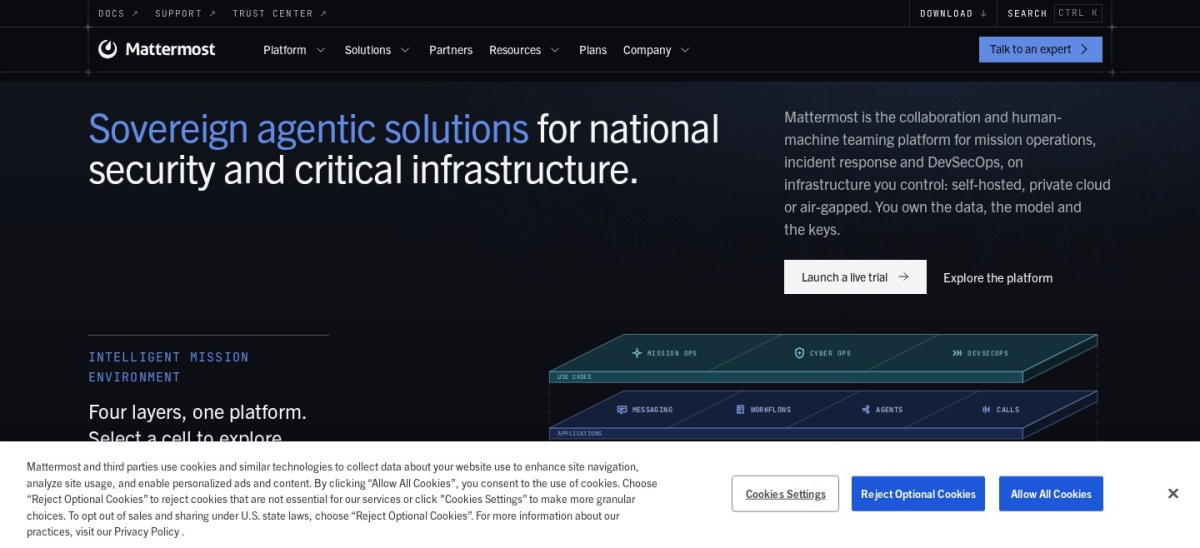
Mattermost is a self-hosted team chat that a team can run entirely on its own servers, with channels, threads, calls and workflow integrations in a familiar layout. The free self-hosted version covers the core chat, and paid plans add single sign-on, guest accounts and support.
The trade off is price transparency and admin time. Mattermost no longer lists a per-user price for its paid plans, so budget it as quote only, and self-hosting needs someone to run it. It suits regulated teams that must control where messages live.
Rocket.Chat is an open-source chat platform that teams can self-host or run in the cloud, with channels, omnichannel messaging and deep customisation. The free Starter plan covers up to 50 users with single sign-on, and paid plans are priced by quote since the Pro plan went legacy in April 2026.
The trade off is that paid pricing is no longer published, so a growing team must talk to sales before budgeting. It suits technical teams and regulated organisations that need custom hosting and data control.
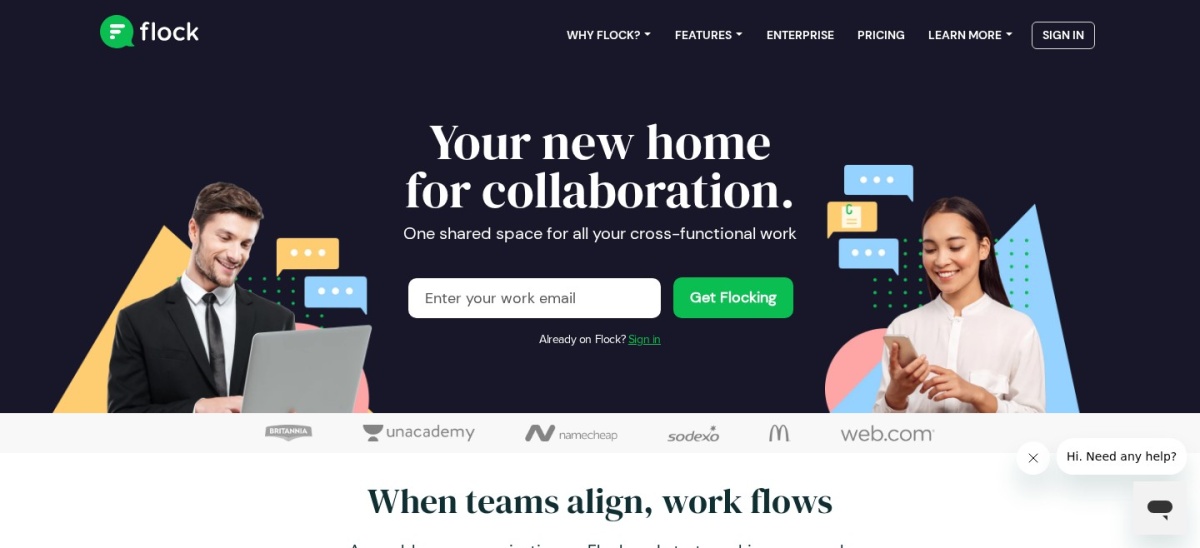
Flock is a team chat workspace with channels, video calls and built-in work tools such as polls, shared notes and to-dos. The free Starter plan covers the basics, and Pro costs $4.50 per user a month billed yearly with a 30-day trial and no card required.
The trade off is reach. Flock is a smaller player than Teams or Slack, so integrations and community answers are thinner. It suits small teams that want chat plus light productivity tools in one free plan.
Free plans cover chat well. Most include unlimited users, channels and calls, with history as the main limit.
Paid plans mostly add history, storage and admin controls. Guest access, single sign-on and retention rules sit behind the paywall in most tools here.
Self-hosting is the third route. Mattermost and Rocket.Chat cost nothing to install, but the server, updates and backups become your team's job.
How we chose
We started from the best-known Slack rivals with a published price or a clear quote-only status and a G2 rating, then kept the nine with the clearest fit for work teams.
Prices come from each vendor's pricing page, checked on 29 November 2026, and ratings come from G2 on the same day. Where a vendor shows a sale, the list shows the regular price.
We left out tools with no public rating and chat apps built only for gaming communities. No vendor paid for a place, and we do not claim hands-on testing for this list.
How to choose a Slack alternative
Start with the suite you already pay for, then check history limits and the real per-user cost.
List what you already pay for. Teams, Google Chat and Cliq are nearly free inside their suites. Paying twice for chat is the most common waste.
Check the history limit. Slack keeps 90 days free, while Pumble and Chanty keep unlimited history. Moving years of chat to a 90-day plan loses the archive.
Count the real per-user cost. Multiply the per-user price by your team size and by 12, then add any storage or admin add-ons before you compare plans.
Trial it with one team first. Move a single team, test integrations and search, and only then migrate the rest. A chat move is harder to undo than it looks.
FAQ
What is the best Slack alternative in 2026?
Microsoft Teams is the best Slack alternative for most teams. It costs $4 per user a month for Essentials, it covers chat, meetings and files in one app, and it is rated 4.4 out of 5 on G2 from more than 19,000 reviews.
What is the cheapest Slack alternative?
Zoho Cliq is the cheapest for a small team, at a flat $16.20 a month for up to 25 users. For larger teams, Pumble is cheapest per user at $2.49 a month, and Microsoft Teams is cheapest among the big suites at $4 a month.
Is there a free alternative to Slack?
Yes. Every tool in this list has a free plan, and Pumble and Chanty keep unlimited message history free. Microsoft Teams and Google Chat also offer free plans, while Mattermost and Rocket.Chat can be self-hosted free.
Which Slack alternative is best for small teams?
Zoho Cliq suits small teams on a flat $16.20 monthly bill, while Pumble suits teams that want unlimited history at $2.49 per user. Both are far cheaper than Slack Pro at $7.25 per user a month billed yearly.
Microsoft Teams or Google Chat: which should I pick?
Pick Microsoft Teams if your team runs on Microsoft 365, Outlook and Office files. Pick Google Chat if your team lives in Gmail, Drive and Meet, since chat sits inside those apps with no extra install.
Are Mattermost and Rocket.Chat really free?
Both can be self-hosted free, with Mattermost free for any size and Rocket.Chat Starter free up to 50 users. Paid plans are quote only for both, so you need a sales conversation before you can budget a paid tier.
SaaS SEO and WordPress specialist with about 8 years of experience. Rakib compares WordPress plugins, themes, hosting and software using public pricing, documentation and user reviews. See how we rank.