Microsoft Teams is the best Zoom alternative for most businesses, offering meetings with up to 300 participants for $4 per user per month with annual billing. Choose Google Meet for browser-based meetings and Google Workspace integration, or Slack for informal video conversations alongside team messaging.
How we make this list: we compare pricing pages, product documentation and public user reviews, then re-check every price before each update. No product paid for a place. Disclosure.
Microsoft Teams Essentials supports 300 participants and meetings lasting up to 30 hours for $4 per user monthly.
Google Workspace starts at $7 per user monthly and earns 4.6/5 from 48,329 G2 reviews.
Slack Pro costs $8.75 per user with monthly billing and supports group video huddles.
Webex offers free meetings for up to 100 participants with a 40-minute time limit.
Jitsi provides free, open-source video conferencing and earns 4.3/5 from 233 G2 reviews.
What to look for in a Zoom alternative
The right Zoom replacement depends on how your team communicates. Some platforms specialize in scheduled video conferences, while others combine meetings with messaging, document collaboration and project communication.
Check participant limits and maximum meeting durations before comparing subscription prices. Free plans often restrict group meetings, while paid subscriptions remove these restrictions or extend meeting capacity.
Browser-based access makes external meetings easier because customers and partners can join without installing desktop software. Calendar integration also reduces the work involved in scheduling recurring calls.
Consider recording permissions, administrative controls and security requirements. Businesses handling confidential information may need additional governance features beyond standard meeting passwords and waiting rooms.
Microsoft Teams is a workplace communication platform combining video conferencing, messaging and file collaboration. Teams Essentials supports meetings with up to 300 participants, a 30-hour meeting limit and 10 GB of cloud storage per user.
The trade off is that its $4 per user monthly Essentials subscription requires annual billing and does not include the complete Microsoft Office application suite. It suits businesses looking for affordable video meetings and integrated team communication.
What we like
Affordable standalone business subscription
Generous paid meeting capacity
Integrated messaging and file sharing
Microsoft application integrations
Watch out for
Interface can feel crowded
Full Office applications require separate subscriptions
Teams Essentials expands meeting capacity, duration and storage.Visit microsoft.com
02
Google Meet
4.6/5on G2 (48,329 reviews, checked Nov 2026)
Paid from$7/user/mo
Best for browser-based video meetings
Entry paid planBusiness Starter
BillingAnnual commitment
Calendar integrationGoogle Calendar
Rating coverageGoogle Workspace suite
meet.google.com
Google Meet homepage, captured Nov 2026.
Google Meet is a browser-based video conferencing service included with Google Workspace. Its Business Starter subscription costs $7 per user monthly with an annual commitment and includes business email, document collaboration and meeting functionality.
The trade off is that advanced recording and meeting management features require higher Workspace subscriptions. It suits organizations already using Google Calendar, Gmail and Google Drive that want fewer separate communication subscriptions.
What we like
Browser-based meeting access
Google Calendar scheduling
Integrated document collaboration
Free personal meeting access
Watch out for
Advanced meeting features require upgrades
Paid pricing includes the broader Workspace suite
Business Starter adds organizational email and administrative features.Visit meet.google.com
03
Slack
4.5/5on G2 (40,613 reviews, checked Nov 2026)
Paid from$8.75/user/mo
Best for informal team video calls
Entry planPro
Free message history90 days
Free application integrations10
Free video meetingsOne-to-one
slack.com
Slack homepage, captured Nov 2026.
Slack is a workplace messaging platform offering audio and video conversations through huddles. Its free subscription includes one-to-one calls, screen sharing, 90 days of searchable message history and up to 10 application integrations.
The trade off is that group huddles require a paid subscription, with Pro regularly costing $8.75 per user on monthly billing before promotional discounts. It suits teams that prefer quick conversations within their existing messaging channels.
What we like
Video calls directly inside channels
Extensive application integrations
Persistent team communication
Screen sharing during huddles
Watch out for
Free huddles restricted to individual conversations
Less suitable for formal webinars
Pro adds group huddles and expanded message history.Visit slack.com
04
Webex
4.2/5on G2 (18,939 reviews, checked Nov 2026)
PricingCustom pricing
Best for enterprise video conferencing
Free meeting capacity100 participants
Free meeting duration40 minutes
Screen sharingYes
Enterprise pricingCustom
webex.com
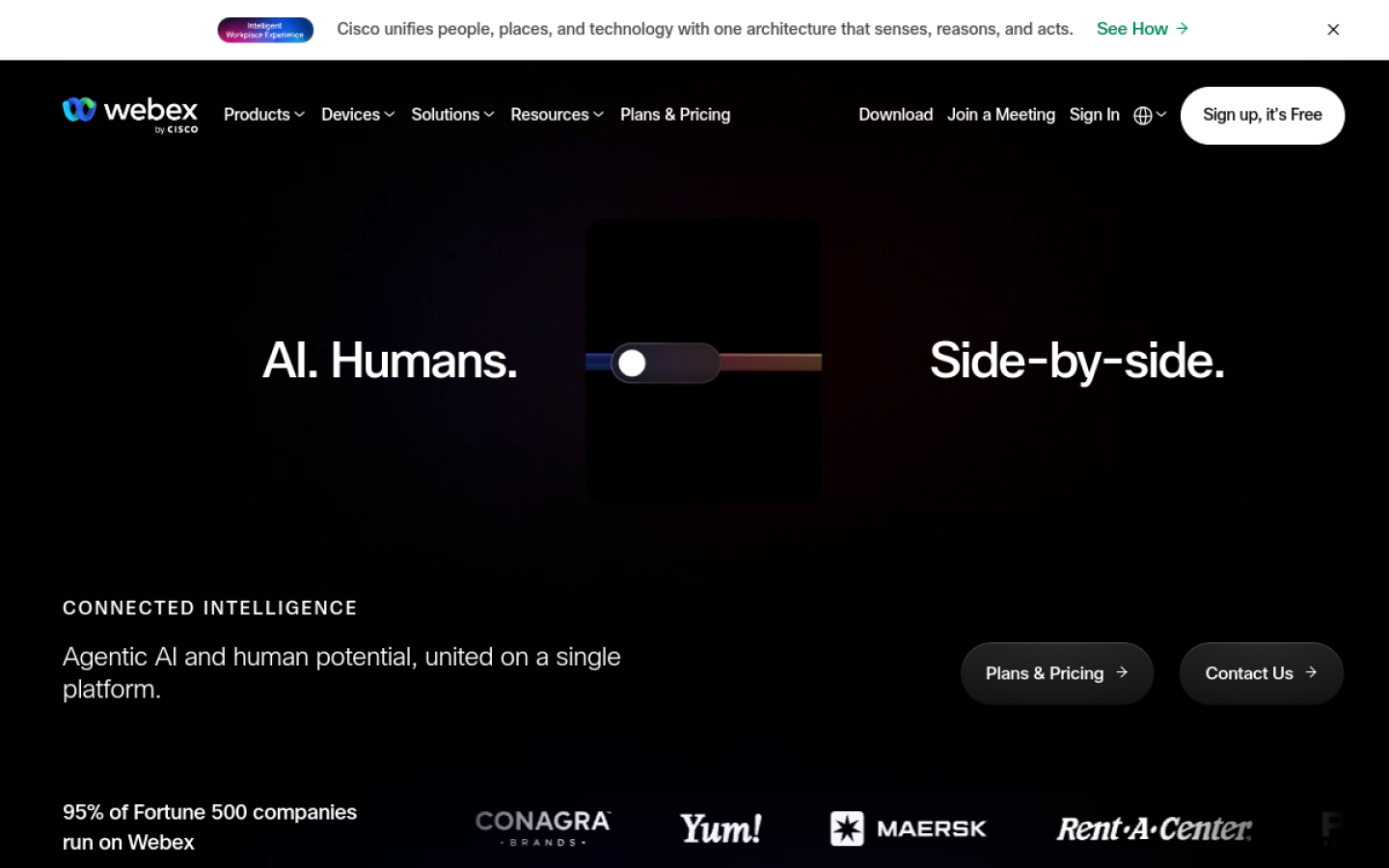
Webex homepage, captured Nov 2026.
Webex is a business communication suite developed by Cisco for online meetings, messaging and enterprise collaboration. Its free plan supports unlimited meetings of up to 40 minutes with a maximum of 100 participants and includes screen annotation.
The trade off is that longer meetings and enterprise administrative capabilities require paid arrangements with custom pricing. It suits larger organizations that need centralized communication management and established enterprise collaboration infrastructure.
What we like
Free meetings for 100 attendees
Screen sharing with annotation
Enterprise administration capabilities
Meeting and messaging integration
Watch out for
Free group meetings limited to 40 minutes
Enterprise deployment requires planning
Enterprise subscriptions expand meeting limits and administrative controls.Visit webex.com
05
Whereby
4.6/5on G2 (1,160 reviews, checked Nov 2026)
Paid from$10.99/mo
Best for reusable browser meeting rooms
Entry paid planMeetings Pro
Guest accessBrowser-based
Permanent room linksYes
Screen sharingYes
whereby.com
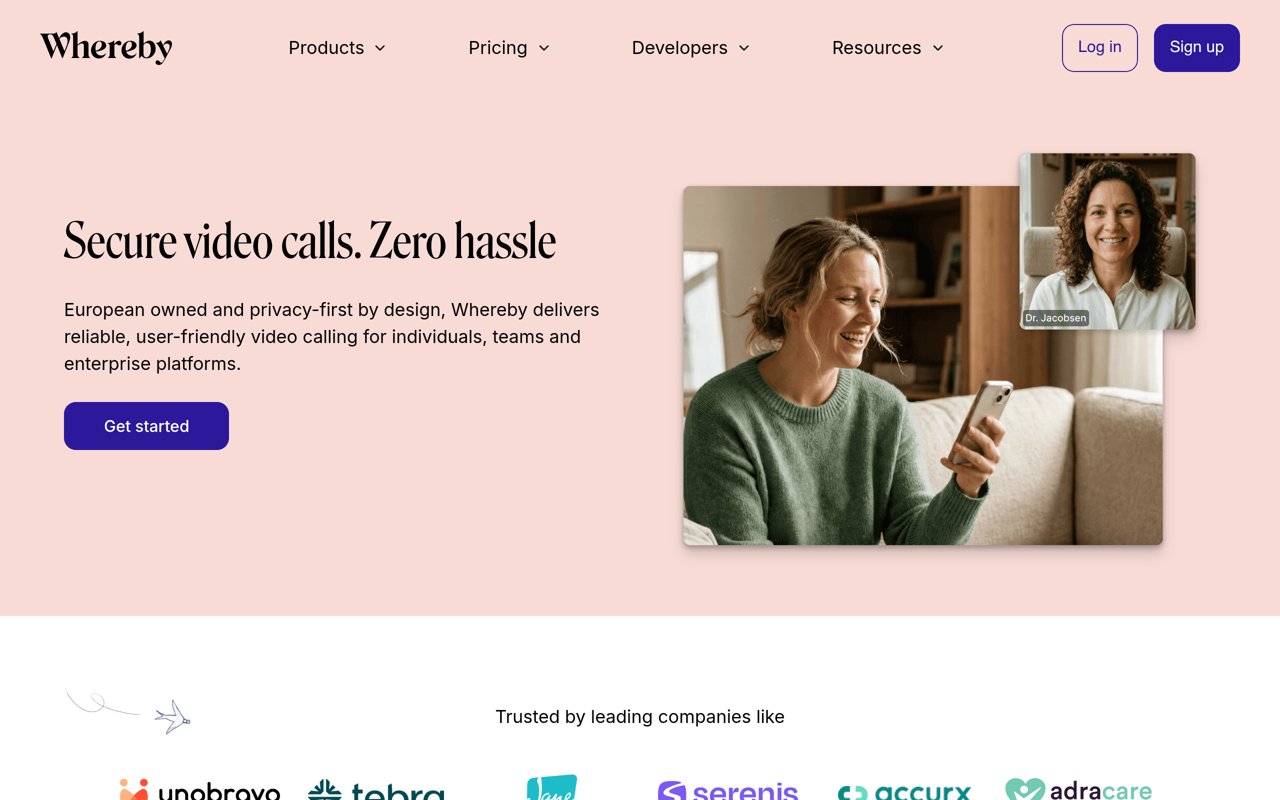
Whereby homepage, captured Nov 2026.
Whereby is a browser-first video meeting platform built around reusable meeting rooms and direct invitation links. Its Meetings product earns 4.6/5 from 1,160 G2 reviews and supports screen sharing and meeting room customization.
The trade off is that its Pro subscription costs $10.99 monthly according to vendor-supplied G2 pricing, and advanced collaboration requirements may need a broader platform. It suits consultants, freelancers and customer-facing teams that prioritize simple guest access.
What we like
Reusable meeting room links
No mandatory guest software installation
Meeting room customization
Simple external meeting workflows
Watch out for
Fewer enterprise collaboration capabilities
Separate product for embedded video integrations
Meetings Pro expands room functionality and customization.Visit whereby.com
06
Zoho Meeting
4.5/5on G2 (1,261 reviews, checked Nov 2026)
PricingCustom pricing
Best for Zoho-based business workflows
Free meeting capacity100 participants
Free meeting duration60 minutes
Standard recording storage5 GB per host
Standard meeting duration24 hours
zoho.com
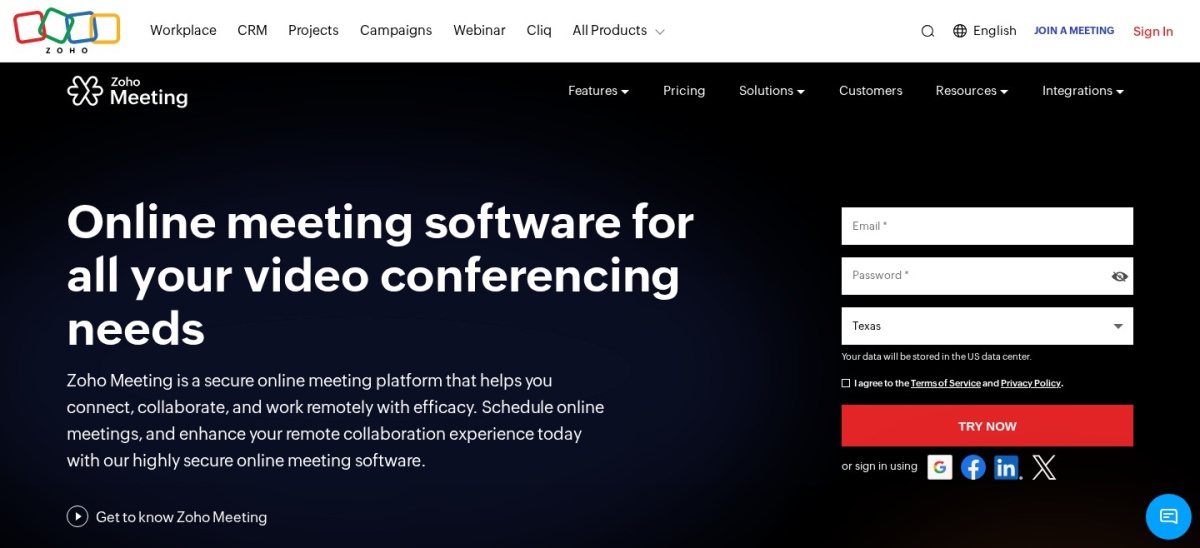
Zoho Meeting homepage, captured Nov 2026.
Zoho Meeting is an online conferencing and webinar platform that integrates with the Zoho business software ecosystem. Its free plan includes meetings lasting up to 60 minutes for 100 participants, screen sharing, virtual backgrounds and whiteboards.
The trade off is that extended meetings, cloud recordings and additional co-host controls require paid subscriptions priced according to selected meeting capacity. It suits small businesses that already manage customer relationships and business operations through Zoho applications.
What we like
Generous free meeting duration
Whiteboard included in free meetings
Zoho business application integrations
Dedicated webinar functionality
Watch out for
Recording requires a paid subscription
Webinar subscriptions are priced separately
Meeting Standard adds recording storage, co-hosts and longer meetings.Visit zoho.com
07
Jitsi
4.3/5on G2 (233 reviews, checked Nov 2026)
PriceFree
Best free open-source Zoom alternative
Software licenseOpen source
Self-hostingSupported
Browser meetingsYes
Subscription requiredNo
jitsi.org
Jitsi homepage, captured Nov 2026.
Jitsi is a free, open-source video conferencing platform that supports browser meetings, screen sharing and self-hosted deployments. It earns 4.3/5 from 233 G2 reviews and does not require a commercial software subscription.
The trade off is that the free software can require separate infrastructure spending and technical administration when self-hosted. It suits developers, privacy-conscious organizations and businesses that want greater control over their video meeting infrastructure.
What we like
Free open-source software
Self-hosted deployment options
Browser-based participation
Customizable meeting infrastructure
Watch out for
Self-hosting requires technical knowledge
Hosting and maintenance may create additional costs
Self-hosting provides additional infrastructure control without software license fees.Visit jitsi.org
Which free Zoom alternatives offer the most?
Zoho Meeting supports free meetings lasting 60 minutes with up to 100 participants. Webex supports the same participant capacity but limits free meetings to 40 minutes.
Jitsi is worth considering when software subscription costs are the main concern. Its open-source licensing also allows organizations to deploy their own meeting infrastructure, although server operation and maintenance can introduce expenses.
How we chose
We selected established video conferencing and workplace communication platforms from independent software review directories. We compared meeting capacity, browser accessibility, collaboration features and suitability for replacing Zoom.
We checked available subscription information and G2 ratings on 25 Nov 2026. Published annual-commitment prices exclude temporary discounts, while monthly subscriptions are multiplied by twelve for annual comparison.
We excluded products without relevant video conferencing functionality or established independent review histories. Suite-level ratings are identified where applicable. No vendor paid for a place, and we do not claim testing for this list.
How to choose the best Zoom alternative
Identify your meeting requirements and existing software subscriptions before comparing alternative platforms.
Check meeting duration and capacity. Choose a platform that supports your typical meeting length and maximum expected attendance without interruptions.
Review your existing software subscriptions. Determine whether your organization already pays for Google Workspace or Microsoft services that include video conferencing.
Evaluate external guest access. Prioritize browser-based participation and straightforward invitation links when meeting regularly with customers and external partners.
Compare administrative and recording features. Check recording availability, storage allowances, participant permissions and security controls before purchasing licenses.
FAQ
What is the best alternative to Zoom?
Microsoft Teams is our top pick for business meetings because its Essentials subscription supports 300 participants for $4 per user monthly with annual billing. Google Meet is another suitable choice for organizations using Google Workspace.
Is there a completely free alternative to Zoom?
Jitsi is free, open-source video conferencing software without a required commercial subscription. Organizations can use its public meeting service or operate their own deployment, although self-hosted infrastructure and maintenance may involve additional expenses.
Which Zoom alternative is best for small businesses?
Microsoft Teams Essentials offers affordable business conferencing, while Zoho Meeting provides a useful free option for smaller organizations. Whereby is also suitable for customer-facing businesses that prioritize reusable invitation links and straightforward browser access.
Can I use Google Meet without paying?
Google Meet offers free personal video conferencing through a Google account. Businesses requiring additional administrative controls, recording functionality or integrated business email can consider paid Google Workspace subscriptions based on their feature requirements.
Which Zoom alternative does not require an app download?
Whereby, Google Meet and Jitsi support browser-based video conferencing. Participants can generally join through an invitation link without installing desktop software, although browser compatibility, meeting permissions and mobile device requirements may affect the experience.
SaaS SEO and WordPress specialist with about 8 years of experience. Rakib compares WordPress plugins, themes, hosting and software using public pricing, documentation and user reviews. See how we rank.