Everbridge is the best notification software for enterprise use, rated 4.5 out of 5 on G2 from 368 reviews, with alerts across 25 or more contact paths. Pick AlertMedia for easier setup, and PagerDuty for on-call incident alerting.
How we make this list: we compare pricing pages, product documentation and public user reviews, then re-check every price before each update. No product paid for a place. Disclosure.
Everbridge leads for critical events at scale, with threat intelligence and two-way messaging, but pricing is quote-only.
AlertMedia is the easiest mass-notification tool to run, rated 4.7 out of 5 on G2 from 569 reviews.
PagerDuty is the on-call standard, with a free plan for 5 users and Professional at $21 per user a month.
xMatters, AlertOps, Zenduty and ilert all have free plans, and paid plans start at $6 per user a month.
Mass notification and on-call alerting are different jobs, and most large firms need one of each.
What enterprise notification software should cover
Enterprise notification splits into two jobs. Mass notification reaches thousands of people at once during an emergency, while on-call alerting routes a system fault to one responder.
A good mass tool should send by SMS, voice, email and app at the same time, and record who confirmed. A good on-call tool should page the right person, escalate if there is no answer, and keep a record of the response.
Email is one channel, not the whole plan. Our guide on fixing WordPress not sending emails shows how often email alone fails, which is why phone and SMS matter for urgent alerts.
Price is the hardest part to compare. The mass-notification leaders are quote-only, while the on-call tools publish per-user prices from $6 to $21 a month.
The 9 best notification software for enterprise use
01
Everbridge
4.5/5on G2 (368 reviews, checked Nov 2026)
PricingCustom/yr
Best for enterprise critical event management
Alert channels25+ contact paths
Threat intelligenceYes
Two-way messagingYes, with polling
Entry priceQuote-only
everbridge.com
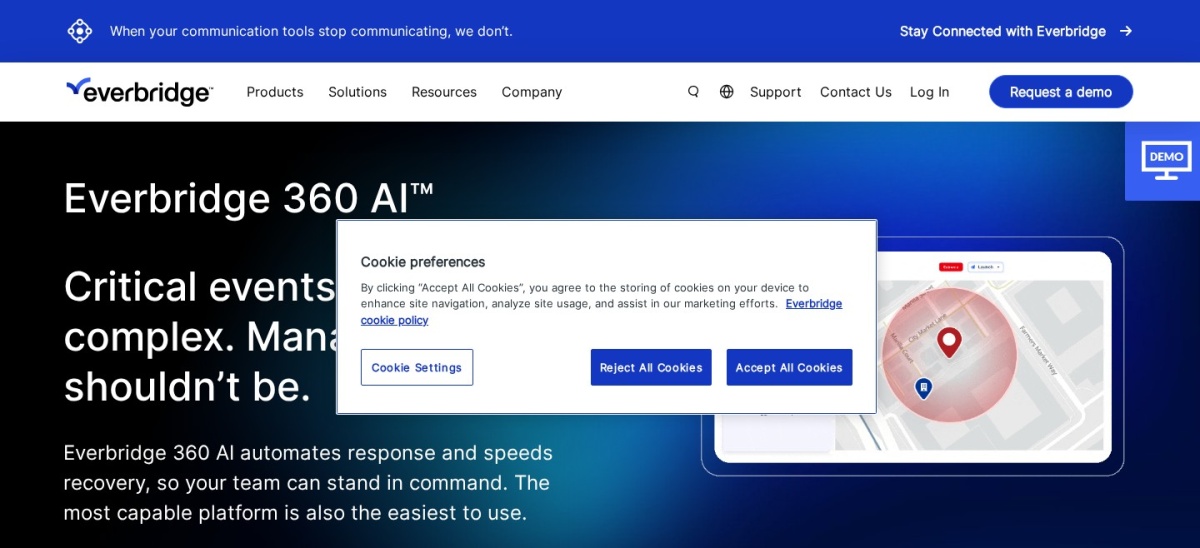
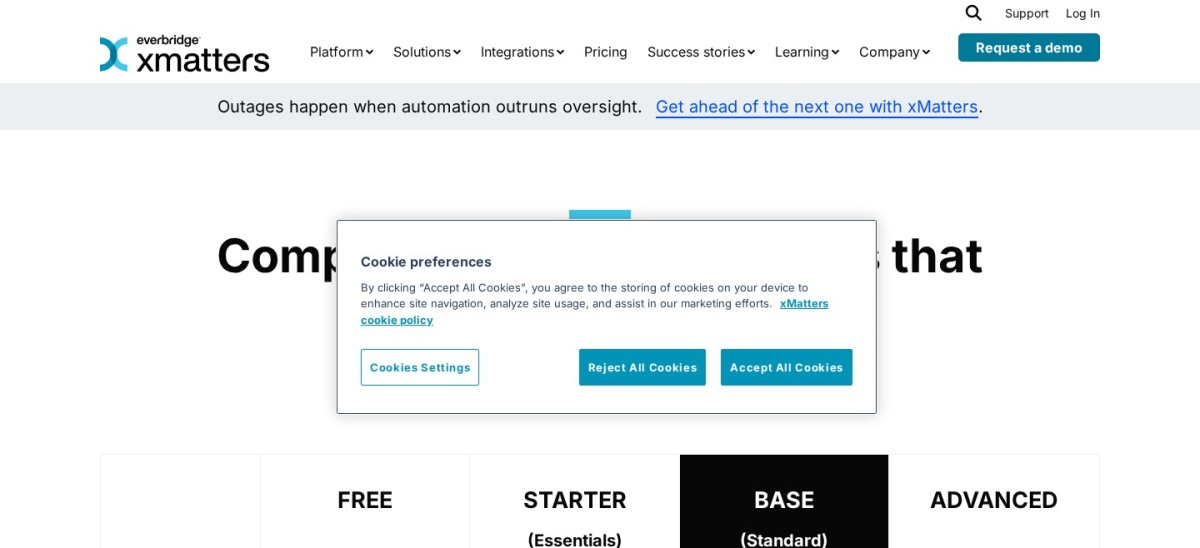
Everbridge homepage, captured Nov 2026.
Everbridge is a critical event management platform built for large organisations that must reach thousands of people at once. It sends alerts by SMS, voice, email, mobile app and desktop, across 25 or more contact paths, and adds threat intelligence, polling replies and incident coordination in one place.
The trade off is price and weight. Pricing is quote-only, with packages starting in the thousands a year, and roll-out takes planning, clean contact data and admin training. It suits large firms with many sites and a resilience team to run it.
What we like
Alerts across 25 or more contact paths
Threat intelligence starts the alert from the event
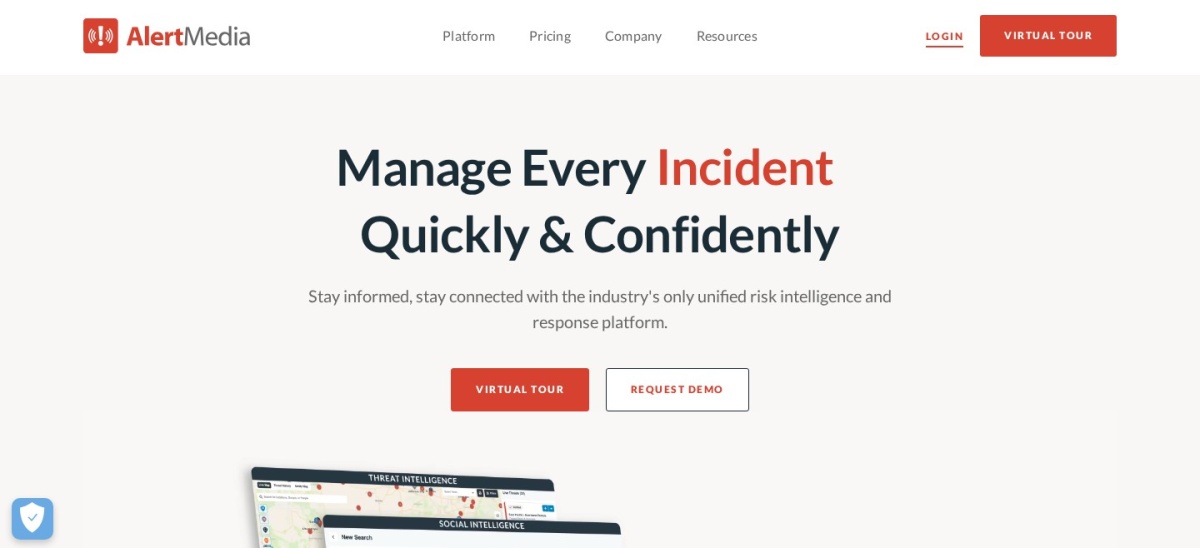
AlertMedia is a modern emergency communication platform that pairs mass notification with built-in threat intelligence. Alerts go out by SMS, voice, email, mobile app and desktop, with two-way messaging, wellness checks and event pages for the response side.
The trade off is price discovery. Pricing is quote-only, so budgeting needs a sales call, and deeper analytics can take admin training to use well. It suits mid-size and large organisations that want serious emergency communication without a heavy roll-out.
What we like
Highest G2 rating in this list at 4.7 out of 5
Clean interface with fast onboarding
Threat intelligence warns of risks near facilities
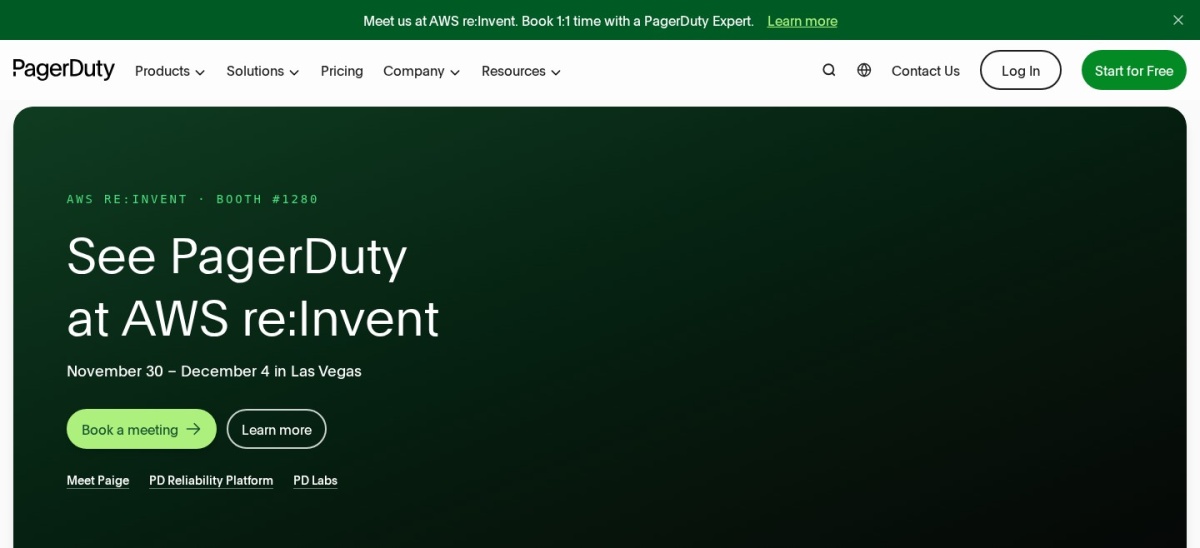
PagerDuty is an incident management and on-call platform that routes alerts from monitoring tools to the right responder. The free plan covers 5 users with 1 on-call schedule, 1 escalation policy and 100 SMS or phone alerts a month. Professional costs $21 per user a month billed yearly.
The trade off is cost at scale. Every responder is a paid user, and AIOps grouping, runbook automation and extra status pages are paid add-ons above Professional. It suits large engineering teams that want the widest set of integrations and a pager most firms already know.
What we like
Largest review base in this list at 983 G2 reviews
Free plan for 5 users with phone and SMS alerts
Unlimited SMS and phone alerts on Professional
Status page and post-incident reviews included
Watch out for
Per-user pricing adds up fast on large rotations
AIOps and automation are paid add-ons
Platform plans above Professional start at $2,800 a year
xMatters is an incident workflow platform from Everbridge that automates who gets notified and how. The free plan covers 10 users with on-call scheduling, shift management and mobile apps. Paid plans start at $15 per user a month and add workflow automation, wider integrations and conference bridges.
The trade off is cost as teams grow. Per-user pricing adds up once the whole staff is on the platform, and the deepest automation needs a custom quote. It suits mid-size and large IT teams with complex routing and many monitoring tools.
What we like
Free plan covers 10 users, the largest free tier here
Strong automated escalation and workflow design
79 integrations listed on G2
Owned by Everbridge, so it pairs with mass notification
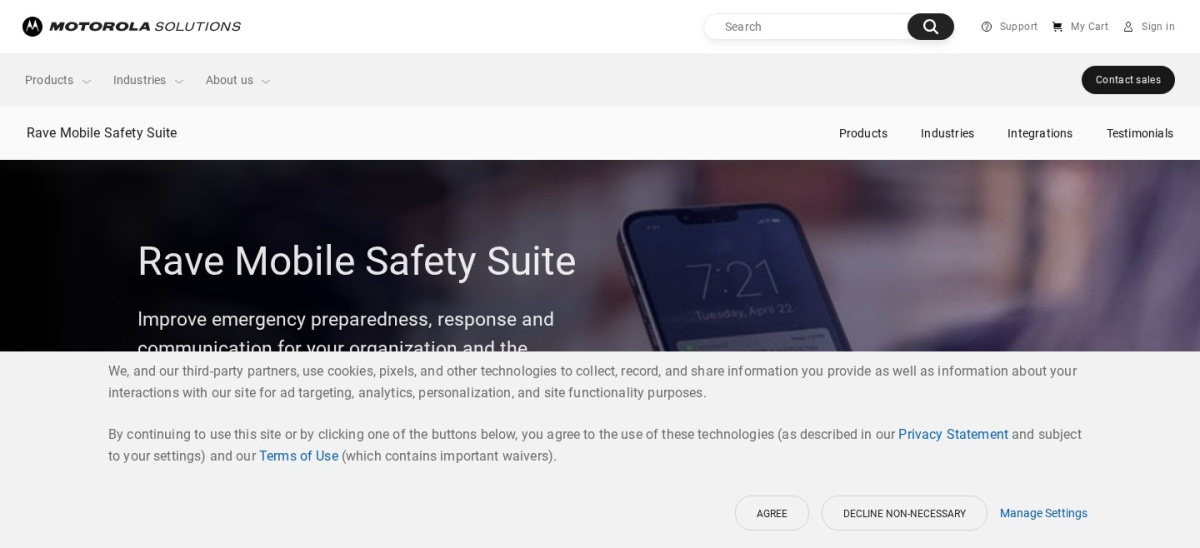
Rave Alert is a mass notification system built for schools, healthcare and public safety, now owned by Motorola Solutions. It sends alerts in three clicks by text, email, voice, desktop and social media, with templates, geo-polling and SMS opt-in for large groups.
The trade off is scope and price. Pricing is quote-only, roll-out takes about three months, and it is built for community and campus alerts rather than IT on-call work. It suits education, healthcare and public-sector teams that must reach large groups fast.
What we like
Sends to every channel in three clicks
Pre-set templates speed up urgent alerts
SMS opt-in lets the public join by keyword
Public-safety grade, geo-redundant delivery
Watch out for
Quote-only pricing with no published entry price
Roll-out takes about three months
Not built for IT on-call alerting
Paid packages are custom-quoted by population sizeVisit rave.com
06
OnPage
4.3/5on G2 (319 reviews, checked Nov 2026)
Starts at$13.99/mo
Best for alerts nobody can miss
Entry plan$13.99/user/mo
Alert-until-readYes, up to 8 hours
HIPAA-compliant messagingYes
Free planNo, trial only
onpage.com
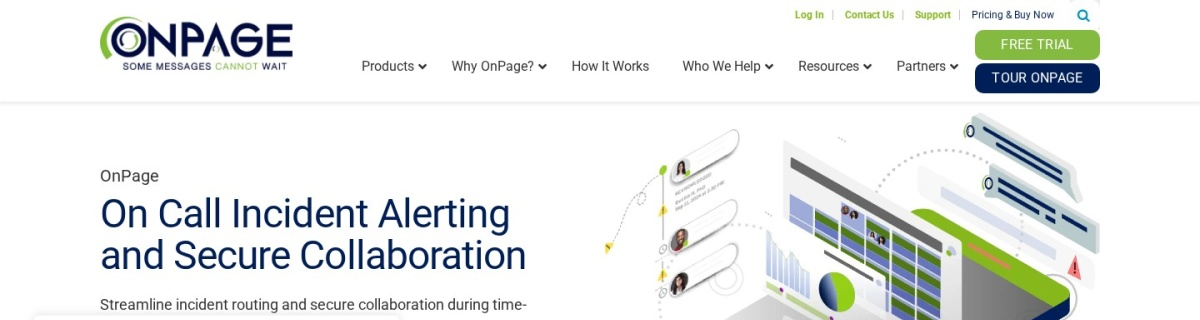
OnPage homepage, captured Nov 2026.
OnPage is a critical alerting and on-call platform for IT and healthcare teams. Its alert-until-read notifications bypass silent and do-not-disturb settings and repeat for up to eight hours until the responder acts. Plans start at $13.99 per user a month billed yearly.
The trade off is breadth. OnPage is an alerting layer, not a full incident command centre, so problem and change records stay in the service desk. It suits NOCs, IT operations and clinical teams that need a page nobody can miss.
What we like
Persistent alerts repeat until read
Bypasses silent and do-not-disturb settings
HIPAA-compliant messaging for clinical teams
Integrations included at no extra cost
Watch out for
No free plan, only a free trial
SMS costs extra at $5 per user a month
No full incident command dashboards
Enterprise tiers add escalation groups and live call routingVisit onpage.com
07
AlertOps
4.7/5on G2 (155 reviews, checked Nov 2026)
Paid from$8/mo
Best value on-call alerting
Free planStarter, free
Entry paid planStandard, $8/user/mo
Single sign-onPremium, $18/user/mo
On-call schedulingYes
alertops.com
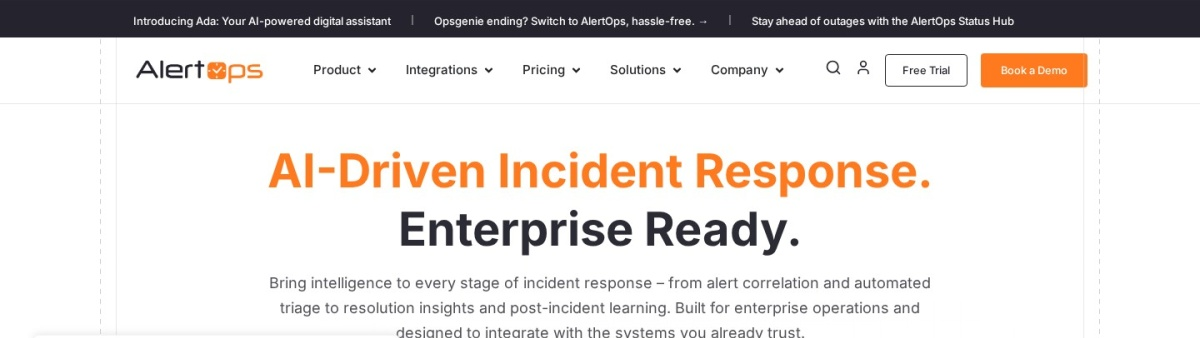
AlertOps homepage, captured Nov 2026.
AlertOps is an incident orchestration platform that automates on-call scheduling, alert routing and escalation. The free Starter plan covers basic scheduling for small teams, and Standard starts at $8 per user a month for teams of up to 10 users.
The trade off is scale. Single sign-on and other enterprise features sit on the Premium plan at $18 per user a month, and the review base is smaller than PagerDuty. It suits small and mid-size teams that want PagerDuty-style alerting at a lower price.
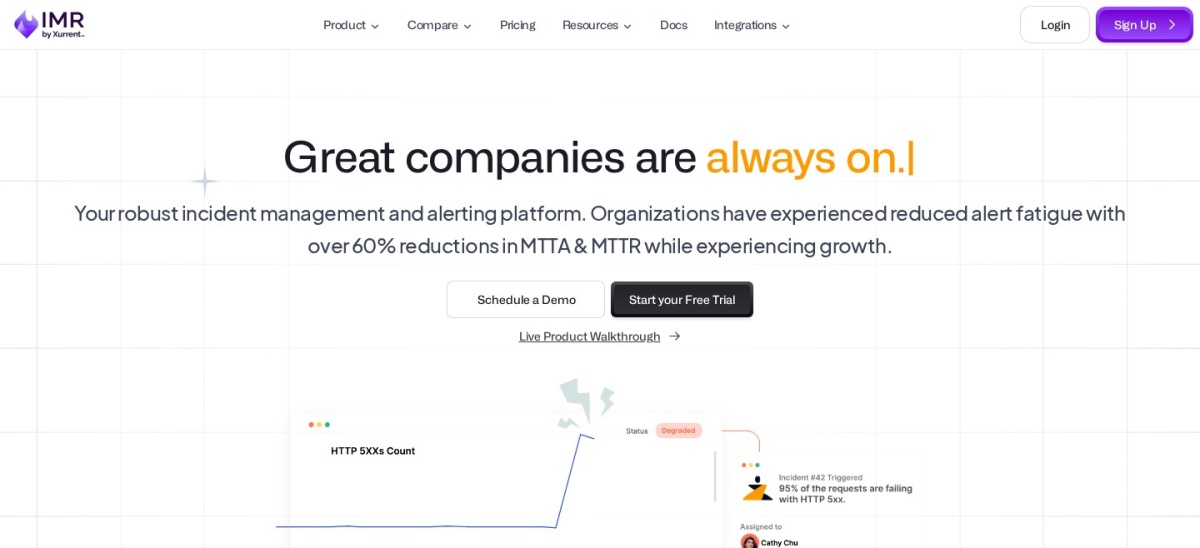
Zenduty is an on-call and incident response platform, now listed on G2 as Xurrent IMR, that pulls alerts from more than 150 monitoring tools. Starter costs $6 per user a month for up to 5 users, and Growth at $16 per user a month adds unlimited phone and SMS alerts.
The trade off is depth. Workflow automation supports only one trigger, escalation delays cannot be customised, and there is no built-in status page. It suits teams of up to 50 that want low-cost paging with postmortems in one plan.
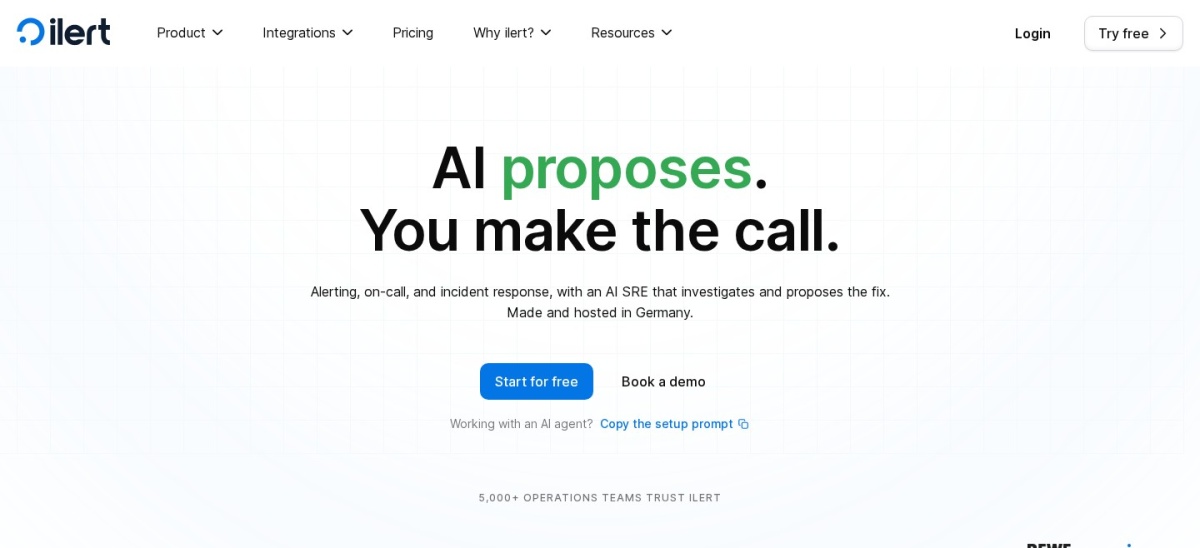
ilert is an incident management and on-call alerting platform hosted in Germany, with a free plan for 5 users. Pro starts at $19 per user a month and adds on-call scheduling, automated escalations, status pages and reporting on response times.
The trade off is a small review base. ilert holds 4.2 out of 5 on G2 from only 10 reviews, and its Enterprise plan is a custom quote. It suits European teams that value GDPR hosting, ISO 27001 certification and a simple on-call setup.
What we like
Free plan for 5 users
Hosted in Germany with ISO 27001 certification
Status pages included on paid plans
AI SRE help is read-only by default
Watch out for
Only 10 G2 reviews, so the rating is thin
Enterprise plan is a custom quote
Smaller integration set than PagerDuty
Pro adds status pages and response-time reportingVisit ilert.com
Mass notification vs on-call alerting: which do you need?
Mass notification targets everyone: employees, students or residents, with an urgent message and confirmation tracking. Everbridge, AlertMedia and Rave Alert do this job.
On-call alerting targets one responder at a time, with escalation if they do not answer. PagerDuty, xMatters, OnPage, AlertOps, Zenduty and ilert do this job.
Most large firms need both. Buy the mass tool for safety and facilities teams first, then add an on-call tool for engineering and IT operations.
How we chose
We started from the tools listed in G2's emergency notification and IT alerting categories with published ratings, then kept nine live products with current pricing or a clear quote-only model.
Prices come from each vendor's pricing page or vendor-supplied G2 pricing, checked on 25 November 2026. Ratings and review counts come from G2 on the same day. Where a vendor shows a sale, the list shows the regular price.
We left out discontinued products: Opsgenie, which Atlassian stopped selling, and Splunk On-Call, which is folded into Splunk packaging. No vendor paid for a place, and we do not claim to have used these tools ourselves.
How to choose notification software for enterprise use
Start with who must be reached, then match the tool to that job.
Decide mass or on-call first. If the alert must reach thousands of people, shortlist Everbridge, AlertMedia or Rave Alert. If it must reach one responder, shortlist PagerDuty, xMatters or AlertOps.
Count the people, not just the users. Mass tools price by population and modules, while on-call tools price per responder. Get a quote for your full headcount before you compare.
Check the channels your staff actually read. SMS and phone calls beat email for urgent alerts. Confirm the tool covers the channels your teams use, including app push and desktop alerts.
Ask for a trial with a real alert. Send a test alert to a small group and check who confirmed and how fast. See our guide to comparing hosting support quality for how to judge a vendor's support during a trial.
FAQ
What is the best notification software for enterprise use?
Everbridge is the best pick for large firms, rated 4.5 out of 5 on G2 from 368 reviews. It covers mass alerts across 25 or more contact paths, with threat intelligence and two-way confirmation tracking.
How much does enterprise notification software cost?
On-call tools publish prices from $6 to $21 per user a month, with free plans for small teams. Mass-notification leaders such as Everbridge, AlertMedia and Rave Alert are quote-only, priced by population, countries and modules.
What is the difference between mass notification and on-call alerting?
Mass notification sends one urgent message to thousands of people and tracks who confirmed. On-call alerting routes a system fault to one responder, escalates if they do not answer, and records the response.
Is there a free enterprise notification tool?
Yes, for on-call alerting. PagerDuty, xMatters, AlertOps, Zenduty and ilert all have free plans for 5 to 10 users. The mass-notification leaders have no free plan, only custom quotes.
Which tool is easiest to set up?
AlertMedia is the easiest mass-notification tool in this list, with the highest G2 rating at 4.7 out of 5 and strong scores for ease of use. For on-call work, AlertOps is praised for fast setup and responsive support.
Do I need both a mass tool and an on-call tool?
Most large firms do. The mass tool serves safety, facilities and HR teams during emergencies, while the on-call tool serves engineering and IT operations during system faults. One tool rarely covers both jobs well.
SaaS SEO and WordPress specialist with about 8 years of experience. Rakib compares WordPress plugins, themes, hosting and software using public pricing, documentation and user reviews. See how we rank.