WhatsApp is the best instant messaging app for most people, free with chats encrypted by default and rated 4.6 out of 5 on G2. Pick Telegram for groups of up to 200,000 members and Signal if privacy is your top concern.
How we make this list: we compare pricing pages, product documentation and public user reviews, then re-check every price before each update. No product paid for a place. Disclosure.
WhatsApp is the best instant messaging app for most people: free, encrypted by default and rated 4.6 out of 5 on G2.
Telegram leads on group size, with groups of up to 200,000 members, and the highest rating here at 4.7 out of 5 on Capterra.
Signal is the only pick that is free, open source and run by a nonprofit, with encryption on by default.
Slack is the best work option, rated 4.5 out of 5 from 39,320 G2 reviews, but its free plan limits message history.
Discord, Microsoft Teams and Viber are all free to start, with paid plans from $2.99 to $6.67 a month.
What makes a good instant messaging app
An instant messaging app has to do two things well: reach the people you already talk to, and keep those chats private. Reach matters more than features, because an app with nobody on it is of little use.
Encryption is the next thing to check. Some apps encrypt every chat by default, while others only encrypt chats you mark as secret. If you share sensitive details, default encryption should be a requirement, not a bonus.
Groups and file sharing separate the picks. Telegram allows groups of up to 200,000 members, while work apps such as Slack and Microsoft Teams add channels, file sharing and meeting tools around the chat.
Businesses that answer customers in chat often pair an app with an automated helper. Our guide on adding an AI chatbot to WordPress shows how that works on a site.
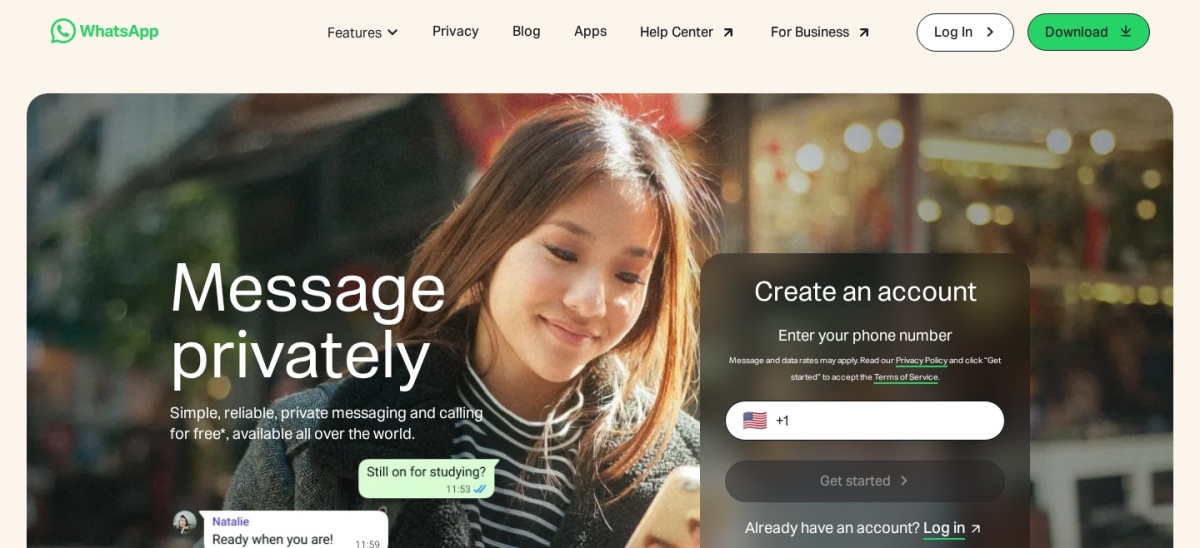
WhatsApp is the most widely used messaging app in this list, and its core app is free. Chats and calls are end-to-end encrypted by default, and the app covers text, voice messages, voice and video calls, groups and file sharing on phones and desktop.
The trade off is that it is tied to a phone number, and business messaging on the WhatsApp Business Platform is priced by conversation volume, which can grow costly. It suits almost anyone who wants one free app that most of their contacts already use.
What we like
Free, with encryption on by default
Most contacts already use it
Voice, video and group chats included
Watch out for
Needs a phone number to sign up
Business messaging costs rise with volume
Business Platform adds templates and automation, priced per conversationVisit whatsapp.com
02
Telegram
4.7/5on Capterra (6,420 reviews, checked Nov 2026)
PriceFree
Best for large groups and channels
Group sizeUp to 200,000 members
EncryptionSecret Chats only
File sharingLarge files, cloud storage
Paid planPremium, optional extras
telegram.org
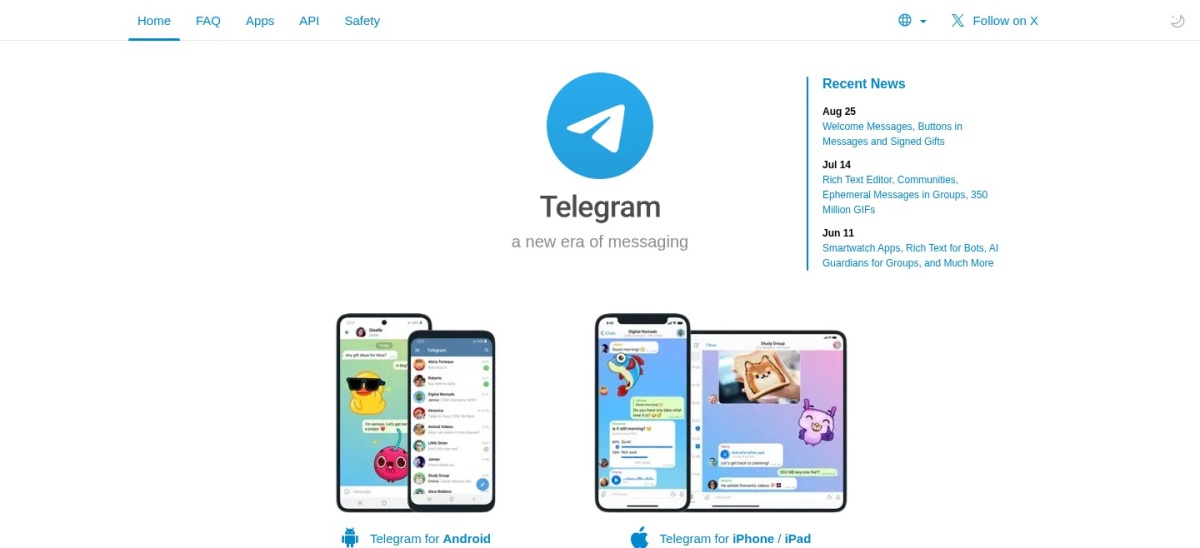
Telegram homepage, captured Nov 2026.
Telegram is a fast, cloud-based messaging app with groups of up to 200,000 members, public channels, bots and file sharing. Messages sync across phones, tablets and desktop, so a chat started on one device is waiting on the next.
The trade off is privacy. Ordinary chats are stored in the cloud and are not end-to-end encrypted; only Secret Chats get that protection. It suits communities, clubs and channels that need very large groups and a free app.
What we like
Largest groups in this list, up to 200,000 members
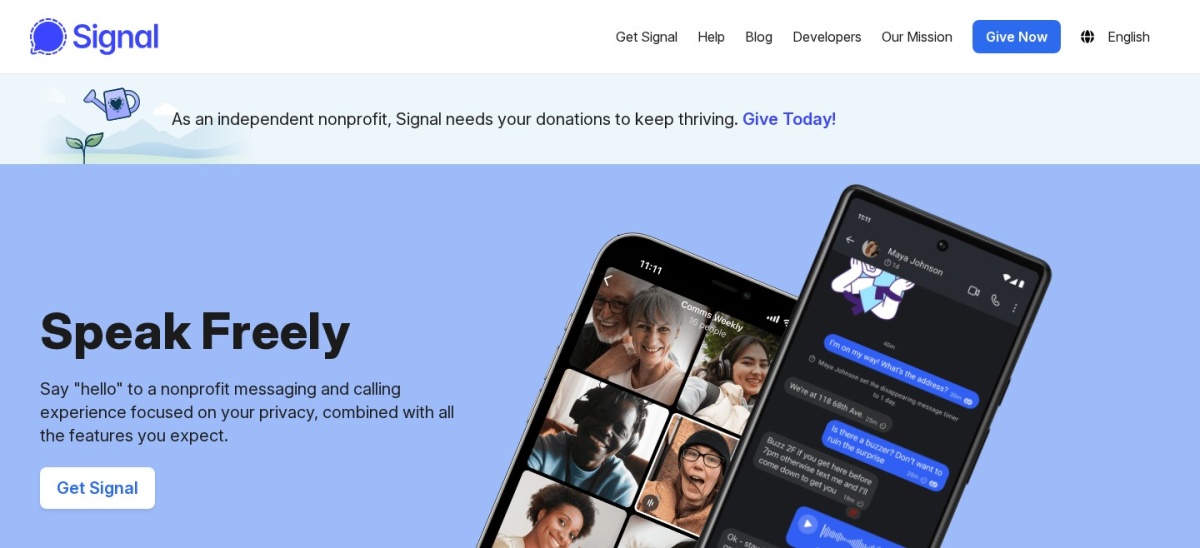
Signal is a free, open-source messaging app run by an independent nonprofit, and it encrypts every chat by default. It covers text, voice and video calls, group chats and disappearing messages, with no ads and no paid plan at all.
The trade off is reach. Fewer people use Signal than WhatsApp or Telegram, so you may need to ask contacts to install it, and it has fewer business tools. It suits anyone who puts privacy first and wants a free app with nothing to sell.
What we like
Encryption on by default, in every chat
Open source and run by a nonprofit
Free, with no ads and no paid tier
Watch out for
Smaller user base than WhatsApp or Telegram
Few tools built for business use
There is no paid plan; the nonprofit runs on donationsVisit signal.org
04
Slack
4.5/5on G2 (39,320 reviews, checked Nov 2026)
Paid from$6.67/mo
Best for work teams
Free planYes, limited history
Paid planStandard, $6.67/user/mo
ChannelsOrganised by topic
IntegrationsApp directory included
slack.com
Slack homepage, captured Nov 2026.
Slack is a team messaging app built around channels, so each project or topic gets its own chat. The free plan covers messaging, voice huddles and an app directory, and reviewers praise its organised layout and wide range of integrations.
The trade off is cost and history. The free plan limits how far back you can search messages, and Standard costs $6.67 per user a month when billed yearly, which adds up as a team grows. It suits work teams that live in chat all day.
Discord is a free chat app built around servers, where each community gets text channels, voice channels and video. It covers group chat, screen sharing and streaming, and it works for gaming groups, classes and public communities alike.
The trade off is tone and focus. Discord is built for communities rather than one-to-one chats, and its best file and streaming extras sit behind Nitro, from $2.99 a month. It suits groups that want a free shared space with voice always on.
Microsoft Teams is a work chat app that combines messaging, meetings, calling and file sharing in one place. It fits naturally with Outlook, OneDrive and SharePoint, and reviewers value having chat and meetings bundled with their Microsoft plan.
The trade off is weight. Teams can feel heavy on older machines, and reviewers note notification overload and search friction. It suits workplaces already on Microsoft 365 that want one app for chat and meetings.
4.4/5on Capterra (4,064 reviews, checked Nov 2026)
PriceFree
Best for free international calls
EncryptionEnd-to-end, by default
CallsFree Viber-to-Viber calls
GroupsGroup chats and Communities
Paid planViber Out, pay per call
viber.com
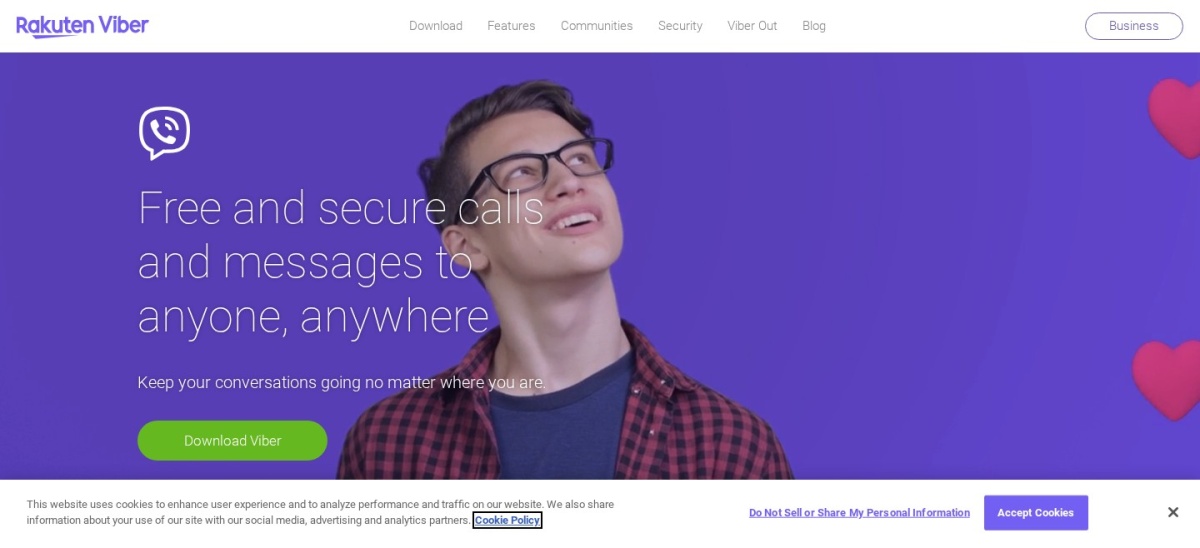
Viber homepage, captured Nov 2026.
Viber is a free messaging and calling app from Rakuten, with text, stickers, group chats and Communities. Calls and messages between Viber users are free and end-to-end encrypted, and Viber Out lets you call regular phone numbers for a fee.
The trade off is adoption. Viber is less widely used than WhatsApp or Telegram in many places, so its value depends on who you talk to, and its desktop app shows ads. It suits people who call friends and family abroad.
Personal apps and work apps solve different problems. WhatsApp, Telegram, Signal and Viber are built around your phone contacts, while Slack and Microsoft Teams are built around a workplace.
Do not force one app to do both jobs. A work app keeps projects, files and meetings in one place, but it is a poor fit for family chats, and a personal app has no channels or admin controls for a team.
If you need both, run one of each. Most people in this list pair WhatsApp or Telegram for personal chats with Slack or Teams for work, and both are free to start.
How we chose
We started from the most widely used instant messaging apps, then kept those with a public rating on G2 or Capterra and a clear free or paid plan.
Prices and ratings were checked on 25 November 2026. Ratings come from G2 or Capterra on that day, and prices come from vendor pricing or G2 pricing pages that show vendor-supplied prices. Where a vendor shows a sale, the list shows the regular price.
We left out apps with no public rating and apps that are being retired. No vendor paid for a place, and we do not claim to have used these tools ourselves.
How to choose an instant messaging app
Start with who you need to reach, then check privacy and price.
List who you message most. Pick the app your friends, family or team already use. An app with nobody on it is of little use, however good its features are.
Check encryption before you share anything sensitive. WhatsApp, Signal and Viber encrypt chats by default. Telegram only encrypts Secret Chats, so use those for private talks.
Decide if it is for personal chats or work. Slack and Microsoft Teams add channels, files and meetings for work. See how to create a contact form in WordPress if you also need a way for visitors to reach you.
Check the price as your group grows. Personal apps are free, but work apps charge per user. Slack Standard is $6.67 a user a month and Teams Essentials is $4.80, so count heads before you commit.
FAQ
What is the best instant messaging app?
WhatsApp is the best instant messaging app for most people. It is free, encrypts chats by default and is rated 4.6 out of 5 on G2, and most contacts already use it.
Which instant messaging app is most private?
Signal is the most private pick here. It is free, open source and run by a nonprofit, and it encrypts every chat by default with no ads and no paid tier.
Is Telegram encrypted?
Only in part. Telegram encrypts Secret Chats end to end, but ordinary chats are stored in the cloud and are not end-to-end encrypted. Use Secret Chats for private talks.
What is the best free instant messaging app?
WhatsApp, Telegram, Signal and Viber are all free for personal use. WhatsApp fits most people, Telegram fits very large groups, and Signal fits anyone who puts privacy first.
Which instant messaging app is best for work?
Slack is the best work pick, rated 4.5 out of 5 from 39,320 G2 reviews, with channels and a wide app directory. Microsoft Teams is the better pick if your workplace already uses Microsoft 365.
Can I use an instant messaging app for customer support?
Yes, with limits. WhatsApp Business Platform adds templates, quick replies and labels, but it is priced per conversation. For larger volumes, a helpdesk or chatbot usually works better.
SaaS SEO and WordPress specialist with about 8 years of experience. Rakib compares WordPress plugins, themes, hosting and software using public pricing, documentation and user reviews. See how we rank.