Otter.ai is the best meeting transcription app for most teams. Its Pro plan costs $8.33 per user a month billed yearly, transcribes live on Zoom, Teams and Meet, and is rated 4.4 out of 5 on G2. Pick Fathom for the strongest free plan and Fireflies.ai for a searchable meeting library.
How we make this list: we compare pricing pages, product documentation and public user reviews, then re-check every price before each update. No product paid for a place. Disclosure.
Otter.ai leads with live transcription on Zoom, Teams and Meet, with 1,200 minutes a month on Pro at $8.33 a month billed yearly.
Fathom has the strongest free plan: unlimited recording and transcription, rated 5.0 out of 5 on G2 from 6,990 reviews.
Fireflies.ai transcribes in 100+ languages and keeps every call searchable, from $10 a seat a month billed yearly.
Rev is the only pick with human transcription at 99% accuracy, at $1.99 an audio minute, for transcripts that must hold up.
All 9 tools have a free plan. Paid plans run from $7 to $25.49 a user a month billed yearly.
What a meeting transcription app should cover
A meeting transcription app should join your calls, write down what was said, and turn it into notes you can use. The best ones record on Zoom, Google Meet and Microsoft Teams, label speakers, and produce a summary with action items.
Free plans differ more than paid ones. Some cap minutes per month, some cap the length of a single meeting, and some limit AI summaries to a few calls. Check the cap you will hit first before you compare prices.
Accuracy depends on audio quality, accents and overlapping speech. Vendor accuracy claims are measured on clean audio, so read recent user reviews for the tool you shortlist.
Privacy matters when a bot joins other people's meetings. Tell participants the call is recorded, and check whether the tool stores data in your region or trains models on your calls.
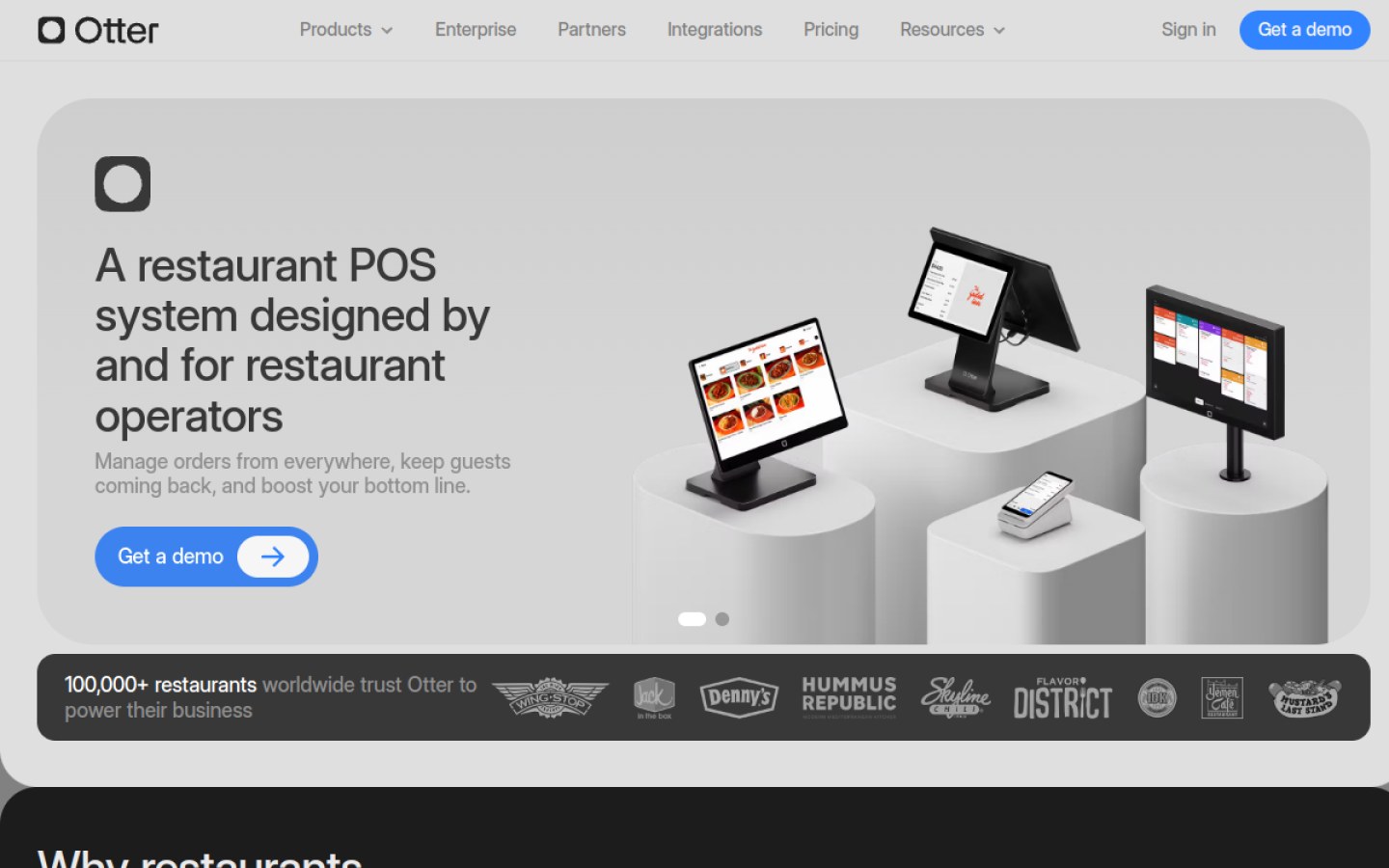
Otter.ai is an AI notetaker that joins Zoom, Microsoft Teams and Google Meet calls, transcribes them live and writes a summary with action items. The free Basic plan covers 300 transcription minutes a month with a 30-minute cap per conversation, and Pro raises that to 1,200 minutes a month.
The trade off is the minute meter. Pro costs $8.33 per user a month billed yearly ($16.99 month to month), and meetings over 90 minutes need Business at $19.99 a month billed yearly. It suits people who spend most of the week in meetings and want searchable transcripts without taking notes.
What we like
Live transcription with speaker labels on all three major platforms
Searchable transcript history with AI chat on paid plans
Lowest-cost Pro plan among the big names in this list
Watch out for
Free plan caps meetings at 30 minutes
Accuracy drops with accents, overlapping speech and background noise
Business adds unlimited minutes and 4-hour meetingsVisit otter.ai
02
Fireflies.ai
4.7/5on G2 (752 reviews, checked Nov 2026)
Paid from$10/mo
Best for searchable meeting records
Free planUnlimited transcription
Paid planPro, $10/mo
Storage8,000 min on Pro
Languages100+
fireflies.ai
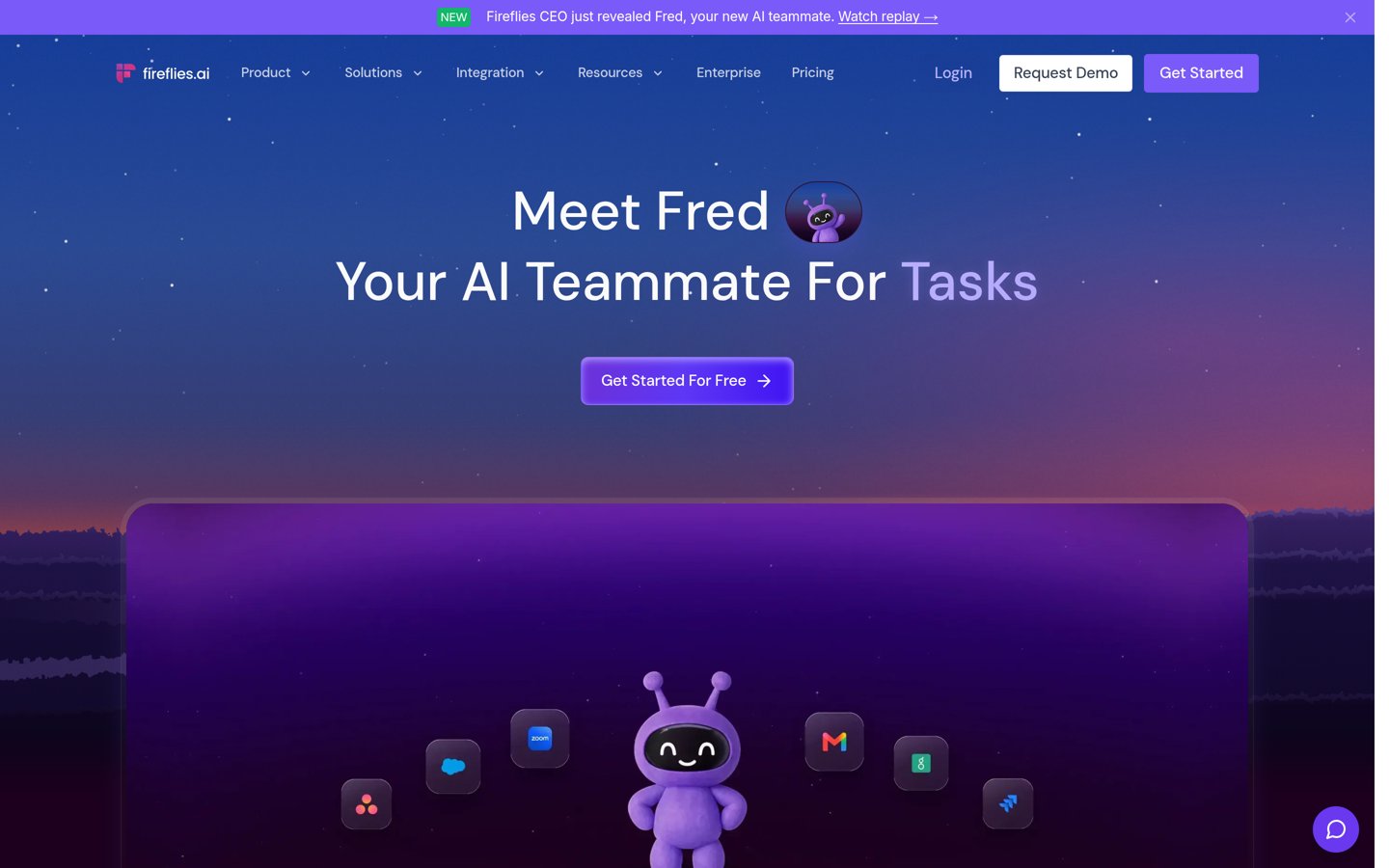
Fireflies.ai homepage, captured Nov 2026.
Fireflies.ai is a meeting recorder that sends a bot into Zoom, Google Meet and Teams calls, transcribes them in more than 100 languages and files every conversation in a searchable notebook. The free plan includes unlimited transcription with 400 minutes of storage per team, and paid plans add video recording, AI summaries and CRM integrations.
The trade off is storage and AI credits. Free storage runs out fast on a busy team, and Pro at $10 per seat a month billed yearly ($18 monthly) adds 8,000 minutes of storage per seat. It suits sales and support teams that want every call searchable and pushed into their CRM.
What we like
Unlimited transcription even on the free plan
Transcribes in more than 100 languages
Strong CRM, Slack and task-tool integrations
Watch out for
Free plan stores only 400 minutes per team
AI credits are metered on top of the subscription
Business adds conversation intelligence and unlimited storageVisit fireflies.ai
03
Fathom
5/5on G2 (6,990 reviews, checked Nov 2026)
Paid from$15/mo
Best free plan for solo users
Free planUnlimited recording
Paid planTeam, $15/mo
AI summaries5 calls/mo free
CRM syncBusiness plan
fathom.video
Fathom homepage, captured Nov 2026.
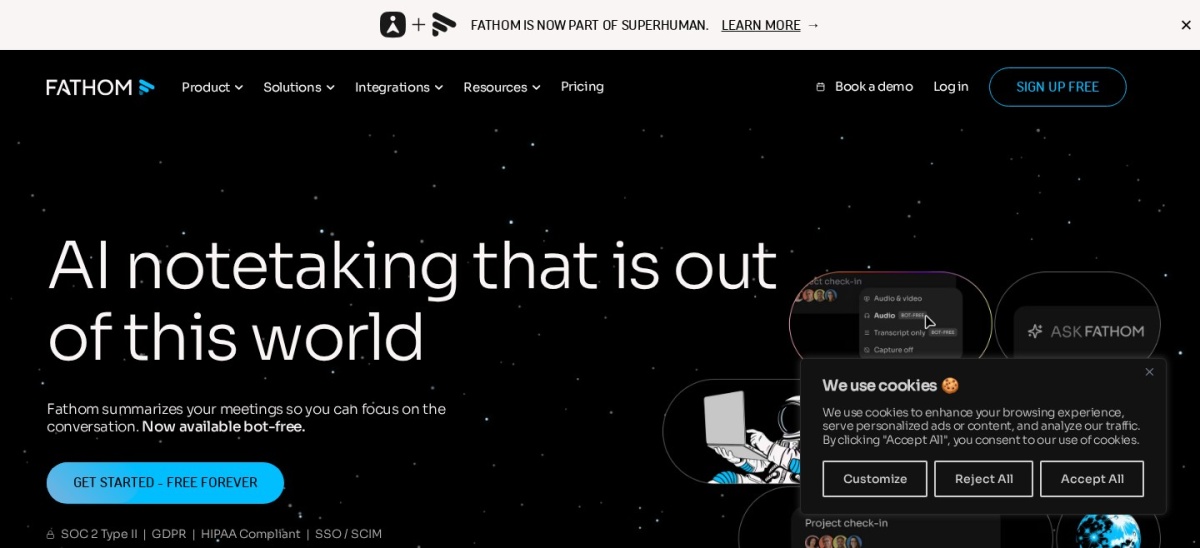
Fathom is an AI notetaker for Zoom, Google Meet and Microsoft Teams that records every call and writes a summary with action items. The free plan includes unlimited recording, transcription and storage, with advanced AI summaries on five calls a month, and it now works without a bot joining the call.
The trade off is the paid step. Premium costs $16 per user a month billed yearly for unlimited AI summaries, and the cheapest team plan is Team at $15 per user a month billed yearly with a two-seat minimum. It suits solo users who want a strong free plan and small teams that share a call library.
What we like
Unlimited recording and transcription on the free plan
Highest G2 rating in this list at 5.0 out of 5
Bot-free recording option for sensitive calls
Watch out for
Advanced AI summaries are capped at 5 calls a month on free
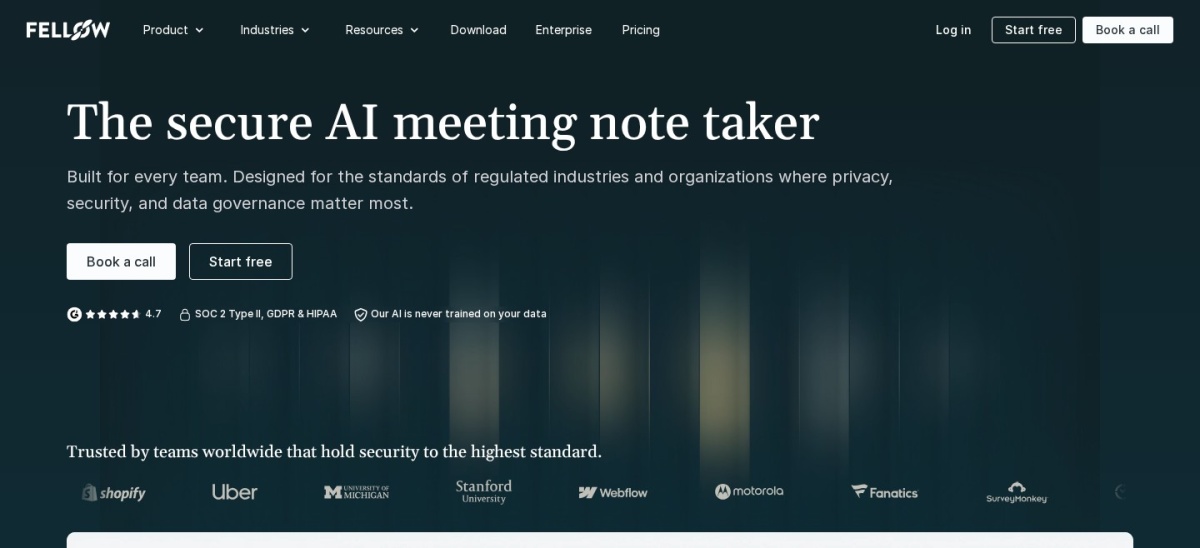
Fellow is a meeting tool that pairs AI notes with agendas and action-item tracking, so the notes from a call stay attached to the meeting that produced them. The free plan covers five AI notes and five recordings per user for the life of the account, and Team raises that to 10 notes a month.
The trade off is the allowance. Five free notes run out in the first week for most managers, and unlimited AI notes start on Business at $15 per user a month billed yearly. It suits teams that run recurring meetings and want agendas, notes and follow-ups in one shared place.
What we like
Agendas, notes and action items in one place
Cheapest paid plan in this list at $7 a month
Strong security story with SOC 2 Type II and HIPAA
Watch out for
Free plan allows only 5 AI notes per user, lifetime
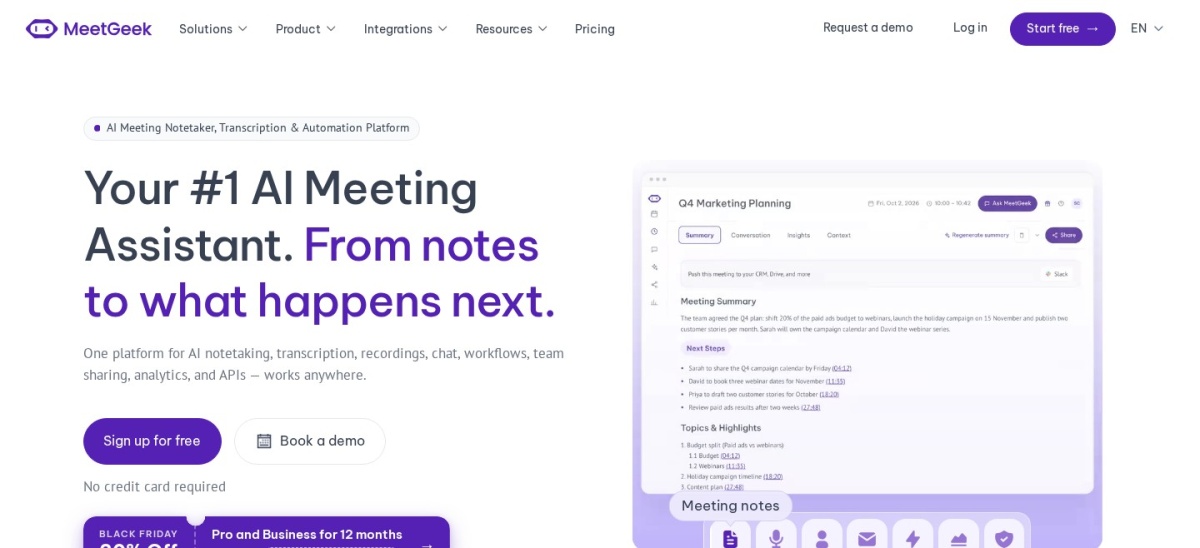
MeetGeek is an AI meeting assistant that records Zoom, Google Meet and Teams calls, transcribes them in more than 100 languages and writes summaries with action items. The free Basic plan covers 3 hours of transcription a month, and Pro raises that to 20 hours a month with integrations.
The trade off is the hour cap. Pro costs $9.99 per user a month billed yearly ($15.99 monthly), and heavy users pay $0.50 per extra hour or move to Business at $17 a month billed yearly for unlimited transcription. It suits small teams that want meeting analytics and CRM integrations at a low price.
What we like
Meeting analytics such as talk time and engagement
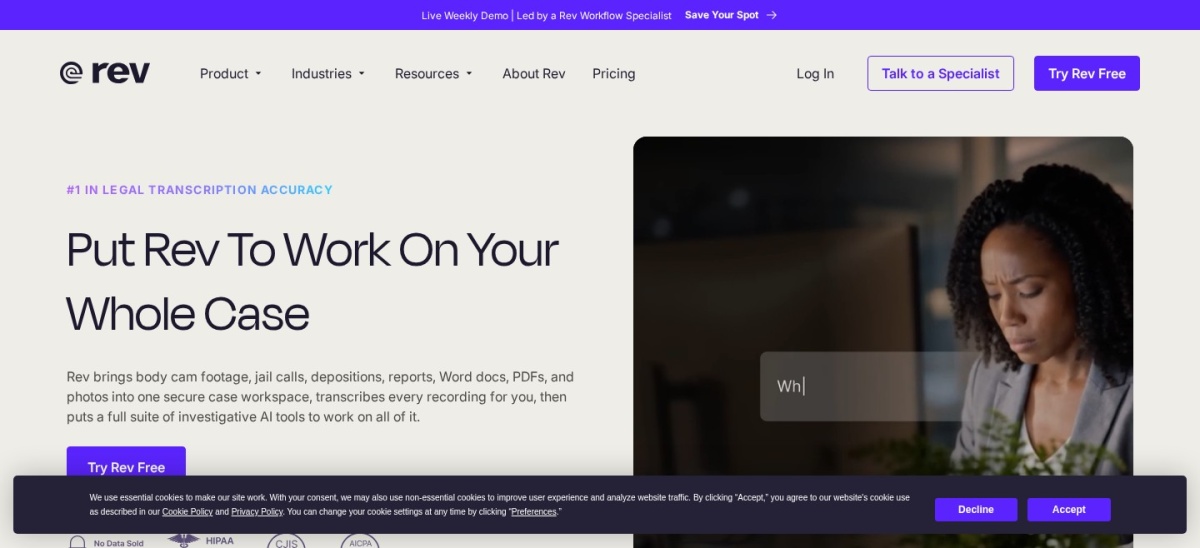
Rev is a transcription service that pairs AI transcription with human transcriptionists, plus captions and subtitles from the same account. The free plan includes 45 AI transcription minutes a month, and Essentials adds 5,000 AI minutes per seat at $25.49 a seat a month billed yearly.
The trade off is price. Human transcription costs $1.99 an audio minute with a 12-hour turnaround, so a long recording adds up fast, and the subscription alone does not include human work. It suits legal, medical and media teams that need a transcript they can rely on word for word.
What we like
Human transcription guaranteed at 99% accuracy
AI and human work, captions and subtitles in one account
Fast AI transcripts in minutes, human in 12 hours or less
Watch out for
Most expensive subscription in this list
Per-minute rates sit behind the subscription tiers
Pro adds 10,000 AI minutes and 37+ languagesVisit rev.com
07
Krisp
4.7/5on G2 (1,581 reviews, checked Nov 2026)
Paid from$8/mo
Best for noisy calls
Free planLimited free tier
Paid planPro, $8/mo
Noise cancellationUnlimited on Pro
Languages17+
krisp.ai
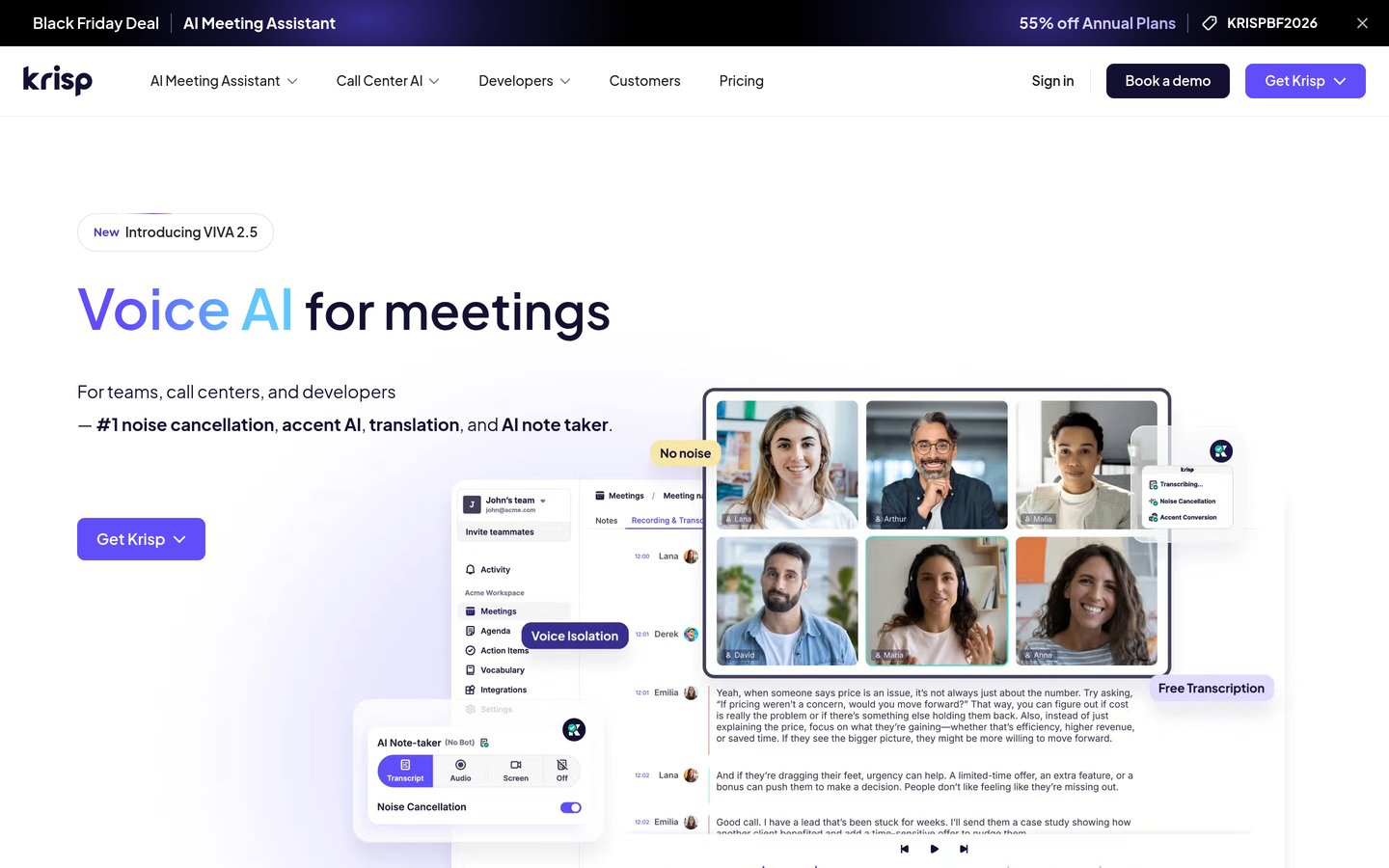
Krisp homepage, captured Nov 2026.
Krisp is a voice AI app that removes background noise from calls in real time and also records, transcribes and summarizes meetings without a bot joining. The free tier covers limited noise cancellation and transcription, and Pro adds unlimited noise cancellation, notes and recording.
The trade off is focus. Krisp is built around call audio first, so its meeting library and team features are lighter than a dedicated notetaker, and Pro costs $8 a month billed annually ($16 monthly). It suits people who take calls from noisy rooms and want clean audio and notes in one app.
What we like
Best noise cancellation in this list, running on-device
No bot joins the call, which helps privacy
Unlimited transcription and notes on Pro
Watch out for
Thinner meeting library than dedicated notetakers
Accent conversion is capped at 1 hour a day on Pro
Business adds SSO, more storage and manager viewsVisit krisp.ai
08
Grain
4.7/5on G2 (311 reviews, checked Nov 2026)
Paid from$15/mo
Best for sales coaching clips
Free planUnlimited 45-min meetings
Paid planStarter, $15/mo
Meeting cap4 hrs on Starter
CRM syncBusiness plan
grain.com
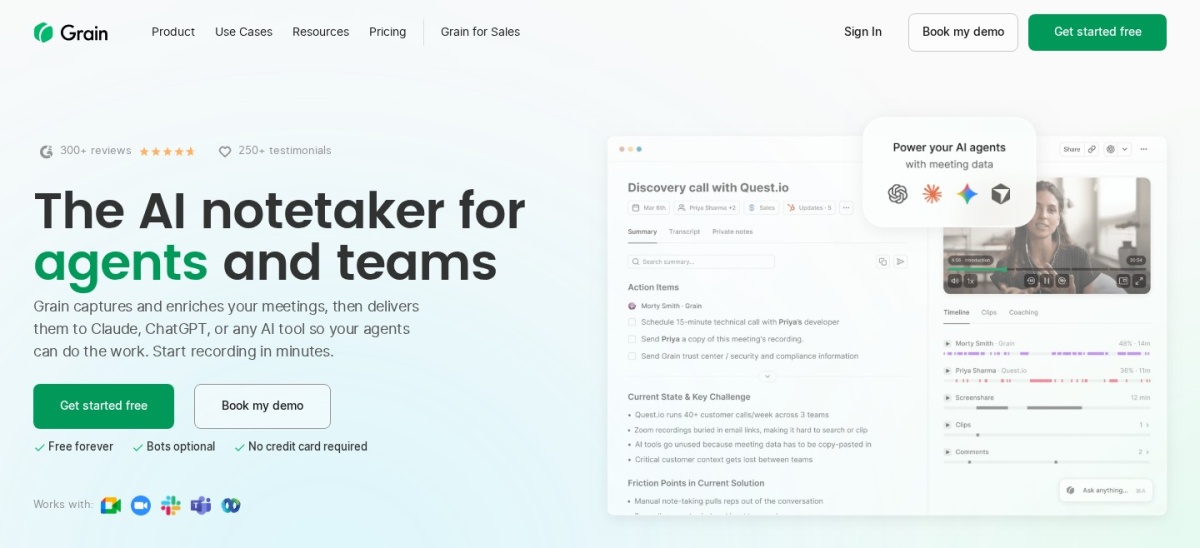
Grain homepage, captured Nov 2026.
Grain is an AI notetaker that records Zoom, Google Meet and Teams calls, writes AI notes with next steps and lets teams clip and share key moments. The free plan covers unlimited meetings up to 45 minutes each with 30 days of history, and Starter removes the time cap and adds custom prompts.
The trade off is the team step. Starter at $15 a month billed annually is a single-person plan, and a shared workspace with CRM sync and coaching starts on Business at $29 per seat a month billed yearly. It suits sales and research teams that review calls together and coach from real clips.
What we like
Free plan covers unlimited meetings up to 45 minutes
Clips and highlights make coaching from real calls easy
Bot-free recording through a desktop app
Watch out for
Starter is a single-person plan with no shared workspace
Smallest review count in this list at 311 on G2
Business adds a shared workspace, CRM sync and coachingVisit grain.com
09
Avoma
4.6/5on G2 (1,363 reviews, checked Nov 2026)
Paid from$19/mo
Best all-in-one meeting platform
Free planBasic, limited hours
Paid planStarter, $19/mo
SchedulingAgendas included
CRM syncPlus plan
avoma.com
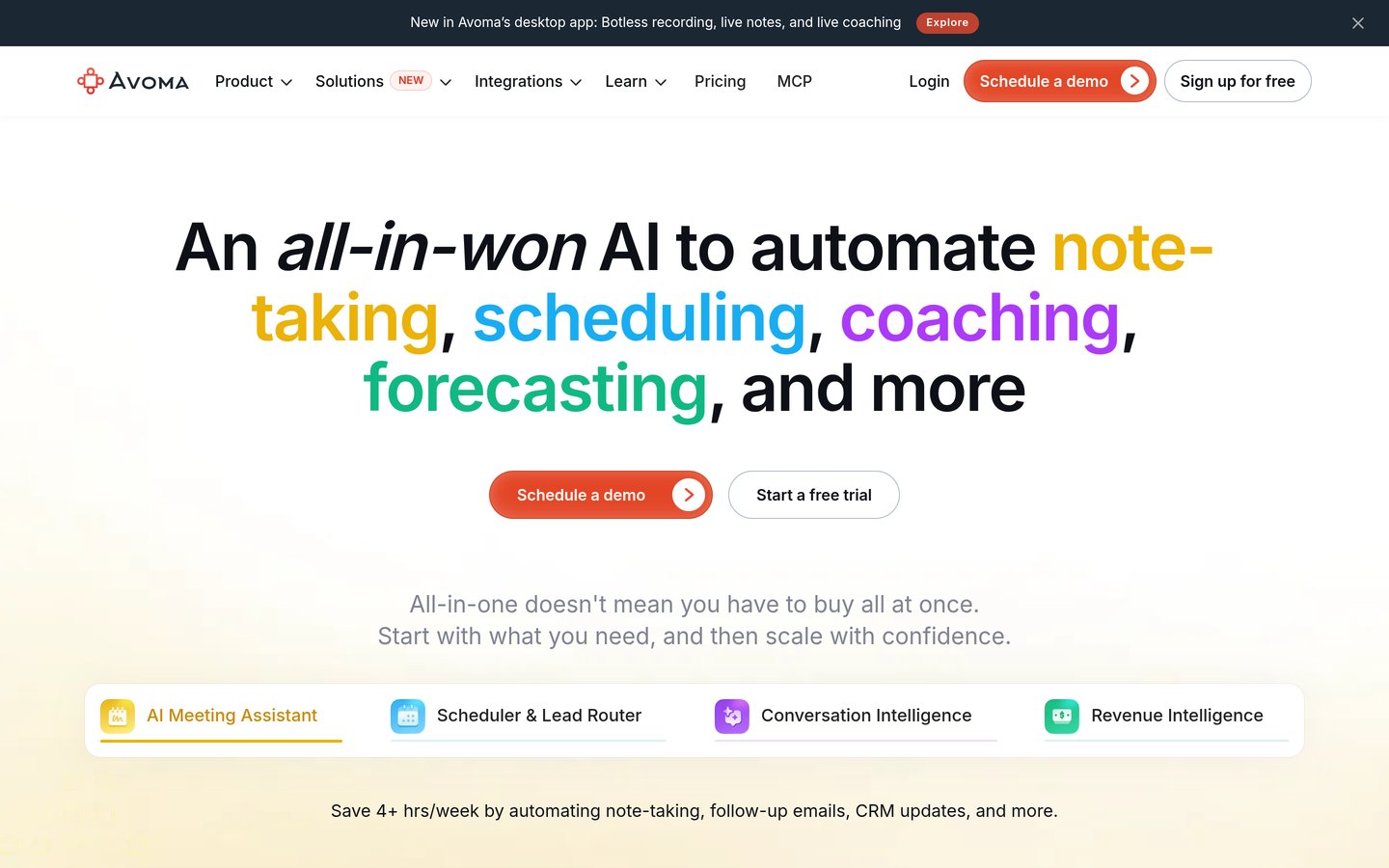
Avoma homepage, captured Nov 2026.
Avoma is an AI meeting assistant that covers a meeting from scheduling and agendas through recording, transcription and follow-up notes. The free Basic plan covers limited transcription hours for one user, and Starter adds unlimited transcription with AI summaries at $19 per user a month.
The trade off is price and scope. CRM sync and conversation intelligence wait for Plus at $49 per user a month, so the entry plan is mostly a notetaker with scheduling. It suits revenue teams that want one tool for agendas, notes and coaching rather than three separate apps.
What we like
Covers scheduling, agendas, notes and follow-up in one tool
Free plans in this list are usable, not demos. Fathom records without a limit, Fireflies transcribes without a limit, and Grain covers unlimited short meetings.
The limits that push you to pay are minutes, storage and AI summaries. Otter caps free meetings at 30 minutes, MeetGeek at 3 hours a month, and Fellow at 5 AI notes for the life of the account.
Paid plans mostly add room to grow: more minutes, longer meetings, unlimited summaries and a shared team library.
If you only need a transcript of the odd call, start free and upgrade when a cap bites. Our guide on adding a booking calendar to WordPress shows the same start-small pattern for scheduling.
How we chose
We started from the meeting transcription apps with the most G2 reviews and the widest platform coverage, then kept nine that cover solo users, small teams and sales teams.
Prices come from each vendor's pricing page, checked on 25 November 2026. Ratings and review counts come from G2 on the same day. Where a vendor shows a sale, the list shows the regular price.
We left out tools whose screenshots were covered by popups we could not clear, and tools with no public rating. No vendor paid for a place, and we do not claim to have used these tools ourselves.
How to choose a meeting transcription app
Start with how many meetings you take each week, then check the cap you will hit first.
Count your weekly meeting hours. A free plan with a minute cap runs out fast if you meet all day. Fathom and Fireflies are the safest free starts for heavy users.
Check the per-meeting cap, not just the monthly one. Otter Pro stops at 90 minutes per meeting and Grain free at 45 minutes, so a long workshop needs a higher plan even with minutes to spare.
Decide if you need a bot in the room. Fathom, Krisp and Grain can record without a bot joining, which suits sensitive or client-facing calls. Tell participants the call is recorded either way.
Match the paid plan to your team, not just yourself. Fathom Team needs two seats and Grain Business is the first shared workspace, so price the plan for the whole team before you commit.
FAQ
What is the best meeting transcription app?
Otter.ai is the best pick for most teams. Its Pro plan costs $8.33 per user a month billed yearly, transcribes live on Zoom, Teams and Meet, and is rated 4.4 out of 5 on G2 from 553 reviews.
Is there a free meeting transcription app?
Yes. Fathom records and transcribes without a limit on its free plan, and Fireflies offers unlimited transcription with 400 minutes of storage per team. Otter, MeetGeek, Fellow, Grain, Avoma, Krisp and Rev also have free plans with caps.
How accurate is AI meeting transcription?
Vendors claim high accuracy on clean audio, but accuracy drops with accents, overlapping speech and background noise. Rev offers human transcription at 99% accuracy for transcripts that must be exact, at $1.99 an audio minute.
Do meeting transcription apps work on Zoom, Teams and Meet?
All nine tools in this list work across Zoom, Google Meet and Microsoft Teams. Most join as a bot, while Fathom, Krisp and Grain also offer bot-free recording through a desktop app.
Is it legal to record and transcribe a meeting?
It depends on where participants are, because some places need every participant to consent. Tell everyone the call is recorded before it starts, and check the consent rules that apply to your team.
Which meeting transcription app is best for sales teams?
Fireflies.ai and Avoma are the strongest sales picks here. Fireflies keeps every call searchable and pushes notes to a CRM, while Avoma adds scheduling, agendas and coaching in one tool.
SaaS SEO and WordPress specialist with about 8 years of experience. Rakib compares WordPress plugins, themes, hosting and software using public pricing, documentation and user reviews. See how we rank.