Loom leads the best Screencastify alternatives for most users, with a 4.7/5 G2 rating and unlimited screen recordings on its $18 monthly Business plan. ScreenPal is better for affordable educational videos and editing, while Zight combines screen recording, screenshots, GIF creation and shareable visual documentation.
How we make this list: we compare pricing pages, product documentation and public user reviews, then re-check every price before each update. No product paid for a place. Disclosure.
Loom earns 4.7/5 from 2,625 G2 reviews and works particularly well for asynchronous video communication.
ScreenPal costs $48 a year at its regular Solo Deluxe price, making it an affordable option for educational recordings.
Zight Create costs $119.40 a year and removes recording duration restrictions.
Camtasia Starter costs $39 a year, but watermark-free Camtasia Editor exports require the $179.88 Essentials plan.
OBS Studio and ShareX are 2 free, open-source alternatives without mandatory subscription fees.
How do you choose the best Screencastify alternatives?
Recording duration is often the deciding factor when replacing Screencastify. Free browser recorders frequently limit individual recordings or the number of videos you can save, while desktop applications can give you more control over recording length.
Video sharing matters as much as video capture. Loom and Zight suit users who want to send recordings through shareable links instead of uploading large video files manually.
Editing requirements can change your software budget considerably. ScreenPal offers affordable recording and editing, while Camtasia provides more detailed production controls for structured tutorials and training material.
Local recording avoids recurring cloud storage charges. OBS Studio and ShareX are useful when you prefer to manage your own recordings, although you may need separate software for editing and distribution.
Loom is a screen recording and video messaging platform designed for workplace communication. Its free Starter plan supports 25 videos with a 5-minute recording limit, along with transcription, viewer comments and reactions.
The trade off is the recurring cost of removing recording restrictions. Business costs $18 per user monthly and adds unlimited recordings, basic editing and branding removal. It suits remote teams, customer support representatives and managers who regularly communicate through video.
What we like
Convenient recording and link-based sharing
Automatic transcription and viewer feedback
Browser and desktop recording options
Established integration ecosystem
Watch out for
Restrictive free recording allowance
Per-user subscriptions increase team expenses
Advanced AI editing requires a higher plan
Business removes video count and duration limits.Visit loom.com
02
ScreenPal
4.5/5on G2 (139 reviews, checked Nov 2026)
Paid from$48/yr
Best for affordable educational recordings
Recording modesScreen and webcam
Paid recording lengthUnlimited
Video editorIncluded in Solo Deluxe
Paid planSolo Deluxe, $48/yr
screenpal.com
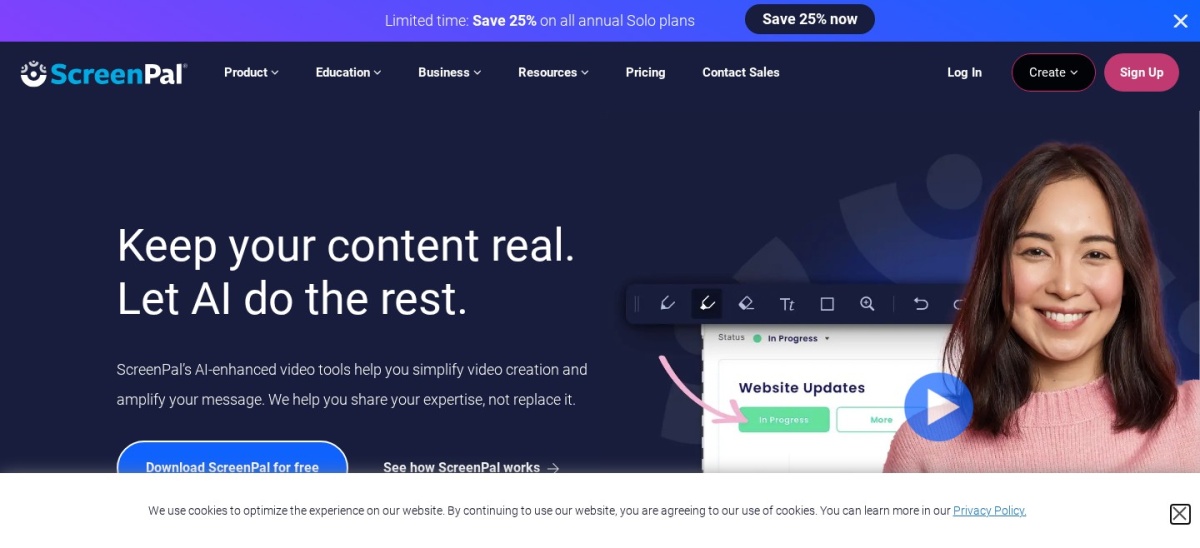
ScreenPal homepage, captured Nov 2026.
ScreenPal is a screen recording, editing and video hosting platform formerly known as Screencast-O-Matic. Solo Deluxe normally costs $4 per month when billed annually and includes unrestricted recording duration, audio editing and video production tools.
The trade off is that more advanced hosting, collaboration and content features depend on higher subscription tiers. Solo Deluxe regularly costs $48 a year, although a temporary 25% holiday discount was available when checked. It suits teachers and independent creators who prioritize affordable recording and editing.
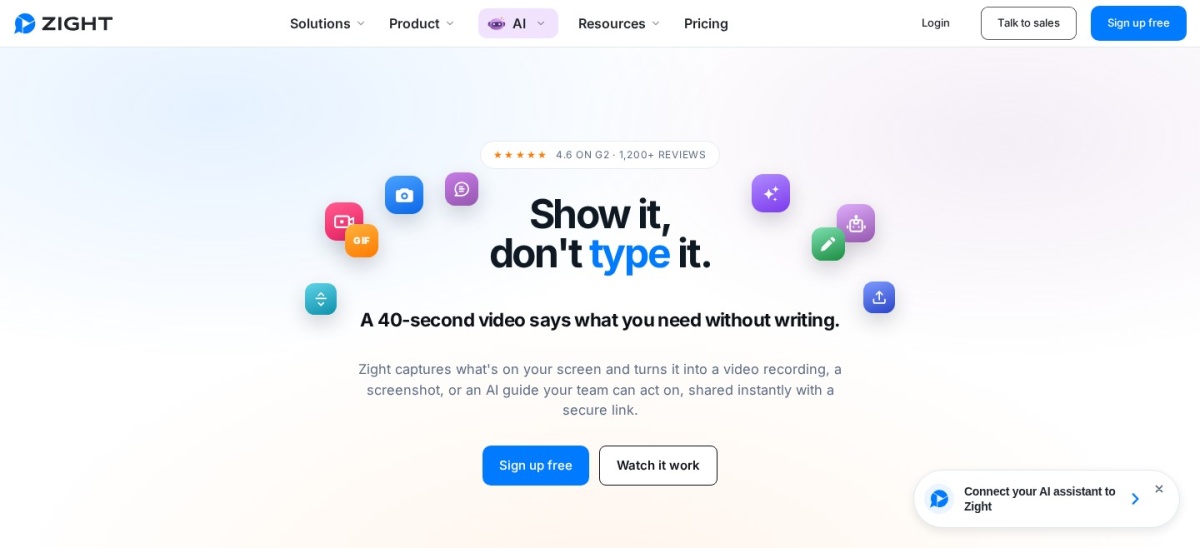
Zight is a visual communication platform combining screen recordings, image capture and animated GIF creation. Its free Share plan includes recording and sharing tools, while Create provides unrestricted recording time and up to 10 video requests per month.
The trade off is that team branding and more extensive automation require a higher subscription. Create costs $119.40 per user annually at the advertised annual billing rate. It suits software support teams, designers and professionals who regularly communicate through visual examples.
What we like
Multiple visual capture formats
Convenient cloud-based content sharing
Video requests for collecting recordings
Useful for documenting software issues
Watch out for
Limited AI actions on the individual paid plan
Advanced branding requires a team subscription
Less suitable for detailed timeline editing
Create removes recording limits and expands video requests.Visit zight.com
04
OBS Studio
4.7/5on Capterra (1,076 reviews, checked Nov 2026)
PriceFree
Best for free unrestricted desktop recording
Operating systemsWindows, macOS and Linux
Recording durationLimited by available system resources
Audio controlsMultisource audio mixing
LicenseFree and open source
obsproject.com
OBS Studio homepage, captured Nov 2026.
OBS Studio is a free, open-source application for recording screens, combining video sources and broadcasting live content. It has a 4.7/5 Capterra rating from 1,076 reviews and supports customizable recording layouts without requiring a paid subscription.
The trade off is setup complexity rather than subscription cost. OBS Studio is completely free, but users must configure recording sources, audio settings and output quality themselves. It suits creators who want detailed recording controls and are comfortable managing video files locally.
Image editingAnnotation and sensitive data redaction
Paid planCamtasia Starter, $39/yr
techsmith.com
Snagit homepage, captured Nov 2026.
Snagit is a screen capture application for creating visual instructions, annotated screenshots and short demonstration videos. TechSmith includes Snagit Individual in its $39 annual Camtasia Starter subscription, supporting video capture at up to 4K and 60 frames per second.
The trade off is that Snagit focuses more on visual documentation than extensive video production. Its $39 annual entry package provides image editing and screen recording, but complex tutorial editing requires additional capabilities. It suits technical writers, IT support teams and employees creating procedural guides.
Training featuresQuizzes and SCORM export on Essentials
techsmith.com
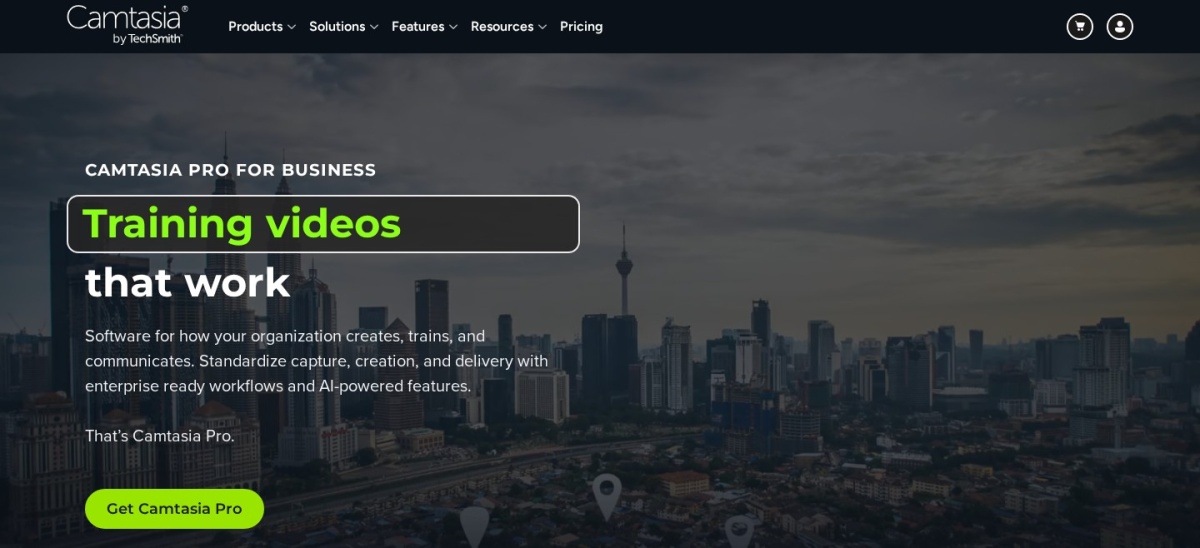
Camtasia homepage, captured Nov 2026.
Camtasia is a screen recording and video editing suite designed for instructional content, software demonstrations and employee training. Its free editor produces watermarked exports, while the $39 annual Starter package includes Snagit, browser recording tools and hosting for up to 25 videos.
The trade off is that Starter does not remove the Camtasia Editor watermark. Essentials costs $179.88 annually and adds watermark-free editing, cursor effects, multitrack production and interactive training features. It suits course creators and training departments that need more editing control than a basic browser recorder.
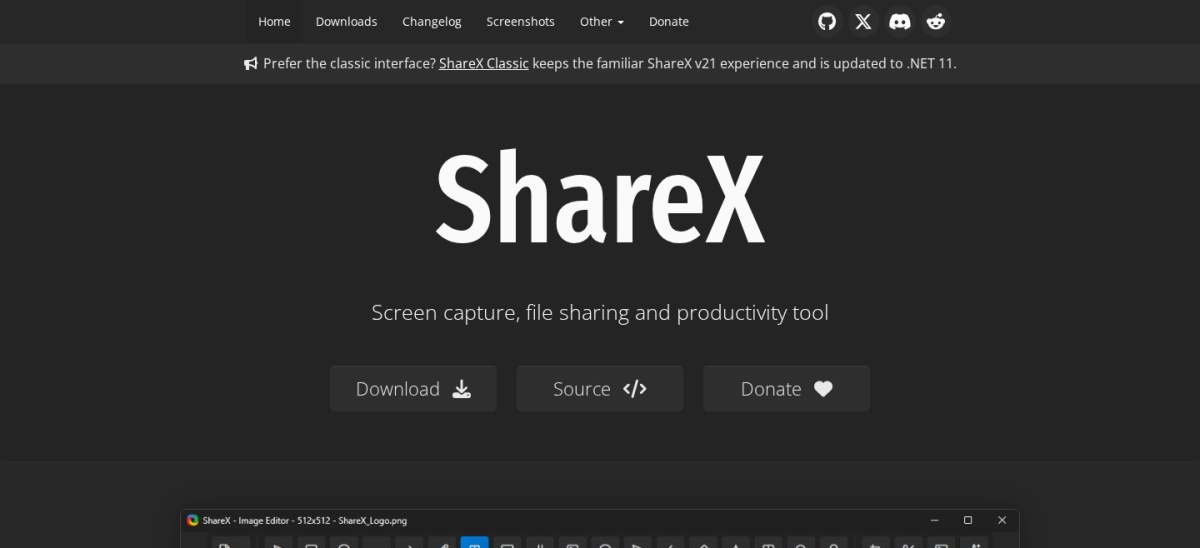
ShareX is a free, open-source capture utility that combines screen recording with image editing, text extraction and configurable file uploads. Its 4.8/5 G2 rating comes from 80 reviews, and its capture workflows do not require purchasing a software subscription.
The trade off is convenience for users unfamiliar with capture settings and automation. ShareX is free, but users need to configure external sharing destinations when cloud distribution is required. It suits developers, technical support workers and desktop users who frequently capture and distribute screen content.
Should you replace Screencastify with a browser or desktop recorder?
Browser recording is convenient for quick explanations, customer responses and internal updates. Loom and Zight reduce the work involved in distributing recordings because users can send a viewing link instead of transferring the original video file.
Desktop recording provides greater control over capture quality, audio sources and local storage. OBS Studio is particularly useful when you need to record several sources or produce longer videos without depending on a hosted recording allowance.
Editing-focused applications sit between basic screen capture and full video production. ScreenPal is suitable for straightforward educational content, while Camtasia Essentials provides more control over annotations, cursor effects and structured training material.
What do Screencastify alternatives actually cost?
The cheapest recording software does not necessarily provide the cheapest complete workflow. OBS Studio and ShareX eliminate software subscription costs, but you may still need external video hosting, storage or editing software.
ScreenPal Solo Deluxe costs $48 annually at its regular rate. Loom Business costs $216 per user when its $18 monthly rate is multiplied across a year, making it more expensive but better aligned with frequent team video messaging.
TechSmith's $39 Starter subscription includes Snagit and a watermarked Camtasia Editor. Buyers who specifically need watermark-free Camtasia editing should budget $179.88 annually for Essentials instead of relying on the lower entry price.
The price comparison uses publicly displayed regular rates, with annual billing prices used where the vendor presents them as the standard entry offer. Temporary promotional discounts are excluded.
How we chose
We shortlisted established screen recording applications using software review directories, vendor product documentation and official subscription pages. The comparison covers browser recording, desktop capture, educational video production, visual documentation and team communication.
We checked official prices and published user ratings on 29 Nov 2026. Ratings come from G2 and Capterra, while subscription costs come from vendor pages. Annual comparisons use regular prices and exclude temporary promotional discounts.
We excluded products whose regular entry prices could not be confirmed, including Vidyard, VEED and Screenpresso, and identified shared subscription packaging where applicable to Snagit and Camtasia. We prioritized recording functionality over general-purpose video editing. No vendor paid for a place, and we do not claim testing for this list.
How to choose the right Screencastify alternative
Compare your recording duration, editing requirements, sharing preferences and annual software budget before selecting a replacement for Screencastify.
Identify your recording requirements. Decide whether you need short browser recordings, complete desktop capture, webcam overlays or multiple audio sources. Loom is suitable for quick explanations, while OBS Studio offers more control over recording layouts.
Check free recording restrictions. Review recording duration, saved video allowances and export restrictions. Loom limits free screen recordings to 5 minutes, while OBS Studio does not impose a software-defined recording duration limit.
Compare editing and sharing features. Determine whether you need simple trimming, screenshot annotation or multitrack editing. ScreenPal covers everyday recording and editing, while Camtasia Essentials offers additional production controls for structured training videos.
Calculate your complete annual cost. Include paid creator seats, hosting, editing software and subscription upgrades. Check whether an inexpensive entry package actually includes the features you need, particularly when watermark removal or team collaboration requires a higher plan.
FAQ
What are the best Screencastify alternatives in 2026?
Loom is the best overall Screencastify alternative for most users because it combines recording, transcription and convenient video sharing. ScreenPal is better for affordable tutorials, Zight suits visual documentation, and OBS Studio is a strong free option for unrestricted desktop recording.
What is the best free alternative to Screencastify?
OBS Studio is the best free alternative for users who want screen recordings without subscription charges or imposed recording duration limits. It supports multiple video and audio sources, although beginners should expect more configuration than with a browser recorder.
Which Screencastify alternative is cheapest?
OBS Studio and ShareX are the cheapest because neither requires a paid software subscription. Among the commercial packages listed, TechSmith Starter costs $39 annually, while ScreenPal Solo Deluxe costs $48 annually at its regular price.
Is Loom better than ScreenPal for screen recording?
Loom is better for sharing workplace updates and collecting viewer feedback, while ScreenPal is better for affordable recording and educational video editing. Loom Business costs $18 per user monthly, compared with ScreenPal Solo Deluxe at $48 annually.
What is the best Screencastify alternative for teachers?
ScreenPal is a practical Screencastify alternative for teachers because it combines recording with video and audio editing at an affordable annual price. Camtasia Essentials is another option for educators who need more detailed editing and interactive training features.
Which screen recorder has no recording time limit?
OBS Studio does not impose a recording duration limit, although available storage and computer resources affect how long you can record. Loom Business, ScreenPal Solo Deluxe and Zight Create also remove recording duration restrictions on their respective paid plans.
Can I record my screen without a browser extension?
Yes, OBS Studio, Snagit, Camtasia and ShareX offer desktop-based capture workflows that do not depend on a browser extension. Desktop recorders are particularly useful when capturing applications, multiple windows or content outside a web browser.
Is Camtasia worth paying for instead of Screencastify?
Camtasia Essentials is worth considering when you regularly produce edited tutorials, structured courses or training videos. Its $179.88 annual price is harder to justify for simple video messages, where Loom, ScreenPal or OBS Studio may meet your requirements.
What is the easiest Screencastify replacement for small teams?
Loom is a practical choice for small teams that frequently exchange screen recordings and asynchronous updates. Zight is another suitable option when screenshots, GIFs and visual support documentation are important parts of the team's communication workflow.
SaaS SEO and WordPress specialist with about 8 years of experience. Rakib compares WordPress plugins, themes, hosting and software using public pricing, documentation and user reviews. See how we rank.