DaVinci Resolve is the best Shotcut alternative for most editors: its free version covers pro editing, color grading and Fairlight audio with no watermark, and it rates 4.7/5 on G2. Premiere Pro suits Creative Cloud users, while Kdenlive and OpenShot are the closest free open-source swaps.
How we make this list: we compare pricing pages, product documentation and public user reviews, then re-check every price before each update. No product paid for a place. Disclosure.
DaVinci Resolve is the strongest free editor here: pro editing, color grading and Fairlight audio with no watermark, rated 4.7/5 on G2 from 223 reviews.
Kdenlive and OpenShot cost nothing at all, with no paid plan, and Resolve's free version is nearly as complete as its paid Studio upgrade.
One-time purchases still exist: Resolve Studio is $295 once and Final Cut Pro is $299.99 once, against subscriptions from $49.99 to $275.88 a year.
Filmora at $49.99 a year and Movavi at $54.95 a year are the cheapest paid upgrades for beginners who want templates and a gentle learning curve.
CapCut is the fastest route to Shorts, but its Trustpilot score is 1.2/5 from 1,414 reviews, mostly about billing, so test the free plan first.
What should you look for in Shotcut alternatives?
Shotcut's appeal is simple: a free, open-source editor with no watermark, no account and no paid plan. Any alternative has to beat it on ease of use, polish or features, because none of them can beat free.
Start with the export. DaVinci Resolve, Kdenlive and OpenShot all export 4K with no watermark for free, while Filmora watermarks free exports and Clipchamp and CapCut cap free exports at 1080p.
Then check the price model. Resolve Studio and Final Cut Pro are one-time purchases at $295 and $299.99, while Premiere Pro costs $22.99 a month and Filmora, Movavi and PowerDirector sit between $49.99 and $79.99 a year.
Match the editor to your videos. Premiere Pro and Resolve suit long-form and client work, Filmora and Movavi suit quick YouTube edits, and CapCut suits vertical social clips. Our guide on how to embed a video in WordPress shows how to publish a finished edit on your site.
DaVinci Resolve is a professional editing, color, effects and audio app from Blackmagic Design, and its free version is the most capable here. It exports up to Ultra HD 4K at 60 frames per second with no watermark, and includes the cut and edit pages, the color page, Fusion effects and Fairlight audio in one download.
The trade off is the learning curve and the hardware. The interface packs in pro tools, so a first project takes longer than in a simple editor, and 10-bit footage, 120 fps and resolutions above 4K need Studio at $295, paid once. It suits editors who want pro tools for free and are willing to learn them.
What we like
Full pro editor free, with color and audio built in
Adobe Premiere Pro is the industry-standard timeline editor, used for broadcast, film and YouTube work. It pairs with After Effects, Photoshop and Audition in Creative Cloud, and adds text-based editing, speech-to-text captions and Generative Extend for stretching shots.
The trade off is the subscription. At $22.99 a month on the annual plan it is the most expensive editor here, and there is no free version, only a 7-day trial. It suits editors already paying for Creative Cloud or working with teams that standardize on Adobe.
What we like
Deepest professional feature set here
Text-based editing and AI tools save time
Huge plugin and template ecosystem
Frame.io review built in
Watch out for
Most expensive subscription in this list
No free version, 7-day trial only
Can feel slow on modest hardware
Creative Cloud Pro at $69.99/mo adds the full Adobe app setVisit adobe.com
03
Final Cut Pro
4.4/5on G2 (87 reviews, checked Nov 2026)
Starts at$299.99/one-time
Best one-time buy for Mac editors
Free trial90 days on a new Mac
PlatformsMac only
Paid plan$299.99 once, Mac App Store
TimelineMagnetic Timeline
apple.com
Final Cut Pro homepage, captured Nov 2026.
Final Cut Pro is Apple's professional editor for Mac, built for Apple silicon with background rendering and the Magnetic Timeline. It handles 4K, 6K and 8K footage with ProRes acceleration, and a one-time $299.99 purchase covers the Mac app with no subscription.
The trade off is the Mac lock-in. There is no Windows or Linux version, and the trackless timeline feels unfamiliar to editors coming from Shotcut. It suits Mac owners who want speed and a single payment instead of a monthly bill.
What we like
Very fast on Apple silicon
One-time $299.99 purchase, no subscription
Magnetic Timeline speeds up rough cuts
ProRes acceleration built in
Watch out for
Mac only, no Windows version
Timeline feels unfamiliar at first
Some premium content needs Creator Studio
Creator Studio at $129/yr adds the iPad app and moreVisit apple.com
04
Filmora
4.4/5on G2 (614 reviews, checked Nov 2026)
Paid from$49.99/yr
Best for beginner templates and effects
Free exportWatermarked
PlatformsWindows, Mac, iOS, Android
Paid planBasic, $49.99/yr
AI creditsPaid, from Advanced
filmora.wondershare.com
Filmora homepage, captured Nov 2026.
Filmora is Wondershare's beginner-friendly editor for Windows and Mac, with templates, effects and AI tools beside the timeline. The free version includes the full editing feature set, but every export carries a Filmora watermark until you pay.
The trade off is that free means watermarked. Basic costs $49.99 a year and removes the watermark with 4K export, while AI tools run on credits that start with the $59.99 Advanced plan. It suits beginners who want templates and a gentle learning curve.
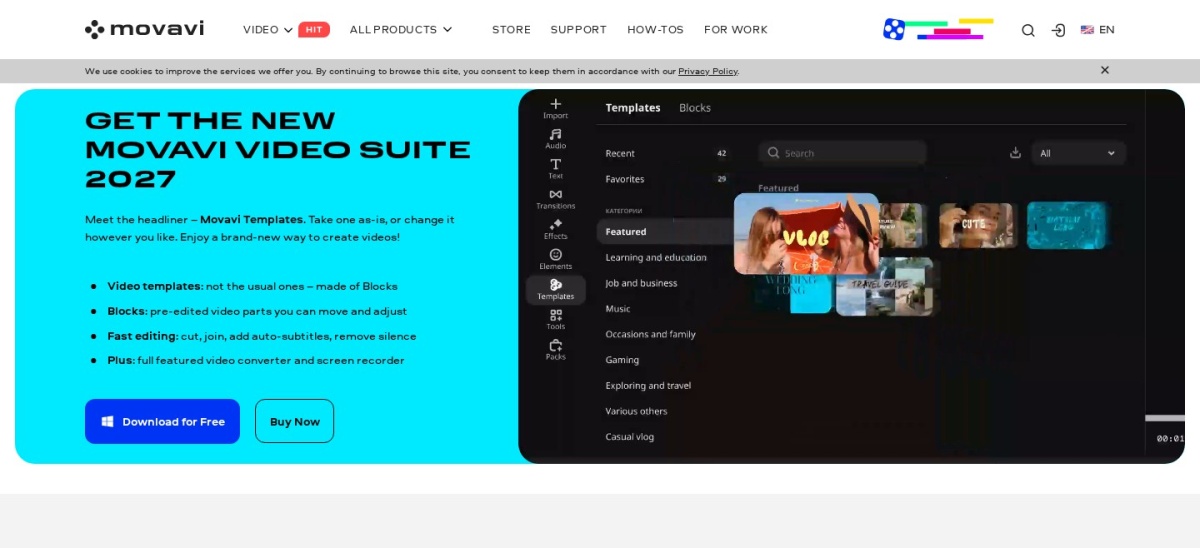
Movavi Video Editor is a simple desktop editor for Windows and Mac, built for vlogs, family videos and small-business clips. It pairs a drag-and-drop timeline with templates, one-click captions and an automatic Shorts crop, and G2 reviewers rate it 4.6 out of 5 from 419 reviews.
The trade off is depth and pricing. Advanced color grading, multi-cam and detailed keyframing are missing, and the $54.95 a year price is shown as a limited-time offer, with the regular list price higher. It suits beginners who want a polished video fast without learning a pro editor.
What we like
Rated 4.6 out of 5 from 419 G2 reviews
Fast rendering and an easy first edit
Templates and auto-captions built in
Lifetime licence available at $119.95
Watch out for
Free trial watermarks exports and caps them at 60 seconds
No multi-cam editing
Extra effects and templates cost more
Video Editor Plus at $69.95/yr adds keyframes and packsVisit movavi.com
06
PowerDirector
4.4/5on G2 (57 reviews, checked Nov 2026)
Paid from$79.99/yr
Best budget pro features
Free planEssential, free
PlatformsWindows, Mac
Paid plan365, $79.99/yr
AI credits1,200 a year with 365
cyberlink.com
PowerDirector homepage, captured Nov 2026.
PowerDirector is CyberLink's Windows and Mac editor, packing multicam, motion tracking and AI audio tools into an easy timeline. The free Essential version covers basic edits, and 365 adds 100 AI credits a month, 50 GB of cloud storage and stock assets.
The trade off is the busy interface and the promo pricing. The regular 365 price is $79.99 a year, though CyberLink often shows it discounted to $69.99, and some reviewers report crashes on intensive projects. It suits hobbyists who want the most features per dollar.
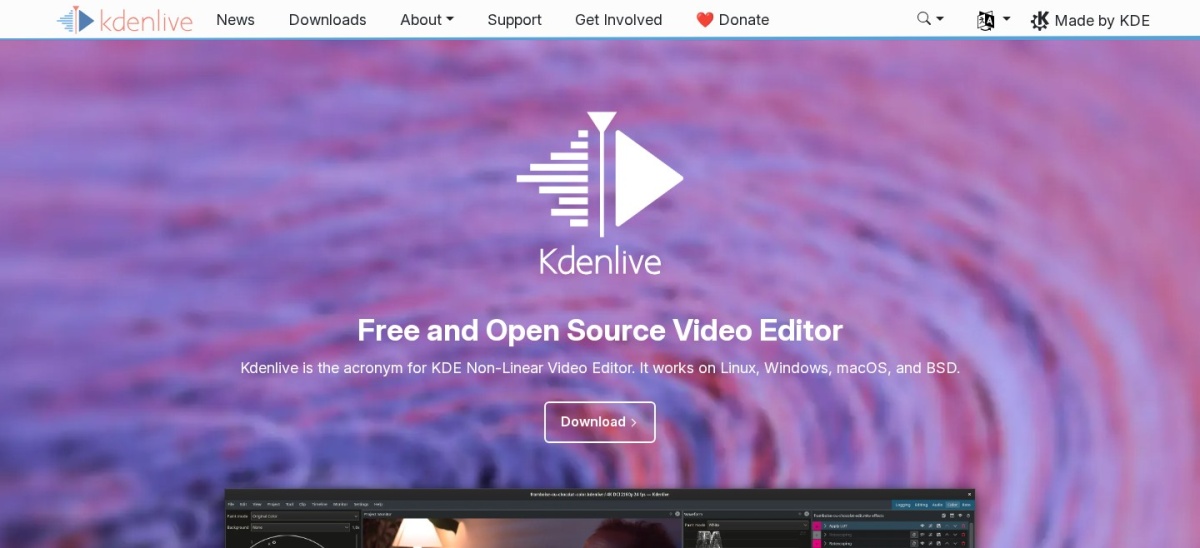
Kdenlive is a free, open-source multi-track editor from the KDE community, for Windows, Mac and Linux. It includes proxy editing for slow machines, nested timelines, keyframed effects, multi-track color grading and AI speech-to-text subtitles, with 4K export and no watermark.
The trade off is polish. The interface shows its open-source roots, the learning curve is steeper than OpenShot, and very large projects can feel unstable. There is no paid plan at all. It suits editors who want a Premiere-style workflow for free and are comfortable learning a deeper tool.
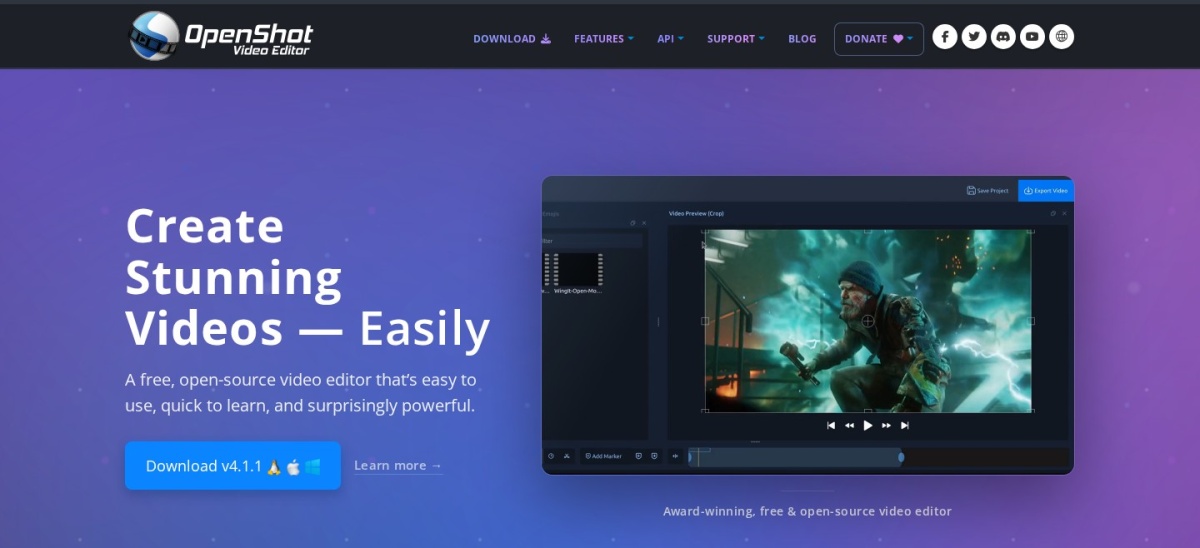
OpenShot is a free, open-source editor for Windows, Mac and Linux, built around a drag-and-drop timeline. It includes unlimited tracks, 3D animated titles, chroma key and 4K export, with no watermark on any export.
The trade off is stability. Reviewers report crashes and slow exports on larger projects, so saving often is wise. It suits beginners who want a simple free timeline and do not mind an editor that can feel rough at the edges.
Clipchamp is Microsoft's video editor, built into Windows 11 and also available in the browser. The free plan includes unlimited watermark-free exports up to 1080p, a screen and camera recorder, auto-captions and free stock media, with a personal Microsoft account.
The trade off is that Premium is bundled, not sold alone. 4K exports, premium stock and the brand kit come with Microsoft 365 Personal at $99.99 a year, and some third-party pages still list a standalone Premium plan that Microsoft's own pricing page no longer shows. It suits Windows users who want quick edits without installing a heavy desktop editor.
What we like
Unlimited watermark-free 1080p exports on the free plan
Built into Windows 11, no install needed
Screen and camera recorder included
AI captions and text-to-speech free
Watch out for
Free exports stop at 1080p
Premium needs a Microsoft 365 subscription
Slows down on longer or higher-resolution projects
Premium adds 4K, premium stock and a brand kit via Microsoft 365Visit clipchamp.com
10
CapCut
1.2/5on Trustpilot (1,414 reviews, checked Nov 2026)
Paid from$9.99/mo
Fastest for Shorts, with a billing warning
Free export1080p, no watermark on core edits
PlatformsWindows, Mac, iOS, Android, web
Auto-captionsYes, in the free version
Paid planStandard, $9.99/mo
capcut.com
CapCut homepage, captured Nov 2026.
CapCut is ByteDance's free editor for short-form video, on Windows, Mac, iOS, Android and the web. The free version includes a multi-track timeline, auto-captions, templates, effects and 1080p export, and core edits export with no watermark.
The trade off is trust. CapCut rates 1.2 out of 5 on Trustpilot from 1,414 reviews, with recent reviewers complaining about Pro paywalls, billing and cancellation. Standard costs $9.99 a month and Pro $19.99 a month. It suits creators making TikTok, Reels and Shorts who want fast captions and templates.
What we like
Fastest route to a captioned vertical video
Auto-captions and templates included free
Same project moves between phone and desktop
Large template and music library
Watch out for
Trustpilot 1.2/5 from billing complaints
Pro-tagged templates add a watermark on free exports
Two editors here cost nothing at all. Kdenlive and OpenShot have no paid plan, and DaVinci Resolve's free version covers pro editing with no watermark.
Filmora and CapCut are free to start but hold back the export. Filmora watermarks every free export, while CapCut watermarks projects that use Pro-tagged templates.
The cheapest real upgrades are Filmora Basic at $49.99 a year and Movavi at $54.95 a year, both aimed at beginners who want templates without a subscription-sized bill.
One-time purchases are the cheapest long-term route. Resolve Studio at $295 and Final Cut Pro at $299.99 each cost less than 14 months of Premiere Pro at $22.99 a month.
How we chose
We started from the video editors most often named as Shotcut replacements in 2026 round-ups, then kept the ten with a public rating and a clear price.
Prices come from each vendor's pricing page, checked on 29 November 2026. Ratings and review counts come from G2, Capterra, Trustpilot and SourceForge on the same day. Where a vendor shows a sale, the list shows the regular price.
We left out Lightworks, whose G2 rating is 3.6 out of 5 from 31 reviews, and VSDC, which runs on Windows only. CapCut has no G2 listing, so its rating comes from Trustpilot. No vendor paid for a place, and we do not claim hands-on testing for this list.
How to choose a Shotcut alternative
Start with the export, then match the editor to your videos and your computer.
Check the free export first. DaVinci Resolve, Kdenlive and OpenShot export 4K with no watermark for free. Filmora watermarks free exports, and Clipchamp and CapCut cap them at 1080p.
Decide between one payment and a subscription. Resolve Studio at $295 and Final Cut Pro at $299.99 are paid once. Premiere Pro at $22.99 a month costs more in 14 months than either one-time licence.
Match the editor to your videos. Resolve and Premiere Pro suit long-form and client work, Filmora and Movavi suit quick YouTube edits, and CapCut suits vertical social clips. See our guide on how to embed a video in WordPress if the finished video goes on your site.
Test it on your own machine first. Resolve needs a capable computer for smooth 4K editing, while OpenShot, Kdenlive and Clipchamp run on lighter hardware. Export a 10-second test clip before committing to a project.
FAQ
What are the best Shotcut alternatives?
DaVinci Resolve is the best Shotcut alternative for most editors, with a free version that covers pro editing, color grading and audio, rated 4.7 out of 5 on G2. Premiere Pro suits Creative Cloud users, while Kdenlive and OpenShot are the closest free open-source swaps.
Is there a free alternative to Shotcut?
Yes. Kdenlive and OpenShot are both free and open source with no paid plan at all, and DaVinci Resolve's free version exports 4K with no watermark. All three run on Windows, Mac and Linux.
What is the cheapest Shotcut alternative?
Kdenlive and OpenShot cost nothing, and DaVinci Resolve is free for most editing. Among paid upgrades, Filmora Basic at $49.99 a year is the cheapest, followed by Movavi at $54.95 a year.
Is DaVinci Resolve better than Shotcut?
For most editors, yes. Resolve adds pro color grading, Fusion effects and Fairlight audio in one app, and it rates 4.7 out of 5 on G2 from 223 reviews against Shotcut's 4.2 from 42. Shotcut stays the lighter install and the simpler choice for basic cuts.
Which Shotcut alternative is best for beginners?
Filmora is the easiest to learn, with templates and AI tools beside the timeline, at $49.99 a year. OpenShot is the simplest free option, and Movavi suits beginners who want fast, polished results without a steep learning curve.
DaVinci Resolve vs Premiere Pro: which should I pick?
Pick DaVinci Resolve if you want a free pro editor or a $295 one-time Studio licence, and Premiere Pro if you already pay for Creative Cloud or work with teams that standardize on Adobe. Resolve rates 4.7 out of 5 on G2 from 223 reviews, Premiere Pro 4.5 from 1,753.
SaaS SEO and WordPress specialist with about 8 years of experience. Rakib compares WordPress plugins, themes, hosting and software using public pricing, documentation and user reviews. See how we rank.