MuseScore Studio is the best Sibelius alternative for most people: it is a full desktop notation editor that costs nothing and is rated 4.6 out of 5. Pick Dorico for publication-grade engraving, or Noteflight and Flat when you want notation in a browser.
How we make this list: we compare pricing pages, product documentation and public user reviews, then re-check every price before each update. No product paid for a place. Disclosure.
MuseScore Studio is free and full-featured, rated 4.6 out of 5, and the best starting point for most switchers.
Dorico Pro 6 costs $579.99 once, with Elements 6 at $99.99, and gives the cleanest automatic engraving in this list.
Guitar Pro 8 is the guitar-first pick at $69.95 once, rated 4.6 out of 5 on Capterra.
Noteflight Premium ($49 a year) and Flat Power ($49.99 a year) are the two browser picks, with free tiers capped at 10 and 15 scores.
Soundslice, Songscription, StaffPad and Crescendo cover narrower jobs: learning from recordings, transcription, pen input and budget Windows notation.
How do you choose the best Sibelius alternative?
Price is the first filter for most switchers. Sibelius Ultimate costs $199 a year as a subscription, while the alternatives here range from free to a $579.99 one-time licence, so the break-even point matters more than the sticker price.
Where you write matters as much as what you write. Desktop tools handle large orchestral scores and detailed layout, while browser tools such as Noteflight and Flat open on any machine with no install.
File portability decides how painful the switch is. Most tools in this list import or export MusicXML or MIDI, so scores can move between programs, though spacing and layout usually need a cleanup pass after import.
Playback quality is the hidden deciding factor. MuseScore Studio, Dorico and StaffPad all ship realistic instrument sounds, while browser tools lean on simpler playback that is fine for proofing but not for demos.
4.6/5on Apple App Store (80,000 reviews, checked Nov 2026)
PriceFree
Best free Sibelius alternative overall
PlatformsWindows, macOS, Linux
Free planFull editor, no score limit
PlaybackMuse Sounds engine
ExchangeMusicXML, MIDI
musescore.org
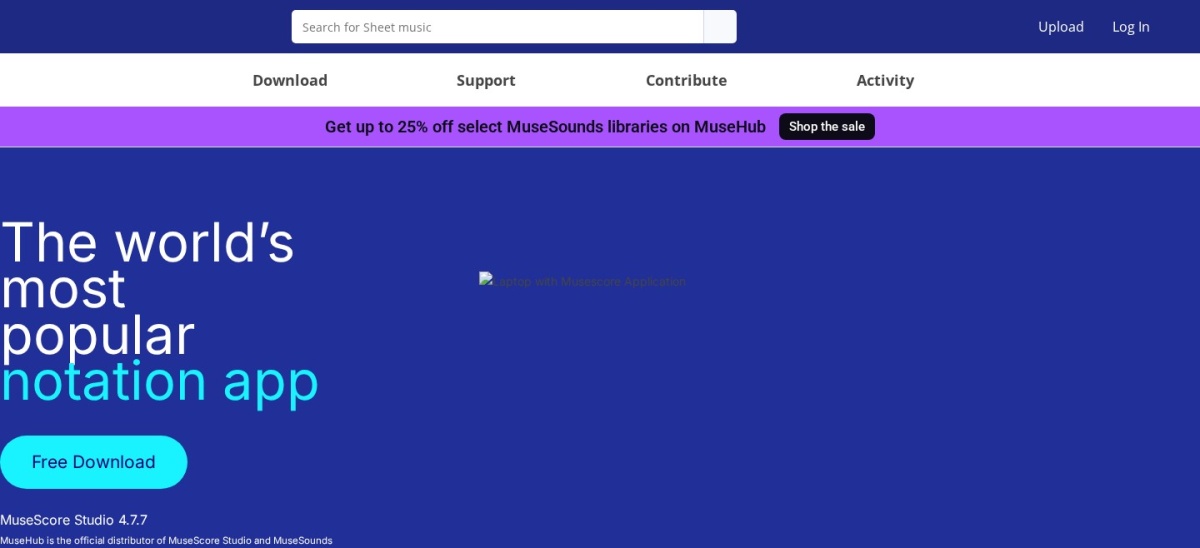
MuseScore Studio homepage, captured Nov 2026.
MuseScore Studio is free, open-source notation software for Windows, macOS and Linux, with no paid software tier and no limit on the number of scores. It covers note entry by mouse, keyboard or MIDI device, realistic Muse Sounds playback and MusicXML and MIDI exchange.
The trade off is that printed parts from large orchestral scores need more manual spacing work than Dorico produces, and paid extras live on MuseScore.com rather than in the app. It suits students, teachers and arrangers who want a full desktop editor without a subscription.
What we like
No cost and a full editor with no score limit
Runs natively on Windows, macOS and Linux
Includes realistic Muse Sounds instrument playback
Imports and exports standard MusicXML and MIDI files
Watch out for
Large scores need manual layout fixes
Paid site memberships confuse some users
Mobile apps focus on reading rather than full scoring
No paid plan; optional MuseScore.com memberships cover site downloadsVisit musescore.org
02
Dorico
4.6/5on Apple App Store (2,300 reviews, checked Nov 2026)
Paid from$99.99/once
Best for publication-grade engraving
PlatformsWindows, macOS, iPad
Free tierDorico SE, up to 8 players
Cheapest paidElements 6, $99.99 one-time
Pro price$579.99 one-time
steinberg.net
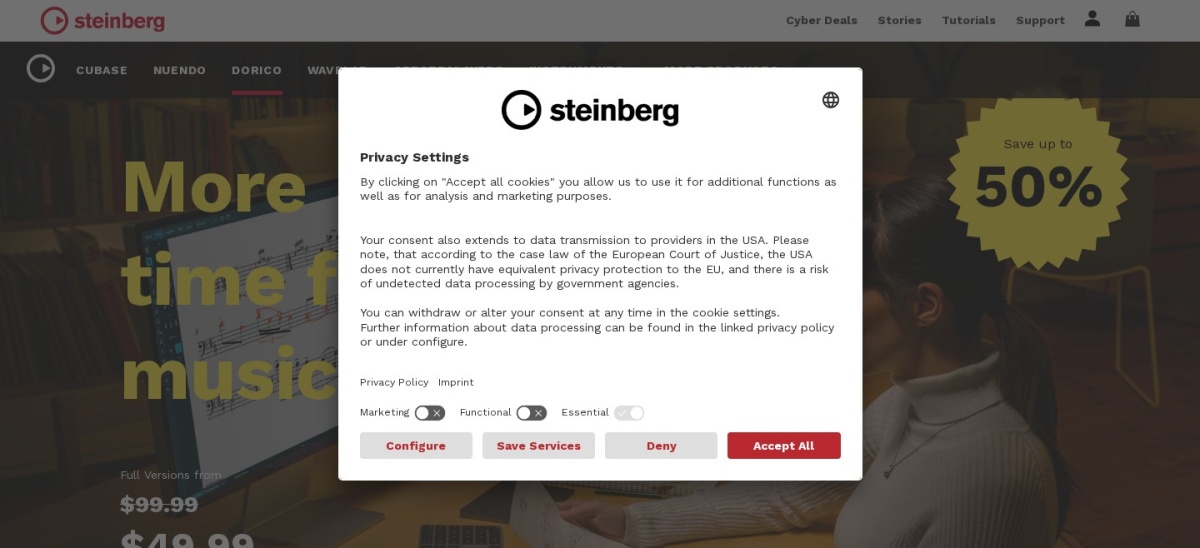
Dorico homepage, captured Nov 2026.
Dorico is Steinberg's notation and engraving software for Windows, macOS and iPad, built by the team behind the original Sibelius. Its layout engine spaces notes, avoids collisions and extracts parts automatically, and the free Dorico SE edition covers scores of up to eight players.
The trade off is price and learning curve. Dorico Elements 6 costs $99.99 as a one-time purchase, listed at $49.99 during a sale, while Pro 6 costs $579.99, and the workflow takes weeks to learn for Sibelius users. It suits composers, arrangers and publishers who prioritise engraved layout quality.
What we like
Best automatic engraving in this list
One-time licences with no subscription
Free SE tier lets you start at no cost
Available across Windows, macOS and iPad
Watch out for
Steep learning curve for Sibelius users
Pro is the most expensive pick here
Free SE edition caps ensemble size at eight players
Elements 6 unlocks unlimited players; Pro 6 adds full engraving toolsVisit steinberg.net
03
Guitar Pro 8
4.6/5on Capterra (237 reviews, checked Nov 2026)
Starts at$69.95/once
Best for guitar and bass tab
PlatformsWindows, macOS
Tab + notationSide by side
InstrumentsGuitar, bass, drums, piano
Trial7-day demo
guitar-pro.com
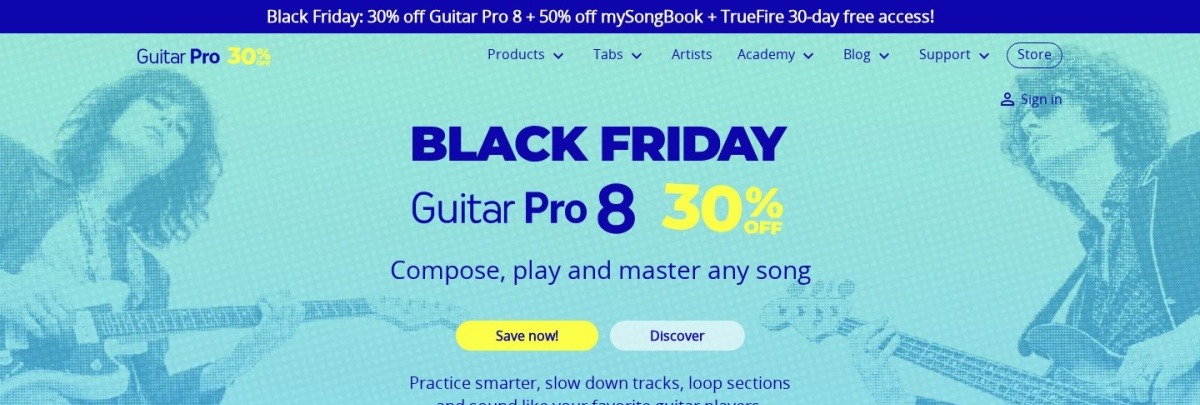
Guitar Pro 8 homepage, captured Nov 2026.
Guitar Pro 8 is desktop software for writing tablature and standard notation side by side, for guitar, bass, drums and piano. It pairs a realistic sound engine with chord and scale tools, a metronome, looping and a speed trainer, and it imports and exports MIDI and MusicXML files.
The trade off is scope. Guitar Pro 8 costs $69.95 as a one-time purchase, currently $48.97 in a Black Friday sale until 1 December 2026, and it is built for fretted instruments rather than orchestral scores. It suits guitarists and bassists who write tabs and practice parts.
What we like
Deepest tab editor in this list
Realistic playback with practice tools built in
Chord and scale tools for writing parts
One-time price with no subscription
Watch out for
Not built for orchestral scores
mySongBook tab library costs extra
No browser version
Upgrade from earlier versions costs $34.95; mySongBook is sold separatelyVisit guitar-pro.com
04
Noteflight
4.2/5on G2 (11 reviews, checked Nov 2026)
Paid from$49/yr
Best browser notation for classrooms
AccessWeb browser
Free planUp to 10 scores
Premium$49/yr or $7.95/mo
Playback85 instruments on Premium
noteflight.com
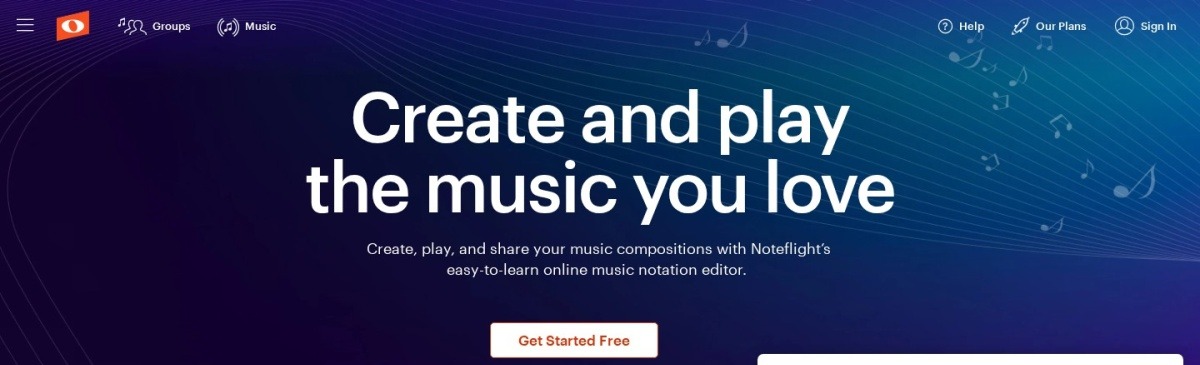
Noteflight homepage, captured Nov 2026.
Noteflight is a browser-based notation editor where the free Basic plan covers up to 10 scores with core editing and public sharing. Because it runs in a browser, students and teachers can open scores on any device, including Chromebooks, with no software to install.
The trade off is the 10-score cap on the free plan, while Noteflight Premium costs $49 a year or $7.95 a month. It suits music teachers, students and casual writers who want cloud access to their scores from anywhere.
What we like
Runs in any browser with no install
Free Basic tier covers up to 10 scores
Premium adds 85 instruments and 80,000 sheet music titles
Classroom Learn plan for schools
Watch out for
Free plan caps at 10 scores
Needs an internet connection
Less suited to heavy offline engraving
Premium removes the score limit and adds instruments and sheet musicVisit noteflight.com
05
Flat
3.5/5on Trustpilot (13 reviews, checked Nov 2026)
Paid from$49.99/yr
Best for real-time score collaboration
AccessWeb, desktop, iOS, Android
Free planUp to 15 scores, 30 instruments
Power$49.99/yr or $9.99/mo
CollaborationReal-time co-editing
flat.io
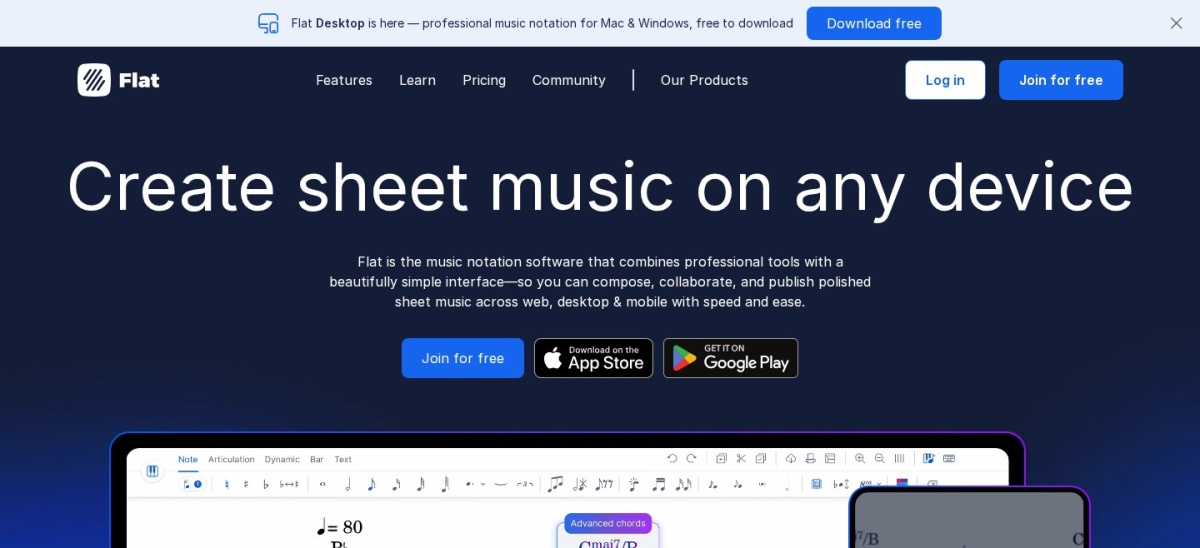
Flat homepage, captured Nov 2026.
Flat is a notation and tablature editor on the web, desktop and mobile apps, with a free Basic plan limited to 15 scores and 30 instruments. It supports real-time collaboration, offline composition and MIDI and MusicXML imports, so groups can edit the same score together.
The trade off is the 15-score limit and branding on free exports, while Flat Power costs $49.99 a year or $9.99 a month. It suits groups, students and arrangers who co-edit scores across devices.
What we like
Real-time co-editing across users and devices
Works across web, desktop and mobile
Offline mode for writing without a connection
MIDI device entry supported
Watch out for
Free exports carry Flat branding
PDF scanning uses credits
Less deep engraving than Dorico
Power unlocks unlimited scores, 180+ instruments and clean exportsVisit flat.io
06
Soundslice
3.5/5on Trustpilot (10 reviews, checked Nov 2026)
Paid from$50/yr
Best for learning from recordings
AccessWeb browser
Free planUnlimited slices, YouTube sync
Plus$5/mo or $50/yr
ExportsPDF, MusicXML, MIDI on Plus
soundslice.com
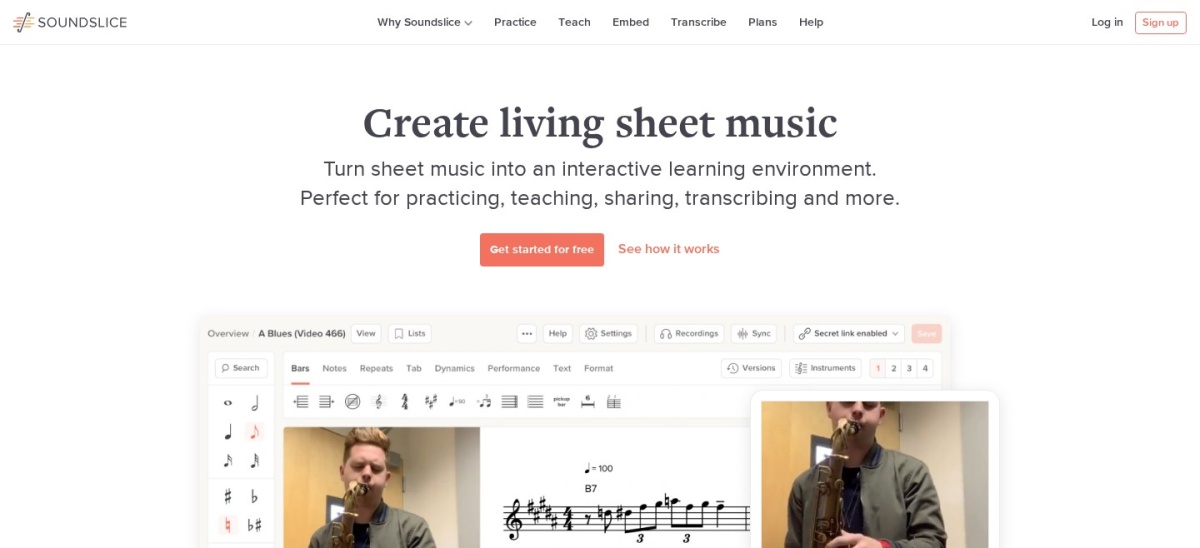
Soundslice homepage, captured Nov 2026.
Soundslice is a web-based sheet music and tablature editor that syncs notation with recordings and video, starting with a free plan that supports YouTube sync and unlimited slices. It lets musicians slow audio without changing pitch, loop sections and import MusicXML or Guitar Pro files.
The trade off is that uploading MP3s or videos, scanning PDFs and exporting PDF, MusicXML or MIDI files need the Plus plan at $5 a month or $50 a year. It suits guitarists, transcribers and teachers who learn or teach alongside real recordings.
Songscription is a browser-based transcription tool that converts audio, video and sheet music images or PDFs into editable scores, with a free plan covering 30 seconds per song. Users can refine generated scores in its browser editor and move files into other apps.
The trade off is short free transcription limits and no MIDI keyboard input or offline mode, while Plus costs $99.90 a year or $9.99 a month. It suits musicians who start arrangements from recordings rather than manual note entry.
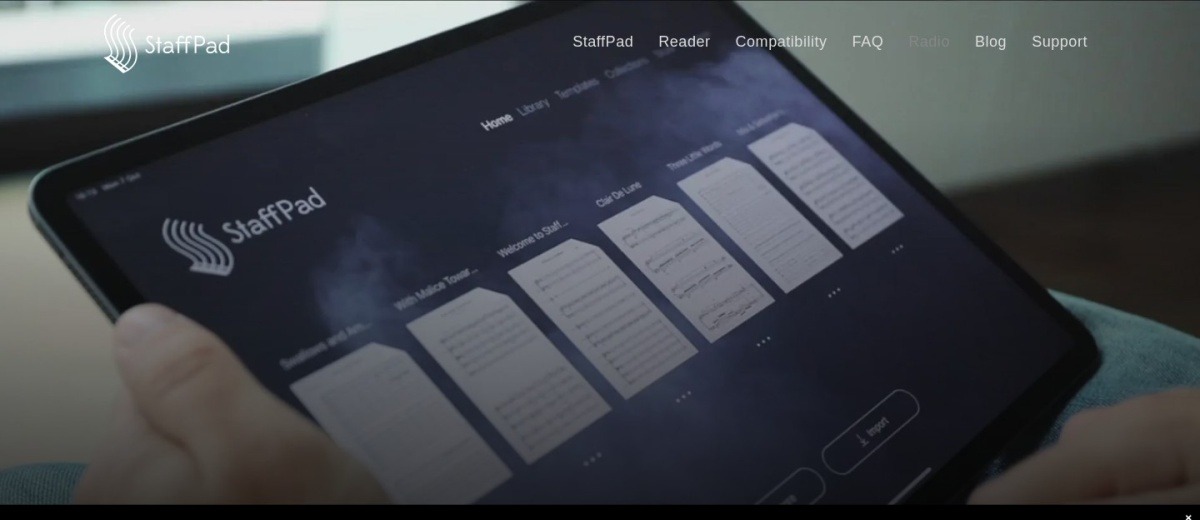
StaffPad is a notation app built for pen and touch, where composers handwrite music on an iPad or Windows pen device and the app turns it into typeset notation as they write. It includes realistic playback libraries, and the free StaffPad Reader app shows parts to musicians in real time.
The trade off is price and platform. StaffPad costs $89.99 as a one-time purchase, runs only on iPad and Windows pen devices, and its review score is the lowest in this list at 2.5 out of 5. It suits composers who think with a pen rather than a keyboard.
What we like
Handwriting recognition for pen input
Realistic playback sounds
Reader app for performers
Touch-first workflow
Watch out for
Lowest rating in this list
iPad and Windows only, no Mac
Extra sound libraries cost more
One-time $89.99 purchase; extra sound libraries are paid add-onsVisit staffpad.net
09
Crescendo
4/5on SourceForge (1 reviews, checked Nov 2026)
Starts at$79.99/once
Best budget Windows notation
PlatformsWindows, macOS
Free optionLimited free trial
NotationTreble, bass, tenor, alto clefs
PlaybackMIDI and VSTi instruments
nch.com.au
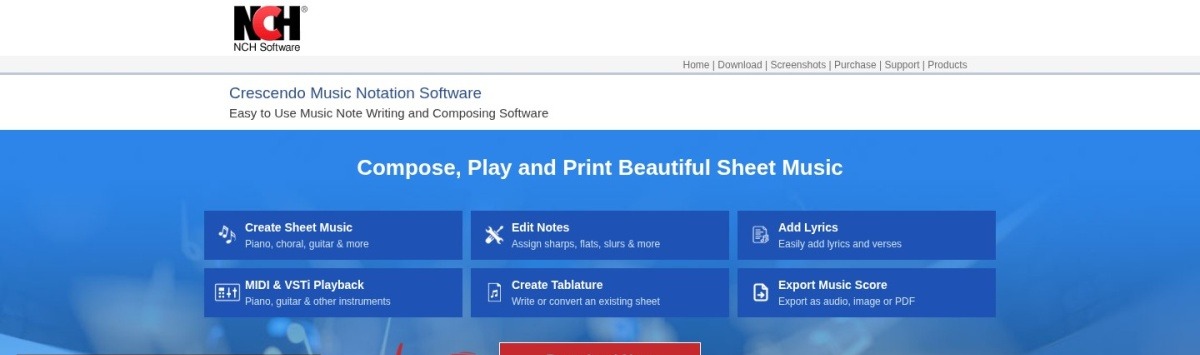
Crescendo homepage, captured Nov 2026.
Crescendo is a lightweight notation program from NCH Software for Windows and macOS, built for simple scores, exercises, lead sheets and small arrangements. It covers treble, bass, tenor and alto clefs, guitar tablature, drum kits and MIDI and VSTi playback.
The trade off is depth. Crescendo costs $79.99 as a one-time purchase for the full version, and it lacks the automatic engraving and large-ensemble tools of Dorico or Sibelius. It suits beginners and teachers who want readable scores without a complex program.
What we like
Simple to learn and cheap
One-time price with no subscription
Tab and percussion support
VSTi playback for better sound
Watch out for
No automatic engraving
Limited to smaller scores
Only one public review rating found
Full version is a one-time $79.99 purchase after a free trialVisit nch.com.au
Switching from Sibelius: what carries over
Your scores move, but your layout does not move perfectly. Export Sibelius scores as MusicXML, then import them into the new tool and expect to fix spacing, collisions and part breaks by hand.
Your workflow habits need the most time. Dorico works differently from Sibelius, with a concept-driven layout that takes weeks to learn, while MuseScore Studio feels closer to a traditional notation editor.
Your budget changes shape, not just size. Sibelius Ultimate is a $199-a-year subscription, while Dorico Pro is $579.99 once and MuseScore Studio is free, so compare three years of payments before you judge a price.
We started from the notation tools most often named as Sibelius replacements in 2026, then kept nine established products that cover desktop engraving, browser editing, guitar tab, transcription and pen input.
Prices come from each vendor's pricing page, checked on 29 November 2026. Ratings and review counts come from the Apple App Store, G2, Capterra, Trustpilot and SourceForge on the same day. Where a vendor shows a sale, the list shows the regular price.
We left out Finale, which was discontinued in August 2024 and is no longer sold, and LilyPond, which has no public user rating. No vendor paid for a place, and we do not claim to have used these tools ourselves.
How to choose a Sibelius alternative
Start with why you are leaving Sibelius, then match the tool to that reason.
Work out what you are escaping. If the subscription is the problem, MuseScore Studio is free and Dorico Pro pays for itself in about three years against Ultimate at $199 a year.
Match the tool to where you write. Pick a desktop suite for large scores and detailed layout, or Noteflight or Flat if you write on shared machines or Chromebooks.
Check your file round-trip first. Export one real score as MusicXML from Sibelius and import it into your shortlist before you commit, since layout always needs cleanup.
Try the free tier before you pay. MuseScore Studio, Dorico SE, Noteflight Basic and Flat Basic all cost nothing to start, so test entry and playback on your own music.
FAQ
What is the best free alternative to Sibelius?
MuseScore Studio is the best free alternative to Sibelius. It is a full desktop notation editor for Windows, macOS and Linux with no paid software tier, no score limit and a 4.6 out of 5 rating from 80,000 App Store reviews.
How much does a Sibelius alternative cost?
Prices run from free to $579.99. MuseScore Studio costs nothing, Noteflight Premium is $49 a year, Flat Power is $49.99 a year, Guitar Pro 8 is $69.95 once, and Dorico Pro 6 is $579.99 once, against Sibelius Ultimate at $199 a year.
Which Sibelius alternative is best for beginners?
MuseScore Studio is the best pick for beginners because it is free, full-featured and runs on Windows, macOS and Linux. Noteflight is the easiest browser option for students, since it needs no install and its free Basic plan covers 10 scores.
Is MuseScore or Dorico the better Sibelius alternative?
MuseScore is better for most people because it is free and covers everyday notation well. Dorico is better for professional engraving, since its layout engine spaces notes and extracts parts automatically, though Pro costs $579.99 once.
Can I open my Sibelius scores in these alternatives?
Yes, in most cases. Export your Sibelius scores as MusicXML files, then import them into MuseScore Studio, Dorico, Noteflight or Flat. Expect to fix spacing and layout by hand, since each program spaces notes differently.
Which Sibelius alternative works in a browser?
Noteflight and Flat are the browser picks. Noteflight Basic is free for up to 10 scores, with Premium at $49 a year, while Flat Basic is free for up to 15 scores, with Power at $49.99 a year and real-time collaboration.
SaaS SEO and WordPress specialist with about 8 years of experience. Rakib compares WordPress plugins, themes, hosting and software using public pricing, documentation and user reviews. See how we rank.