Filmora is the best video editor for YouTube beginners because it pairs a simple timeline with templates and AI effects at a low yearly price. CapCut is the fastest free start for short-form video, and iMovie is the best free pick for Mac owners.
How we make this list: we compare pricing pages, product documentation and public user reviews, then re-check every price before each update. No product paid for a place. Disclosure.
Filmora is the best beginner pick at $49.99 a year, with templates and AI captions on a simple timeline.
DaVinci Resolve is free with 4K export and no watermark, and Studio costs $295 once.
iMovie, OpenShot and Shotcut are fully free with no watermark and no subscription.
Clipchamp is the easiest free start on Windows, with 1080p exports in the browser and no watermark.
CapCut is the fastest free editor for Shorts, but its Trustpilot rating is 1.2 out of 5 from 1,414 reviews.
What a YouTube beginner needs from an editor
A first YouTube video does not need a professional editor. It needs a clean cut, readable captions, a thumbnail-ready frame and an export that uploads without a fight.
Free plans decide this list. Seven of the ten tools export a real video for free, but the terms differ: Filmora and Movavi watermark free exports, while DaVinci Resolve, iMovie, OpenShot and Shotcut do not.
Price comes second. The cheapest paid plan here is Filmora at $49.99 a year, and the dearest subscription is CapCut Pro at $19.99 a month. Our guide to software to edit YouTube videos covers the same editors for creators who already have an audience.
This list is the beginner angle on that topic: free-first tools, simple timelines and honest limits, rather than pro features. Ratings come from G2, Capterra and Trustpilot, checked on 25 November 2026.
The 10 best video editing software for YouTube beginners
01
Wondershare Filmora
4.4/5on G2 (613 reviews, checked Nov 2026)
Paid from$49.99/yr
Best for YouTube beginners
Free planYes, watermarked
PlatformsWindows, Mac
AI captionsYes
Paid plan$49.99 a year
filmora.wondershare.com
Wondershare Filmora homepage, captured Nov 2026.
Wondershare Filmora is a beginner-friendly editor that turns a first YouTube video into a finished upload in one evening. Its timeline is simple, with drag-and-drop titles, transitions and effects, plus AI tools that add captions and cut silences for you.
The trade off is the free plan. Exports carry a watermark until you pay, and the paid plan costs $49.99 a year. Advanced colour and audio controls are thinner than in pro editors. It suits new YouTubers who want a polished first video without a learning curve.
1.2/5on Trustpilot (1,414 reviews, checked Nov 2026)
Paid from$19.99/mo
Best for Shorts and fast edits
Free planYes, 1080p export
PlatformsWeb, Windows, Mac, mobile
Auto-captionsYes
Paid planPro, $19.99 a month
capcut.com
CapCut homepage, captured Nov 2026.
CapCut is the fastest free start for YouTube Shorts and simple long-form videos. It adds auto-captions, trending effects and templates in a few taps, and the free plan exports 1080p without a watermark on many videos.
The trade off is trust. CapCut rates 1.2 out of 5 on Trustpilot from 1,414 reviews, with recent reviewers complaining about Pro paywalls, billing and cancellation. Pro costs $19.99 a month. It suits beginners who test the free export before paying.
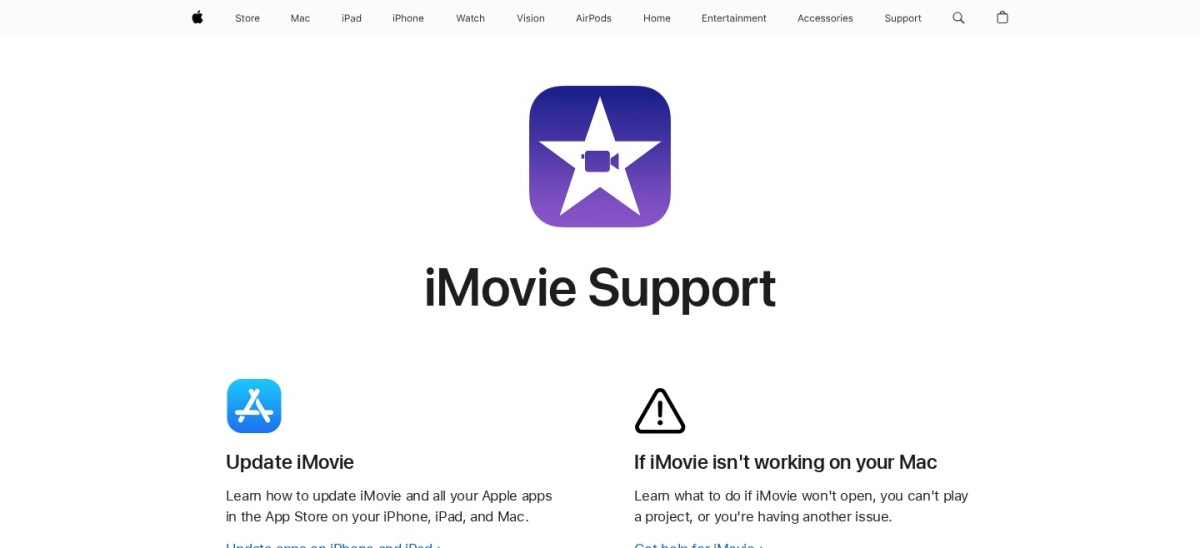
iMovie is Apple's free editor, and it is the simplest way for a Mac owner to cut a first YouTube video. It opens with a clean timeline, ready-made trailers and themes, and it exports 4K with no watermark and no subscription.
The trade off is scope. iMovie has no multicam, no motion tracking and few pro colour tools, so creators who outgrow it move to Final Cut Pro or DaVinci Resolve. It suits Mac owners who want a free, honest first editor.
Clipchamp is Microsoft's browser-based editor, and it is the easiest free start on Windows. It runs in the browser with templates, stock media and AI captions, and the free plan exports 1080p with no watermark.
The trade off is the paywall for 4K. Premium costs $11.99 a month standalone, or less through Microsoft 365, and long projects can slow down in the browser. It suits Windows beginners who want to edit without installing anything.
DaVinci Resolve is a professional editor with a free version that beats every paid beginner tool on features. It includes multicam editing, Fusion effects, Fairlight audio and pro colour tools, with 4K export and no watermark.
The trade off is the learning curve. The interface is built for professionals, so a first video takes longer than in Filmora or CapCut, and some AI tools need the $295 Studio upgrade. It suits beginners who plan to grow into pro editing.
Descript is a video editor that works through the transcript, which makes it a strong pick for talking-head YouTube videos. Delete a sentence in the text and the video cuts with it, and filler-word removal cleans up rambling takes.
The trade off is the monthly cap. The free plan allows 60 media minutes a month with a watermark, and the Hobbyist plan costs $16 a month billed annually. It suits beginners who record themselves talking to camera.
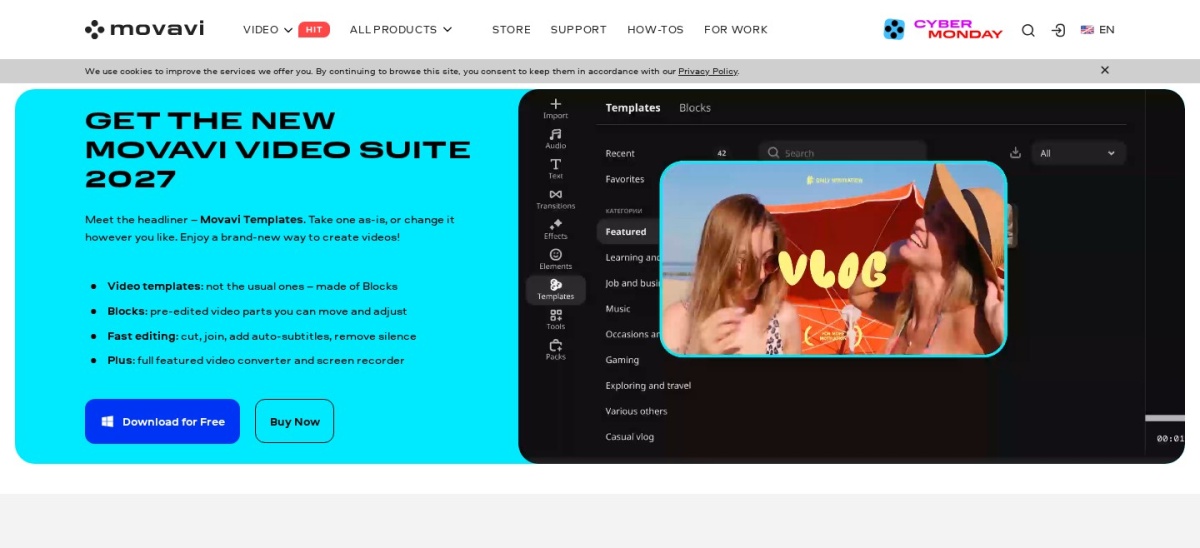
Movavi Video Editor is a simple desktop editor with a clean timeline, templates and one-click AI tools. It is built for people who do not think of themselves as editors, and a first YouTube video takes an evening, not a weekend.
The trade off is price honesty. The store lists $54.95 a year as a sale against a regular $79.95, so the renewal can be higher, and free exports stop at 60 seconds with a watermark. It suits quick, simple videos.
CyberLink PowerDirector homepage, captured Nov 2026.
CyberLink PowerDirector is a Windows and Mac editor that packs multicam, motion tracking and AI audio tools into an easy timeline, with a free Essential version to try first. It is the most feature-rich budget editor here for Windows creators.
The trade off is the busy interface and promo pricing. The 365 subscription lists at $79.99 a year, with discounts shown often, and the layout can overwhelm a first-time editor. It suits beginners who want room to grow.
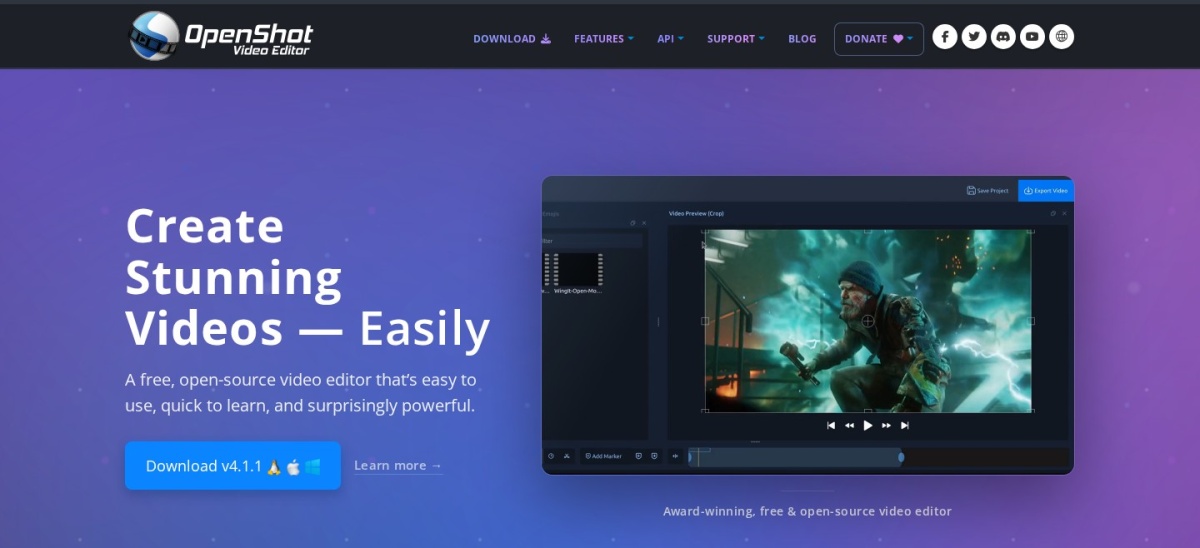
OpenShot is a free, open-source editor with the simplest timeline in this list. Drag a clip in, trim it, add a transition, and export with no watermark, no account and no subscription on Windows, Mac or Linux.
The trade off is performance and polish. OpenShot can feel slow on long projects, with occasional crashes and limited preview performance, and it has no built-in colour grading or AI tools. It suits a first video on any computer.
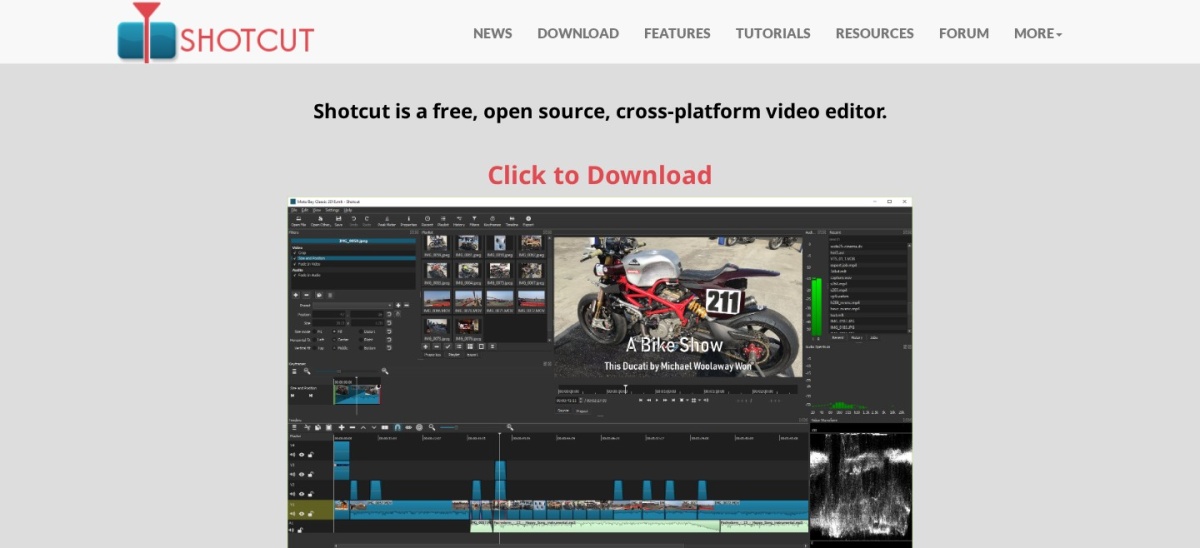
Shotcut is a free, open-source editor for editors who want pro features without paying. It supports a wide range of formats, hardware-accelerated exports and filters, with no watermark, no account and no ads.
The trade off is the interface. Shotcut looks dated beside Filmora or CapCut, and new users find the layout unintuitive at first. It suits beginners who want a free editor they will not outgrow quickly.
Every tool here has a free plan that exports a real video. DaVinci Resolve, iMovie, OpenShot and Shotcut export with no watermark at all.
Paid plans remove watermarks and caps, and add AI captions, stock media and 4K export. Filmora at $49.99 a year is the cheapest way to remove the watermark habit.
Start free. Pay only when a watermark, a time cap or a missing feature blocks a video you actually want to publish.
How we chose
We started from the best-known editors for first-time YouTube creators, then kept those with a usable free plan or a low paid starting price and a public rating.
Prices come from each vendor's pricing page or a comparison that read it, checked on 25 November 2026. Ratings and review counts come from G2, Capterra and Trustpilot on the same day. Where a vendor shows a sale, the list shows the regular price.
We left out editors with no public rating and pro-only tools with no beginner path. No vendor paid for a place, and we do not claim hands-on testing for this list.
How to choose a video editor as a YouTube beginner
Start with a free plan, publish three videos, then pay only for the limit you actually hit.
Pick a free plan first. Filmora, CapCut, iMovie, Clipchamp, DaVinci Resolve, OpenShot and Shotcut all export a real video for free. Publish with one before spending anything.
Check the watermark and export limits. Filmora and Movavi watermark free exports, while DaVinci Resolve, iMovie, OpenShot and Shotcut do not. Read the free plan terms before you invest hours in a project.
Match the tool to your video style. Talking-head videos suit Descript, Shorts suit CapCut, and screen recordings suit a recorder-editor. Our software to edit YouTube videos guide compares the same editors for a channel-first workflow.
Upgrade only when a limit blocks you. A watermark, a 60-minute cap or a missing 4K export are real reasons to pay. A new template pack is not.
FAQ
What is the best video editing software for YouTube beginners?
Filmora is the best pick for most YouTube beginners. It pairs a simple timeline with templates and AI captions at $49.99 a year, and the free version lets you try the workflow before paying, though exports carry a watermark.
What is the best free video editor for YouTube?
DaVinci Resolve is the strongest free editor, with 4K export and no watermark, but it takes time to learn. iMovie is the simplest free pick on Mac, and OpenShot is the simplest free pick on Windows.
Is CapCut good for YouTube beginners?
Yes for editing speed, with a warning. CapCut is the fastest route to a finished Short, and free exports are 1080p. Its Trustpilot rating is 1.2 out of 5 from 1,414 reviews, mostly about billing, so test the free plan first.
Do I need to pay to start a YouTube channel?
No. DaVinci Resolve, iMovie, OpenShot, Shotcut, Clipchamp and CapCut all export real videos for free. Pay only when a watermark, a time cap or a missing feature blocks a video you want to publish.
Is iMovie enough for YouTube?
Yes for simple videos. iMovie cuts clips, adds titles and music, and exports 4K with no watermark. Creators who need multicam, motion tracking or pro colour tools usually move to Final Cut Pro or DaVinci Resolve.
What is the cheapest paid YouTube editor?
Filmora is the cheapest paid editor in this list at $49.99 a year. It removes the watermark and unlocks the full template and effects library, and it is the easiest paid step up from a free editor.
SaaS SEO and WordPress specialist with about 8 years of experience. Rakib compares WordPress plugins, themes, hosting and software using public pricing, documentation and user reviews. See how we rank.