Tella is the best of the screen studio alternatives for most creators, matching Screen Studio's auto-zoom and styled layouts with transcript editing from $13 a user a month billed yearly. Loom is the faster pick for quick async videos, and ScreenFlow is the best Mac-only option with a one-time $199 licence.
How we make this list: we compare pricing pages, product documentation and public user reviews, then re-check every price before each update. No product paid for a place. Disclosure.
Tella is the closest match to Screen Studio: auto-zoom, styled layouts and transcript editing from $13 a user a month billed yearly.
Loom is the fastest route from record to shared link, with a free plan for 25 videos of up to 5 minutes.
Camtasia and Snagit both start at $39 a year, but only Camtasia includes a full editor; Snagit is for short clips.
ScreenFlow is the only Mac-only pick with a one-time licence, $199, and no subscription.
OBS Studio is fully free with 4K recording and no watermark, but it has no editor at all.
Paid prices in this list run from $39 a year to $199 one-time, or $4 to $16 a month on the cheapest monthly plans.
How do you pick the right screen studio alternative?
Screen Studio earns its fans with one trick: it makes a plain screen recording look produced, with automatic zooms that follow the cursor and clean backgrounds. Any replacement has to do that styling work for you, or you are back to editing every clip by hand.
Auto-zoom is the feature to check first. Tella zooms automatically on clicks, Camtasia adds zoom and pan effects in its editor, and ScreenFlow still makes you set zooms by hand, which G2 reviewers flag as its main gap.
Price shapes the shortlist fast. The tools here run from free with OBS Studio to $199 one-time for ScreenFlow, with the cheapest paid subscriptions starting at $4 a month. Our guide on how to embed a video in WordPress covers what happens once the video is ready to publish.
Platform matters too. Screen Studio is Mac only, so Windows users need a cross-platform pick such as Tella, Loom or Camtasia, while Mac users who want a one-time licence should look at ScreenFlow first.
Editing depth is the last filter. If you cut mistakes by deleting transcript words, Descript and Tella fit; if you want a full timeline, Camtasia and ScreenFlow fit; if you only trim, Loom is enough.
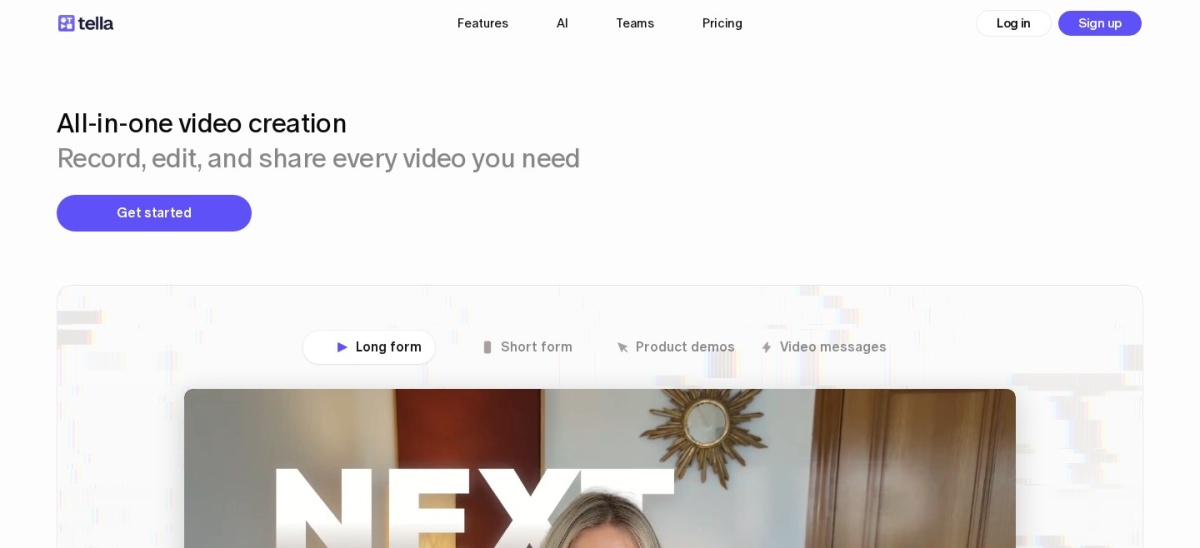
Tella is a browser and desktop screen recorder that styles recordings the way Screen Studio does, with screen and camera on separate tracks so layouts change after recording. Pro costs $13 a user a month billed yearly and adds unlimited recordings, unlimited storage, 4K export and transcript editing in 106 languages.
The trade off is the review base. G2 shows a 5.0 rating from only 2 reviews, and there is no free plan, only a 7-day trial of Pro, with branding removal held for Premium at $19 a user a month. It suits SaaS teams making tutorials and demos who want Screen Studio's polished look on Mac or Windows.
What we like
Auto-zoom and separate screen and camera tracks
Transcript editing in 106 languages
4K export on the cheapest paid plan
Records in the browser, nothing to install
Watch out for
Only 2 G2 reviews, so the 5.0 score is thin
No free plan, 7-day trial only
Branding removal needs Premium at $19 a user a month
Premium adds a custom domain and branding removalVisit tella.tv
02
Loom
4.7/5on G2 (2,561 reviews, checked Nov 2026)
Paid from$15/mo
Fastest async video walkthroughs
Free plan25 videos, 5 minutes each
RecordingUp to 4K on Business
EditingTrim and stitch
Paid planBusiness, $15/mo
loom.com
Loom homepage, captured Nov 2026.
Loom is the quickest way to turn a screen recording into a link someone can watch: record screen and camera together, stop, and share. Starter is free for 25 videos of up to 5 minutes each, with transcripts in more than 50 languages and unlimited screenshots.
The trade off is polish. Business costs $15 a user a month billed yearly, removes the caps and adds up to 4K recording, but editing stays at trim and stitch, and there is no auto-zoom or styled background. It suits teams sending fast async walkthroughs rather than finished product videos.
What we like
Fastest route from record to shared link
Free plan covers short walkthroughs
Rated 4.7 out of 5 from 2,561 G2 reviews
Watch out for
Free videos stop at 5 minutes
Editing is trim and stitch only
No auto-zoom or styled layouts
Business + AI adds summaries and filler removalVisit loom.com
03
Camtasia
4.6/5on G2 (1,792 reviews, checked Nov 2026)
Paid from$39/yr
Best full editor for tutorials
RecordingUp to 4K, 60fps
Video editorMultitrack, built in
Quizzes and SCORMYes, Essentials up
Paid planStarter, $39/yr
techsmith.com
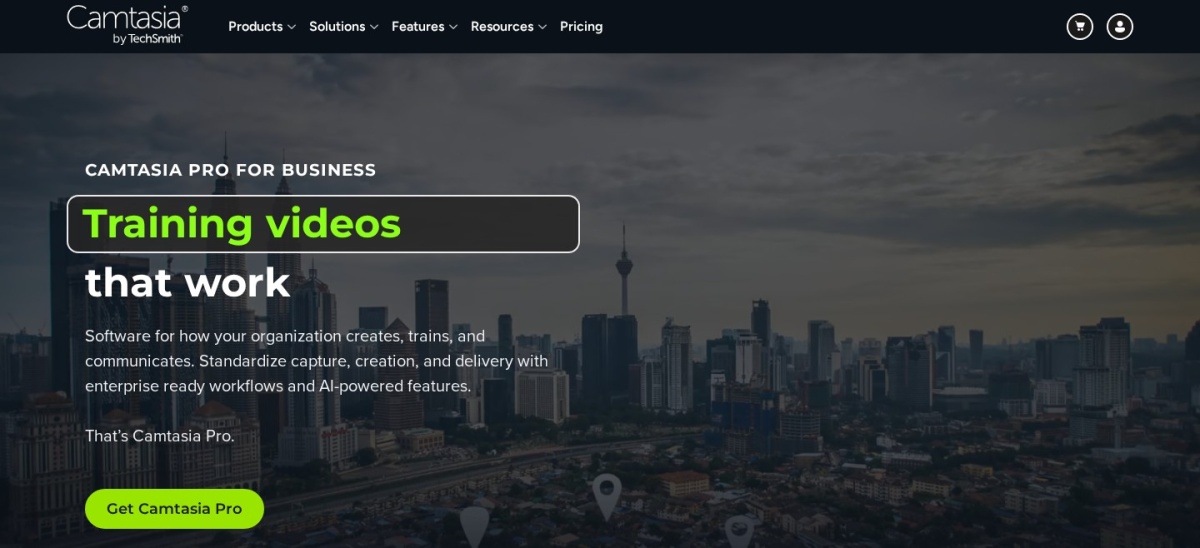
Camtasia homepage, captured Nov 2026.
Camtasia is a desktop recorder with a full multitrack editor in the same app, built for tutorials and training videos. It records screen, webcam and system audio on separate tracks in up to 4K at 60fps, with cursor effects, callouts, captions and quizzes.
The trade off is the watermark. Starter costs $39 a year, but its editor exports carry a watermark, so watermark-free tutorials start with Essentials at $179.88 a year, which also adds Audiate for text-based editing. It suits course creators who want recording and editing in one app.
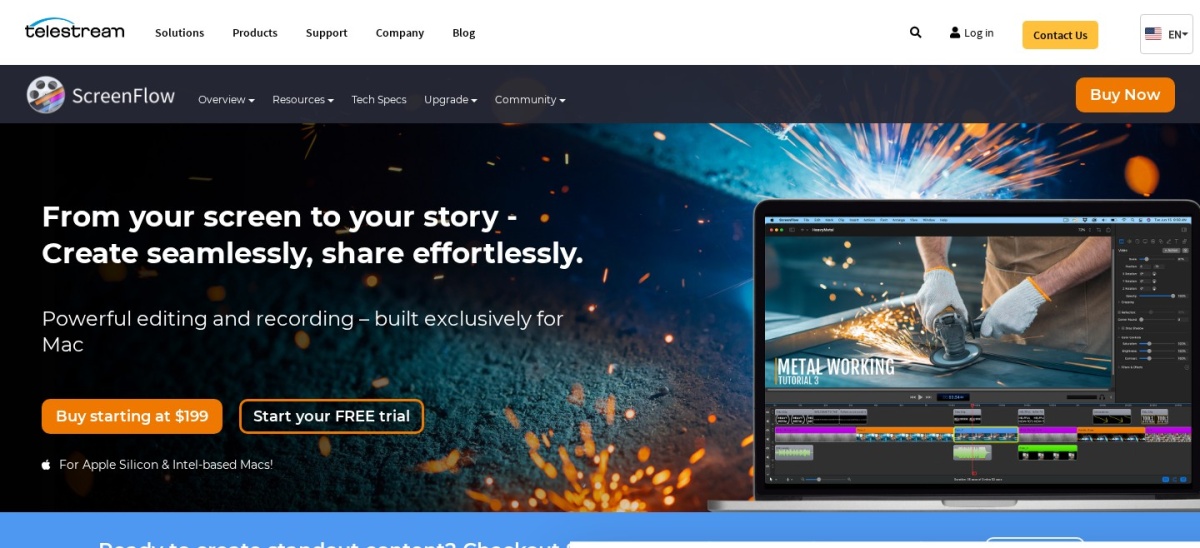
ScreenFlow is Telestream's Mac screen recorder and video editor, the closest Mac-native rival to Screen Studio. It records the screen, webcam and iOS device, edits on a multitrack timeline with animations and callouts, and includes a caption editor and a stock library of more than 500,000 clips.
The trade off is zoom. ScreenFlow has no auto-zoom, so you set zooms by hand, and G2 reviewers also note paid upgrades and a dated interface. The $199 one-time licence covers one Mac, with major upgrades charged extra. It suits Mac creators who want to own their recorder outright.
Descript records screen and camera, then turns the audio into a transcript you edit like a document: delete a sentence and the video follows. The free plan covers 1 media hour a month, and paid plans export up to 4K without a watermark.
The trade off is the meter. Hobbyist costs $16 a person a month billed yearly and covers 10 media hours and 400 AI credits a month, so long recording sessions can push you to Creator at $24. It suits creators who re-record lines often and hate timeline editing.
Snagit is TechSmith's fast capture app for screenshots and short screen videos. It records screen and webcam, adds arrows, callouts and annotations in seconds, and turns a set of captures into a step-by-step guide.
The trade off is scope. Snagit costs $39 a user a year after a 15-day trial, and it is built for short clips, not long lessons, with no multitrack editor. It suits support teams and trainers who make quick how-to clips all day.
OBS Studio is a free, open-source recorder for Windows, Mac and Linux, built for streaming and recording alike. It captures up to 4K with hardware encoding, layers scenes, sources and multi-track audio, and never adds a watermark, time limit or login wall.
The trade off is the learning curve. There is no built-in editor, so you cut and caption in another app, and the scene-based setup takes longer to learn than a one-click recorder. It suits creators on a zero budget who already edit elsewhere.
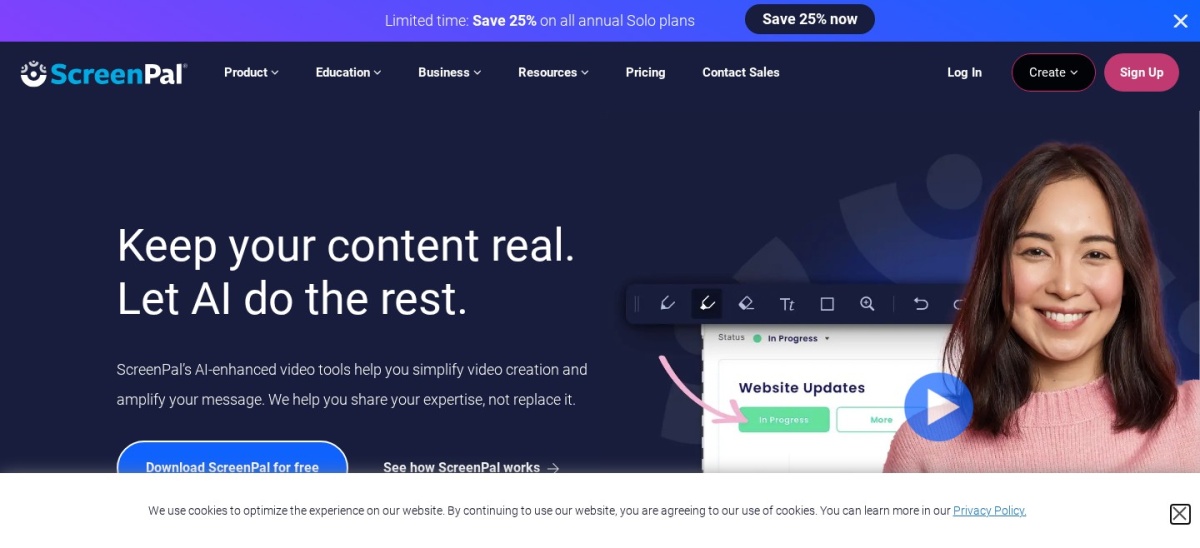
ScreenPal, formerly Screencast-O-Matic, is a recorder and editor aimed at teachers and trainers. Its free plan records 15 minutes per take, while Solo Deluxe at $4 a month billed yearly adds unlimited recording, the full editor and AI captions.
The trade off is AI depth. The full AI set, including text-to-speech narration and translation, sits on Solo Max at $10 a month billed yearly. It suits teachers and solo creators who want a cheap recorder with a real editor.
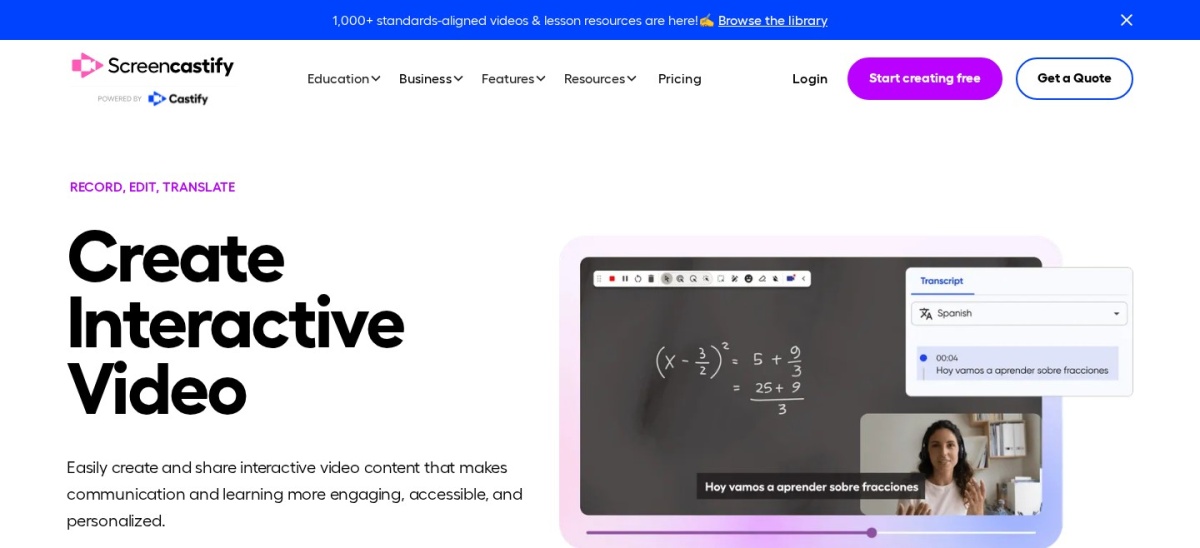
Screencastify records inside Chrome, with nothing to install, and is built for classroom lessons. The free plan covers 10 videos of up to 30 minutes each at 1080p, with questions, polls and viewer analytics.
The trade off is length. Starter costs $7 a user a month billed yearly and lifts the cap to unlimited videos of up to 60 minutes, while 180-minute recordings and AI captions need Pro at $10. It suits teachers who record in Chrome and share with a class.
Free plans cover quick recordings well. Loom, Descript, ScreenPal and Screencastify all let you record and share without paying, and OBS Studio is free with no limits at all.
Paid plans mostly add polish and length. Auto-zoom and styled layouts sit on Tella Pro, watermark-free exports start at $179.88 a year with Camtasia, and longer recordings need a paid tier almost everywhere.
If you publish product videos every week, the styling is worth paying for. Our guide on embedding video in WordPress shows what to do once the video is ready.
For occasional internal videos, start free with Loom or OBS Studio and pay only when the 5-minute or 15-minute caps start to bite.
How we chose
We started from the screen recorders most often named as Screen Studio replacements, then kept those with a public rating and a published price.
Prices come from each vendor's pricing page or G2's vendor-supplied listing, checked on 29 November 2026. Ratings and review counts come from G2 on the same day. Where a vendor shows a sale, the list shows the regular price.
We left out recorders with no public rating we could verify, and tools built for a different job, such as meeting recorders. No vendor paid for a place, and we do not claim hands-on testing for this list.
How to choose a Screen Studio alternative
Start with the feature that made you pick Screen Studio, then check price and platform.
Check for auto-zoom first. Screen Studio's signature is zooms that follow the cursor. Tella does this automatically; Camtasia adds it in the editor; ScreenFlow needs manual zooms.
Match the tool to your platform. Screen Studio and ScreenFlow are Mac only. If you record on Windows too, pick Tella, Loom, Camtasia or OBS Studio instead.
Decide how much editing you need. Pick Descript or Tella to cut by transcript, Camtasia or ScreenFlow for a full timeline, or Loom if trim and stitch is enough.
Try the free tier before paying. Loom, Descript, ScreenPal and Screencastify all have free plans, and OBS Studio is free outright. Record one real video first, then pay.
FAQ
What is the best Screen Studio alternative?
Tella is the closest match for most creators. It copies Screen Studio's auto-zoom and styled layouts, adds transcript editing in 106 languages, and costs $13 a user a month billed yearly. Its G2 rating is 5.0, but from only 2 reviews so far.
Is there a free alternative to Screen Studio?
Yes. OBS Studio is completely free with 4K recording and no watermark, though it has no editor. Loom's free plan covers 25 videos of up to 5 minutes, and Descript's free plan covers 1 media hour a month.
Which Screen Studio alternative is cheapest?
ScreenPal is the cheapest paid pick at $4 a month billed yearly, with a full editor included. Camtasia Starter and Snagit both cost $39 a year, though Camtasia's Starter exports carry a watermark.
Which alternative works on Windows?
Tella, Loom, Camtasia, Descript, OBS Studio, ScreenPal and Screencastify all run on Windows. Screen Studio and ScreenFlow are Mac only, so Windows users should skip both.
Tella vs Loom: which is better for product demos?
Tella is better for polished product demos, with auto-zoom, styled layouts and transcript editing. Loom is better for quick async walkthroughs, with the fastest route from record to shared link and a free plan.
Does ScreenFlow have auto-zoom like Screen Studio?
No. ScreenFlow has zoom effects, but you set them by hand on the timeline. G2 reviewers call the missing auto-zoom its main gap next to Screen Studio and Tella.
Do I need a video editor as well as a recorder?
Not always. Tella, Camtasia, ScreenFlow, Descript and ScreenPal all include an editor. Loom and Snagit only trim, and OBS Studio has no editor, so pair it with a separate editing app.
SaaS SEO and WordPress specialist with about 8 years of experience. Rakib compares WordPress plugins, themes, hosting and software using public pricing, documentation and user reviews. See how we rank.