Blender is the best Rhino alternative: it is free and open-source, rated 4.6 out of 5 on G2, and covers modelling, sculpting, rendering and animation. Choose Fusion 360 for parametric CAD and CAM at $680 a year, or SketchUp for fast architectural modelling at $399 a year.
How we make this list: we compare pricing pages, product documentation and public user reviews, then re-check every price before each update. No product paid for a place. Disclosure.
Blender is free and rated 4.6 out of 5 on G2, the strongest free Rhino alternative.
Fusion 360 is the closest CAD match at $680 a year, with CAM built in.
SketchUp Pro costs $399 a year and is the fastest option for architectural concepts.
Six of the nine tools have a free plan or free tier, so most switchers can try before paying.
Prices run from $0 to $2,820 a year; Rhino itself costs $995 as a one-time licence.
ZBrush is the pick for sculpting at $399 a year, and Shapr3D is the pick for iPad CAD at $299 a year.
How do you choose the best Rhino alternative?
Rhino's $995 one-time licence sets the bar. Any alternative should be judged against that one-off cost, not just its yearly price: a $680 yearly subscription passes Rhino's price in under two years.
NURBS or mesh is the first fork in the road. Rhino is a NURBS modeller, so tools such as Fusion 360, Onshape and SOLIDWORKS keep that precision, while Blender and ZBrush work with meshes and suit visual and sculpted work.
Your file format matters more than the feature list. STEP and IGES files move between most CAD tools, so check that your new tool opens the formats your clients and printers use before you switch.
Free tools can carry a whole workflow. Blender and FreeCAD cost nothing, and Fusion 360, SketchUp, Onshape and Shapr3D all have free tiers, so most switchers can try a replacement before paying.
Try before you pay. Most paid tools here offer a free trial or free tier, so model one real project in the new tool before cancelling Rhino.
Blender is a free, open-source 3D creation suite that covers modeling, sculpting, UV work, rigging, animation, simulation and rendering in one download. It ships with the Cycles and Eevee renderers, runs on Windows, macOS and Linux, and its GPL licence allows commercial use with no seat limit.
The trade off is precision CAD work. Blender is mesh-based rather than NURBS-based, so it does not match Rhino for exact dimensions and manufacturing-ready surfaces. It suits freelancers, students, indie game teams and small studios that want a full 3D pipeline without a licence bill.
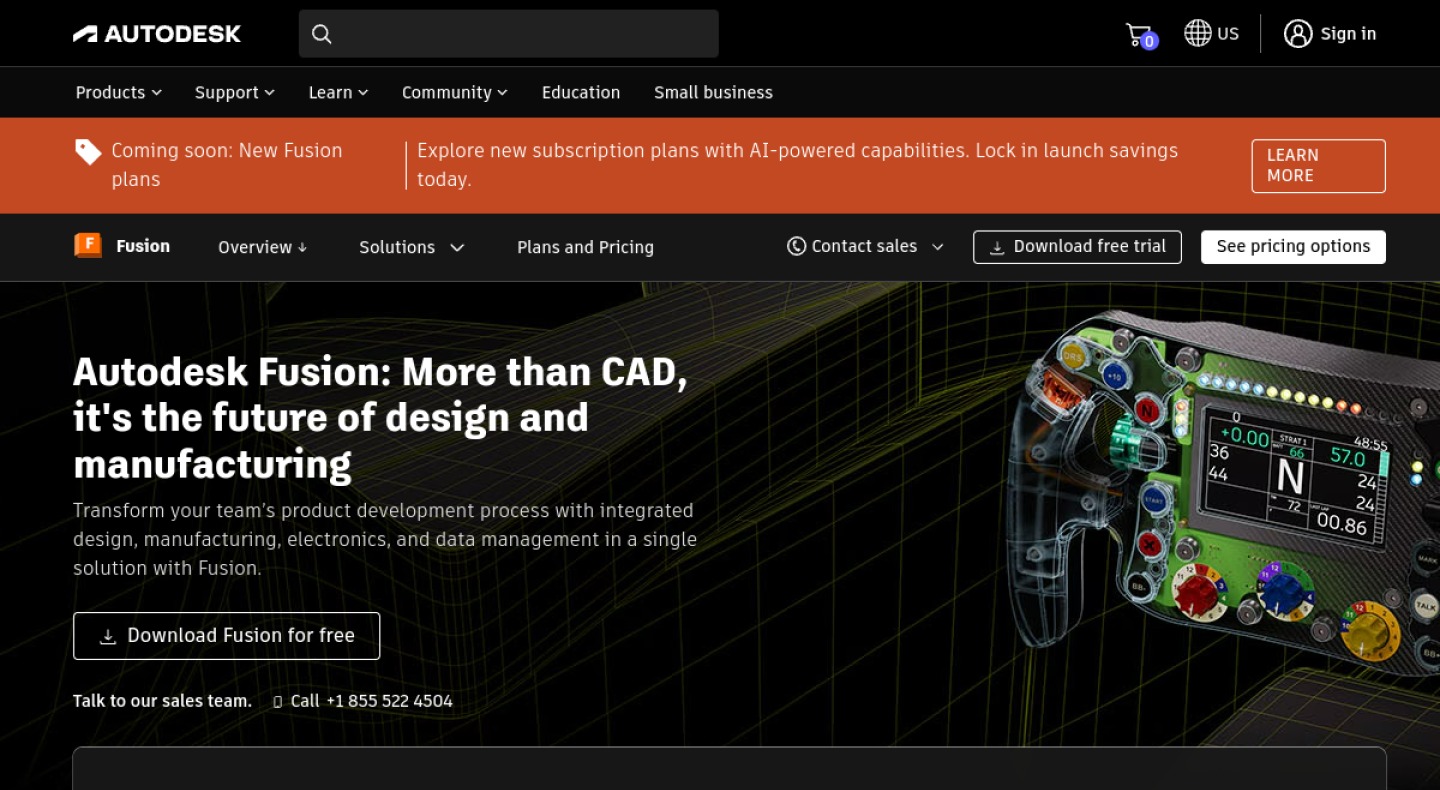
Autodesk Fusion is a cloud-based CAD, CAM and simulation tool for product design and manufacturing. The paid plan costs $680 a year and covers parametric modelling, sheet metal, rendering and machining toolpaths, and a free personal-use version covers non-commercial projects.
The trade off is the subscription. Fusion needs an annual payment after the trial or free tier, and its free personal version limits active projects and some exports. It suits product designers and small workshops moving from Rhino to a parametric workflow with built-in CAM.
SketchUp is a fast 3D modelling tool for architecture, interiors and concept design. Pro costs $399 a year and adds desktop modelling, LayOut for drawings and the 3D Warehouse library, while a free web version covers personal projects.
The trade off is precision. SketchUp is not a NURBS modeller, so it cannot match Rhino for free-form surfaces or jewellery work. It suits architects and interior designers who want quick concept models and clean drawings rather than engineering surfaces.
Onshape is a cloud-native CAD system from PTC that runs in a browser with built-in version control and sharing. Standard costs $1,500 a year, and a free plan covers non-commercial work with public documents.
The trade off is price and privacy. The paid plan costs more than Rhino's one-time licence, and free-plan documents are public. It suits teams that want real-time collaboration and no installs, and who already work in a browser.
SOLIDWORKS is the standard parametric CAD tool for mechanical engineering and product design. It costs $2,820 a year and covers solid modelling, large assemblies, drawings, sheet metal and simulation in one package.
The trade off is cost and platform. It is the most expensive tool in this list, runs on Windows only, and pricing varies by reseller. It suits engineering teams that need a proven CAD standard and already work in a Windows-only workflow.
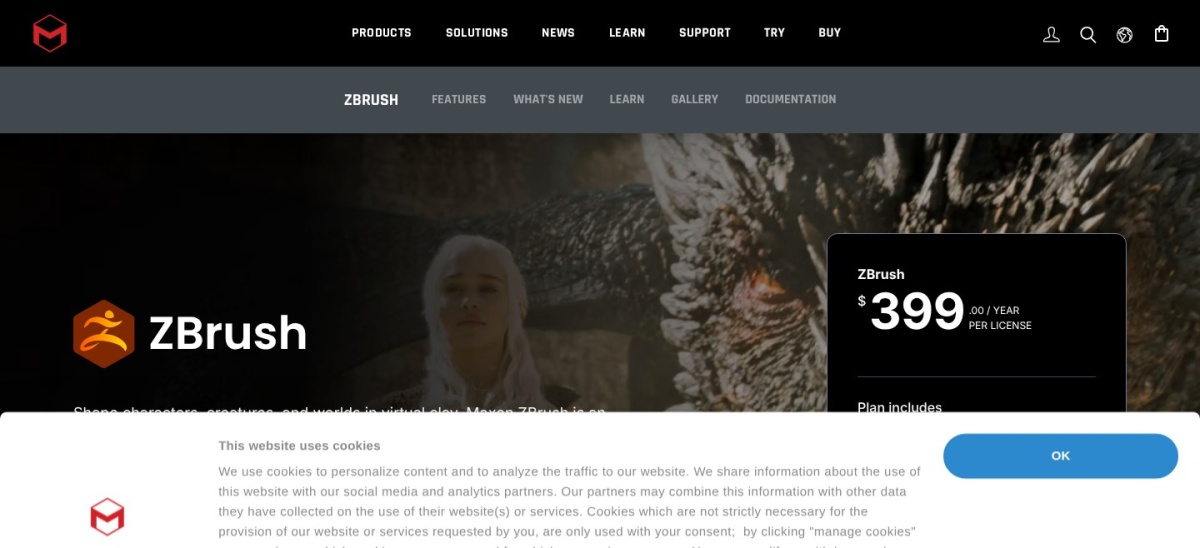
ZBrush is a digital sculpting tool from Maxon for characters, creatures and organic forms. A subscription costs $399 a year and includes more than 200 brushes, DynaMesh and ZRemesher, plus ZBrush for iPad.
The trade off is scope. ZBrush sculpts organic shapes brilliantly but is not a CAD tool, so it cannot replace Rhino for precise dimensions or manufacturing. It suits character artists and jewellery designers who sculpt forms before finishing them elsewhere.
What we like
Best digital sculpting in this list
200+ brushes included
iPad version in the same plan
Watch out for
Not a precision CAD tool
Subscription only
Steep learning curve
Maxon One bundles ZBrush with Cinema 4D and Red GiantVisit maxon.net
07
Shapr3D
4.8/5on G2 (173 reviews, checked Nov 2026)
Paid from$299/yr
Best CAD for iPad
PricePro $299/yr
Free planBasic, limited designs
ModellingDirect modelling, Apple Pencil
PlatformsiPad, Mac, Windows, iPhone
shapr3d.com
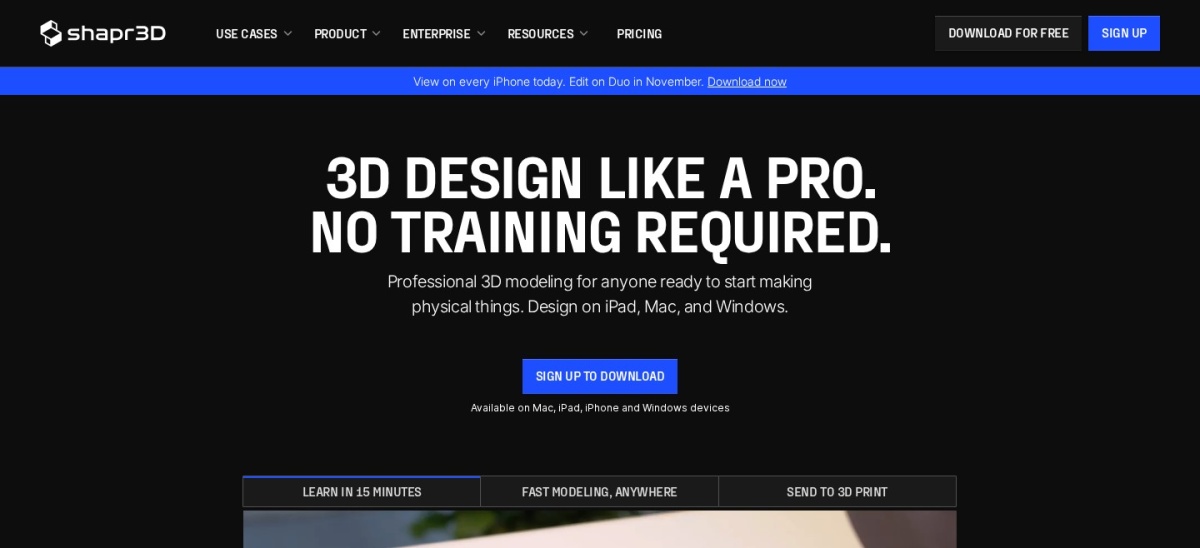
Shapr3D homepage, captured Nov 2026.
Shapr3D is a direct-modelling CAD app built for iPad, Mac, Windows and iPhone, with Apple Pencil support. Pro costs $299 a year, and a free Basic tier covers simple designs with limited exports.
The trade off is depth. Shapr3D is quick for concept models but has fewer advanced CAD features than Fusion or SOLIDWORKS. It suits designers who sketch ideas on an iPad and want clean, exportable CAD files.
AutoCAD is Autodesk's long-running drafting tool for 2D drawings and 3D models. A subscription costs $2,095 a year and covers precise drafting, DWG files, toolsets for architecture and mechanical work, and web and mobile apps.
The trade off is price and focus. AutoCAD costs more than twice Rhino's one-time licence and is built around drafting rather than free-form 3D surfaces. It suits firms that already exchange DWG files and need drawing standards.
FreeCAD is a free, open-source parametric modeller for mechanical design, 3D printing and architecture. It costs nothing, covers PartDesign, sketcher constraints, assemblies and CAM, and runs on Windows, macOS and Linux.
The trade off is polish. FreeCAD's interface is rougher than paid CAD, and some tools feel unfinished next to Fusion or SOLIDWORKS. It suits hobbyists, makers and small teams that need parametric CAD with no licence cost.
You lose Grasshopper. Rhino's visual programming tool has no direct equal here, so check whether Fusion 360's parameters or Blender's Geometry Nodes cover your parametric work.
You gain a subscription or lose one. Rhino's one-time licence is rare now; most alternatives charge yearly, so add up two or three years before comparing prices.
File exchange is usually smooth. STEP, IGES, OBJ and STL files move between these tools, but native Rhino .3dm files need Rhino or a converter to open.
Renders still need care. If you publish renders on a WordPress site, our guide on optimizing images for WordPress keeps large files fast.
How we chose
We started from the tools Rhino users actually switch to: 3D modellers, CAD systems and sculpting tools with a public rating and a published price.
Prices come from each vendor's pricing page and ratings from G2, checked in November 2026; the ZBrush $399 yearly price was confirmed on its homepage on 29 November 2026. Where a vendor shows a sale, the list shows the regular price.
We left out tools with no public rating or no published price. No vendor paid for a place, and we do not claim to have used these tools ourselves.
How to choose a Rhino alternative
Start with what you model, then match the tool to the job, not the other way round.
Name the work Rhino does for you. List the jobs: NURBS surfaces, jewellery, architecture, 3D printing or rendering. The list splits fast once the job is clear.
Pick mesh or NURBS. Choose Fusion 360, Onshape or SOLIDWORKS for exact CAD dimensions, or Blender and ZBrush for visual and sculpted work.
Check the file formats. Confirm the tool opens STEP, IGES or DWG files from your clients, and exports STL for 3D printing.
Model one real project first. Use the free tier or trial to build a real job before paying, and time how long the same model takes.
FAQ
What is the best free alternative to Rhino?
Blender is the best free alternative to Rhino. It costs nothing, is rated 4.6 out of 5 on G2 from 319 reviews, and covers modelling, sculpting, rendering and animation, though it works with meshes rather than Rhino's NURBS surfaces.
How much do Rhino alternatives cost?
Prices run from $0 for Blender and FreeCAD to $2,820 a year for SOLIDWORKS. Fusion 360 costs $680 a year, SketchUp Pro $399 a year and ZBrush $399 a year, while Rhino itself costs $995 as a one-time licence.
Is there a free alternative to Rhino for beginners?
Yes. Blender is free and has the most tutorials, while FreeCAD is free and closer to CAD. SketchUp's free web version is the easiest starting point for architectural modelling, and Shapr3D's free Basic tier suits iPad users.
Which is better, Blender or Fusion 360?
Blender is better for visual 3D work, animation and rendering at no cost, while Fusion 360 is better for precise parametric CAD and machining. Choose Blender for art and Fusion 360 for products that need exact dimensions and CAM toolpaths.
Can Rhino alternatives open Rhino files?
Most cannot open native .3dm files directly. Export STEP, IGES, OBJ or STL files from Rhino first, because those formats open in Fusion 360, Onshape, SOLIDWORKS, Blender and FreeCAD.
What is the best Rhino alternative for 3D printing?
Fusion 360 is the strongest pick for 3D printing, with parametric modelling and STL export at $680 a year. FreeCAD is the best free option for printed parts, and Blender works well for organic printed models.
SaaS SEO and WordPress specialist with about 8 years of experience. Rakib compares WordPress plugins, themes, hosting and software using public pricing, documentation and user reviews. See how we rank.